Yealink Touch Screen Consoles for Meetings

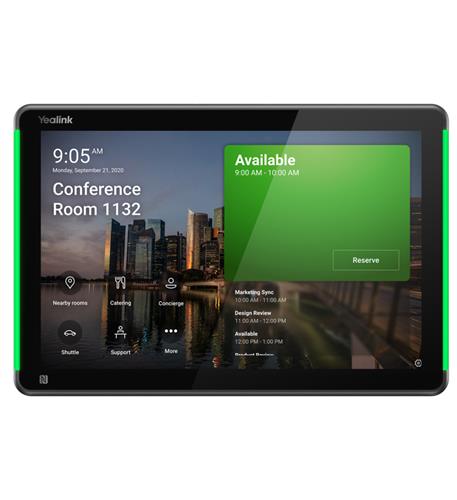
Yealink 10-Inch Android 13 Room Scheduling Panel displaying calendar interface

Modern meeting spaces have evolved significantly over the past decade. Organizations now rely on video conferencing, room scheduling, content sharing, and hybrid collaboration technologies to support communication between in-office and remote participants.

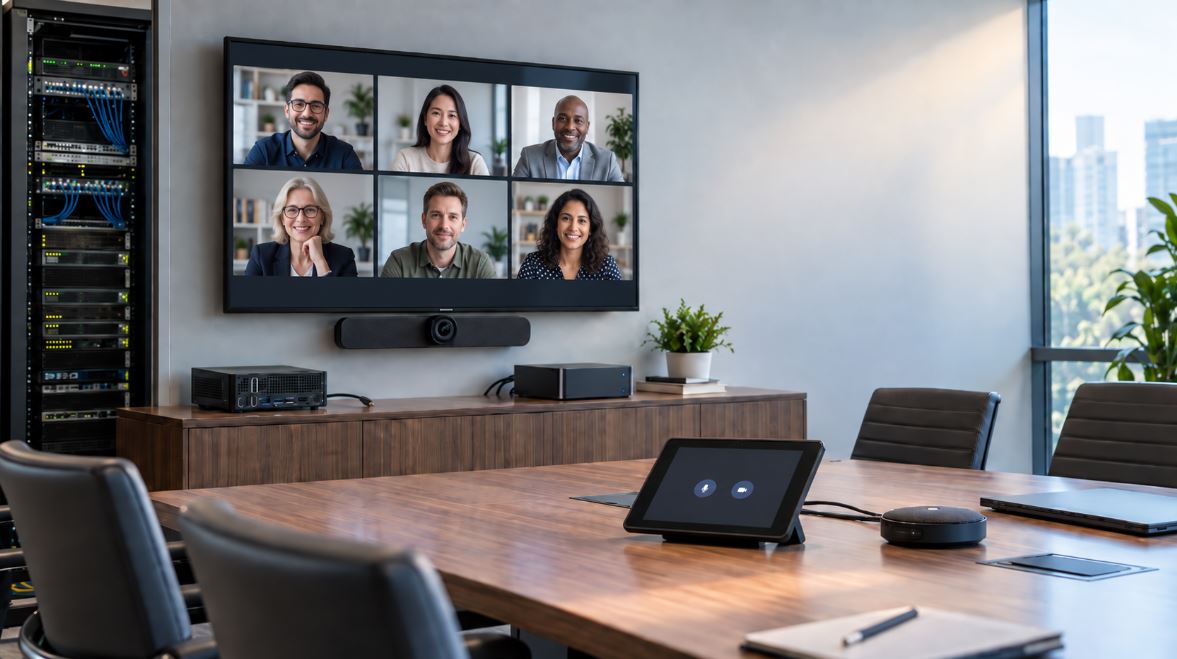
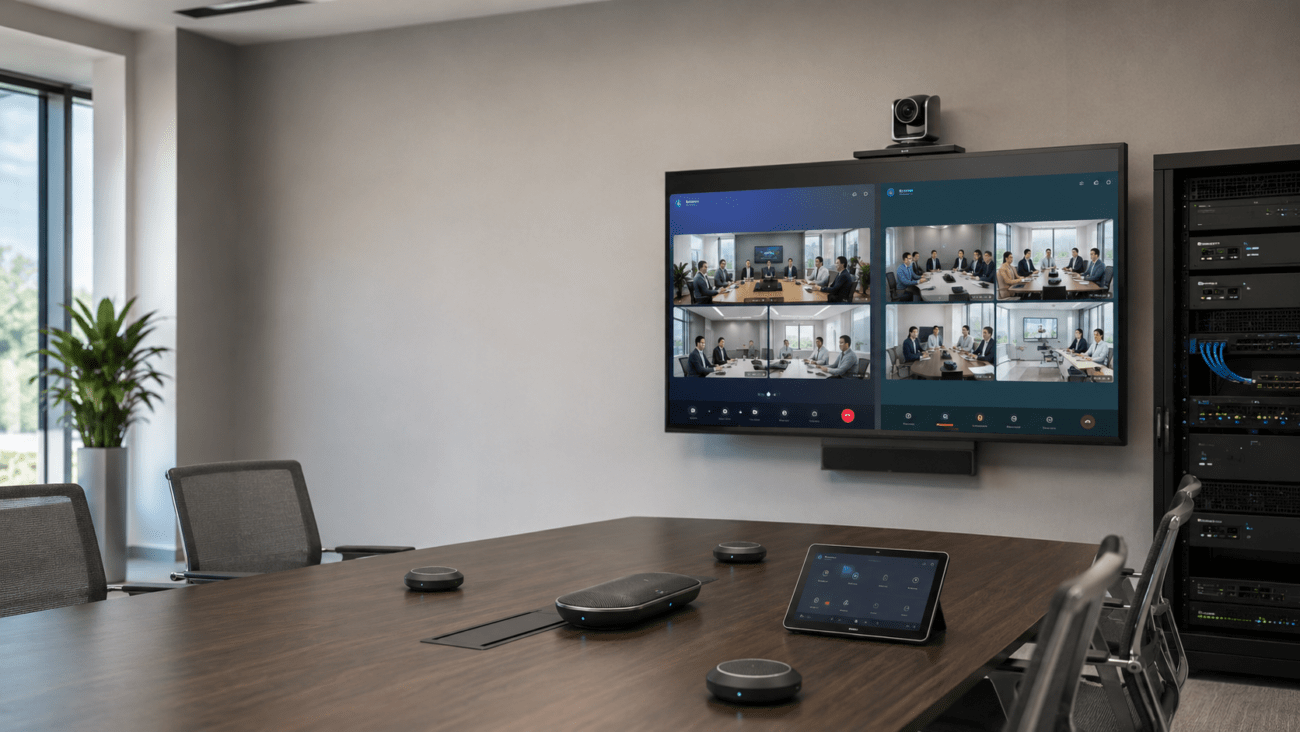
As conference room technology has become more advanced, businesses have increasingly adopted touch screen meeting controls that simplify room management and user interaction. Yealink touch screen consoles for meetings provide centralized control over conferencing systems, helping users start meetings, manage participants, share content, and control room equipment through intuitive touch interfaces.

Whether supporting Microsoft Teams Rooms, Zoom Rooms, or integrated video conferencing environments, Yealink meeting room controllers play an important role in modern collaboration spaces.

Why Touch Screen Meeting Controls Matter

Many conference rooms contain multiple devices that must work together seamlessly.

These often include:

  • Cameras
  • Microphones
  • Speakers
  • Video displays
  • Collaboration bars
  • Scheduling systems
  • Conferencing platforms

Without a centralized interface, users may spend valuable meeting time troubleshooting equipment.

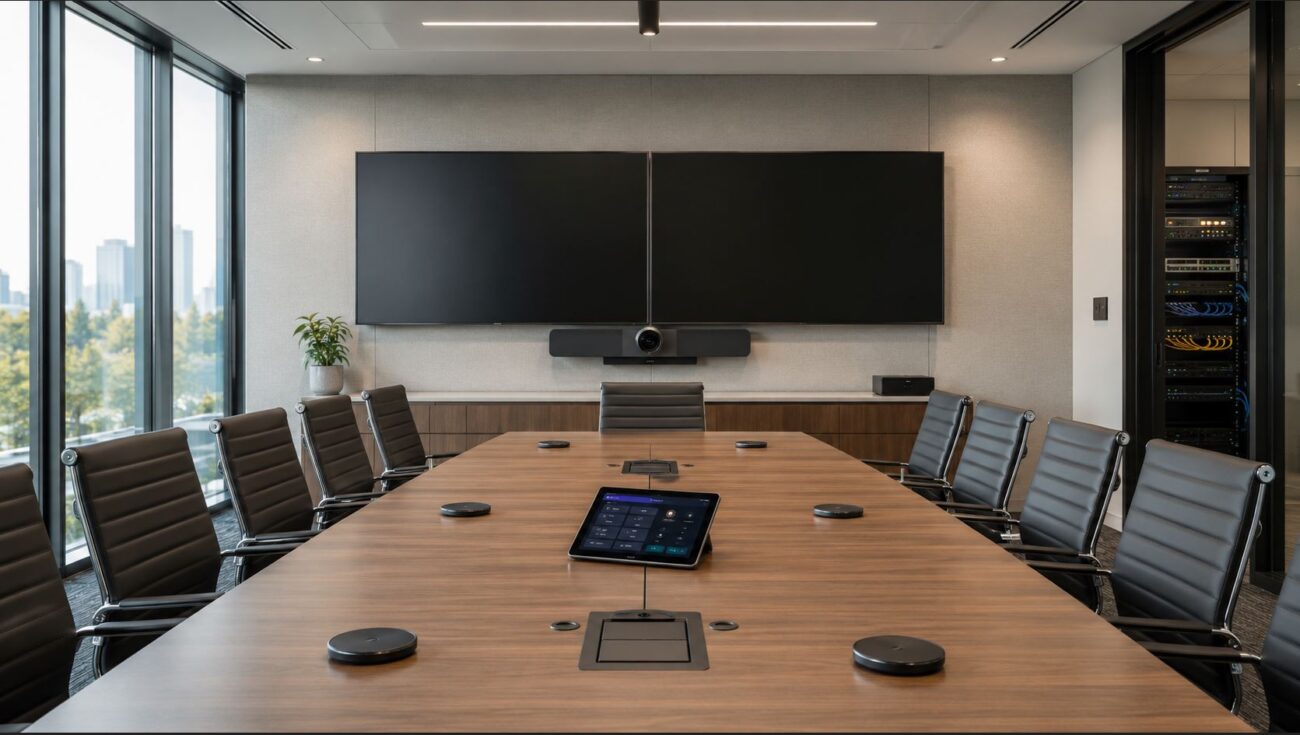
Yealink touch screen conference consoles provide a single control point for managing meeting room technology.

Benefits of Yealink Meeting Room Controllers

Organizations often choose dedicated room controllers because they help simplify common meeting tasks.

Benefits may include:

  • One-touch meeting join
  • Room scheduling access
  • Participant management
  • Camera controls
  • Audio controls
  • Wireless content sharing
  • Reduced user training requirements

Simplified operation can help improve meeting efficiency and user adoption.

Yealink MTouch Plus

The Yealink MTouch Plus is designed to provide an intuitive touch interface for conference room management.

Product Link:

The 11.6-inch display provides a larger control surface that can support:

  • Teams Rooms deployments
  • Zoom Rooms deployments
  • Conference room controls
  • Content sharing workflows

Larger displays can improve visibility and usability in busy meeting environments.

Touch Consoles for Microsoft Teams Rooms

Microsoft Teams Rooms have become one of the most common meeting room platforms in business environments.

A Yealink Teams Rooms controller allows users to:

  • Join meetings with a single touch
  • Control room cameras
  • Manage audio devices
  • Share content
  • Access scheduling functions

Organizations deploying Teams Rooms often use dedicated touch consoles to simplify the user experience.

Additional information regarding Yealink Teams Room systems can be found at:

Yealink Video Conferencing Solutions

Yealink MTouch Plus with MTRow and MeetingBoard Pro

Organizations seeking enhanced collaboration capabilities may consider:

Product Link:

Integrated room management solutions help centralize control and simplify collaboration workflows.

These systems are commonly deployed in:

  • Boardrooms
  • Executive conference rooms
  • Collaboration spaces
  • Training facilities

Yealink MTouch E2 for MVC Room Systems

The Yealink MTouch E2 serves as a dedicated meeting room controller for MVC room deployments.

Product Link:

Key functions may include:

  • One-touch meeting launch
  • Device management
  • Content sharing
  • Room control integration

Dedicated touch consoles can help reduce complexity for end users.

Yealink Touch Panels for Zoom Rooms

Zoom Rooms continue to be widely adopted in business environments.

A Yealink Zoom Rooms controller provides centralized access to:

  • Meeting scheduling
  • Zoom meetings
  • Room controls
  • Device management

Touch-based interfaces help users interact with room technology without requiring extensive training.

11.6-Inch Anti-Glare Touch Screen Console

Visibility is important in meeting spaces where lighting conditions may vary.

Product Link:

Anti-glare displays can help maintain readability in:

  • Bright conference rooms
  • Boardrooms
  • Training facilities
  • Executive meeting spaces

Display quality plays a significant role in user experience.

Touch Consoles for MVC Series Systems

MVC Series deployments frequently rely on dedicated control interfaces.

Product Link:

A centralized control interface helps users:

  • Launch meetings
  • Manage devices
  • Control audio and video
  • Adjust room settings

Simplified controls often improve meeting consistency across multiple rooms.

Yealink CTP25 Android Touch Console

The Yealink CTP25 is designed to support interactive meeting room control.

Product Link:

Android-based touch consoles can support:

  • Meeting management
  • Content sharing
  • Collaboration workflows
  • Device controls

Touch-based operation provides a familiar user experience for many employees.

Yealink A40 Video Bar with Touch Console

Many organizations seek integrated meeting room solutions.

Product Link:

Integrated systems may combine:

  • Cameras
  • Audio processing
  • Speakers
  • Touch controls

This approach can simplify deployment and reduce equipment complexity.

MAXHUB Smart Podium

Interactive presentation technology often complements conference room systems.

Product Link:

Touch-enabled presentation systems can support:

  • Training sessions
  • Executive presentations
  • Classroom instruction
  • Corporate meetings

These solutions extend collaboration beyond standard video conferencing.

Buyer Considerations Before Purchasing

Organizations should evaluate several factors before selecting a Yealink meeting room touch panel.

Platform Compatibility

Verify compatibility with:

  • Microsoft Teams Rooms
  • Zoom Rooms
  • Existing conferencing infrastructure

Compatibility should always be confirmed before deployment.

Room Size

Different rooms require different solutions.

Consider:

  • Small huddle rooms
  • Medium conference rooms
  • Large boardrooms
  • Training facilities

Room size may influence display requirements and controller selection.

Existing Equipment

Review compatibility with:

  • Cameras
  • Collaboration bars
  • Displays
  • Audio systems
  • Network infrastructure

Existing investments may affect product choices.

Network Requirements

Meeting room controllers often require:

  • Ethernet connectivity
  • PoE support
  • VLAN configuration
  • Network security policies

IT teams should verify infrastructure readiness before deployment.

User Experience

Organizations should evaluate:

  • Ease of use
  • Interface familiarity
  • Accessibility requirements
  • Training requirements

A simplified interface can improve adoption and reduce support requests.

Integrating Touch Consoles with Business Communications

Meeting room technology often works alongside broader communication systems.

Organizations can integrate collaboration spaces with:

  • VoIP phone systems
  • Conference phones
  • Unified communications platforms
  • Video conferencing infrastructure

Businesses seeking desk phone solutions can explore Yealink phones:

Integrated communication ecosystems can help streamline collaboration.

Telecom Resources and Collaboration Solutions

Telecom-Store.com offers VoIP phones, IP PBX systems, networking equipment, conferencing solutions, and telecom accessories.

Organizations seeking telecommunications consulting and communication services may also find information through: Axion Communications

Potential Limitations

Before purchasing, organizations should consider:

  • Platform compatibility requirements
  • Licensing considerations
  • Room infrastructure requirements
  • Network readiness
  • Device management requirements

Planning ahead can help reduce deployment challenges.

Conclusion

Yealink touch screen consoles for meetings provide centralized control for Teams Rooms, Zoom Rooms, and modern collaboration environments. From dedicated room controllers to integrated touch-enabled conferencing solutions, these devices help simplify meeting management and improve user experiences.

Before deployment, evaluate platform compatibility, room requirements, existing infrastructure, and long-term collaboration goals. A properly selected touch console can help create a more efficient and user-friendly meeting environment.

FAQ Section

What are Yealink touch screen consoles for meetings?

Yealink touch screen consoles are dedicated room controllers that allow users to manage meetings, join conferences, control room devices, and share content through a centralized touch interface.

Are Yealink meeting room controllers compatible with Microsoft Teams Rooms?

Many Yealink meeting room controllers are specifically designed to support Microsoft Teams Rooms environments and provide one-touch meeting functionality.

Can Yealink touch panels work with Zoom Rooms?

Yes. Certain Yealink touch screen conference consoles are designed to integrate with Zoom Rooms and provide meeting control capabilities.

What does a Yealink Teams Rooms controller do?

A Yealink Teams Rooms controller allows users to launch meetings, manage participants, control room devices, and access scheduling functions from a touch interface.

Why use a dedicated touch console in a conference room?

Dedicated touch consoles simplify meeting management and reduce the need for users to operate multiple devices separately.

Do Yealink touch screen consoles require PoE?

Many Yealink controllers support Power over Ethernet (PoE), though deployment requirements vary by model.

Can Yealink touch consoles control cameras and audio systems?

Many models support camera control, audio management, and device control depending on the conferencing platform and room configuration.

What should businesses consider before purchasing a meeting room touch panel?

Organizations should review platform compatibility, room size, infrastructure requirements, user experience needs, and device integration requirements.

Are Yealink touch screen conference consoles suitable for hybrid work environments?

Yes. These devices are commonly deployed in hybrid workspaces where in-office and remote participants collaborate through conferencing platforms.