Best Business VoIP Phones for 2027: Yealink vs. Poly vs. Grandstream

Best Business VoIP Phones for 2027: Yealink vs. Poly vs. Grandstream
Choosing the best business VoIP phones for 2027 requires more than comparing prices, displays, and line keys. Modern organizations need reliable voice communications, secure SIP connectivity, convenient device management, and compatibility with their business phone service.
Yealink, Poly, and Grandstream offer several compelling options for businesses upgrading their communications equipment. However, each manufacturer approaches phone design, administration, and user experience differently.
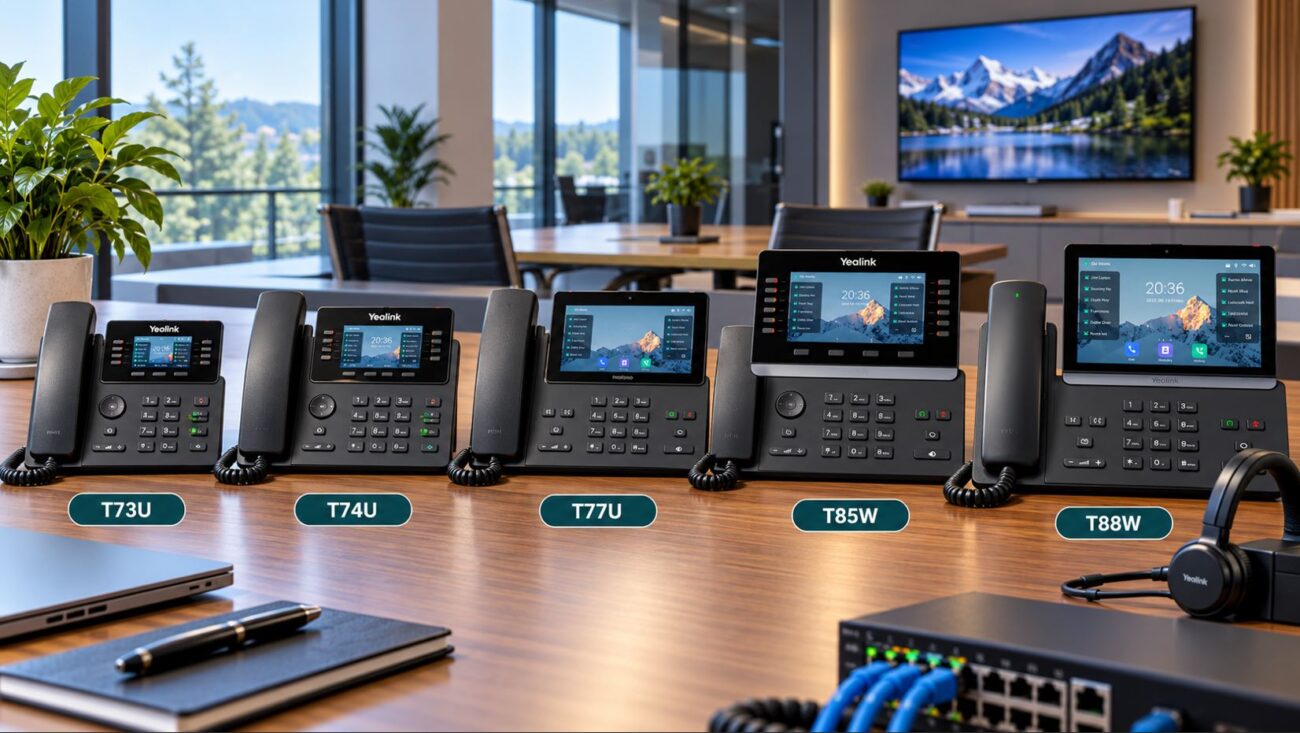
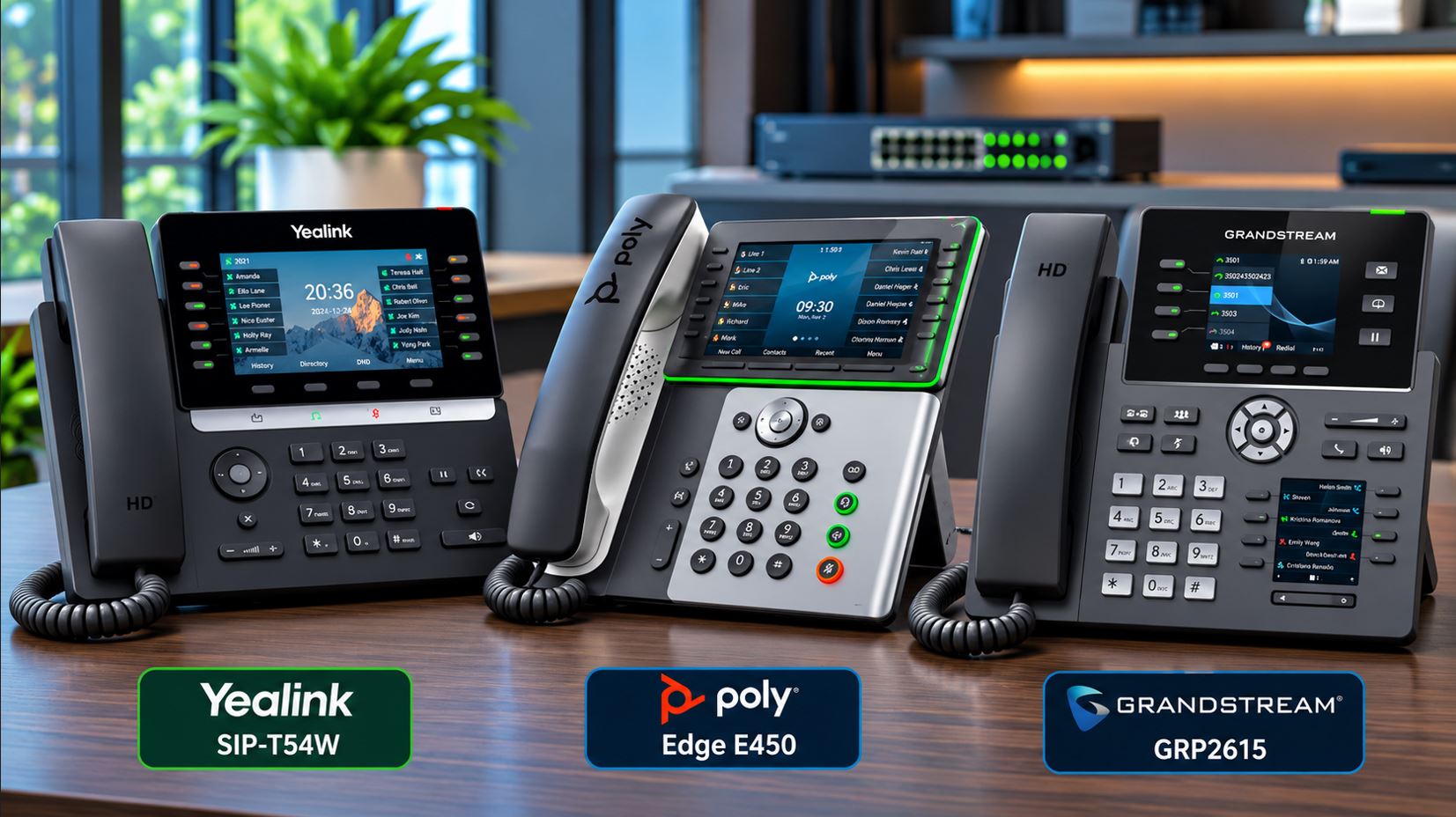
In this guide, we compare the Yealink SIP-T85W, Poly Edge E450, and Grandstream Android touchscreen business phone. We also examine the Grandstream GRP2615 and the Yealink BH71 wireless headset.
Quick Answer: Which Business VoIP Phone Is Best?
Yealink SIP-T85W: A strong option for organizations seeking modern SIP communications, hardware-backed security capabilities, built-in Wi-Fi, and Bluetooth connectivity.
Poly Edge E450: Well suited to professional offices prioritizing audio processing, accessibility, and centralized device management.
Grandstream GXV3470: Designed for businesses requiring an Android touchscreen interface and integrated video communications.
Grandstream GRP2615: A practical alternative for receptionists and administrators who need extensive programmable line and extension-monitoring capabilities.
The right phone depends on your communications provider, supported firmware, required calling features, and employee workflows.
Yealink vs. Poly vs. Grandstream: Comparison Table
| Feature | Yealink T85W | Poly Edge E450 | Grandstream GXV3470 |
|---|---|---|---|
| Display | 5.5-inch color | 3.5-inch primary and 2.4-inch secondary | 7-inch touchscreen |
| SIP capability | Up to 16 accounts | Up to 32 line appearances | Up to 16 accounts |
| Connectivity | Ethernet, Wi-Fi, Bluetooth | Ethernet, Wi-Fi, Bluetooth | Ethernet, Wi-Fi, Bluetooth |
| PoE | Supported | Supported | Supported |
| Video calling | Not a primary feature | Not a primary feature | Integrated camera and video support |
| Primary strength | Modern SIP calling and device security | Audio processing and management | Touchscreen and multimedia applications |
Note: SIP accounts, line appearances, and simultaneous calls are different specifications. Actual functionality depends on firmware and the connected phone service.
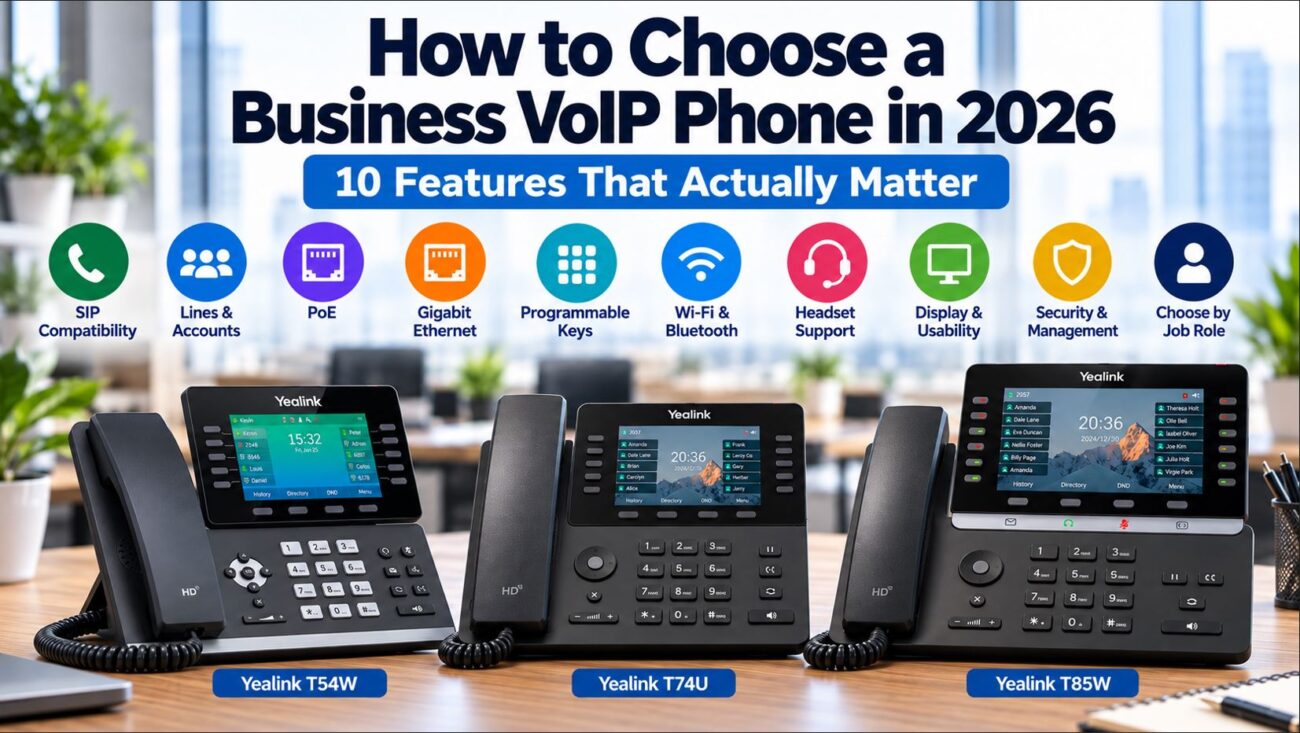
1. Yealink SIP-T85W: Secure, Modern Business Communications
The Yealink SIP-T85W business IP phone is designed for professional environments that need modern calling features and flexible connectivity.
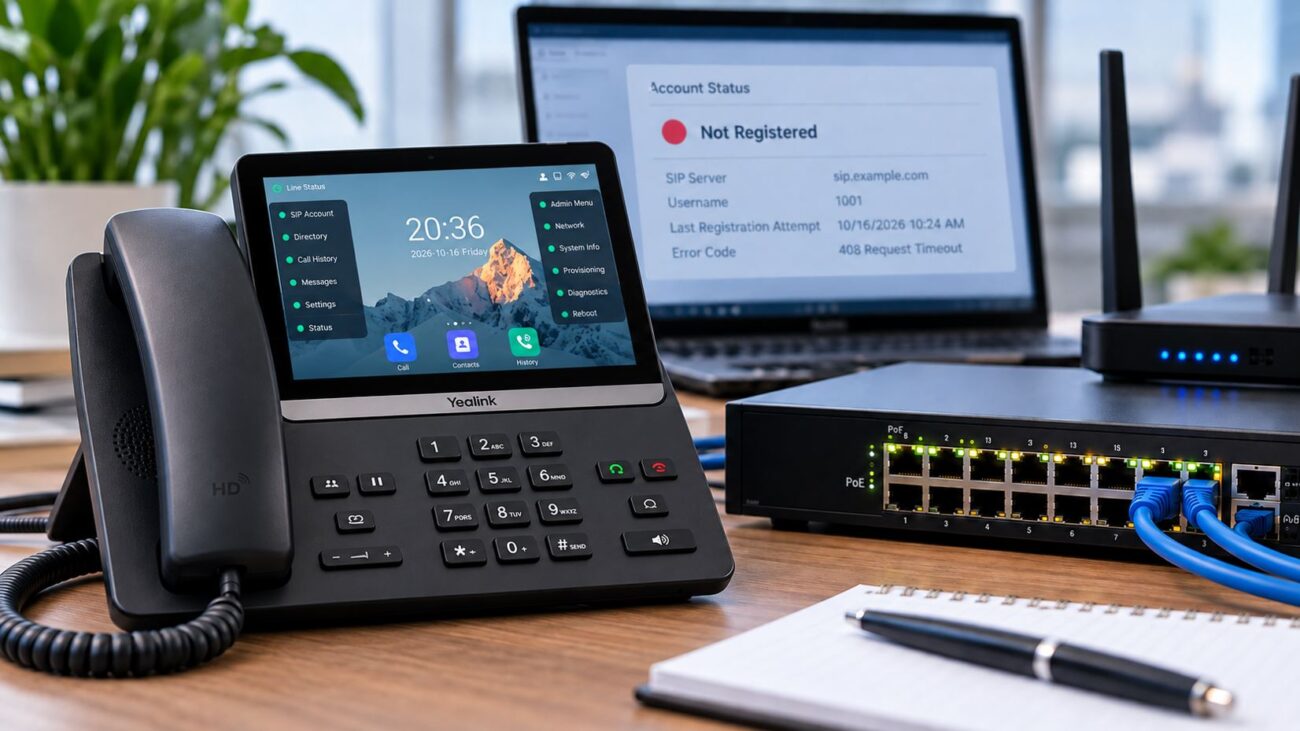
It offers a 5.5-inch color display, support for up to 16 SIP accounts, built-in Wi-Fi and Bluetooth, and Power over Ethernet. The T85W also incorporates a trusted execution environment designed to provide hardware-backed protection for supported device operations.
Key Features
- 5.5-inch color display for call handling and directories.
- Support for up to 16 SIP accounts.
- Integrated Wi-Fi and Bluetooth.
- Power over Ethernet support.
- Hardware-backed security architecture.
- Compatible color-screen expansion modules.
- Adjustable stand and wall-mounting support.
- Support for compatible headsets and electronic hook-switch accessories.
Why Choose the Yealink T85W?
The T85W is a strong candidate for organizations that want a conventional business phone with modern connectivity and management capabilities.
Its multiple SIP accounts and expansion options make it useful for managers, administrative employees, and departments handling several calling identities.
Security-conscious businesses should remember that device hardware protection is not the same as end-to-end call encryption. Secure SIP deployments also depend on provider support for TLS signaling, SRTP media, and protected provisioning.
Explore the product: Yealink T85W Secure SIP Business Phone at Telecom-Store.com.
2. Poly Edge E450: Professional Audio and Device Management
The Poly Edge E450 business IP phone is designed for organizations that prioritize clear audio, efficient call handling, and centralized administration.
It features a primary color display, a secondary display, programmable line keys, and integrated wireless connectivity.
Key Features
- 3.5-inch primary color display.
- 2.4-inch secondary display.
- Poly HD Voice technology.
- Poly Acoustic Fence and NoiseBlockAI.
- Integrated Wi-Fi and Bluetooth.
- Dual Gigabit Ethernet ports.
- Power over Ethernet.
- Accessibility and management features.
Why Audio Quality Matters
Call quality affects customer interactions, employee productivity, and the overall professionalism of business communications.
Poly Acoustic Fence and NoiseBlockAI are designed to reduce distracting background sounds in supported calling scenarios.
These features can be especially useful in open offices, shared workspaces, and customer-facing departments.
Who Should Choose Poly?
The Edge E450 is worth considering for customer service departments, professional offices, and organizations already using compatible Poly management infrastructure.
Before purchasing, verify the exact model and firmware with your hosted PBX provider.
Manufacturer reference: Poly Edge E450 official product information.
3. Grandstream GXV3470: Android Touchscreen and Video Calling
The Grandstream GXV3470 takes a different approach to business telephony by combining SIP calling with an Android-based touchscreen interface.
Its 7-inch display and integrated camera make it suitable for organizations that require supported video-calling and multimedia workflows.
Telecom-Store.com lists a Grandstream Android 11 seven-inch touchscreen phone. Confirm the exact model and current availability before ordering.
Key Features
- 7-inch capacitive touchscreen.
- Android 11 operating system.
- Support for up to 16 SIP accounts.
- Integrated camera for compatible video calls.
- Built-in Wi-Fi and Bluetooth.
- Dual Gigabit Ethernet interfaces.
- Power over Ethernet support.
- Support for compatible multimedia applications.
When Does a Touchscreen Phone Make Sense?
Touchscreen phones can simplify visual directories, video communications, and supported application workflows.
However, they also require additional consideration for operating-system maintenance, application permissions, firmware support, and endpoint security.
Businesses should confirm that the intended calling platform supports the required video features before purchasing.
Explore the listing: Grandstream Android Touchscreen Business Phone at Telecom-Store.com.
4. Grandstream GRP2615: A Practical Multi-Line Alternative
Not every office requires video calling or a large touchscreen. For receptionists and administrative teams monitoring numerous extensions, the Grandstream GRP2615 provides extensive programmable calling functionality.
It features a 4.3-inch color display, support for up to 16 SIP accounts, programmable digital keys, and centralized management capabilities.
Key Advantages
- Multiple programmable line and BLF functions.
- Dual Gigabit Ethernet.
- Power over Ethernet.
- Integrated wireless connectivity.
- Optional expansion-module support.
- Centralized administration through Grandstream GDMS.
The GRP2615 is worth evaluating for reception desks, multi-location businesses, and departments that regularly transfer calls or monitor extension availability.
For specifications, visit the official Grandstream GRP2615 product page.
5. Yealink BH71: Wireless Headset Productivity
For employees who handle frequent calls, a compatible wireless headset can improve mobility and ergonomics.
The Yealink BH71 wireless Bluetooth headset is designed for professional communications and flexible working environments.
Potential Benefits
- Wireless freedom during calls.
- Bluetooth connectivity.
- Convenient charging options.
- Compatibility with supported communication devices.
- Reduced dependence on handheld telephone operation.
Before purchasing, verify the exact BH71 variant and compatibility with your desk phone, computer, or mobile device.
Bluetooth connectivity does not automatically guarantee remote call answering, ending calls, or complete integration with every SIP phone.
Shop the accessory: Yealink BH71 Wireless Bluetooth Headset at Telecom-Store.com.
6. Which Business VoIP Phone Should You Buy?
| Business Requirement | Recommended Option | Reason |
|---|---|---|
| Modern SIP desk phone | Yealink T85W | Flexible connectivity and security features |
| Professional audio | Poly Edge E450 | Advanced noise-processing technologies |
| Touchscreen and video | Grandstream GXV3470 | Android interface and integrated camera |
| Reception and BLF monitoring | Grandstream GRP2615 | Extensive programmable keys |
| Frequent hands-free calling | Compatible phone and Yealink BH71 | Wireless mobility and ergonomics |
When selecting business phones, prioritize compatibility with your communications platform over individual feature counts.
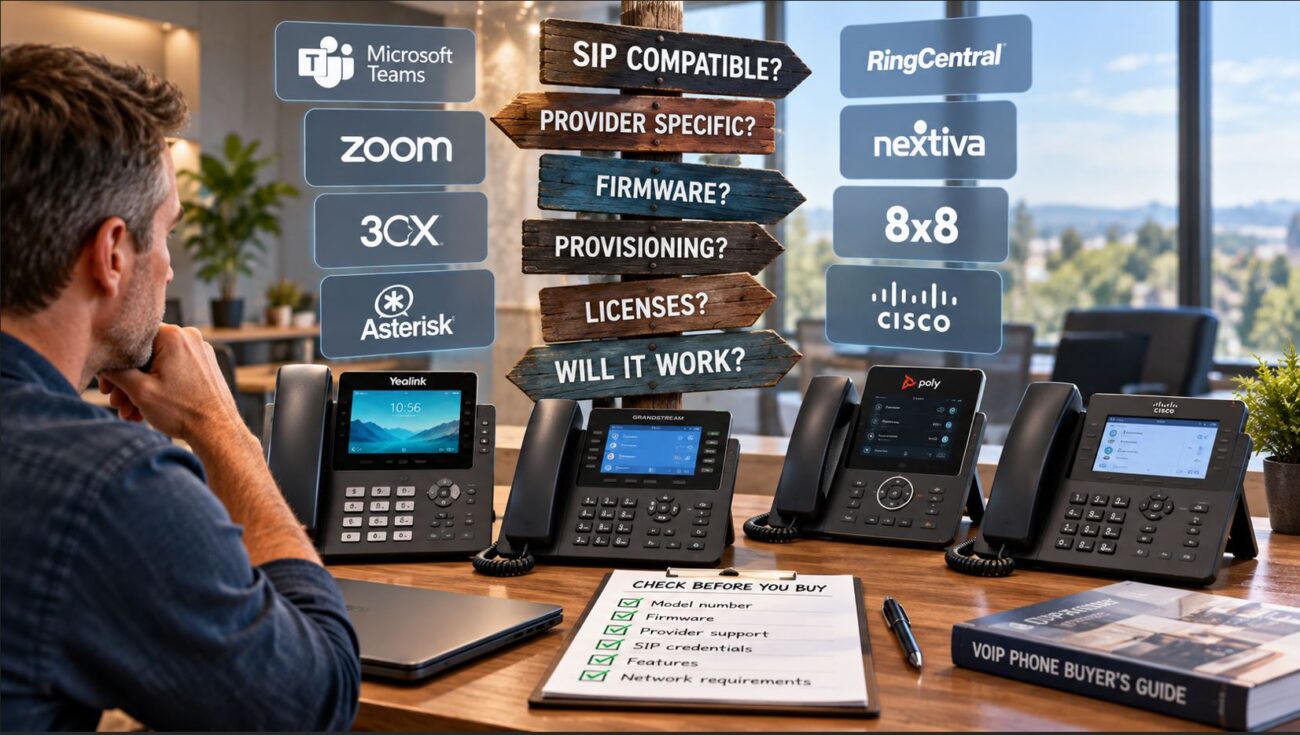
7. Hosted PBX Compatibility: What to Check Before Buying
Although Yealink, Poly, and Grandstream manufacture standards-based SIP phones, not every model is supported by every hosted PBX provider.
Some providers require approved firmware, specific provisioning methods, or certified endpoints for full functionality.
Compatibility Checklist
- Confirm support for the exact phone model.
- Verify firmware and provisioning requirements.
- Check SIP registration and authentication.
- Test BLF, call park, transfer, and voicemail.
- Confirm TLS and SRTP support where needed.
- Verify headset and expansion-module compatibility.
- Review emergency calling configuration.
- Validate the device before purchasing in volume.
Businesses considering cloud-based telephone services can explore Axion Communications business VoIP and unified communications solutions.
Contact the provider to confirm supported devices, provisioning requirements, and available calling features.
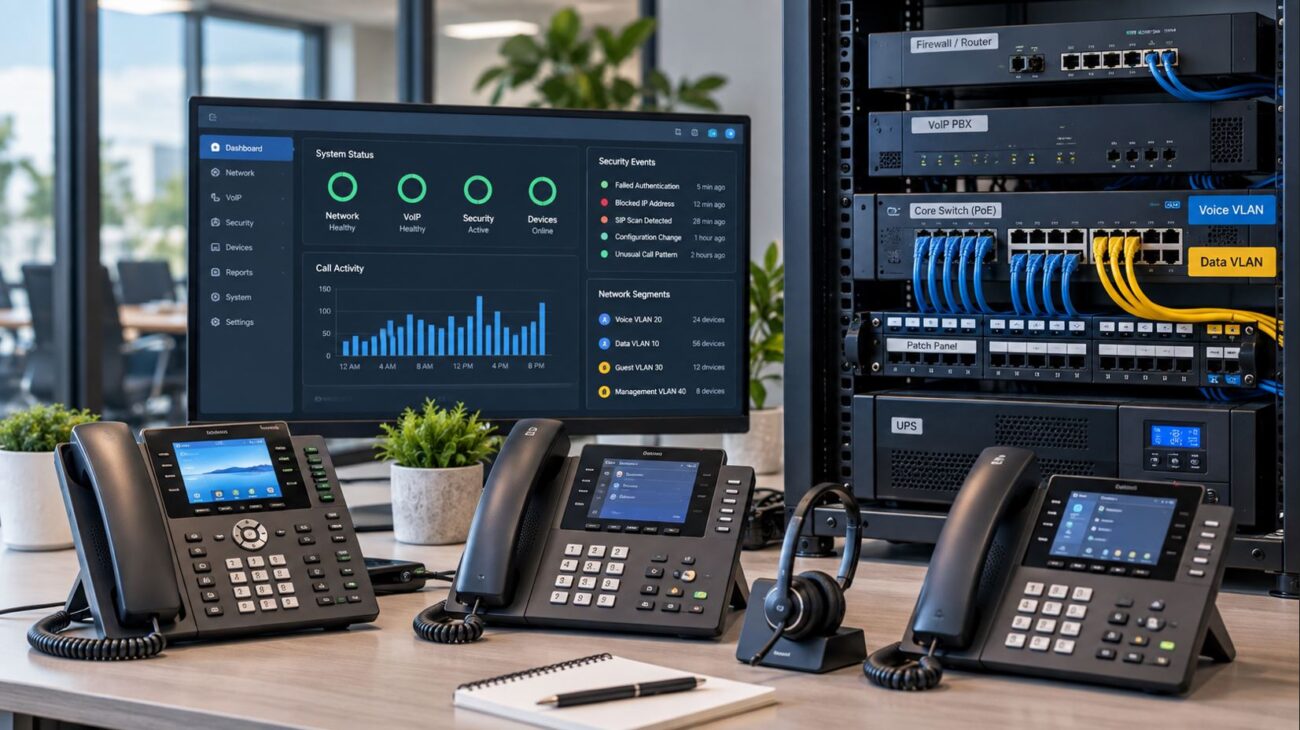
8. Network Requirements for Reliable VoIP Phones
Power over Ethernet
Power over Ethernet simplifies office installations by delivering power and network connectivity over Ethernet cabling.
Before deployment, verify the required PoE standard and available switch power budget.
Voice VLANs and Quality of Service
Voice traffic is sensitive to packet loss, jitter, and congestion. Properly configured Quality of Service policies can prioritize real-time voice media.
Voice VLANs can simplify network segmentation and administration, provided they are implemented consistently with the organization’s network design.
Secure SIP Communications
Where supported by the service provider, TLS protects SIP signaling and SRTP protects media streams.
Businesses should also use secure provisioning, strong administrative credentials, firmware maintenance, and restricted management access.
Network Resilience
For business-critical communications, consider UPS protection, internet redundancy, and documented failover procedures.
9. Example Deployment: A 30-Person Office
Consider a professional office with 30 employees, one receptionist, several managers, and a hosted PBX.
The business might deploy standard SIP desk phones for general employees, a multi-line phone for reception, touchscreen video phones for selected roles, and compatible wireless headsets for frequent callers.
The supporting network should include managed PoE switches, suitable VLAN and QoS configurations, centralized provisioning, and backup power for critical equipment.
Standardizing on a smaller number of phone models can simplify training, troubleshooting, firmware maintenance, and spare-device management.
10. Common Business VoIP Phone Problems
| Problem | Possible Cause | Recommended Action |
|---|---|---|
| Phone will not power on | Insufficient PoE or power issue | Check switch power budget and cabling |
| SIP registration fails | Credentials, DNS, or provisioning issue | Review registration logs and provider settings |
| One-way audio | NAT, firewall, or RTP routing issue | Check media paths and SBC configuration |
| Choppy audio | Packet loss, jitter, or congestion | Measure network quality and review QoS |
| BLF keys fail to update | Unsupported feature or subscription issue | Check PBX support and SIP subscriptions |
| Headset does not connect | Pairing or compatibility issue | Check supported profiles and firmware |
| Video calls do not work | Platform or codec incompatibility | Verify endpoint and service video support |
Frequently Asked Questions
What is the best business VoIP phone for 2027?
The best choice depends on your phone service and business needs. The Yealink T85W is a strong modern SIP option, the Poly Edge E450 emphasizes audio and management, and the Grandstream GXV3470 provides touchscreen and video features.
Is Yealink better than Poly?
Neither brand is universally better. Compare the specific models, supported calling features, management requirements, and service-provider compatibility.
Can Grandstream phones work with hosted PBX systems?
Many Grandstream models support standards-based SIP, but full compatibility depends on the provider, firmware, provisioning methods, and supported features.
Does the Yealink T85W support Bluetooth?
Yes. The Yealink T85W includes built-in Bluetooth. Verify headset compatibility and supported call-control functions before selecting accessories.
Do business VoIP phones need PoE?
Not necessarily. Some models support compatible external power supplies, but PoE is commonly preferred for managed office installations.
Should businesses choose touchscreen phones?
Touchscreen models are useful for visual workflows and supported video applications. Conventional physical-key phones may be preferable for frequent call transfers and extension monitoring.
Final Verdict: Best Business VoIP Phones for 2027
Yealink, Poly, and Grandstream each offer capable business communications equipment, but the best choice depends on how your organization works.
Consider the Yealink T85W for modern SIP communications, the Poly Edge E450 for audio-focused office environments, and the Grandstream Android touchscreen phone for compatible video and multimedia applications.
For employees who handle frequent calls, consider a compatible accessory such as the Yealink BH71 wireless headset.
Before ordering, confirm device compatibility, current inventory, network requirements, and long-term management needs.
Explore business VoIP phones, headsets, and telecommunications equipment at Telecom-Store.com.
Questions about selecting the right equipment? Call 1-800-444-7734.
Telecom-Store.com — Connecting You to the World®