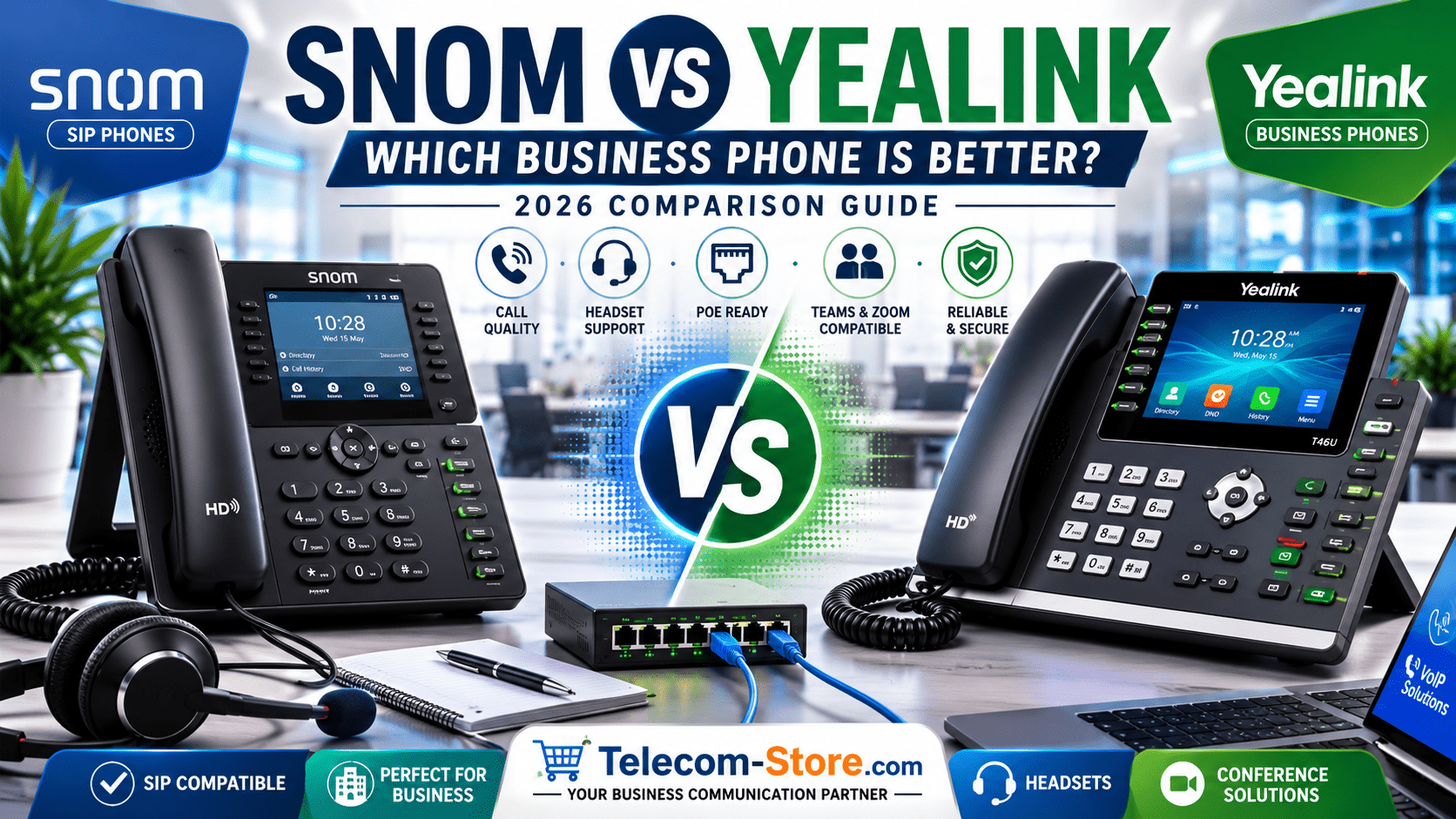
Choosing between Snom and Yealink can be confusing if you are buying business phones for an office, call desk, remote team, reception area, or meeting room. Both brands are well known in the VoIP and IP phone market, and both offer reliable options for SIP-based phone systems. The right choice depends on your phone platform, user needs, budget, setup process, and the features your team uses every day.
Direct answer: in most business setups, Yealink is often the easier choice for buyers who want a wide product range, modern displays, Teams and Zoom device options, and simple user adoption. Snom can be a strong choice for businesses that want dependable SIP desk phones, practical office features, and flexible compatibility with many VoIP and IP PBX environments. For the best result, compare Snom vs Yealink based on your phone system first, not only the brand name.
Snom vs Yealink: Quick Business Phone Comparison
The main difference between Snom and Yealink is how each brand fits different business communication needs. Snom is known for practical SIP phones, stable office communication, DECT mobility options, and business-focused desk phone designs. Yealink offers a broader range across SIP desk phones, conference phones, wireless DECT phones, headsets, Microsoft Teams phones, Zoom devices, and meeting room solutions.
For a small office that needs simple SIP desk phones, both brands can work well. For a growing company that may later need conference phones, video conferencing devices, wireless headsets, Teams phones, or Zoom room equipment, Yealink may offer more product variety. Buyers can explore Yealink phones and Snom phones to compare available models and pricing.
What Snom and Yealink Phones Mean for Business Communication
A business phone is no longer just a device for answering calls. In 2026, many companies use VoIP phones with cloud phone systems, SIP trunks, IP PBX platforms, call queues, receptionist consoles, remote extensions, and headset-based workflows. That means the phone must match the communication platform, network setup, and daily work style.
What Is a Snom Business Phone?
A Snom business phone is usually an IP desk phone or SIP phone designed for office calling, extensions, voicemail, call transfer, call hold, speed dial, and hands-free speakerphone use. Many Snom phones are used with SIP-based VoIP platforms and IP PBX systems. They are often considered by buyers who want straightforward office phones with practical calling features and dependable compatibility.
Snom can be suitable for reception desks, individual office users, small business extensions, home office workers, and companies that prefer open SIP phone systems. Before buying, confirm that the specific Snom model supports your provider, provisioning method, power option, and headset needs.
What Is a Yealink Business Phone?
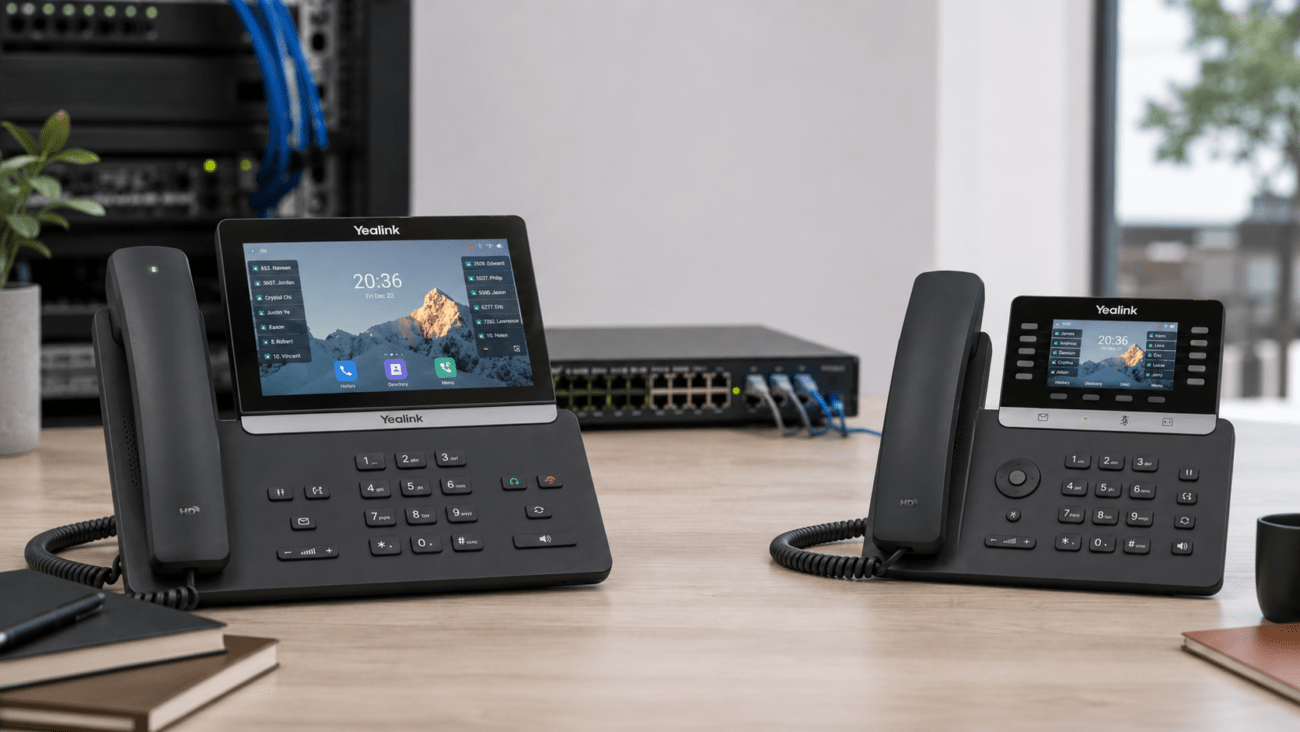
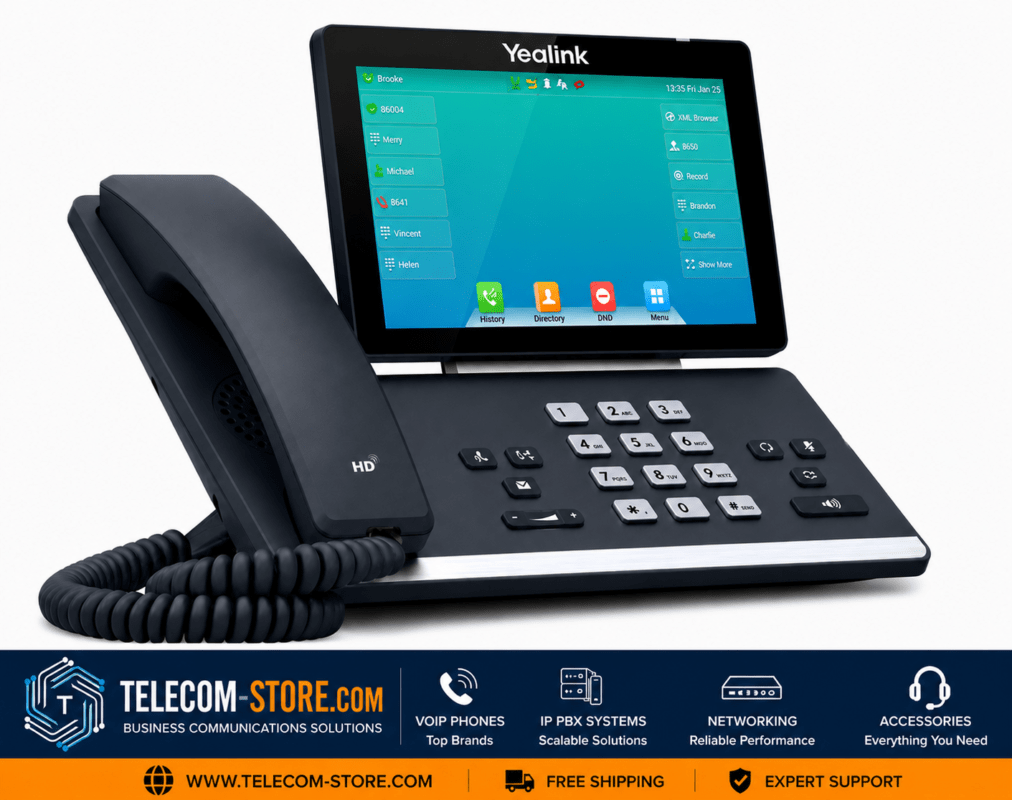
A Yealink business phone can include SIP desk phones, executive IP phones, entry-level VoIP phones, wireless DECT systems, Teams phones, Zoom phones, conference phones, and meeting room devices. Yealink is popular with businesses because its range covers many office communication needs, from basic desks to conference rooms and hybrid workspaces.
For buyers comparing VoIP phones, Yealink is often attractive because it offers many choices across price points and user roles. A receptionist may need more line keys and headset support, while an executive user may prefer a larger color screen, Bluetooth, Wi-Fi, or video calling features.
Snom vs Yealink: Main Difference
The main Snom vs Yealink difference comes down to product range, user experience, platform support, and business use case. Snom is a practical choice for SIP-focused deployments where buyers want stable desk phones and common office calling features. Yealink is a strong choice when the buyer wants more model variety, modern collaboration options, meeting room devices, and broader endpoint choices.
Call Quality and Daily Use
Both Snom and Yealink phones can provide clear business calling when connected to a properly configured VoIP system and stable network. Call quality depends on more than the phone itself. Your internet connection, router, switch, SIP provider, codec settings, VLAN setup, and Quality of Service settings can all affect voice performance.
For daily office use, buyers should look at handset comfort, speakerphone clarity, button layout, display size, and headset compatibility. A basic office user may only need a simple desk phone, while a support agent or receptionist may need programmable keys, a reliable headset connection, and fast call handling.
Ease of Setup
Yealink is often viewed as easy to deploy because many VoIP providers, cloud PBX vendors, and IT teams already support Yealink provisioning templates. Snom can also work well with SIP systems, but setup experience depends on the provider and the model. In both cases, the safest approach is to confirm compatibility before ordering.
If your company uses an IP PBX, hosted VoIP service, or SIP trunk provider, ask whether the phone model is supported for auto-provisioning. Auto-provisioning allows the phone to receive settings from the phone system, reducing manual configuration work.
Interface and User Experience
Yealink phones often appeal to users who prefer modern screens, clear menus, and a familiar interface across different model ranges. Snom phones tend to focus on practical business calling workflows and office reliability. The better interface depends on who will use the phone and how much training they need.
For non-technical staff, a simple display and clearly labeled buttons matter. For power users, programmable keys, expansion modules, Bluetooth headset support, and directory access may be more important than brand preference.
Why This Comparison Matters in 2026
The Snom vs Yealink decision matters more in 2026 because business phone systems are now connected to cloud communication, hybrid work, remote support, video meetings, call analytics, and security policies. A phone that works for a basic SIP extension may not be the right choice for a Teams user, Zoom Phone user, call center agent, or meeting room setup.
Hybrid Work and Cloud Communication
Hybrid teams need communication tools that work across the office, home office, meeting room, and mobile workforce. A desk phone may connect to a hosted PBX, while another user may rely on a headset, softphone, Teams phone, or conference device. Yealink has a broad range for this mixed environment, while Snom can be useful where SIP desk phones remain the main requirement.
For companies building a full communication setup, it is helpful to compare desk phones together with business headsets, conference phones, and meeting room devices.
Buyer Expectations in 2026
Modern buyers expect business phones to be easy to configure, compatible with their provider, reliable during busy calling periods, and ready for headset-based work. They also look for PoE support, firmware updates, security options, remote management, and clear product documentation.
Buyers should avoid choosing only by price. A cheaper phone may cost more later if it does not support your platform, needs a separate power adapter, lacks headset compatibility, or requires too much manual setup.
Key Features to Consider Before Choosing Snom or Yealink
Before choosing between Snom and Yealink, compare the features that directly affect your business phone system. The right phone should match your users, platform, network, and future growth plan.
SIP Compatibility
SIP compatibility is important if your business uses a standard VoIP provider, SIP trunk, or IP PBX. Both Snom and Yealink offer SIP phone options, but you should always confirm that the exact model is supported by your provider.
IP PBX and Cloud Phone System Support
If your company uses an IP PBX or cloud phone system, check the vendor’s supported device list. Buyers can also compare IP PBX products when planning a complete office phone setup.
Microsoft Teams or Zoom Support
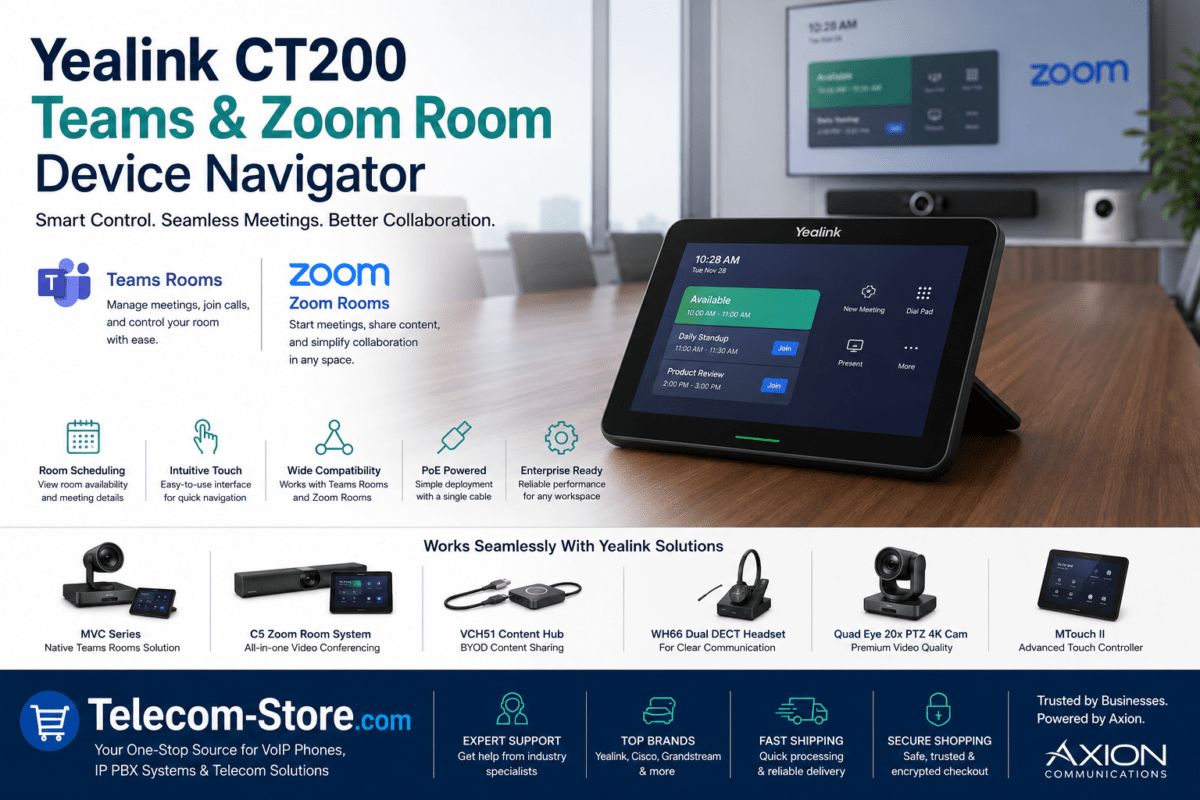
Teams phones and Zoom phones are not always the same as standard SIP phones. Yealink offers many collaboration-focused devices, so it may be a better fit for companies standardizing around Microsoft Teams, Zoom, or meeting room hardware.
PoE Support
PoE, or Power over Ethernet, allows the phone to receive power through the network cable. This can reduce desk clutter and make deployment easier. However, your network switch must also support PoE, and the total power budget must be enough for all connected phones.
Headset Compatibility
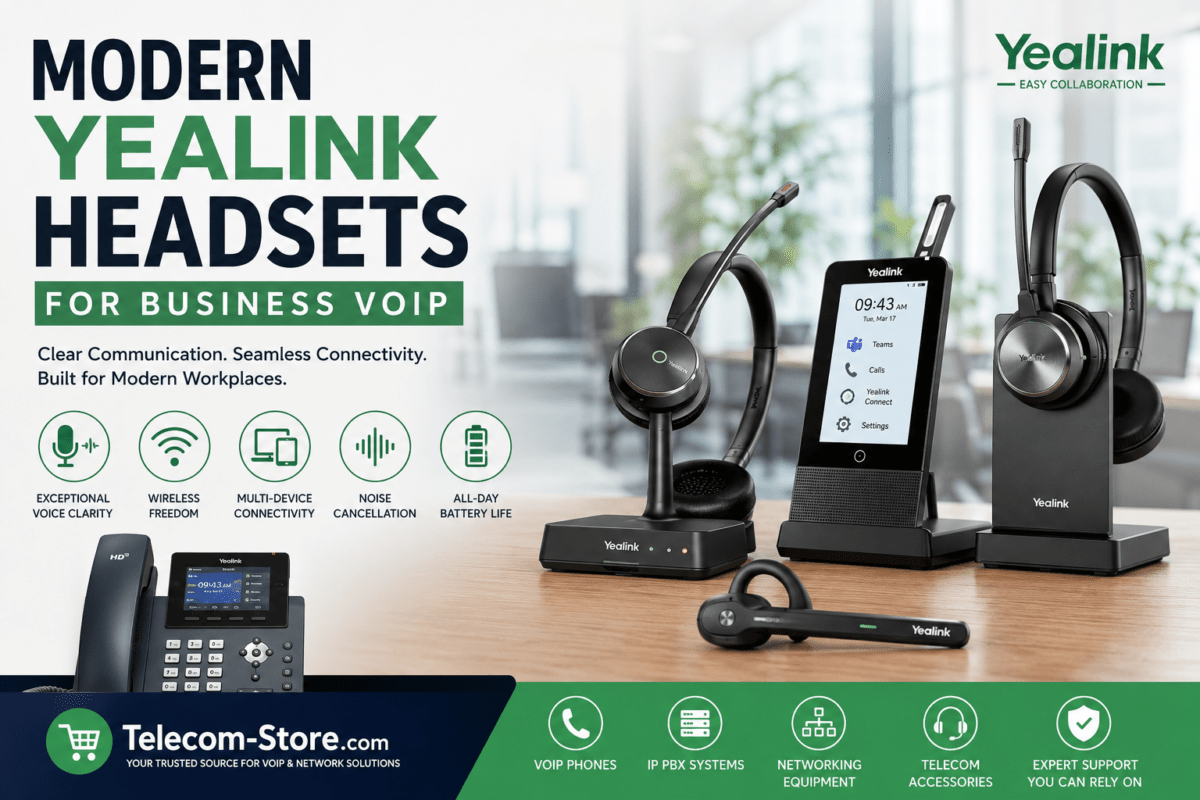
Headset support matters for receptionists, sales teams, customer service agents, and hybrid workers. Check whether the phone supports USB, Bluetooth, wired, or EHS headset connections. For Yealink users, products such as the Yealink UH37 Dual UC USB-A Headset may be useful for clear business calling and computer-based communication.
Display and Button Layout
A small display may be enough for basic calling, but busy users often need a larger screen, more line keys, and easier access to contacts. Reception desks may need programmable keys or expansion modules for faster call routing.
Expansion Modules
Expansion modules are helpful for receptionists, office managers, and users who monitor many extensions. Before buying a phone, confirm whether the model supports an expansion module and whether your phone system supports busy lamp field features.
DECT and Wireless Options
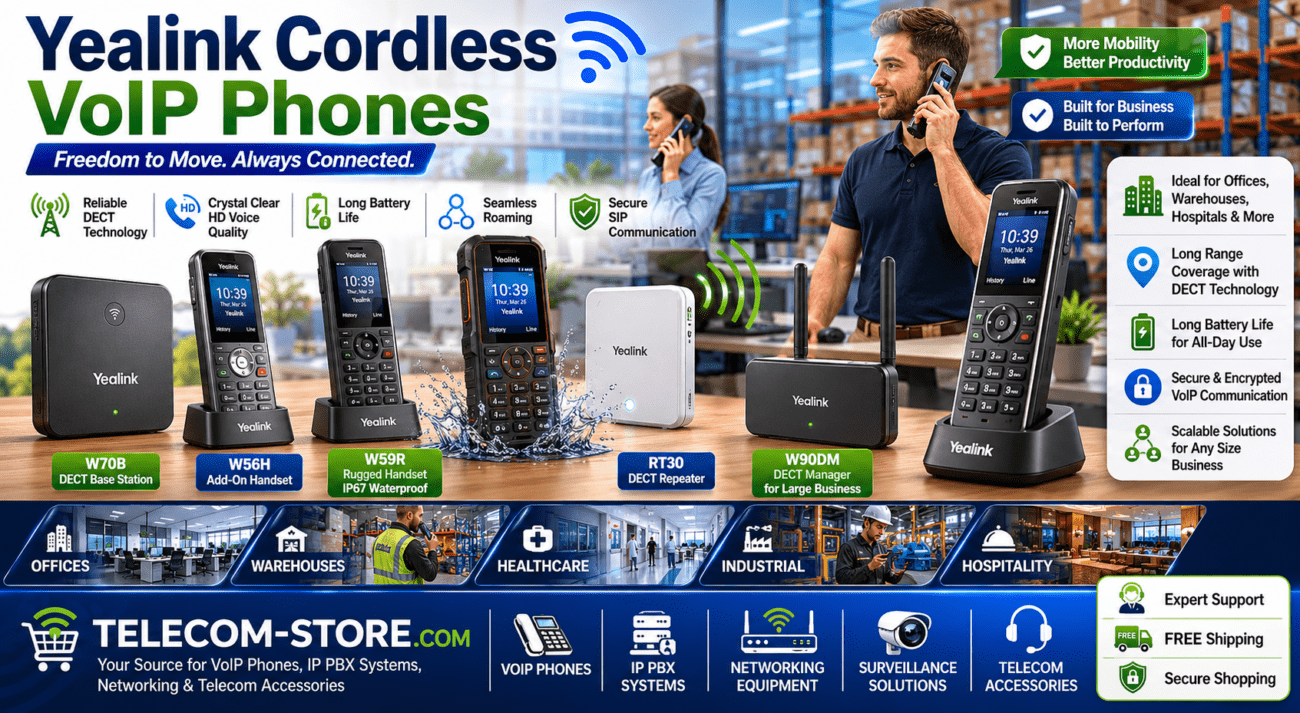
Wireless DECT phones are useful for warehouses, clinics, retail stores, and staff who move around during the day. Buyers can compare DECT phone options if mobility is more important than a fixed desk phone.
Conference Phone Options
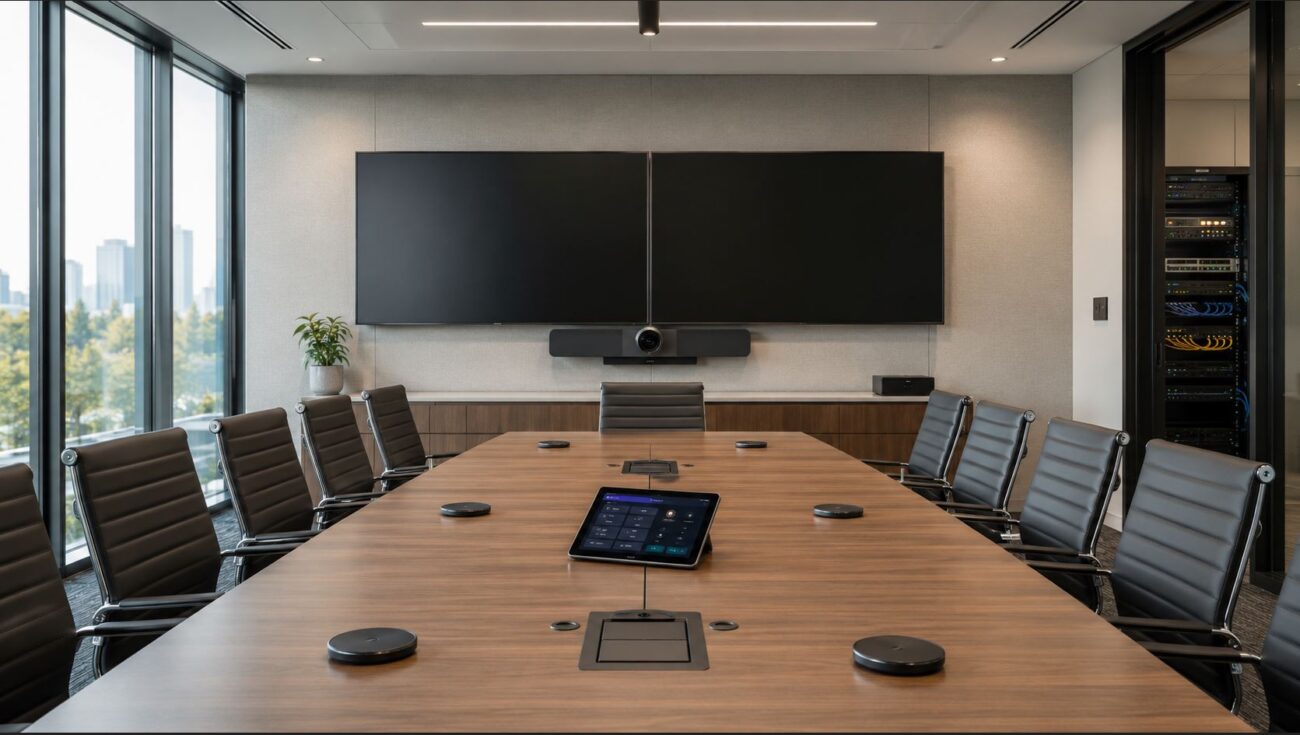
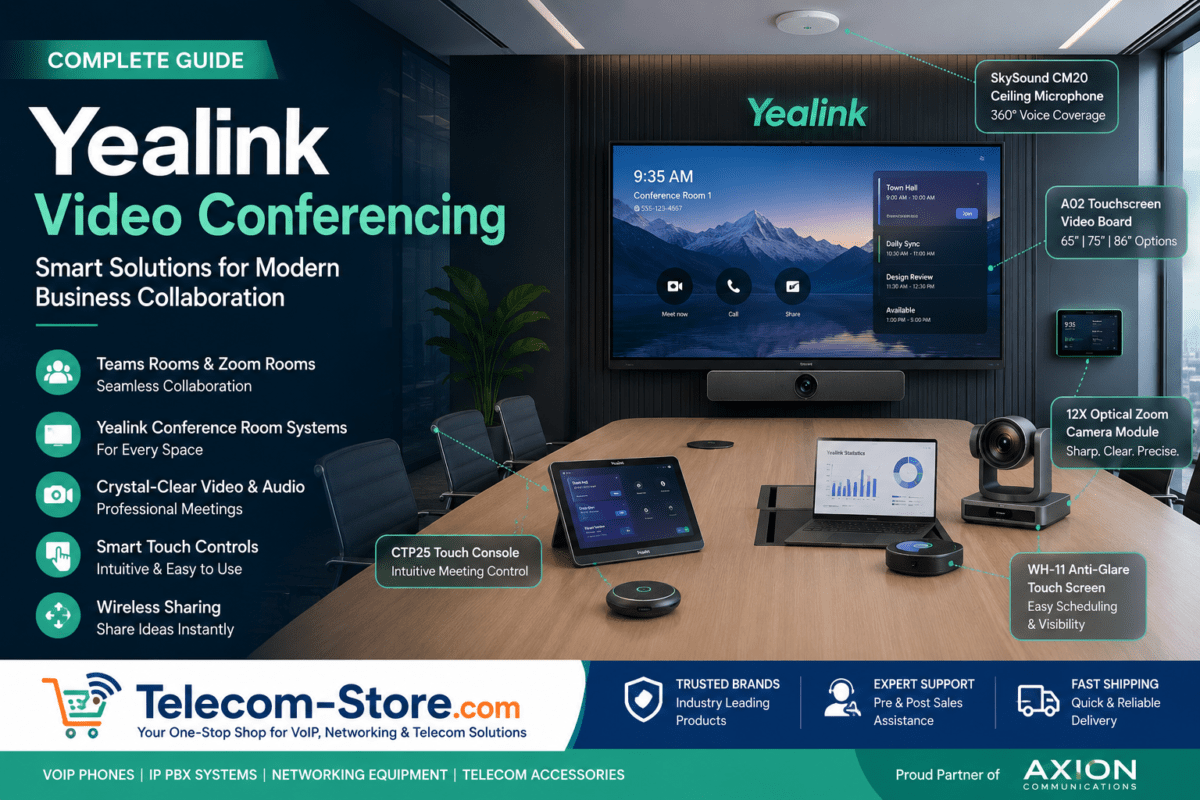
Meeting rooms need stronger speakerphone performance than a normal desk phone. Yealink is commonly considered for conference phones and meeting room devices, while Snom may also be suitable for specific SIP conference needs depending on model availability.
Security and Firmware Updates
Security should not be ignored. Business phones should support current firmware updates, secure provisioning where available, strong admin passwords, and proper network configuration. Ask your IT provider how updates will be managed after installation.
Budget
Budget should include the phone, power supply if needed, headset, network switch, installation time, and support. A phone that is slightly more expensive but easier to deploy may be the better business purchase.
Scalability
If your company plans to add users, locations, conference rooms, or remote workers, choose phones and accessories that can grow with the system. Scalability is especially important for call centers, multi-location offices, and companies moving from analog lines to VoIP.
Recommended Product Types to Explore
The right product type depends on how your team communicates. Instead of buying every user the same phone, choose models by role, platform, and daily call volume.
For Small Offices
Small offices usually need simple IP phones, SIP phones, and basic headsets. A small business can start by comparing business phones, SIP phones, Snom phone options, and Yealink phone options.
For Growing Businesses
Growing companies may need mid-range phones with PoE, headset support, more programmable keys, and centralized provisioning. They may also need an IP PBX, better network switches, and spare accessories. In this case, look beyond the phone and review the full communication setup.
For Reception Desks and Call Handling
Reception desks need phones that make call transfer, hold, park, paging, and extension monitoring easier. A Yealink phone with a larger display or expansion module may be suitable, while a Snom phone can also work if it supports the required keys and system features.
For Meeting Rooms or Hybrid Teams
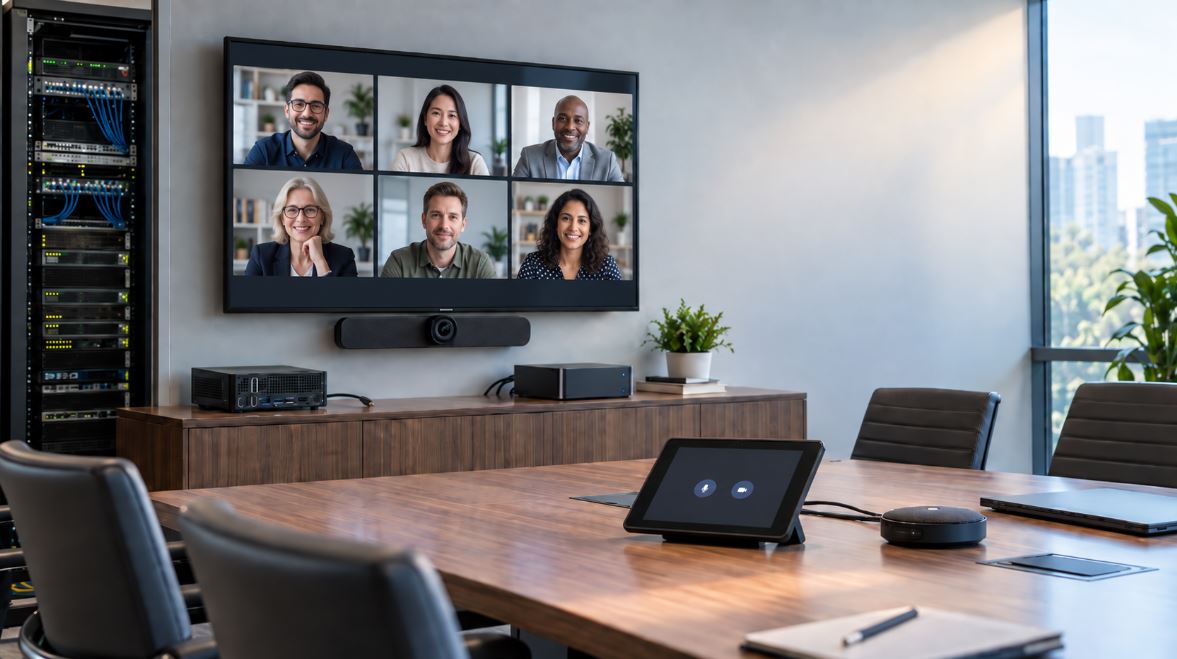
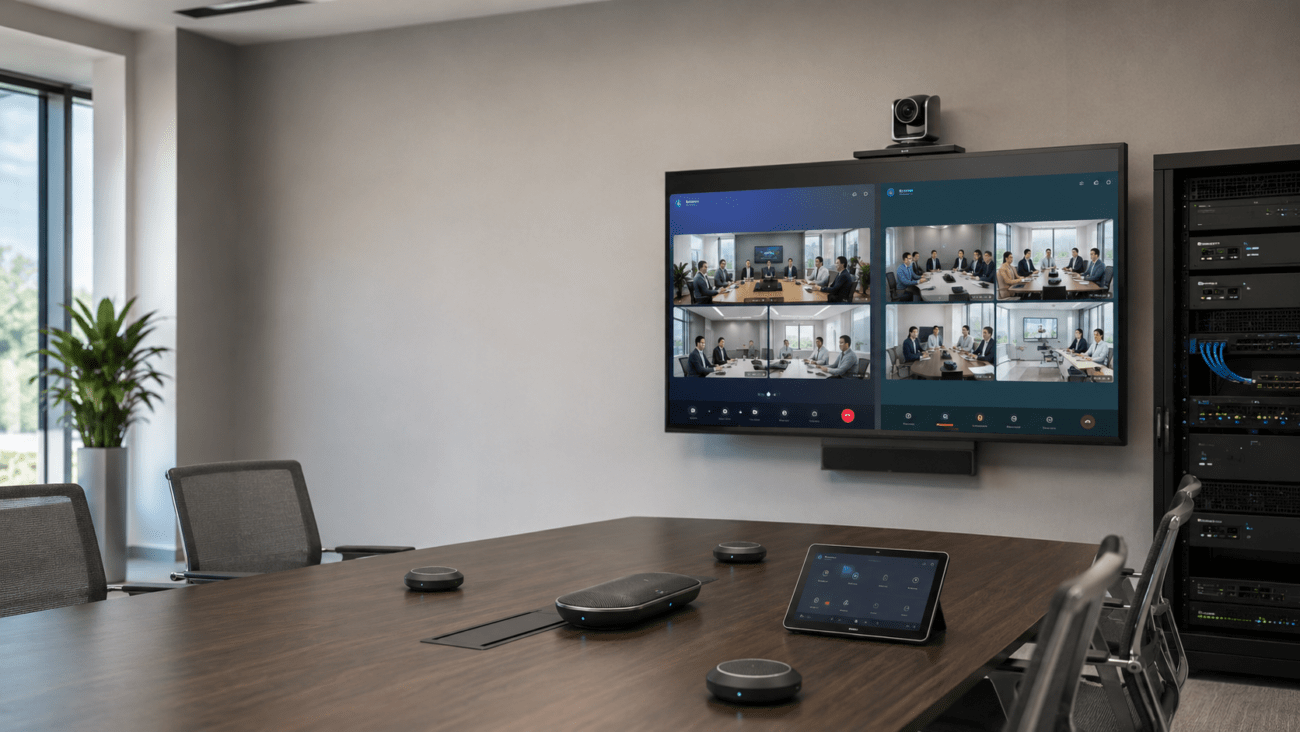
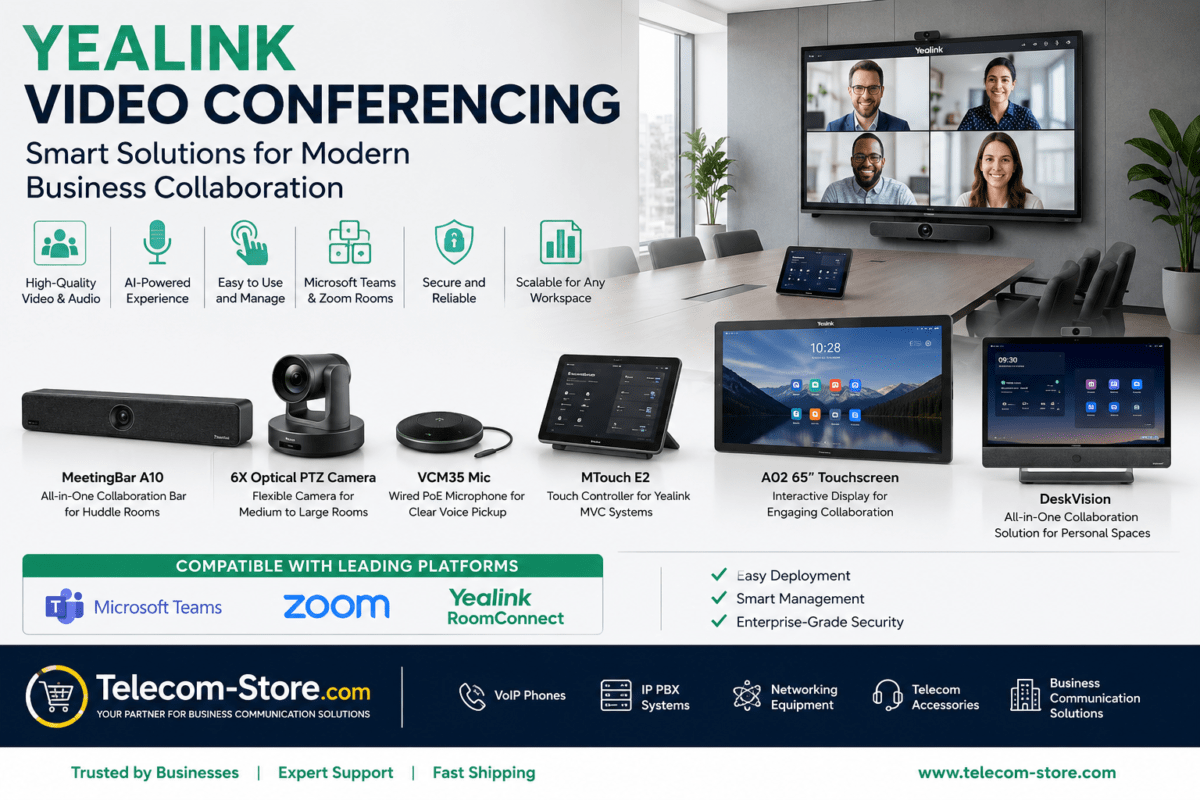
Meeting rooms need conference phones, video conferencing devices, and room audio equipment. Hybrid teams may also need headsets and desk phones for remote workers. Buyers can compare video conferencing products, conference phones, and meeting room devices along with desk phones.
Compatibility and Setup Requirements
Compatibility is the most important buying step when comparing Snom vs Yealink. A phone can have good features, but it must work properly with your VoIP provider, IP PBX, SIP account, Teams environment, Zoom system, network cabling, and power setup.
Check Your Phone Platform First
Start by identifying whether your system is standard SIP, hosted VoIP, on-premise IP PBX, Microsoft Teams Phone, Zoom Phone, or another cloud communication platform. A standard SIP phone may not provide the same experience as a native Teams or Zoom phone.
Confirm Power and Network Requirements
Many business phones use PoE, but not every office network is ready for it. If your switch does not support PoE, you may need power adapters or a PoE switch. Also consider VLAN and QoS settings if call quality is important during busy internet usage.
Technical Note
QoS means Quality of Service. It helps prioritize voice traffic on the network so calls remain clear when computers, video meetings, file downloads, and other devices are using bandwidth.
Plan Firmware and Provisioning
For larger deployments, provisioning is important. It allows phones to receive settings automatically instead of being configured one by one. Confirm whether your provider supports the exact Snom or Yealink model before buying multiple units.
Common Limitations Buyers Should Know
No business phone brand is perfect for every setup. Some phones are excellent for SIP calling but not designed for Microsoft Teams. Some models support PoE, while others may need a separate power adapter. Some phones work well for desk users but are not ideal for receptionists or call center agents.
Unplanned compatibility issues can create delays. A phone may need firmware updates, manual SIP setup, special provisioning, or additional accessories. Headset compatibility should also be checked before purchase, especially for wireless headsets and EHS adapters.
Meeting rooms may need more planning than desk phones. A conference phone or video bar may require better network stability, room audio planning, display connections, microphones, and platform certification. For older phone systems, confirm whether newer IP phones will work correctly before replacing existing hardware.
How to Choose the Right Option
The best choice depends on business size, number of users, call volume, receptionist needs, meeting room size, existing phone system, budget, IT support level, remote work needs, and future expansion.
Choose Snom If
Choose Snom if your business wants practical SIP desk phones, open SIP compatibility, simple office calling, and a stable phone option for standard VoIP or IP PBX use. Snom can be a good fit for offices that do not need a large video conferencing ecosystem or native Teams room hardware.
Choose Yealink If
Choose Yealink if your business wants a broader product range, modern displays, many SIP phone models, conference phone choices, DECT options, headset options, and meeting room devices. Yealink may also be easier to standardize across different user roles because it covers entry-level, mid-range, executive, conference, and collaboration use cases.
Choose Based on Your Phone System First
The phone system should guide the brand decision. If your provider strongly supports Yealink provisioning, Yealink may be easier to deploy. If your system works well with Snom and your users only need dependable SIP phones, Snom may be a practical choice. Always confirm model-level compatibility before purchasing.
Related Telecom Products
Business phone buying often includes more than desk phones. A complete office setup may include IP phones, VoIP phones, headsets, IP PBX systems, conference phones, network equipment, and video conferencing devices.
For a small team, start with desk phones and headsets. For a larger office, review PoE switching, call routing, conference rooms, receptionist needs, and remote worker support. For hybrid teams, compare desk phones with softphones, Teams phones, Zoom devices, and USB or Bluetooth headsets.
Conclusion
When comparing Snom vs Yealink, there is no single answer for every business. Snom is a strong option for practical SIP-based office calling and dependable desk phone use. Yealink is often the better fit for buyers who want wider product choice, modern phone models, headsets, conference phones, and meeting room solutions.
The smartest approach is to start with your phone system, then match the phone to each user role. Check SIP compatibility, PoE needs, headset support, provisioning, firmware updates, and future expansion before buying. That way, your business phone purchase supports daily communication instead of creating setup problems later.
FAQ Section
Is Snom or Yealink better for small business VoIP?
Both Snom and Yealink can work well for small business VoIP. Yealink may be easier for many buyers because it offers a wide range of entry-level and mid-range IP phones, headsets, and conference phones. Snom can also be a good option when you need practical SIP desk phones for a standard VoIP or IP PBX setup. The best choice depends on provider compatibility and user needs.
Do Snom and Yealink phones work with any VoIP provider?
Many Snom and Yealink phones support SIP, which is commonly used by VoIP providers and IP PBX systems. However, that does not mean every model works perfectly with every provider. Always check the provider’s supported phone list, provisioning options, firmware requirements, and feature support before ordering. This is especially important for call parking, BLF keys, voicemail, paging, and remote management.
Are Yealink phones better for Microsoft Teams or Zoom?
Yealink is often a stronger choice for businesses that need Microsoft Teams or Zoom-focused devices because Yealink offers many collaboration products, including Teams phones, Zoom devices, conference phones, and meeting room hardware. A standard SIP phone is not always the same as a native Teams or Zoom phone, so buyers should confirm the exact platform support before choosing a model.
Are Snom phones good for SIP phone systems?
Yes, Snom phones are commonly used in SIP-based phone environments. They can be a practical option for businesses that use hosted VoIP, SIP extensions, or IP PBX systems. Before buying, check whether your provider supports the exact Snom model and whether the phone includes the features your users need, such as PoE, headset support, programmable keys, or DECT mobility.
Do I need PoE for Snom or Yealink business phones?
You do not always need PoE, but it is useful for clean and scalable office installations. PoE powers the phone through the Ethernet cable, so you may not need separate power adapters at each desk. However, your network switch must support PoE and have enough power budget. If PoE is not available, check whether the phone includes or requires a separate power adapter.
Which brand is better for reception desks?
For reception desks, choose based on call handling features rather than brand alone. Look for a larger display, programmable line keys, headset support, expansion module compatibility, and easy transfer controls. Yealink often has strong options for receptionist-style workflows, but a compatible Snom model can also work well if it supports your required features and phone system functions.
Can I use wireless headsets with Snom or Yealink phones?
Many Snom and Yealink phones support headsets, but the connection type depends on the model. Some phones support USB headsets, some support Bluetooth, and others may need an EHS adapter for wireless headset control. Before buying, check the phone’s headset compatibility list and confirm whether your users need wired, wireless, Bluetooth, or computer-compatible headset options.
Which is better for hybrid work, Snom or Yealink?
Yealink may be better for many hybrid work environments because it offers a broader range of desk phones, headsets, conference phones, Teams devices, Zoom devices, and meeting room solutions. Snom can still be a good choice for teams that mainly need SIP desk phones and standard office calling. The right choice depends on whether your hybrid team uses cloud VoIP, Teams, Zoom, or a traditional IP PBX.
Should I replace all office phones with the same brand?
Using one brand can simplify support, training, spare parts, and provisioning. However, every user may not need the same model. A receptionist may need more keys, a manager may need a larger display, and a meeting room may need a conference phone. It is often better to standardize on a compatible brand while choosing different models for different roles.