Yealink Video Conferencing: What Buyers Need to Know
If your business is planning to upgrade or standardize meeting rooms, Yealink video conferencing hardware is a proven way to support Teams Rooms, Zoom Rooms, and hybrid collaboration. This article shows IT and office decision makers how to choose, configure, and deploy Yealink systems for real business environments.
In brief: Yealink works best for organizations needing professional audio/video, centralized meeting management, and compatibility with Microsoft Teams, Zoom, or SIP/VoIP systems. To ensure a successful deployment, pay careful attention to room acoustics, network, mounting, and integration with existing IT systems like network switches or IP PBXs. Below you’ll find feature comparisons and expert advice to help you avoid common pitfalls.
Yealink Video Conferencing Hardware: Comparison Table
| Category |
Best For |
Common Models |
Key Features |
Room Size |
| Interactive Boards |
Presentations, Whiteboarding, Hybrid Collaboration |
A02 86-inch, A02 75-inch, A02 65-inch |
Multi-touch, UHD visuals, integrated with Teams/Zoom |
Small to Executive Boardroom |
| Touch Consoles & Controllers |
One-touch meeting control, scheduling |
CTP25 10.1-inch |
User-friendly UI, fast join, centralized admin |
All |
| PTZ Cameras |
Speaker tracking, wide room coverage |
12X Optical Zoom PTZ |
12X zoom, preset modes, remote control |
Medium-Large Rooms |
| Ceiling Microphones |
Clear, room-wide audio |
SkySound CM20 |
Coverage for up to 6–8m, multi-mic chaining |
Medium-Large Rooms |
| Anti-Glare Displays |
Scheduling, touch interaction |
WH 11.6-inch |
Anti-glare IPS, scheduling apps, slim design |
Small-Medium Rooms |
Why Choose Yealink Video Conferencing Systems?
Today’s office and distributed teams operate across a mix of in-person and virtual environments. Yealink systems bring flexibility, reliability, and simplicity to conference rooms—making it easier for teams to connect via Teams, Zoom, SIP/VoIP, and more.
- Hybrid workflow support: Consistent user experience for remote and in-person attendance.
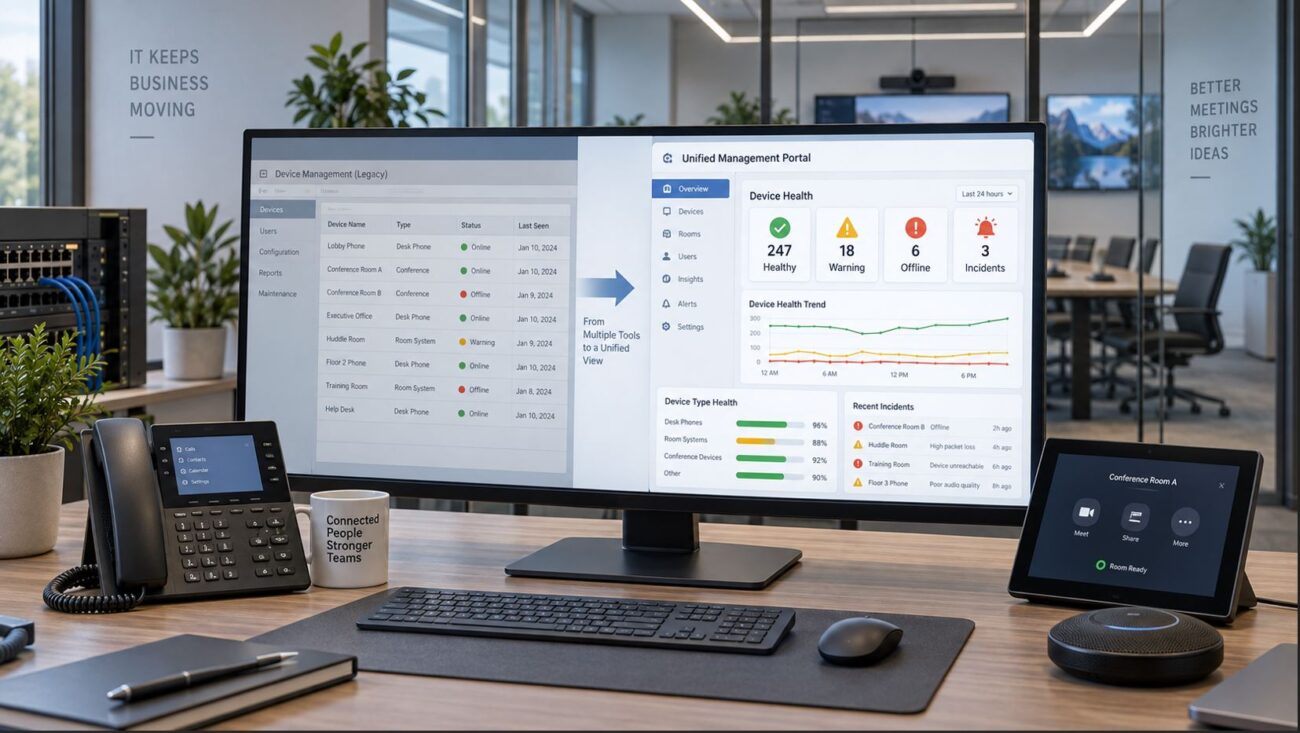
- Centralized management: Manage meeting room devices from a central dashboard.
- Certified compatibility: Official Teams Rooms and Zoom Rooms hardware options.
- Wide product range: From small huddle areas to boardrooms, Yealink covers all spaces.
Understanding Yealink Video Conferencing Components
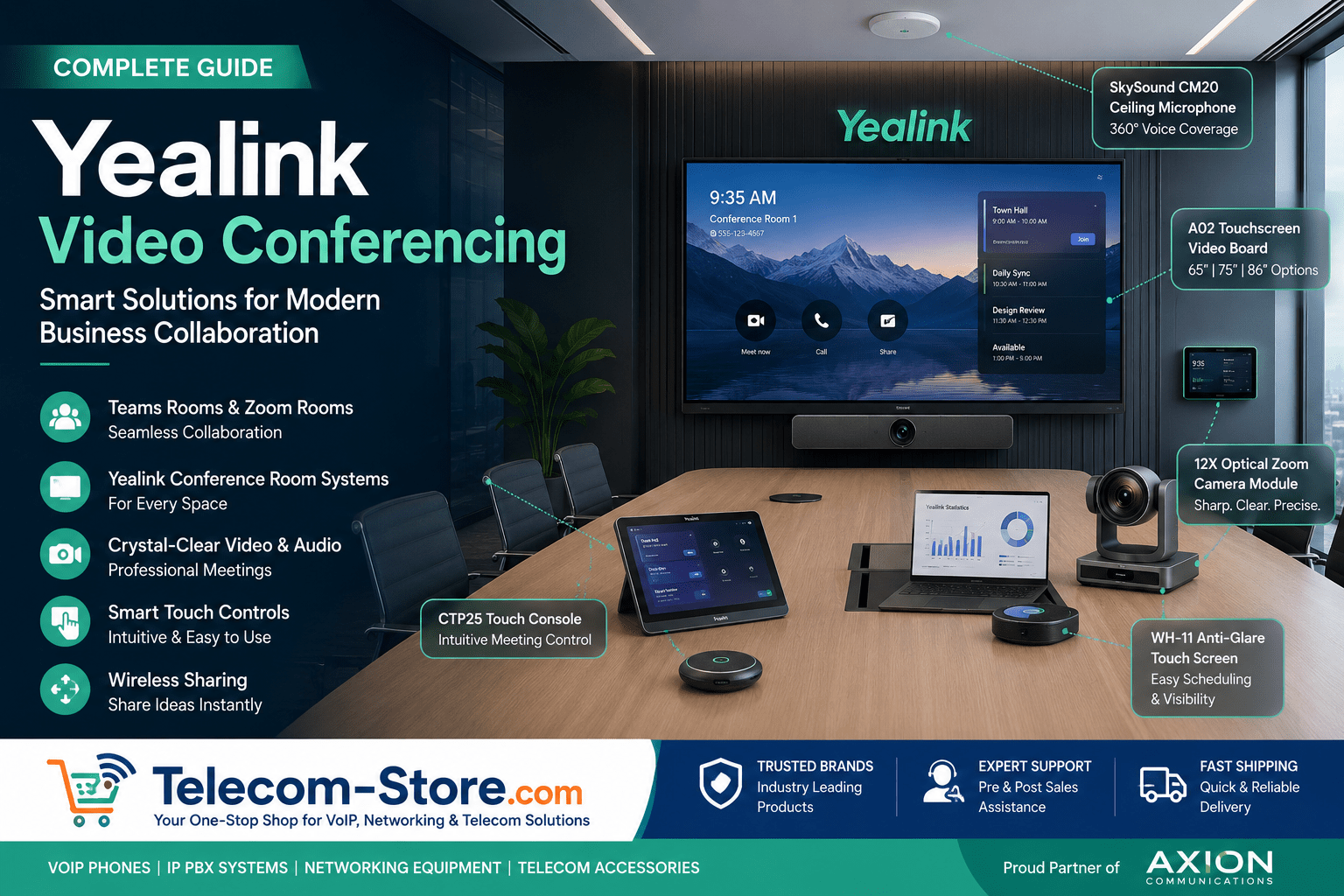
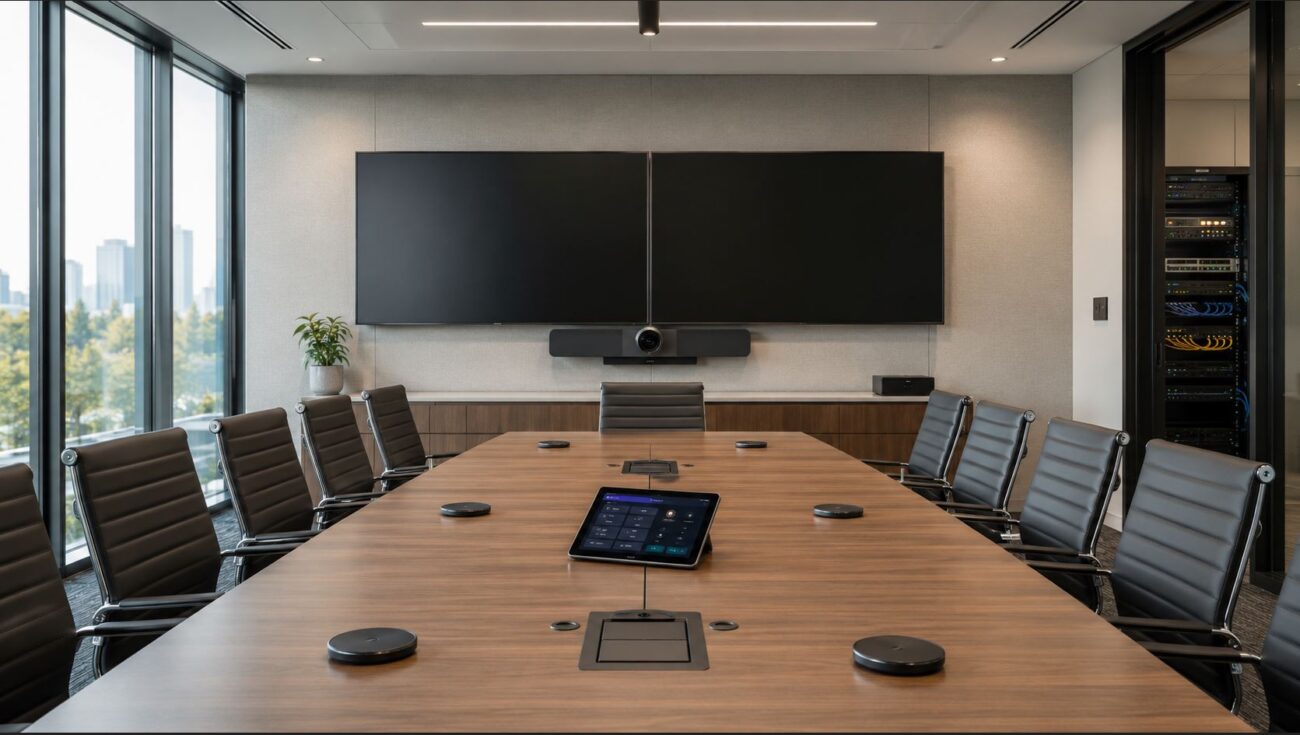
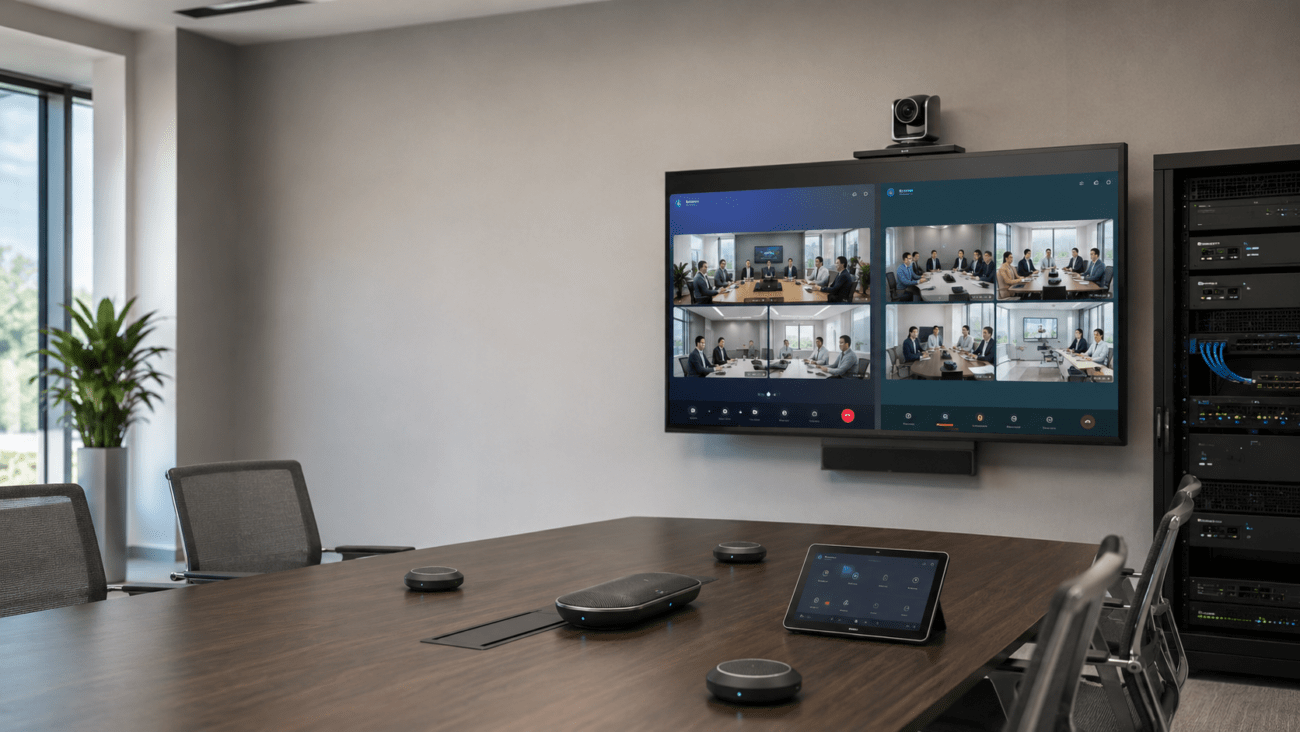
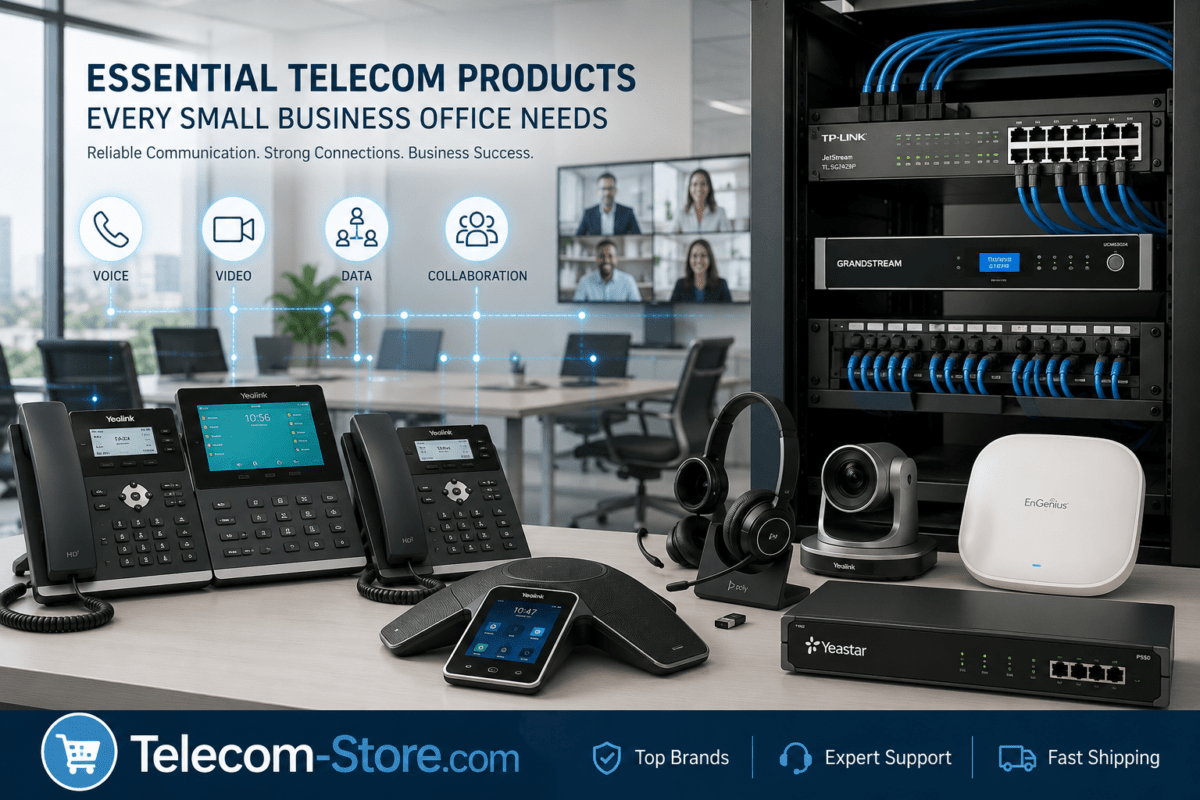
A full-featured Yealink conference room may use:
- Interactive boards (touch displays for presentations and whiteboarding)
- Touch consoles (for fast meeting start/scheduling)
- Speaker-tracking PTZ cameras (for remote viewing)
- Ceiling microphones (for clear, distributed audio pick-up)
- Anti-glare displays (for scheduling and control)
- Business-grade network switches and headsets
Interactive Collaboration Boards for Every Room
Yealink’s interactive touchscreen boards help with digital whiteboarding, content sharing, and interactive presentations. Models such as the A02 86-inch are favored in boardrooms, while the 65-inch is ideal for huddle or training spaces. When choosing a size, always map your room layout and check that the board will be visible to all participants—sight lines and mounting matter!
- Tip: Oversized boards in small rooms lead to poor viewing angles, while smaller screens can make content hard to read in larger spaces.
Teams Rooms and Zoom Rooms: Integration Made Simple
Yealink offers conference kits both for Microsoft Teams Rooms and Zoom Rooms, each providing:
- One-touch join and fast scheduling
- Fully integrated cameras, microphones, and speaker systems
- Centralized control via touch consoles
Pick Teams- or Zoom-certified models—don’t mix and match components across platforms within the same room, or you’ll lose management and support advantages.
Touch Consoles and Room Controllers
Devices like the CTP25 10.1-inch Touch Console deliver user-friendly controls for meetings, room booking, and wireless presentation.
- Install centrally on the conference table or next to the main display for best accessibility.
- Look for responsive touch and easy firmware updates, as your controls greatly affect meeting adoption.
Camera Quality: The Heart of Professional Video Meetings
A high-quality conferencing camera, such as the Yealink 12X Optical Zoom PTZ, matters especially in boardrooms and training spaces. Match field-of-view and zoom to your room shape. PTZ models allow you to cover wide or deep rooms and track speakers automatically.
- Common mistake: Using a fixed wide-angle camera in large rooms. Remote users will barely see the speaker or details. PTZ models solve this—get tracking if you expect frequent presenter movement.
Ceiling Microphones for Clear Audio in All Spaces
Clear audio is non-negotiable for meaningful meetings. Yealink SkySound CM20 ceiling mics pick up voices evenly across the room, reducing table clutter and dead spots. Always evaluate your ceiling height and acoustics before purchase, and do not rely on built-in camera mics for anything larger than a huddle room.
- Consider additional acoustic treatments where rooms are glass-walled or reverberant.
Anti-Glare Displays: Enhanced Visibility for Every User
The Yealink WH 11.6-inch Anti-glare Touch Screen offers improved touch response and legibility, especially where sunlight or overhead lighting create reflections. Before purchasing, check your conference room’s lighting patterns and choose anti-glare for bright or exposed spaces.
Network and Infrastructure: The Backbone of Conferencing
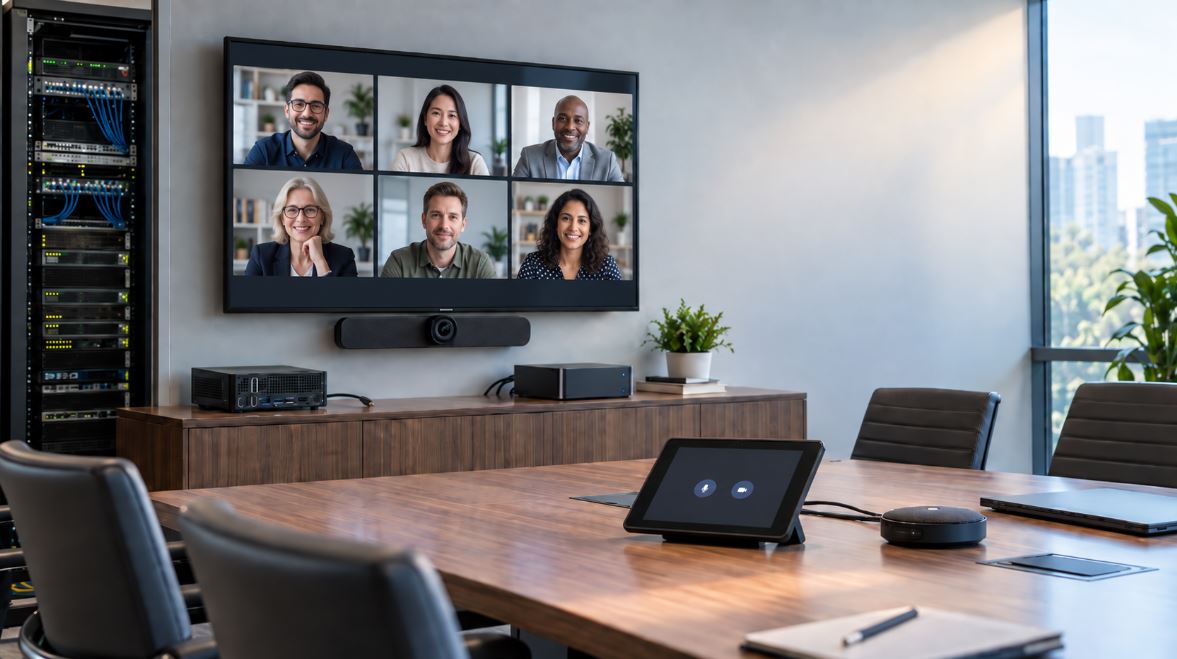
Don’t let your deployment be derailed by overlooked IT basics. Yealink conference systems depend on reliable:
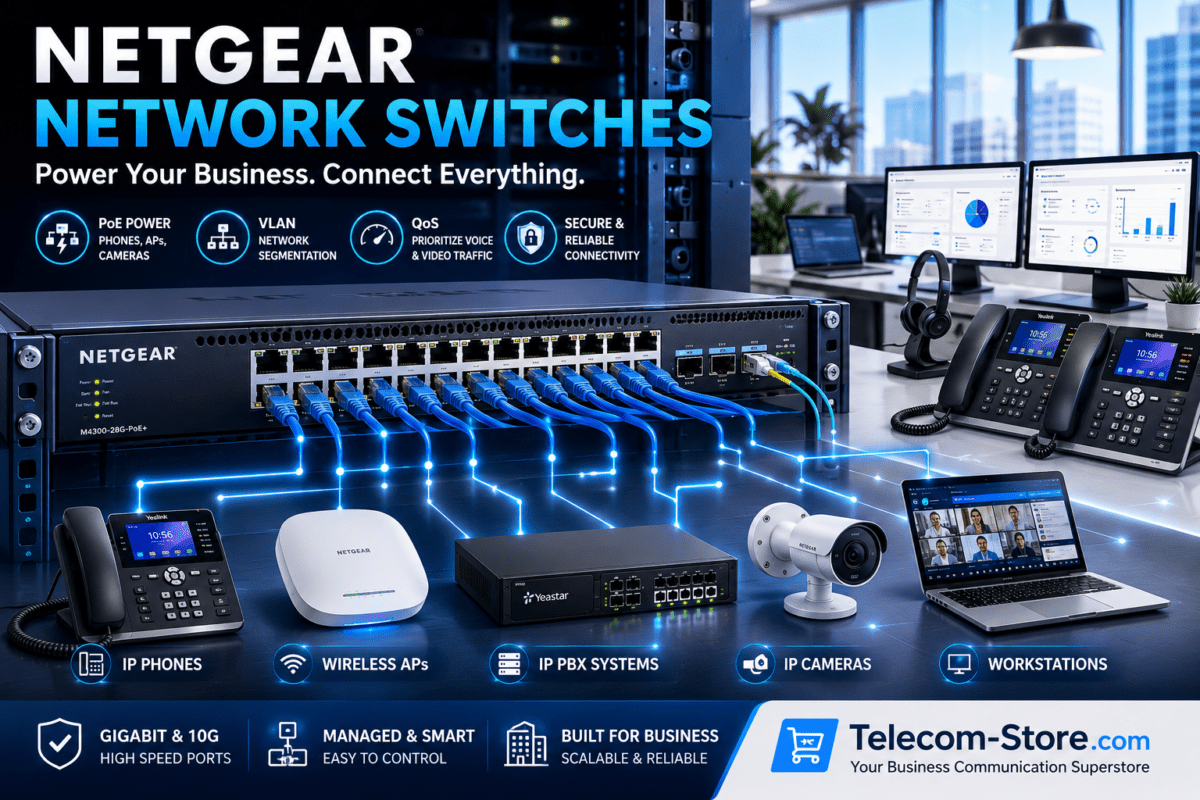
- Managed network switches (preferably PoE for easy installation)
- Stable and sufficiently provisioned wired network—don’t rely solely on Wi-Fi
- QoS and VLAN configuration for media traffic
- Power backup (UPS) for all conferencing gear
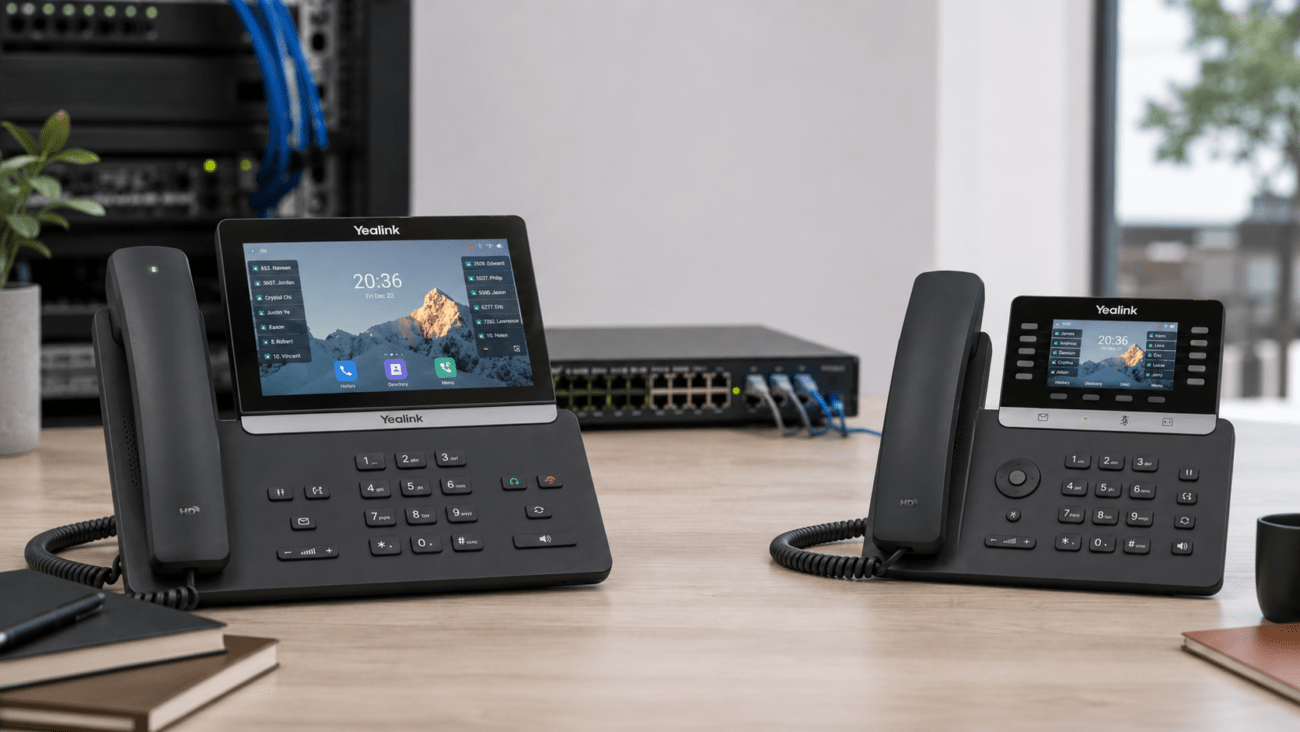
If you’re also using Yealink phones, you can unify management by connecting to your IP PBX system—just verify compatibility in advance.
Common Selection Pitfalls (and How to Avoid Them)
- Under-sizing displays—make sure board and anti-glare screens are visible for all attendees
- Forgetting about audio—invest in ceiling mics or advanced speaker systems in larger rooms
- Picking consumer networking gear—enterprise conferencing expects managed/PoE switches
- Mixing Teams and Zoom devices in the same meeting room—choose one platform per room for supportability
- Neglecting acoustics—noise and echo degrade even the most advanced camera and mic setups
Best Practices: Planning and Deployment
- Map out your conference spaces by size, use, and user needs
- Engage IT early to confirm PoE and VLAN requirements
- Standardize equipment models room-to-room for easier support
- Combine with certified headsets for hybrid/remote participants
- Order extra mounting hardware and cabling for new installs
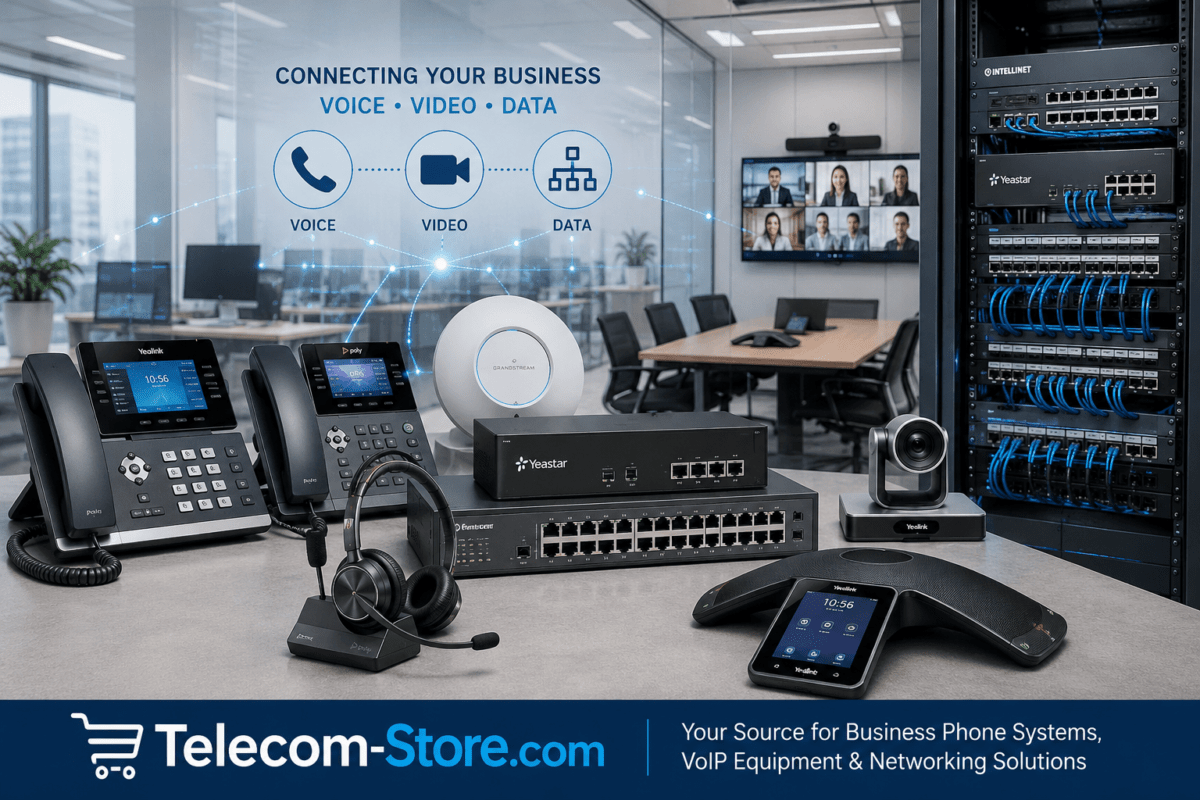
Need help scaling or integrating your network? Telecom-Store.com supplies the full Yealink ecosystem and can help with pre-sales support. For broader unified communications integration, consider working with Axion Communications.
Yealink in Hybrid Work: Unified Collaboration Everywhere
As hybrid work models continue, Yealink hardware supports seamless transitions between in-room, remote, and blended meetings. Their systems connect easily with wired and wireless VoIP phones, SIP endpoints, and networked headsets for comprehensive business communication solutions.
Many organizations deploy Yealink alongside existing video conferencing, SIP, and VoIP infrastructure, making it easy to standardize management while expanding collaboration capabilities.
FAQ: Yealink Video Conferencing for IT Buyers
- Is Yealink hardware better for Teams Rooms or Zoom Rooms?
- Yealink offers hardware that is certified for both platforms. Select the package matching your room use and company standard to ensure full support and consistent user experience.
- What’s the most common mistake when deploying Yealink conference room systems?
- Neglecting network or audio environment planning; always check infrastructure, acoustics, and choose enterprise-grade PoE switches for deployments.
- How do I choose the right size Yealink interactive board for my conference room?
- Base this on room dimensions and seating arrangements. Larger (75/86-inch) boards suit big rooms, while 65-inch works for huddle or small conference settings. Always plan installation height and location with all users in mind.
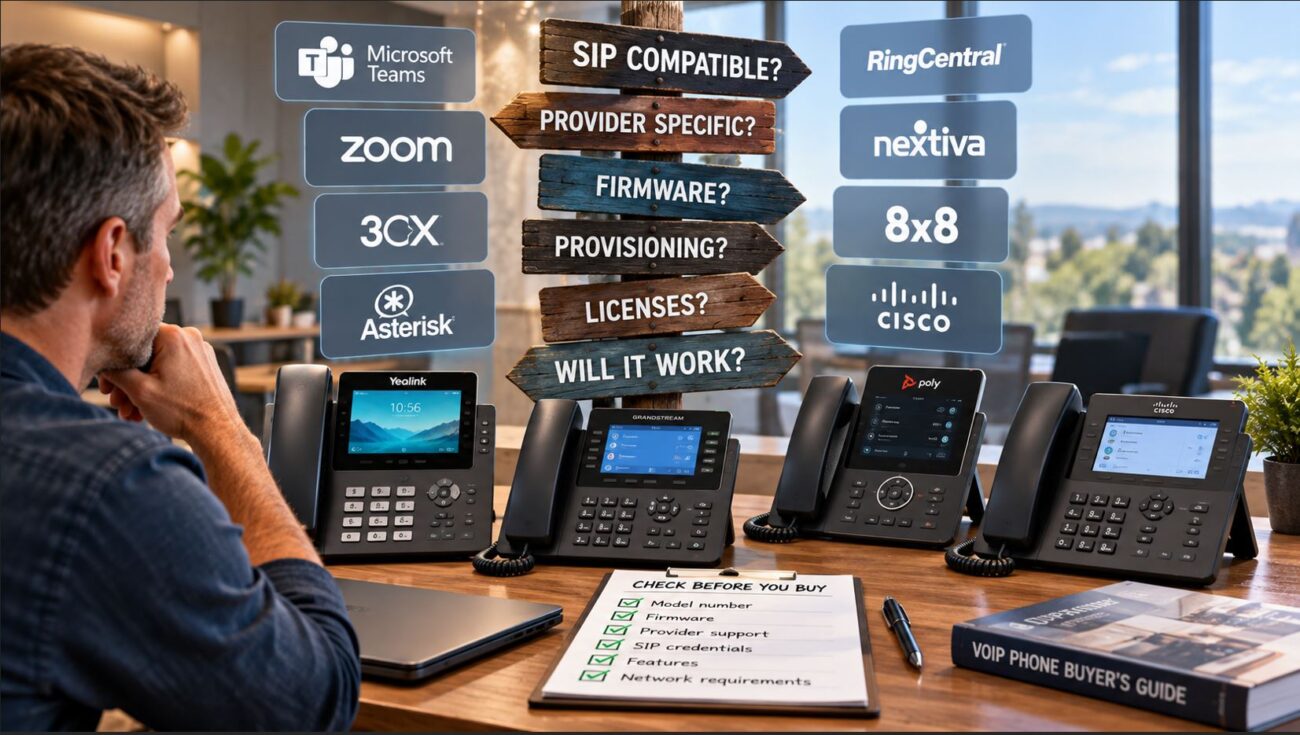
- Can I use Yealink with my existing IP PBX or VoIP phones?
- Yes, Yealink is known for strong compatibility across SIP and VoIP environments. Always verify with your IP PBX provider and check firmware requirements in advance.
- What infrastructure is required for reliable Yealink conferencing?
- Plan for managed network switches with PoE, VLAN/QoS settings, and reliable power protection.
- Are ceiling microphones really necessary?
- In most medium-to-large rooms, yes. For smaller huddle spaces, check if table mics are sufficient, but don’t skip ceiling mics in larger or echo-prone rooms.
Final Thoughts: Invest in Better Meetings
Deploying Yealink video conferencing brings consistency and clarity to Teams, Zoom, and hybrid meetings. Smart planning and proper product choice enable scalable collaboration infrastructure your organization can build on for years.