Is the Yealink CT200 Right for Your Teams or Zoom Room?
The Yealink CT200 brings user-friendly, centralized meeting control to Microsoft Teams Rooms and Zoom Rooms setups. If you’re looking for a reliable touchscreen to streamline meetings, quick-access scheduling, and unified device control, the CT200 is a strong choice—especially for IT and facilities teams managing multiple rooms or standardizing across offices.
| Feature |
Yealink CT200 |
Competing Controllers |
| Touchscreen Size |
8/10-inch class (varies by version) |
7–10 inch avg. |
| Teams Rooms Support |
Full native control |
Varies |
| Zoom Rooms Support |
Full native control |
Varies |
| BYOD Integration |
Supported with Yealink hubs |
Often extra hardware |
| PoE/Ethernet Power |
Yes |
Usually |
| Yealink Hardware Ecosystem |
Seamless |
Brand-limited, varies |
Understanding the Yealink CT200 Room Device Navigator
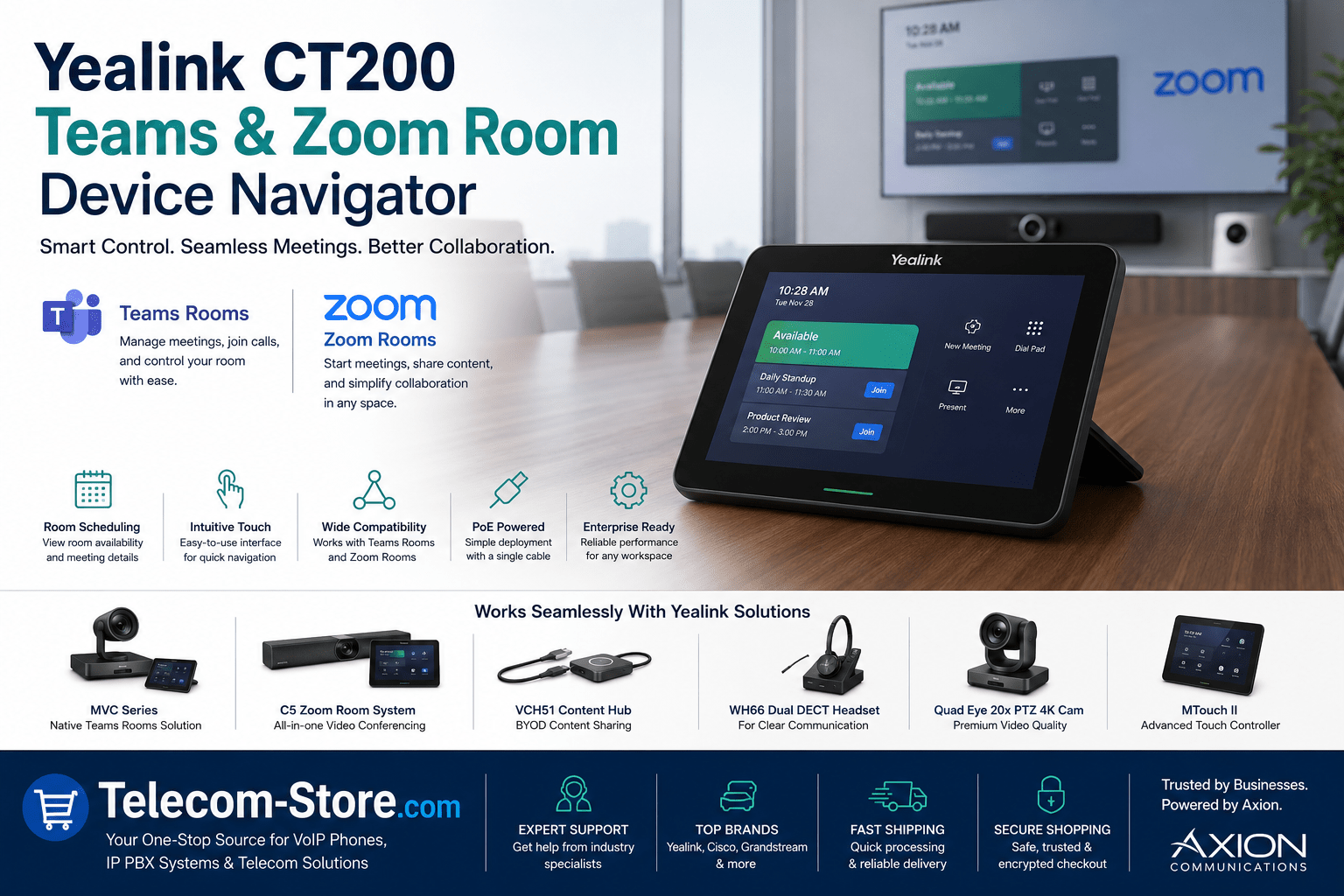
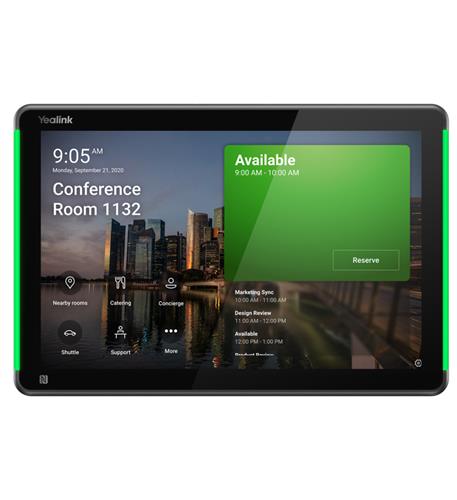
If your organization is moving toward centralized scheduling and AV control across many conference rooms, consider the Yealink CT200. It’s designed as a modern controller with a vivid touchscreen interface, built for high adoption in meeting spaces of various sizes. With Teams Rooms or Zoom Rooms, CT200 makes it easier for users to:
- Join meetings with a single touch
- See scheduled meetings at a glance
- Control AV hardware and room devices
- Manage room reservations and availability
See the Yealink Video Conferencing CT200 Room Device Navigator for Meetings for details or to request a quote.
Key Features On the Table
- 8″ or 10″ touch-enabled panel
- Native Teams/Zoom interface—no need for third-party apps
- Room status display and calendar integration
- PoE (Power over Ethernet) support—simple install, no separate power supply
- Works with Yealink’s full AV, camera, and room compute lineup
- Responsive touchscreen that stays clean and easy to use in high-traffic rooms
- Physical connectivity for additional devices like microphones, cameras, and presentation kits
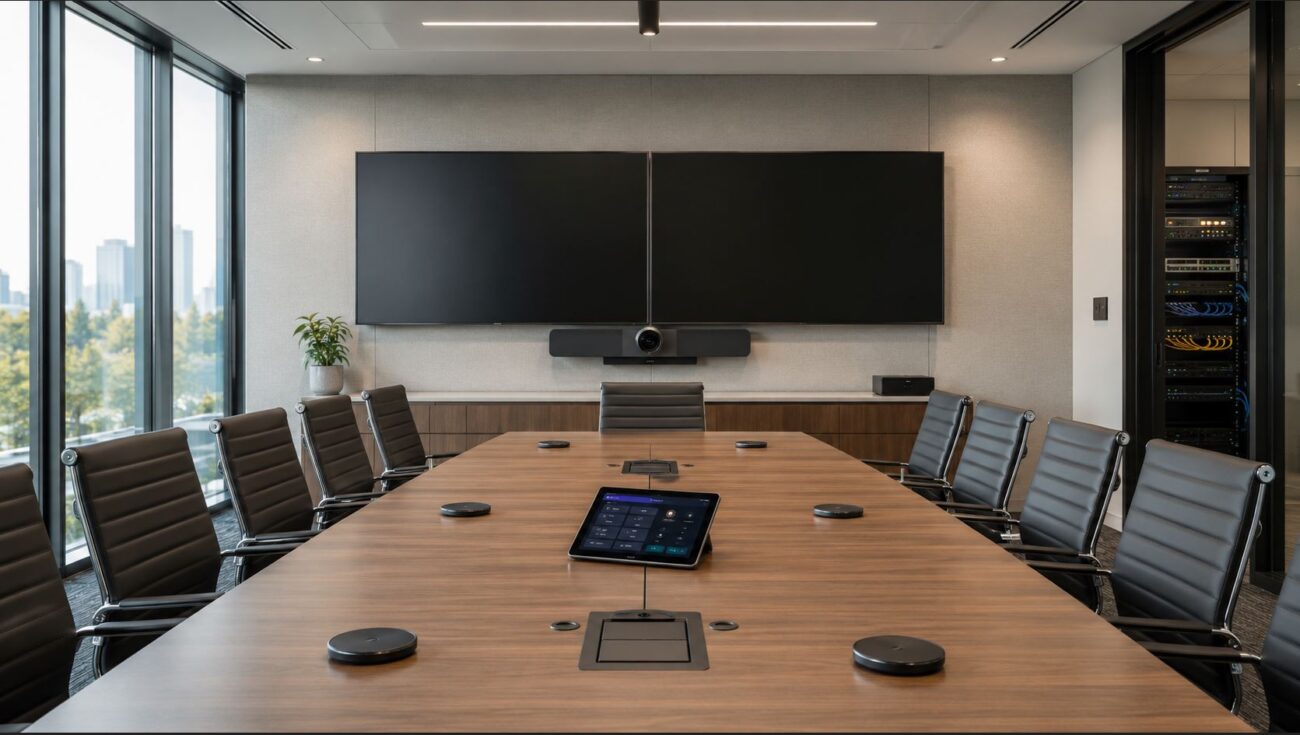
CT200 easily sits on a table, mounts to a wall, or pairs with stand kits. Many IT departments use it as the central access point for all in-room controls and joining meetings without needing personal devices.
Teams Rooms and Zoom Rooms Integration
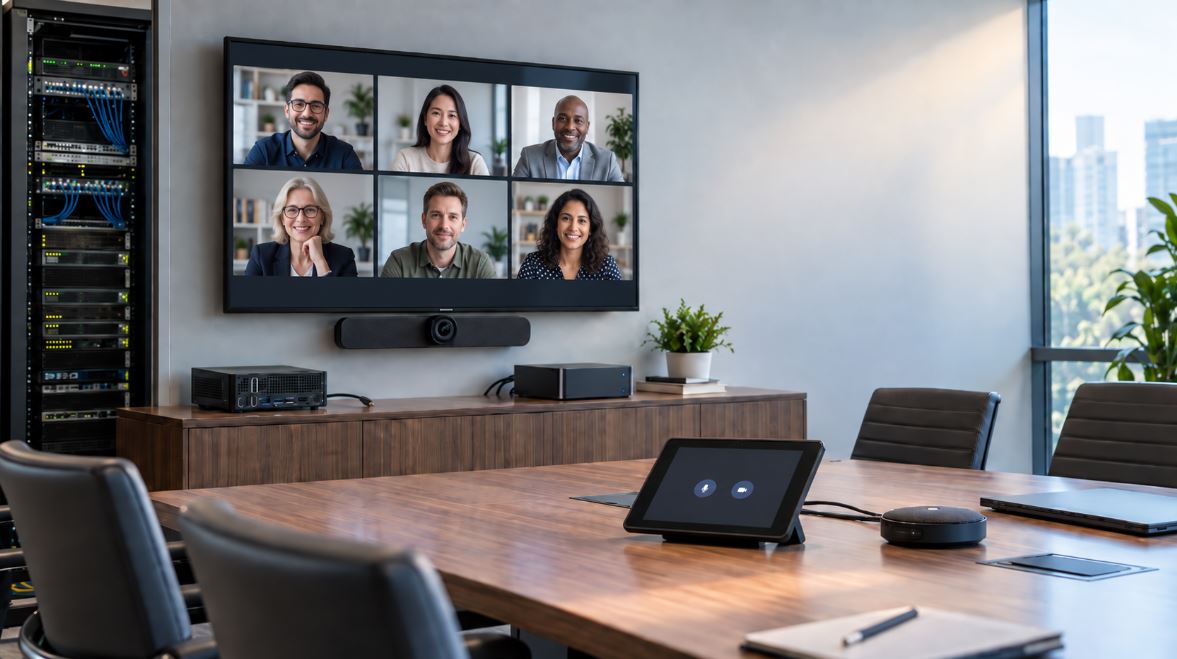
Both Microsoft Teams Rooms and Zoom Rooms environments support centralized control hardware like the CT200. In both, the device replaces confusing workflows with simple, familiar touch menus, helping reduce user training time and ensure meetings start on schedule.
- Touch to join any scheduled meeting, regardless of platform
- Trigger wired or wireless content sharing with a tap
- See room availability instantly—minimizes double-booking
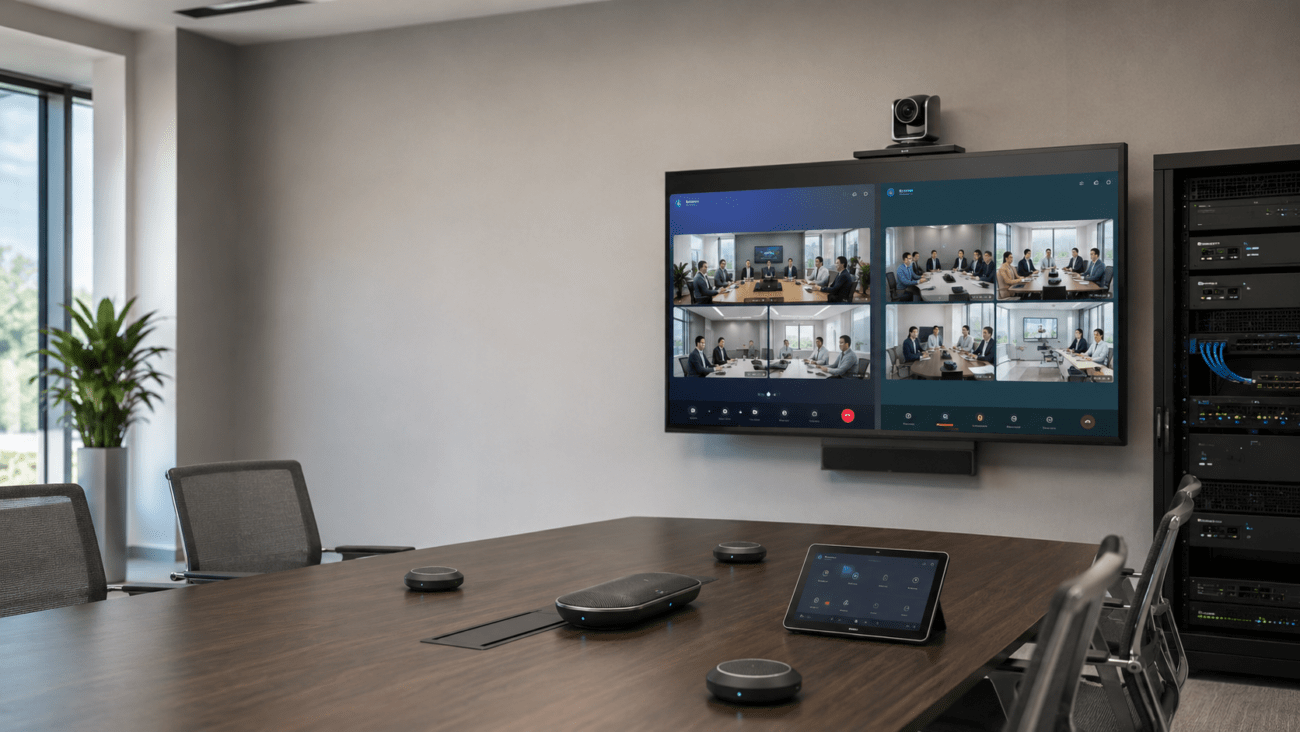
- Manage connected peripherals, e.g., adjust camera angle, mute audio, control speaker output
- Quickly access directories or add participants by touch
The CT200 pairs well with Yealink’s 8-Inch MTouch2 Touch Screen for MVC Rooms and dedicated Teams and Zoom kits. For organizations deploying both platforms, having controllers that look and function the same regardless of meeting type will improve ease-of-use and user adoption.
What To Check: Teams and Zoom Environments
- Ensure your licensing covers room systems/hardware—Teams Rooms and Zoom Rooms licenses are typically required for room-based deployments
- Check compatibility with your chosen collaboration platform (Teams, Zoom, or hybrid)
- Decide where to deploy (tabletop vs. wall-mount or outside-the-room scheduler/test area for booked spaces)
- Review any limitations on third-party or legacy devices you want to integrate
Integration with Yealink and Third-Party Hardware
The CT200 acts as the nerve center for Yealink deployments, integrating tightly with the brand’s conference room cameras, compute modules, and collaboration bars. Here’s how it fits into real-world setups:
It also supports standard USB/HDMI content sharing and can be used in hybrid setups alongside older third-party hardware if required—just check for firmware compatibility or USB bridge requirements before deployment.
Selection Tips, Setup Advice, and Common Pitfalls to Avoid
- Check network readiness: Confirm there is adequate bandwidth and Quality of Service prioritization for video and voice traffic. Use PoE Switches and managed switches for best results.
- Avoid compatibility surprises: Be sure Teams/Zoom Rooms licenses and required software versions are live on all room endpoints before the installation date.
- Standardize on hardware: Standardizing your controllers and peripherals across multiple rooms minimizes training and lowers ongoing IT support costs.
- Camera placement matters: Yealink PTZ and wide-angle cameras should be placed to capture all room participants—poor video quality is usually a result of bad placement, not hardware failure. See our Video Conferencing systems for coverage options.
- Plan speaker/mic placement: Avoid echo or dead zones by mapping out tables and using the right conference audio gear for each space.
- BYOD requirements: If users regularly bring laptops or other devices, confirm that your BYOD hub (like VCH51) integrates cleanly with the CT200 and aligns with internal network security policies.
- Minimize wall power runs: Use PoE (Power over Ethernet) cabling for controllers, saving installation time and reducing clutter under conference tables and inside drop ceilings.
- Test room automation: If controlling lights, blinds, or occupancy sensors, verify API support and test all integrated workflows before staff training.
Who Should Choose the Yealink CT200?
The CT200 is well-suited for organizations that:
- Want streamlined workflows in several Teams/Zoom meeting rooms—especially when consistency is needed between sites
- Need easier scheduling and quick “join now” options in busy conference or boardrooms
- Support flexible, hybrid work environments or have a mix of scheduled and ad-hoc meetings daily
- Operate executive suites or training rooms that require “walk up and use” simplicity without technical barriers
This device excels in large-campus settings and smaller branch or satellite offices, offering the same interface and experience everywhere it’s installed.
Conference Room Scheduling – Simplifying Meetings with CT200
Scheduling controllers like the CT200 keep your teams productive by giving real-time information about room availability and scheduled meetings. Enjoy fewer booking conflicts and faster room turns between sessions.
- Instant visibility into room status, even from outside the door if wall-mounted in scheduler mode
- Ability to quickly book, extend, or end meetings right from the display
- Integration with Microsoft Outlook, Exchange, and Google Workspace through your Teams/Zoom administrator
- Automated calendar sync—no more manually adding meetings
This is particularly helpful in hybrid workplaces, offices with shared conference spaces, and organizations with active meeting cultures.
Network Infrastructure and Power Tips
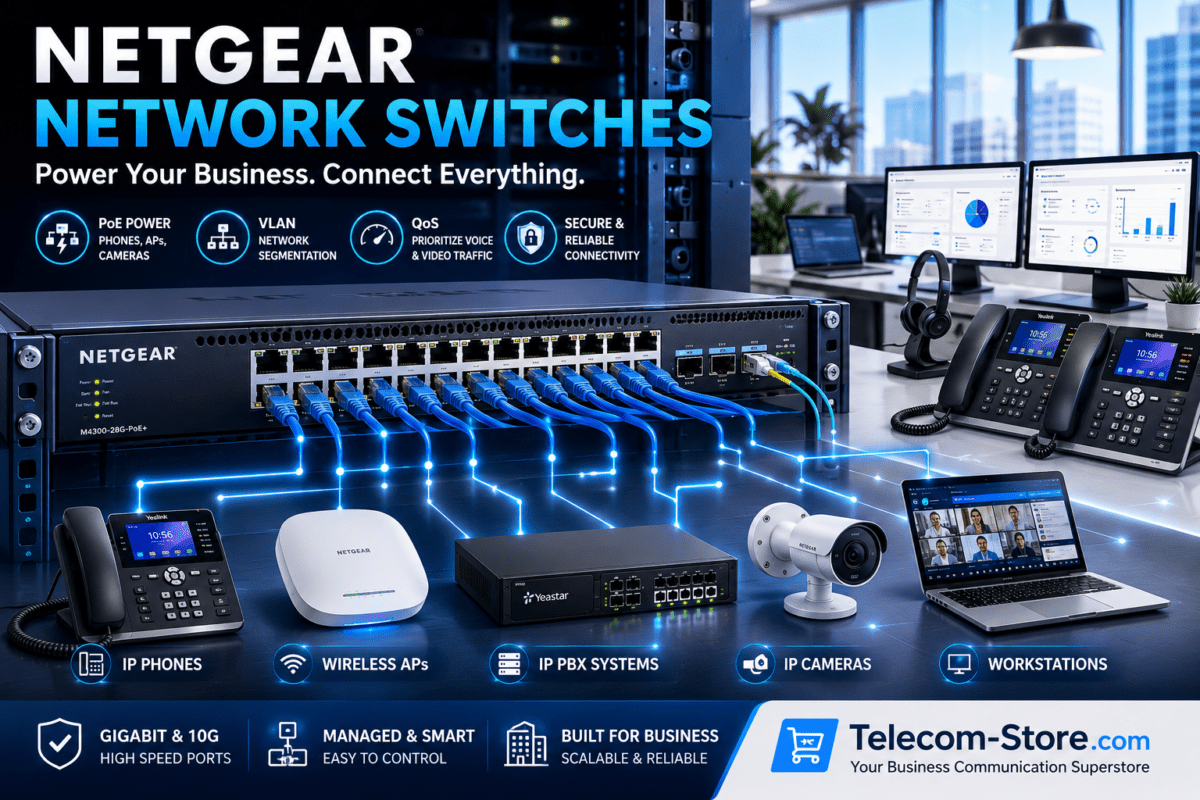
- Connect the CT200 to a PoE-capable switch, ideally a managed unit for VLAN and QoS settings—browse Managed Switches for guidance
- Segment conference traffic with VLAN tagging when integrating with core business networks
- Check switch output to ensure sufficient PoE power for controllers, cameras, and AV accessories; add mid-span injectors if needed
- Plan for future expansion of endpoints—choose a network switch with extra PoE ports
Still unsure what you need? Our Network Switches catalog features PoE and managed models suitable for meeting rooms of any size.
For large-scale rollouts, ask about site surveys and project planning assistance—or contact a specialist integrator like Axion Communications to support your deployment.
Expanding Your Collaboration Ecosystem
By standardizing on Yealink, your cameras, conference phones, and headsets all work together efficiently. Enhance your deployment by exploring:
Find the full range of Yealink video meeting solutions, collaboration accessories, and setup help at Telecom-Store.com.
Frequently Asked Questions
Is the Yealink CT200 compatible with both Microsoft Teams Rooms and Zoom Rooms?
Yes, the CT200 is certified for both. You get a consistent control experience regardless of platform or meeting type.
What are the main advantages of deploying a dedicated room controller like the CT200?
Expect shorter meeting times, improved booking transparency, reduced user training needs, and simpler multi-room management for your IT and facilities teams.
What devices integrate with the Yealink CT200?
The CT200 ties together Yealink AV peripherals, BYOD hubs, Teams/Zoom meeting kits, and most business-grade conferencing audio products.
Which network switches should I use for conference room controllers?
Deploy PoE or managed switches for easy installation—start with our collections of PoE Switches and Managed Switches.
What should I consider before buying?
Assess which meeting platforms you use, the number of rooms to standardize, network capacity, support contracts, and opportunities for workflow automation. Standardization supports training and scale.
Does the CT200 use special wiring?
No. Standard Cat5/6 Ethernet cabling with PoE powers the device, meaning no separate wall adapters or outlet concerns—just one low-voltage cable per room controller.
Final Thoughts: Make Your Meetings Smoother
The Yealink CT200 helps IT admins, meeting organizers, and end-users run productive meetings day after day. Whether for one room or 100, it delivers the simplicity, reliability, and future-ready integration that business buyers expect.
For expert configuration support, demos, and bulk order assistance, connect with Telecom-Store.com. Our team helps you select and ship Yealink collaboration tools that keep organizations connected and meeting rooms productive.