Choosing the Right Netgear Network Switch: Essential IT Buyer Guidance
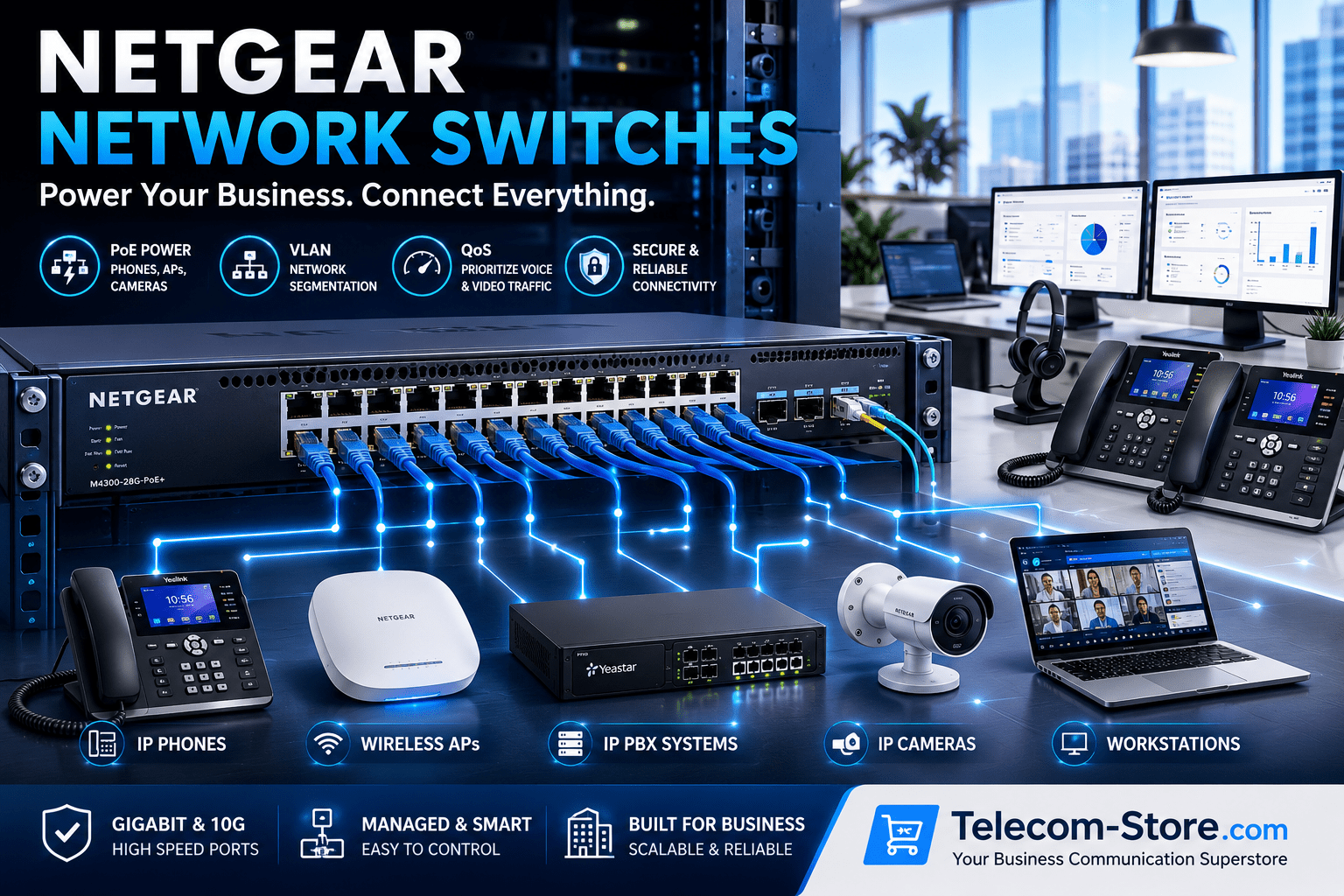
Netgear switches are a staple in business networking thanks to reliability, feature range, and compatibility with today’s office IT landscape. Whether you’re fitting out a new branch, migrating to hybrid meetings, or finally updating that aging rack in your comms room, choosing the proper Netgear switch sets your office up for fewer support tickets and easier expansion down the road.
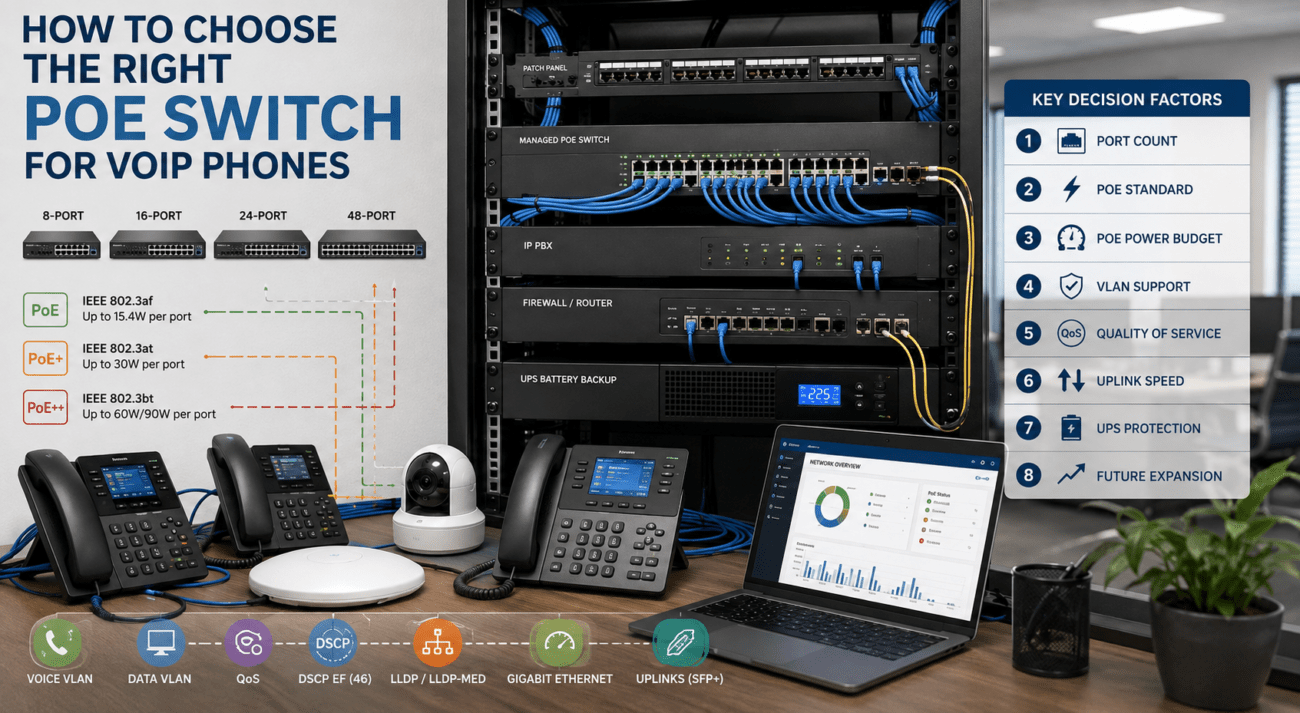
Buyer answer up front: For nearly every office with more than six people, managed switches pay off long term—giving you traffic control, future growth room, and strong device security. Unmanaged switches keep things very simple for fixed, single-room spaces, but limit growth and remote manageability. Always plan for more ports than you think you need, and view PoE as standard if you have VoIP phones, APs, cameras, or AV hardware. It’s money saved over time, not spent.
Netgear Switch Comparison Table for Business Selection
| Feature |
Unmanaged Switch |
Managed Switch |
| Setup |
Immediate, plug-and-play |
Requires configuration, allows optimization |
| VLAN Support |
No |
Yes – enables guest, voice, IOT segmentation |
| QoS (traffic prioritization) |
No |
Yes – critical for VoIP, Teams/Zoom |
| PoE Support |
Some models |
Wider port/PoE options |
| Remote/Cloud Management |
No |
Yes, essential for hybrid/expanding offices |
| Security Features |
Basic |
Advanced: 802.1x, ACLs, storm control |
| Best For |
Micro/small rooms, fixed setups |
Expanding offices, VoIP, video, compliance |
| Scalability |
Limited |
Stackable, modular expansion |
| Typical Use |
Few desktops/printers, basic VoIP maybe |
Unified comms, video, split Wi-Fi/voice/data |
| Cost |
Lowest |
Higher, but pays off in fewer upgrades |
Managed vs. Unmanaged Netgear Switches: What Fits Your Office Best?
On managed switches versus unmanaged switches, the correct choice depends on your scale, future plans, and any need for traffic segmentation, unified comms, or compliance. Here’s how to decide:
Where Managed Switches Add Value
If you operate VoIP phones, support Teams or Zoom Rooms, or want VLANs to isolate guests, IoT, or sensitive groups, managed switches are crucial. They bring web or cloud management, detailed security, traffic shaping (QoS), and let support teams solve problems without a site visit. If you plan new rooms, remote offices, or expect IT needs to change, this investment saves future headaches and costs.
Even for “simple” networks, buying managed switches is insurance—capabilities like VLAN and QoS only matter more as organizations hybridize IT, add smart devices, and deploy more AV.
When Unmanaged Netgear Switches Make Sense
Unmanaged switches are best for small rooms with very few endpoints (usually less than six) and no plans for segmentation, video meetings, or remote troubleshooting. They’re inexpensive and nearly impossible to misconfigure—but beware feeling boxed-in if you later add APs, cameras, or need to split network traffic for security or AV.
Your 2026 Office: Evolving Business Networking Demands
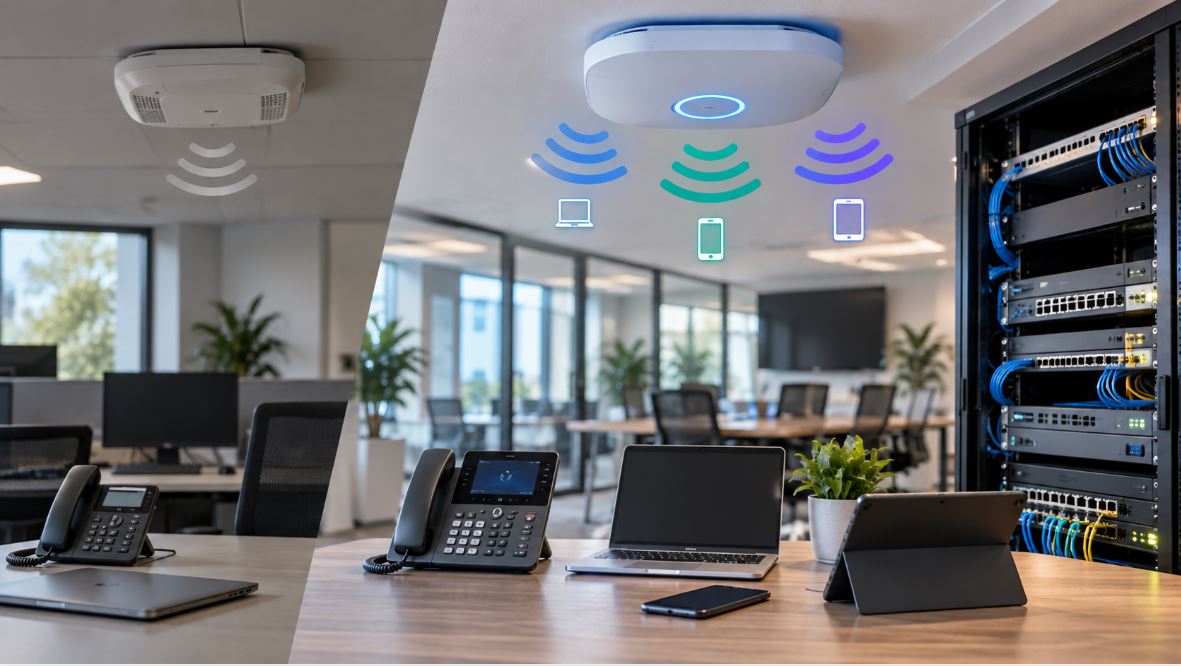
Modern offices support more than just PCs: think cloud sync, APs, video bars, PoE security, digital signage, and more. Dropped calls, laggy video, or shaky Wi-Fi cause lost time and trust. Netgear’s latest switch portfolio offers scalable PoE, multi-gig uplinks, and cloud management—geared squarely at tomorrow’s hybrid team.
Meeting Needs of Hybrid and Collaboration Environments
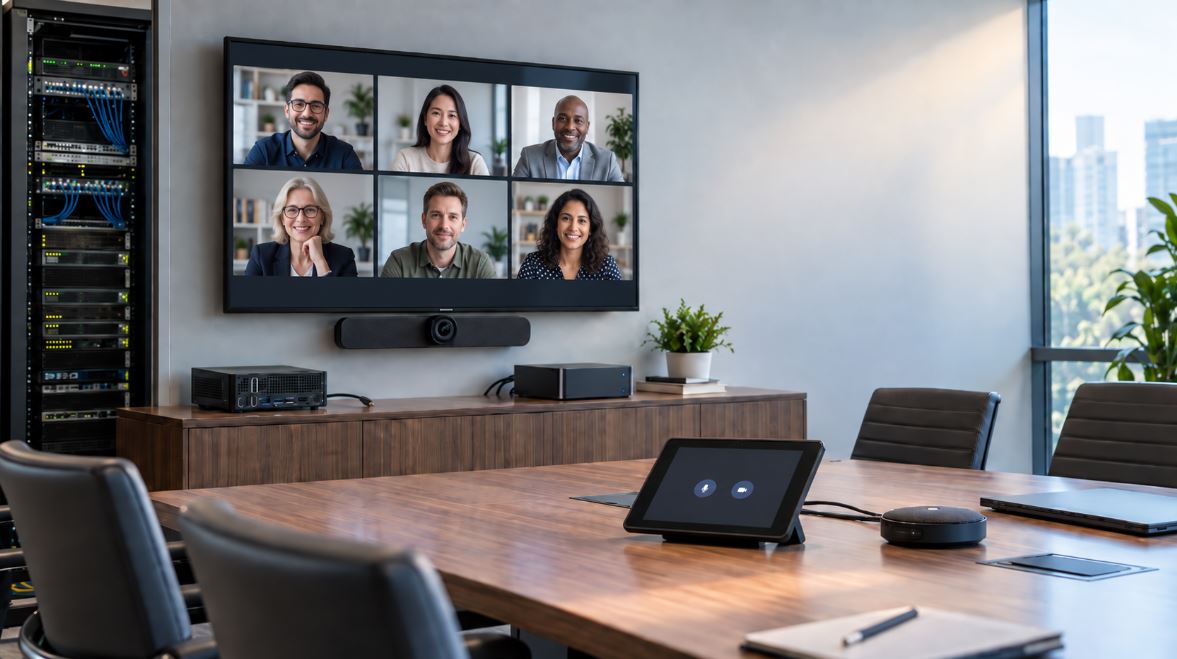
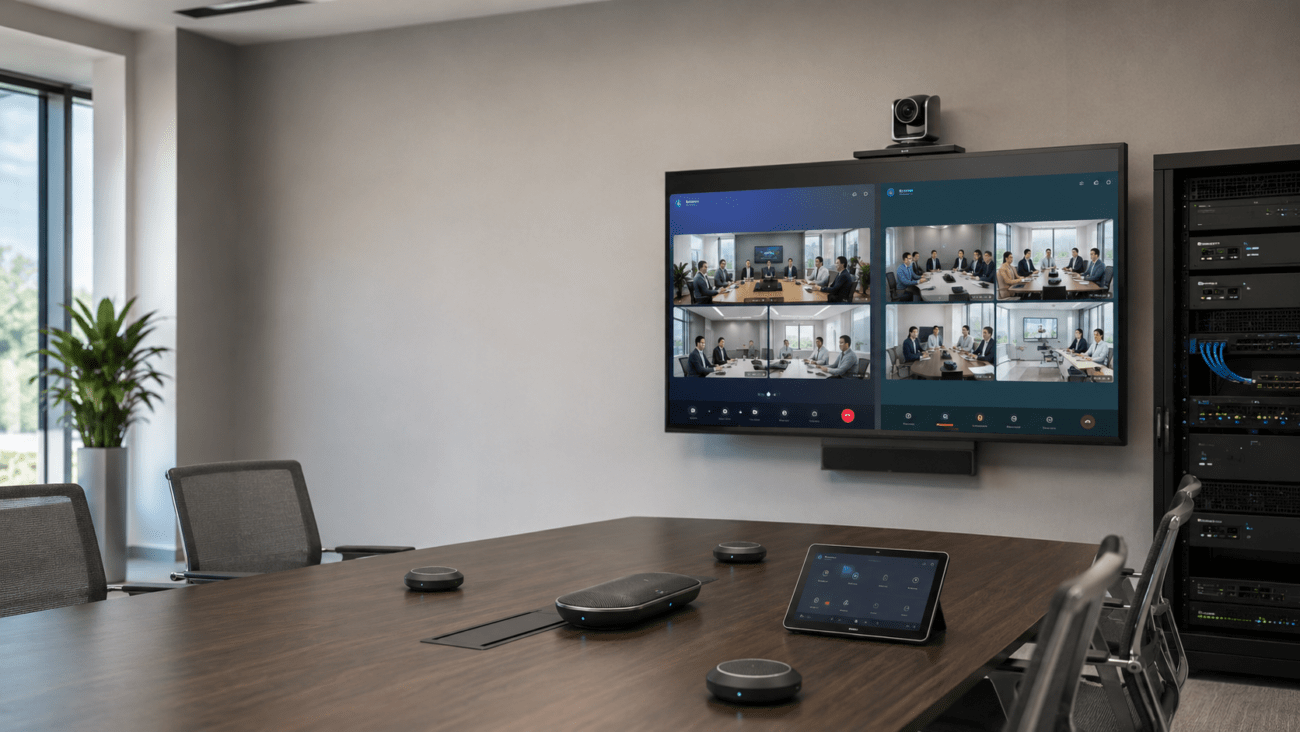
Teams and Zoom Rooms are everywhere, and high-quality video and audio are non-negotiables. Netgear managed switches let you flag conferencing or VoIP devices as high priority using QoS, and VLANs split staff, guest, and IoT securely. Prioritize advanced features if you plan to run unified comms, or if multiple endpoints will share the same access point or uplink. Consider how future conference spaces may require even more dedicated PoE and segmented network traffic.
Critical Setup and Upgrade Checklist for IT Buyers
- Go Gigabit or Multi-Gig: Wi-Fi 6/6E, Teams, or high file transfer offices demand these speeds at minimum. Slower switches will quickly be a bottleneck.
- PoE Headroom: Add up the full load of all powered endpoints—phones, APs, paging, cameras—and buy a PoE switch with at least 20–30% power margin.
- VLAN and Security: Even smaller offices gain safety and clarity by isolating guest/staff/IoT/voice traffic. Build for this up front.
- Cloud Management: Easy, secure remote oversight is crucial if you’re supporting multiple floors, remote/hybrid workers, or branch offices.
- Plan for Stacking/Uplinks: For businesses with expected growth, modular expansion is worth the investment.
Essential Netgear Features: What to Evaluate Before Buying
PoE: Key Considerations for Office Hardware
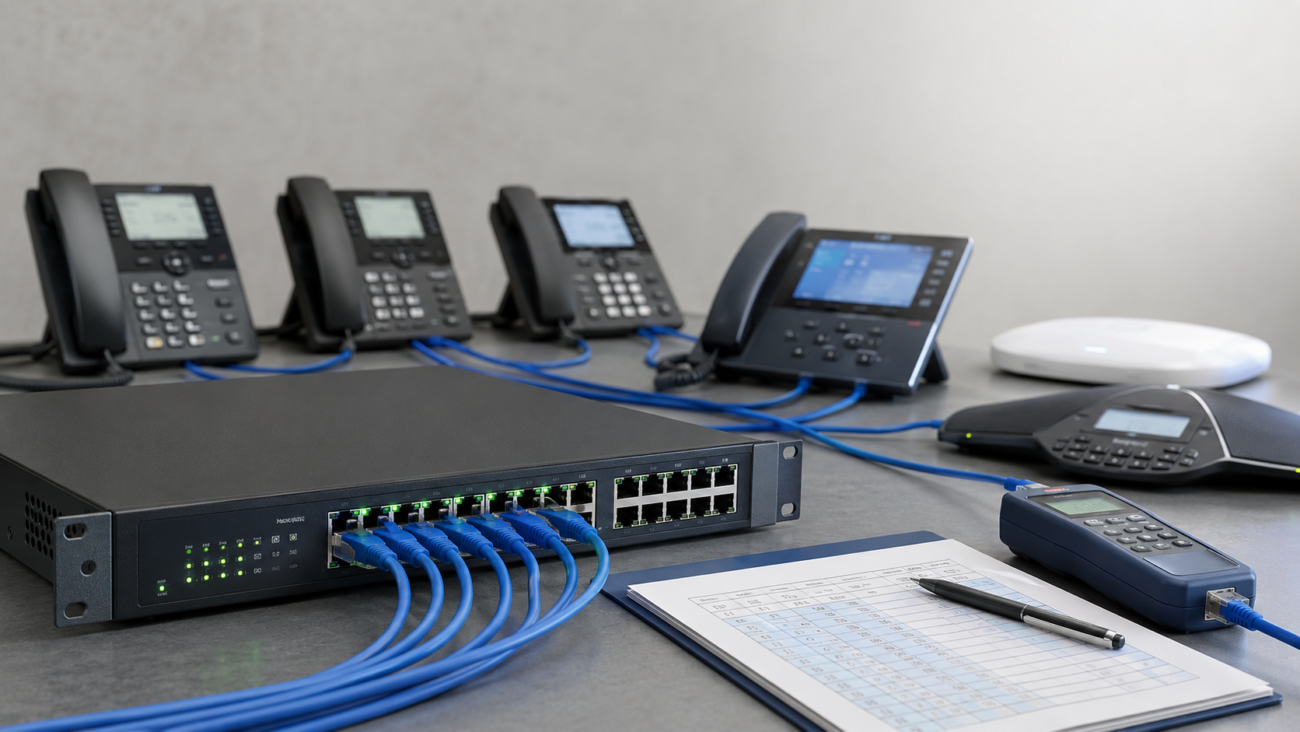
With PoE powering so much—phones, APs, security, even digital signage—run a spreadsheet listing all devices, their max wattage, and total draw. Buy the size up if you’re close; don’t risk brownouts when traffic spikes or environmental conditions worsen. For future flexibility, check out our full PoE switch lineup.
VLANs: Segregate and Simplify
VLAN support is now standard for businesses that must split networks for compliance, performance, or security—especially as more IoT, guest Wi-Fi, and conferencing gear connect. Setting this up at deployment is drastically easier than patching later, so plan VLANs with your initial rollout. It also helps with quality tracking and troubleshooting down the line.
QoS: Voice and Video Reliability Is a Must
Without QoS, hybrid meetings and VoIP can quickly fall apart under network congestion. Netgear managed switches offer controls to prioritize voice/video endpoints, ensuring your Teams/Zoom experience is consistent. When evaluating switches, check if they offer granular QoS (device or application based) and match with your conference hardware—see our VoIP phones and video conferencing systems sections for more details on compatible hardware.
Port Capacity: Always Oversize for Growth
Count every device in today’s office, add wireless endpoints, printers, paging equipment, and then bump your estimate by at least 25–50%. For dynamic or expanding environments, 24–48 port managed switches or stackable hardware help your IT investments last longer. For further variety, see our full switch catalog.
Security and Compliance
From 802.1x to access control lists, managed Netgear switches protect your business from the accidental and the malicious. If you’re serving open offices or multi-tenant environments, these features—plus regular firmware (see advice below)—are critical for risk reduction and compliance with business standards.
Remote and Cloud Administration
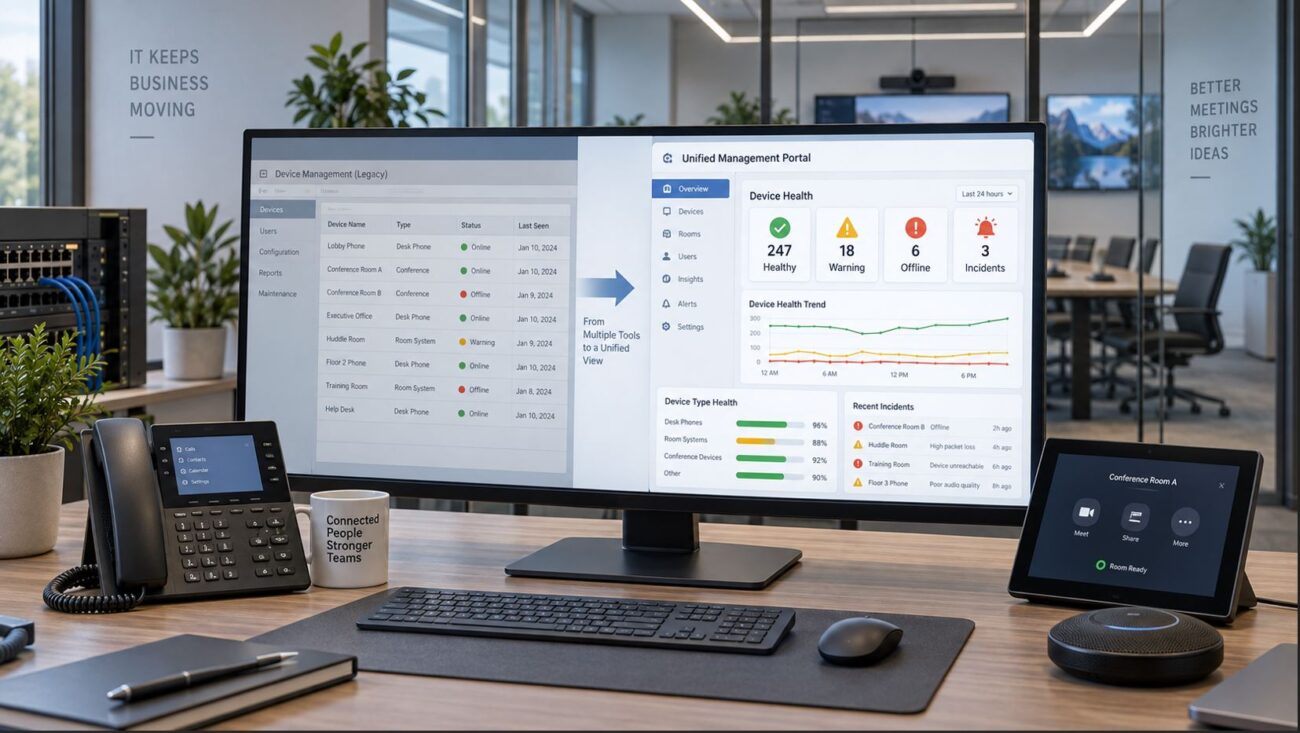
Netgear’s Insight and browser-based interfaces mean IT teams can centrally manage settings, push updates, and diagnose problems across sites in real time. Multi-site organizations or those with small IT teams especially benefit here, as remote intervention minimizes disruption. For long-term value, pick switches that scale with your growth and support remote/automated maintenance tasks.
Stackability: Planning for Tomorrow’s Demands
Stackable switches allow seamless bandwidth and port expansion: simply add switch units as rooms or endpoints multiply, avoiding network downtime and expensive swap-outs. Most managed Netgear switches now offer options for stacking, redundant uplinks, or chassis-based growth—without forklift upgrades.
Selecting the Right Netgear Switch by Use Case
Small Offices, Retail, and Startup Spaces
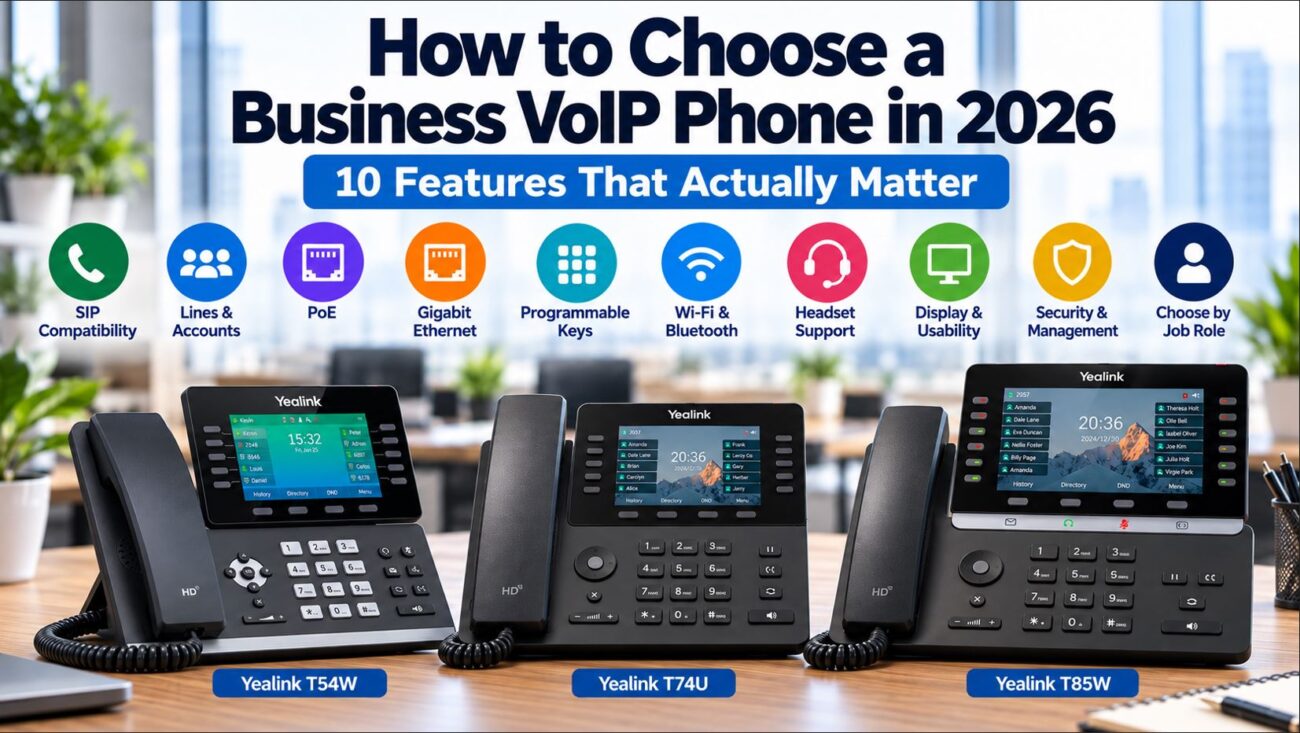
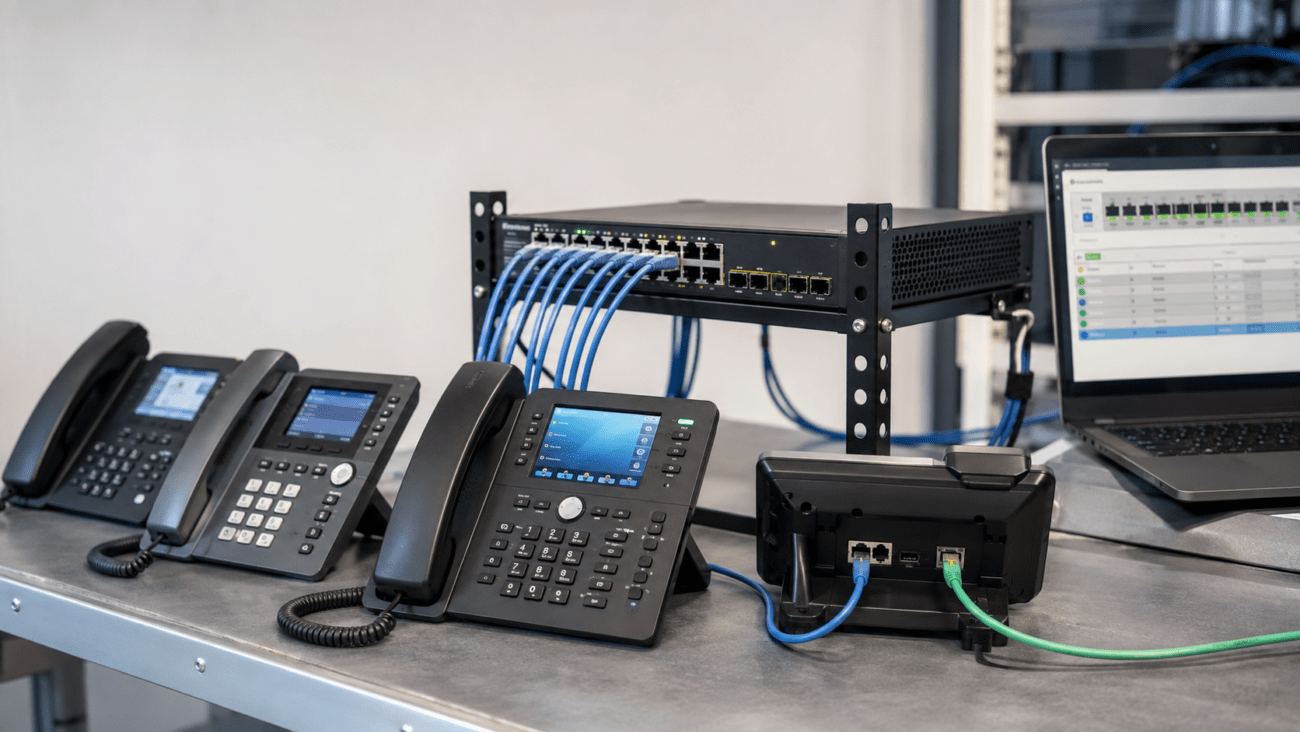
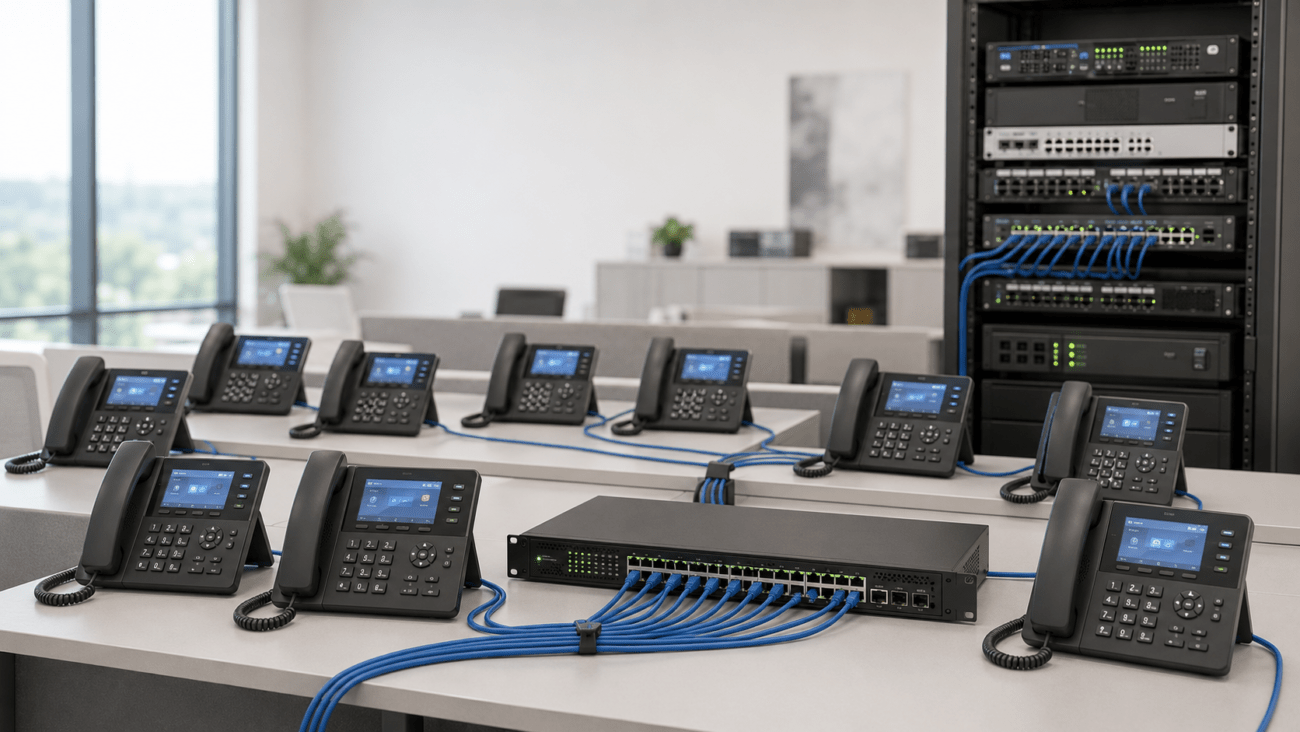
Deployments needing 8–24 ports for a handful of devices—think basic VoIP phones, a paging endpoint, APs, or a shared conference room—can start with basic unmanaged or entry-level managed models. Always allow upgrade room for added phones, wireless, or conferencing, particularly if you might implement team calls or add seasonal desks. Pair with VoIP phones or conference phones for a reliable basic setup.
Midsize, Expanding, and Hybrid Work Environments
Fast-growing companies—those adding hybrid meeting setups, paging, or flex working—should look at managed PoE switches, 24–48 ports, with VLAN and QoS. This makes adding paging systems, more video bars, and cloud-connected AV easy. Firmware maintenance and good documentation are musts: schedule quarterly reviews to ensure up-to-date, secure operations.
Conference Rooms, Teams and Zoom Environments, Hot Desking Spaces
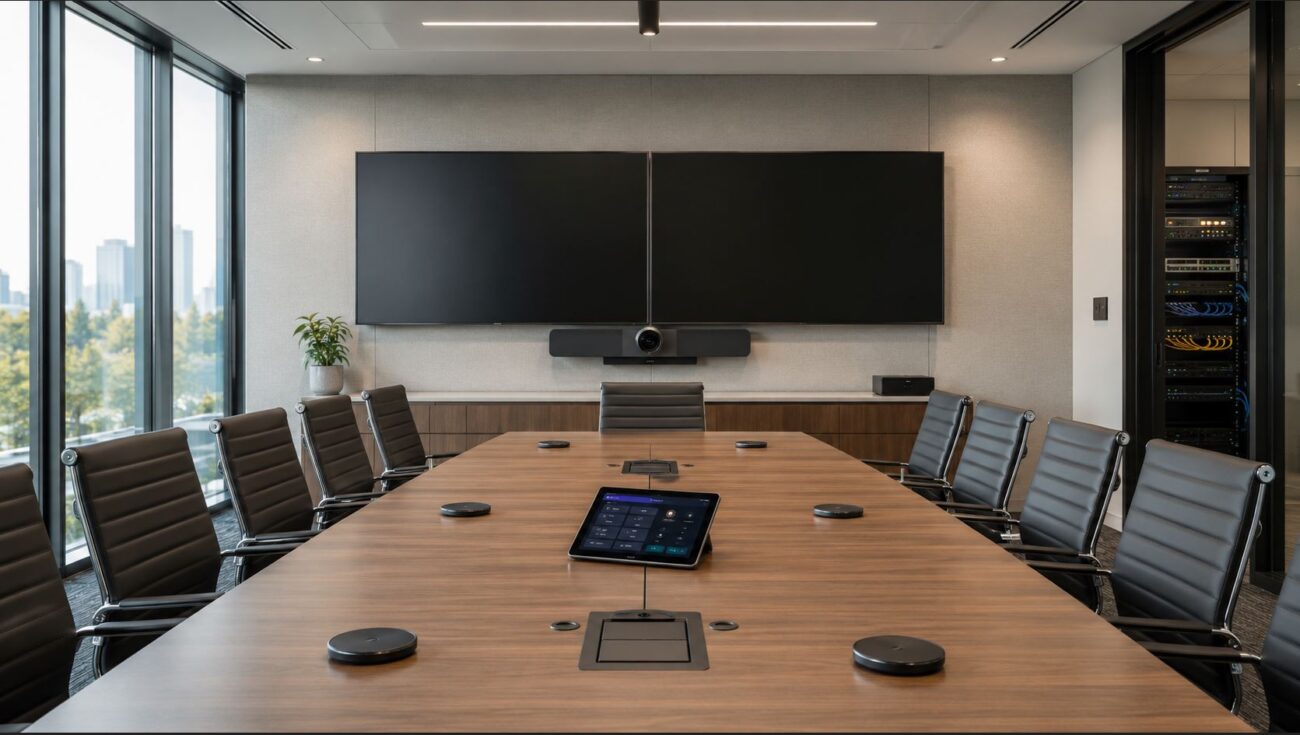
AV and collaboration environments (Teams/Zoom Rooms, huddle/hot desk zones) put the toughest demands on your wiring and switch bandwidth. Review requirements for video bars, conference phones, digital signage, and microphones, confirming PoE class and available power budget for simultaneous use. Prioritize stackable, managed switches with configuration templates that make future room expansions simple.
Compatibility Steps and Key Mistakes to Avoid
Netgear switches generally play well with all the big names: Yealink, Poly, Grandstream, Cisco, Fanvil, and most Wi-Fi 6/6E APs and SIP paging gear. Still, always check PoE class per device, confirm Teams/Zoom endpoints against switch specs, and ensure VLAN and security settings are supported by your hardware. Manual is key: create a worksheet for every room or endpoint category before you finalize your order.
Keep firmware current: Business networks should have a simple quarterly update plan. This keeps bugs at bay, enables new hardware, and avoids surprise compatibility issues. Upgrade outside critical business hours.
Right-size PoE budget: Use the maximum device draw and count power split for expansions—and aim for 20–30% extra. Nothing causes more trouble than under-provisioned switches in busy AV or phone environments, especially if you add devices partway through the year.
Capacity and Compatibility: Avoid patching networks together post-factum; upfront investment reduces future wiring, cabling, and troubleshooting. For hybrid and high-use environments, stacking support and remote management are legitimate requirements, not luxuries.
Setup and IT skills: VLAN, QoS, and cloud tools aren’t always intuitive. If your team is new to these, allocate extra time for testing/setup, or work with outside IT—the most persistent business network issues happen at configuration, not at the plug-and-play stage.
Top Buyer Mistakes—And How to Stay Ahead
- Choosing unmanaged when you’ll soon need VLAN, QoS, or cloud management.
- Forgetting to sum real-world PoE needs, leading to device resets or nonfunctional endpoints.
- Buying port counts for just today—leads to physical chaos after every upgrade, move, or seasonal headcount shift.
- Allowing firmware/security to fall behind—issues creep in with endpoint updates and open vulnerabilities.
- Not budgeting for management software (if needed) or skipping training for advanced switch features.
- Overlooking specific compatibility between conference endpoints, paging equipment, or new UC innovations and available switch PoE/VLAN support.
Step-by-Step Approach: Getting the Most from Your Netgear Switch Investment
- Inventory all IT and collaboration devices: Carefully track all hardwired and PoE units—phones, APs, AV, paging, printers—present and projected for next two years.
- Sum total PoE needs with headroom: Add up each device’s maximum draw at full load. Plan for high-usage days and expansion—20–30% extra is safest.
- Define advanced traffic needs: VoIP, paging, Teams Rooms, and AV all benefit from VLAN and QoS. For compliance or regulated sectors, prepare your segmentation plan up front.
- Plan management/monitoring needs: For growing firms or multi-site setups, cloud and remote management reduces long-term IT burden.
- Check with device compatibility lists: Especially for conference AV or special paging applications—validate before purchase. All our detailed Netgear models are found in the full catalog.
- Prepare rollout in phases: Where possible, deploy switches in batches, testing each office area before going live everywhere. This limits business disruption.
Networking Essentials to Pair With Your Netgear Switch
Conclusion
Netgear switches meet the day-to-day and long-term challenges of today’s business networks—accommodating growth, compliance, and modern unified comms without IT bottlenecks. Choose managed models for almost any dynamic or growing office, and always budget headroom in ports, PoE and manageability. List and map all your AV, collaboration, and paging endpoints up front for a smooth deployment. Firmware discipline and careful configuration guarantee short and long-term ROI. Still have questions, or planning a larger migration? Contact Telecom-Store experts or connect with your IT provider to fit the exact switch to your needs and avoid the pitfalls that slow businesses down as they expand and evolve.
FAQ: Netgear Switches for Business Offices in 2026
Are Netgear switches good for business VoIP and IP PBX deployments?
Yes, Netgear managed switches are widely used for business VoIP phones and IP PBX deployments. They offer reliable VLAN and QoS features—key for prioritizing voice traffic, delivering clear calls, and supporting unified communications like Teams Rooms or Zoom Rooms.
Should I choose a managed or unmanaged Netgear switch?
Managed switches are the right pick for growing offices, or where QoS, VLANs, security, or remote management may soon be required. Unmanaged models work for very static, small environments—but are rarely future-proof for business.
How vital is PoE for modern offices?
PoE is critical for powering VoIP phones, APs, meeting room gear and security devices without extra plugs. Always check wattage per endpoint and size with a margin for new hardware or future growth.
How often should I update firmware on Netgear switches?
Best practice is quarterly updates for switches—this addresses new device compatibility, bugs, and security threats. Upgrading during off-hours prevents accidental outages.
What’s the top mistake buyers make with business network switches?
Not budgeting future headroom in ports/PoE and underestimating need for managed features. Buying for today alone usually results in network patchwork later—future-proofing saves money and downtime.
How do I ensure Teams Rooms and Zoom Rooms gear is supported?
Review specs before purchase: favor managed, stackable switches with enough PoE for simultaneous AV endpoints, and confirm VLAN/QoS are supported by your chosen conferencing and paging hardware.