Yealink Video Conferencing: Fast Answers for Business Buyers
Yealink video conferencing systems let you set up reliable, easy-to-use meeting spaces for Teams Rooms, Zoom Rooms, and hybrid work. If you need meeting technology that works with your existing collaboration platform and provides good camera and audio quality, Yealink is a practical choice for most offices.
Comparing Yealink Video Conferencing for Modern Meeting Spaces
| Room Type |
Recommended Yealink Solution |
Key Features |
| Executive Desk / Personal Workspace |
DeskVision Collaboration |
Touchscreen, camera, all-in-one, Wi-Fi/Ethernet |
| Huddle Room / Small Meeting |
MeetingBar A10 |
All-in-one, 4K camera, integrated audio, PoE |
| Medium Conference Room |
MeetingBar A20/A30 + MTouch |
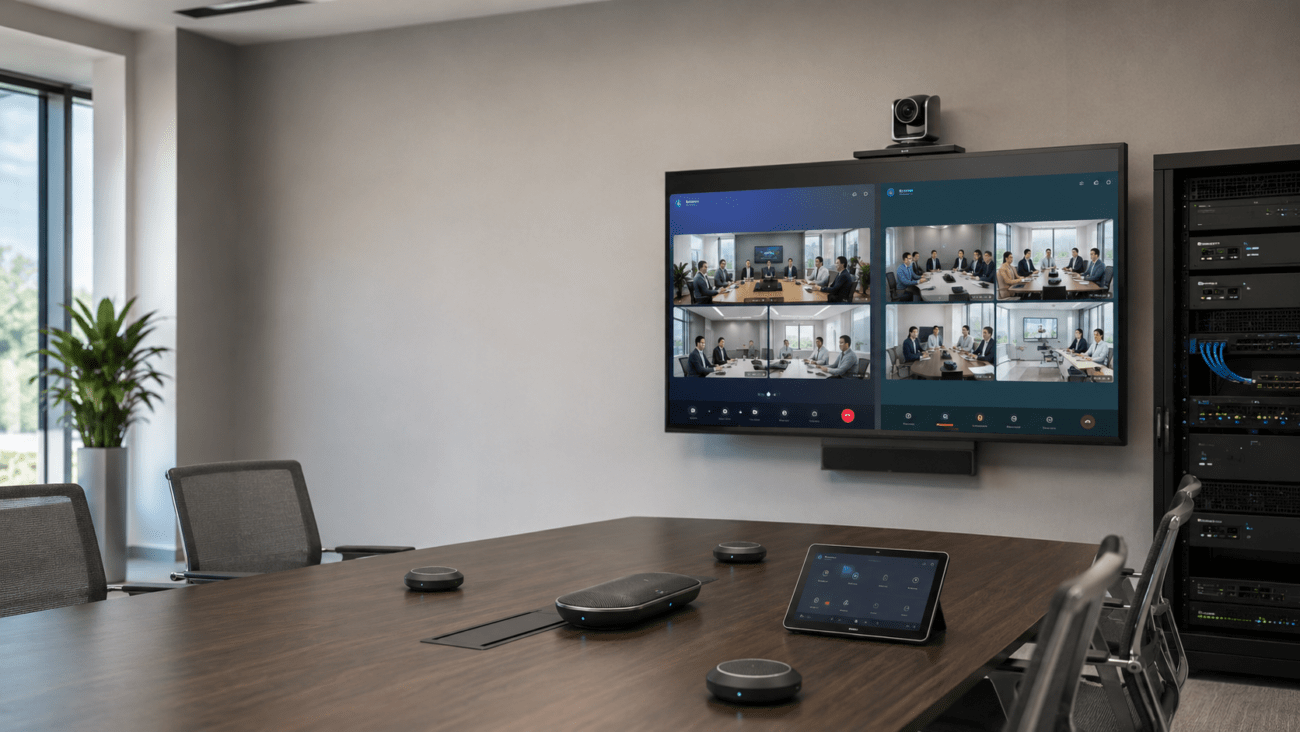
Dual cameras, touch controller, Teams/Zoom support |
| Large Boardroom |
PTZ Camera + VCM35 Mic + Touchscreen Display |
Optical zoom, extended audio, interactive display |
Why Businesses Choose Yealink Video Conferencing
Today’s organizations need conference rooms that just work. Yealink delivers video systems that are compatible with Microsoft Teams, Zoom, and SIP—so you don’t have to worry about platform lock-in or missed meetings. Installation is straightforward, thanks to all-in-one devices and PoE support. Room options range from quick huddle areas to full boardrooms.
Buyers choose Yealink for:
- Consistent video and audio quality across locations and room sizes
- Certified solutions for Teams Rooms and Zoom Rooms
- Expandable audio and camera options for rooms big or small
- Simple setup, especially in spaces with PoE
Main Device Types and How They Fit Your Meeting Space
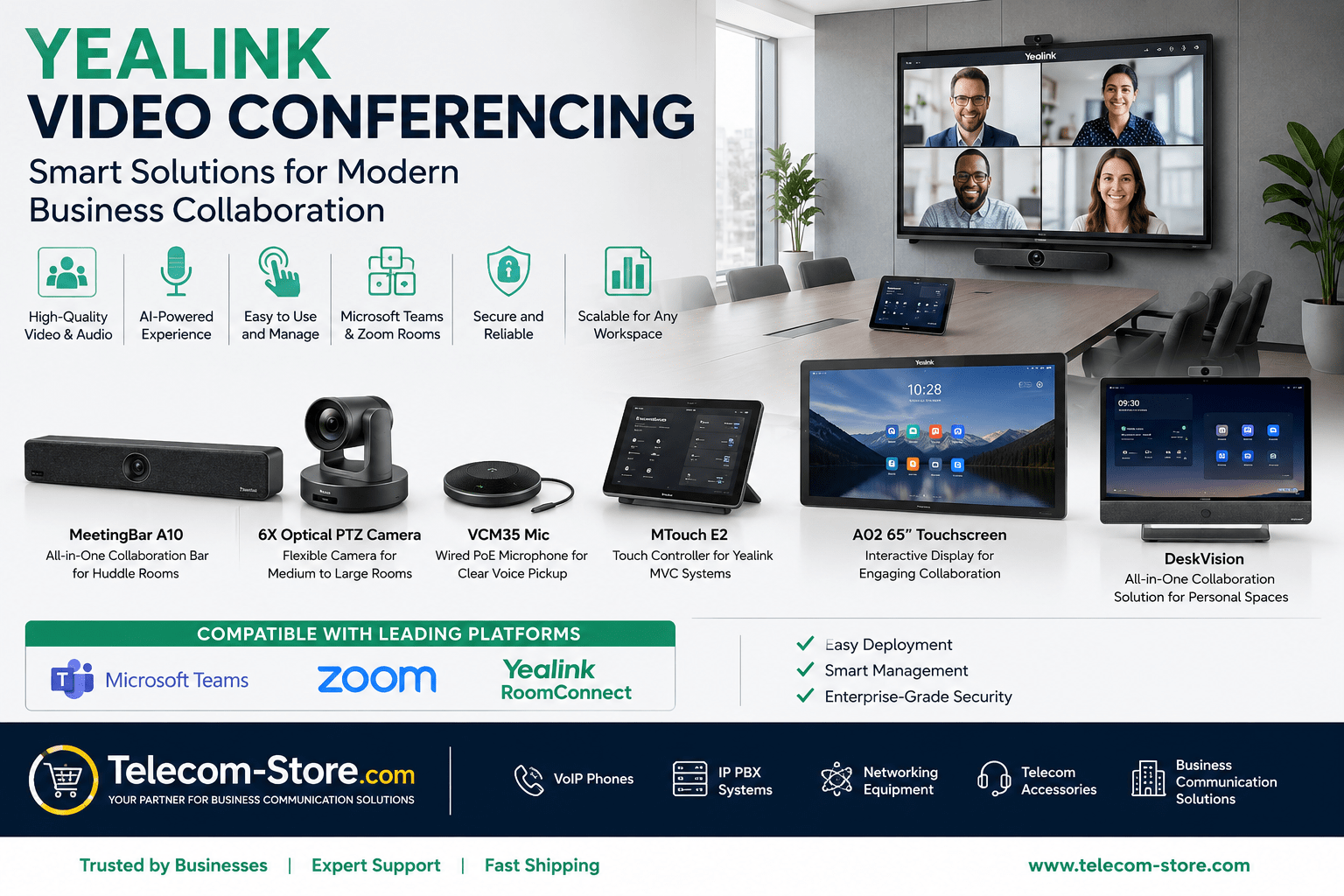
All-in-One Bars (MeetingBar Series)
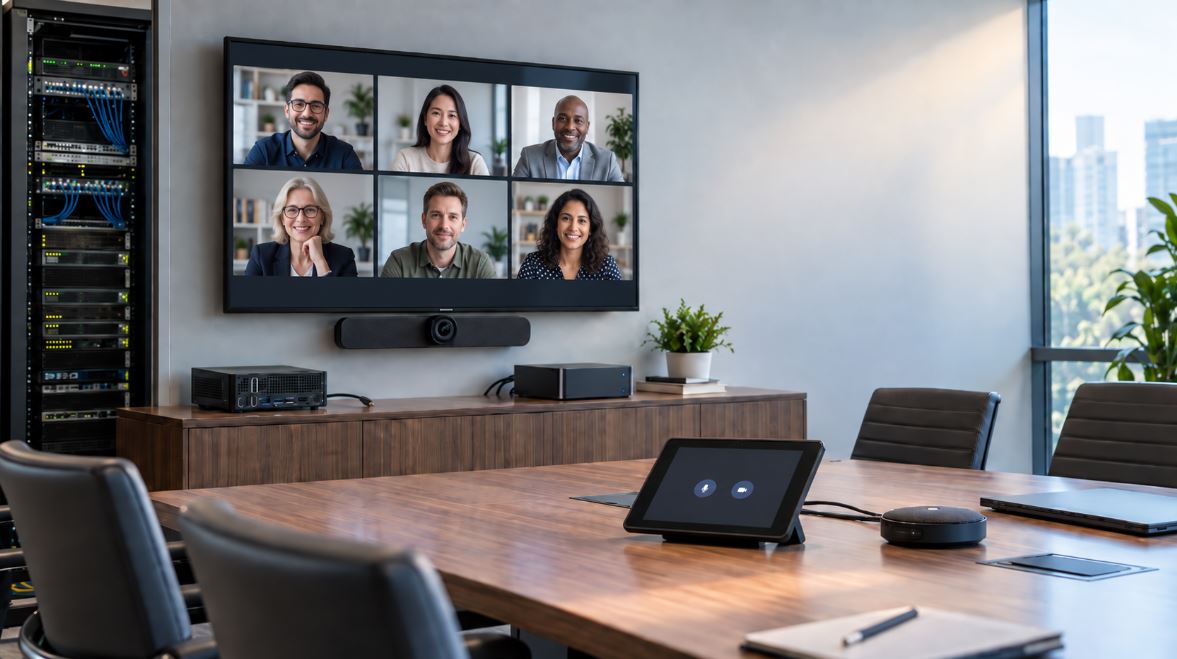
MeetingBar models, like the A10 or A20, combine camera, mic, and speaker in one device—ideal for huddle or small rooms. With PoE compatibility, fewer cables and less installation hassle.
PTZ Cameras for Boardrooms
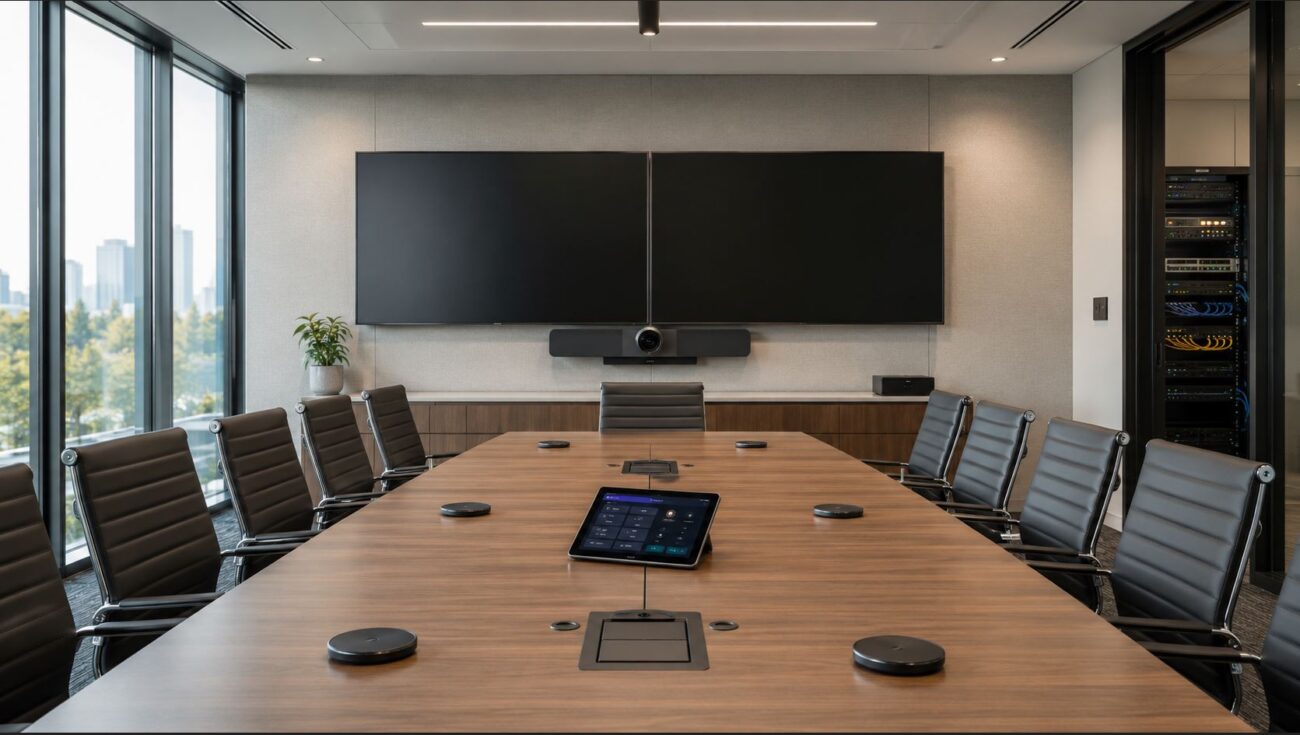
For larger rooms and custom layouts, Yealink PTZ cameras (such as the 6X Optical PTZ model) provide pan, tilt, and zoom, so everyone in the room is seen. Add VCM35 tabletop mics to maintain clear audio—even across a long table.
Interactive Touch Displays
Interactive panels like the Yealink A02 65-inch let teams whiteboard, annotate, and present right on the display. This boosts engagement in training rooms and large meetings. Combine with VoIP phones for a unified setup. See Yealink VoIP phones.
Platform Compatibility and Integration
Check that your Yealink equipment is certified for your chosen collaboration platform. Teams Rooms and Zoom Rooms integrations allow one-touch join, calendar sync, and room management from devices such as the MTouch touch controller.
Tip: Not all devices support every platform. Review the product pages for Teams and Zoom badges, or ask before ordering. For unified communications, Yealink integrates well with SIP VoIP phones and conference room phones.
Network and Power Considerations
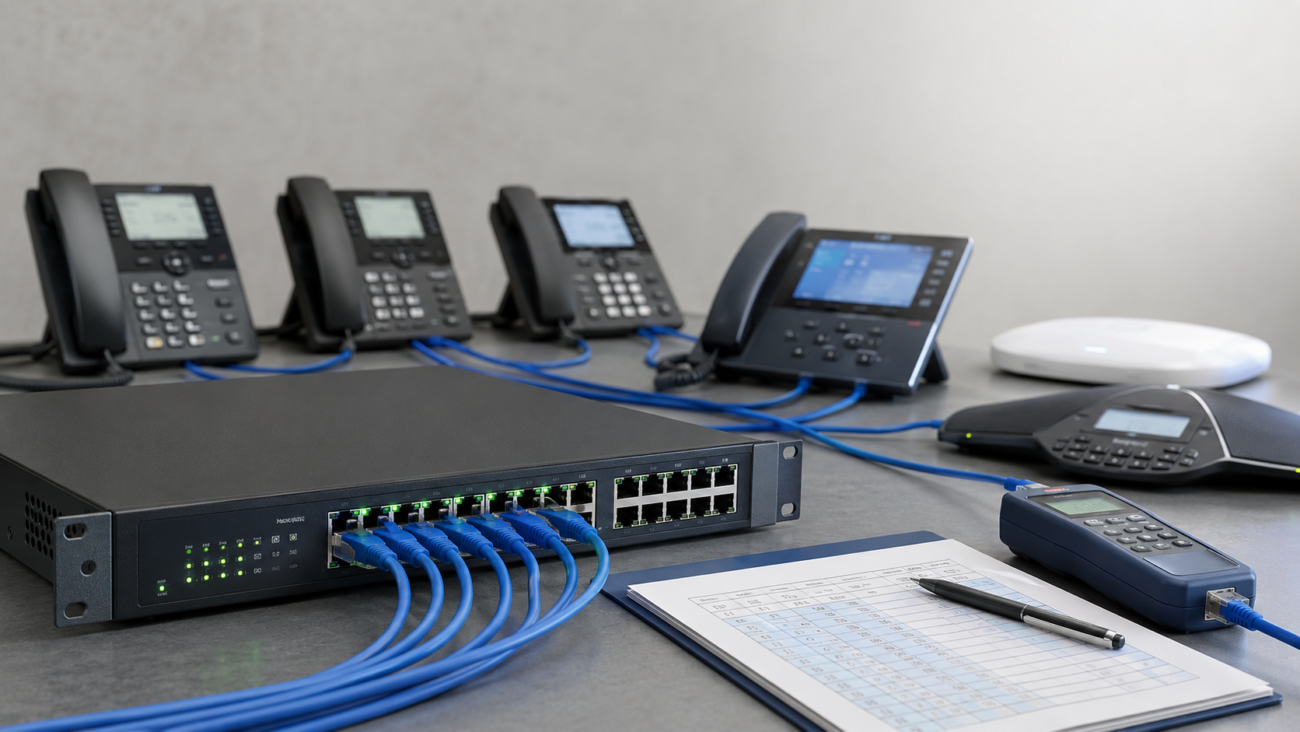
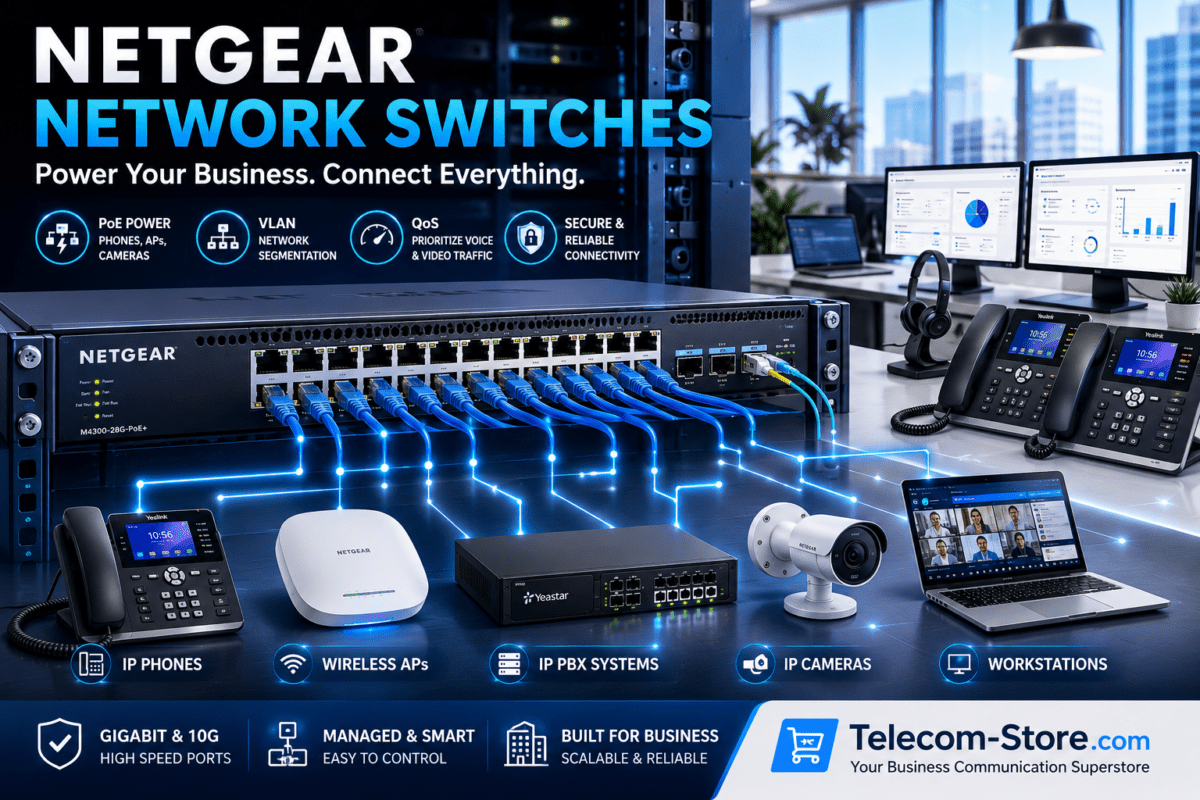
- Network: Use business-grade PoE switches for clean installs. Managed switches with QoS support (see PoE switch options) keep calls clear.
- Bandwidth: Check that your internet and internal network can support high-definition video for all rooms you plan to equip.
- Security: Isolate video traffic with VLANs and review firewall settings with IT before deployment.
Audio Quality: Room Coverage and Microphone Placement
Audio quality can make or break a meeting. For best results in boardrooms or long tables, add more microphones such as the VCM35 wired tabletop mic. For a consistent audio experience, place microphones evenly and test coverage from every seat before finalizing your install.
Typical Buyer Mistakes (and How to Avoid Them)
- Ordering a system without confirming platform compatibility (Teams/Zoom/SIP).
- Not verifying PoE availability in the meeting room—leading to power runs or extension cords.
- Assuming built-in mics will suffice for all room sizes. Most large rooms need extra microphones.
- Poor camera placement resulting in awkward angles or partial room coverage.
- Skipping user training—leading to under-used or misused conference equipment.
Integration and Future-Proofing
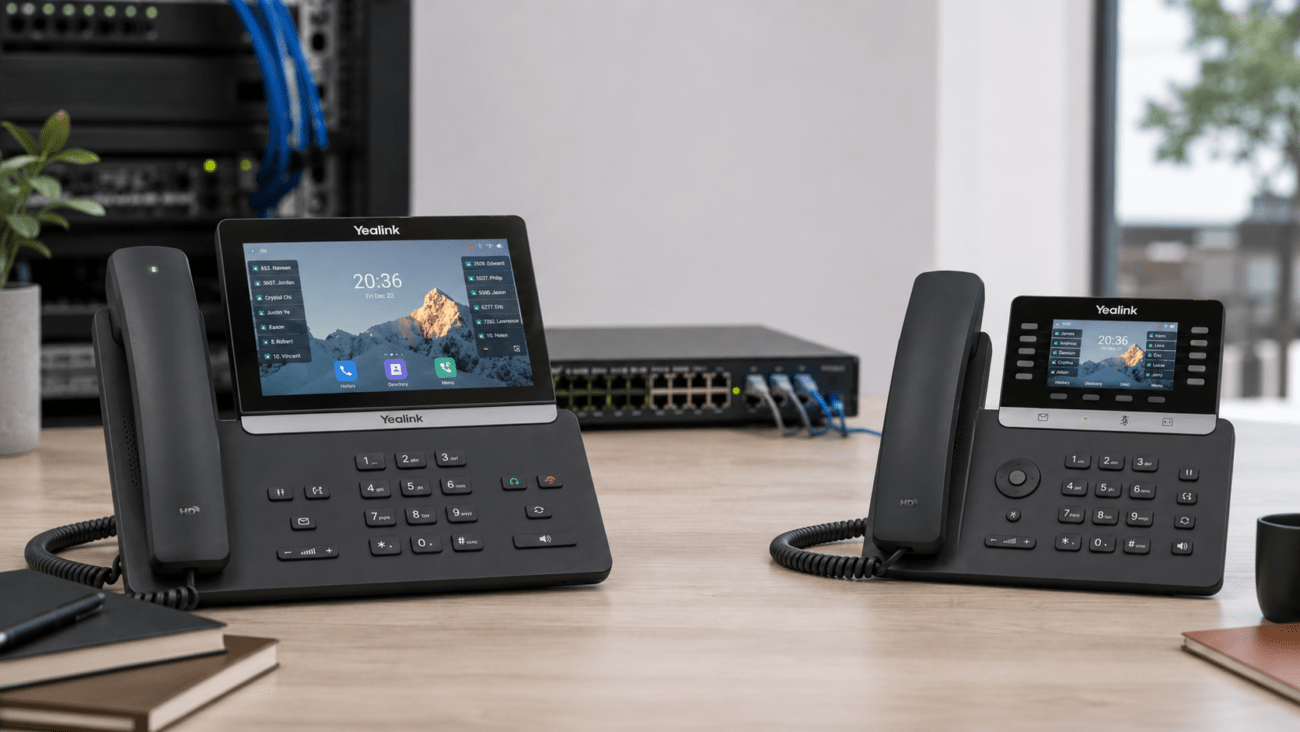
Yealink video products work alongside your existing Yealink VoIP phones and conference devices. If you use an IP PBX or are expanding to larger AV deployments, Yealink remains a flexible choice as your needs grow.
For specialized advice, see our full video conferencing range here.
FAQ: Yealink Video Conferencing in Businesses
- Who should choose Yealink video conferencing for their meeting rooms?
Businesses seeking reliable video meetings for Teams Rooms, Zoom Rooms, or hybrid setups benefit from Yealink. Their systems are ideal for conference rooms, huddle spaces, executive offices, and training rooms where dependable AV and ease of use matter.
- How do I select the right Yealink system for my meeting space?
Check your room size, collaboration platform (like Microsoft Teams, Zoom, or SIP), network readiness (PoE, QoS), and desired features. Smaller rooms may only need a MeetingBar, while boardrooms need PTZ cameras and extra microphones for clear coverage.
- Are Yealink conferencing devices compatible with Teams and Zoom?
Yes. Yealink offers Teams Room and Zoom Room certified devices. Always check the product’s certification to ensure platform compatibility before ordering.
- What network equipment is recommended for Yealink conferencing?
For best performance, use quality PoE switches and ensure consistent internet access. Managed network switches with QoS help maintain video and audio quality, especially in environments with heavy traffic.
- Do Yealink systems work with existing VoIP phones and conferencing devices?
Yes, Yealink conferencing solutions integrate with many Yealink VoIP phones and can connect with unified communications platforms, letting you build a consistent business communication environment.
- What are common mistakes when setting up business video conferencing rooms?
Frequent mistakes include underestimating microphone coverage, poor camera placement, not checking network PoE readiness, and neglecting user training.
Summary: Getting Conference Rooms Right with Yealink
Yealink video conferencing technology makes it easier to equip your business with meeting spaces that suit your workflow and collaboration platform. To get the best results, check your room size, PoE/network readiness, and platform needs before selecting a system. For tailored help or product recommendations, explore our Yealink video conferencing catalog or contact us directly.