
PoE vs. Power Adapters for IP Phones: What Buyers Need to Know
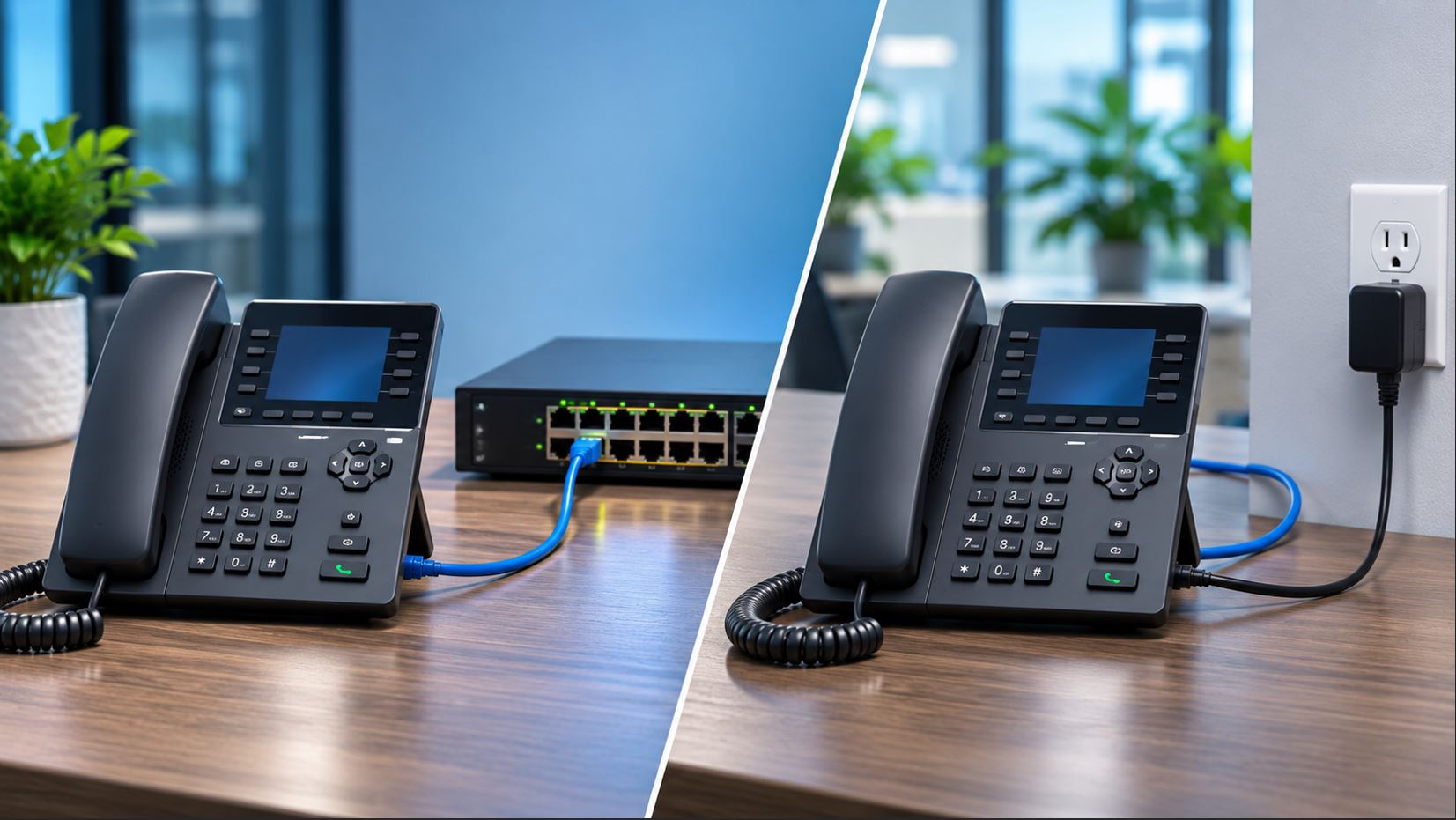
When purchasing business IP phones, one important detail is easy to overlook: how will each phone receive power? Most modern wired VoIP phones can use Power over Ethernet (PoE), while many also support an external AC power adapter. Choosing the right method affects installation costs, cable management, network reliability, and future expansion.
For most businesses deploying several IP phones, PoE is the preferred solution because a single Ethernet cable can carry both network data and electrical power. However, an AC power adapter may be the more practical choice for a home office, an individual replacement phone, or a location without PoE equipment.
This guide explains how both methods work, their advantages and limitations, and what to check before purchasing your next business VoIP phone.
What Is Power over Ethernet (PoE)?
Power over Ethernet is a networking technology that delivers electrical power and Ethernet data through the same network cable. Instead of connecting an IP phone to both an Ethernet outlet and an electrical outlet, a compatible PoE switch can provide everything the phone needs through its network connection.
A typical PoE installation includes:
- A PoE-compatible IP phone.
- A network switch with PoE-enabled ports.
- Suitable Ethernet cabling, typically Category 5e or better.
- A router and network connection to the organization’s VoIP system.
The network switch supplies power only after performing the required detection and classification procedures for standards-compliant PoE equipment.
How Does PoE Power an IP Phone?
When a compatible IP phone connects to a PoE-enabled switch port, the switch detects the device and determines its supported power requirements. The switch then provides power over the Ethernet connection.
This arrangement simplifies office installations because employees do not need a separate electrical outlet at every telephone location.
What Is an IP Phone Power Adapter?
An IP phone power adapter converts AC power from a wall outlet into the DC voltage required by a compatible telephone. The phone receives network connectivity through its Ethernet cable and electrical power through its dedicated DC input.
Power adapters are useful when an existing network switch does not support PoE or when only one or two phones need to be installed.
However, power adapters are not universally interchangeable. Buyers must verify the manufacturer’s required voltage, current capacity, connector dimensions, polarity, and supported part number.
Using an incompatible adapter can prevent a phone from operating and may damage the equipment.
PoE vs. Power Adapters: Side-by-Side Comparison
| Feature | Power over Ethernet | AC Power Adapter |
|---|---|---|
| Power source | PoE switch or injector | Electrical wall outlet |
| Connections at the desk | One Ethernet cable | Ethernet and power cable |
| Best application | Multi-phone offices | Individual or small deployments |
| Initial equipment cost | Requires PoE infrastructure | Requires compatible adapter |
| Centralized power management | Available with managed PoE switches | Generally unavailable |
| Battery backup | Central UPS can protect multiple phones | Individual or shared UPS required |
| Expansion | Convenient when ports and power budget remain | Requires sufficient electrical outlets |
| Cable management | Fewer desk cables | Additional power cable |
Understanding PoE Standards: 802.3af, 802.3at, and 802.3bt
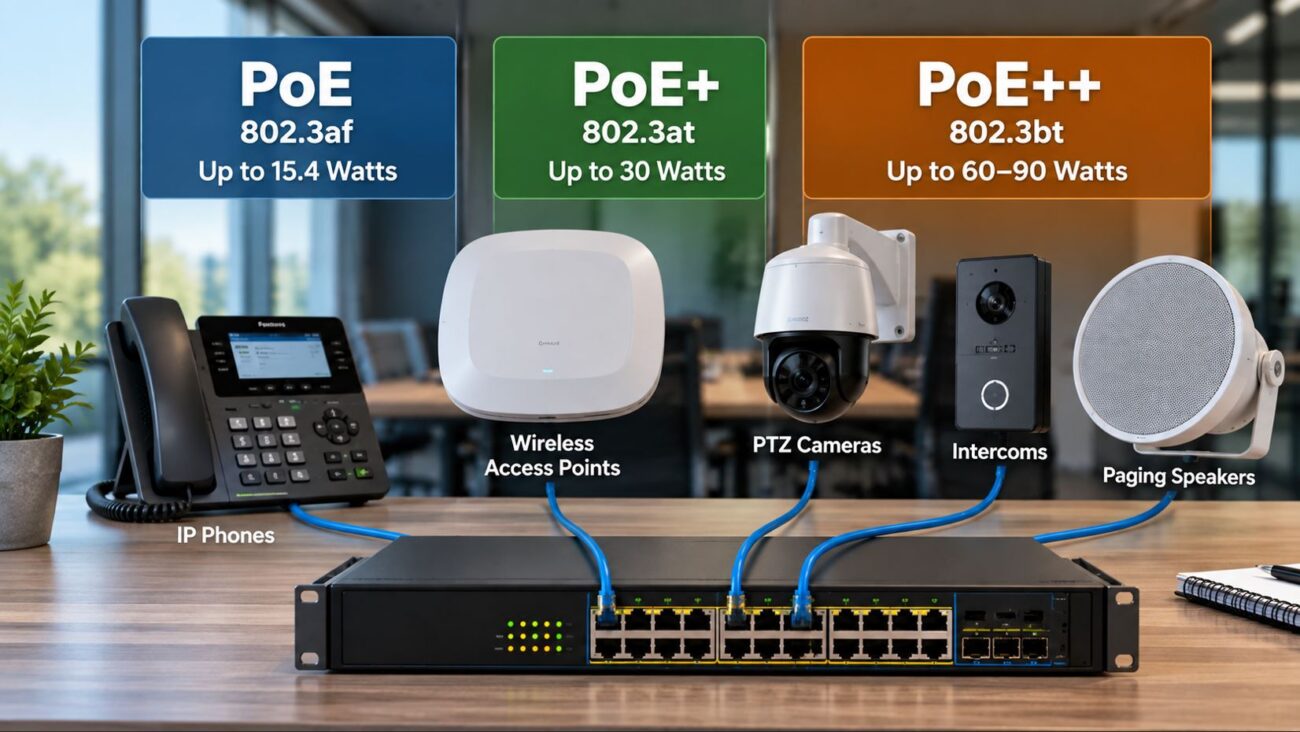
Not all PoE equipment supplies the same amount of power. IEEE standards define different power capabilities, and buyers should verify the requirements of each device.
| Standard | Common Name | Maximum PSE Output | Maximum PD Power |
|---|---|---|---|
| IEEE 802.3af | PoE, Type 1 | 15.4 W | 13 W |
| IEEE 802.3at | PoE+, Type 2 | 30 W | 25.5 W |
| IEEE 802.3bt Type 3 | Higher-power PoE | 60 W | 51 W |
| IEEE 802.3bt Type 4 | Higher-power PoE | 90 W | 71.3 W |
Many conventional desktop IP phones operate using IEEE 802.3af. Some advanced devices, video phones, and phones with power-intensive accessories may require a higher-power connection.
Always check the exact model’s technical documentation, particularly when using expansion modules or other powered accessories.
For additional technical background, consult the Ethernet Alliance’s overview of IEEE PoE standards and interoperability.
What Is a PoE Power Budget?
A PoE switch has two important limits: the maximum power available from each port and the total power available across all ports.
For example, consider an office installing 20 IP phones. If each phone requires up to 8 watts, the combined phone load is 160 watts.
That does not mean any 160-watt PoE switch is automatically sufficient. The administrator must also account for power allocation behavior, accessory requirements, cable losses, other powered devices, and appropriate capacity for future growth.
Example Power Budget Calculation
| Item | Calculation | Power |
|---|---|---|
| 20 IP phones | 20 × 8 W | 160 W |
| Illustrative 25% planning allowance | 160 W × 25% | 40 W |
| Illustrative planning target | 160 W + 40 W | 200 W |
In this example, a switch with an appropriate port count, supported PoE standards, and at least a 200-watt usable PoE budget would be a reasonable starting point. Actual sizing should use the manufacturer’s documented maximum requirements and the switch’s allocation behavior.
When Should a Business Choose PoE?
PoE is usually the stronger choice when an organization is deploying multiple wired IP phones or building a new voice network.
Advantages of PoE for Business Phones
- Cleaner installation: Each desk needs fewer cables and power connections.
- Centralized management: Managed PoE switches can provide port monitoring and remote power cycling.
- Simpler expansion: Additional phones can be connected wherever suitable network cabling and available PoE capacity exist.
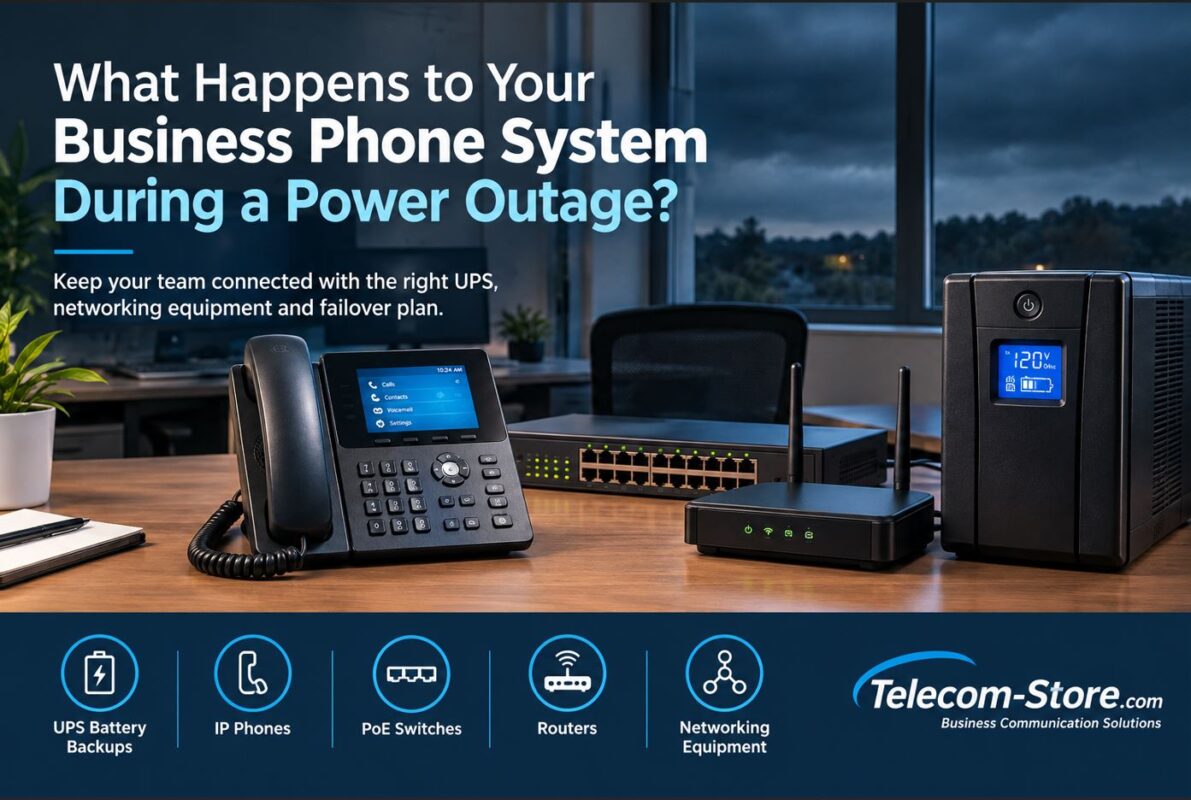
- Centralized backup power: A UPS protecting the network switch can keep connected phones powered during a local electrical outage.
- Reduced adapter management: IT teams do not need to distribute and track a separate power adapter for every phone.
However, PoE does not guarantee uninterrupted phone service. During an outage, the router, internet connection, switching infrastructure, and any required local communications equipment must also remain operational.
When Is an AC Power Adapter the Better Choice?
AC adapters remain useful in several common situations.
- Home offices: A single IP phone may not justify purchasing a PoE switch.
- Existing non-PoE networks: A compatible adapter can power a phone without replacing the network switch.
- Temporary installations: An adapter provides flexibility when testing or relocating equipment.
- Replacement phones: A compatible adapter may allow an existing phone to be installed immediately.
- Special equipment requirements: Some phone configurations may require a particular external power supply.
Before purchasing, verify that the phone supports external DC power and that the selected adapter is approved for that specific model.
What About PoE Injectors?
A PoE injector is another option when a network switch does not provide PoE.
The injector connects between the network switch and the IP phone. It accepts Ethernet data from the switch, receives power from an electrical outlet, and supplies both data and power to the compatible phone.
A standards-compliant PoE injector can be a practical solution for one or two phones. For larger installations, a PoE switch usually offers simpler wiring and centralized administration.
Do not confuse standards-compliant IEEE PoE injectors with passive injectors that apply a fixed voltage without standard PoE negotiation. Use only equipment that meets the phone manufacturer’s requirements.
Real-World Deployment Examples
Example 1: Small Office With 10 IP Phones
A company is installing 10 desk phones throughout its office. Each desk already has structured Ethernet cabling.
Recommended approach: Use a managed PoE switch with sufficient powered ports, appropriate power budget, and UPS protection. This simplifies installation and supports centralized troubleshooting.
Example 2: Home Office With One IP Phone
A remote employee has an existing router and non-PoE Ethernet connection.
Recommended approach: Use a manufacturer-compatible AC power adapter or a standards-compliant PoE injector. Compare the costs before purchasing additional networking equipment.
Example 3: Growing Business With 30 Phones
An organization plans to expand from 15 to 30 employees and expects to add phones over the next year.
Recommended approach: Plan the switching infrastructure around the expected number of phones, maximum device power requirements, available ports, network segmentation, and future expansion.
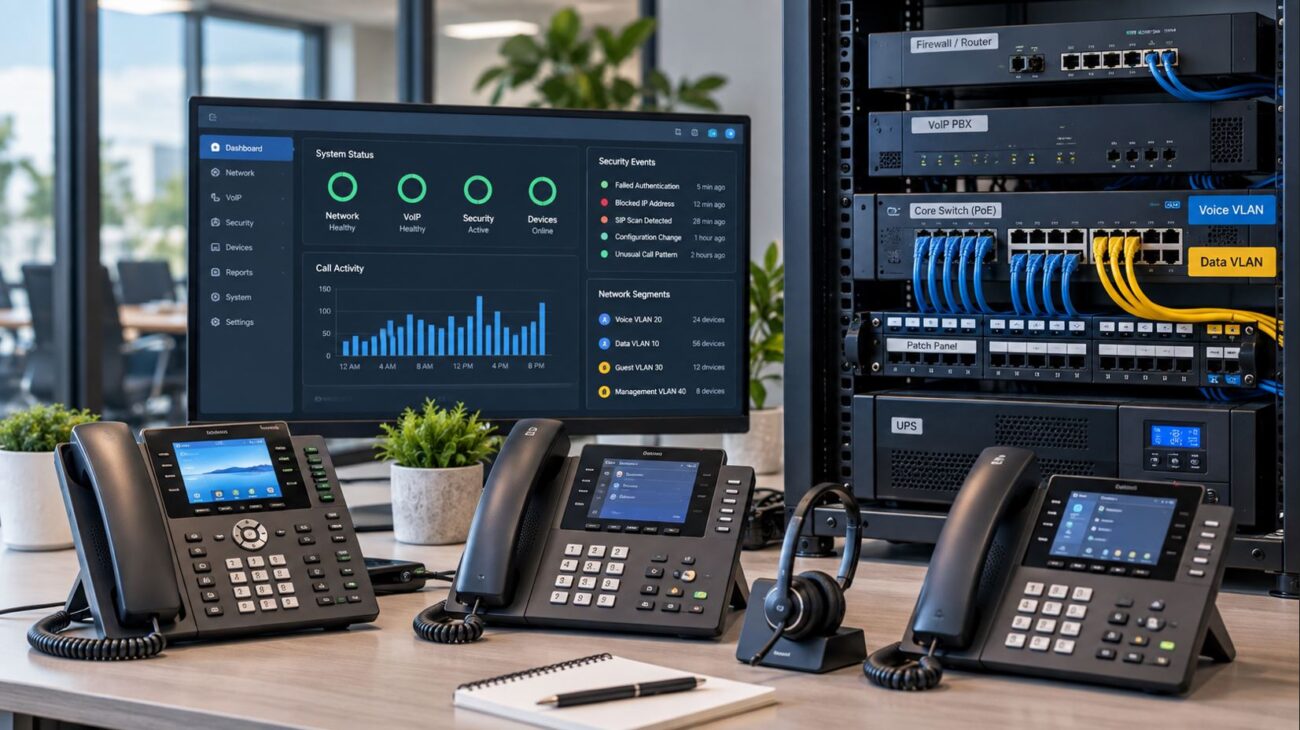
A managed PoE switch can also support voice VLAN configuration and appropriate quality-of-service policies where required by the network design.
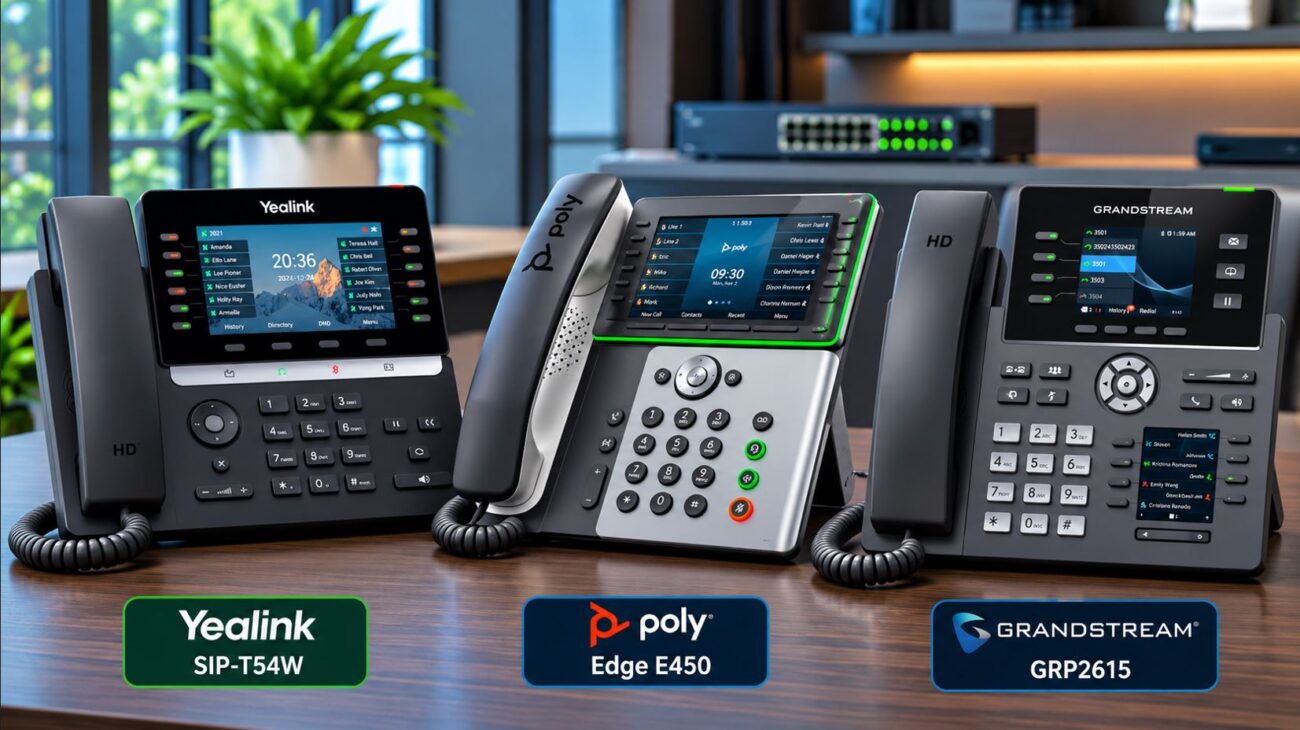
Business IP Phones That Support PoE
Several business IP phones available through Telecom-Store.com support PoE. The appropriate model depends on user requirements, network connectivity, and phone-system compatibility.
Yealink SIP-T31P: Basic Desk Phone
The Yealink SIP-T31P IP phone supports PoE and up to two SIP accounts. It is suitable for reception overflow positions, common areas, and basic office calling requirements.
Its Ethernet interfaces operate at 10/100 Mbps, so buyers should consider workstation network requirements before using the phone’s PC pass-through connection.
Yealink SIP-T33G: Gigabit Desk Phone
The Yealink SIP-T33G combines PoE support with dual Gigabit Ethernet ports, a color display, and support for up to four SIP accounts.
It is a practical option for businesses that need a Gigabit connection through the phone to a workstation.
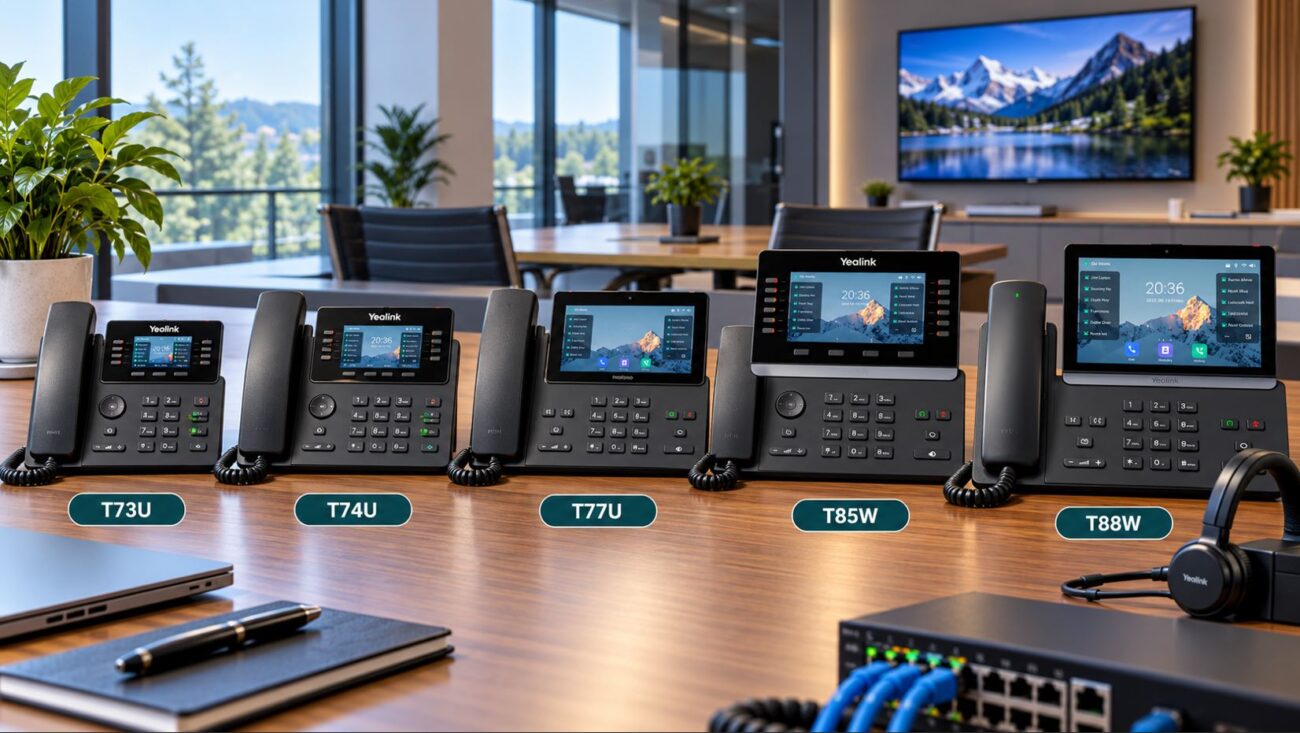
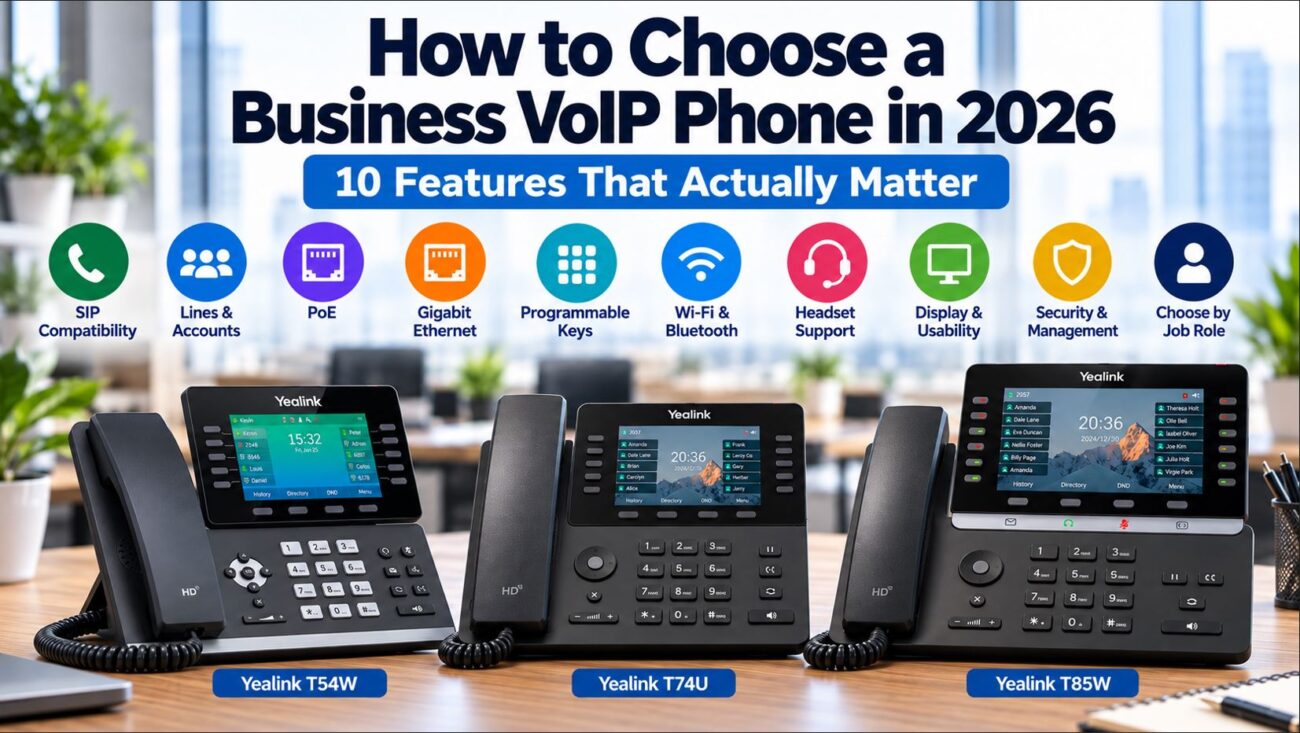
Yealink T74U: Business Phone With Power Supply Option
The Yealink T74U with included power supply supports PoE, multiple SIP accounts, and business headset accessories.
The bundled adapter offers flexibility for locations without PoE, while the phone can also operate using a compatible PoE network connection.
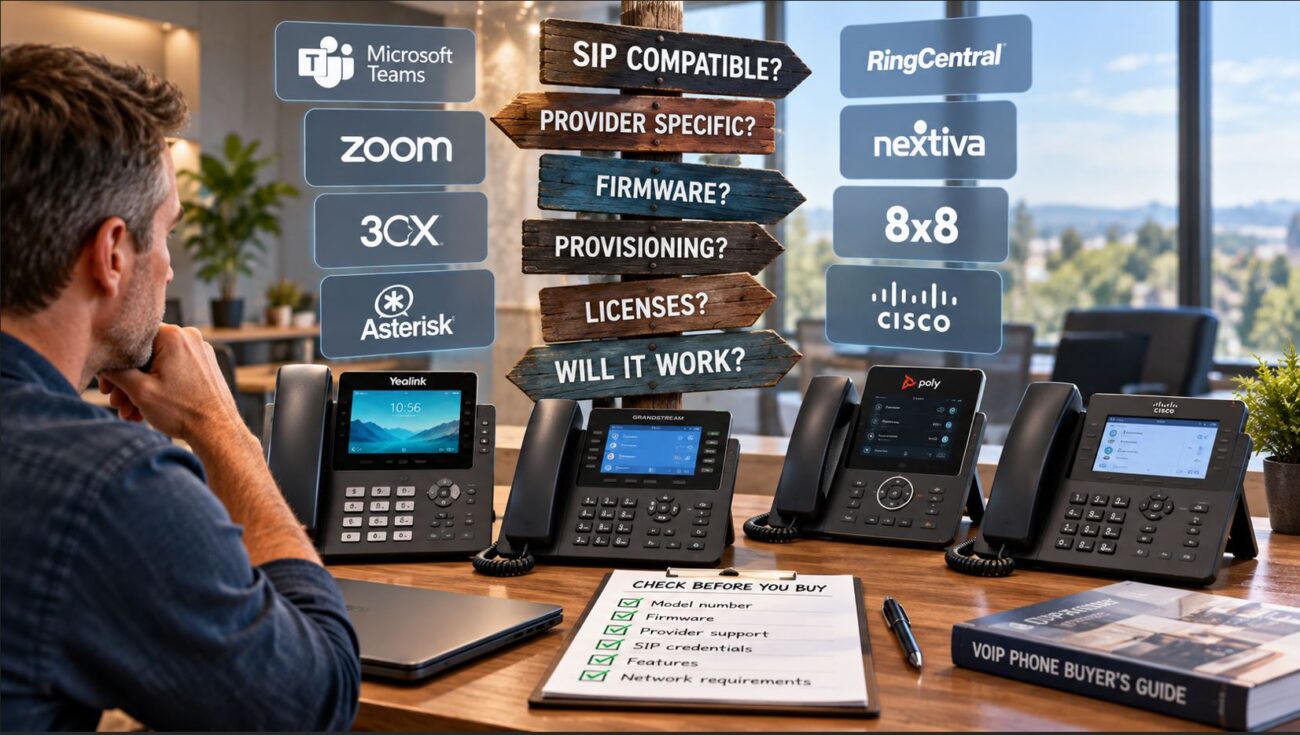
Before ordering any IP phone, confirm that the exact model and firmware are supported by your hosted VoIP provider or on-premises PBX.
PoE vs. Power Adapter: Buying Decision Checklist
- Does the exact IP phone model support IEEE-standard PoE?
- Does the existing network switch provide PoE?
- Is the switch’s total PoE power budget sufficient?
- Does the phone require 802.3af, 802.3at, or another standard?
- Are expansion modules or accessories included in the power calculation?
- Does the installation have suitable Ethernet cabling?
- Is the power adapter approved for the exact phone model?
- Will critical network equipment remain powered during an outage?
- Is the phone supported by the intended VoIP service provider?
- Will the installation accommodate future phones?
Troubleshooting an IP Phone That Will Not Power On
1. Check Whether the Switch Supports PoE
A standard Ethernet port does not necessarily provide electrical power. Verify that the connected switch port supports PoE and that power delivery is enabled.
2. Check the Switch’s Power Budget
If the switch has reached its available PoE capacity, it may refuse to power additional devices. Review the switch’s PoE status and allocation information.
3. Verify the Required PoE Standard
A phone or accessory requiring more power than the connected port can provide may fail to start or operate correctly.
4. Test the Ethernet Cable
Inspect the cable, connectors, and patch-panel connections. Damaged or poorly terminated cabling can interfere with reliable network and power delivery.
5. Check the External Power Adapter
If using an AC adapter, verify the voltage, current rating, connector type, and polarity. Do not substitute an adapter based only on whether its connector fits.
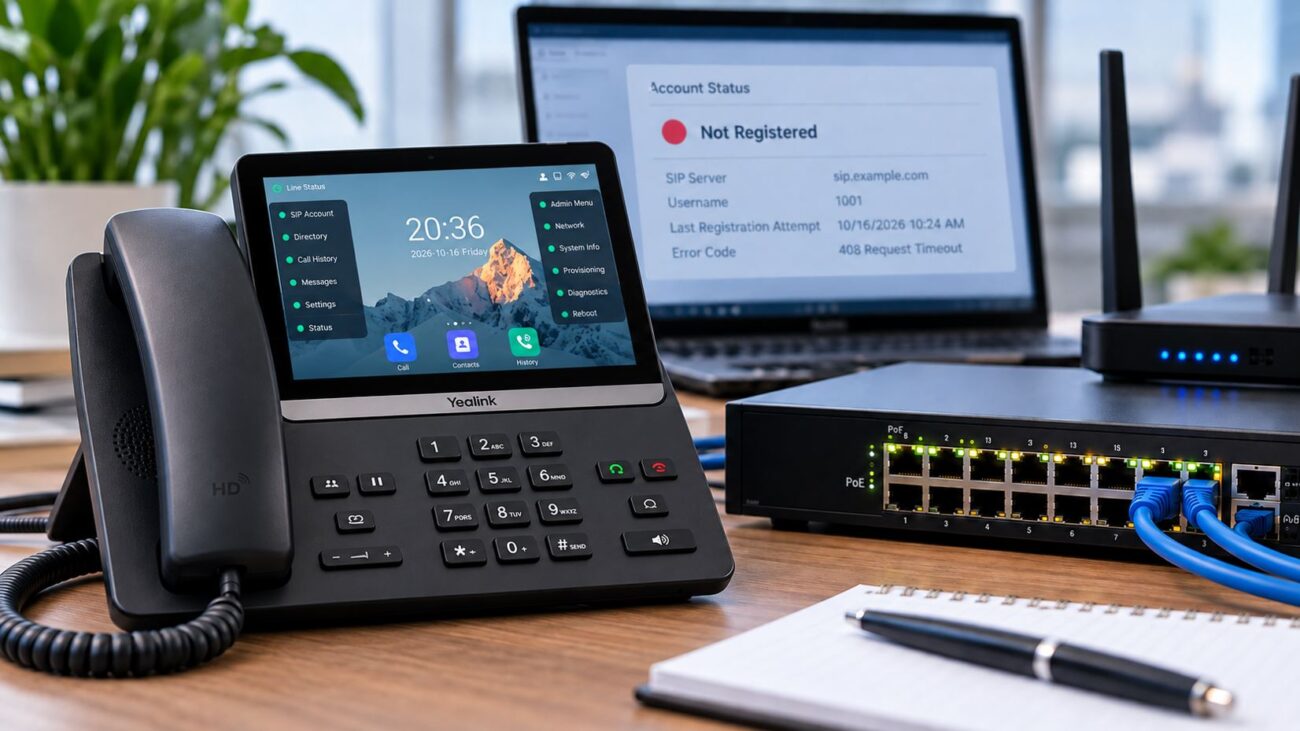
6. Confirm Network and Phone-System Connectivity
A phone that powers on but cannot register may have a network, provisioning, DNS, authentication, or SIP configuration problem rather than a power problem.
Does the Power Method Affect VoIP Call Quality?
When both methods provide stable, sufficient electrical power, PoE and a compatible AC adapter do not inherently produce different voice quality.
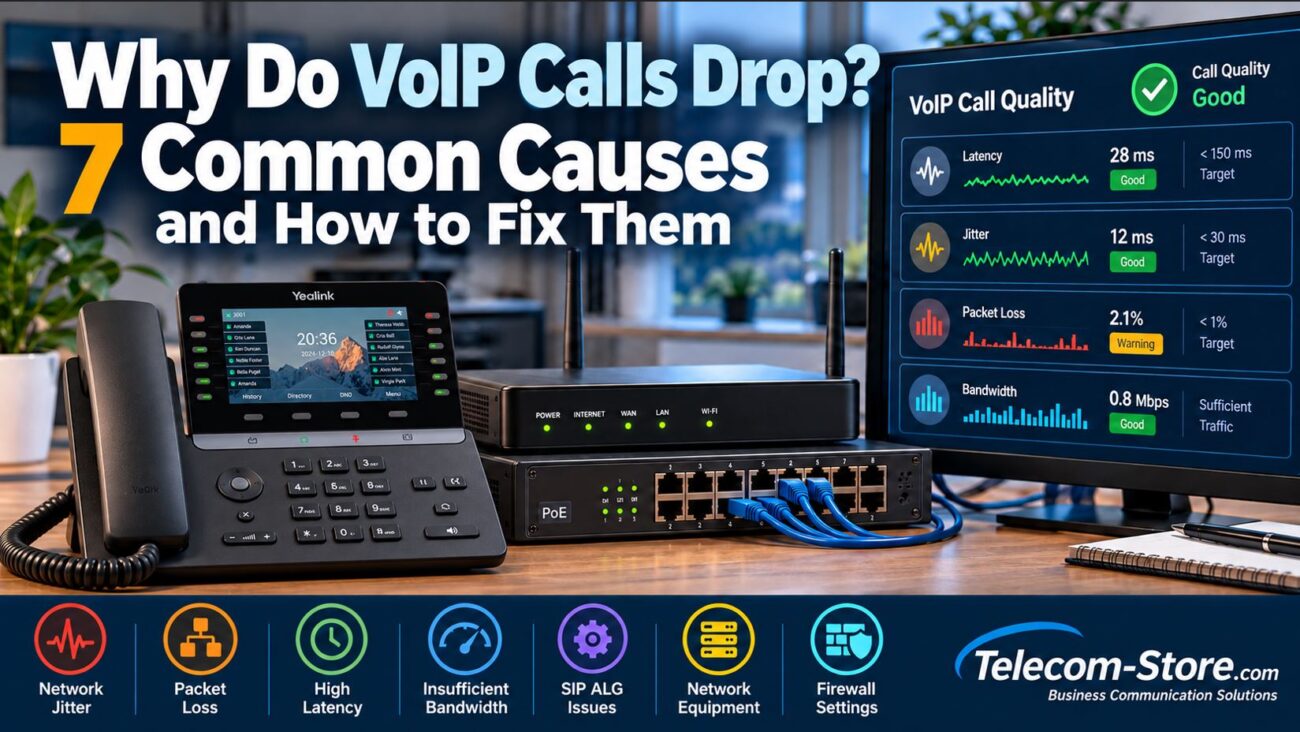
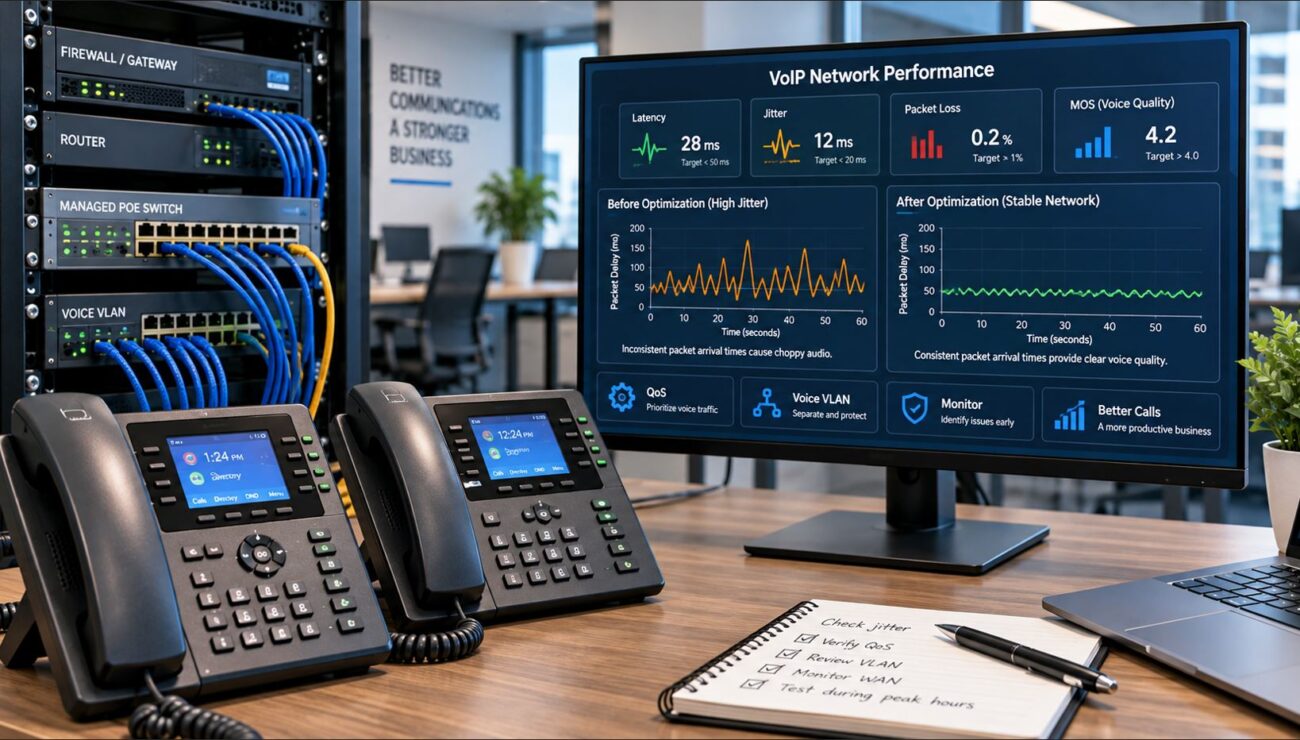
Call quality is more directly influenced by network latency, jitter, packet loss, congestion, codec configuration, and the performance of the VoIP service.
Organizations evaluating a hosted communications platform can also explore business phone and cloud communications services from Axion Communications.
Frequently Asked Questions
Do all IP phones support PoE?
No. Many modern business IP phones support PoE, but compatibility varies by model. Always review the manufacturer’s specifications.
Can I use a power adapter instead of PoE?
Yes, if the phone supports external DC power and the adapter matches the manufacturer’s electrical and connector requirements.
Do I need a PoE switch for one IP phone?
Not necessarily. A compatible AC adapter or standards-compliant PoE injector may be more economical for a single phone.
Can a PoE phone work during a power outage?
Yes, if the PoE switch and all other required communications equipment remain powered, such as through an appropriately sized UPS. Internet service availability must also be considered.
Is PoE better than a power adapter?
PoE is generally more convenient for multi-phone business installations because it reduces cabling and enables centralized power management. AC adapters remain useful for smaller installations and non-PoE networks.
Can I connect a PoE phone to a regular network switch?
Yes, for data connectivity. However, a non-PoE switch will not power the phone. The phone will need a compatible external adapter or a suitable PoE injector.
Can I use any power adapter with my VoIP phone?
No. Voltage, current capacity, polarity, connector dimensions, and manufacturer compatibility must be checked before connecting an adapter.
Final Recommendation: Which Power Method Should You Choose?
For businesses deploying multiple wired VoIP phones, a properly sized PoE switch is usually the most practical long-term solution. It simplifies desk installations, supports centralized management, and can make backup-power planning easier.
For a single IP phone or a small installation without PoE infrastructure, a manufacturer-approved AC power adapter or compatible PoE injector may be more economical.
The most important purchasing decision is not simply choosing PoE or an adapter. It is ensuring that the phone, power source, network equipment, and communications platform are compatible.
Explore business IP phones and related telecommunications equipment at Telecom-Store.com.