What Is Jitter in VoIP? How to Test It and Fix Choppy Business Phone Calls
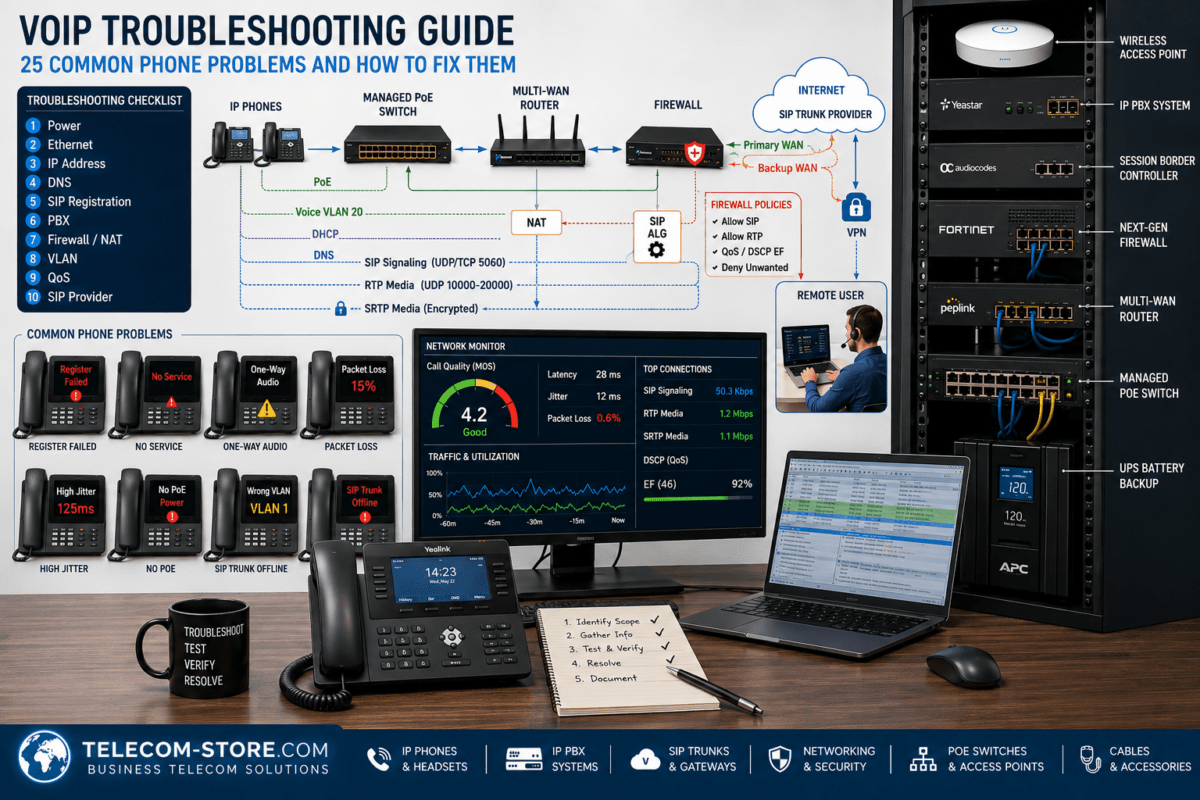
When a VoIP phone call sounds robotic, broken, distorted, or choppy, the problem is not always the phone or the VoIP provider. One of the most common network conditions behind poor real-time voice quality is jitter.
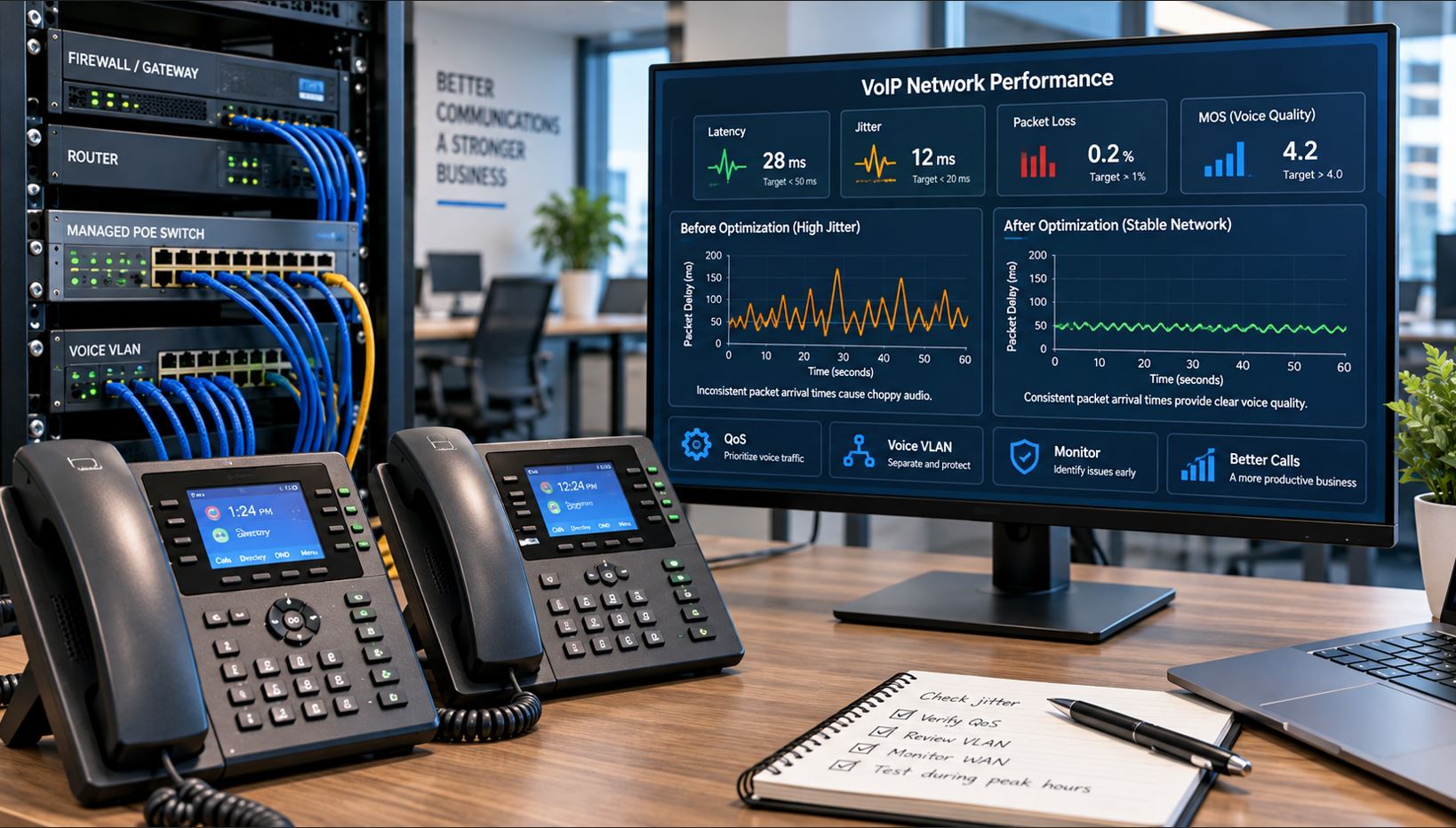
Jitter occurs when voice packets do not arrive at their destination at consistent intervals. Because a live telephone conversation must be reconstructed and played in real time, inconsistent packet arrival can produce missing audio, distorted speech, brief dropouts, or robotic-sounding voices.
This guide explains what VoIP jitter is, how it differs from latency and packet loss, how jitter buffers compensate for it, how to test for jitter, and how businesses can reduce it through better network design, QoS, switching, cabling, and troubleshooting.
What Is Jitter in VoIP?
VoIP converts a conversation into digital packets and transports those packets across an IP network. During a healthy call, voice packets should arrive at relatively consistent intervals.
Imagine that five voice packets are transmitted at evenly spaced intervals. Ideally, they also reach the receiving device at approximately evenly spaced intervals.
Packet
Example Network Delay
Packet 1
25 ms
Packet 2
27 ms
Packet 3
24 ms
Packet 4
65 ms
Packet 5
30 ms
The fourth packet experienced a much larger delay than the others. That variation in packet timing is the basic concept behind network jitter.
In RTP terminology, interarrival jitter measures variation in packet transit timing. It is not simply the total amount of time a packet spends traveling across the network.
Jitter vs. Latency vs. Packet Loss
Jitter, latency, and packet loss are related network-performance measurements, but they describe different problems.
Measurement
What It Measures
Typical Voice Effect
Latency
How long packets take to travel from one endpoint to another
Noticeable conversational delay
Jitter
Variation in packet arrival timing
Choppy, robotic, or inconsistent audio
Packet Loss
Packets that never successfully reach the destination
Missing words, audio gaps, distortion, or dropouts
A network can therefore have relatively low latency while still producing poor VoIP calls because packet arrival times are inconsistent.
Likewise, a fast internet connection does not automatically mean a network will provide good VoIP performance. Voice traffic depends on predictable packet delivery as well as sufficient bandwidth.
What Does High Jitter Sound Like?
Users usually notice the effects of jitter before they know what is causing them. Common symptoms include:
Choppy speech
Robotic or metallic-sounding voices
Missing syllables or words
Brief audio dropouts
Speech that appears to speed up or slow down
Audio quality that becomes worse during periods of heavy network use
Calls that sound good in one direction but poor in the other
These symptoms can also be caused by packet loss, congestion, wireless interference, overloaded network equipment, or problems elsewhere in the voice path. Jitter should therefore be measured rather than assumed.
How Much Jitter Is Acceptable for VoIP?
There is no single number that guarantees good call quality across every codec, endpoint, network, and jitter-buffer implementation. As a practical troubleshooting guideline, however, businesses should aim to keep jitter low and consistent.
Jitter
Practical Interpretation
Under 20 ms
Generally desirable for business voice
20–30 ms
Often manageable, but worth monitoring
Above 30 ms
Investigate the network and call path
Large or rapidly changing spikes
Can produce noticeable voice-quality problems
These figures should be treated as troubleshooting guidelines rather than absolute pass/fail specifications. Codec behavior, packetization, network design, endpoint implementation, and jitter-buffer behavior all influence the result.
How Does a VoIP Jitter Buffer Work?
VoIP endpoints and gateways can compensate for a certain amount of inconsistent packet timing with a jitter buffer.
Instead of immediately playing each voice packet as soon as it arrives, the receiving device temporarily holds packets and attempts to play them in the correct sequence and at consistent intervals.
A simplified call path looks like this:
Voice Packets
     |
     v
IP Network
     |
     v
Jitter Buffer
     |
     v
Packets Reordered / Timed
     |
     v
Audio Playback
A jitter buffer can improve audio when network variation is relatively small. It cannot compensate indefinitely.
If packets arrive too late, the endpoint may have already reached the point when that audio should have been played. The packet may effectively become unusable for the real-time conversation.
Increasing a jitter buffer excessively can also add delay. The goal is therefore not to hide a poorly performing network behind an enormous buffer, but to maintain sufficiently consistent packet delivery.
What Causes Jitter on a Business VoIP Network?
1. Network Congestion
Congestion is one of the first things to investigate. Voice packets may be competing with large downloads, cloud backups, software updates, surveillance video, file transfers, streaming media, and other applications.
The problem can become particularly noticeable when an internet connection’s upload capacity becomes saturated.
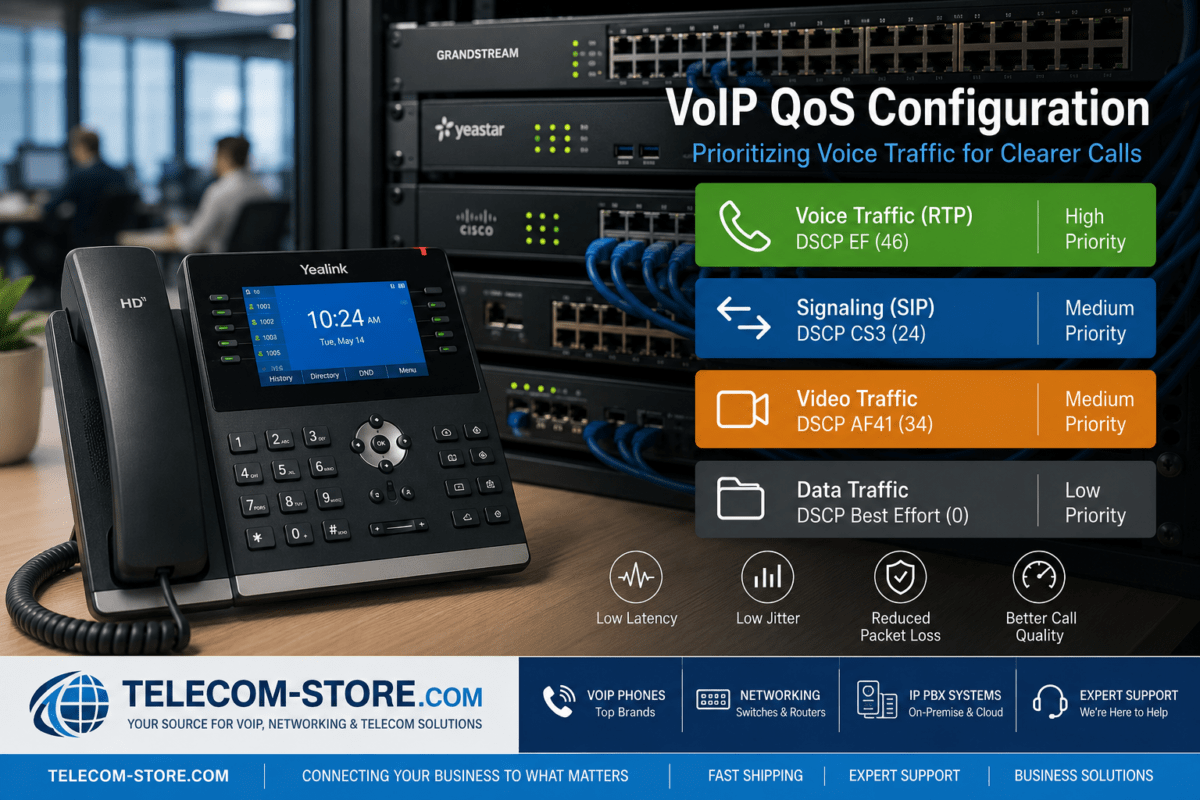
2. Missing or Incorrect QoS
Quality of Service helps network equipment identify delay-sensitive traffic and provide appropriate queueing treatment when congestion occurs.
QoS does not create additional bandwidth. Instead, it determines how available bandwidth is allocated when different applications compete for network resources.
Wireless networks introduce additional variables such as interference, channel contention, retransmissions, weak signal levels, roaming, and competing wireless clients.
Wi-Fi can support voice successfully when designed correctly, but a wired Ethernet connection is extremely useful when troubleshooting. If the problem disappears when the phone or computer is connected by Ethernet, the wireless network deserves closer investigation.
4. Oversubscribed Internet Connections
An office may have plenty of advertised download bandwidth but significantly less upload capacity.
When cloud backups, file synchronization, video, or other applications consume that upload capacity, outbound voice packets can be delayed while waiting behind other traffic.
5. Routers and Firewalls
Routers and firewalls process traffic entering and leaving the network. An undersized, overloaded, or improperly configured device can become a bottleneck.
Look at CPU utilization, interface utilization, dropped packets, queue statistics, WAN errors, and QoS policies when those diagnostics are available.
6. Switch Congestion or Errors
Managed switches provide useful visibility into port statistics, errors, VLAN configuration, QoS, PoE status, and traffic utilization.
Check for interface errors, speed or duplex problems, excessive utilization, bad cabling, and incorrect VLAN or QoS configuration.
7. ISP or WAN Problems
Jitter can also originate outside the local network.
If LAN performance is stable but jitter appears after traffic leaves the business network, investigate the WAN connection, ISP path, VPN, SD-WAN service, or upstream VoIP path.
How to Test VoIP Jitter
A useful test should measure more than internet download speed. At minimum, examine:
Latency
Jitter
Packet loss
Upload utilization
Download utilization
For deeper troubleshooting, also review interface errors, queue drops, RTP statistics, call-quality reports, and PBX or provider diagnostics when available.
Test During a Problem
A network test performed at 6:00 a.m. may look perfect even though employees experience poor calls at 2:00 p.m.
Whenever possible, test during the same conditions that produce the problem.
If calls become choppy while backups or large uploads are running, reproduce those conditions while monitoring the network.
Test From Multiple Points
Testing from only one computer provides limited information.
Compare results from:
A wired workstation
A wireless workstation
The voice VLAN
The router or firewall
Different office locations
Different internet connections when available
The point where performance changes can help identify the source of the problem.
How to Fix VoIP Jitter
Step 1: Determine Whether the Problem Is Local or External
Start by identifying the scope.
If only one phone is affected, inspect that phone, cable, switch port, VLAN assignment, and local connection.
If every phone becomes choppy simultaneously, investigate shared infrastructure such as the switch uplink, firewall, router, WAN connection, PBX, or service provider.
Step 2: Use Ethernet When Possible
For fixed business IP phones, wired Ethernet generally provides a more predictable network path than Wi-Fi.
Moving an affected device temporarily to Ethernet is also an excellent troubleshooting test.
Step 3: Check Bandwidth Utilization
Look for periods when the WAN connection approaches saturation, especially upstream.
Common bandwidth consumers include:
Cloud backups
Large file uploads
Security cameras
Video conferencing
Operating-system updates
Cloud synchronization
Guest Wi-Fi
If voice quality deteriorates at the same time utilization spikes, congestion management should be a priority.
Step 4: Configure QoS Correctly
Prioritize real-time voice at the points where congestion can actually occur, especially WAN interfaces.
Depending on the environment, this can involve DSCP classification, queueing, bandwidth reservation, traffic shaping, or device-specific voice policies.
A QoS policy should be verified rather than assumed. Check that voice traffic is entering the expected queue and that markings are preserved or intentionally rewritten throughout the network.
Step 5: Consider a Voice VLAN
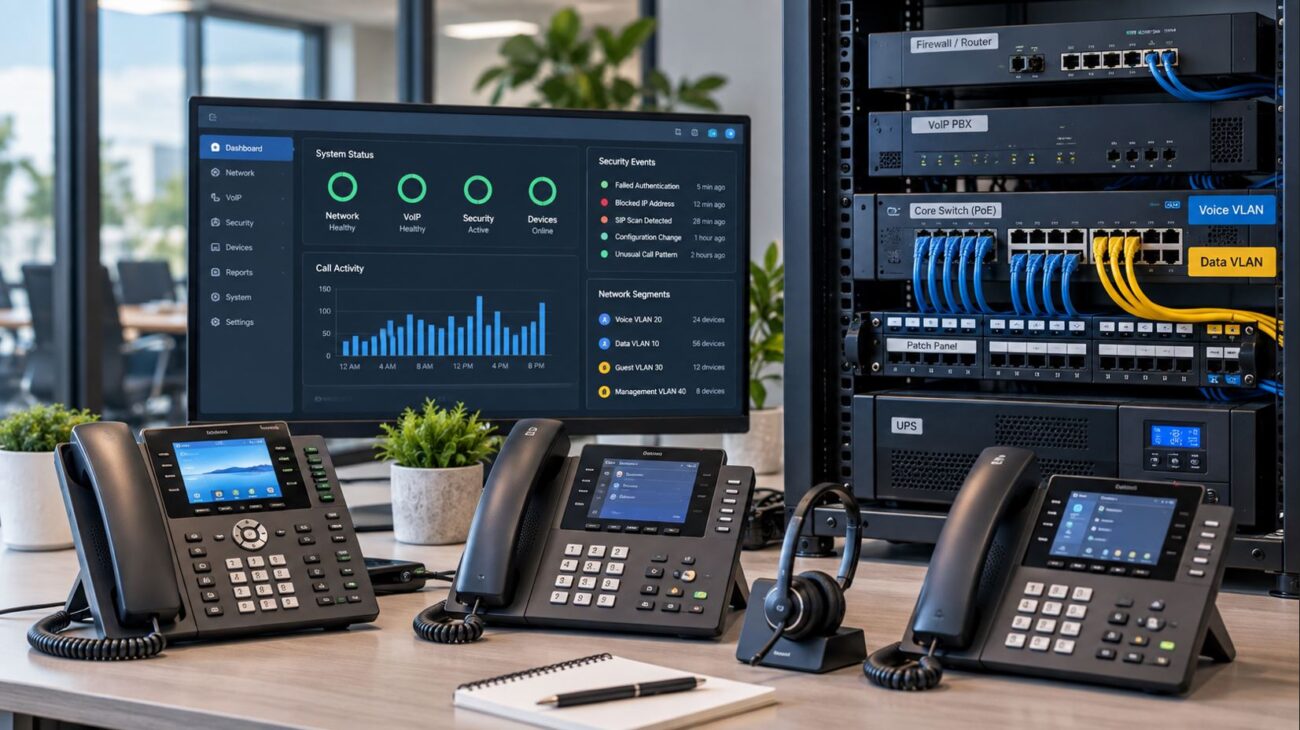
A voice VLAN separates IP phones logically from ordinary workstation traffic and can make QoS, security, troubleshooting, and network management easier.
A VLAN by itself does not eliminate jitter. It provides a better framework for applying the policies that protect voice traffic.
Step 6: Inspect the Managed Switch
Check the switch ports serving affected phones and uplinks.
Look for:
CRC or interface errors
Dropped packets
Unexpected port speeds
High utilization
Incorrect VLAN assignments
QoS queue drops
Faulty Ethernet cables
PoE problems
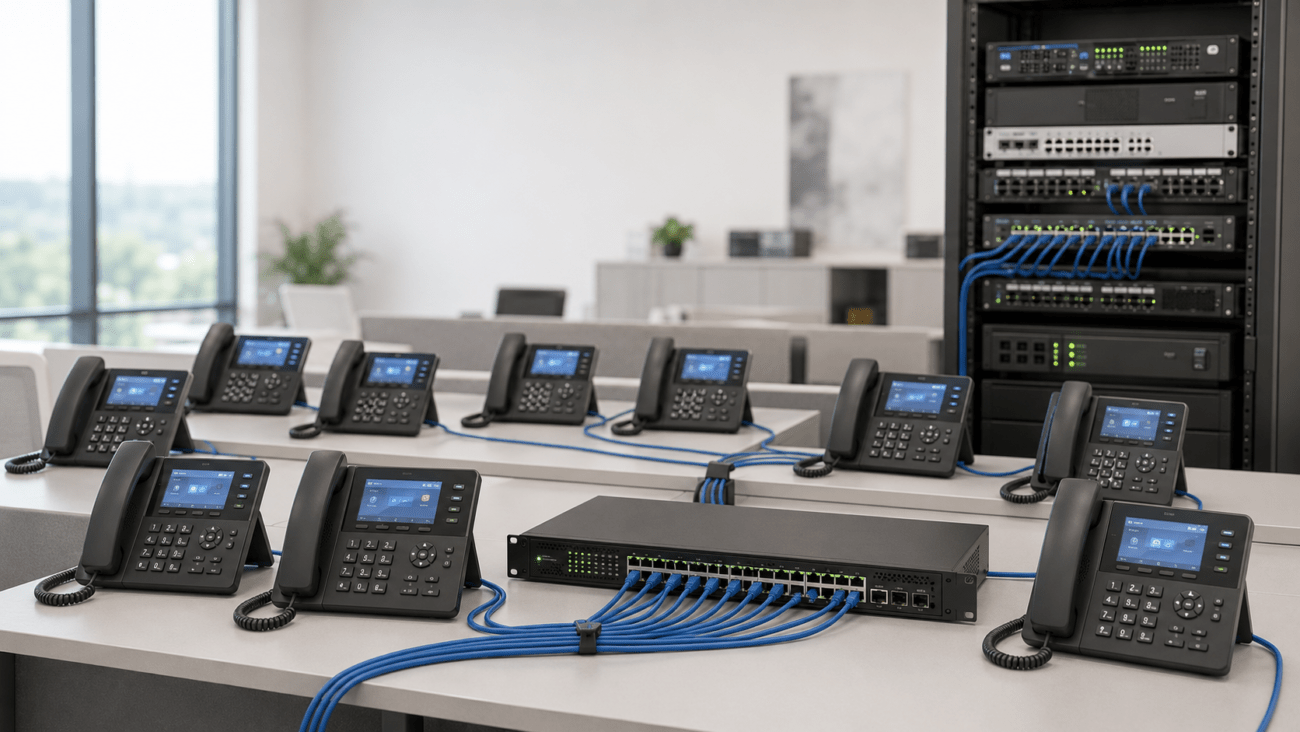
Managed switches are especially valuable in larger VoIP installations because they provide visibility that basic unmanaged switches generally cannot.
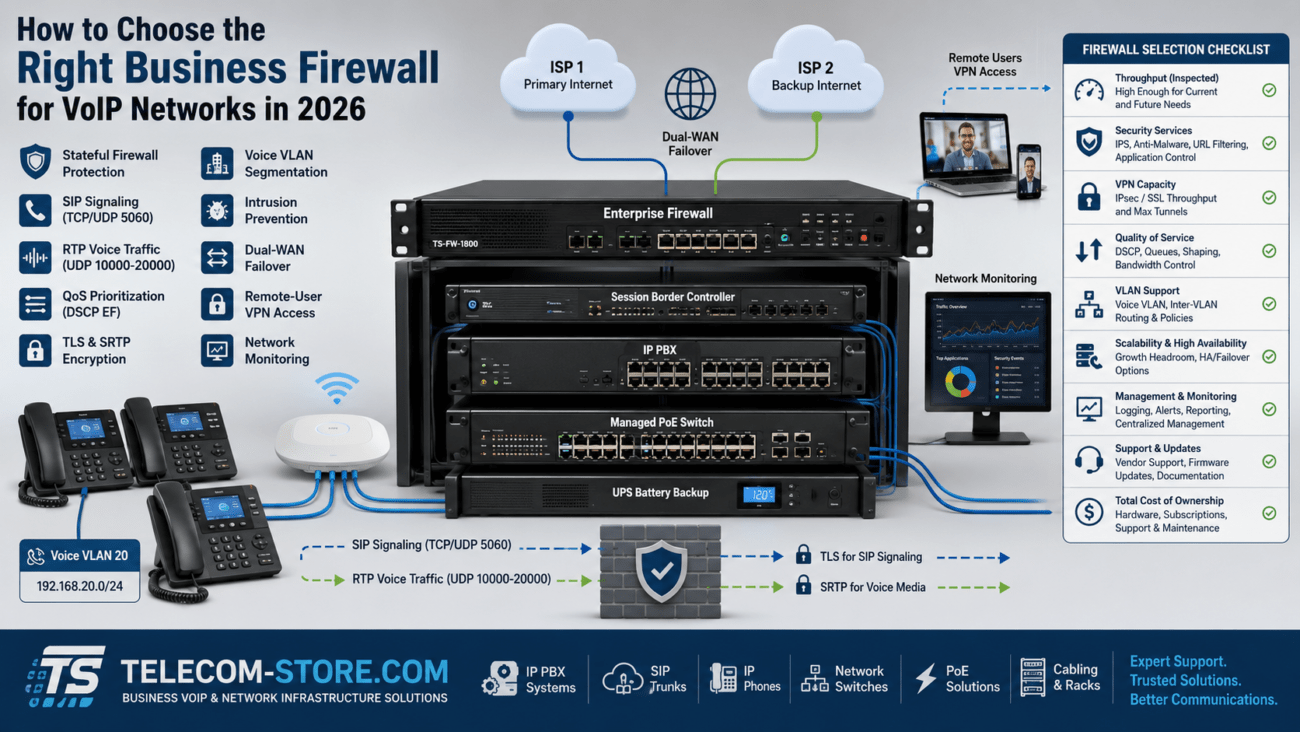
Step 7: Examine the Router and Firewall
Confirm that the gateway has sufficient capacity for the site’s traffic and security services.
Also review traffic shaping, QoS, VPN processing, WAN utilization, interface errors, and any SIP-specific processing.
Step 8: Test the ISP Connection
If the LAN is operating correctly, test beyond the firewall.
Persistent jitter outside the business network may require investigation by the internet provider or VoIP provider.
Why More Bandwidth Does Not Always Fix Jitter
A common response to VoIP problems is to purchase a faster internet connection.
More bandwidth can help when congestion is the underlying cause, but bandwidth and jitter are not the same measurement.
A high-capacity connection can still experience:
Packet loss
Routing instability
Wireless interference
Buffering or queueing problems
Overloaded networking equipment
Short bursts of congestion
For VoIP, consistency matters as much as raw speed.
Why Managed Network Equipment Helps
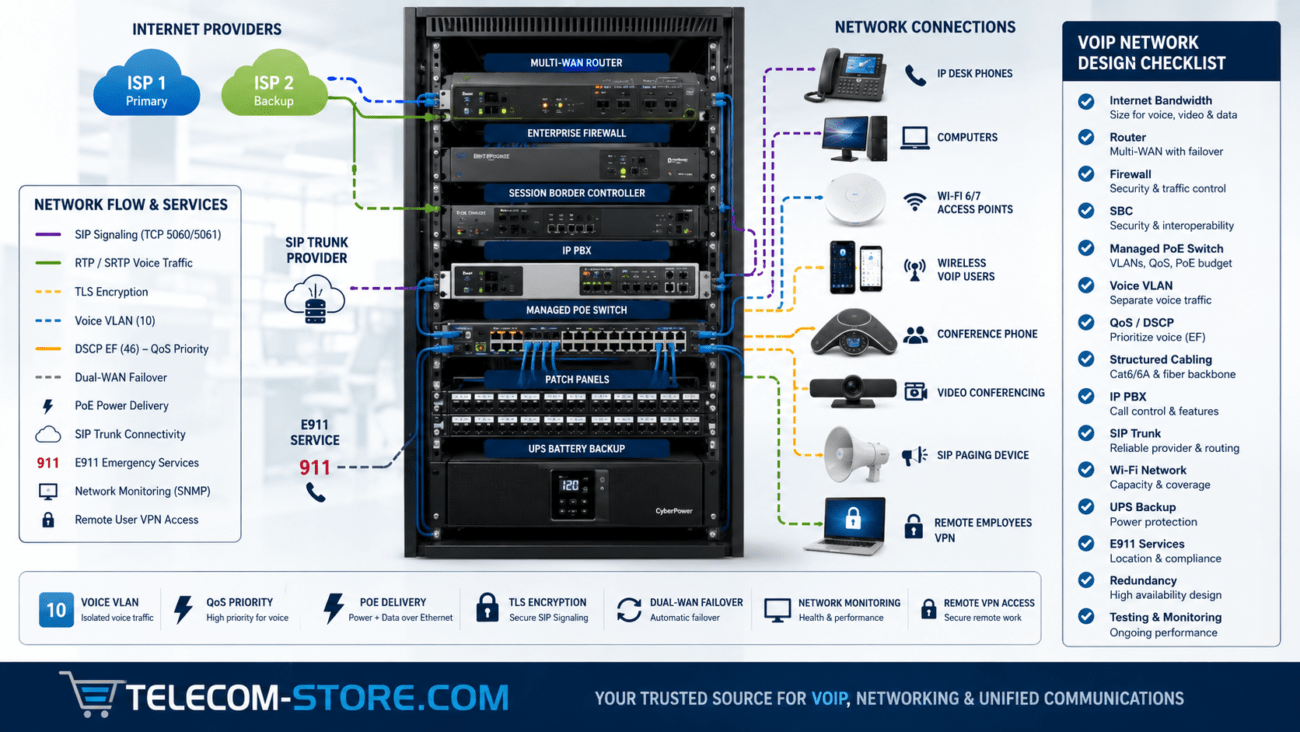
Business VoIP networks benefit from equipment that provides visibility and traffic control.
Managed network switches can provide capabilities such as:
Voice VLANs
802.1Q VLAN tagging
QoS
DSCP and 802.1p handling
LLDP-MED
Port statistics
Error counters
Traffic monitoring
PoE management
These capabilities do not automatically eliminate jitter, but they provide administrators with better tools for designing and troubleshooting a voice network.
VoIP Jitter Troubleshooting Checklist
Check
What to Look For
Jitter
Consistently low values without large spikes
Packet loss
Ideally zero or extremely low
Latency
Low and stable end-to-end delay
WAN utilization
No sustained saturation during calls
Ethernet
Correct speed, clean cabling, no interface errors
Wi-Fi
Strong signal, low interference and reasonable utilization
QoS
Voice correctly classified and queued
Voice VLAN
Correct tagging, DHCP, routing and QoS
Switch
No excessive errors, drops or congestion
Router/firewall
Adequate capacity and correct traffic policies
ISP
Stable WAN performance without packet loss or jitter spikes
When Is Jitter a VoIP Provider Problem?
Not every call-quality issue originates inside the customer’s network.
If internal switching and routing are stable, the WAN connection is not congested, packet loss is negligible, and the problem begins farther along the call path, the ISP, SIP provider, PBX host, carrier interconnection, or remote party’s network may need investigation.
Collecting measurements before opening a support case can make troubleshooting considerably easier.
Useful information includes:
Date and time of affected calls
Calling and called numbers
Whether one or both audio directions were affected
Latency, jitter, and packet-loss measurements
Whether other calls were affected simultaneously
Whether the problem occurred on wired and wireless devices
Frequently Asked Questions About VoIP Jitter
What is jitter in VoIP?
VoIP jitter is variation in the timing of voice-packet delivery. When packets arrive at inconsistent intervals, a VoIP endpoint must compensate before playing the audio.
What causes jitter on VoIP calls?
Common causes include network congestion, saturated internet connections, Wi-Fi interference, incorrect QoS, overloaded routers or firewalls, switch problems, WAN instability, and upstream network conditions.
Can jitter cause robotic voices?
Yes. Variable packet delay and late or unusable packets can contribute to robotic, distorted, or choppy speech.
Will faster internet fix VoIP jitter?
Not necessarily. Additional bandwidth can help when congestion is responsible, but jitter can also result from Wi-Fi, routing, queueing, network hardware, packet loss, or upstream network problems.
Does QoS reduce jitter?
QoS can reduce the effect of congestion by giving delay-sensitive voice traffic appropriate priority and queueing treatment. It is most effective when correctly implemented at actual congestion points.
Does a voice VLAN eliminate jitter?
No. A voice VLAN logically separates voice traffic and makes management, security, and QoS easier, but VLAN separation by itself does not guarantee low jitter.
Can an IP phone compensate for jitter?
Many VoIP endpoints use jitter buffers to compensate for a limited amount of packet-timing variation. Excessive jitter can exceed what the buffer can effectively handle, while excessive buffering can increase conversational delay.
Final Thoughts
VoIP jitter is fundamentally a packet-timing problem. A business phone system can have plenty of bandwidth and still experience poor calls if voice packets arrive inconsistently.
The most effective troubleshooting approach is to measure jitter alongside latency and packet loss, identify where variation enters the network path, and correct the underlying cause rather than simply replacing phones or increasing internet speed.
Properly designed Ethernet infrastructure, managed switches, voice VLANs, QoS, appropriately sized routers and firewalls, and a stable WAN connection provide a strong foundation for consistent business VoIP performance.
To provide the best experiences, we use technologies like cookies to store and/or access device information. Consenting to these technologies will allow us to process data such as browsing behavior or unique IDs on this site. Not consenting or withdrawing consent, may adversely affect certain features and functions.
Functional
Always active
The technical storage or access is strictly necessary for the legitimate purpose of enabling the use of a specific service explicitly requested by the subscriber or user, or for the sole purpose of carrying out the transmission of a communication over an electronic communications network.
Preferences
The technical storage or access is necessary for the legitimate purpose of storing preferences that are not requested by the subscriber or user.
Statistics
The technical storage or access that is used exclusively for statistical purposes.The technical storage or access that is used exclusively for anonymous statistical purposes. Without a subpoena, voluntary compliance on the part of your Internet Service Provider, or additional records from a third party, information stored or retrieved for this purpose alone cannot usually be used to identify you.
Marketing
The technical storage or access is required to create user profiles to send advertising, or to track the user on a website or across several websites for similar marketing purposes.