Wi-Fi 7 for Business: Is It Time to Upgrade Your Office Network?
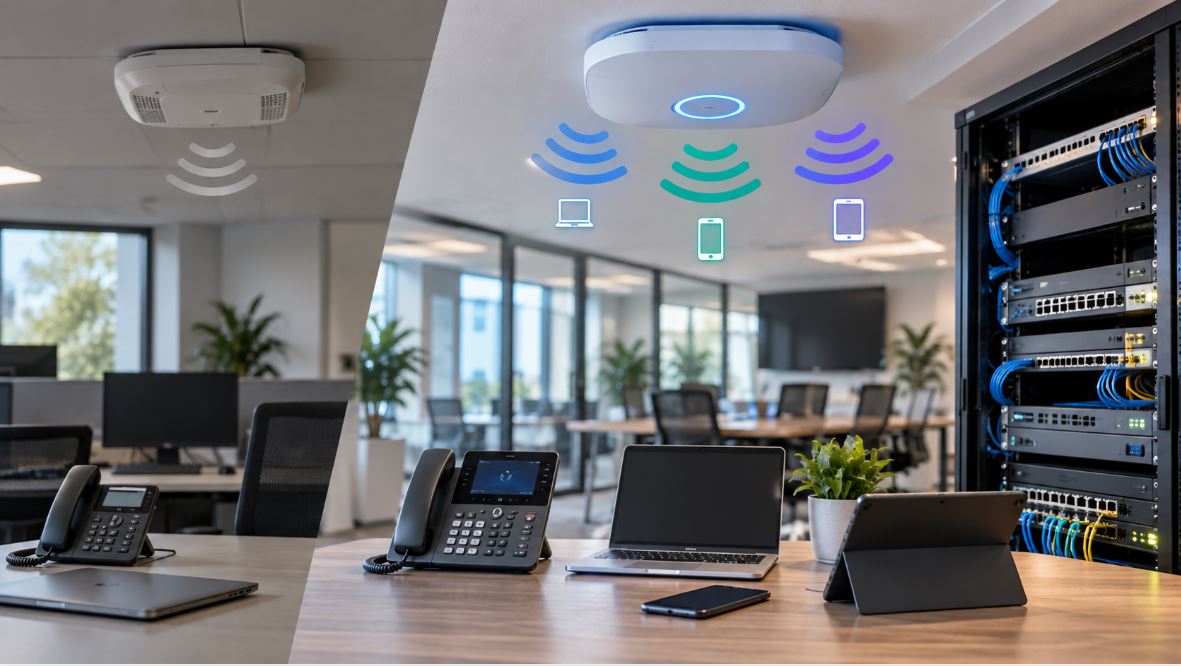
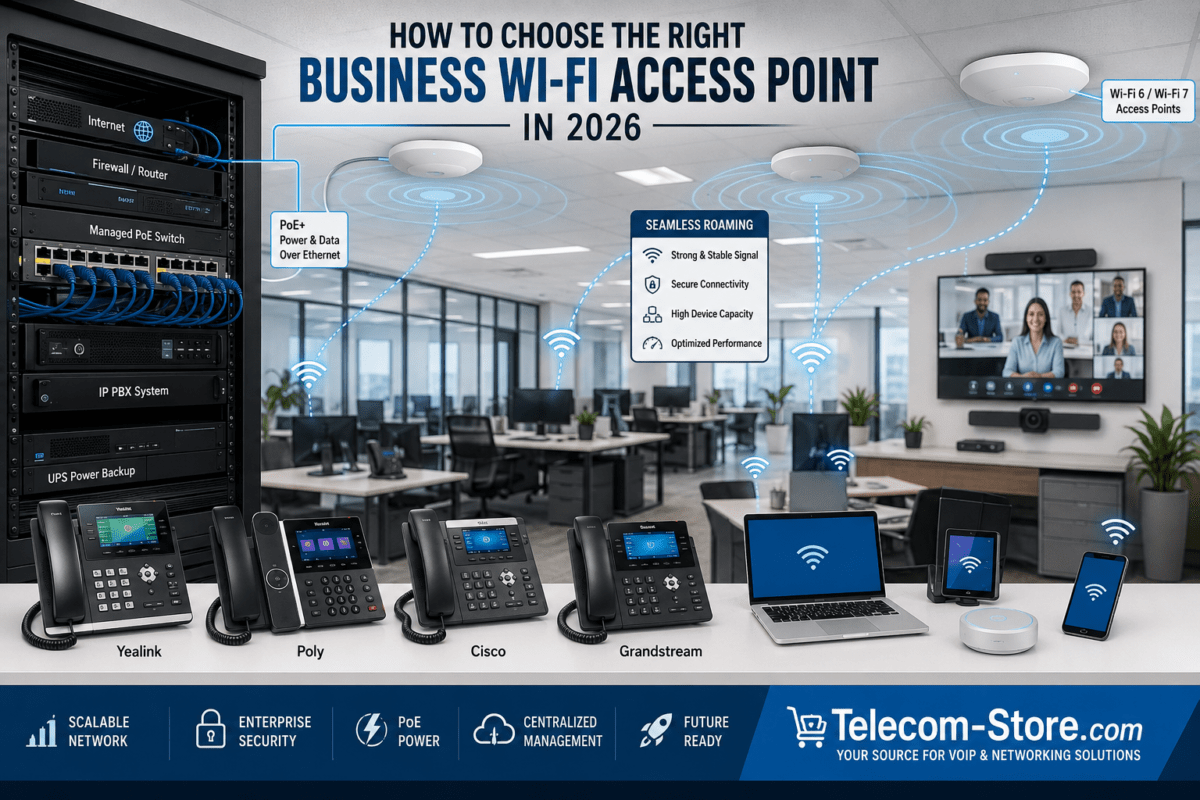
Wi-Fi 7 is quickly moving from an emerging wireless technology to a practical option for business networks. New laptops, smartphones, access points, and network infrastructure increasingly support the standard, giving organizations another reason to evaluate whether their existing Wi-Fi network is ready for the next several years.
But installing Wi-Fi 7 access points does not automatically make an office network faster.
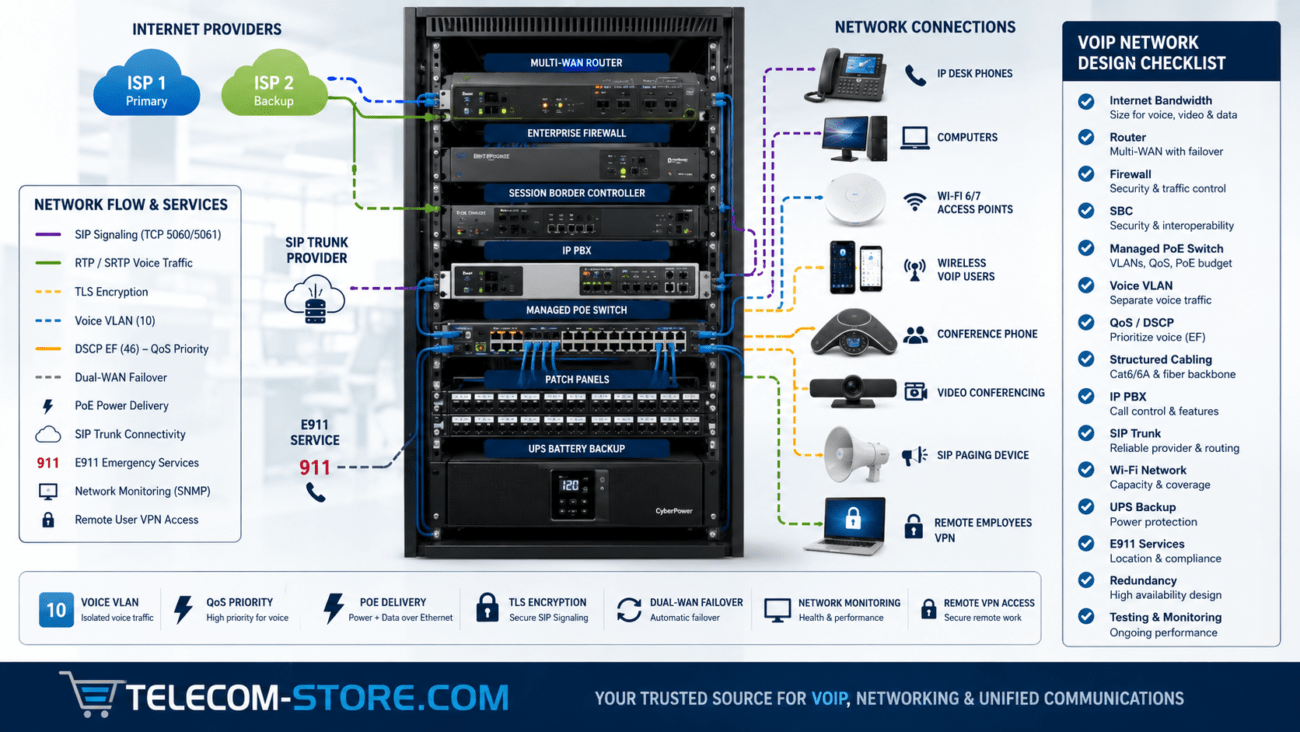
Businesses also need to consider Ethernet switching, Power over Ethernet (PoE), cabling, internet bandwidth, network design, client-device capabilities, VLANs, and application requirements. In many environments, the wired network behind the access points determines how much of Wi-Fi 7’s potential can actually be used.
This guide explains what Wi-Fi 7 changes, how it compares with Wi-Fi 6 and Wi-Fi 6E, and when upgrading makes sense for a business.
What Is Wi-Fi 7?
Wi-Fi 7 is the commercial name for IEEE 802.11be, the generation following Wi-Fi 6 and Wi-Fi 6E.
The standard introduces several technologies designed to increase wireless capacity, reduce latency, and use available spectrum more efficiently. Important capabilities include wider channels, Multi-Link Operation, higher-order modulation, and improvements intended for dense wireless environments.
For businesses, the important question is not simply whether Wi-Fi 7 has a higher theoretical maximum speed. The practical advantage is its ability to provide greater wireless capacity and flexibility as offices connect more devices and run increasingly demanding applications.
Wi-Fi 6 vs. Wi-Fi 6E vs. Wi-Fi 7
Feature
Wi-Fi 6
Wi-Fi 6E
Wi-Fi 7
IEEE Generation
802.11ax
802.11ax
802.11be
Primary Bands
2.4 GHz and 5 GHz
2.4, 5 and 6 GHz
2.4, 5 and 6 GHz
Maximum Channel Width
160 MHz
160 MHz
Up to 320 MHz where supported and permitted
Highest Modulation
1024-QAM
1024-QAM
4096-QAM
Multi-Link Operation
No
No
Yes
Best Fit
General business networking
Businesses needing additional 6 GHz capacity
New deployments, high-density environments and long-term network refreshes
These specifications should not be interpreted as guaranteed application speeds. Real-world performance depends on access-point configuration, client capabilities, interference, channel availability, signal strength, network uplinks, and the applications being used.
What Is Multi-Link Operation?
One of Wi-Fi 7’s most significant changes is Multi-Link Operation, commonly called MLO.
Previous Wi-Fi generations generally establish a connection through a particular wireless band or channel. Wi-Fi 7 introduces the ability for compatible devices to use multiple wireless links more intelligently.
Depending on the equipment and implementation, this can improve throughput, latency, reliability, or a combination of those characteristics.
For a business, MLO can be particularly useful in environments containing latency-sensitive or bandwidth-intensive applications, although both the access point and client device must support the relevant capabilities.
Does Wi-Fi 7 Make the Internet Faster?
Not necessarily.
Wi-Fi and internet service are different parts of the network. An office with a 500 Mbps internet connection does not suddenly receive multi-gigabit internet service because it installs Wi-Fi 7 access points.
Wi-Fi 7 can improve communication between wireless devices and the local network, but internet traffic remains constrained by the organization’s WAN connection, firewall, router, and other infrastructure.
This distinction is important when evaluating an upgrade. A wireless network should be designed as part of the complete network rather than as an isolated component.
The Wired Network Behind Wi-Fi 7 Matters
A Wi-Fi 7 access point ultimately connects to an Ethernet switch. That switch connection can become a bottleneck if the wireless side of the network is capable of substantially more throughput than the Ethernet uplink.
This is why Wi-Fi 7 deployments increasingly bring multi-gigabit Ethernet into the network-planning discussion.
Depending on the access point and deployment requirements, businesses may want switch ports capable of 2.5GbE, 5GbE, or higher speeds instead of assuming that every access point should remain connected through a traditional 1GbE port.
That does not mean every Wi-Fi 7 installation requires replacing every Gigabit Ethernet switch. Smaller offices with modest traffic may continue operating successfully with Gigabit infrastructure. The important step is identifying potential bottlenecks before purchasing the access points.
Check Your PoE Requirements Before Upgrading
Business access points are frequently powered directly from their Ethernet switches using Power over Ethernet.
However, PoE requirements vary significantly between access-point models.
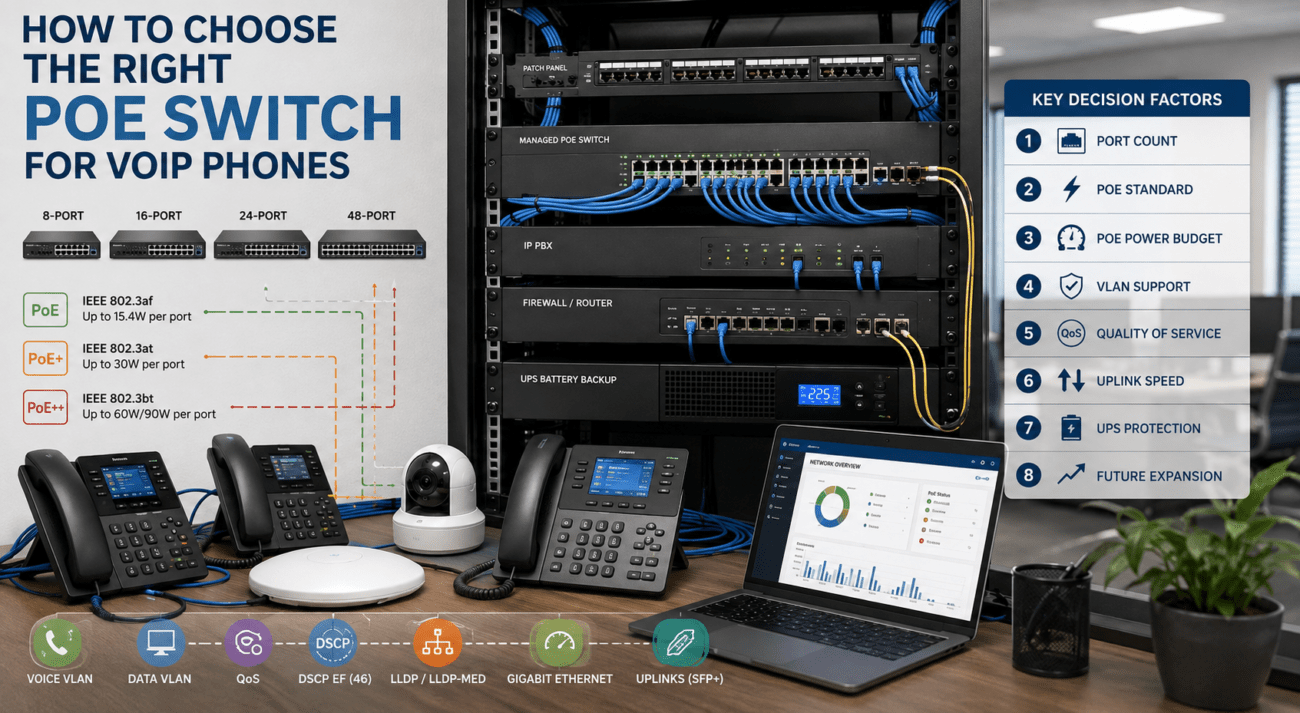
A newer high-performance access point may require more power than an older access point. Businesses should therefore verify both the required PoE standard and the total PoE budget of the switch before installing new wireless equipment.
A switch having enough physical ports does not necessarily mean it has enough available PoE capacity to operate every connected access point, IP phone, security camera, and other powered device simultaneously.
When planning an upgrade, calculate the complete PoE load rather than evaluating each device independently.
Do You Need New Ethernet Cabling for Wi-Fi 7?
Not automatically.
Existing structured cabling may support the required Ethernet speeds depending on cable category, cable length, installation quality, termination quality, and the desired data rate.
Before replacing cabling throughout a building, businesses should determine:
What cable category is currently installed?
What Ethernet speed is required at each access point?
How long are the cable runs?
Are the existing cables and terminations in good condition?
Does the switch support the required multi-gigabit Ethernet speed?
Testing the existing cabling can often provide a better answer than replacing it simply because new wireless equipment is being installed.
Will Wi-Fi 7 Help VoIP?
Wi-Fi 7 can improve overall wireless network capacity and latency, but it does not eliminate the fundamentals of good VoIP network design.
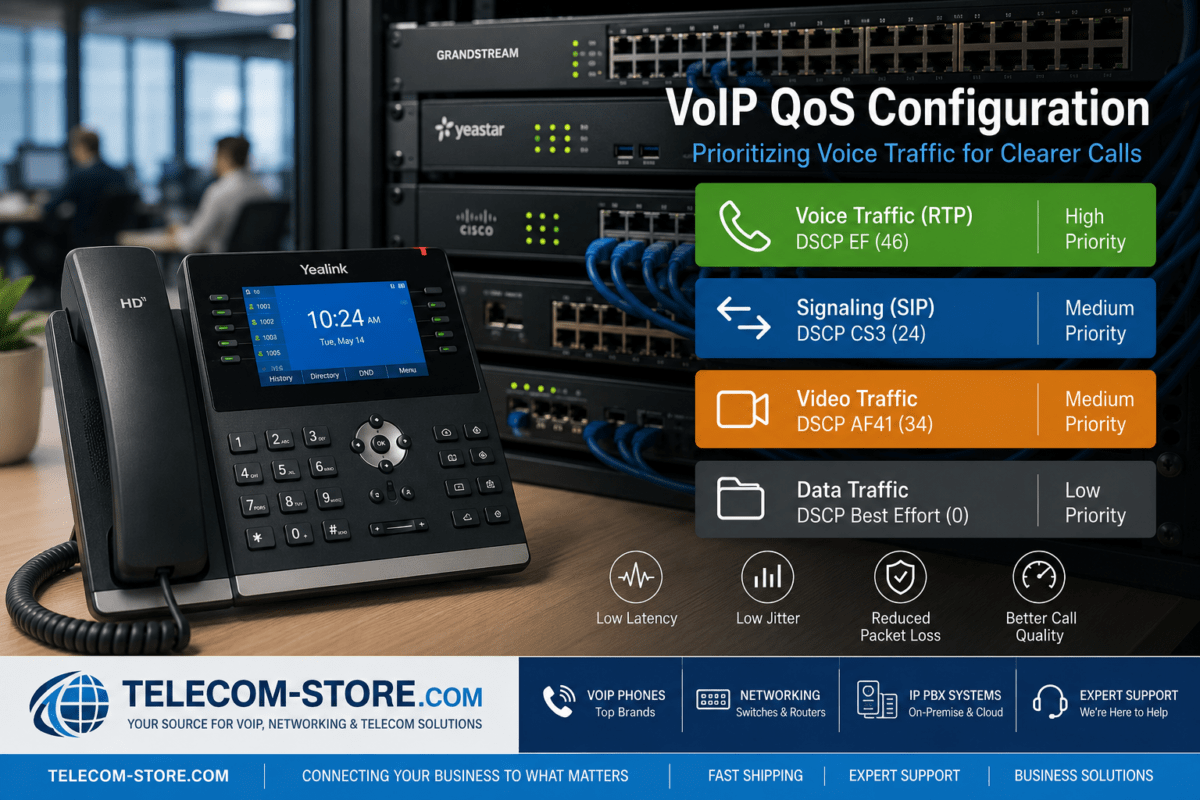
Business voice still depends on predictable packet delivery, appropriate Quality of Service policies, proper VLAN configuration where required, sufficient bandwidth, and a stable network.
For wired IP phones, the introduction of Wi-Fi 7 may have little direct effect because those phones continue communicating through Ethernet.
However, organizations using Wi-Fi handsets, mobile softphones, tablets, and laptops for voice communications may benefit from improvements in wireless capacity and latency when compatible equipment is used.
Businesses deploying voice should also consider a properly designed VoIP VLAN when network size and requirements justify separating voice traffic from general data traffic.
Should You Replace Wi-Fi 6 Access Points?
Not necessarily.
A properly designed Wi-Fi 6 network can still provide excellent performance for many businesses. Replacing recently installed access points simply because Wi-Fi 7 exists may provide little practical return if users are not experiencing capacity, coverage, or performance problems.
Keeping Wi-Fi 6 may make sense when:
The existing wireless network provides adequate coverage and capacity.
Most client devices do not support Wi-Fi 7.
Internet bandwidth is relatively modest.
There are few high-bandwidth wireless applications.
The existing network was installed recently.
Budget is better spent addressing other network bottlenecks.
Wi-Fi 7 becomes more compelling when a business is already approaching a normal network replacement cycle.
When a Wi-Fi 7 Upgrade Makes Sense
Businesses should strongly consider Wi-Fi 7 when building a new network, replacing aging Wi-Fi 5 infrastructure, expanding into a new location, or performing a major network refresh.
It can also make sense in offices with high wireless density, large numbers of mobile devices, demanding cloud applications, large local file transfers, or environments where wireless performance is becoming increasingly important to daily operations.
Business Situation
Recommended Approach
Building a new office network
Evaluate Wi-Fi 7
Replacing aging Wi-Fi 5 equipment
Strong Wi-Fi 7 candidate
Recently installed Wi-Fi 6
Usually keep existing infrastructure unless requirements have changed
High-density office
Evaluate Wi-Fi 7 and multi-gigabit switching
Small office with basic internet use
Wi-Fi 6 may remain sufficient
New multi-year network refresh
Consider Wi-Fi 7 for longer service life
Don’t Upgrade the Access Points Alone
A common network-upgrade mistake is concentrating on access points while ignoring the infrastructure supporting them.
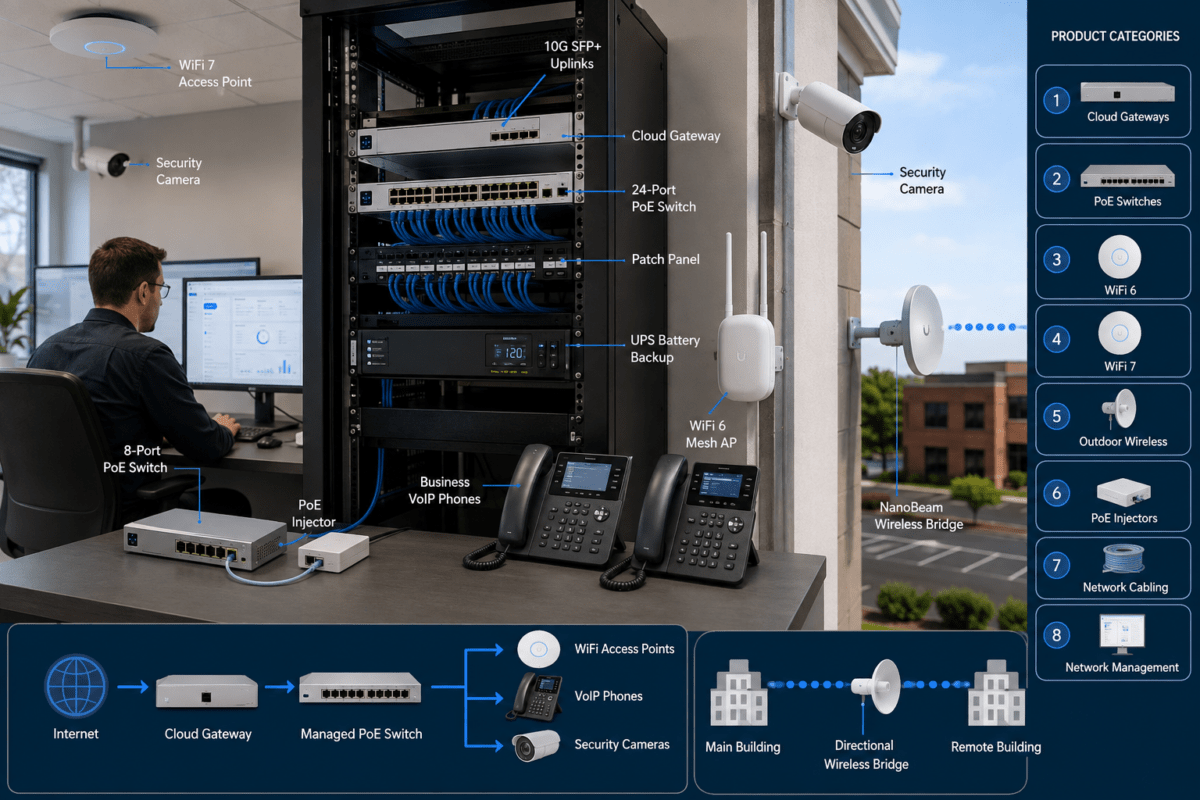
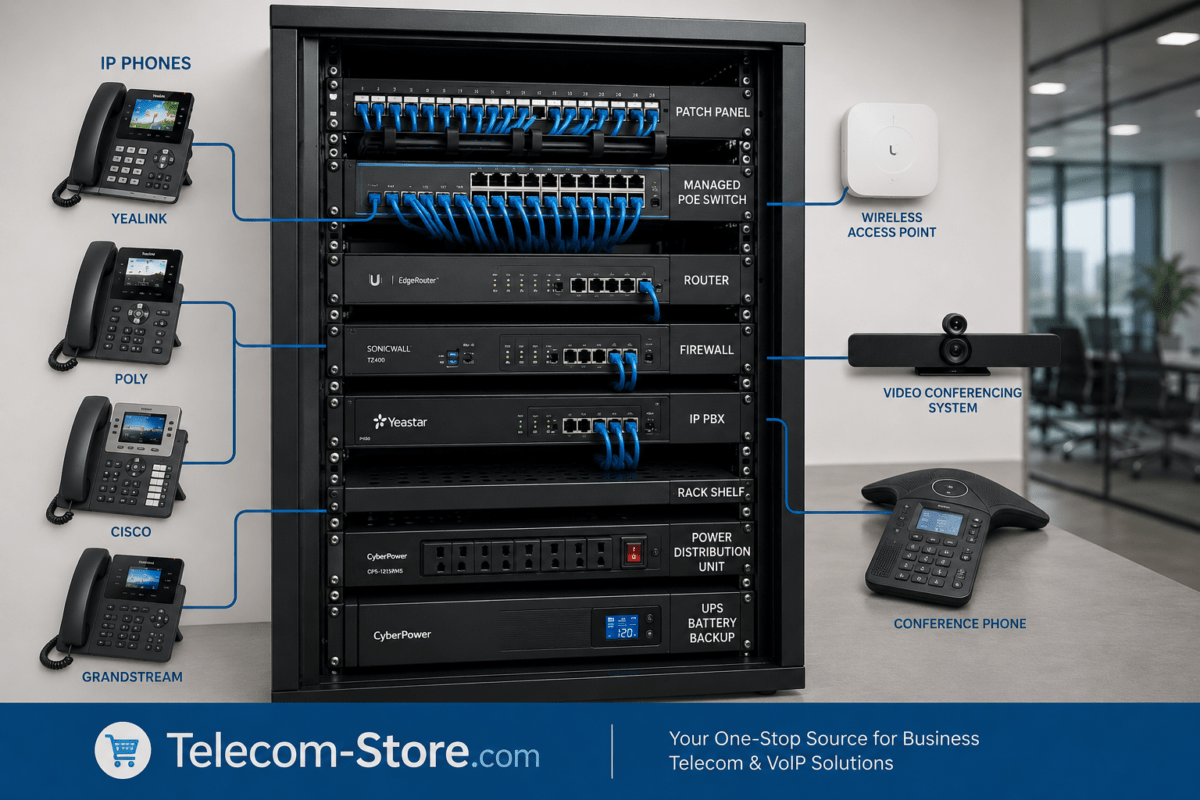
Before deploying Wi-Fi 7, evaluate the complete path:
Internet connection
Firewall and router
Core and access switches
Ethernet port speeds
PoE capacity
Structured cabling
Wireless access points
Client devices
The slowest or least capable component can limit the benefits of upgrading everything else.
Managed Switches Become Even More Important
As business wireless networks become faster and more complex, managed switching becomes increasingly useful.
Managed switches can provide features such as VLANs, traffic prioritization, monitoring, link aggregation, network diagnostics, access controls, and more detailed management of connected infrastructure.
This becomes particularly important when the same network supports Wi-Fi access points, IP phones, computers, security cameras, servers, and other business systems.
Businesses supporting VoIP should also review how VLANs and traffic prioritization interact with the wireless infrastructure instead of treating wireless and voice as completely separate networks.
Plan for Multi-Gigabit Ethernet
One of the most important questions during a Wi-Fi 7 project is whether the wired network needs to move beyond Gigabit Ethernet.
For high-performance access points, a 2.5GbE or faster uplink can prevent the Ethernet connection from unnecessarily restricting aggregate wireless throughput.
Businesses do not necessarily need multi-gigabit connectivity at every desk. A practical approach may be to deploy multi-gigabit switch ports specifically where higher-performance access points, servers, workstations, or other bandwidth-intensive equipment require them.
This allows an organization to modernize strategically without replacing every network component at once.
Wi-Fi 7 Upgrade Checklist for Businesses
Inventory existing access points and their age.
Identify Wi-Fi 7-capable client devices.
Measure current wireless coverage and congestion.
Determine whether 6 GHz operation is appropriate for the environment.
Check Ethernet switch port speeds.
Verify PoE requirements for each proposed access point.
Calculate the switch’s total PoE budget.
Identify existing Ethernet cable categories and run lengths.
Review VLAN architecture.
Review QoS policies for voice and other latency-sensitive applications.
Check firewall/router throughput.
Compare LAN capacity with internet bandwidth.
Plan access-point placement rather than simply replacing old APs one-for-one.
Test the completed network under realistic business loads.
Can Wi-Fi 6 and Wi-Fi 7 Operate Together?
Yes. A business does not have to replace its entire wireless network simultaneously.
Phased upgrades can be practical, particularly for organizations with multiple floors, buildings, or branch locations. Higher-density areas can be upgraded first while suitable Wi-Fi 6 infrastructure remains in lower-demand areas.
This can reduce initial costs while allowing the organization to move toward Wi-Fi 7 as client devices and network requirements evolve.
Common Wi-Fi 7 Upgrade Mistakes
Buying Access Points Without Checking PoE
Always verify the required PoE standard and total power budget before installation.
Connecting Every AP to 1GbE Without Evaluating the Uplink
Gigabit Ethernet may be adequate for some deployments, but it can restrict higher-performance installations. Evaluate actual requirements instead of assuming either 1GbE or multi-gigabit connectivity is automatically necessary.
Expecting Every Device to Become Faster
Older clients remain limited by their own Wi-Fi capabilities. A Wi-Fi 7 access point cannot turn a Wi-Fi 5 or Wi-Fi 6 client into a Wi-Fi 7 device.
Ignoring Network Segmentation
Wireless upgrades are an opportunity to review VLANs, guest networks, IoT segmentation, and voice-network design.
Replacing Access Points Without Performing a Wireless Survey
Newer access points do not automatically correct poor placement. Building materials, interference, client density, channel planning, and coverage requirements still matter.
Is Wi-Fi 7 Worth It for a Small Business?
For a new installation, Wi-Fi 7 deserves serious consideration because the network will likely remain in service for several years.
For a small business that already has a reliable Wi-Fi 6 network, however, there may be no urgent reason to replace it.
The decision should be based on business requirements rather than the generation number printed on the access point.
If the existing network provides sufficient coverage, capacity, reliability, and security, continuing to use it can be entirely reasonable.
Is Wi-Fi 7 Worth It for Larger Offices?
The case can become stronger as device density and network requirements increase.
Large offices may have hundreds of wireless endpoints competing for airtime while simultaneously supporting voice, cloud applications, video, IoT equipment, guest access, and mobile devices.
In these environments, the increased capabilities of Wi-Fi 7 can be valuable, particularly when deployed alongside appropriate multi-gigabit switching, PoE infrastructure, VLAN design, and network management.
Frequently Asked Questions About Wi-Fi 7 for Business
Does Wi-Fi 7 require new access points?
Yes. Wi-Fi 7 capabilities require Wi-Fi 7 access-point hardware. Existing Wi-Fi 6 access points cannot normally be converted into Wi-Fi 7 access points through a firmware update.
Do I need Wi-Fi 7 devices to use a Wi-Fi 7 access point?
No. Wi-Fi 7 access points are designed to support compatible devices from earlier Wi-Fi generations as well. However, a client generally needs Wi-Fi 7 capability to take advantage of Wi-Fi 7-specific features.
Does Wi-Fi 7 require 10 Gigabit Ethernet?
No. The appropriate uplink depends on the access point and network requirements. Many business deployments may use 2.5GbE or other multi-gigabit connections, while some lower-demand environments can continue operating with Gigabit Ethernet.
Does Wi-Fi 7 require PoE++?
Not universally. Power requirements are access-point specific. Check the manufacturer’s required PoE standard and power consumption before selecting the switch.
Will Wi-Fi 7 improve VoIP call quality?
It can improve wireless capacity and potentially reduce contention for compatible wireless voice devices, but Wi-Fi 7 cannot compensate for poor QoS, congestion elsewhere in the network, improper VLAN configuration, packet loss, or problems with the internet connection or VoIP service.
Should I replace a working Wi-Fi 6 network?
Not solely because Wi-Fi 7 is available. If the Wi-Fi 6 network meets current requirements, businesses can often continue using it and incorporate Wi-Fi 7 during their next planned refresh.
Final Considerations
Wi-Fi 7 represents a significant evolution in business wireless networking, but the best upgrade strategy is broader than choosing a new access point.
Businesses should evaluate wireless capacity, Ethernet switching, PoE, cabling, VLANs, QoS, firewall performance, client capabilities, and future growth as one system.
For organizations building a new network or replacing aging wireless infrastructure, Wi-Fi 7 is increasingly worth evaluating. Businesses with relatively new Wi-Fi 6 networks may be better served by maintaining their current equipment until capacity, device requirements, or the normal replacement cycle provides a compelling reason to upgrade.
For VoIP environments in particular, wireless performance should be considered alongside the rest of the network. Review our VoIP VLAN setup guide when planning how voice devices will coexist with computers, wireless clients, and other business network traffic.
To provide the best experiences, we use technologies like cookies to store and/or access device information. Consenting to these technologies will allow us to process data such as browsing behavior or unique IDs on this site. Not consenting or withdrawing consent, may adversely affect certain features and functions.
Functional
Always active
The technical storage or access is strictly necessary for the legitimate purpose of enabling the use of a specific service explicitly requested by the subscriber or user, or for the sole purpose of carrying out the transmission of a communication over an electronic communications network.
Preferences
The technical storage or access is necessary for the legitimate purpose of storing preferences that are not requested by the subscriber or user.
Statistics
The technical storage or access that is used exclusively for statistical purposes.The technical storage or access that is used exclusively for anonymous statistical purposes. Without a subpoena, voluntary compliance on the part of your Internet Service Provider, or additional records from a third party, information stored or retrieved for this purpose alone cannot usually be used to identify you.
Marketing
The technical storage or access is required to create user profiles to send advertising, or to track the user on a website or across several websites for similar marketing purposes.