LLDP-MED for VoIP Phones: How Automatic Voice VLAN Assignment Works
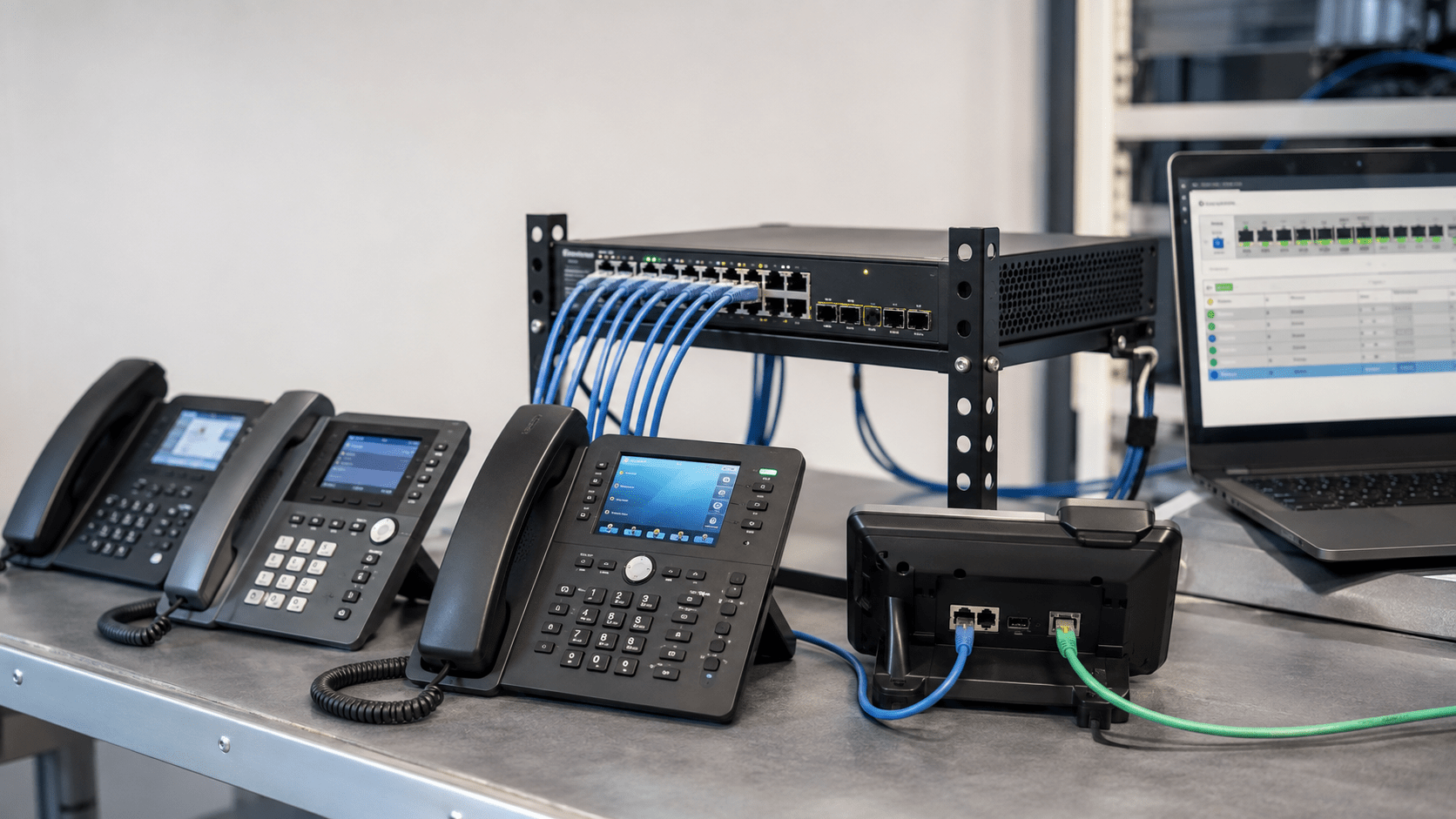
Connecting a business IP phone to a network can be simple: plug in an Ethernet cable, power the phone with PoE, and allow it to register with the VoIP service or IP PBX.
Behind that seemingly simple process, however, the phone may need to learn several important network settings. One of the most important is the voice VLAN.
LLDP-MED can automate that process.
Quick answer: LLDP-MED allows a compatible managed switch to advertise voice-network information to a compatible VoIP phone. The switch can tell the phone which VLAN ID to use for voice traffic and may also advertise Layer 2 and Layer 3 QoS information. The phone can then tag its voice traffic appropriately without requiring an administrator to manually configure the VLAN on every handset.
This makes LLDP-MED especially useful in business networks where IP phones share switch ports with computers and where voice traffic needs to remain logically separate from ordinary data traffic.
What Is LLDP?
LLDP stands for Link Layer Discovery Protocol.
It is a standards-based Layer 2 discovery protocol defined by IEEE 802.1AB. Network devices use LLDP to advertise information about themselves to directly connected neighbors.
For example, a managed switch may learn information about a connected device such as:
Device identity
Switch port information
System name
Device capabilities
Management information
Because LLDP operates between directly connected Layer 2 devices, it is useful for discovering network topology and identifying what is connected to individual switch ports.
LLDP-MED stands for Link Layer Discovery Protocol – Media Endpoint Discovery.
It extends standard LLDP with information specifically useful to media endpoints such as VoIP phones.
LLDP-MED was designed to improve interoperability between network infrastructure and devices such as:
IP desk phones
Conference phones
Voice gateways
Media endpoints
Other compatible communications devices
For a VoIP deployment, one of the most valuable LLDP-MED capabilities is the ability to communicate network policy information between the switch and the phone.
How LLDP-MED Automatically Assigns a Voice VLAN
Consider a business that uses:
VLAN 10 for computers
VLAN 20 for VoIP phones
An employee’s workstation may be connected through the Ethernet passthrough port on an IP phone.
The physical connection might look like this:
Managed Switch → IP Phone → Computer
Even though the phone and computer share one physical switch port, their traffic can still be separated logically.
A common design is:
Computer traffic remains untagged on the data VLAN.
Phone traffic is tagged with the voice VLAN ID.
LLDP-MED can tell the phone which VLAN it should use for its voice traffic.
Step 1: The Switch Port Is Configured
The administrator configures the managed switch port with a normal data VLAN and a voice VLAN.
For example:
Data VLAN: 10 Voice VLAN: 20
Step 2: The Switch Advertises LLDP-MED
The switch periodically sends LLDP information on the Ethernet port.
The LLDP-MED Network Policy information can identify the policy intended for voice traffic, including the VLAN ID and supported QoS parameters.
Step 3: The Phone Receives the Network Policy
A compatible IP phone receives the LLDP-MED advertisement and learns that voice traffic should use VLAN 20.
Step 4: The Phone Begins Tagging Voice Traffic
The phone applies an IEEE 802.1Q VLAN tag to its voice traffic.
Instead of transmitting its SIP, RTP and management traffic on the ordinary data network, the phone now sends that traffic through the designated voice VLAN.
Step 5: The Computer Can Remain on the Data VLAN
If a computer is connected through the phone’s PC port, the phone can bridge the computer’s ordinary Ethernet traffic without applying the voice VLAN tag.
This allows both devices to share one physical Ethernet connection while remaining logically separated.
What Information Can LLDP-MED Advertise?
LLDP-MED includes several specialized information elements known as Type-Length-Value fields, or TLVs.
LLDP-MED Information
Purpose
Capabilities
Identifies which LLDP-MED functions the devices support
Network Policy
Can advertise voice VLAN and QoS information
Extended Power via MDI
Provides additional PoE-related information
Location Information
Can communicate endpoint location information in supported environments
Inventory
Can provide device information useful for management
The exact capabilities available depend on the switch, phone, software version and configuration.
LLDP-MED Network Policy TLV
The Network Policy TLV is the part of LLDP-MED most directly associated with automatic voice VLAN assignment.
A compatible switch can use it to advertise information such as:
Voice VLAN ID
Whether VLAN tagging is required
Layer 2 priority information
Layer 3 DSCP information
This means LLDP-MED can help automate both segmentation and traffic-priority settings.
However, LLDP-MED does not replace your VLAN configuration. The switch still has to be correctly configured with the appropriate VLANs, port membership, routing and network services.
LLDP-MED Does Not Create the VLAN
This is an important distinction.
LLDP-MED can tell a phone which VLAN to use, but it does not automatically build the entire network for you.
The administrator still needs to configure:
The VLAN on the managed switch
Tagged and untagged port behavior
DHCP for the voice subnet
DNS
Default gateway
Routing
Firewall rules
IP PBX or hosted VoIP access
If VLAN 20 is advertised to the phone but VLAN 20 has no working DHCP server, the phone may correctly enter the voice VLAN and then fail to obtain an IP address.
That can make an LLDP-MED problem appear to be a phone problem when the real issue is elsewhere in the network.
LLDP-MED vs Manual Voice VLAN Configuration
Method
Advantages
Considerations
LLDP-MED
Automatic, standards-based, scalable
Requires compatible switch and phone
Manual VLAN configuration
Simple and predictable for small deployments
Every phone may need individual configuration
DHCP-based configuration
Can centralize some phone settings
Implementation varies by vendor and platform
Vendor-specific discovery
May provide deep integration
Can reduce multivendor flexibility
For a business deploying many phones, LLDP-MED can significantly reduce the amount of handset-by-handset VLAN configuration.
LLDP-MED vs DHCP Options
LLDP-MED and DHCP are not interchangeable.
LLDP-MED operates at Layer 2 and can provide network-policy information before the phone has fully established normal IP connectivity.
DHCP operates after the device is participating in an IP network and commonly provides information such as:
IP address
Subnet mask
Default gateway
DNS servers
Provisioning-server information
Some phone deployments also use vendor-specific DHCP options to influence VLAN behavior or provisioning.
In many professional environments, both technologies are used:
LLDP-MED → Identify voice VLAN DHCP → Obtain IP configuration and provisioning information
Why Voice VLANs Are Useful
A voice VLAN does not magically improve every phone call simply because it exists.
Its main benefit is creating a clean logical boundary for voice traffic.
This makes it easier to implement:
QoS policies
Security controls
DHCP scopes
Monitoring
Troubleshooting
Access-control policies
Traffic analysis
For a detailed explanation of when a separate voice VLAN makes sense, see our VoIP VLAN Setup Guide.
How LLDP-MED Works With QoS
Voice VLANs and QoS are related, but they solve different problems.
The VLAN separates traffic logically.
QoS determines how traffic should be prioritized when network resources become congested.
LLDP-MED network policies can include Layer 2 priority and Layer 3 QoS information in supported environments.
A typical network design may therefore use:
A dedicated voice VLAN
802.1p Class of Service values at Layer 2
DSCP markings at Layer 3
Switch queues that prioritize approved voice traffic
Many business IP phones contain a small internal Ethernet switch with two physical ports:
LAN or network port
PC port
The LAN port connects to the managed network switch.
The PC port allows the employee’s computer to connect through the phone.
A properly configured phone can place its own voice traffic on the tagged voice VLAN while forwarding the computer’s ordinary traffic on the untagged data VLAN.
This design reduces the number of physical switch ports and wall jacks required at each desk.
Example: Automatic Voice VLAN Deployment
Consider an office with:
25 employees
25 IP phones
25 computers
One managed PoE switch
One IP PBX or hosted VoIP service
The network administrator configures:
VLAN 10 — Business Data VLAN 20 — Voice
Each switch access port is configured to support the normal data VLAN and advertise VLAN 20 as the voice network through LLDP-MED.
When a compatible phone boots:
The phone receives PoE.
The phone and switch exchange LLDP/LLDP-MED information.
The switch advertises VLAN 20 as the voice network.
The phone begins tagging its voice traffic for VLAN 20.
The phone requests an IP address from the VLAN 20 DHCP scope.
The phone contacts its provisioning server or PBX.
The phone registers with the VoIP platform.
The computer connected through the phone remains on VLAN 10.
No administrator needs to manually enter VLAN 20 into each phone.
What Happens If LLDP-MED Does Not Work?
When LLDP-MED fails, the phone may remain on the data VLAN or fail to establish network connectivity after switching VLANs.
Possible symptoms include:
Phone receives an address from the wrong subnet
Phone shows no IP address
Phone repeatedly reboots or renews DHCP
Phone cannot reach the provisioning server
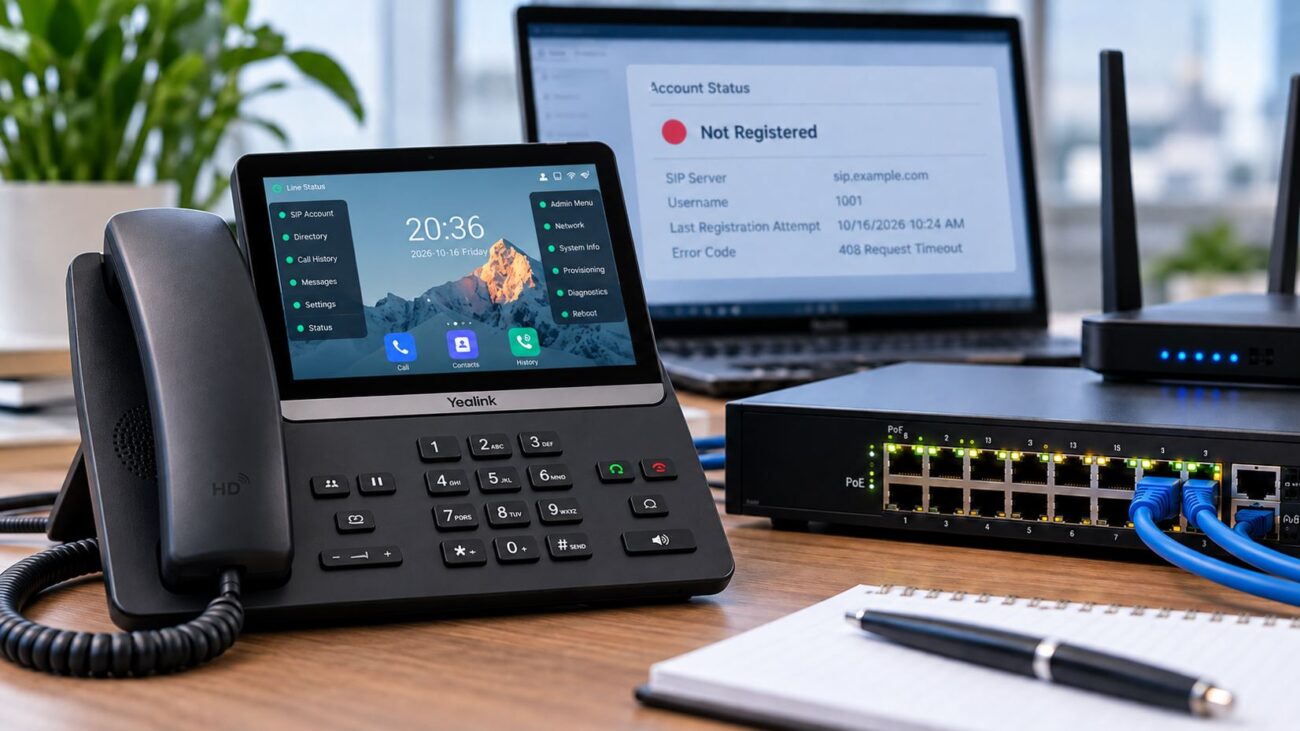
SIP account remains unregistered
Computer works but phone does not
Phone works when VLAN is manually configured
LLDP-MED Troubleshooting Checklist
1. Verify the Switch Supports LLDP-MED
Do not assume that every managed switch supports the same LLDP-MED features.
Check the manufacturer’s documentation for the exact switch model and firmware version.
2. Verify the Phone Supports LLDP-MED
Both sides must support the required functionality.
For example, Snom documentation for the D815 family identifies LLDP-MED as a supported network feature.
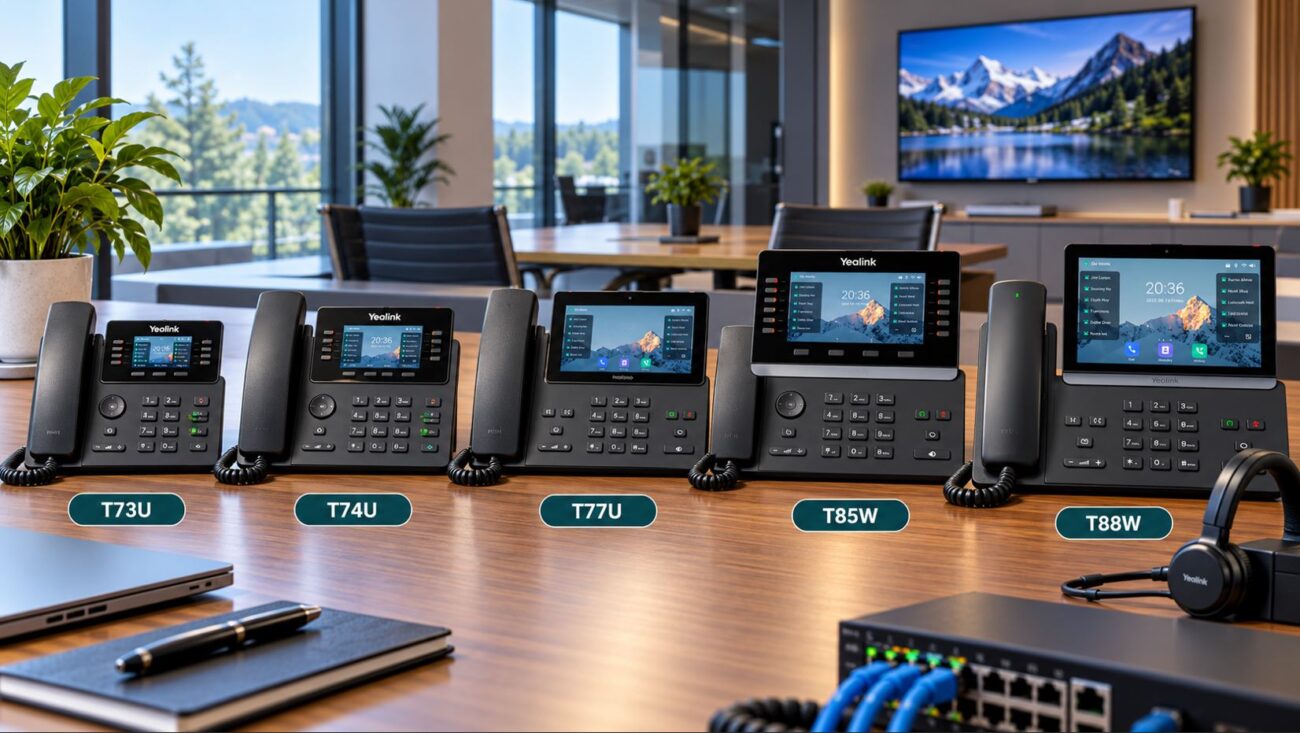
The Snom D815WB SIP Phone is an example of a modern business endpoint in this product family.
3. Confirm LLDP Is Enabled
Some switches allow LLDP to be disabled globally or per port.
Make sure LLDP and the appropriate LLDP-MED network-policy advertisement are active on the phone’s switch port.
4. Verify the Voice VLAN Exists
Confirm that the VLAN ID advertised to the phone actually exists on the switch.
5. Check Tagged and Untagged VLAN Membership
Verify that the port configuration matches the intended design.
A common configuration is:
Data VLAN → Untagged Voice VLAN → Tagged
Exact terminology varies by switch manufacturer.
6. Check DHCP on the Voice VLAN
After the phone changes VLANs, it needs an appropriate IP address.
Verify that the voice subnet has:
DHCP service
Correct subnet mask
Default gateway
DNS servers
Any required provisioning options
7. Verify Routing and Firewall Policies
The phone may successfully enter the correct VLAN yet still fail to register because the voice network cannot reach the PBX, SIP provider or provisioning server.
8. Check the Phone’s Local VLAN Settings
A manually configured VLAN can sometimes override or conflict with automatic discovery.
If troubleshooting, determine whether the phone is configured for:
Automatic VLAN discovery
LLDP-MED
Manual VLAN
DHCP-based VLAN discovery
9. Review LLDP Neighbor Information
Managed switches often provide an LLDP neighbor table.
Verify that the phone appears as a directly connected LLDP neighbor on the expected switch port.
10. Test With a Manual VLAN
As a diagnostic step, temporarily configure the correct voice VLAN manually on one affected phone.
If the phone immediately obtains the correct address and registers, the problem may be related to VLAN discovery rather than DHCP, routing or SIP credentials.
Common LLDP-MED Configuration Mistakes
The Voice VLAN Is Advertised but Has No DHCP
The phone successfully moves to the voice VLAN and then appears offline because it cannot obtain an IP address.
The Switch Advertises the Wrong VLAN ID
A simple mismatch between the configured voice VLAN and the advertised network policy can place phones on the wrong network.
LLDP Is Disabled on the Port
The switch supports LLDP-MED, but the specific access port is not transmitting the required advertisements.
The Phone Has a Manually Configured VLAN
Older configuration left on the phone may interfere with automatic VLAN assignment.
The Voice VLAN Is Missing From an Uplink
The access switch may correctly assign the phone to the voice VLAN, but an upstream trunk may not carry that VLAN toward the router, DHCP server or PBX.
VLAN Assignment Is Blamed for a SIP Problem
If the phone has the correct voice-VLAN address and can reach its gateway, LLDP-MED may already be working correctly. Continue troubleshooting DNS, provisioning, firewall and SIP registration.
Managed Switches for LLDP-MED VoIP Deployments
A business that wants automatic voice-VLAN assignment needs a managed switch with appropriate VLAN, LLDP/LLDP-MED and QoS capabilities.
Grandstream documents LLDP and LLDP-MED support on the GWN7810-series platform for automatic endpoint discovery, provisioning and management. The series also provides VLAN, QoS and dynamic PoE capabilities.
This makes the GWN7811P appropriate for smaller offices that need managed PoE switching and standards-based VoIP network features.
It provides 16 Gigabit Ethernet ports, high-speed SFP+ uplinks, QoS and managed PoE functionality.
For environments where automatic IP phone discovery and VLAN assignment are part of the design, Grandstream’s LLDP-MED support makes this family particularly relevant.
It provides 802.1Q VLAN tagging, Voice VLAN functionality, QoS controls, PoE+ and a 410-watt PoE budget.
When evaluating any switch for an LLDP-MED-specific deployment, verify the required LLDP-MED functions in the manufacturer’s current documentation before purchase.
Do You Need LLDP-MED for a Small VoIP Network?
Not necessarily.
A small office with three or four phones on a simple flat network may have no need for automatic voice-VLAN assignment.
The larger the environment becomes, the more valuable automated network policy can be.
LLDP-MED vs Vendor-Specific Discovery Protocols
Some manufacturers provide proprietary discovery mechanisms that perform functions similar to LLDP-MED.
Those systems can work well within a single-vendor environment.
LLDP-MED has an important advantage: it was designed as a standards-based mechanism for multivendor networks.
A compatible managed switch can therefore communicate with phones from different manufacturers without requiring the switch and phone to belong to the same ecosystem.
Does LLDP-MED Provision the SIP Account?
No.
This is another common misunderstanding.
LLDP-MED primarily helps with network-edge information such as VLAN policy, QoS, power and device information.
It does not normally provide the phone’s:
SIP username
SIP password
Registrar address
Extension configuration
BLF keys
Directory configuration
Those settings normally come from the phone’s provisioning system, PBX, configuration file or manual configuration.
Think of the process this way:
LLDP-MED gets the phone onto the appropriate network.
Provisioning gives the phone its telephony configuration.
LLDP-MED Deployment Checklist
Create the voice VLAN.
Create the appropriate voice DHCP scope.
Configure routing and firewall access.
Configure the switch access ports.
Set the normal data VLAN.
Set the voice VLAN.
Enable LLDP.
Enable the required LLDP-MED network policy.
Verify the phone supports LLDP-MED.
Enable automatic VLAN discovery on the phone.
Connect the phone.
Check the LLDP neighbor table.
Verify that the phone receives an address from the voice subnet.
Confirm SIP registration.
Confirm the attached PC remains on the data VLAN.
Test inbound and outbound calls.
Verify QoS markings where required.
LLDP-MED Decision Matrix
Environment
LLDP-MED Value
Recommended Approach
3 phones on a flat LAN
Low
Simple configuration may be sufficient
20 phones with voice VLAN
High
Automatic VLAN assignment is useful
Phones with PCs connected through them
High
Use voice/data VLAN separation
Multivendor phone deployment
High
Standards-based LLDP-MED is advantageous
No managed switch
Unavailable
Upgrade infrastructure or configure phones manually
Phone does not support LLDP-MED
Unavailable
Use manual or supported alternative VLAN discovery
Frequently Asked Questions
What does LLDP-MED do for VoIP phones?
LLDP-MED allows compatible network switches and media endpoints to exchange information useful to VoIP deployments. One important function is advertising network policy information such as the voice VLAN and QoS settings.
Can LLDP-MED automatically configure a voice VLAN?
It can automatically tell a compatible phone which configured voice VLAN to use. It does not create the VLAN, DHCP scope or routing infrastructure itself.
Does LLDP-MED require a managed switch?
In practical business deployments, yes. The switch must support the necessary LLDP-MED and VLAN configuration features. Ordinary unmanaged switches generally do not provide this functionality.
Does every VoIP phone support LLDP-MED?
No. Support varies by manufacturer and model. Verify the specifications or administration guide for the exact phone.
Is LLDP-MED the same as LLDP?
No. LLDP is the underlying standards-based discovery protocol. LLDP-MED extends LLDP with capabilities designed for media endpoints such as VoIP phones.
Does LLDP-MED provide an IP address?
No. DHCP normally provides the IP address. LLDP-MED may first direct the phone to the appropriate voice VLAN, after which the phone requests an address from that VLAN’s DHCP service.
Can LLDP-MED configure QoS?
LLDP-MED network policies can advertise Layer 2 and Layer 3 priority information to compatible endpoints. The switch and broader network must still have the corresponding QoS policies configured correctly.
What if the phone receives an IP address from the data VLAN?
Check whether LLDP and LLDP-MED are enabled, verify the voice VLAN advertised by the switch, inspect the phone’s VLAN configuration and review the switch’s LLDP neighbor information.
Can a computer and VoIP phone use different VLANs on the same cable?
Yes. A common deployment places the phone’s traffic on a tagged voice VLAN while the computer connected through the phone’s PC port uses the untagged data VLAN.
Can LLDP-MED fix a phone that will not register?
Only if incorrect VLAN assignment is the cause. Registration can also fail because of DHCP, DNS, firewall, provisioning, SIP credentials or PBX/provider problems.
Final Recommendation
LLDP-MED is one of the most useful automation tools available in a properly designed business VoIP network.
Instead of manually entering a voice VLAN into every handset, administrators can configure the network policy at the managed switch and allow compatible phones to discover the correct voice network automatically.
The result can be a cleaner and more scalable deployment in which:
Voice traffic uses a dedicated VLAN.
Computer traffic remains on the data network.
QoS policy is easier to apply consistently.
Phones can be moved or replaced with less manual configuration.
Network administrators gain better visibility into connected endpoints.
However, LLDP-MED is only one part of the design. The voice VLAN still needs working DHCP, DNS, routing, firewall access, provisioning and PBX connectivity.
To provide the best experiences, we use technologies like cookies to store and/or access device information. Consenting to these technologies will allow us to process data such as browsing behavior or unique IDs on this site. Not consenting or withdrawing consent, may adversely affect certain features and functions.
Functional
Always active
The technical storage or access is strictly necessary for the legitimate purpose of enabling the use of a specific service explicitly requested by the subscriber or user, or for the sole purpose of carrying out the transmission of a communication over an electronic communications network.
Preferences
The technical storage or access is necessary for the legitimate purpose of storing preferences that are not requested by the subscriber or user.
Statistics
The technical storage or access that is used exclusively for statistical purposes.The technical storage or access that is used exclusively for anonymous statistical purposes. Without a subpoena, voluntary compliance on the part of your Internet Service Provider, or additional records from a third party, information stored or retrieved for this purpose alone cannot usually be used to identify you.
Marketing
The technical storage or access is required to create user profiles to send advertising, or to track the user on a website or across several websites for similar marketing purposes.