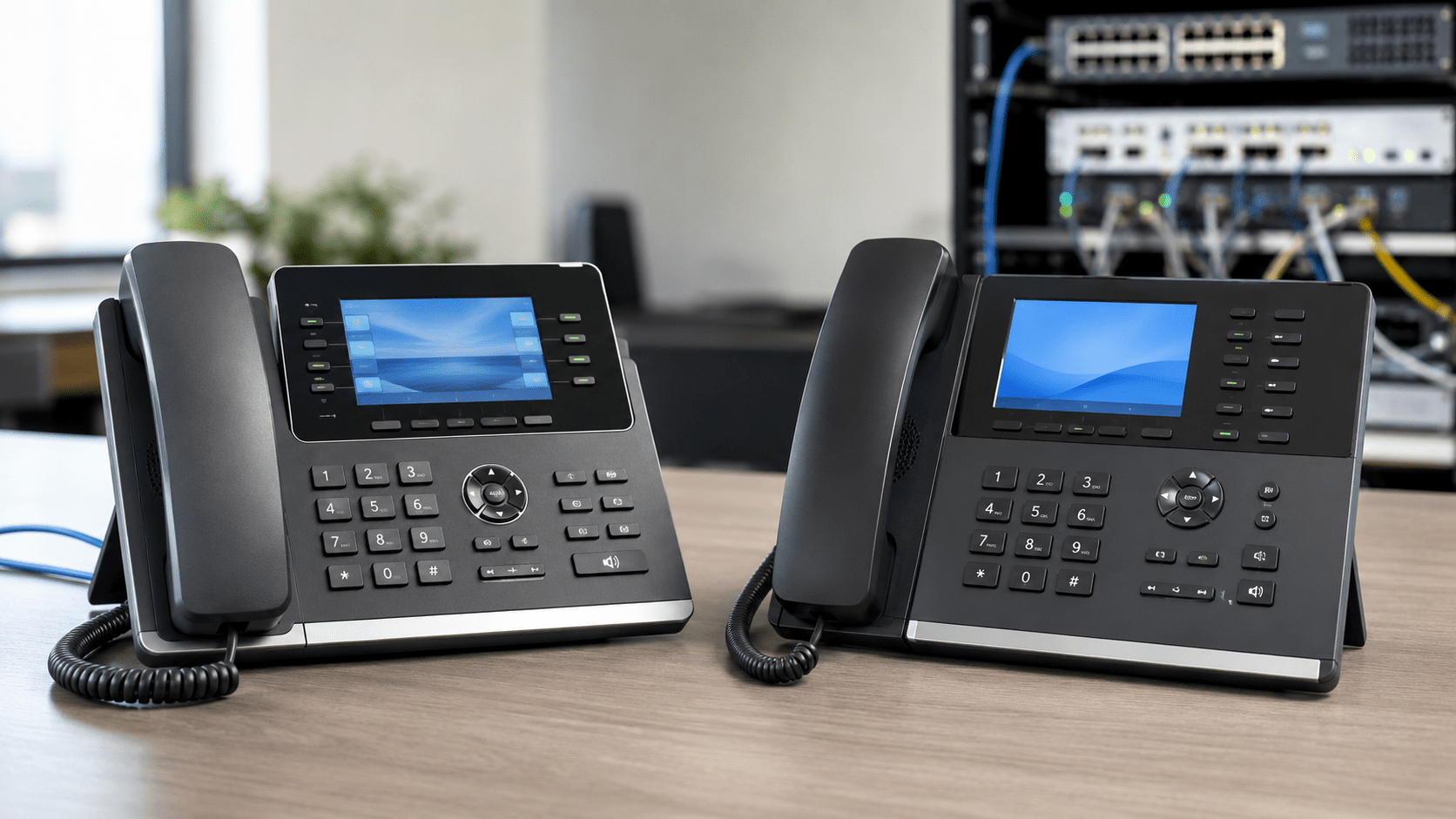
Yealink vs. Grandstream IP Phones: Which Is Better for Business?
Yealink and Grandstream are two of the most widely considered brands when businesses shop for SIP-based IP phones. Both manufacturers offer desk phones ranging from basic user endpoints to advanced executive models, and both support standard SIP environments used by many hosted VoIP providers and IP PBX platforms.
However, the better choice depends less on the logo on the phone and more on how the phones will be deployed, managed, supported, and used day to day.
This guide compares Yealink and Grandstream IP phones from a practical business perspective, including user experience, provisioning, networking, wireless connectivity, expansion options, management tools, and deployment scenarios.
Yealink vs. Grandstream: Quick Comparison
Category
Yealink
Grandstream
Best fit
Businesses prioritizing a polished user experience, broad model selection, and standardized deployments
Businesses prioritizing value, centralized Grandstream management, and integrated voice/network ecosystems
SIP support
Yes
Yes
PoE availability
Available on many business models
Available on many business models
Wi-Fi and Bluetooth
Built in on selected models
Built in on selected models
Gigabit Ethernet
Available on many midrange and premium models
Available on many midrange and premium models
Centralized management
Yealink device-management and cloud-management platforms
Office staff, service providers, multi-site deployments, Grandstream-centric networks
Which Is Better: Yealink or Grandstream?
There is no universal winner. Both brands can work well in professional VoIP environments.
Yealink is often a strong choice for organizations that value a consistent desktop experience, broad model selection, integrated wireless features on selected models, and straightforward deployment across different user roles.
Grandstream is particularly attractive for businesses that want competitive feature sets and centralized device administration through the Grandstream Device Management System. Grandstream can also be appealing when the organization already uses other Grandstream infrastructure such as IP PBXs, gateways, switches, or wireless networking equipment.
The most important question is not simply which phone has more features. It is which platform fits your PBX or hosted VoIP service, network design, provisioning process, users, and support model.
1. Phone Selection and User Roles
Both manufacturers offer phones for multiple levels of business users.
Yealink
Yealink’s portfolio includes phones aimed at common office users, managers, receptionists, executives, and higher-volume call environments.
For example, the Yealink T74U business SIP phone supports up to 16 SIP accounts, Power over Ethernet, USB headset connectivity, expansion modules, and multiple stand positions.
Businesses that want integrated wireless connectivity can consider models such as the Yealink T74W, which adds built-in Wi-Fi and Bluetooth while retaining business-oriented SIP and expansion capabilities.
For higher-end deployments, Telecom-Store also carries models such as the Yealink T87W, which is designed for more advanced business users and supports up to 16 SIP accounts.
Grandstream
Grandstream also offers a broad range of business IP phones, particularly through its GRP product families.
A good example is the Grandstream GRP2614. It includes dual color displays, Gigabit Ethernet, PoE, Wi-Fi, Bluetooth, and programmable line and feature-key functionality.
For cost-sensitive office deployments, the Grandstream GRP2603 provides six SIP accounts, Gigabit Ethernet, HD audio, and enterprise-oriented security features.
Grandstream’s GRP family is particularly relevant to organizations and service providers that need repeatable deployment across many endpoints.
2. User Interface and Daily Operation
The usability of an IP phone matters because employees interact with it every day.
Yealink tends to maintain a relatively consistent interface across related business-phone families. That can reduce retraining when users move between phone models or when an organization deploys different phones for different employee roles.
Models such as the Yealink T54W use a 4.3-inch color display and support features including multiple SIP accounts, programmable keys, Bluetooth, dual-band Wi-Fi, Gigabit Ethernet, PoE, USB accessories, and expansion modules.
Grandstream’s business phones are also designed around familiar SIP calling workflows, including programmable keys, BLF functionality, call transfer, hold, conference calling, headset support, and centralized provisioning.
For organizations evaluating either brand, it is worth testing at least one sample phone with actual employees before committing to a large deployment. Small differences in menus, soft keys, call-transfer workflow, directory access, and headset behavior can matter more in daily use than a long specification sheet.
3. Provisioning and Device Management
Provisioning is one of the most important differences to consider when deploying dozens, hundreds, or thousands of phones.
Yealink Management
Yealink supports centralized deployment and management through technologies including its device-management platforms and Redirection and Provisioning Service.
Depending on the platform and deployment model, administrators can manage devices, perform firmware updates, deploy configurations, monitor endpoints, and troubleshoot supported phones centrally.
This can be particularly useful for organizations with multiple offices or remote workers because administrators do not need to configure every endpoint manually.
Grandstream GDMS
Grandstream provides the Grandstream Device Management System, or GDMS, for supported devices.
GDMS is designed to provide centralized provisioning, configuration, firmware management, monitoring, troubleshooting, alarm functions, and device organization by site, group, and model.
This makes Grandstream particularly compelling when an organization expects to manage a substantial number of Grandstream endpoints.
4. PBX and Hosted VoIP Compatibility
Both Yealink and Grandstream manufacture standards-based SIP phones, but that does not mean every phone is automatically supported by every PBX or hosted VoIP provider.
Before purchasing phones, verify the following:
Whether the provider officially supports the exact model
Whether automatic provisioning is available
Which firmware versions the provider recommends
Whether BLF and presence features are supported
Whether call parking and transfer workflows are supported
Whether voicemail integration is supported
Whether security certificates or special provisioning files are required
Whether the provider restricts customer-owned devices
A phone can technically register through SIP yet still lack important provider-specific functionality.
5. PoE and Network Requirements
Most business VoIP deployments should consider Power over Ethernet because PoE allows compatible phones to receive power and Ethernet connectivity through the same network cable.
This reduces the number of individual AC adapters required at desks and makes centralized battery backup easier when the PoE switches are connected to an appropriately sized UPS.
However, businesses should verify both the phone’s PoE requirements and the switch’s total PoE power budget.
Wireless connectivity can be useful, but it should be selected based on a real deployment need rather than treated as a requirement for every phone.
Selected Yealink models include built-in Wi-Fi and Bluetooth. This can be useful for Bluetooth headsets, mobile-device integration, or locations where Ethernet cabling is difficult.
Selected Grandstream models also support Wi-Fi and Bluetooth, including higher-feature GRP models.
For permanent desk installations, wired Ethernet generally remains preferable where practical because it simplifies troubleshooting and avoids adding Wi-Fi contention to voice traffic.
7. Headsets and Expansion Modules
Businesses with receptionists, call-center personnel, sales teams, or frequent callers should pay close attention to headset compatibility.
Both Yealink and Grandstream offer phones that support wired and wireless headset configurations. However, compatibility can depend on the exact headset, phone model, EHS adapter, firmware, and call-control implementation.
Expansion modules can also be valuable for receptionists and attendants who need a large number of BLF, speed-dial, or line-status keys.
Selected Yealink models support Yealink color-screen expansion modules, while selected Grandstream models support their corresponding expansion accessories.
Always verify expansion-module compatibility against the exact phone model before ordering.
8. Security Features
Business IP phones should be treated as managed network endpoints rather than simple telephones.
Current models from both manufacturers support security features that can include encrypted signaling, encrypted media, secure provisioning, certificate-based functions, secure boot, and protected configuration storage depending on the model.
Security still depends heavily on deployment practices.
Businesses should:
Change default administrative passwords
Use HTTPS for management where supported
Use TLS and SRTP when supported by the PBX or provider
Keep firmware maintained
Restrict phone-management interfaces to trusted networks
Separate voice traffic using VLANs where appropriate
Disable unnecessary services
Control outbound and inbound network access with firewall policies
9. Which Brand Is Better for Small Business?
For a typical small business, both brands can be good choices.
Yealink may be the better fit when the priority is a consistent user interface, a broad selection of desk-phone tiers, integrated wireless functionality on selected models, and a polished endpoint experience.
Grandstream may be the better fit when the organization wants strong value, centralized GDMS management, or already operates other Grandstream infrastructure.
The best approach is to standardize on a small number of approved models rather than buying unrelated phones for every employee.
For example:
User Type
Recommended Approach
General office employee
Midrange SIP phone with PoE, Gigabit Ethernet, HD audio, and headset support
Manager
Color-screen phone with additional programmable keys and wireless options if needed
Executive
Higher-end phone with larger display, advanced call handling, Bluetooth, and expansion capability
Receptionist
Phone supporting expansion modules and extensive BLF functionality
Remote employee
Model approved by the hosted VoIP provider with secure remote provisioning
10. Which Brand Is Better for Larger Deployments?
Large deployments should be evaluated differently from a ten-phone office.
The phone itself is only one part of the decision. Administrators should consider:
Zero-touch provisioning
Firmware lifecycle management
Configuration templates
Remote troubleshooting
Asset tracking
Replacement procedures
Provider interoperability
Security policy
Multi-site administration
Availability of replacement units
Yealink’s centralized management tools can simplify large Yealink deployments, while Grandstream’s GDMS provides an integrated management environment for supported Grandstream devices.
Organizations already standardized on one manufacturer’s management platform may gain more operational value by staying within that ecosystem than by switching brands solely for a minor hardware feature.
Yealink vs. Grandstream Decision Matrix
Requirement
Consider Yealink
Consider Grandstream
Consistent user experience across multiple phone tiers
Strong fit
Strong fit
Integrated Wi-Fi/Bluetooth options
Available on selected models
Available on selected models
Centralized cloud provisioning
Available through Yealink management services
Strong fit with GDMS
Grandstream PBX/network environment
Compatible where supported
Especially logical choice
Large receptionist BLF deployment
Choose models supporting expansion modules
Choose models supporting expansion modules
Lowest hardware cost
Compare specific models
Compare specific models
Hosted VoIP deployment
Verify provider certification
Verify provider certification
Questions to Ask Before Buying Either Brand
Does our VoIP provider support this exact model?
Can the phone be automatically provisioned?
Does it support the number of SIP accounts we need?
Do we require integrated Wi-Fi?
Do we require Bluetooth?
Does the phone support our preferred headset?
Do reception users need expansion modules?
Does the model support PoE?
Do our switches have sufficient PoE capacity?
How will firmware and configuration updates be managed?
Do we need centralized remote monitoring?
How many years do we expect to keep the phones?
Frequently Asked Questions
Are Yealink and Grandstream phones compatible with any VoIP provider?
Not automatically. Both brands manufacture SIP-based phones, but providers may support only specific models or firmware versions. Always verify compatibility with the hosted VoIP provider or PBX administrator before purchasing.
Can Yealink and Grandstream phones work on the same PBX?
Yes, in many standards-based SIP environments, provided the PBX supports both models. However, provisioning templates, feature-key behavior, firmware management, and provider-specific features may differ.
Which is better for a receptionist?
Either manufacturer can be suitable. Look for a model that supports a large number of programmable BLF keys and compatible expansion modules. The best choice depends on the PBX, call volume, and desired user interface.
Do Yealink and Grandstream phones require a power adapter?
Many business models support Power over Ethernet and can receive power from a compatible PoE switch. Some models may also support external power adapters. Check the exact model and whether a power supply is included.
Which brand is easier to manage remotely?
Both provide centralized management options. Yealink offers device-management platforms and cloud-management services, while Grandstream offers GDMS for supported Grandstream devices. The better choice depends on the organization’s existing management environment.
Is Yealink better than Grandstream for call quality?
It is not accurate to say that one brand universally produces better call quality. Voice quality depends on the exact phone model, codec, handset or headset, PBX configuration, network quality, packet loss, latency, jitter, and QoS configuration.
Final Recommendation
Yealink and Grandstream are both credible choices for business VoIP deployments.
Choose Yealink when its phone lineup, user interface, management options, accessories, and provider support align better with your environment.
Choose Grandstream when its GRP endpoint portfolio, GDMS management platform, pricing, or broader Grandstream ecosystem provides a better operational fit.
For most businesses, the smartest decision is to choose the phone platform that reduces deployment and support complexity over the entire life of the system rather than choosing solely on purchase price.
Browse business phones and VoIP equipment at Telecom-Store.com, or compare specific models before standardizing your next deployment.
To provide the best experiences, we use technologies like cookies to store and/or access device information. Consenting to these technologies will allow us to process data such as browsing behavior or unique IDs on this site. Not consenting or withdrawing consent, may adversely affect certain features and functions.
Functional
Always active
The technical storage or access is strictly necessary for the legitimate purpose of enabling the use of a specific service explicitly requested by the subscriber or user, or for the sole purpose of carrying out the transmission of a communication over an electronic communications network.
Preferences
The technical storage or access is necessary for the legitimate purpose of storing preferences that are not requested by the subscriber or user.
Statistics
The technical storage or access that is used exclusively for statistical purposes.The technical storage or access that is used exclusively for anonymous statistical purposes. Without a subpoena, voluntary compliance on the part of your Internet Service Provider, or additional records from a third party, information stored or retrieved for this purpose alone cannot usually be used to identify you.
Marketing
The technical storage or access is required to create user profiles to send advertising, or to track the user on a website or across several websites for similar marketing purposes.