Yealink T85W vs T74U: Which Business Phone Should You Choose?
Choosing between the Yealink T85W and Yealink T74U is less about determining which phone is universally better and more about determining which features your users actually need.
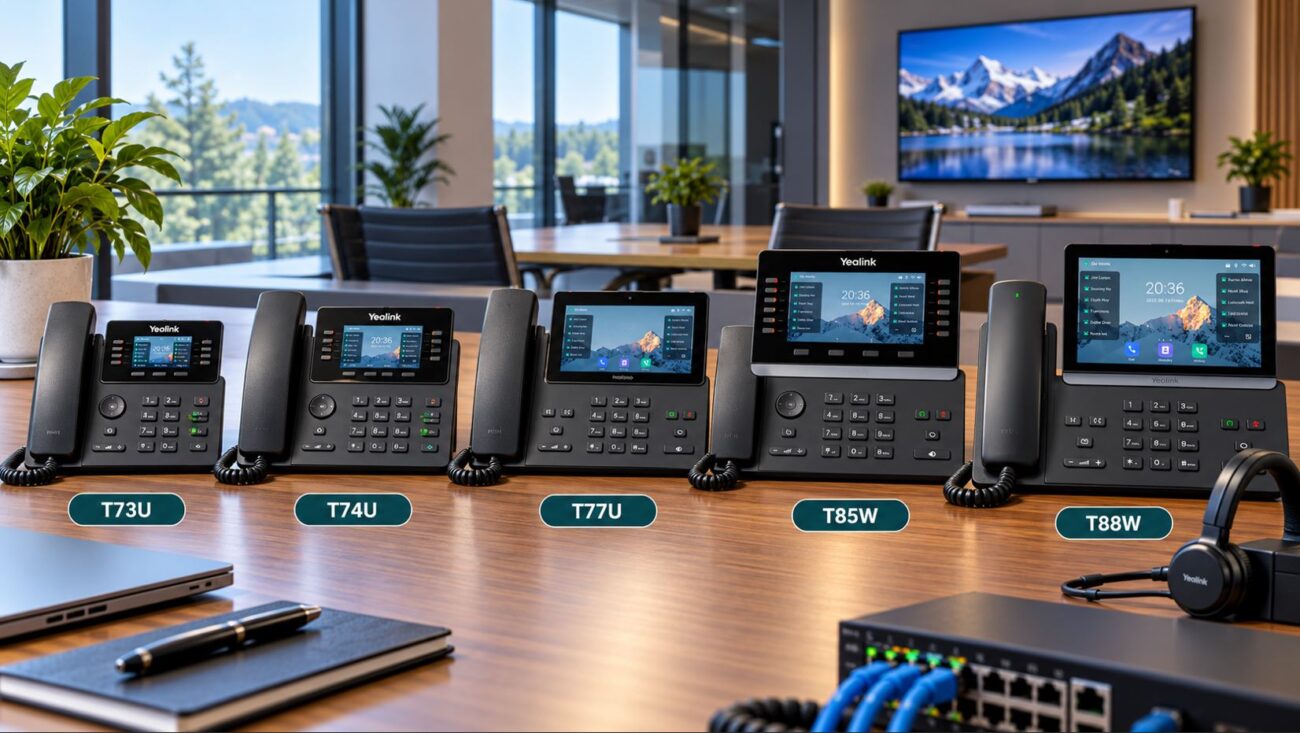
Both models are modern business SIP phones designed for professional VoIP deployments. They support features such as Power over Ethernet, multiple SIP accounts, business headset connectivity, Gigabit Ethernet, advanced security capabilities, and expansion options. However, the T85W moves further into the premium business-phone category with a larger display, built-in wireless connectivity, and more advanced noise-processing capabilities.
The T74U takes a more conventional approach. It provides the core functionality most office employees need while avoiding some of the additional hardware included with the T85W.
For organizations deploying dozens or hundreds of phones, that distinction can have a significant effect on both purchasing cost and how well the phones match different employee roles.
Yealink T85W vs T74U: Quick Comparison
Feature
Yealink T85W
Yealink T74U
Display
5.5-inch color display
4.3-inch color display
Display Resolution
960 × 480
480 × 272
Built-in Wi-Fi
Yes, Wi-Fi 6
No built-in Wi-Fi
Built-in Bluetooth
Bluetooth 5.0
Requires a compatible adapter for Bluetooth accessories
Audio Processing
AI Noise Cancellation and Acoustic Shield
Smart Noise Filtering and Acoustic Shield
Speaker
3W
3W
Power over Ethernet
Yes
Yes
Gigabit Ethernet
Yes
Yes
USB Headset Support
Yes
Yes
Expansion Module Support
Yes
Yes
Best Fit
Executives, managers, receptionists, and flexible workspaces
General office users and larger standardized deployments
Quick answer: Choose the Yealink T85W when the larger display, built-in Wi-Fi, Bluetooth connectivity, or advanced noise reduction will improve the user’s workflow. Choose the T74U when you need a capable wired business SIP phone without paying for wireless features that may never be used.
What Is the Yealink T85W?
The Yealink T85W is a premium business IP phone designed for users who spend a significant part of their workday communicating by phone.
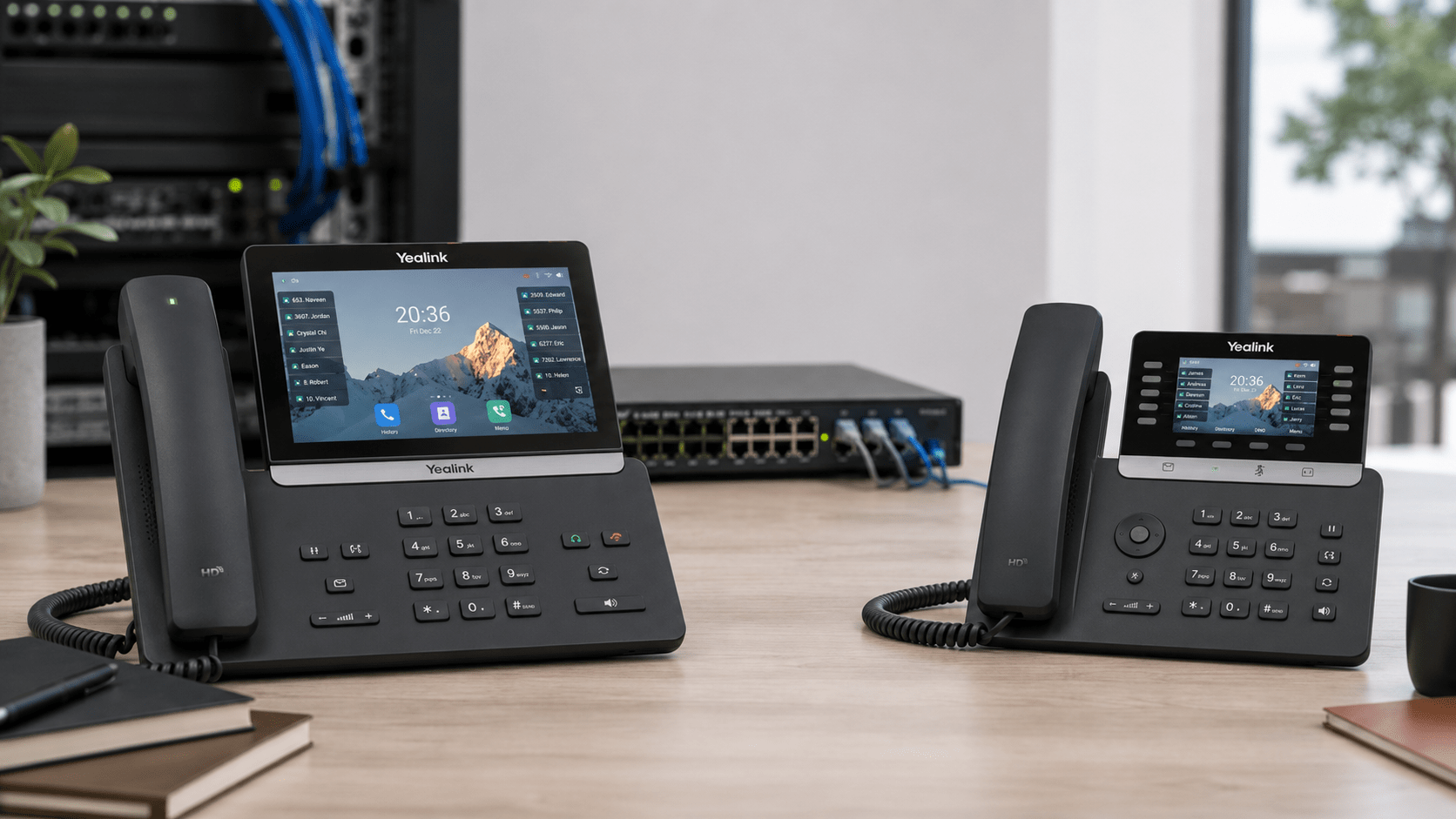
Its most noticeable feature is the 5.5-inch 960 × 480 color display. The larger screen provides additional space for call information, directories, programmable functions, call history, and other phone interface elements.
The T85W also includes built-in Bluetooth 5.0 and Wi-Fi 6. These capabilities can be particularly useful in executive offices, reception areas, temporary workspaces, and installations where running Ethernet directly to every desk is difficult.
Yealink also equips the T85W with Acoustic Shield technology and AI-based noise cancellation. These features are designed to reduce distracting background noise and help isolate the speaker’s voice during calls.
The Yealink T74U is a business-focused SIP desk phone designed for organizations that want modern calling features without necessarily requiring integrated wireless networking.
It includes a 4.3-inch 480 × 272 color display, business audio features, Power over Ethernet support, headset connectivity, expansion-module compatibility, and support for multiple SIP accounts.
The T74U is particularly attractive for traditional business network deployments where Ethernet and PoE are already available at each desk.
The display is one of the clearest differences between these two phones.
The T85W uses a 5.5-inch 960 × 480 display, while the T74U uses a 4.3-inch 480 × 272 display.
That difference matters most for users who regularly interact with directories, programmable keys, call history, multiple lines, or other on-screen features.
A receptionist, administrative assistant, manager, or executive who spends considerable time navigating the phone may benefit from the larger T85W interface.
For users who primarily answer calls, transfer calls, place calls on hold, and access voicemail, the T74U display is generally sufficient.
Wi-Fi and Bluetooth Connectivity
Wireless connectivity is one of the strongest reasons to select the T85W.
T85W Built-In Wi-Fi 6
The T85W includes built-in Wi-Fi 6 connectivity. Although Ethernet remains the preferred connection for many permanently installed VoIP phones, Wi-Fi can provide considerably more deployment flexibility.
Potential applications include:
Executive offices where additional cabling is difficult
Temporary workstations
Renovated offices without Ethernet at every location
Shared workspaces
Locations where phones may frequently be repositioned
Wireless VoIP still requires a properly engineered wireless network. Signal strength, roaming, channel utilization, latency, packet loss, and Quality of Service should all be considered before replacing wired Ethernet with Wi-Fi.
T85W Built-In Bluetooth 5.0
The T85W also provides Bluetooth 5.0 for compatible wireless accessories.
This can make it easier to deploy Bluetooth headsets without occupying a USB port with an external Bluetooth adapter.
The T74U is better suited to an Ethernet-first environment. If integrated wireless connectivity is not required, paying extra for it may provide little practical benefit.
Audio Quality and Noise Reduction
Both phones are designed for professional voice communication, but the T85W provides the more advanced noise-processing package.
The T85W combines Yealink Acoustic Shield technology with AI-based noise cancellation. The T74U includes Acoustic Shield and Smart Noise Filtering.
In a quiet private office, the practical difference may be relatively small. In an open office, reception desk, operations center, customer-service environment, or other noisy location, the T85W’s additional noise-processing capabilities may provide greater value.
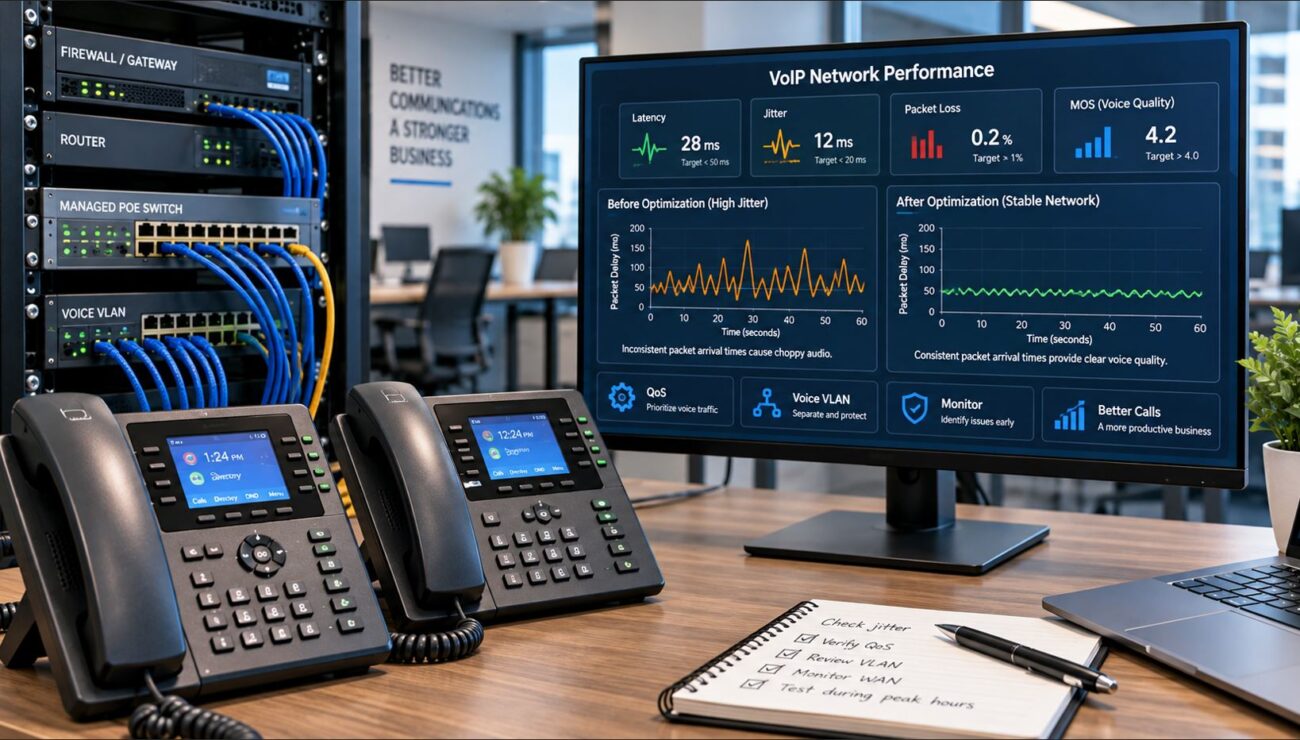
However, phone hardware is only one part of voice quality. A premium endpoint cannot compensate for excessive packet loss, jitter, congestion, or an improperly configured network.
Both models fit well into a properly designed business VoIP network.
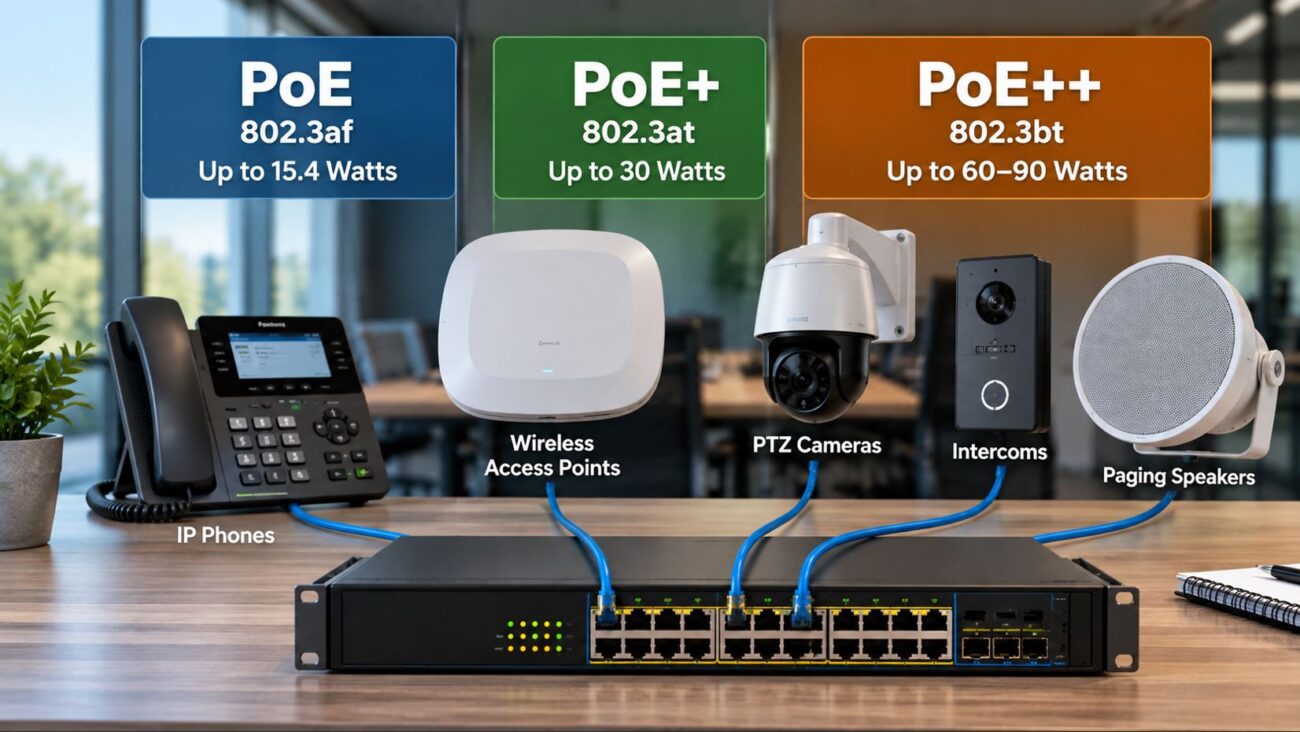
A typical installation connects each phone to a managed PoE switch. The switch provides both Ethernet connectivity and electrical power through the network cable, eliminating the need for an AC adapter at each desk.
A workstation can then be connected through the phone’s secondary Ethernet interface when the network design supports that topology.
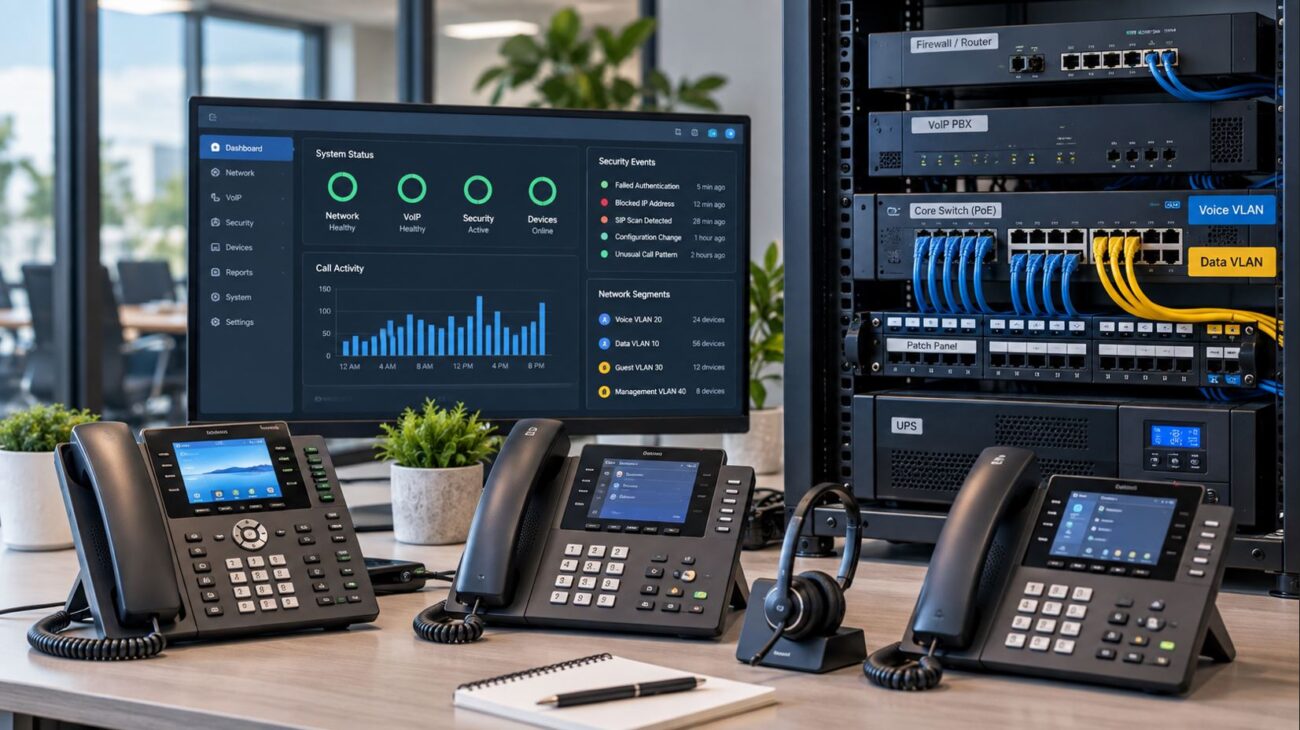
A typical business VoIP architecture may include:
Business firewall or router
Managed Gigabit PoE switch
Dedicated voice VLAN
Yealink T85W or T74U phones
SIP-based IP PBX or hosted VoIP platform
QoS policies for real-time voice traffic
UPS protection for network and voice equipment
Organizations operating larger VoIP deployments should also consider separating voice traffic logically from general workstation traffic.
Both phones can support professional headset workflows, making either model suitable for employees who spend substantial time on calls.
For a straightforward wired solution, the Yealink YHS36 E2 Dual Wired Headset is compatible with many Yealink business phone deployments, including the T85W and T74U.
USB and electronic hook switch options provide additional flexibility depending on the headset system being deployed.
The T85W’s integrated Bluetooth makes it particularly convenient when compatible Bluetooth wireless headsets are part of the deployment.
Expansion Modules and High-Call-Volume Users
Both models can fit environments where users need additional programmable keys and line visibility.
Expansion modules can be valuable for:
Reception desks
Executive assistants
Dispatch operations
Customer-service supervisors
Administrative departments
Users monitoring numerous extensions
This makes the T74U particularly interesting for businesses trying to control deployment cost. A company does not necessarily need to move every high-call-volume employee to the T85W solely to gain expansion capability.
Security Considerations
Business phone security extends well beyond whether a device supports SIP passwords.
Modern Yealink business phones include multiple layers of device, network, and communications security. Depending on the deployment and server configuration, technologies may include secure boot, firmware integrity protection, encrypted configuration files, 802.1X authentication, TLS, and SRTP.
Actual protection depends on how the complete phone system is configured. Organizations should also secure the PBX, provisioning server, switching infrastructure, firewall, administrator credentials, management interfaces, and SIP trunks.
Features such as TLS and SRTP provide value only when the corresponding VoIP platform and infrastructure are configured to use them.
Which Phone Is Better for Different Employees?
User Type
Recommended Model
Why
General office employee
T74U
Provides core business calling features without unnecessary wireless hardware
Executive
T85W
Larger display and integrated wireless connectivity
Receptionist
T85W
Larger interface is useful for frequent call handling and extension monitoring
Administrative assistant
T85W or T74U
Depends on wireless requirements, display needs, and call volume
Call center agent
T74U
Cost-efficient when paired with a professional headset
Manager
T85W
Strong balance of premium interface, connectivity, and audio processing
Temporary workstation
T85W
Wi-Fi provides additional placement flexibility
Large standardized deployment
T74U
Avoids paying for features that many employees may not use
Should Every Employee Receive the Same Phone?
Not necessarily.
One of the most common mistakes in business phone purchasing is selecting a single high-end phone and deploying it to every employee regardless of job function.
A more efficient approach is role-based endpoint selection.
For example, a 100-user organization could deploy T74U phones to general office employees while assigning T85W phones to executives, receptionists, managers, and other users who benefit from the larger display or wireless connectivity.
This approach keeps the user experience relatively consistent within the Yealink ecosystem while reducing unnecessary hardware expense.
Yealink T85W vs T74U Decision Checklist
Choose the Yealink T85W if:
You want a larger, higher-resolution display.
Built-in Wi-Fi 6 is important.
You plan to use Bluetooth accessories.
The phone will operate in a noisy workspace.
The user handles calls throughout much of the workday.
You are equipping executives, managers, receptionists, or administrative personnel.
Choose the Yealink T74U if:
The desk already has Ethernet and PoE.
Built-in Wi-Fi is unnecessary.
The user primarily needs standard business calling functions.
You are deploying a large number of phones.
Controlling per-extension hardware cost is important.
You still want headset and expansion-module support.
Deployment Considerations Before Buying
Before ordering either model, verify the surrounding VoIP environment rather than evaluating the phone in isolation.
Check the following:
Your SIP provider or IP PBX supports the selected Yealink model.
Your managed switch has sufficient PoE capacity.
Voice VLAN and QoS policies are configured where required.
DHCP, DNS, NTP, provisioning, and firewall policies are working correctly.
Your headset model is compatible with the selected phone.
Your organization has a firmware and device-management strategy.
Wireless coverage is sufficient if T85W phones will use Wi-Fi.
AC power adapters are available if PoE will not be used.
For most standard wired office extensions, the Yealink T74U is the more practical choice. It provides the business calling, PoE, headset, security, and expansion capabilities most employees require without adding wireless capabilities that may remain unused.
The Yealink T85W makes more sense when those additional capabilities directly improve productivity. Its larger 5.5-inch display, built-in Wi-Fi 6, Bluetooth 5.0, and AI-based noise cancellation make it particularly well suited to executives, managers, receptionists, administrative personnel, and flexible workspaces.
Businesses therefore do not necessarily need to choose one model for the entire organization. A mixed deployment often provides the strongest balance between functionality and cost: use the T74U as the standard business endpoint and deploy the T85W where its premium features deliver practical value.
Compare the Yealink T74U and Yealink T85W to determine which configuration best fits your business VoIP environment.
Frequently Asked Questions
What is the biggest difference between the Yealink T85W and T74U?
The biggest differences are the display and integrated wireless connectivity. The T85W has a 5.5-inch 960 × 480 display plus built-in Wi-Fi 6 and Bluetooth 5.0. The T74U has a smaller 4.3-inch 480 × 272 display and is better suited to conventional Ethernet-based deployments.
Does the Yealink T85W support Power over Ethernet?
Yes. The T85W supports Power over Ethernet, allowing a compatible PoE network switch to provide both network connectivity and electrical power over the Ethernet cable.
Does the Yealink T74U support PoE?
Yes. The T74U supports Power over Ethernet and is well suited to managed PoE switch deployments.
Does the Yealink T85W have built-in Wi-Fi?
Yes. The T85W includes built-in Wi-Fi 6 connectivity.
Does the Yealink T85W have Bluetooth?
Yes. The T85W includes built-in Bluetooth 5.0 for compatible wireless accessories.
Which phone is better for a receptionist?
The T85W will generally be the stronger choice because its larger display can make frequent call management easier. However, the T74U remains a strong option when used with an expansion module and the larger display or wireless connectivity is not required.
Which phone is better for a large office deployment?
The T74U is often the more practical standard endpoint for large wired office deployments. Businesses can then deploy T85W phones selectively for employees who need their additional capabilities.
Can the T85W and T74U be used on the same network?
Yes. Both models can be used within the same SIP-based business phone environment, provided the PBX or hosted VoIP provider supports the devices.
To provide the best experiences, we use technologies like cookies to store and/or access device information. Consenting to these technologies will allow us to process data such as browsing behavior or unique IDs on this site. Not consenting or withdrawing consent, may adversely affect certain features and functions.
Functional
Always active
The technical storage or access is strictly necessary for the legitimate purpose of enabling the use of a specific service explicitly requested by the subscriber or user, or for the sole purpose of carrying out the transmission of a communication over an electronic communications network.
Preferences
The technical storage or access is necessary for the legitimate purpose of storing preferences that are not requested by the subscriber or user.
Statistics
The technical storage or access that is used exclusively for statistical purposes.The technical storage or access that is used exclusively for anonymous statistical purposes. Without a subpoena, voluntary compliance on the part of your Internet Service Provider, or additional records from a third party, information stored or retrieved for this purpose alone cannot usually be used to identify you.
Marketing
The technical storage or access is required to create user profiles to send advertising, or to track the user on a website or across several websites for similar marketing purposes.