Yealink Video Conferencing Equipment for Business
Modern businesses increasingly rely on video collaboration platforms to support hybrid work, remote employees, customer communication, and distributed teams. As meeting environments evolve, organizations are evaluating conference room hardware that integrates cleanly with platforms such as Microsoft Teams and Zoom while remaining manageable for IT departments.
Yealink has become a widely recognized manufacturer in this category by offering conference room cameras, collaboration bars, touch consoles, speaker systems, and integrated meeting room solutions for a variety of room sizes.
This guide explains how Yealink video conferencing equipment works, common deployment scenarios, hardware considerations, and how businesses can evaluate room systems for long-term use.
Understanding Yealink Video Conferencing Equipment
Yealink video conferencing equipment includes several categories of collaboration devices designed for:
- Small huddle rooms
- Mid-sized conference rooms
- Executive boardrooms
- Hybrid meeting environments
- Remote collaboration spaces
These systems commonly integrate with:
- Microsoft Teams Rooms
- Zoom Rooms
- SIP-based collaboration environments
- Unified communications platforms
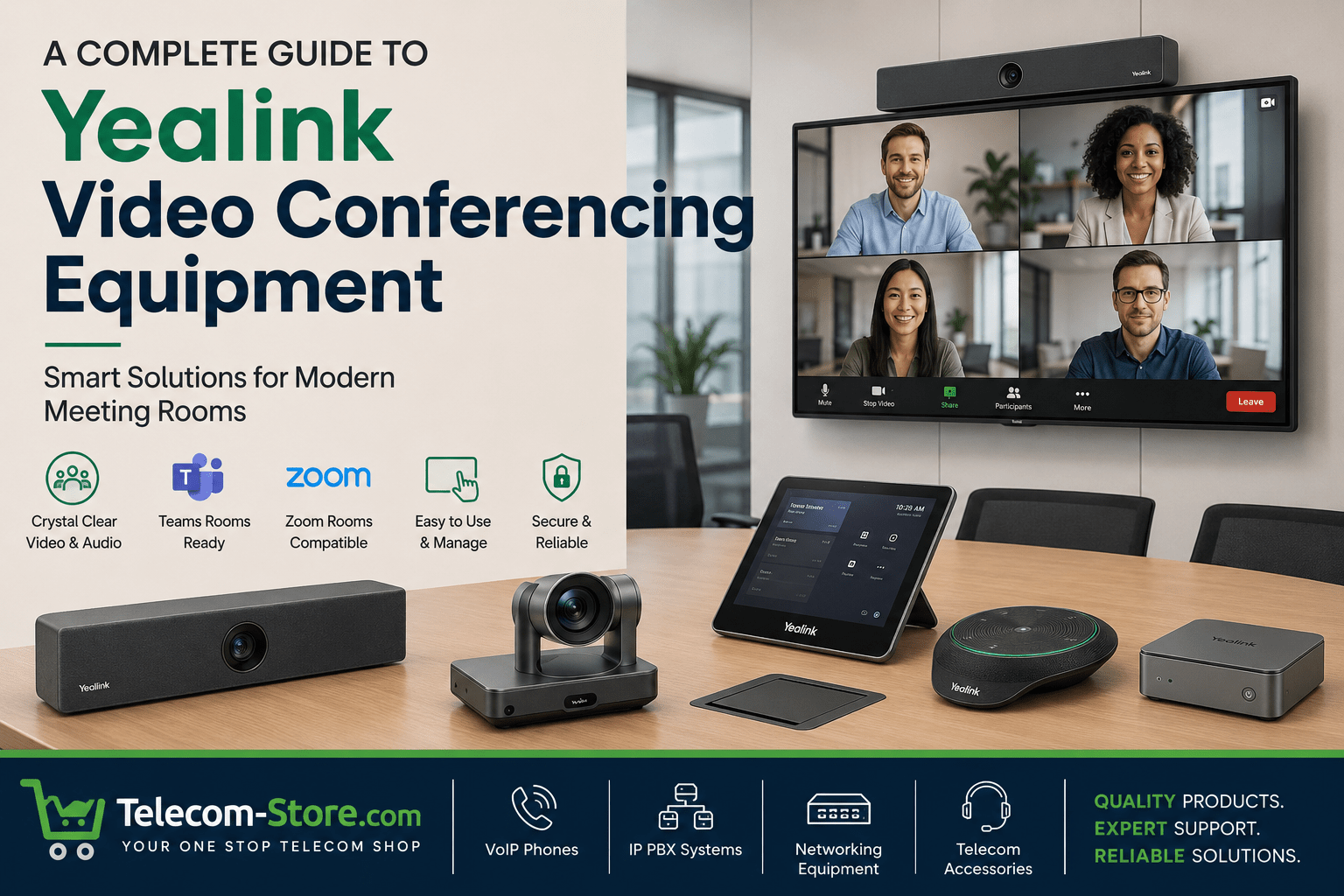
Yealink’s portfolio includes:
- All-in-one collaboration bars
- PTZ conference room cameras
- Intelligent AI-driven framing cameras
- Touch control panels
- Integrated audio systems
- Interactive video boards
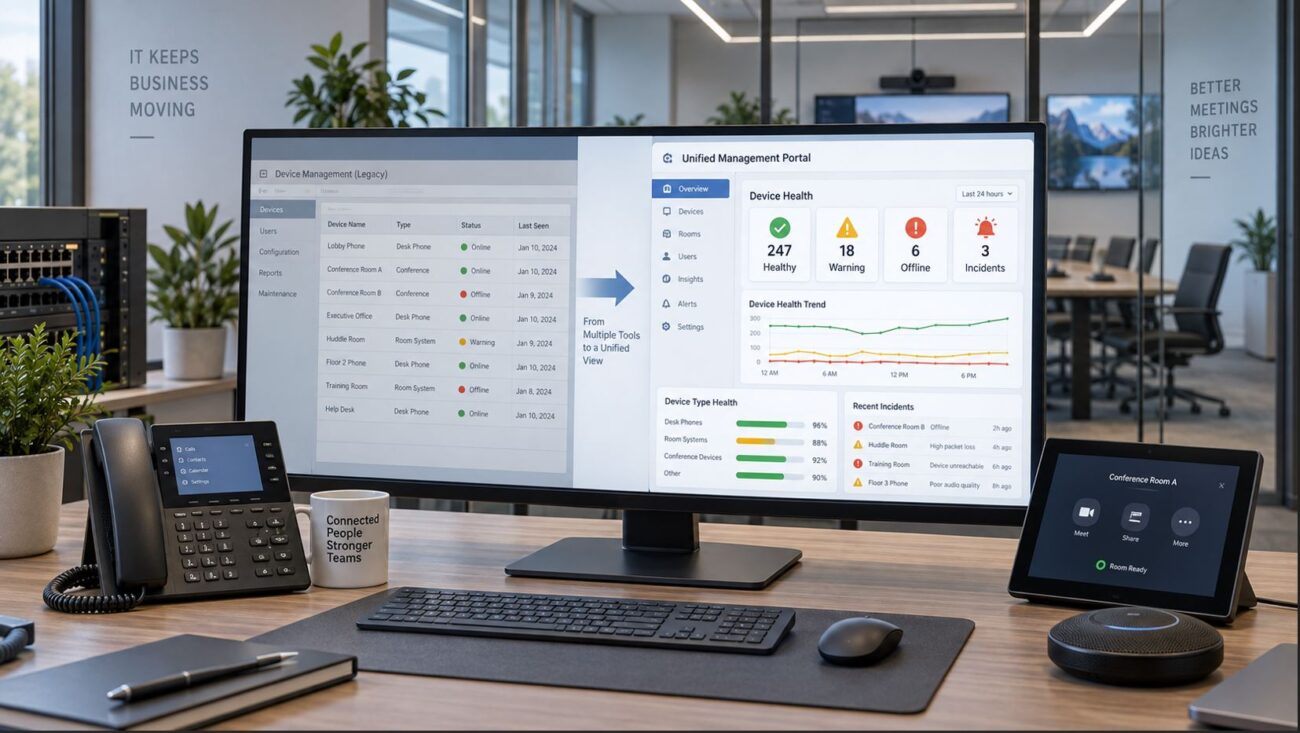
Businesses often select Yealink meeting room solutions because they support centralized management, standard networking infrastructure, and simplified deployment.
Yealink Teams Rooms and Zoom Rooms
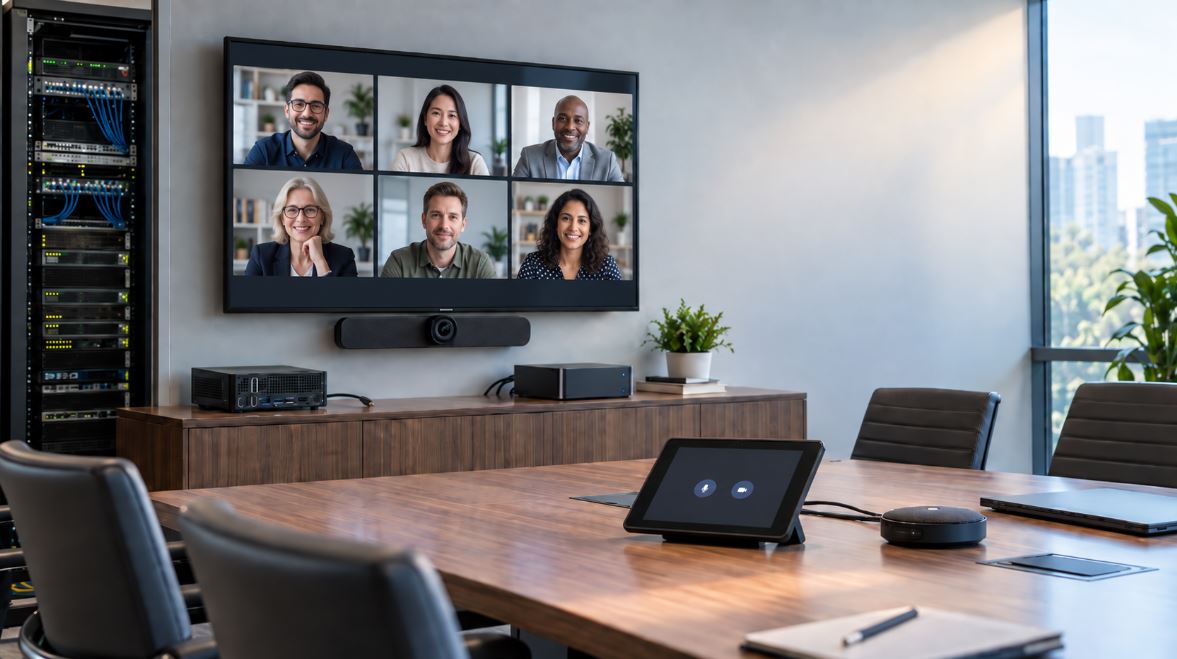
Many businesses now standardize on either Microsoft Teams or Zoom for daily communication. Yealink Teams Rooms and Yealink Zoom Rooms are designed specifically to integrate with those ecosystems.
A Teams Room or Zoom Room deployment typically includes:
- A conferencing camera
- Microphones and speakers
- A touch control interface
- Room scheduling capability
- A dedicated collaboration appliance or mini-PC
For organizations already using Microsoft 365 or Zoom licensing, these solutions can simplify meeting workflows and reduce user training requirements.
One example is the Yealink Video Conferencing Plus 11.6-Inch Touch Console for Video, which provides centralized meeting controls for conference room environments.
Touch consoles are especially useful in shared conference spaces because they allow users to:
- Start scheduled meetings quickly
- Control cameras and audio
- Manage screen sharing
- Adjust meeting layouts
Yealink MeetingBar Systems for Small Rooms
One of the more common deployment models today involves compact all-in-one collaboration bars.
The Yealink MeetingBar product family combines:
- Camera
- Microphones
- Speakers
- Collaboration software
- AI framing features
into a single device.
For smaller rooms and huddle spaces, this reduces cabling complexity and installation time.
The Yealink Video Conferencing A10 4K Collaboration Bar with Privacy is designed for compact meeting environments where businesses need:
- 4K video
- Integrated audio
- Simplified installation
- Native Teams or Zoom integration
Privacy shutters are also increasingly important for organizations focused on security and compliance policies.
Conference Room Cameras and PTZ Systems
Camera selection remains one of the most important aspects of conference room design.
Different rooms require different optical capabilities depending on:
- Room depth
- Seating arrangement
- Lighting conditions
- Participant count
For larger rooms, PTZ cameras are often preferred because they allow:
- Pan
- Tilt
- Zoom functionality
- Preset positioning
The Yealink Video Conferencing 6x Optical PTZ Conference Camera Wired is intended for environments where a fixed camera may not provide adequate participant coverage.
Optical zoom is particularly useful in:
- Boardrooms
- Training rooms
- Multi-row seating layouts
- Large conference spaces
Businesses evaluating conference room cameras should also consider:
- USB vs network connectivity
- Resolution requirements
- AI framing capabilities
- Low-light performance
- Compatibility with collaboration software
Intelligent AI Cameras for Hybrid Meetings
Hybrid meetings create new challenges because remote participants expect clear visibility of speakers and room activity.
AI-driven conferencing cameras attempt to address this by using:
- Speaker tracking
- Auto framing
- Participant recognition
- Dynamic room composition
The 1306173 Center View Intelligent Camera is designed to improve visibility in collaborative environments where multiple speakers participate throughout the meeting.
Intelligent camera systems can help reduce:
- Manual camera adjustments
- Poor participant framing
- Uneven room coverage
However, businesses should understand that AI features may vary depending on:
- Platform support
- Firmware versions
- Meeting room layout
- Lighting conditions
Interactive Collaboration Boards
Some organizations are replacing traditional conference room displays with interactive collaboration boards.
The Yealink Video Conferencing A02 75-Inch Touch LED Video Board combines:
- Large-format display capability
- Touch collaboration
- Digital whiteboarding
- Video conferencing integration
Interactive displays are often used in:
- Executive meeting spaces
- Engineering collaboration
- Remote training
- Classroom environments
- Hybrid brainstorming sessions
Businesses evaluating interactive boards should consider:
- Mounting requirements
- Room lighting
- Network connectivity
- Touch latency
- Software compatibility
Audio Considerations for Conference Rooms
Video quality receives significant attention, but conference room audio is often the determining factor in meeting usability.
Poor microphone pickup or uneven speaker coverage can negatively affect remote participation.
Ceiling-mounted speaker systems are commonly used in:
- Larger meeting rooms
- Multi-zone spaces
- Open collaboration areas
The 1303094 SkySound CS10 Ceiling Speaker can be integrated into conferencing environments where distributed audio coverage is needed.
When evaluating conference room audio, businesses should consider:
- Echo cancellation
- Ceiling height
- Microphone placement
- DSP requirements
- Acoustic treatment
Yealink MVC Series Overview
The Yealink MVC series is designed primarily for Microsoft Teams Rooms deployments.
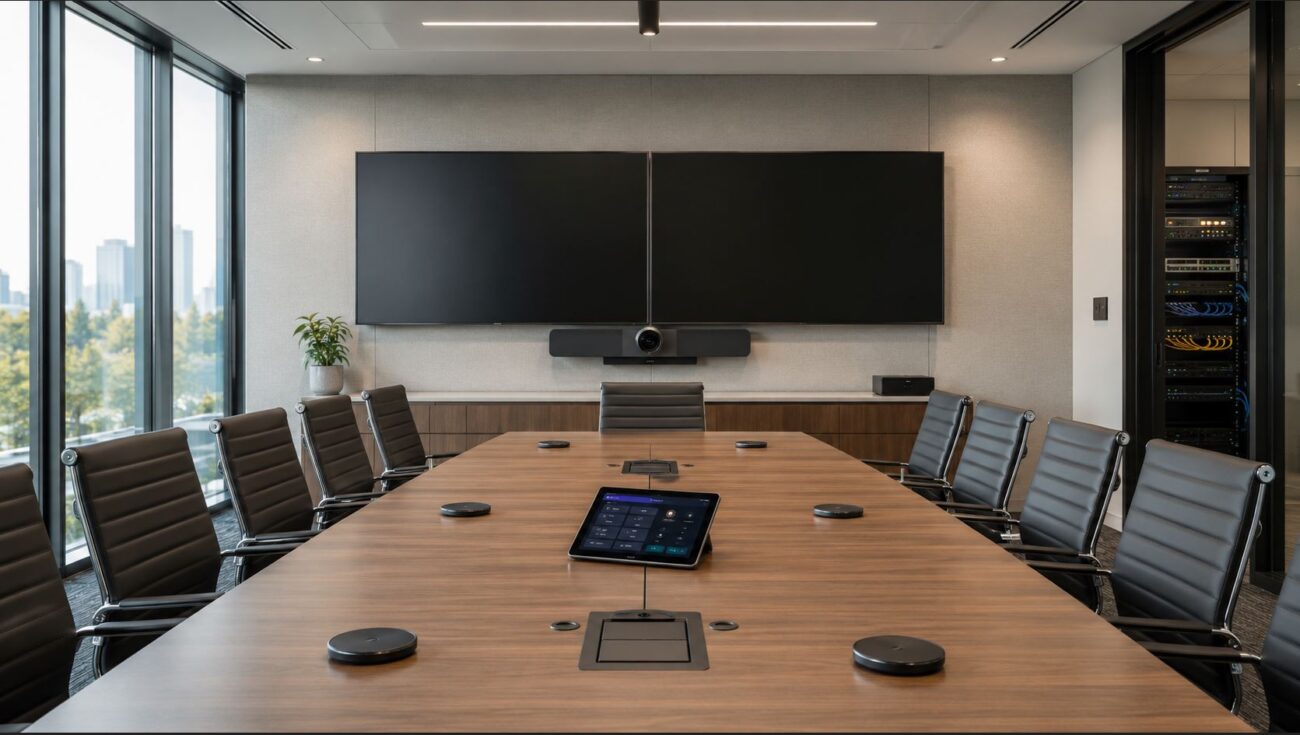
These systems generally include:
- Mini-PC
- Touch console
- Camera
- Audio peripherals
MVC systems are commonly deployed in:
- Medium conference rooms
- Large meeting spaces
- Dedicated Teams Rooms
Compared to all-in-one collaboration bars, MVC systems may offer:
- Greater expansion capability
- Flexible camera configurations
- Advanced audio integration
- Support for larger room layouts
However, MVC systems also typically require:
- More installation planning
- Additional cabling
- Higher infrastructure investment
Organizations should evaluate whether the flexibility outweighs the added complexity.
Networking Requirements for Yealink Video Collaboration Devices
Conference room systems rely heavily on network performance.
Businesses deploying Yealink video collaboration devices should evaluate:
- Available bandwidth
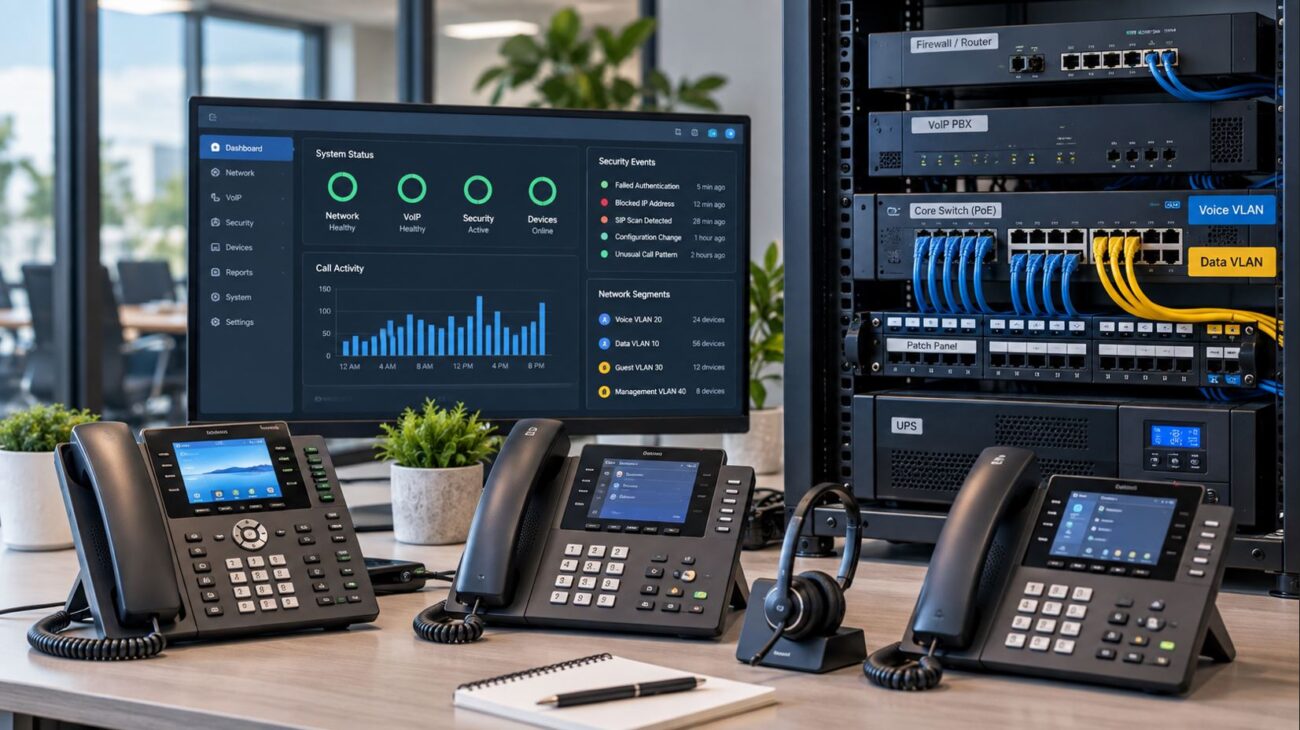
- VLAN configuration
- QoS policies
- PoE switching capability
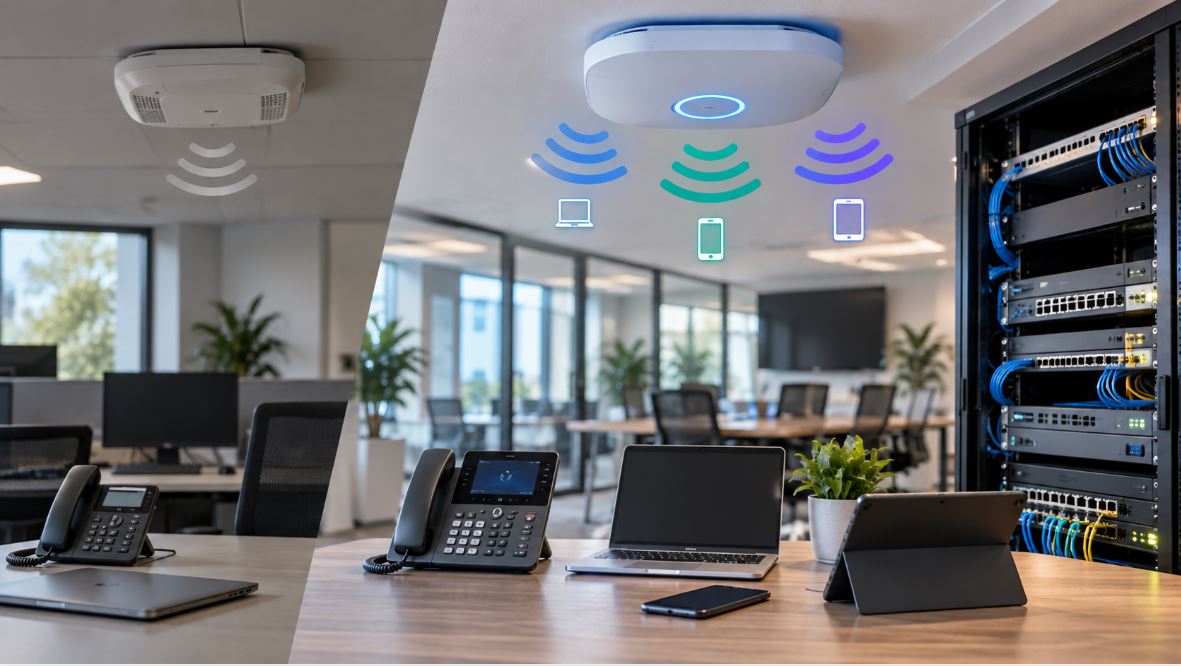
- Wi-Fi reliability
For larger deployments, many organizations segment conferencing devices into dedicated voice/video VLANs to improve traffic prioritization.
Proper QoS configuration is especially important for:
- 4K conferencing
- Multi-room deployments
- Remote participant consistency
Conference systems may also require:
- Firewall adjustments
- Microsoft Teams optimization
- Zoom media optimization
- SIP traversal configuration
Compatibility Considerations
Before purchasing Yealink meeting room solutions, businesses should verify compatibility with:
- Existing collaboration platforms
- Licensing models
- Conference room displays
- Audio infrastructure
- Network switching equipment
It is also important to understand whether the environment requires:
- Native Teams support
- Native Zoom support
- BYOD functionality
- SIP interoperability
Not all systems support every deployment model equally.
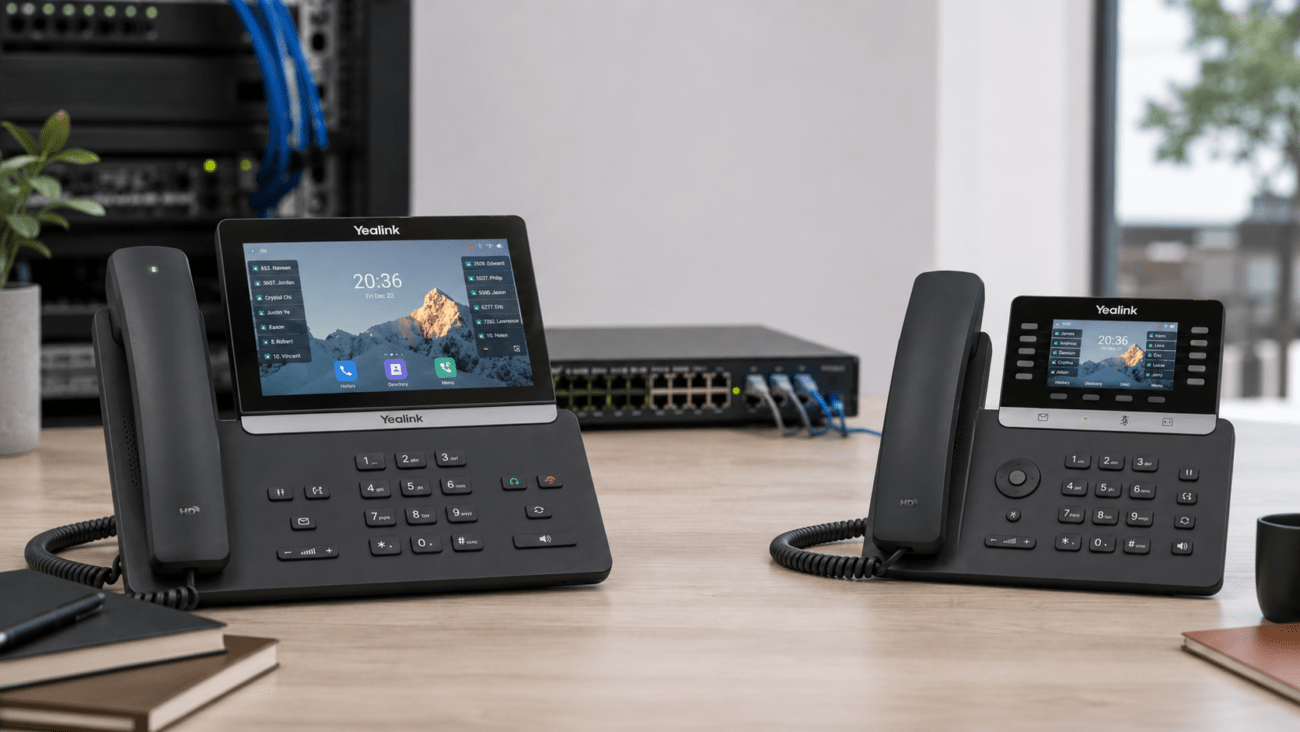
Some organizations also integrate Yealink hardware alongside VoIP phone deployments such as:
- SIP desk phones
- conference phones
- paging systems
- PBX platforms
Businesses using unified communications systems may benefit from maintaining vendor consistency across conferencing and telephony equipment.
Deployment Planning for Meeting Rooms
Room size should strongly influence hardware selection.
Small Huddle Rooms
Typical needs:
- All-in-one collaboration bar
- Integrated microphones
- USB connectivity
- Single display
Medium Conference Rooms
Typical needs:
- PTZ camera
- Dedicated microphones
- Touch controller
- Enhanced audio coverage
Large Boardrooms
Typical needs:
- Multiple cameras
- Ceiling speakers
- DSP integration
- Expanded microphone arrays
Improper room sizing is one of the most common issues with conferencing deployments.
Working With a Communications Provider
Some businesses choose to work with communications providers that assist with:
- Network assessment
- Collaboration platform integration
- PBX connectivity
- Meeting room deployment
- SIP interoperability
For organizations evaluating broader unified communications infrastructure, Axion Communications provides cloud communications and business phone system services that may complement conferencing deployments.
Internal Resources for Additional Equipment
Businesses researching Yealink video conferencing equipment may also benefit from reviewing:
- Yealink SIP desk phones
- conference phones
- PoE switches
- CAT6 cabling
- structured network infrastructure
Related hardware categories are available throughout Telecom-Store.com, including Yealink phones and collaboration accessories.
Practical Conclusion
Yealink video conferencing equipment supports a wide range of business collaboration scenarios, from small huddle rooms to large conference environments.
Organizations evaluating meeting room solutions should focus on:
- Room size
- Platform compatibility
- Audio quality
- Camera coverage
- Network readiness
- Long-term scalability
The correct deployment often depends less on feature count and more on choosing hardware appropriate for the room environment and collaboration workflow.
Careful planning around networking, audio coverage, and conferencing platform integration can help businesses create more reliable meeting experiences for both local and remote participants.
FAQ Section
What is Yealink video conferencing equipment used for?
Yealink video conferencing equipment is used for business collaboration, hybrid meetings, remote communication, and conference room integration. These systems typically include cameras, microphones, speakers, collaboration bars, and touch consoles compatible with Microsoft Teams Rooms and Zoom Rooms.
What is the difference between Yealink MeetingBar and Yealink MVC series?
Yealink MeetingBar devices are all-in-one collaboration bars designed mainly for small rooms. The Yealink MVC series is intended for larger or more advanced Teams Rooms deployments and usually includes separate cameras, mini-PCs, touch consoles, and audio peripherals.
Are Yealink conference room cameras compatible with Zoom Rooms?
Yes. Many Yealink conference room cameras and collaboration systems support Zoom Rooms deployments. Businesses should still verify compatibility with the specific Zoom Room licensing and hardware requirements before deployment.
Do Yealink Teams Rooms require Microsoft 365 licensing?
Yes. Yealink Teams Rooms generally require Microsoft Teams Rooms licensing and an active Microsoft 365 environment. Licensing requirements can vary depending on room type and conferencing features.
What size conference room works best with Yealink MeetingBar devices?
Yealink MeetingBar systems are commonly used in small to medium-sized meeting rooms. Larger conference rooms may require PTZ cameras, ceiling speakers, or expanded microphone systems for proper coverage.
Can Yealink video collaboration devices work with SIP phone systems?
Some Yealink video collaboration devices can integrate alongside SIP phone systems and unified communications platforms. Integration depends on the deployment architecture, conferencing platform, and network configuration.
What network requirements are needed for Yealink Zoom Rooms?
Yealink Zoom Rooms typically require reliable broadband connectivity, QoS prioritization, proper firewall configuration, and adequate bandwidth for HD or 4K conferencing traffic.
Are Yealink conference systems difficult to install?
Installation complexity depends on room size and hardware selection. Small collaboration bars are relatively simple to deploy, while larger MVC systems may require professional installation, cabling, and audio tuning.