Office CAT6 Cabling: What Every IT Buyer Needs to Know
Well-installed CAT6 cabling isn’t just about having fast internet—it makes your business network reliable and flexible for VoIP, conferencing, and future expansion. If you’re planning or upgrading an office, here’s what you should know and what mistakes to avoid.
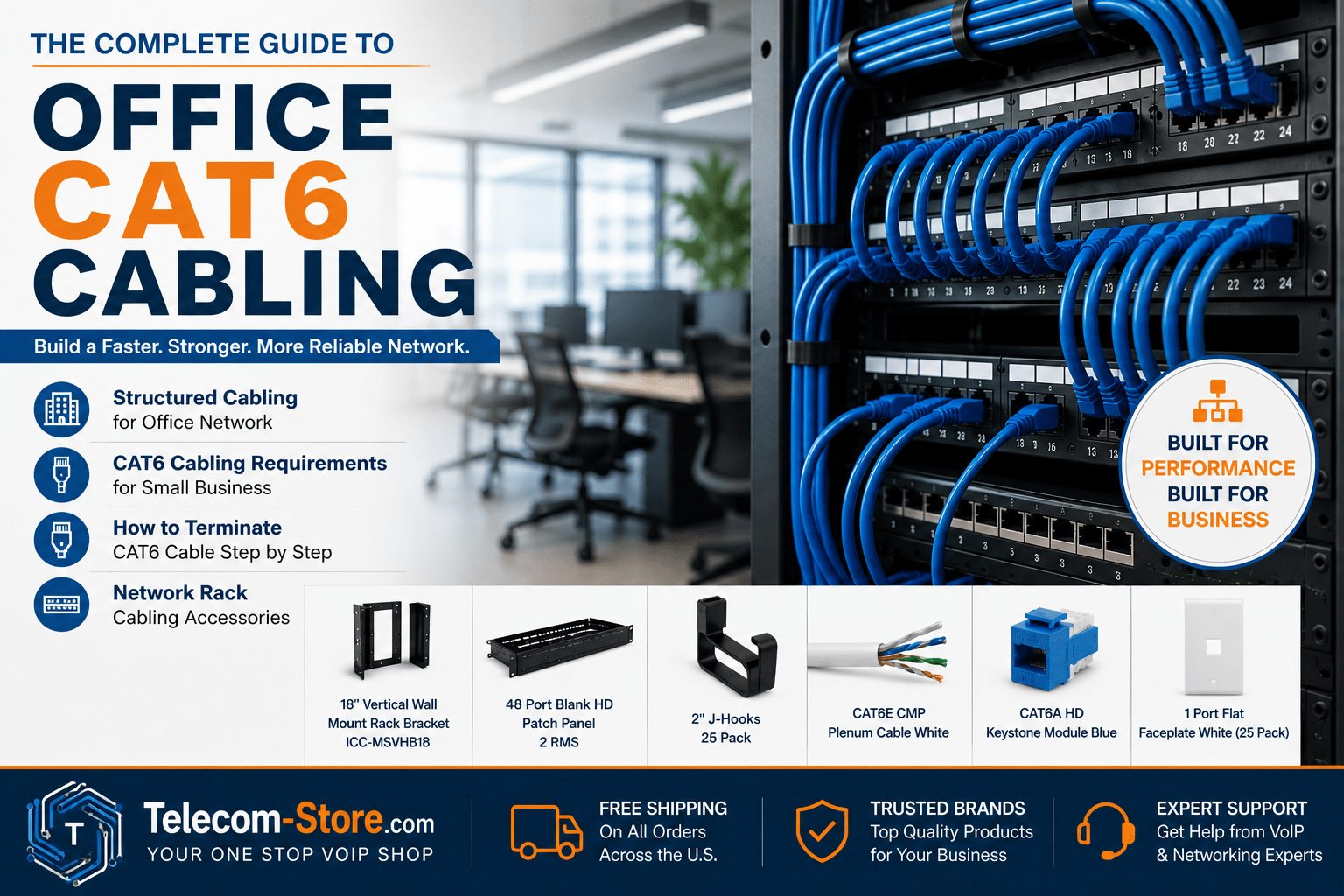
Compare Popular Office Cable Types & Accessories
| Component |
Overview |
Best For |
CAT6 Plenum Cable
View |
Gigabit speeds, low smoke in air spaces, fire-safe |
Standard office runs, VoIP, plenum ceiling installs |
J-Hooks
View |
Supports/organizes cabling above ceilings |
Long or multi-desk runs; preventing sag/tangles |
Patch Panel
View |
Centralizes cable terminations for racks |
Any organized, scalable business network |
Keystone Jack
View |
Field terminates to wall plate at desk/endpoint |
Flexible device adds/changes at desks |
Faceplate
View |
Professional finish, adds device ports |
Final step at every user station, conference room |
Wall Rack
View |
Saves space, secures patch panel/switch in place |
Rooms without server closets; SMB installs |
Why Reliable CAT6 Cabling Matters in Offices
Business networks depend on more than switches and Wi-Fi. Good physical cabling is crucial for seamless connectivity, stable VoIP calls, and easy future upgrades. Many IT headaches—like call drops, laggy PCs, and printer delays—trace right back to a poor cabling job.
Look for these warning signs of cabling issues:
- VoIP phone calls dropping or audio cutting out
- Printers or desktop computers disconnecting randomly
- File transfers slowing to a crawl at busy times
Don’t assume your hardware or internet provider is always the culprit—physical wiring quality often goes overlooked.
Planning Office Cabling: Structured is Best
Office cabling should be structured, not freeform. Structured cabling means there’s a clear plan for every drop, path, and connection—making future moves, adds, or troubleshooting easy.
Parts of a Structured Office Network
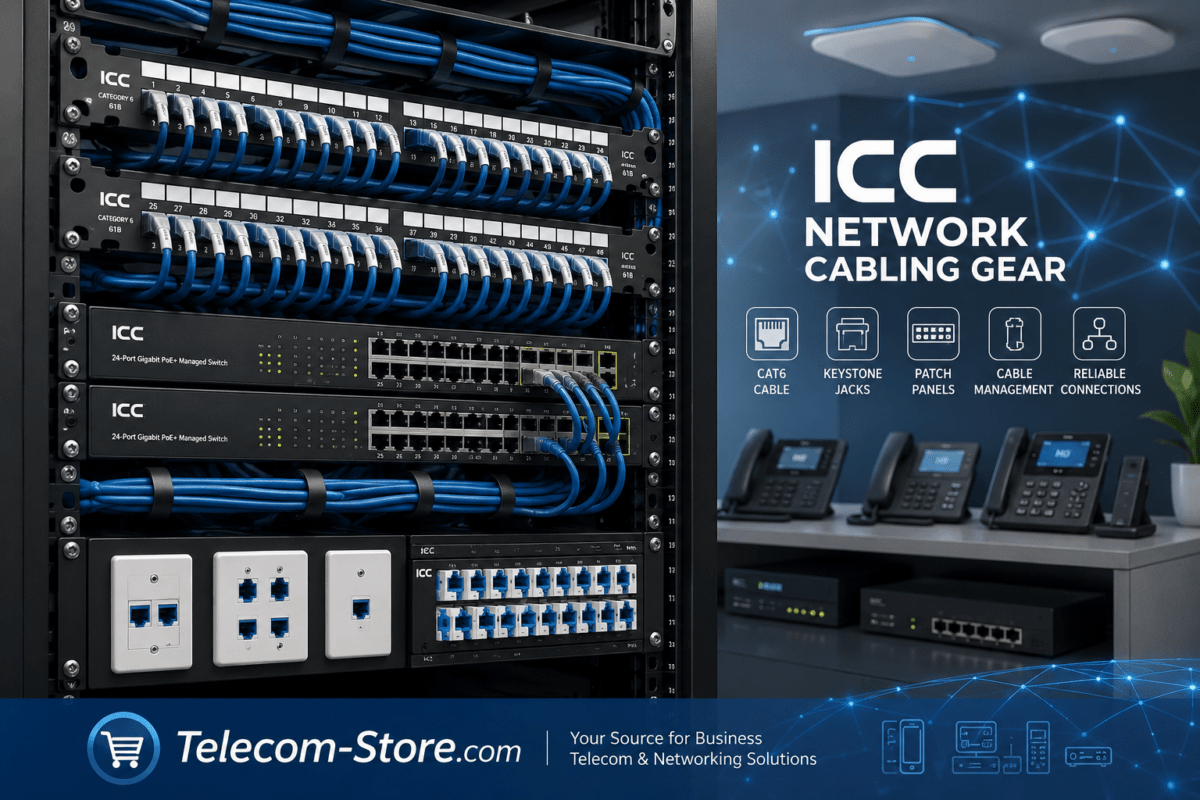
- A wall or floor rack (central patching point)
- Patch panels for all home-run cables
- Horizontal cable runs so each desk/device gets direct lines
- J-hooks or cable trays to keep runs tidy overhead
- Keystone jacks + faceplates for every user drop
Following these standards now means you won’t have to disrupt your office or track unlabeled cables years later when you expand.
Smart Planning for Small Business: How Many Drops Do You Need?
How Many Cables Per Desk?
Most offices run too few lines—not just for the staff you have today, but for new hires or extra devices tomorrow.
- Minimum: 2 drops per desk (one for a computer, one for a VoIP phone or printer)
- Recommend: 3+ per desk for future-proofing; it’s easier now than later
This covers PCs, VoIP phones like the Yealink T54W, network printers, and extra accessories.
Cable Type Selection
If you’re running above ceilings or through airflow spaces, most commercial codes require plenum-rated cabling, which minimizes smoke/fire risk:
Pathways and Cable Support
Unsupported cables droop, creating electrical interference or even code violations. Use dedicated cable supports such as J-hooks to maintain neat, safe runs that avoid tight bends and kinks.
- Never use plumbing pipes or ceiling tiles as cable supports.
- Follow manufacturer bend radius specs—don’t overtighten around corners.
Setting Up the Rack: Patch Panels & Accessories
Wall-Mount versus Full Rack
For smaller offices, an 18-inch wall rack saves space and organizes your critical gear in a visible, accessible spot.
Patch Panels for Tidy Termination
- 48-port steel patch panels centralize every cable, letting you re-route, move, or test drops with short patch cables—instead of tracing lines through ceilings.
Keystone Jacks & Faceplates: Modern Desk Termination
Terminating CAT6 Cable: Steps for a Clean, Standards-Based Install
Required Tools
- Cable stripper
- Punch-down tool (for keystone jack/patch panel)
- RJ45 crimp tool (for making custom patch cables)
- Cable tester
Termination Process (Workstation jack or panel)
- Carefully strip about 1.5″–2″ of the outer cable jacket.
- Untwist each wire pair only as much as needed.
- Match conductor colors to the T568A or T568B standard (pick one and use it everywhere).
- Punch each conductor firmly into the labeled slots of the jack or patch panel.
- Trim any excess copper.
- Test the drop for continuity and correct pairing before closing up or labeling.
Pro Tip: Always keep twists as close as possible to termination. Too much untwist increases crosstalk—and ruins CAT6’s high speeds, especially for demanding office gear.
CAT6 Support for VoIP: Why Cabling Quality Matters
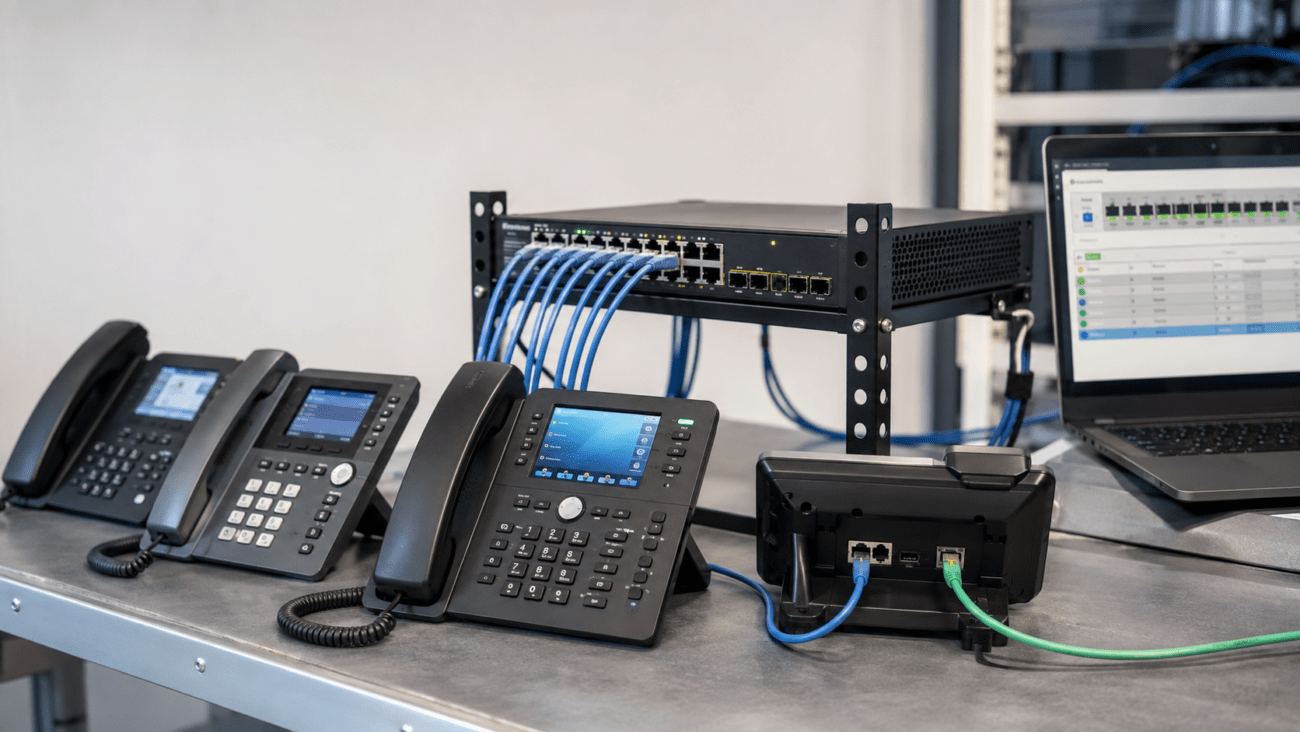
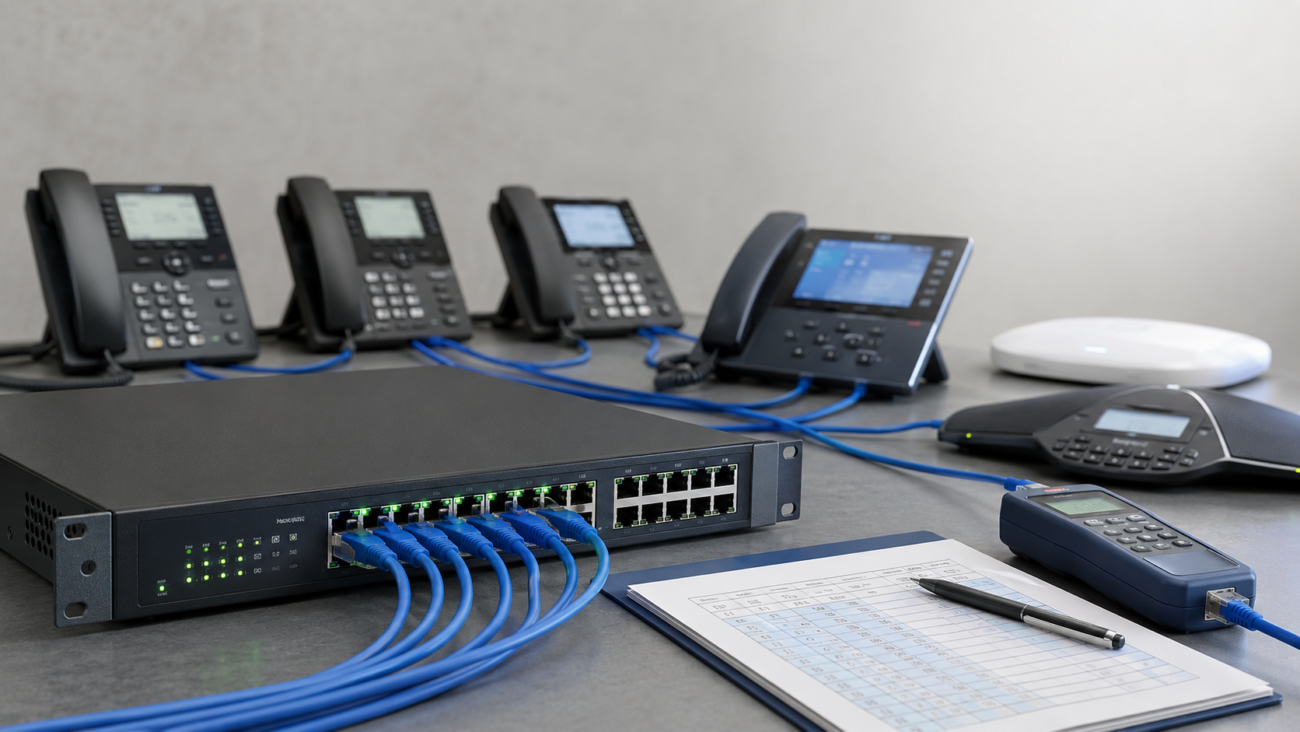
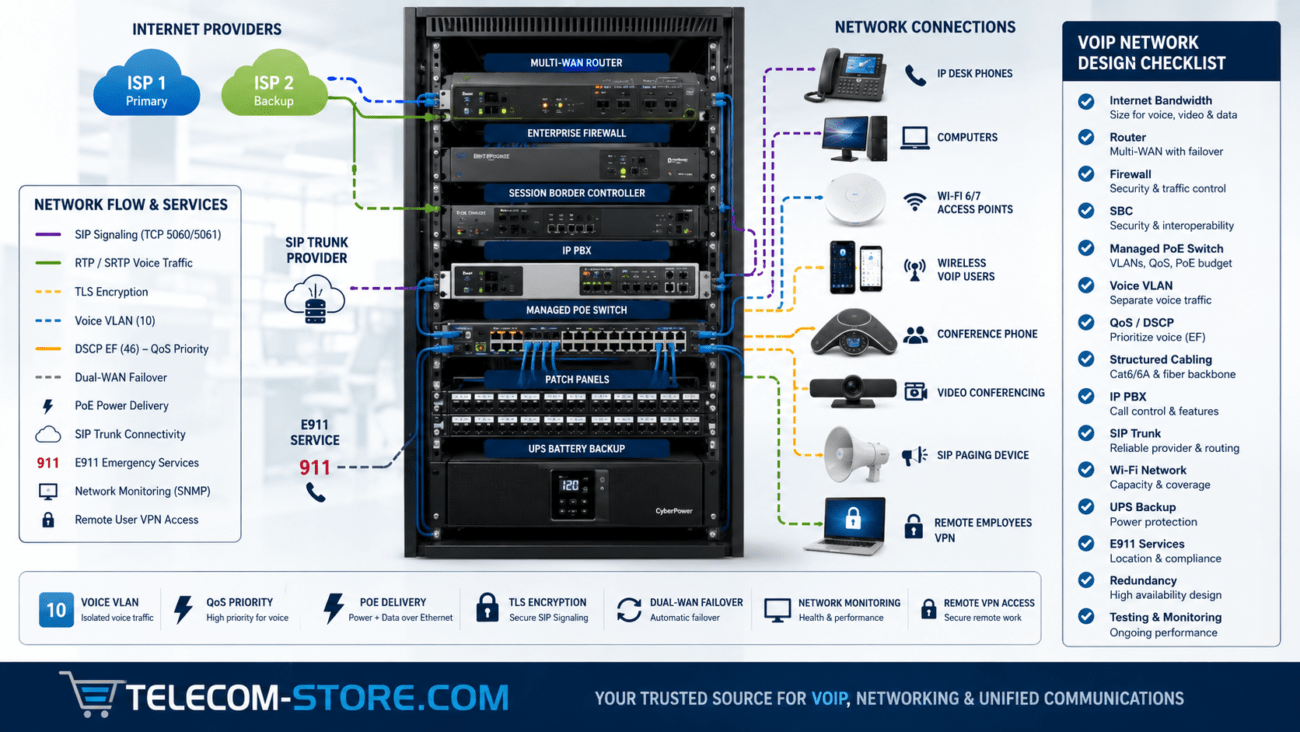
VoIP phones and conference hardware depend on clean, stable Ethernet links. A well-wired CAT6 office network supports models including Yealink T54W and compatible IP PBX platforms.
- Poor cabling causes call drops, echo, or audio breakup—often blamed on the phone system, when the real problem is with the wiring or patch cords.
- With providers (like Axion Communications), a structured infrastructure ensures low latency and reliable call quality.
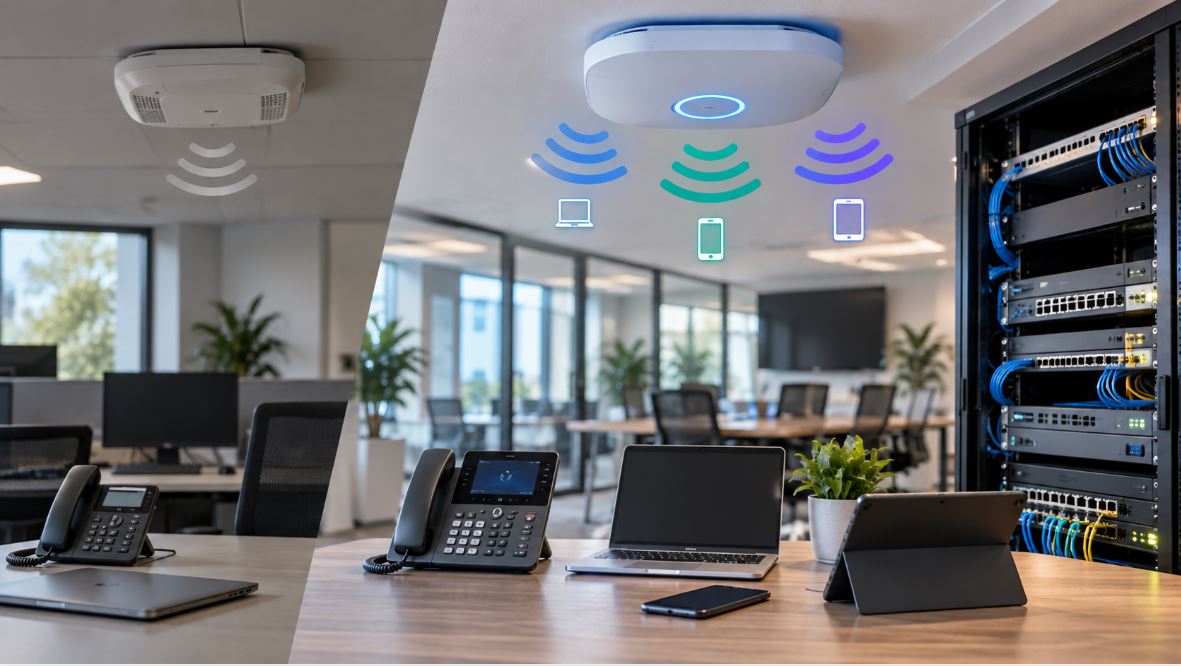
Does your office already have managed switches or PoE gear? If not, consider upgrading as you cable. See business-class network switches and PoE switches for powering phones and access points directly from the rack, reducing the need for wall outlets and power bricks.
Key Requirements for High-Performance Networks
- Switches: Choose Gigabit or faster; avoid old 10/100 Mbps units for main connections. Consider managed switches for larger offices.
- Patch cables: Use high-quality CAT6, matched to the rest of your installation—avoid using old, mix-matched jumpers even for short links.
- Labeling: Number every cable and port at both ends (use a label maker, not tape and marker).
- VOIP networks: Enable QoS on your switches for voice VLANs if your system supports it.
Top Office Cabling Mistakes – And How to Avoid Them
1. Too Few Drops
Always run at least one extra cable than you think you’ll need. Extra lines cost almost nothing compared to the labor of pulling them later, and can save a lot of disruption if you add printers, video bars, or extra phones.
2. Bad Cable Management
- Never leave cables hanging, draped over lights, or piled up in the ceiling.
- Use J-hooks, Velcro ties, and cable trays from the start.
- Label every cable pair at both ends to prevent hours of tracing later.
3. Ignoring Bend Radius
- Cables kinked into sharp corners or pinched behind racks lose bandwidth and break easily.
- Respect the minimum bend radius on every run—especially when working in tight office spaces.
4. Mixing Cable Types
Avoid installing both CAT5e and CAT6 cables in the same network backbone. Any CAT5e link slows the entire run and makes troubleshooting more complicated.
5. Overloaded Racks
Jamming too many cables or too much equipment into a small wall rack can hamper airflow and cause heat buildup. Buy slightly oversized racks for future growth and always maintain space for cable routing and cooling.
Limitations of CAT6: When to Upgrade
- Distance: 100 meters (328 ft) is the limit for CAT6 at full speed. Past this, use a network switch as a repeater or consider CAT6A or fiber optic lines, especially for larger offices or campus setups.
- Speed: For 10Gbps and video-heavy applications, CAT6A or fiber is preferred. (But for most VoIP and standard business workloads, CAT6 is perfect.)
- Installation: Cables are only as good as their termination and pathway. Even top-quality cable gives poor results if punched poorly or bunched in ceiling piles.
Office CAT6 Cabling FAQs
Whats the difference between CAT6, CAT6A, and CAT5e cabling?
CAT6 supports gigabit speeds and lower interference than CAT5e (which only reaches 1Gbps at shorter distances). CAT6A is best for 10Gbps networks and longer runs. Choose CAT6A if you want a more future-proof setup, especially if you may run intensive file transfers or video down the road.
How much extra cable should I buy?
Always buy at least 1015% more cable than your measured run lengths. Unexpected detours around structures and additional slack at patch panels and wall plates can quickly add up.
Should I hire a professional or install cabling myself?
If your runs are small and you have basic electrical experience (and the right termination tools), self-installation works for many SMB spaces. For larger jobs or multi-floor sites, hiring a pro is best for code compliance and high-reliability cable testing.
What office devices should always be on wired CAT6 instead of Wi-Fi?
VoIP phones, conference room equipment, printers, and workstations with video meetings or large file transfers all benefit from wired connections. This avoids Wi-Fi congestion and guarantees consistent performance.
Can I mix CAT6 with older CAT5e in the same office?
Mixing is possible—just remember, your network will always run at the speed of its slowest segment. For a trouble-free experience, stick to a single cable type throughout.
For more on business network design and compatible equipment, browse our guides on network switches, VoIP phones, and compatible PoE switches for powering modern office IT.
Bottom Line: Structured office CAT6 cabling is a smart investment that keeps your network fast, staff connected, and future upgrades simple. Take time to plan drops, choose the right materials and accessories, and follow best installation practices—and your network will serve you well for years.