How to Identify and Resolve VoIP One-Way Audio: Fast Answers for Business Buyers
If you’ve ever been on a VoIP call where you can hear the other party—but they can’t hear you, or vice versa—this guide is for you. Most one-way audio issues have clear, fixable causes related to network configuration. With the right steps, you can stop dropped conversations and get your business VoIP back to full two-way communication.
Common VoIP One-Way Audio Scenarios: At-a-Glance Table
| Issue |
Likely Cause |
Fix |
Relevant Device/Setting |
| You can hear, but not be heard |
NAT/Firewall blocking inbound RTP |
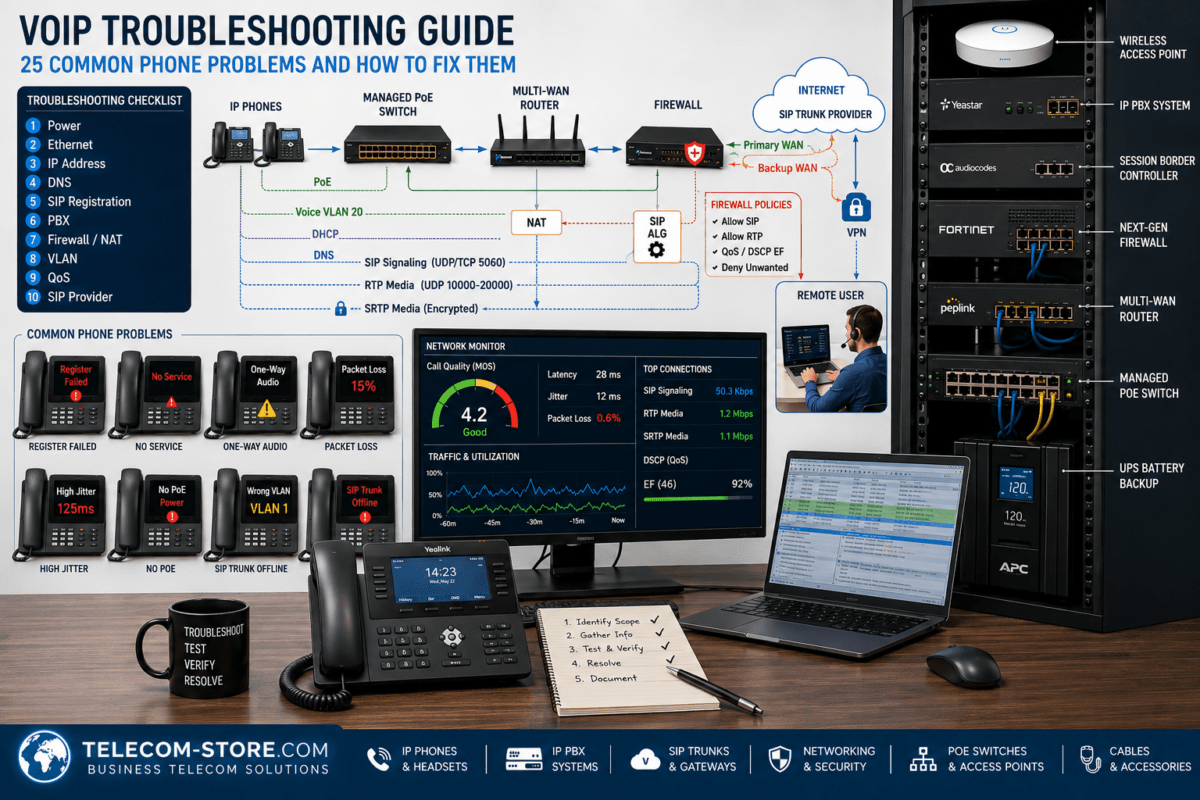
Open RTP ports, disable SIP ALG |
Router, Firewall |
| They can hear you, but you can’t hear them |
Port or NAT misconfiguration |
Check port forwarding, QoS |
PBX, Switch |
| Audio works, then cuts out |
Session timeout, firewall rules |
Increase session timers, fine-tune NAT |
Router/Firewall |
| One-way on paging/intercom |
Multicast configuration error |
Review VLANs and routing |
Switches, Paging system |
What Is VoIP One-Way Audio?
One-way audio on VoIP calls means sound travels only in one direction. For business users, this can interrupt meetings, confuse clients, and hurt productivity. The root problem: your voice packets aren’t getting where they need to go. This section explores why.
- Common situations: Only one side can hear, or sound is lost after the call starts.
- Key symptom: Calls connect but participants only get audio (or silence) in one direction.
This is almost always a network issue—not a problem with the phone handset itself.
Main Causes of One-Way Audio in VoIP
NAT (Network Address Translation)
NAT is the process where your business router changes internal IP addresses to public ones. Many VoIP problems trace back to NAT not passing return audio. Modern PBX systems usually have options to help with NAT traversal (e.g., STUN, TURN, or ICE)—make sure these are set up correctly.
Firewall Restrictions
Firewalls help protect your network but can block critical SIP or RTP packets. Even with voice traffic allowed out, the firewall might block the audio stream coming back in. Double-check opened and forwarded ports—particularly for RTP media streams your phones or IP PBX system uses.
SIP ALG (Application Layer Gateway)
SIP ALG is supposed to help VoIP traffic, but it usually causes more harm than good, especially with modern hosted PBX and cloud VoIP. It rewrites SIP packets unexpectedly, breaking audio in at least one direction on many networks.
Incorrect Port Configuration
If required SIP and RTP ports aren’t open or properly routed, audio will fail. SIP typically uses port 5060, but some providers use alternatives. RTP port ranges differ—check with your provider and match settings on your firewall and PBX.
Network Hardware Limitations
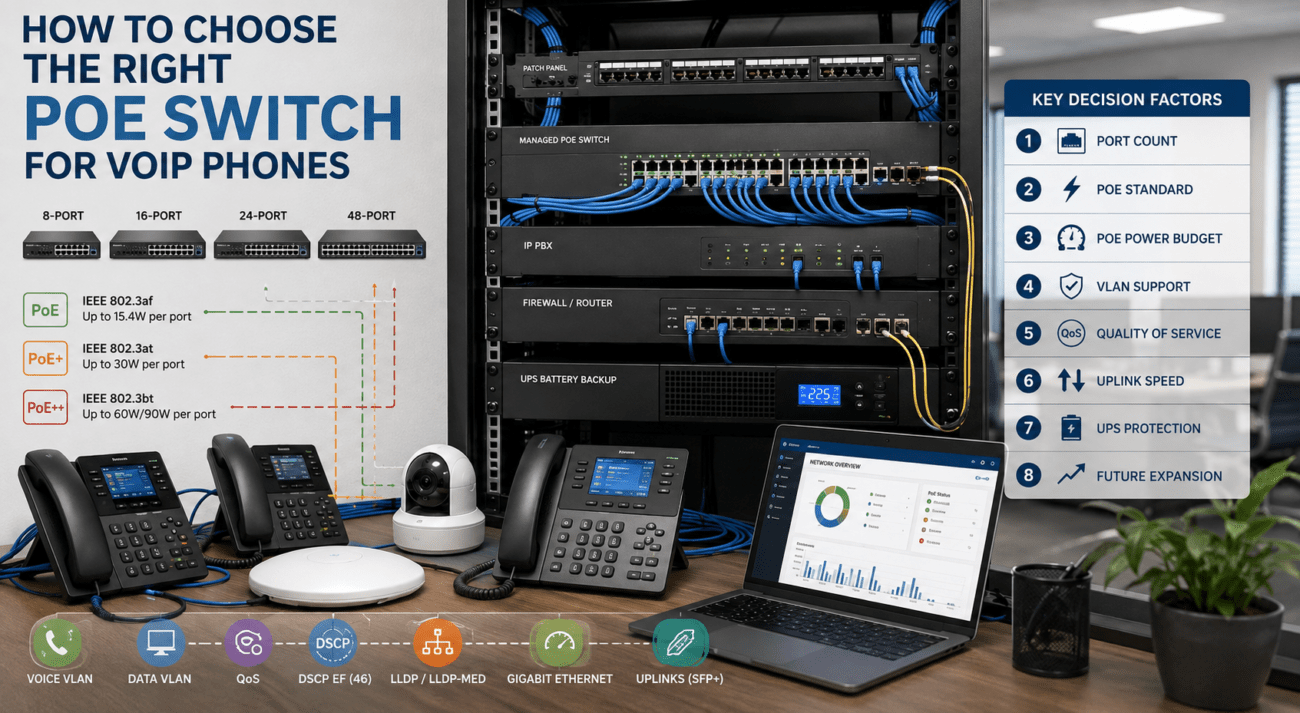
Business voice traffic requires hardware built to handle it. Entry-level/consumer routers or switches may struggle to keep up, especially with high call volume, paging, or conference phones. For reliability, look for PoE network switches built for business.
Step-by-Step: How to Fix One-Way Audio VoIP Problems
Step 1: Check and Disable SIP ALG
Log in to your router/firewall—SIP ALG is usually under advanced or VoIP settings. Turn it off, save your changes, and retest your VoIP calls. This fix alone resolves many one-way audio complaints.
Step 2: Review Firewall Rules and Port Forwards
- Confirm that SIP signaling ports (5060 UDP/TCP, or per provider) are open.
- Open the expected RTP port ranges (often 10000–20000 UDP).
- If using a hosted PBX, your firewall may need to permit the provider’s outbound RTP addresses.
Tip: Don’t rely solely on DMZ settings. Specific port rules are more secure and reliable.
Step 3: Set Up Port Forwarding (If Needed)
For on-site PBX or SIP-enabled paging, forward required SIP and RTP ranges directly to the PBX or paging device. Each device must have a fixed internal address so port rules always point to the right place.
Step 4: Review NAT Traversal Settings
Check if your PBX/phones support and use NAT traversal methods such as STUN, TURN, or ICE. Set the correct external IP in your SIP/VoIP configuration if needed. Avoid double NAT (two routers in series) as this creates unnecessary complexity and more one-way audio issues.
Step 5: Use Business-Grade Network Equipment
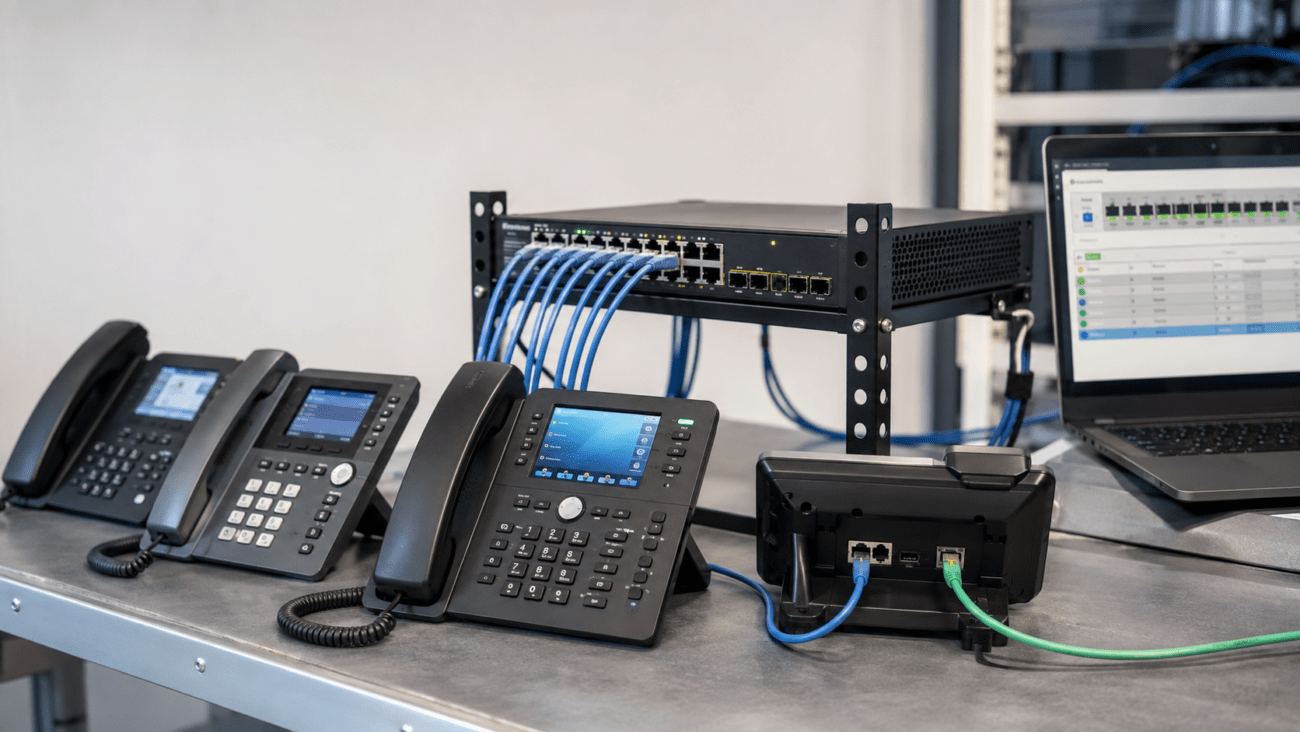
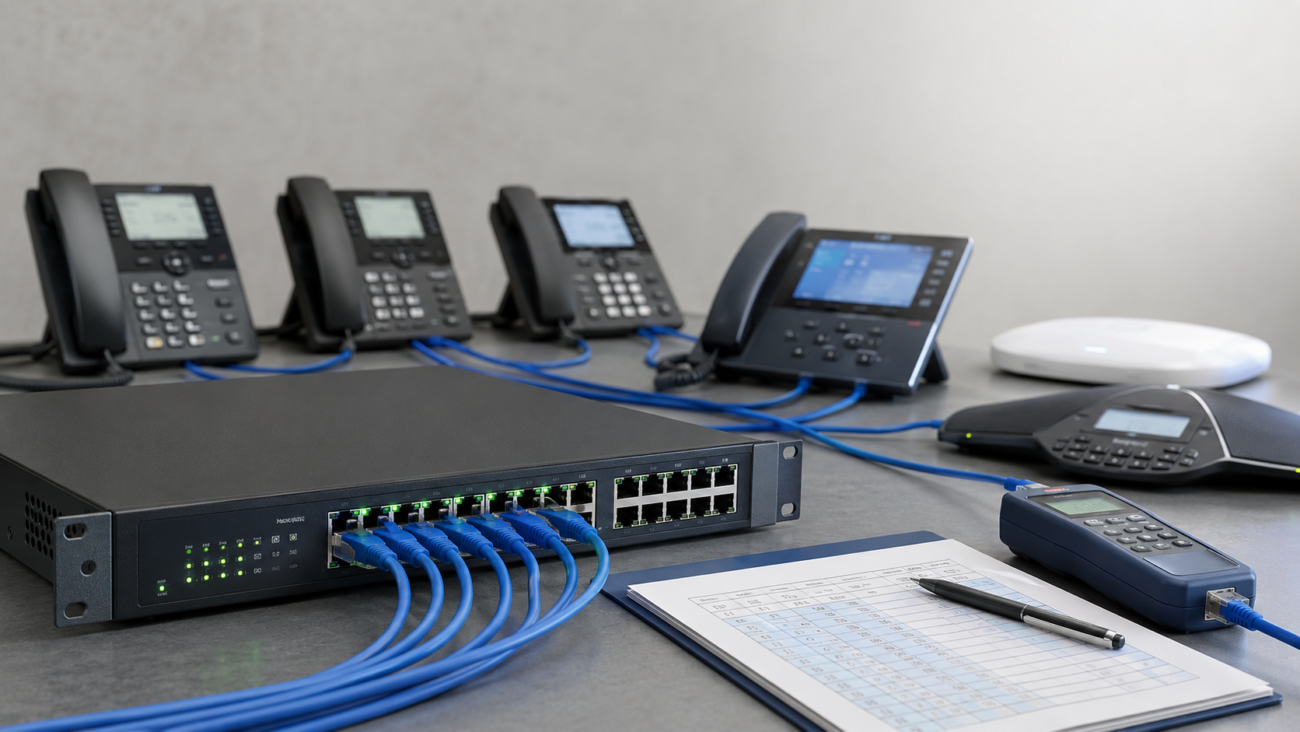
VoIP is sensitive to latency and packet loss. A quality PoE switch like the NEC QX F1005 (great for up to 8 devices) or NEC QX F1006 24-Port (for larger offices) ensures your network is up to the task.
If you’re expanding or adding paging systems, see our full network switches selection.
Step 6: Confirm Device Quality and Settings
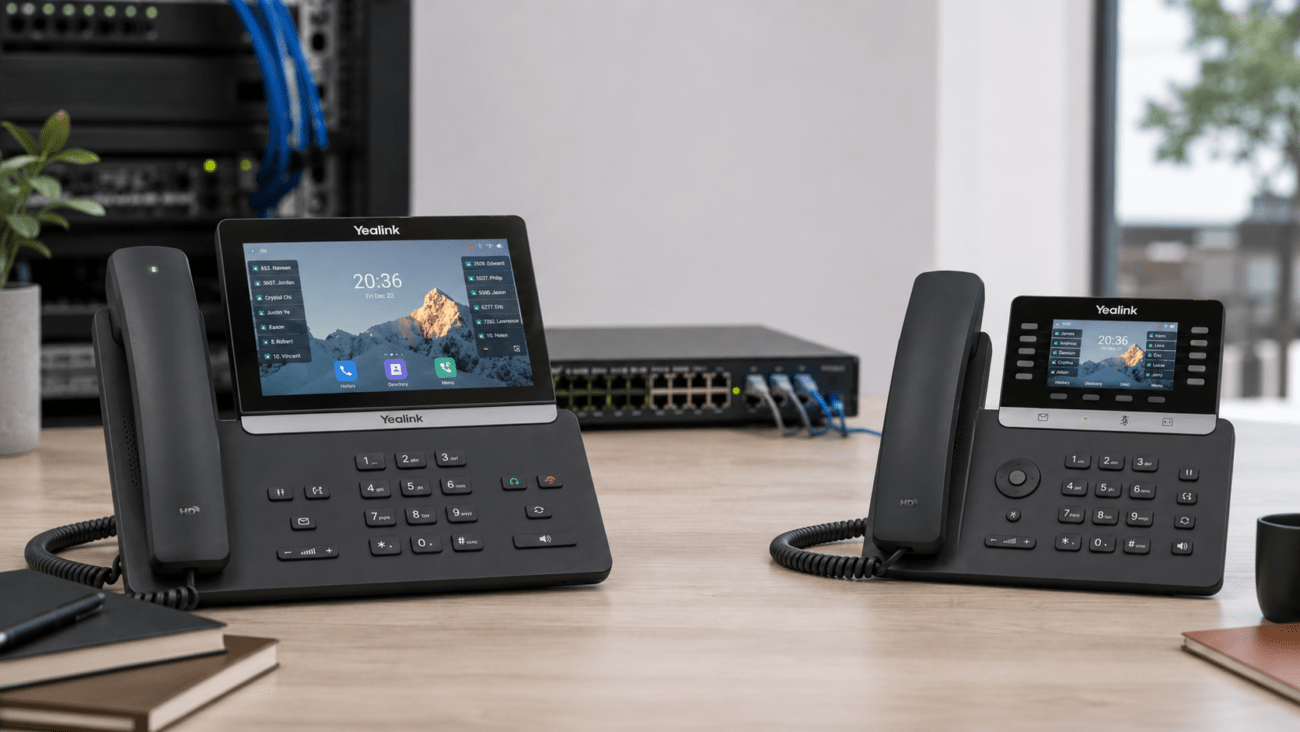
Modern VoIP phones like the Yealink T58W use better codecs and have improved NAT handling. When troubleshooting, try swapping to a known high-quality device. This helps identify if the problem is network-related or device-specific.
Step 7: Evaluate Wired vs. Wireless for VoIP Traffic
Wired connections are always preferred for business VoIP. If you must go wireless, use modern Wi-Fi 6 hardware, such as the EnGenius ECW212L. Weak wireless or interference causes jitter and packet loss, leading not just to poor quality, but actual one-way calls.
Step 8: Check for Multicast & Paging Device Issues
Audio paging systems and multicast speakers such as the Algo ALG-1196 need careful network setup. Ensure VLAN and IGMP snooping/querier are properly configured or multicast audio may only be heard on one segment, not throughout your office.
If the Issue Isn’t With Your Local Network
If you’ve checked everything above—NAT, firewall, ports, hardware—and still have one-way audio, the cause may be external. Sometimes the SIP trunk or your VoIP hosting provider needs to adjust settings on their side. Don’t hesitate to bring in their support early, especially if you notice the issue only on calls to certain destinations. Mention that you’ve already checked your internal configuration.
Providers like Axion Communications are experienced in identifying upstream carrier issues that can present as local audio dropouts.
Buyer Considerations: Avoid Common VoIP Audio Pitfalls
Compatibility Checklist
- All devices should comply with standard SIP protocols.
- NAT traversal should be supported and configured for your network type.
- Quality of Service (QoS) should be enabled to priority-queue voice traffic.
Business Setup Requirements
- Plan firewall and port rules for growth (new phones, paging, video, etc).
- Assign static internal IP addresses to PBX, phones, and critical devices.
- Consider managed network switches for better control.
Limitations and Mistakes to Avoid
- Consumer routers can block or mishandle SIP under load.
- Leaving SIP ALG enabled is the #1 fixable cause for office VoIP with only one-way audio.
- Never skip a test call after every configuration change.
- If you use VLANs or multiple subnets, ensure VoIP traffic can traverse between them as needed.
Practical Conclusion
Fixing VoIP one-way audio is rarely about replacing hardware and almost always about aligning your network configuration to match your needs and your provider’s requirements. Start by disabling SIP ALG, ensuring proper firewall and NAT setup, and prefer wired network connections and business-quality switching where possible. Keep your system up to date and involve your provider if external routing is suspected.
If you’re adding new phones or paging, always refer to our recommended VoIP phones and IP PBX systems for business compatibility and support.
Frequently Asked Questions (FAQ)
Why does my VoIP phone have one-way audio?One-way audio is usually a result of blocked RTP ports, NAT errors, or SIP ALG being enabled. Always review firewall/NAT rules when deploying new handsets or after any internet/router upgrade.
How do I fix VoIP no incoming audio but outgoing works?
Disable SIP ALG, open necessary ports, and check that the firewall allows incoming RTP. Confirm NAT traversal protocols are used if your phones or PBX are behind a NAT router.
Which is better for VoIP: wired or wireless?
Wired is more stable—period. Wireless is acceptable only with modern Wi-Fi 6 equipment and very strong coverage. For mission-critical phones, conference devices, or paging hardware, always choose wired.
Can SIP ALG cause VoIP call problems?
Absolutely. SIP ALG frequently breaks SIP and RTP packets. Nearly every IT department disables SIP ALG on all firewalls/routers to prevent exactly these issues.
When should I contact my VoIP provider?
If you’ve properly configured your local devices and the issue persists across all handsets or with calls to certain carriers, the problem may be on the provider side. Document your troubleshooting steps so their technical team can assist more quickly.
Need further product recommendations, or want help selecting the right switch or paging device? Explore our business-class switch lineup or browse VoIP phones ready for business.