Protect Your Business Communications During Power Outages
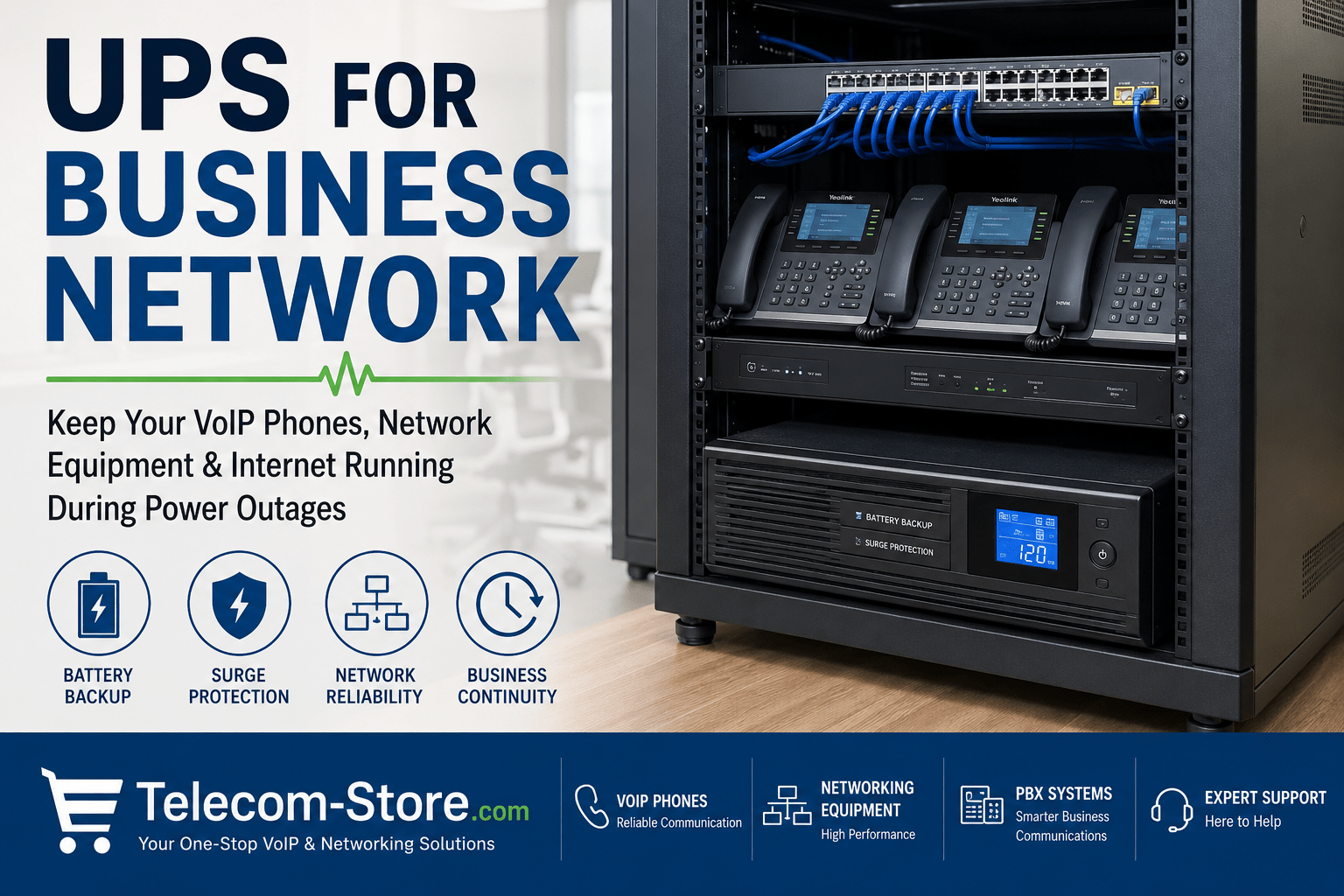
Network reliability is essential in any modern business. If your phones, internet, or internal communication systems stop working during a power outage, the impact can be immediate and costly. A UPS (uninterruptible power supply) helps keep office communications and data flowing when utility power fails or fluctuates—especially important for businesses running VoIP phones, PoE switches, or cloud PBX platforms.
Buyer’s tip: For a quick, effective business continuity plan, ensure your core networking, VoIP, and critical internet equipment runs on a properly sized UPS. Below you’ll find common use cases and the right UPS types to consider.
| UPS Type |
Typical Use Case |
Main Benefits |
Best For |
| Standby UPS |
Modems, desktops, small office gear |
Basic, low cost battery backup; ok for brief interruptions |
Small/remote offices, single workstations |
| Line-Interactive UPS |
PoE switches, firewalls, routers, PBX |
Battery backup with voltage stabilization; better protection |
Offices with VoIP, rackmount needs, larger switch loads |
| Rackmount UPS |
Network racks, telecom closets, servers |
Centralized, scalable backup with extended runtime |
Multi-switch environments, IT/server rooms |
| PDU + UPS |
Structured cabling, organized rack power |
Easy distribution, cable management |
Data closets, telecom racks |
How UPS Systems Work in Business Networking
A business UPS provides instant battery power if your electrical supply fails or becomes unstable. This helps safeguard your:
- VoIP phones, paging gear, and conference systems
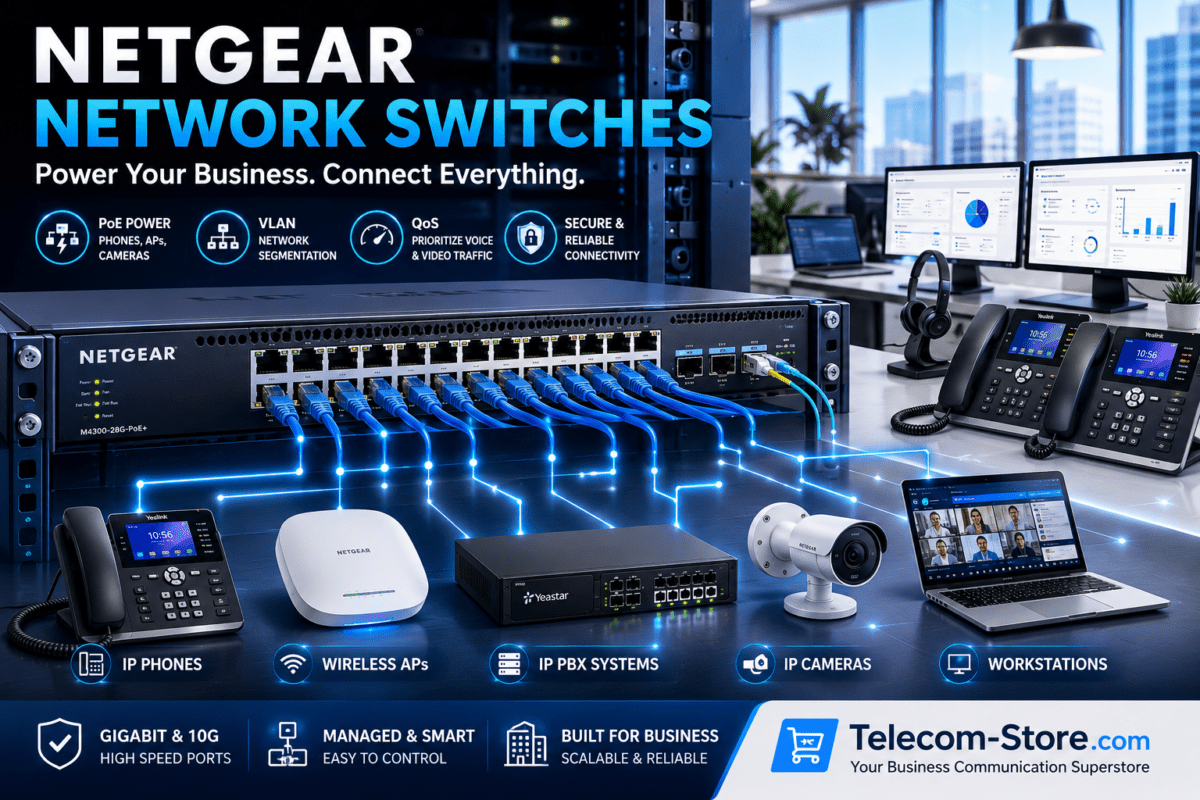
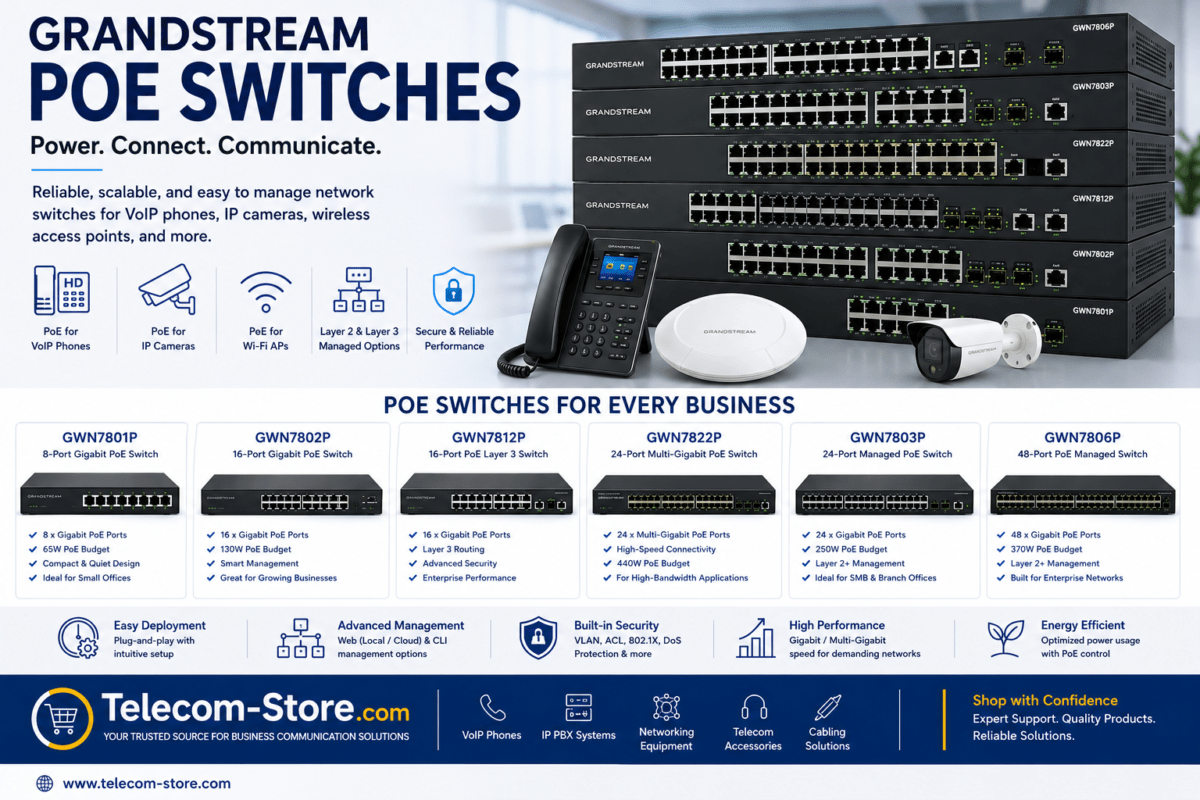
- Network switches (including PoE switches powering phones or WiFi)
- Routers, firewalls, and business internet modems
- Local servers, SIP trunks, and small PBX hardware
Unlike basic surge protectors, UPS units offer real battery backup, smoothing out dangerous power spikes (plus protection from surges, brownouts, and total outages). Businesses with cloud PBX or hybrid workforces should always protect shared networking equipment, not just office PCs.
UPS Protection For VoIP and Cloud PBX Phones
If your VoIP or SIP phones lose power, so does your business voice. Legacy phone lines used to carry their own power—modern VoIP, however, depends entirely on your LAN, switches, and internet staying up. Without a UPS, even a quick interruption to your PoE switch or router will disconnect all calls instantly.
Office types most at risk from a power event:
- Small and mid-size businesses with cloud PBX/hosted phone services
- Medical practices and support centers that must answer every call
- Retail shops, customer support, and hybrid offices
Business owners often build redundancy with the help of a telecom continuity partner, such as Axion Communications, combining cloud connectivity and local backup to maintain uptime for clients.
Standby UPS: Basic Battery Backup
A standby (off-line) UPS is the simplest solution. Under normal power, connected equipment draws from mains electricity. During a power cut, the UPS instantly switches to battery for several minutes, enough to finish calls or save files. These compact models, such as the EnSpire G Standby UPS 450VA 250 Watts, are best for small offices, single modems, or desktop setups.
Use standby UPS units when you:
- Only need to keep your modem or a few devices running briefly
- Want an affordable, plug-and-play backup
- Have low total power needs
Line-Interactive UPS: Better for Network Gear
For most offices or server rooms, line-interactive UPS units make the most sense. These not only provide battery backup but also actively regulate line voltage, preventing brownouts or surges from hurting sensitive managed switches, firewalls, or PBX gear.
Example: Minuteman UPS PRO750RT2U and PRO1500RT2U line-interactive rackmounts. These models suit most network closets, phone racks, and PoE switching applications.
- Best for offices with a PoE network switch powering multiple phones or access points
- Great for sites experiencing frequent voltage instability, not just total outages
- Flexible: rack, wall, or shelf mount installation
Choosing and Sizing a Rackmount UPS
Rackmount UPS systems are the standard in larger business networks, telecom closets, or modular server enclosures. They keep all your network and PBX gear in a central, organized structure—key for offices growing beyond simple desktop backup.
Check rack depth and available U-space before ordering. Allow 20–30% extra capacity above your current wattage to future-proof the installation. For dense PoE environments, factor in the additional drain of every powered device—phones, paging horns, wireless APs, and cameras.
Consider adding a rack PDU (Minuteman UPS OEPD1415HV) for simplified cable organization and easier maintenance.
Understanding UPS Runtime and Runtime Planning
How long a UPS will last depends on:
- Its battery capacity (VA or watts)
- The total power load connected
- Age and health of batteries
For most offices: 5–15 minutes allows enough time to wrap up a call, save work, and shutdown gracefully. Businesses using generator backup or requiring site-to-site networking during extended outages should specify longer runtimes—especially if you power multiple PoE devices, which draw much more than standalone switches or routers.
Tip: Always test your UPS after installation to verify runtime meets your business expectations when loaded as planned.
Why Surge Protection Still Matters
Power problems aren’t limited to total blackouts. Momentary surges, sags (brownouts), utility spikes, and line noise can silently damage telecom gear—even if you never notice a full outage. Every networking rack should have both battery backup and reliable surge/voltage regulation.
- Never daisy-chain cheap surge strips to a UPS outlet—use one or the other, not both.
- Look for high joule surge ratings and good EMI/RFI filtering to protect your PBX, IP phones, and key switches.
Maintaining Internet and VoIP During Outages
To keep business-critical voice and internet working, connect all components in your communications path to the same UPS: modem/gateway, router/firewall, PoE/standard switch, and where applicable, PBX or SIP trunk equipment. If any component loses power, service drops.
Example: A common office setup protects the following with a single properly sized UPS:
- Cable/fiber modem
- Firewall or security router
- One or more PoE switches (browse options)
- PBX or telephony server
- WiFi access points if coverage continuity is vital
Site tip: With Yealink and similar SIP phones, power both your PoE switch AND your internet modem/wireless router for best uptime.
Power Distribution and Rack PDUs
Larger offices benefit from using both a rackmount UPS and a quality PDU (power distribution unit) to streamline cable and device management. For example, the Minuteman 14 Outlet PDU neatly handles multiple network appliances and keeps power connections organized for maintenance and troubleshooting.
Practical Setup and Buyer Mistakes to Avoid
1. Calculate Total Power Load
Don’t guess—document the wattage of every device. If you’re not sure, check power adapters or network device specs. For PoE, be sure to include the draw from each phone or AP connected to the switch’s PoE ports. Overloading a UPS results in reduced runtime or even failures.
2. Match Runtime Goals to Your Needs
Some offices only need 5 or 10 minutes. If you need to last through long generator transitions, spec accordingly—and remember that more battery equals more weight and heat.
3. Plan for Cooling and Ventilation
UPS units and dense network racks get hot. Poor airflow reduces battery life and UPS reliability. Do not install business UPS in sealed closets or without some form of rack or environmental ventilation.
4. Schedule Regular Testing and Battery Replacement
Test batteries at least twice per year, and plan to swap them every 3–5 years (regardless of brand). Track battery health with the UPS’s built-in tools, and replace immediately if you see swelling, leaks, or warning lights.
Limitations – Know What a UPS Won’t Solve
- A UPS only covers equipment wired to it—cloud failures and upstream ISP problems can still cut service
- Total runtime is always limited by battery size and age
- No battery backup replaces regular business continuity planning (plan for disaster recovery as well as daily outages)
Choosing the Right UPS Model for Your Office
Small Office/Remote Site
- Choose a compact standby or desktop UPS for modem/router backup
- Protect essential voice or POS systems
Typical Small/Midsize Network
- Go for a line-interactive or small rackmount UPS
- Cover all core network elements: switches (especially PoE), firewalls, and PBX/appliance
- Consider modular PDUs/rack accessories for growth
Large Office/Telecom Closet
- Deploy multiple rackmount UPS units with scalable runtime
- Integrate with PDUs, environmental monitoring, and possibly generators for longer events
You can browse business-class UPS and telecom power options at Telecom-Store.com.
FAQ: Business UPS for Network Infrastructure
What type of UPS should I use for a PoE switch or VoIP phones?
For PoE switches (which must power multiple IP phones or WiFi points during an outage), a line-interactive or higher grade rackmount UPS with sufficient battery is recommended. Always account for total wattage and future device growth.
How much runtime do I need for my office network on a UPS?
It depends on your needs and generator support. Most offices require only enough time (5–15 minutes) to finish calls and perform a safe shutdown. If you must stay running during extended outages, invest in larger UPS systems and test runtime under real conditions.
Will a UPS keep my VoIP or cloud PBX phones working even if my provider loses power?
No. A UPS only covers on-site hardware. If your ISP, cloud PBX, or upstream carrier experiences a failure, service may still drop even though your equipment stays live locally. Consider redundancy with failover WANs or 4G backup for critical offices.
How do I know what size rackmount UPS to buy?
Add up the power (in watts) for every network appliance you plan to protect, including PoE devices. Choose a UPS rated at least 20% above your total and verify physical fit in your rack. Never oversubscribe your battery capacity—it can reduce both protection and battery lifespan.
How can I tell if UPS batteries need replacing?
Most modern UPS units have test and indicator panels. Proactive replacement every 3–5 years (or at warning lights) is good practice. Visibly swollen, leaking, or damaged batteries must be swapped immediately.
What’s the difference between a basic (standby) and line-interactive UPS?
Standby UPS only cut in during outages. Line-interactive UPS models stabilize voltage during sags or surges, making them a safer choice for switches, firewalls, and VoIP racks where even short voltage swings can cause dropped calls or damage.