Which Yealink VoIP Phone is Best for Your Office?
If you’re evaluating VoIP desk phones for your small business, Yealink stands out for its proven reliability, wide provider compatibility, and selection for every level of office user. IT managers and business owners often compare Yealink to Grandstream—another major player—when searching for a communications upgrade that works with their hosted VoIP or on-premises IP PBX system.
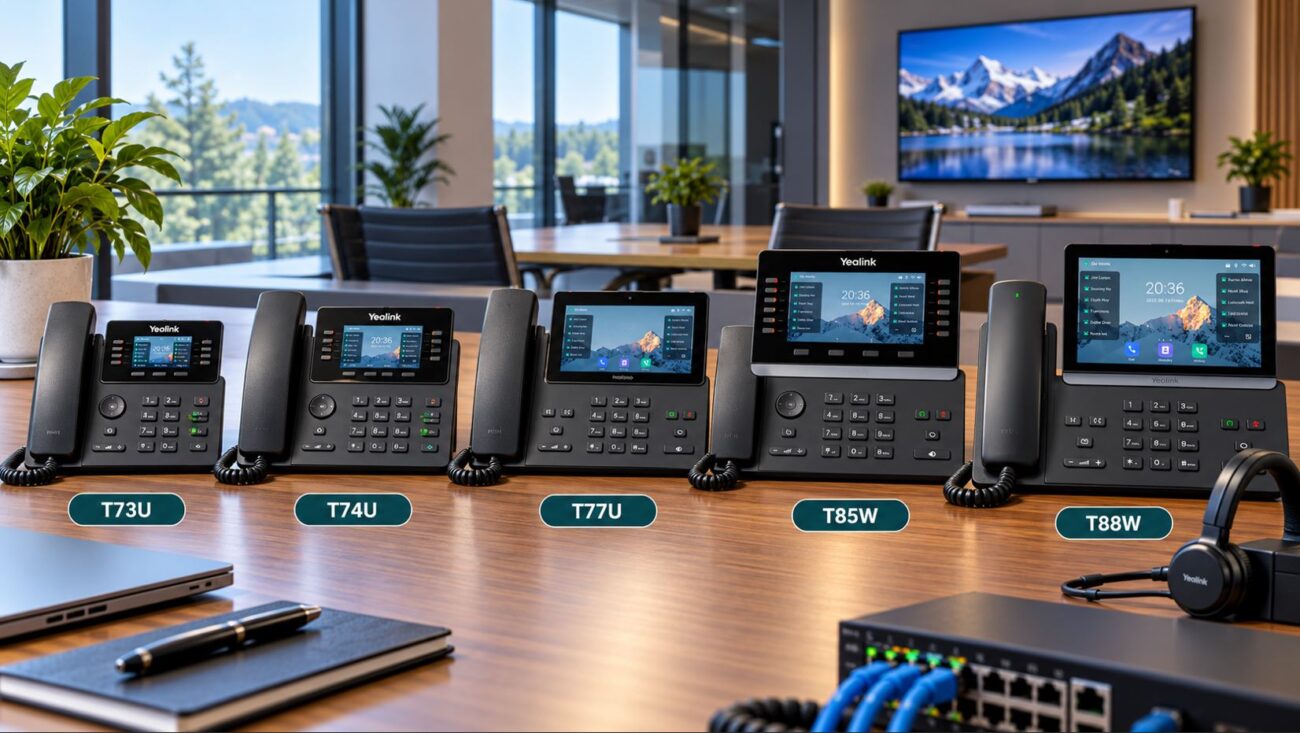
Short answer: Yealink phones make day-to-day business calling easier in most office and hybrid scenarios. With models ranging from entry-level to advanced with color displays, you can cover reception, staff, and executive needs on one unified platform. They’re best for buyers who want dependable firmware, modern design, and minimal training time for users.
Yealink vs Grandstream: Model Comparison for Small Business
| Feature |
Yealink (e.g., T54W) |
Grandstream (e.g., GXP2170) |
| Display Type |
4.3″ Color LCD |
4.3″ Color LCD |
| Line Capacity |
10 Lines |
12 Lines |
| Wi-Fi / Bluetooth |
Built-in Wi-Fi & Bluetooth |
Bluetooth Only (Wi-Fi via Adapter) |
| Provisioning |
Auto/Cloud, Local Web UI |
Manual, Some Auto via Providers |
| Headset Integration |
USB, Bluetooth, EHS |
USB, Bluetooth, EHS |
| Firmware Support |
Consistent Updates |
Moderate Update Frequency |
| Typical Use |
Professional offices, remote & hybrid |
Budget-focused offices, varied setups |
What Sets Yealink Apart in Office VoIP
- Consistent user experience: Easy training across desk, conference, and cordless models.
- Modern options: Color displays, programmable keys, and headset integration standard on most devices.
- Wired or wireless setup: Many Yealink phones run via Ethernet, Wi-Fi, or Bluetooth—ideal for expanding or changing office layouts.
- Real-world reliability: Regular firmware updates and wide certification make Yealink popular with IT teams who manage lots of endpoints.
For a mid-tier business desk phone, see the Yealink T54W. It works well for busy front desk, manager, or team lead roles.
Key Features Small Businesses Get with Yealink VoIP Phones
HD Audio Quality
All current-generation Yealink phones support HD voice, so calls are more clear and professional than what you get with analog handsets. This matters for customer support, sales, and remote video conferences.
Connectivity and Power Choices
- Ethernet/PoE: Reduces power adapters and simplifies your desk—most Yealink business phones work with PoE switches for easy, single-cable installs.
- Wi-Fi/Bluetooth: T54W and newer models let you ditch cabling entirely. Older phones can add wireless with optional adapters—check model specs before ordering to avoid surprises.
- USB ports: Fast headset or call recording accessories support for call-heavy staff.
User-Friendly Setup and Interface
Yealink uses modern, color displays and simple menus. Users moving over from old legacy phones can usually manage calls, transfer, directory, and DND functions with minimal IT help. Training in mixed or hybrid offices is straightforward.
Scalable Choices for Offices Big or Small
- Entry-level models fit breakrooms, warehouses, or basic desks.
- Executive and receptionist phones come with more lines, sidecar options, and scheduling features.
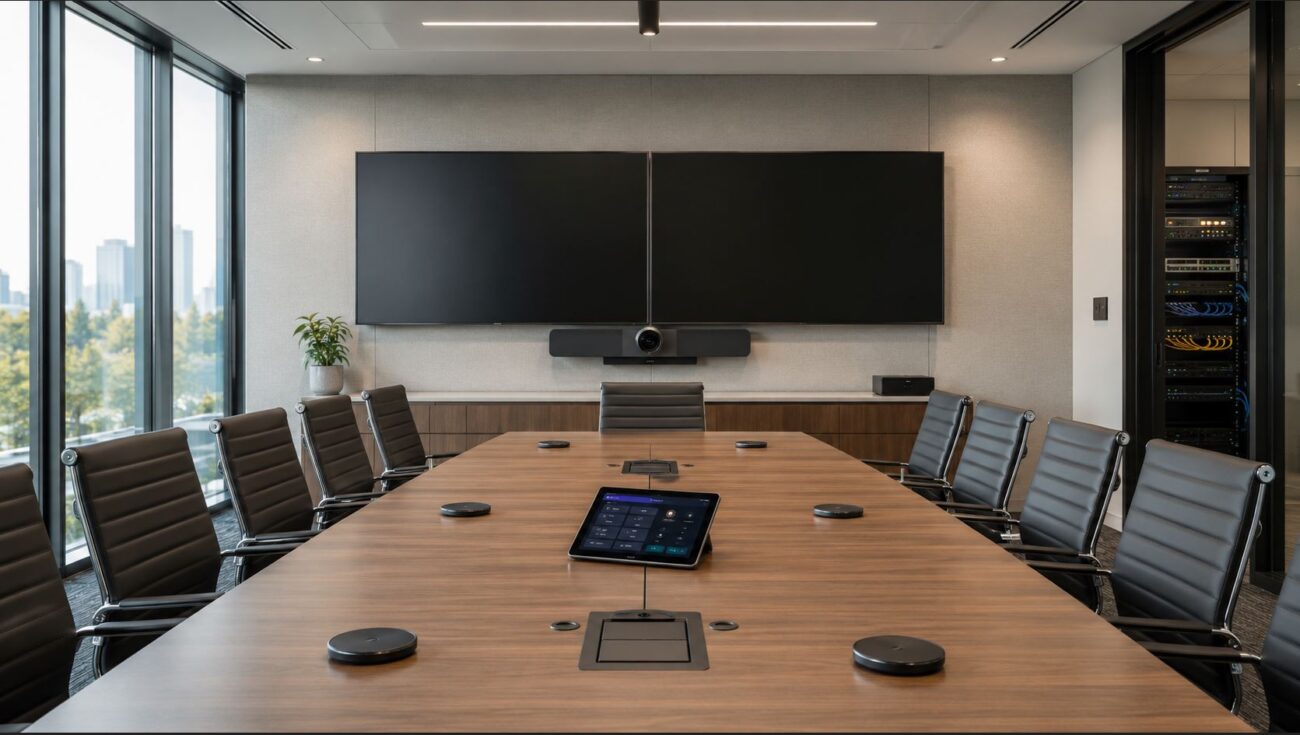
- Conference and Teams models extend the ecosystem; see our VoIP phones selection for options.
Important Yealink vs Grandstream Differences for Buyers
Firmware, Updates, and Long-Term Support
Yealink puts a strong focus on frequent update releases and a predictable software interface across models—making it simple to roll out with multiple generations in your environment. Grandstream, while often more budget-friendly, may see slower updates and less uniform configuration experience.
SIP and VoIP Platform Compatibility
Yealink SIP desk phones are often officially certified or pre-provisioned with leading hosted providers (RingCentral, 8×8, Nextiva, and many more), reducing time to deploy. Grandstream phones also support SIP, but provider templates may not offer as much out-of-the-box automation. If you’re using IP PBX platforms (such as FreePBX or 3CX), both brands work, but Yealink is usually a more seamless fit for plug-and-play provisioning.
Compatibility Checks Before Buying
- VoIP provider: Ask your provider for recommended models and auto-provisioning details. Yealink is broadly supported, but confirming lets you avoid manual setup later.
- Network gear: For PoE deployment and stable call performance, use business-class PoE switches and set QoS rules on your router. Business Wi-Fi and VLAN support are important for mixed traffic to avoid dropped calls.
- Headsets/accessories: Plan which users need headsets, and confirm chosen phone supports EHS or Bluetooth for those users. Yealink USB ports are highly compatible with most current business headsets.
- Office layout: For remote desks or reconfigurable workspaces, prioritize built-in Wi-Fi models so cabling is never an issue.
Deployment and Setup: What IT Should Know
Basic Network Requirements
- Stable broadband internet
- Business-class router with QoS (voice prioritization) enabled
- Optional VLANS for large sites or mixed-data environments
Provisioning Methods
- Yealink Cloud/Redirection Service (RPS) for auto-provisioning—works with many hosted VoIP services
- Local web UI for per-device configuration in smaller offices
- Centralized configuration (for companies rolling out >10 phones)
Power: PoE and Adapters
- Use PoE switches for fastest, tidiest setup in new offices. This avoids desk clutter and simplifies troubleshooting.
- External adapters are still possible—but every additional power brick is one more cable to lose or break.
Set Up Tips and Mistakes to Avoid
- Don’t mix unmanaged switches with voice VLANs if you want consistent call quality.
- Keep firmware up-to-date to prevent security or feature issues—plan scheduled maintenance windows for updates.
- Double-check network cables for older building wiring—use Cat5e or better for all desk phones.
- Always test a single phone on your network before bulk deployment. Confirm caller ID, transfer, and voicemail work as expected.
Use Cases: Who Chooses Yealink?
- Office-based teams: Desk phones with color screens give employees efficient, reliable access to voicemail, directory, and collaboration features.
- Remote and hybrid work: Built-in wireless extends your phone system to home or distant desks—no VPN or complex NAT rules needed in most cases.
- Support/call-center roles: Durable build, EHS/Bluetooth headset support, and programmable keys help busy staff reduce call joins and hold times.
- Reception/front desk: Multi-line, large screen models make routing easier for visitors and team calls.
Resources & Further Reading
Frequently Asked Questions
- Are Yealink phones compatible with all VoIP providers?
- Yes, with their SIP-based platform, most Yealink phones work with nearly all major VoIP providers. For easy setup, ask your service for Yealink auto-provisioning templates or pre-configured credentials.
- What is the difference between Yealink and Grandstream for small businesses?
- Yealink is recognized for its user-friendly interface and structured firmware updates, making maintenance easier. Grandstream may have lower starting price points but sometimes needs more configuration. Check your priorities for support vs budget when choosing.
- Can Yealink phones work wirelessly?
- Many newer Yealink models, such as the T54W, have built-in Wi-Fi. Some other models will need a wireless adapter. Always check the model specification to confirm wireless support if needed.
- What are key mistakes to avoid during Yealink VoIP setup?
- Don’t forget to enable network QoS, keep firmware updated, and use business-class PoE switches for reliable voice traffic. Avoid using old network wiring or mismatching PoE injectors and switches.
- Do Yealink phones require a PBX system?
- No, Yealink phones can be registered directly to a cloud-based VoIP service or to your in-house IP PBX system (like 3CX or FreePBX). You do not need to buy a separate PBX for most modern business VoIP providers.