Which Ubiquiti Antenna Suits Your Business WiFi Project?
If you’re planning a wireless network for your business, school, or property in 2026, choosing the right Ubiquiti WiFi antenna is more important than ever. The antenna you select will shape how your VoIP phones, conference rooms, office devices, and cloud tools work day-to-day. This guide is written for IT managers, business owners, facility directors, and installers who want stable wireless with no surprises. Whether your goal is consistent video calls, WiFi for dozens of users, or reliable building-to-building links, this detailed breakdown shows what to check before you buy or install.
Buyer answer: Ubiquiti makes targeted antenna models for offices, campuses, barns, warehouses, and large outdoors. First confirm your environment (indoors, link, open space), check the product’s compatibility with your WiFi platform (UniFi, airMAX, airFiber), and verify your PoE needs. Planning placement and coverage is as critical as picking the latest model. See the in-depth options and tips below.
Compare Antenna Types by Deployment
| Deployment Scenario |
Recommended Ubiquiti Solution |
Key Buying Tips |
| Office or retail (dense users) |
Ubiquiti U6 WiFi 6 Pro, Ubiquiti U7 WiFi 7 |
Use well-placed ceiling APs for best coverage. For bigger floors, consider overlapping coverage areas and plan for seamless handoff. |
| Linking buildings, outbuildings |
NanoBeam AC Gen2, PowerBeam AC Gen2 |
Confirm line of sight, match frequency bands, and mount antennas securely above interference. |
| Outdoor campus, open space |
Ubiquiti U7 Outdoor WiFi 7, Sector or omni antennas |
Check outdoor AP’s weather-resistance. Map coverage and power up using PoE from protected PoE switches. |
| Rural yard, farm, campground |
Use directional models for remote links, omnis or sectors for activity zones |
Confirm cabling runs, protect gear, and avoid nature or wildlife damage with strong housing. |
| Multi-classroom campus |
Mix of WiFi 6/7 access points indoors, directional antennas for bridges |
Plan for both interior and exterior coverage, and consider future expansion with modular switch and PoE setup. |
How Ubiquiti Antennas Enhance Business Networks
Ubiquiti antennas deliver more than just higher data rates—they are engineered for stable connections across large areas, support hundreds of active devices, and resist environmental hazards. With the right antenna, offices gain reliable VoIP call quality, clean video conferences, and guest or BYOD networks that don’t fail under load. Ubiquiti offers:
- Directional antennas – Provide point-to-point coverage. Best for when you must bridge two distant buildings or connect areas where wiring is impractical.
- Omnidirectional antennas – Broadcast WiFi in all directions. Ideal when you want blanket coverage for centralized staff, events, or public spaces.
- Outdoor industrial models – Built to handle rain, sun, temperature extremes, and UV. If your WiFi works outdoors, always choose a weather-rated device.
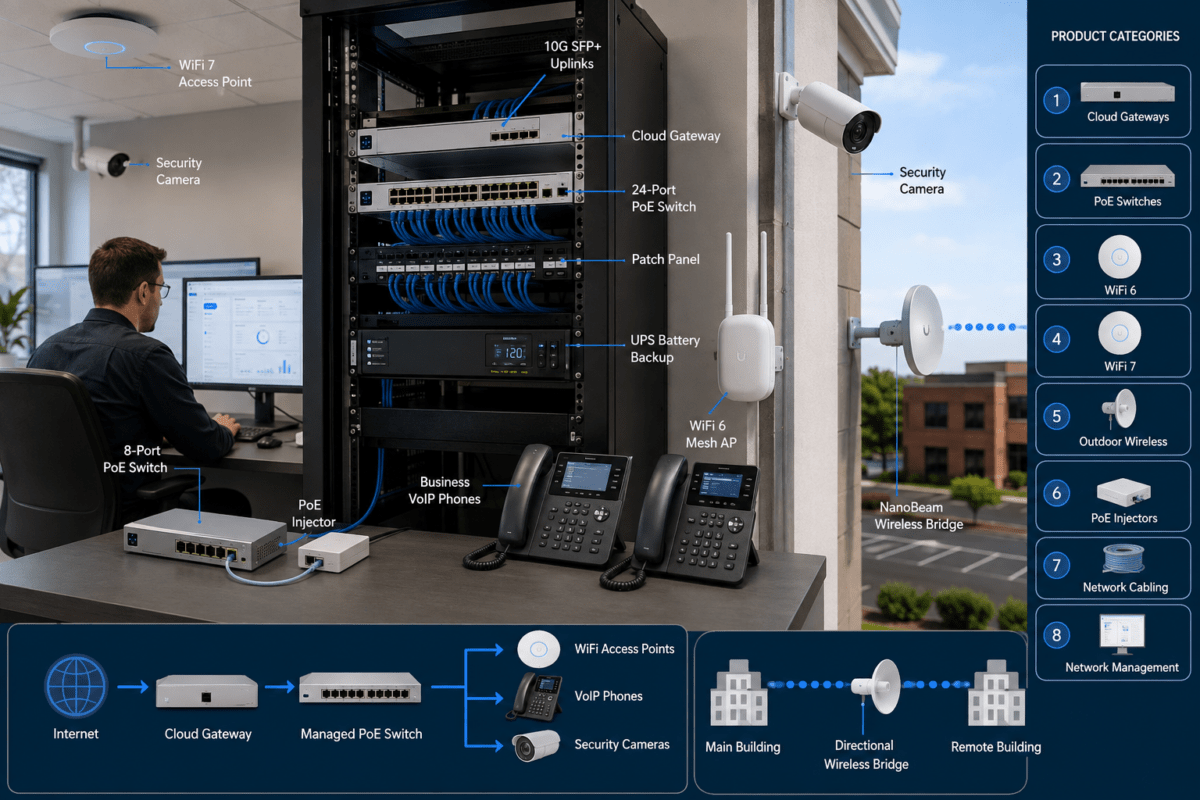
Before ordering, always verify compatibility with your AP and chosen WiFi platform. Check PoE voltage and power, and review installation height for your chosen area. Consider pairing with modern PoE switches for clean, reliable power to access points, especially outdoors.
When to Use Directional vs. Omnidirectional Antennas
Directional Antenna Applications
If you need to connect buildings, gates, security cameras, or work areas a hundred feet—or even half a mile—apart, use a directional antenna like the NanoBeam Gen2 or PowerBeam AC Gen2. These focus WiFi signals for high throughput and minimize interference from neighbors or the environment. Key setup notes:
- Always align antennas as precisely as possible. Even a few degrees can impact speed or connection reliability.
- Make sure nothing blocks line of sight—trees or even seasonal foliage can disrupt your link months after install.
- Use sturdy pole or mast mounts (never just wall brackets), and anchor in areas shielded from wind.
- Check allowed frequency bands (5 GHz, 2.4 GHz, or new 6 GHz for WiFi 7 gear) and local interference sources.
Omnidirectional Antenna Applications
Omni antennas are best for spaces where staff or visitors move throughout the zone, like playgrounds, gymnasiums, parking lots, or wide-open office floors. Place these in open areas, not hidden behind ducts, heavy metal, or walls. Good placement maximizes usable range and avoids dead spots. For heavier professional loads (VoIP phones, video calls), use ceiling-mounted APs paired with enterprise-grade switches and PoE to ensure enough bandwidth per user.
Why Are Ubiquiti Outdoor Antennas Business-Ready?
- Weather-resistant casings: Sealed to keep out dust, rain, and UV. Particularly vital for long-term outdoor installs.
- Remote management: Ubiquiti’s UniFi and airMAX integration means you can monitor devices, troubleshoot remotely, or push updates without rolling a truck every time someone reports a slow connection.
- High-density support: Handle lots of concurrent VoIP and wireless traffic, not just guest browsing.
- Versatile mounting: Standard kits cover most poles or walls; custom environments can use adapter plates or extensions as needed.
Professional tip: Always use high-quality, outdoor-rated cabling and connect everything to PoE through PoE switches. Add surge protection and double-ground every outdoor device. Uptime and device safety depend on full system quality, not just the antenna itself.
When Should You Use a Wireless Bridge?
If you must connect remote offices, buildings, farming sheds, or event trailers—and don’t want to spend on trenching fiber—a wireless bridge is the business-friendly answer. Directional antennas point from building to building, providing stable, private network access out to where you need it. Situations where this approach is ideal:
- Quickly linking temporary offices, job sites, or classrooms where running cable isn’t possible
- Connecting parking kiosks, security gates, or outdoor work areas to the main business network
- Adding IP intercoms, cameras, or terminals where WiFi must be strong and consistent outdoors
Just ensure you regularly check that nothing new (trees, parked trucks, new buildings) enters your line of sight. Weather-sealed, shielded cables are non-negotiable for stable performance in all seasons.
Ubiquiti WiFi Antenna Recommendations for Business
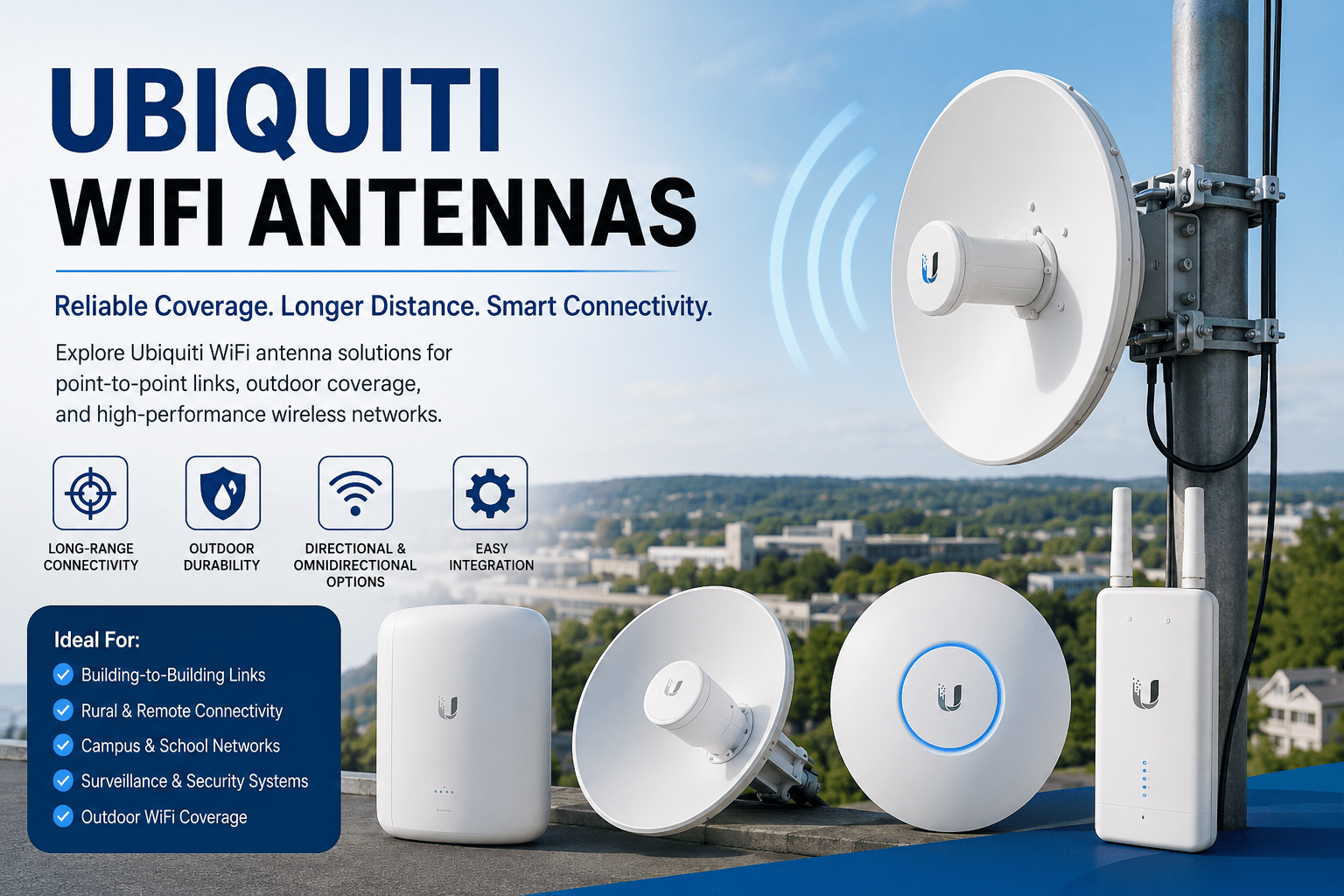
Great for reliable building-to-building links up to several hundred meters. Dual-band support (2.4/5GHz) lets you work around local interference. Suitable for businesses, schools, farms, and warehouse-to-office connections.
For tough environments with lots of interference (industrial yards, heavy traffic outdoors), the PowerBeam’s focused beam and rugged housing deliver higher reliability year-round. Plan for secure, wind-resistant mounting above typical snow or flood lines.
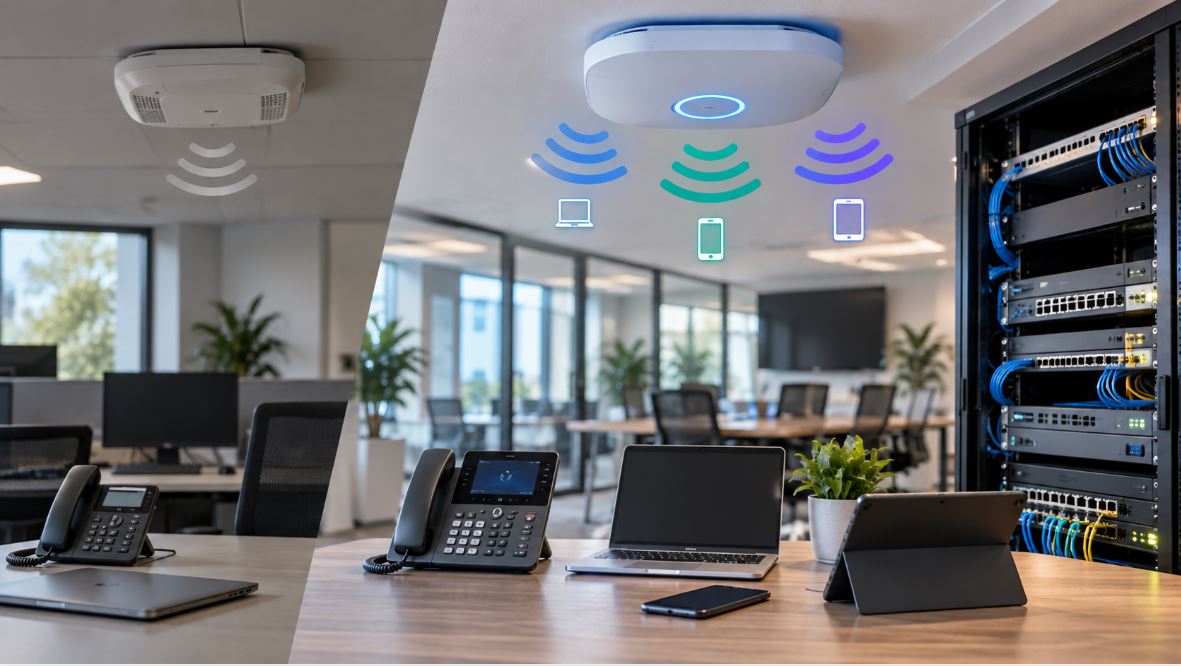
Recommended for modern offices or small campus environments with dozens of laptops, VoIP phones, and unified communications in daily use. Ceiling installs help maximize signal and reduce shadowing from desks or cabinets. Place close enough together to allow for seamless handoff between APs.
Best for businesses or educational spaces expecting rapid device growth, IoT deployments, or Teams/Zoom room integration. WiFi 7 allows more concurrent user devices, lower latency, and is more resilient to radio congestion. Futureproof your network by mixing U7 APs into your coverage plan.
Solid value for mid-size office spaces and medical facilities. Consistent VoIP and moderate-density WiFi traffic. Works well alongside VoIP phones and networked systems if reliable call quality is critical.
For outdoor events, sports facilities, or multi-acre grounds, this outdoor WiFi 7 AP delivers. Use sector (directional) antennas where users cluster in certain directions; omni types where constant coverage is needed in all directions. Mount above risk lines and add grounding hardware for safety.
Checklist: Set Up, Installation, and Buying Principles
- Platform and band compatibility: Check that your AP and antenna are in the same Ubiquiti family and frequency (UniFi, airMAX, airFiber), especially when combining new and old hardware.
- PoE switch output: Make sure your PoE switches can provide enough power for each outdoor device plus a margin for expansion.
- Cable type and grounding: Use outdoor-rated, shielded Ethernet and adhere strictly to grounding recommendations. Lack of proper grounding is a top cause of outdoor failures.
- Verify line of sight: For directional links, even temporary or seasonal obstacles (trees, parked trailers) can cut performance. Re-check annually or after landscaping/construction changes.
- Mounting hardware: Use all recommended mounting and wind support kits—replacement or improvisation can risk equipment damage.
- Firmware updates: After install, update all devices to the latest firmware to secure your network and get any new features.
What to Confirm Before You Buy
- Frequency band support: Make sure all access points, antennas, and user devices are compatible—especially if adding WiFi 7 or leveraging 6GHz for Teams Rooms or high-density conference solutions.
- LAN and PoE network capacity: Plan your switch and port capacity with growth in mind. Allow at least 20% overhead for new devices and avoid ‘just barely enough’ planning.
- High-demand activities: For VoIP, video, or intensive collaboration, select antennas and APs scaled for maximum simultaneous connections and supported roaming.
- Realistic mounting location: Choose secure, high, and protected mounting points. Wall-hung antennas under eaves won’t deliver as much value as pole-mounted, open-air placements.
Limitations and What a WiFi Antenna Can’t Fix
- Natural obstacles, ongoing construction, or new vehicles can introduce dead zones or outages—factor these into your planning and perform site walks regularly.
- Mixing old 2.4GHz-only devices with modern networks can cause compatibility headaches. Test legacy phones, printers, or tablets before final deployment.
- Always use outdoor-rated antennas outside; regular indoor antennas won’t survive even mild exposure to sun or moisture.
- Heavy weather (rain, high heat, snow) may mean lower speeds or signal strength—plan coverage distances conservatively, especially for critical business applications.
Practical Setup & Planning Guide
- Set up and test all mounting positions with a site survey before final drill-in. Sometimes a 3-foot shift increases coverage or reduces dead spots.
- For business VoIP or video conferencing, use enterprise-grade switches and access points for enough bandwidth and low latency. Consider a resiliency plan if downtime would disrupt operations.
- Conduct annual wireless health checks for growing environments—common in healthcare, education, and hospitality. Identify weak spots before staff or guests do.
Choose the Best Ubiquiti Model for Your Needs
- Point-to-point bridges: Go with NanoBeam or PowerBeam directional models matched to your range and interference levels.
- Wide outdoor coverage: Pair outdoor-rated WiFi 6/7 APs with sectors or omni antennas, and plan coverage by elevation and traffic density.
- Business and office WiFi: Select WiFi 6 or WiFi 7 access points and lay out for overlapping handoff and seamless mobility, especially if running Teams or Zoom Rooms.
- Environments with both indoor and outdoor coverage: Mix device types and allocate sufficient network switches and PoE—that makes expansion or upgrades much simpler down the line.
Expand Your Unified Communications Toolkit
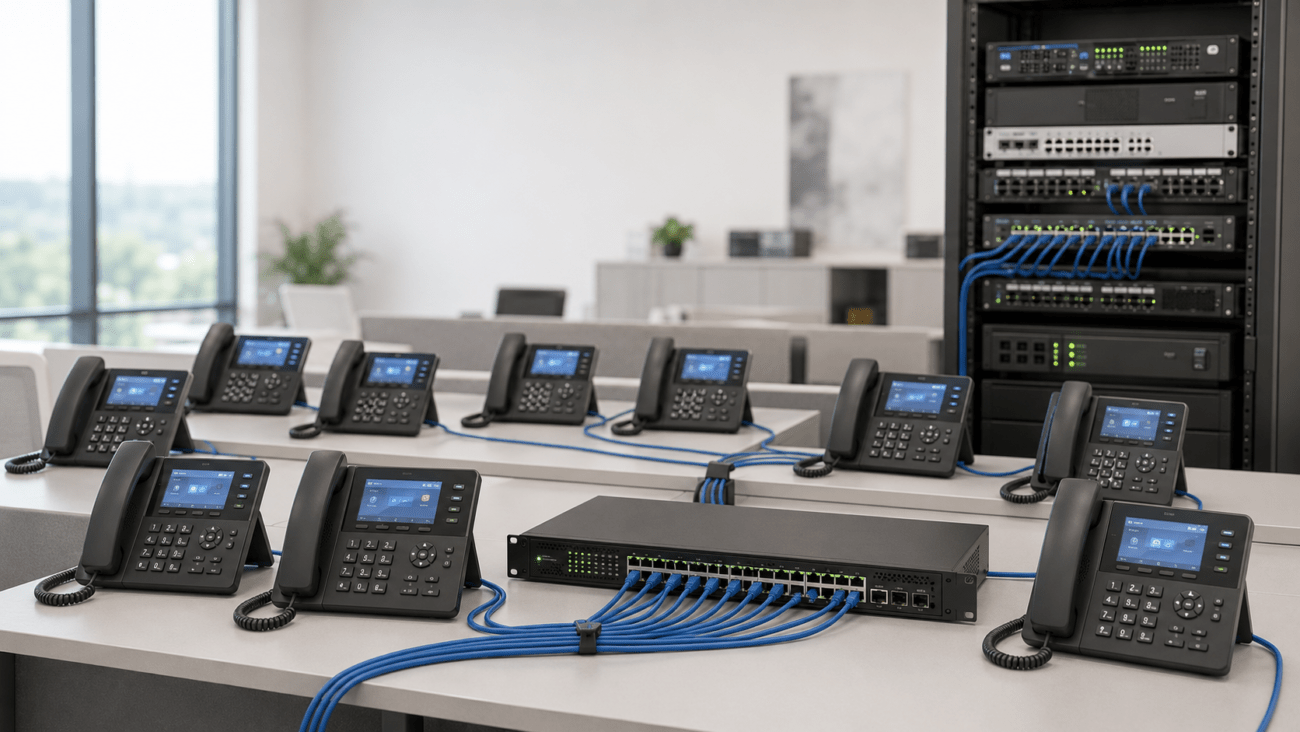
Strong wireless goes further when paired with modern business tools. Integrate your Ubiquiti WiFi with VoIP phones, conference phones, IP PBX systems, and video conferencing hardware for a complete office or campus communication setup. All these benefit from stable, business-grade wireless and thoughtful network planning.
Browse more Ubiquiti gear, bundles, and outdoor-ready options in the Telecom-Store Ubiquiti WiFi shop.
Need Help With Complex Deployments?
If you’re running a multi-campus operation, expanding a medical facility, or need wireless in a tough climate, consider consulting with professionals. Partners like Axion Communications offer full-scale WiFi, VoIP, and unified communications planning with field-tested results for 2026 and beyond.
Frequently Asked Questions
What’s the difference between Ubiquiti directional and omnidirectional antennas?
Directional antennas focus power along a path, ideal for wireless bridging. Omnidirectional models offer 360° coverage for open areas and staff moving around.
Do I need special mounting hardware for outdoor antennas?
Yes. Always use pole or mast mounts, with proper grounding and shielded cable. Weather exposure means you can’t skip these essentials.
Are Ubiquiti antennas mix-and-match between UniFi, airMAX, and airFiber?
Usually no; they are platform-specific. Double check compatibility on every order, especially around connectors and power requirements.
What should I review before creating a building-to-building link?
Look for clear line of sight, correct band pairing, solid surge protection, and very secure mounting. A small shake in the wind can break your signal.
Should I choose WiFi 7 APs for my office?
If you expect more devices, video meetings, or want to futureproof, WiFi 7 is ideal. For basic wireless, WiFi 6 typically covers today’s needs.
Do Ubiquiti antennas support VoIP and conferencing?
Yes, as long as you pair them with business-class APs and run proper cabling and PoE. These antennas will keep VoIP phones and conference systems working with low latency and few call drops.
Conclusion
Ubiquiti WiFi antennas remain a smart investment for stable office, educational, or outdoor business connectivity. For the best result, map your project, check every compatibility detail, and use professional tips from this guide. Explore more Ubiquiti business wireless solutions at Telecom-Store, or connect with a certified network specialist for large-scale or custom projects.