Cisco Unified Communications Phones

Cisco unified communications phones shown in an enterprise office environment with desk phones, video collaboration endpoints, wireless DECT handsets, and PoE IP phones.

Cisco Unified Communications Phones for Today’s Business Networks

For IT managers and business buyers planning VoIP or unified communications (UC) deployments, Cisco unified communications phones remain a reliable choice in 2026. Whether you’re setting up VoIP desk phones, supporting Microsoft Teams Rooms, using Zoom Rooms, or building a hybrid workplace, Cisco business phones offer wide feature sets, proven integration, and scalable hardware options for modern offices.

Looking for short, buyer-focused advice? Cisco phones support SIP, work with many leading cloud PBX, Teams, and Zoom platforms, and are designed for reliable business use – but it’s important to double-check compatibility and your network environment before purchasing or deploying on a large scale.

Cisco VoIP Phone Feature & Compatibility Comparison

Model Type Best Use Case Key Features Main Compatibility
Basic Desk Phones Reception, admin, shared areas 2-4 lines, HD audio, PoE CUCM, SIP PBX, most hosted VoIP
Advanced Color/Touch Executives, managers, high volume Color or touchscreen, Gigabit, Bluetooth, video CUCM, SIP PBX, Teams (select models), Zoom (select models)
Conference Phones Meeting rooms Large mic, speakerphone, SIP/USB SIP, Microsoft Teams Rooms, Zoom Rooms
Wireless DECT/Bluetooth Warehouses, healthcare, mobile staff Mobility, DECT standards, Bluetooth, Wi-Fi options CUCM, SIP PBX, some Teams/Zoom via SIP
Video Collaboration Phones Executive, remote, hybrid workspaces HD camera, touchscreen, Teams/Zoom interface Teams Rooms (select), Zoom Rooms (select), SIP

Why Consider Cisco Unified Communications Phones?

Cisco VoIP and collaboration phones help organizations unify voice, video, and messaging. Cisco business phones support a wide range of deployments:

  • Hosted and on-premises SIP PBX systems
  • Cisco Unified Communications Manager (CUCM)
  • Microsoft Teams and Zoom Rooms
  • Hybrid workplaces and remote staff
  • Ethernet and PoE networks

Who should choose Cisco phones: IT departments supporting mid-size to large businesses, government, healthcare, education, and any operation standardizing on enterprise SIP or CUCM environments benefit from Cisco’s broad support and ongoing updates.

When to check alternatives: Small offices with no advanced features, or buyers seeking ultra-low-cost phones, may want to review other VoIP phone options as well.

Top Features to Check Before Buying

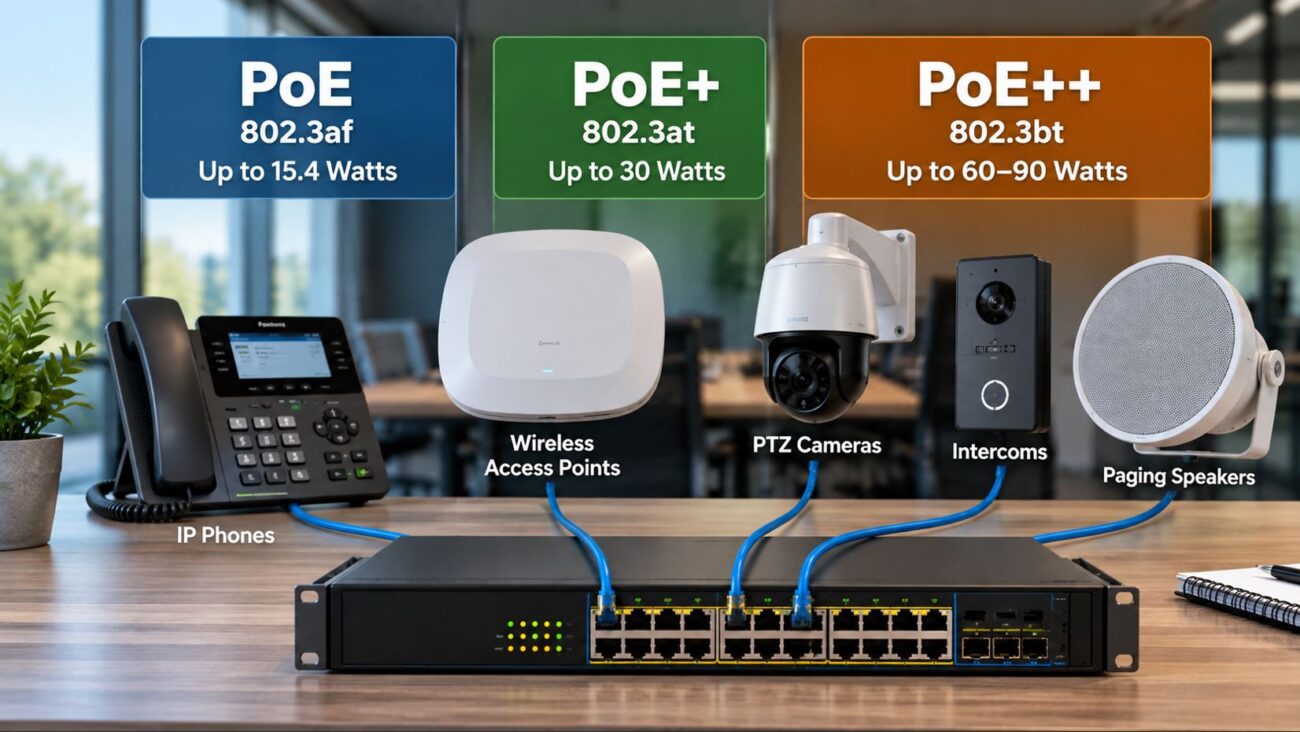
  • PoE Support: Most Cisco IP phones draw power from your PoE network switches, simplifying desk cabling and deployments (shop PoE switches).
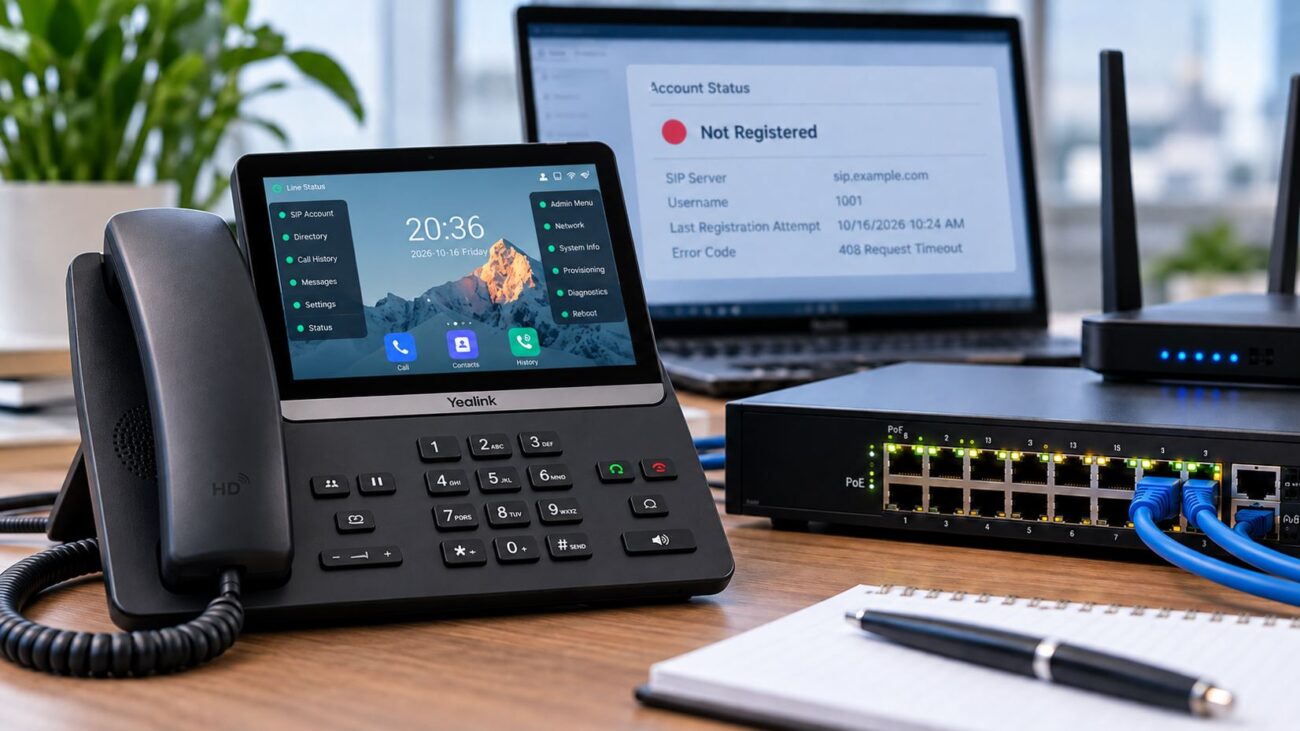
  • SIP or CUCM Registration: Confirm your phone and firmware support your preferred PBX or cloud provider.
  • Teams/Zoom Readiness: Not all models natively support collaboration platforms—look for explicit Teams or Zoom certification if needed.
  • Wireless Mobility: DECT and Bluetooth handsets support healthcare, retail, warehousing, and large office mobility needs.
  • Audio & Video: Entry-level models offer basic HD voice, while advanced and executive models enable video calls and touchscreen navigation for richer collaboration.

Best Practices for Cisco VoIP Deployments

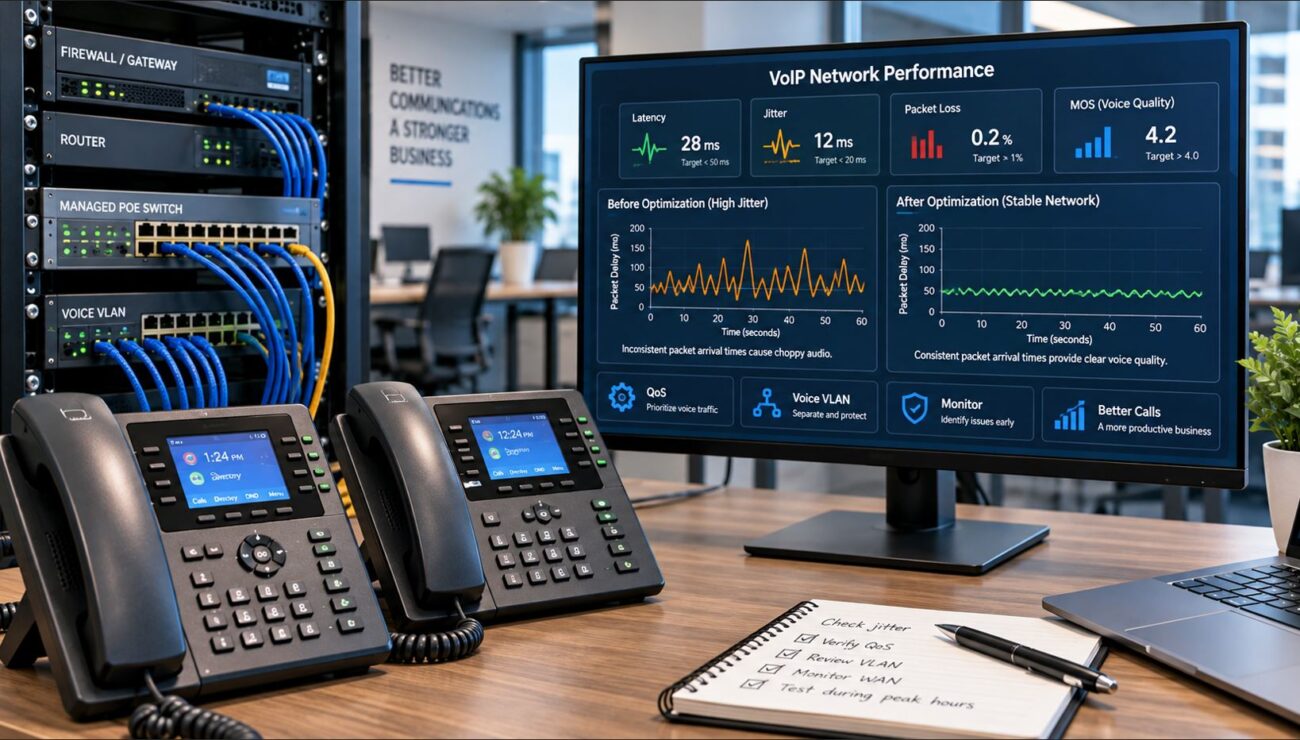
  • Use managed or PoE network switches for consistent power and quality of service (see managed switches).
  • Build out VLANs and set QoS to prioritize voice traffic, minimizing latency and jitter.
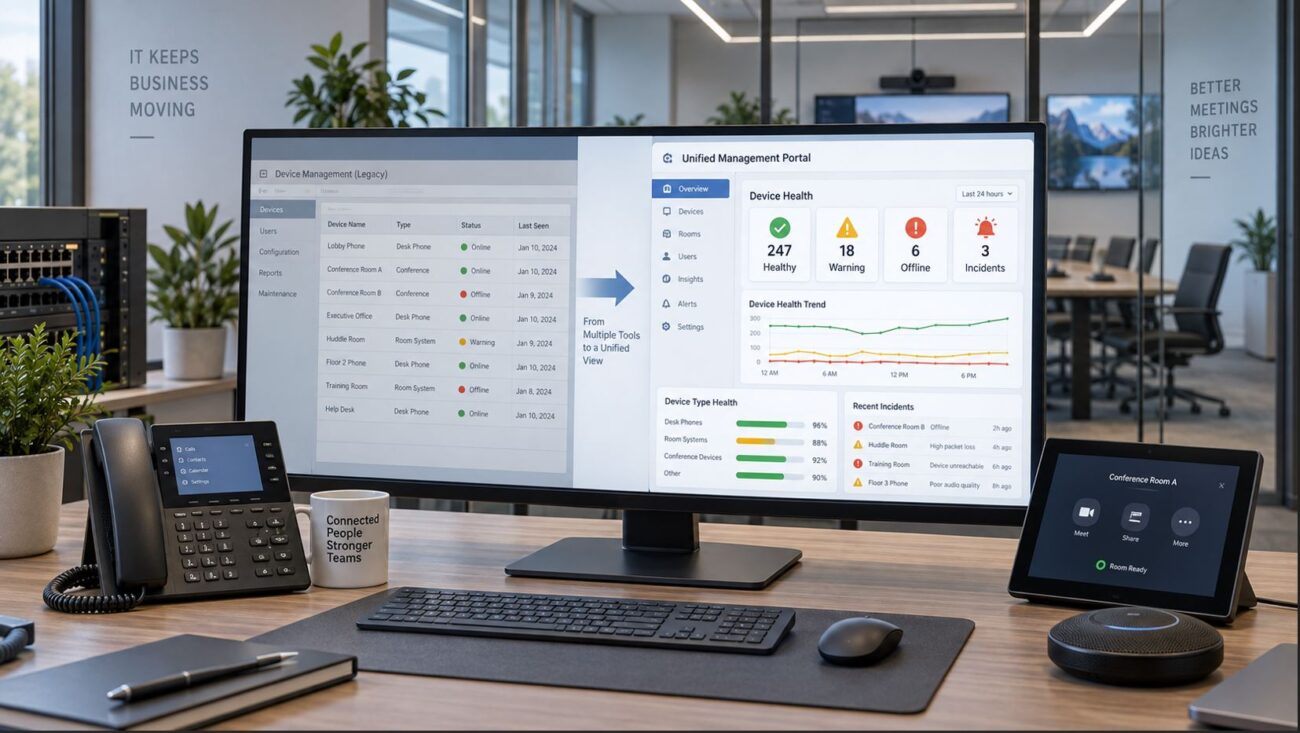
  • Evaluate firmware and security update plans for ongoing management.
  • For hybrid setups, ensure desk phones, wireless handsets, and conference phones are provisioned with the correct PBX or cloud SIP service.
  • For Teams/Zoom rooms, choose Cisco models with certified integrations and check for the latest updates or licenses.

Deployment Mistakes to Avoid

  • Not verifying PBX or SIP compatibility—always check model/firmware against your current or planned PBX/UC provider.
  • Overlooking PoE budget—your switch must have enough PoE power for all planned phones.
  • Mixing models without a clear firmware management plan—standardize for ease of updates and support.
  • Undersizing for call volume or expansion—choose models with flexibility if your office is growing.

Shop Cisco Phones and Accessories

Telecom-Store.com offers a range of Cisco VoIP phones, IP PBX systems, PoE switches, and headsets for offices upgrading communication platforms or expanding collaboration networks.

FAQ: Cisco Unified Communications Phones

What types of Cisco VoIP phones are available for business?
Cisco offers entry-level desk phones, advanced color/touchscreen models, conference phones for meeting rooms, and wireless DECT or Bluetooth handsets for employee mobility.
Will Cisco unified communications phones work in a Teams or Zoom environment?
Many Cisco phones integrate with Teams and Zoom through SIP compatibility or certified models. Check your device, firmware, and licensing for your specific platform needs.
What network equipment is needed for Cisco IP phones?
You’ll need Ethernet cabling, a managed or PoE-capable switch, and network configuration supporting VLANs and QoS for stable, high-quality voice traffic.
Are Cisco wireless VoIP handsets a good option for mobile staff?
Yes, for large or mobile offices, Cisco DECT and Bluetooth handsets provide roaming capabilities and reliable connectivity when coverage and infrastructure are properly set up.
What should IT check before purchasing Cisco VoIP phones?
Carefully review platform compatibility, PoE requirements, network and switch readiness, user needs, and any licensing or management tools needed for your deployment size.