Choosing MAXHUB Interactive Displays for Your Collaboration Needs
If you’re looking to improve meeting participation and support hybrid work, interactive digital displays can simplify how teams connect, share, and collaborate. MAXHUB interactive and collaboration displays are a top choice for executive boardrooms, Teams Rooms, Zoom Rooms, and shared spaces. They suit a range of modern office needs—whether you require digital whiteboarding, wireless presentation, or high-visibility video conferencing.
In short: Businesses choose MAXHUB displays for consistent user experience, reliability, and easy integration with platform-agnostic hardware, from VoIP phones to room video conferencing setups.
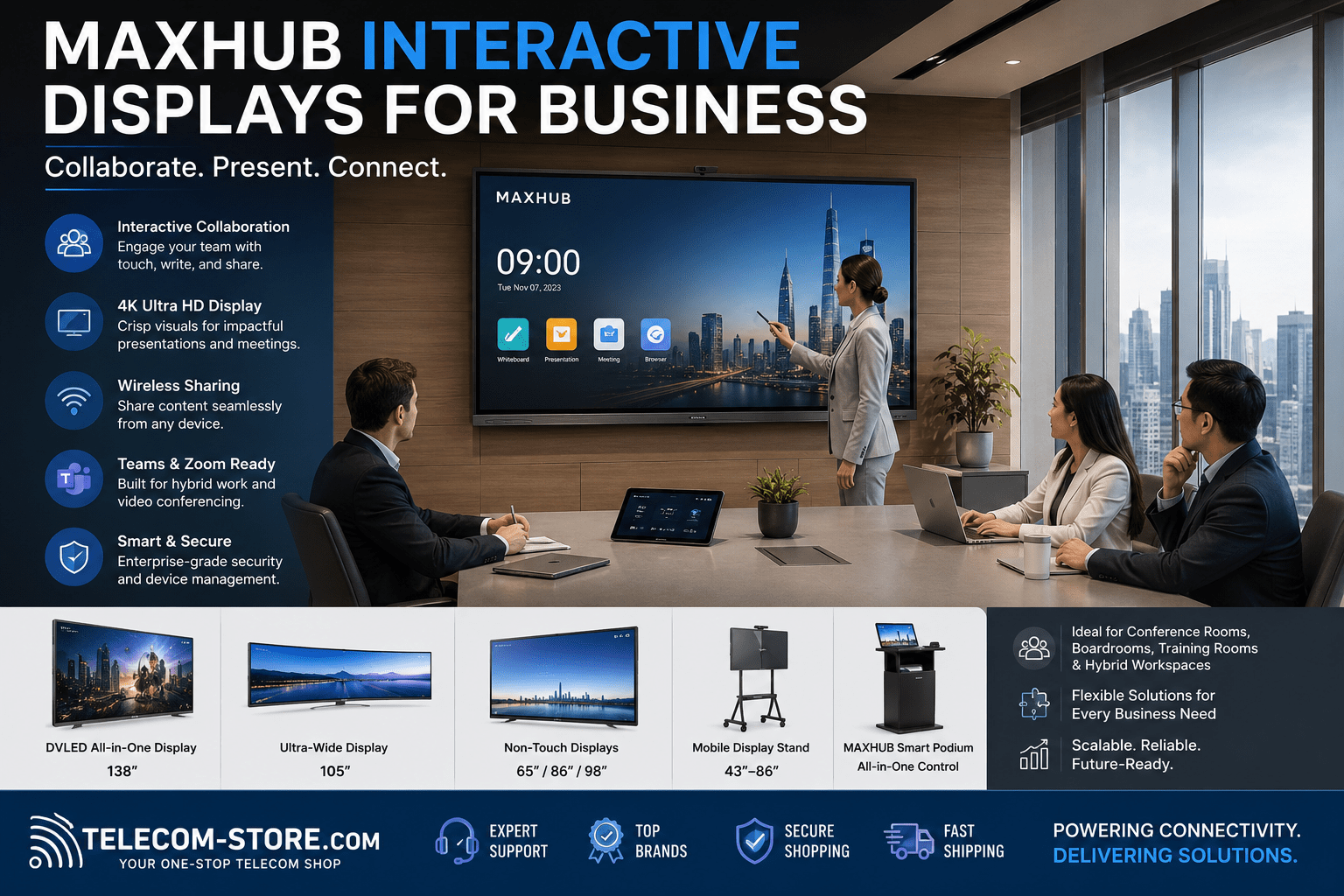
Popular MAXHUB Display Types: Fast Facts
| Model Example |
Screen Size |
Type |
Touch/Non-Touch |
Common Uses |
Teams/Zoom Integration |
| MAXHUB LP135V07C |
135” |
COB dvLED |
Non-Touch |
Boardrooms, Auditoriums, Large Hybrid Spaces |
Yes* |
| Ultra Wide 105” 5K |
105” |
Ultra-Wide LCD |
Non-Touch |
Wide Conference, Financial, Command Rooms |
Yes* |
| MAXHUB ND98CMA |
98” |
4K LCD |
Non-Touch |
Meetings, Presentations |
Yes* |
| Mobile Stand |
43–86” |
Mobile Mount |
n/a |
Temporary/Flexible Meeting Spaces |
Yes* |
| Smart Podium 21.5” |
21.5” |
Touch Screen Podium |
Touch |
Lecture, Training, Speaker Control |
Yes* |
*Most displays integrate with Teams Rooms and Zoom Rooms via compatible AV hardware. Check your codec and connections prior to purchase.
Who Should Select MAXHUB Business Displays?
- Business IT managers deploying Teams/Zoom Rooms in small to large conference rooms
- Project and engineering teams seeking secure, touch-enabled group collaboration
- Facilities updating wireless presentation and digital whiteboarding
- Education/training departments upgrading classrooms or hybrid lecture spaces
Understanding MAXHUB Interactive Displays and Non-Touch Models
MAXHUB offers both interactive touchscreens and high-clarity non-touch displays. Interactive panels support wireless screen sharing, annotation, and digital whiteboarding—useful in brainstorming or strategic sessions. Non-touch options serve where signage or pure presentation is key. Both types can work with Microsoft Teams, Zoom, and popular VoIP/video setups when used with compatible hardware.
Features Buyers Should Know
- 4K/5K Ultra-HD: Most modern MAXHUB models feature high resolutions for readable presentations.
- Touch/Annotation: Choose interactive series for digital collaboration. Test with your preferred stylus input if required.
- Wireless Presentation: Built-in casting simplifies connection from BYOD laptops or smartphones.
- Platform Compatibility: MAXHUB frequently integrates with Teams Rooms and Zoom Rooms—confirm required HDMI, USB, and networking before you buy.
Choosing by Application
1. Executive Boardrooms & Conference Centers
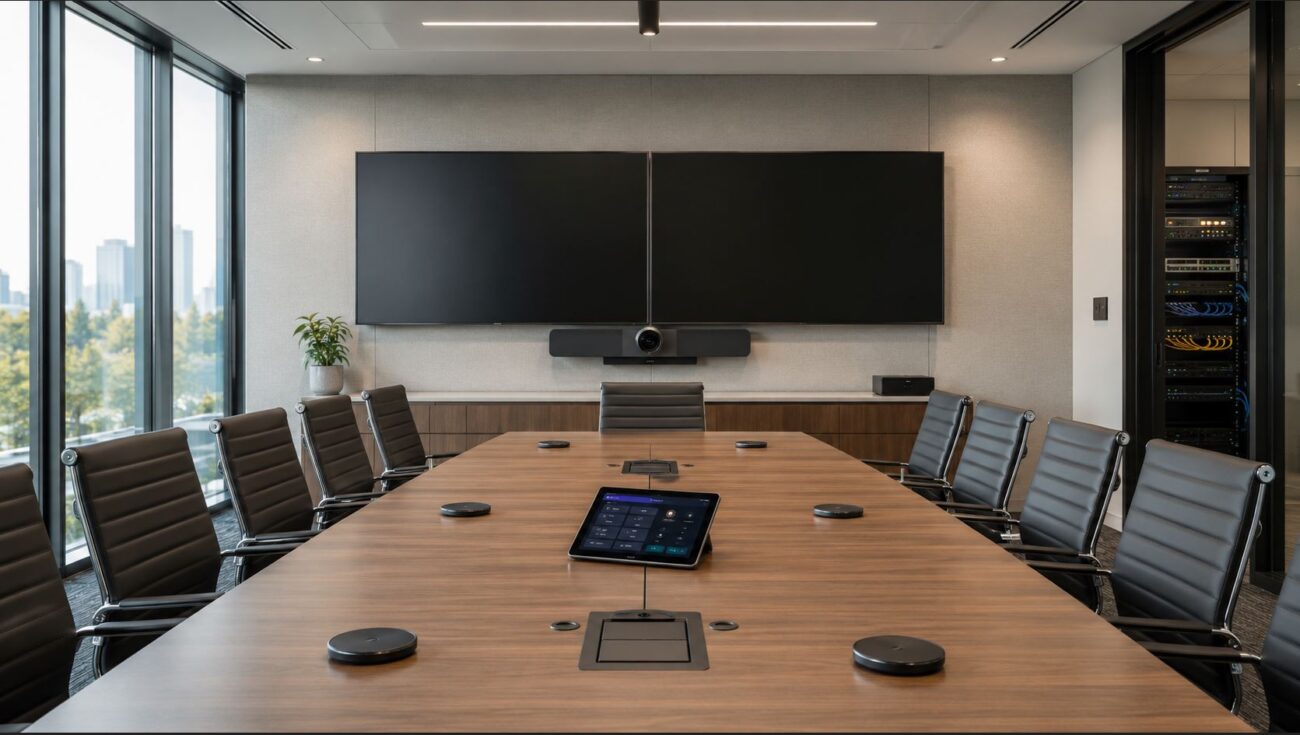
For large rooms or divisible spaces, consider COB dvLED displays or 98-inch LCD panels. These models provide high brightness, excellent visibility, and minimize bezels.
- Setup Tip: Confirm if you need reinforced wall mounts or plan to use a mobile stand.
- Common Mistake: Trying to mount an oversized screen on a wall not rated for its weight—always check with facilities before ordering.
2. Hybrid Workspaces and Divisible Rooms
Mobile and flexible layouts demand large displays that are easy to move. MAXHUB mobile stands make it easier to adapt spaces for both in-person and remote teams.
- Advice: Make sure meeting room floors and pathways accommodate wheeled stands and cables without risk.
- Compatibility: Larger displays may require power and network outlets accessible in multiple spots—plan your cabling for mobility.
3. Training Environments & Classrooms
Touch-enabled displays are valuable for hands-on sessions, annotation, and direct engagement. Consider if you need features such as smart podiums for front-of-room control.
- Practical Point: Some training programs benefit from non-touch models with top-tier color reproduction for video content.
4. Command Centers & Engineering Review
Ultra-wide displays like the 105-inch model allow content from multiple sources to be shown side-by-side—ideal for project management, trading, or command operations.
- Real-World Tip: Map viewing angles and maximum participant distance before selecting screen width.
- Mistake to Avoid: Under-sizing the screen where multiple content sources or critical dashboards are in use.
Key MAXHUB Collaboration Display Models
Integrating with Your Unified Communications & Video Setup
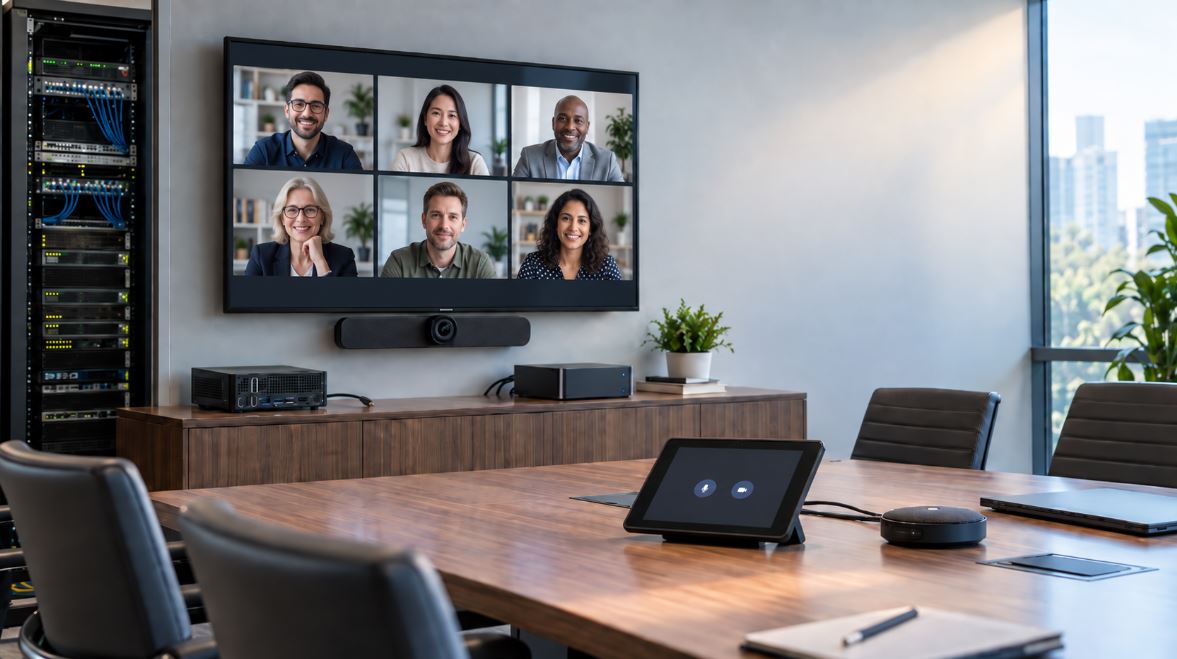
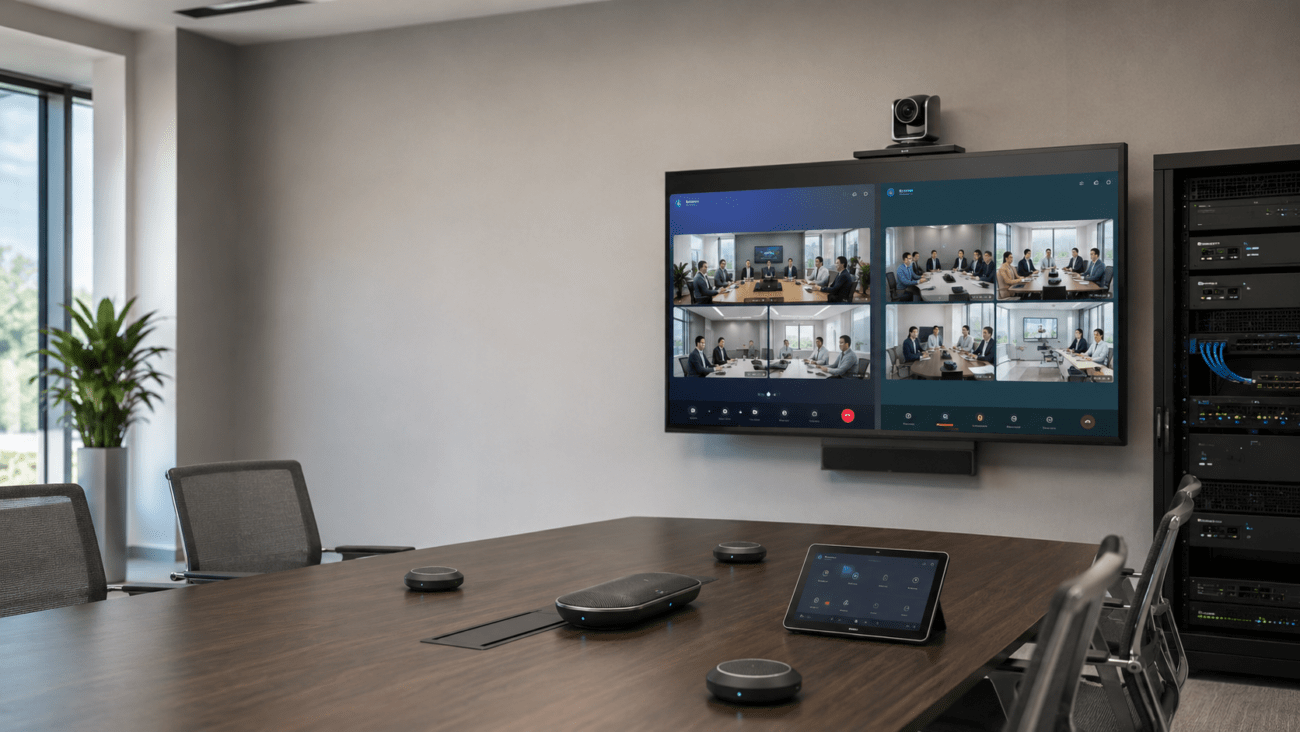
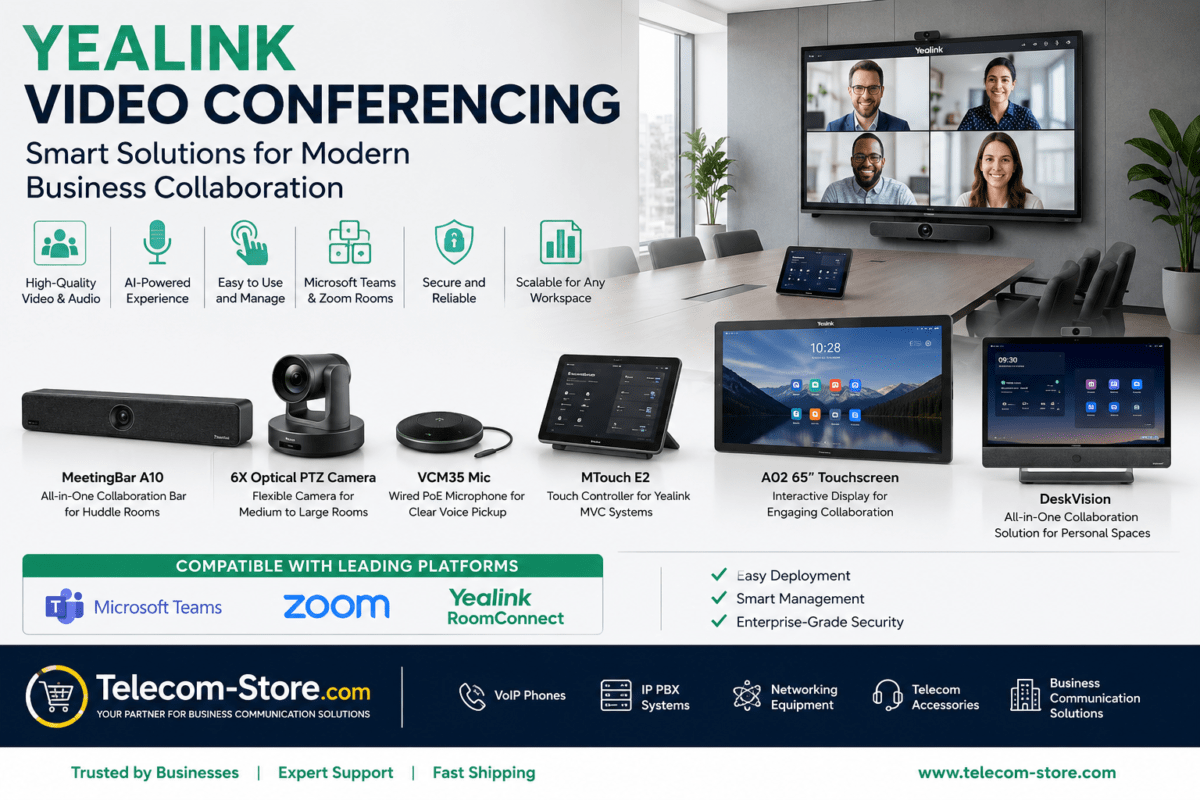
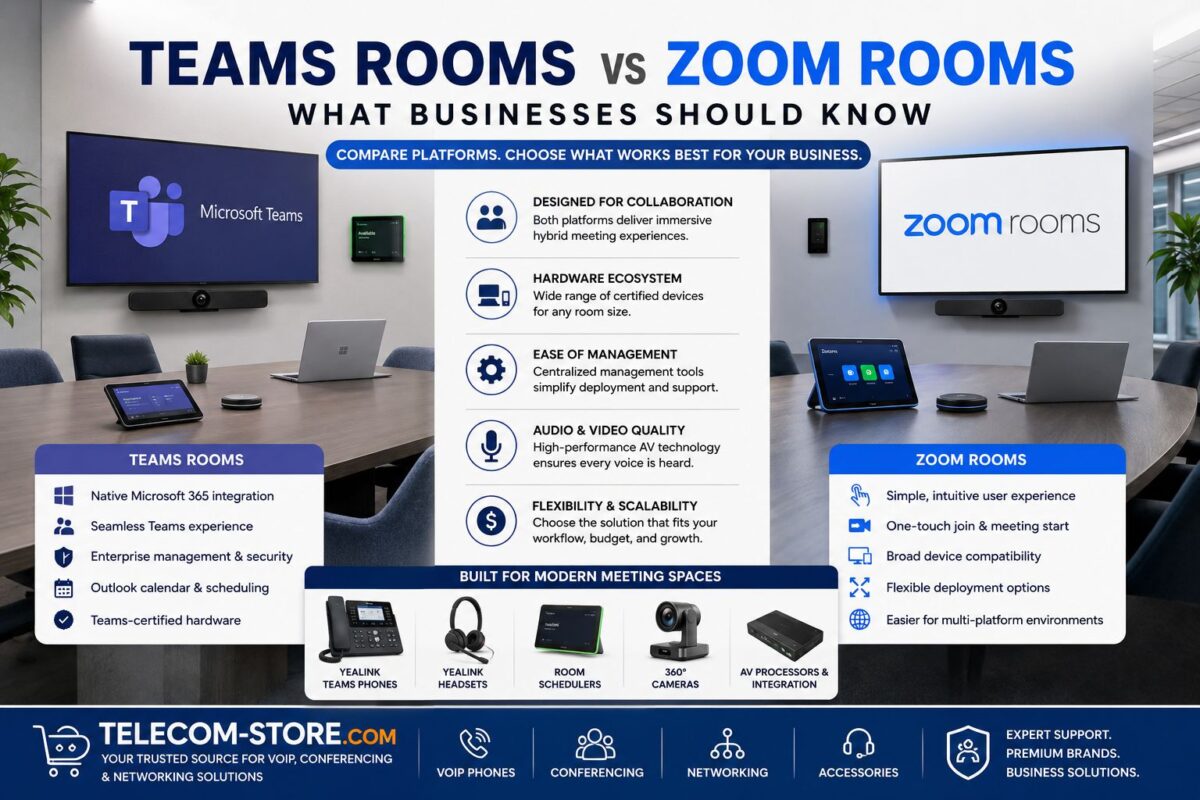
MAXHUB displays can fit into nearly any UC environment—including full-scale video conferencing systems, VoIP phones, and modern PoE network switches. For Teams or Zoom, select codecs and peripherals known to work with your chosen MAXHUB panel—especially if touch interactivity is required.
- Pro Tip: Engage your AV integrator or IT vendor to coordinate equipment, cabling, and mounting early in the process.
- Voice/Video: For seamless VoIP and IP PBX integration, review your manufacturer and codec options on our Telecom-Store.com core site.
Network and Power: Mistakes to Avoid
- Not providing enough network drops for Ethernet and PoE accessory support
- Skipping structured cabling (impacts reliability with wireless modules or shared content devices)
- Forgetting to check for available power and UPS at display and conferencing device locations
- Neglecting lighting, acoustic, and echo issues that can impact camera/audio quality
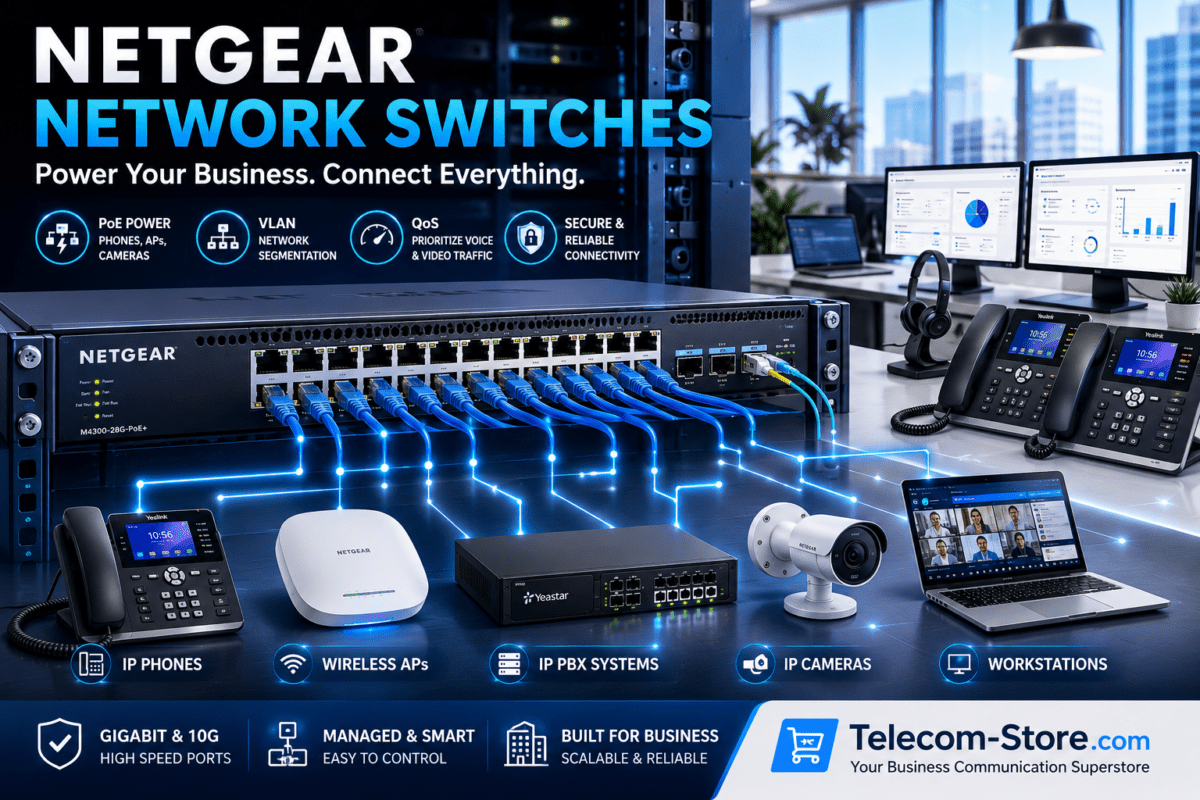
See also: network switches and VoIP phones for companion equipment needs.
Setup and Infrastructure Tips
- Always confirm wall structure or ceiling mounts can handle the full weight (dvLED, LCD, or interactive panels)
- Test HDMI/USB extensions and video distribution prior to deployment
- Plan touch display locations to minimize sunlight/glare and maximize visibility for all seats
- Evaluate existing conference hardware for out-of-box compatibility (Teams, Zoom, SIP codecs, etc.)
If you have unusual requirements—like divisible rooms, mobile partitions, or legacy VoIP—consult integration partners such as Axion Communications for system planning.
Final Checklist Before You Order
- Room measurement and viewing distance
- Desired screen size and model compatibility
- Presentation, annotation, and collaboration needs
- Teams/Zoom Rooms equipment list (codecs, mics, UC peripherals)
- Mounting/mobility (wall, ceiling, mobile stand)
- Network/PoE and power outlet checks
- Integration plan for video conferencing and future scalability
FAQ: MAXHUB Business Display Buyer Support
What types of rooms are MAXHUB interactive displays best for?
MAXHUB interactive displays are ideal for executive boardrooms, hybrid conference rooms, training facilities, and open collaboration spaces. Choose larger models for executive or divisible spaces and mid- to small-sized for breakout and huddle rooms.
Can I use MAXHUB displays with Microsoft Teams Rooms and Zoom Rooms?
Yes, most MAXHUB meeting displays and whiteboards can integrate with Teams Rooms and Zoom Rooms hardware. Before buying, verify the device supports HDMI and USB connections, and that your conferencing platform is compatible with the chosen display.
What’s the difference between touch and non-touch MAXHUB displays?
Touch displays are used for interactive workflows—think on-screen annotation, whiteboarding, and direct user control. Non-touch displays are chosen for simple presentation, digital signage, or spaces where touch is not needed.
What should I check before installing a large-format MAXHUB display?
Measure your wall and seating layout, check for stable mounting, verify electrical and network (PoE/wired/wireless) availability near the install site, and ensure compatibility with conferencing controls and source devices.
Do MAXHUB displays require special network switches?
If using network-based features or PoE accessories, choose a business-grade PoE switch. For HDMI/USB-only deployments, standard networking suffices, but dedicated cabling and reliable video conferencing infrastructure are recommended.
How do I make my display mobile for flexible meetings?
Pair MAXHUB displays with reliable mobile display stands for environments needing frequent layout changes or shared AV resources. Confirm stand size/weight ratings with your chosen screen.
For further advice on choosing your next conference room display, unified communications hardware, or for custom infrastructure planning, contact Telecom-Store.com or Axion Communications.