SIP Multicast Paging Explained: How to Page Multiple IP Phones at Once
Businesses often need to make announcements across an entire office, warehouse, school, or retail location without calling every employee individually. SIP multicast paging provides an efficient way to deliver live audio announcements to multiple compatible IP phones and network speakers simultaneously.
Unlike a traditional paging group that may establish separate calls to individual phones, IP multicast can distribute one audio stream to many listening devices. This makes it useful for facilities that need scalable, zone-based announcements.
In this guide, we explain how SIP multicast paging works, what equipment is required, how to configure compatible IP phones, and how to troubleshoot common problems.
What Is SIP Multicast Paging?
SIP multicast paging is a paging solution that uses SIP signaling, IP multicast audio, or a combination of both to distribute announcements to groups of compatible endpoints.
In a common deployment, a user calls a SIP paging adapter. The adapter answers the SIP call and retransmits the audio as an RTP multicast stream. Compatible IP phones and network speakers configured to listen to that multicast group then play the announcement.
Some IP phones can also originate multicast RTP directly using a configured paging key, without establishing a SIP call for the announcement.
These methods are related but technically distinct:
SIP: Establishes and manages sessions between communication endpoints.
RTP: Carries real-time audio.
IP multicast: Allows one sender to distribute packets to multiple subscribed receivers.
The receiving phones generally do not need separate SIP calls for each multicast announcement.
How Does Multicast Paging Work?
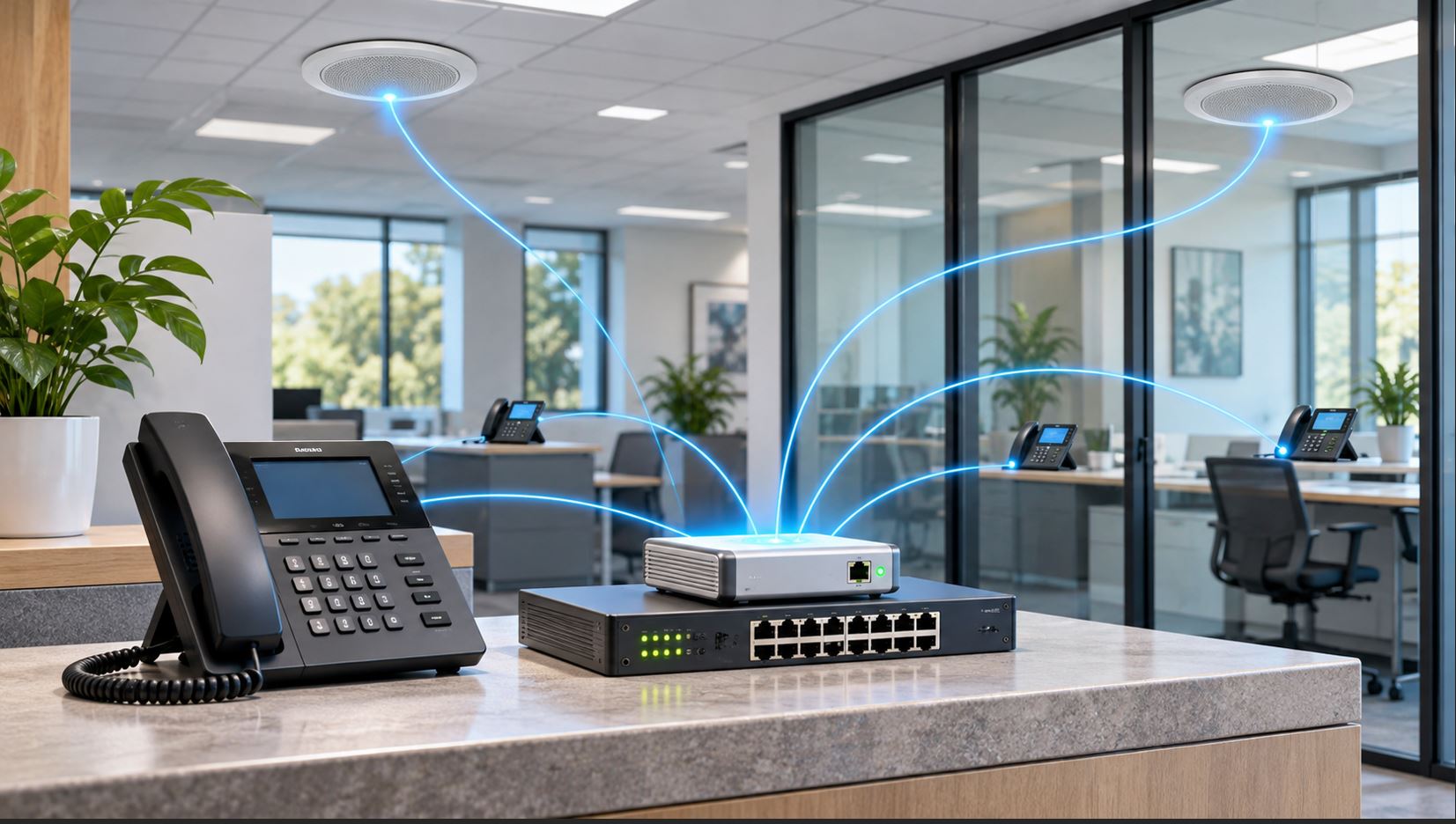
A typical multicast paging deployment includes a transmitting device, a local IP network, and multiple receiving endpoints.
An authorized employee initiates an announcement from a compatible IP phone or calls a SIP paging extension.
The paging transmitter sends an RTP audio stream to a configured multicast IP address and UDP port.
Network switches forward multicast traffic to the appropriate receiving devices.
Compatible IP phones and speakers listening to that multicast group reproduce the announcement.
When the transmission ends, the receivers return to their normal operating state.
For example, a receptionist could press a programmed paging key to announce that a delivery has arrived. Every phone assigned to the warehouse paging group could play the message without requiring a separate call to each handset.
SIP Paging vs. Multicast Paging: What’s the Difference?
Feature
SIP Paging Group
Multicast Paging
Audio delivery
Typically individual SIP/RTP sessions
One multicast RTP stream to multiple receivers
PBX involvement
Usually required to establish calls
Not always required for direct phone-to-phone paging
Endpoint requirements
Compatible SIP paging behavior
Compatible multicast receiver support
Scaling
May consume more PBX and media resources
Efficient distribution to many local receivers
Network considerations
Normal unicast VoIP connectivity
Multicast forwarding, VLAN, and routing configuration
Best use
Smaller groups or PBX-controlled paging
Large local groups and distributed paging zones
Neither method is universally better. The correct choice depends on the PBX, endpoint capabilities, network design, and paging requirements.
What Equipment Is Required for IP Multicast Paging?
1. Multicast-Capable IP Phones
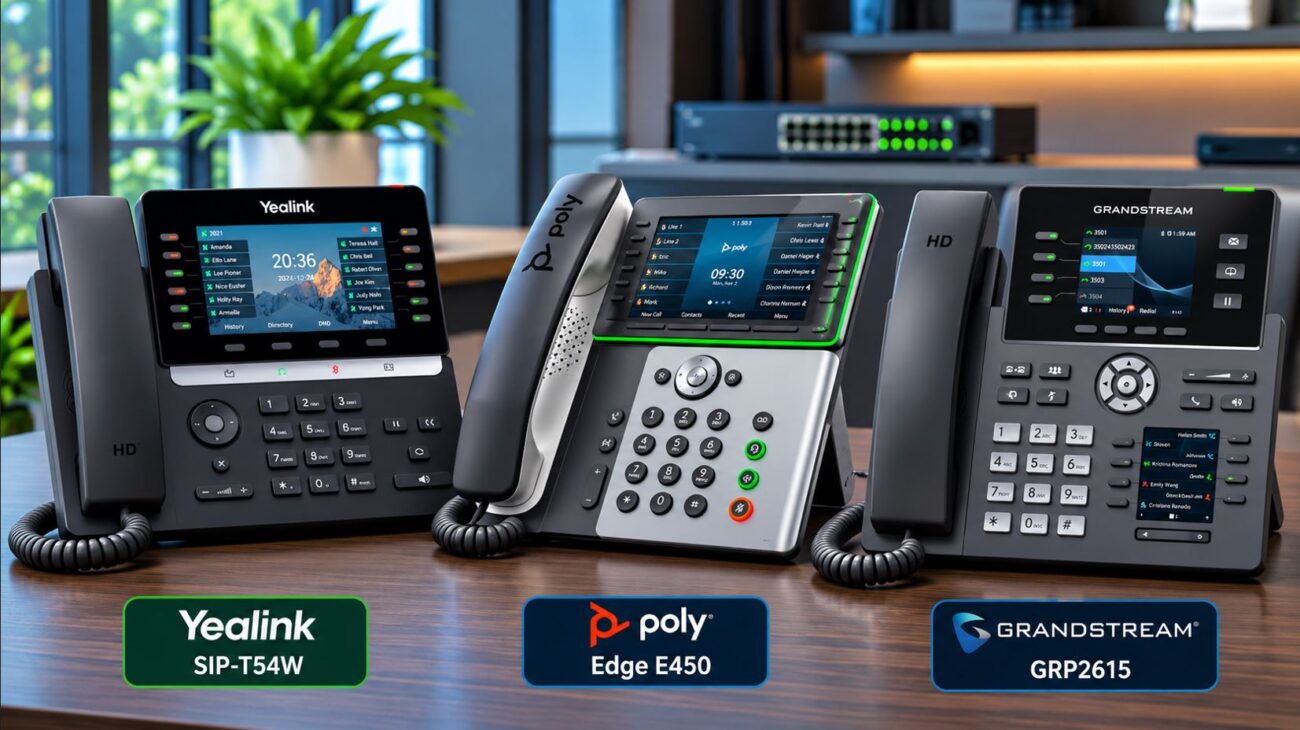
The phones must support the appropriate multicast paging transmit or receive functionality. Many business IP phones offer multicast paging features, but exact support varies by model, firmware, and provisioning configuration.
For example, supported Yealink phones can be configured with multicast listening groups and paging priorities. Verify the administrator documentation for the specific phone model before deployment.
2. A Paging Transmitter or SIP Paging Adapter
When a PBX must initiate paging through a SIP extension, a dedicated paging adapter can provide the bridge between SIP calls and multicast audio.
The Algo 8301 IP Paging Adapter is one example. It supports SIP integration, multicast transmission, and connection to compatible analog paging amplifiers.
For installations involving legacy paging zones and relay control, the Algo 8373 Zone Paging Adapter may be appropriate, depending on the existing amplifier and zone-control architecture.
3. Compatible Network Infrastructure
Network switches must forward multicast packets correctly. On managed networks, IGMP snooping can help limit unnecessary multicast flooding, provided group membership is managed correctly.
For deployments spanning VLANs or subnets, multicast routing may be required. Standard inter-VLAN unicast routing does not automatically forward multicast paging streams.
4. Optional Network Speakers and Amplifiers
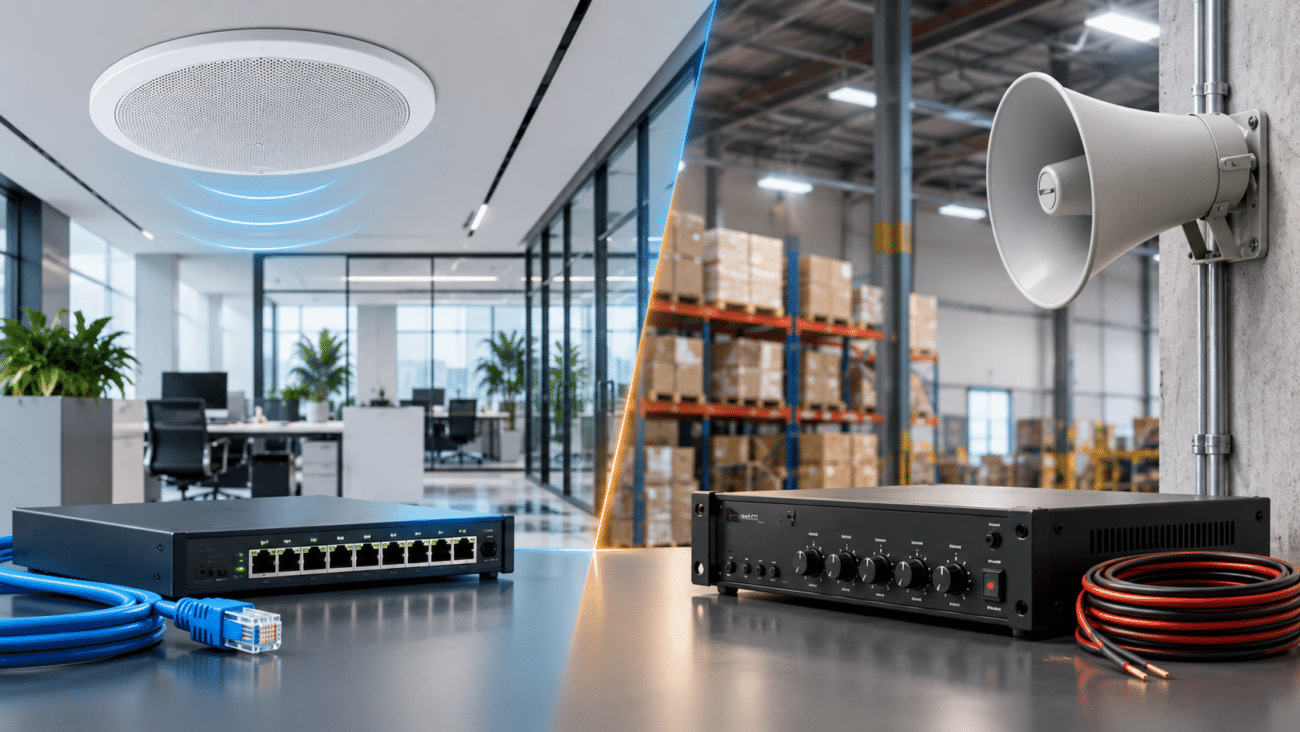
In noisy environments, desk phones alone may not provide adequate coverage. Compatible IP speakers, horn speakers, or paging adapters connected to existing amplifiers can extend the announcement system.
When selecting hardware, verify supported multicast protocols, audio codecs, power requirements, environmental ratings, and integration with the existing phone system.
How to Configure Multicast Paging on IP Phones
The following procedure describes a typical deployment. Exact menu names and supported options vary by manufacturer and firmware.
Step 1: Plan Your Paging Groups
Identify which phones and speakers should receive each announcement.
For example:
Paging Group
Example Multicast Address
UDP Port
Receivers
All Staff
239.10.10.10
50000
All compatible endpoints
Warehouse
239.10.10.11
50000
Warehouse phones and speakers
Front Office
239.10.10.12
50000
Reception and office phones
These are illustrative addresses and ports, not universal manufacturer defaults. Use addresses assigned by your network administrator, avoid conflicts with existing multicast services, and keep transmitter and receiver settings consistent.
Step 2: Configure the Receiving Phones
Open the supported IP phone’s administration interface or centralized provisioning system.
Locate the multicast paging or multicast listening configuration.
Add the multicast IP address and UDP port for each required group.
Assign a descriptive group label where supported.
Configure paging priority and interruption behavior.
Save the configuration and apply or reboot if required.
On supported Yealink models, paging priority and Paging Barge settings influence whether an incoming page can interrupt an active call. These settings should be chosen carefully for ordinary announcements.
Step 3: Configure the Transmitting Phone
If the phone supports direct multicast transmission, configure a programmable key for the appropriate multicast address and port.
Ensure the selected codec and paging format are compatible with the receiving endpoints. A matching IP address and port alone do not guarantee interoperability between different manufacturers.
Step 4: Test the Paging Group
Place a test announcement and verify that every intended endpoint receives intelligible audio.
Test both idle and active-call conditions. Confirm that paging priority, audio volume, and interruption behavior match the organization’s requirements.
Using an Algo 8301 with SIP Multicast Paging
A dedicated SIP paging adapter is particularly useful when the paging source is a PBX extension rather than a direct multicast key on an IP phone.
The Algo 8301 can register to a compatible SIP communication server and act as a multicast transmitter.
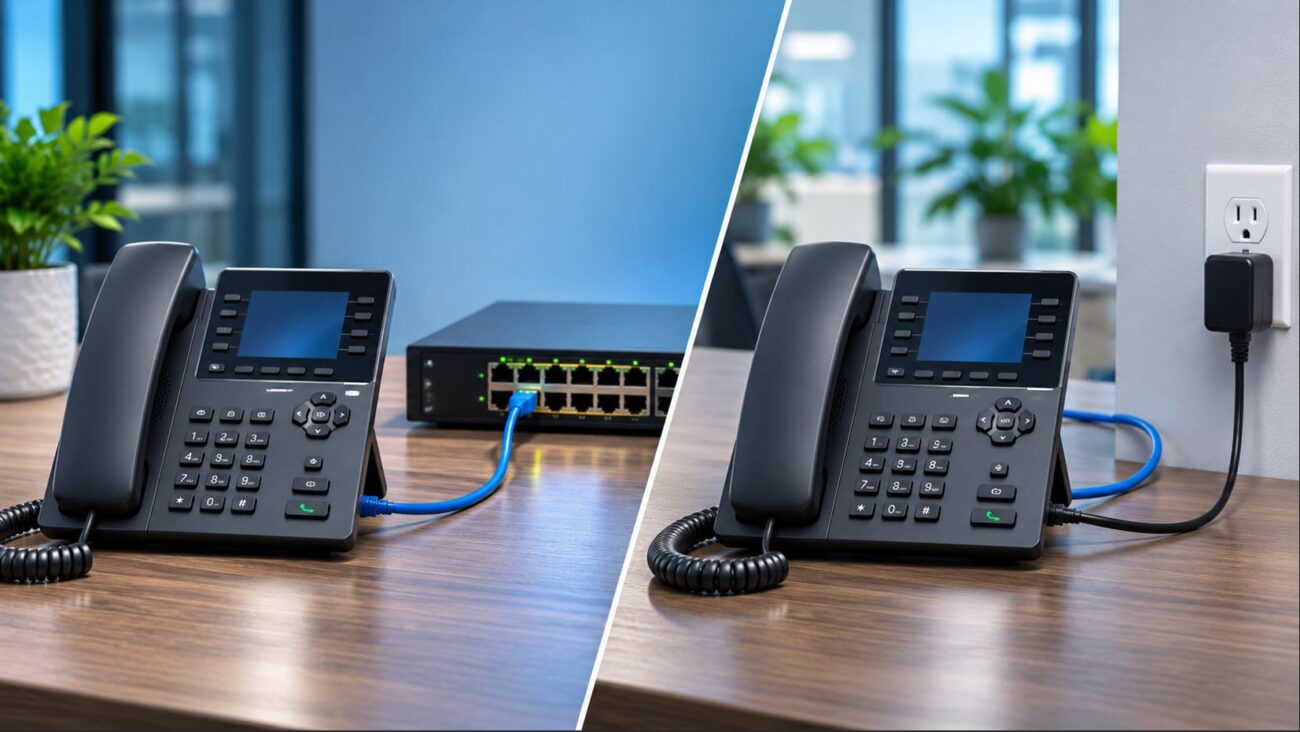
Connect the Algo 8301 to the appropriate Ethernet network and provide supported power.
Access its web administration interface.
Configure the SIP account and confirm successful registration with the phone system.
Under Basic Settings > Multicast, configure the adapter as a Transmitter (Sender).
Select the appropriate multicast type and paging zone.
Configure compatible receiving phones or Algo endpoints with the matching multicast parameters.
Call the adapter’s SIP paging extension and verify audio reception.
According to Algo’s documentation, multicast receivers in this arrangement do not necessarily require their own SIP registrations. The transmitter handles the incoming SIP call and distributes the announcement to listening endpoints.
The adapter also supports multiple paging zones, but the number and behavior of available zones depend on its configuration.
Network Requirements for Reliable Multicast Paging
Multicast Addressing and UDP Ports
Transmitters and receivers must use matching multicast group addresses and UDP ports. Administratively scoped multicast addresses are commonly suitable for private organizational networks when properly planned.
IGMP Snooping
IGMP snooping helps managed switches forward multicast traffic only where needed. However, misconfigured snooping or missing group membership management can cause paging audio to disappear intermittently.
Verify whether the network requires an IGMP querier and whether all receivers join their expected multicast groups.
VLANs and Subnets
Multicast paging often works most simply when all endpoints share the same Layer 2 network.
When the sender and receivers are on different VLANs, multicast routing and appropriate access-control rules may be necessary. Confirm that multicast TTL settings are compatible with the intended routing design.
Audio Quality and Bandwidth
Multicast can reduce duplicate streams, but it does not eliminate bandwidth requirements. Codec choice, packetization, network congestion, and switch configuration can affect intelligibility.
Use a compatible codec, prioritize time-sensitive traffic where appropriate, and test actual announcements under normal network load.
Security and Access Control
Ordinary RTP multicast paging should not be assumed to provide authentication or encryption. Restrict which devices can transmit to paging groups and isolate paging traffic where appropriate.
For sensitive or security-critical environments, review vendor-supported authentication, transport security, access controls, and monitoring options.
Example Deployment: Paging a Warehouse and Office
Consider a business with 20 office phones, 12 warehouse phones, and four network paging speakers.
The organization wants three announcement groups:
All Call: Every office phone, warehouse phone, and paging speaker.
Office: Office phones only.
Warehouse: Warehouse phones and overhead speakers.
A suitable deployment could use an Algo paging adapter registered to the PBX and configured to transmit multicast audio to the appropriate zones.
Compatible phones and speakers subscribe to their assigned groups. A warehouse announcement reaches warehouse receivers, while an All Call announcement reaches every configured endpoint.
This design avoids establishing a separate SIP media session to every receiver for each multicast page.
Before purchasing equipment, verify that all endpoints support compatible RTP multicast formats and that the network can carry the selected paging groups.
Common SIP Multicast Paging Problems and Solutions
Problem
Likely Cause
What to Check
No phones receive the page
Incorrect group address, port, or transmitter configuration
Match sender and listener settings; verify RTP transmission
Only some phones receive audio
Receiver configuration or multicast forwarding issue
Inspect IGMP membership, VLANs, and phone settings
Phones receive audio but speakers do not
Incompatible multicast format or speaker configuration
Check codec, protocol, and receiver zone settings
Paging fails across VLANs
No multicast routing or unsuitable TTL
Review routing, firewall rules, and TTL
Paging interrupts active calls
Paging priority or barge behavior
Adjust receiver interruption settings
Choppy or distorted audio
Packet loss, congestion, or codec mismatch
Check network performance and supported codecs
PBX cannot call the paging adapter
SIP registration, routing, or authentication problem
Inspect SIP status and PBX logs
For difficult problems, capture traffic at the sender and receiver network ports. Packet analysis can establish whether multicast RTP is being transmitted and whether it reaches the intended network segment.
Multicast Paging Deployment Checklist
Confirm each phone and speaker supports the required multicast format.
Document multicast addresses, UDP ports, and paging zones.
Verify transmitter and receiver codec compatibility.
Confirm switch IGMP behavior and querier requirements.
Check multicast routing when using multiple VLANs.
Set appropriate paging priorities and call interruption policies.
Restrict unauthorized paging transmission.
Test all zones during normal and busy network conditions.
Document configuration and recovery procedures.
Choosing the Right Paging Equipment
For direct phone-to-phone announcements, compatible IP phones and a properly configured network may be sufficient.
When a PBX must originate announcements through a SIP extension or an existing analog amplifier must be retained, an adapter such as the Algo 8301 can simplify integration.
For installations requiring additional zone-control interfaces, consider the Algo 8373. Existing analog paging installations may also benefit from evaluating the Algo 8305 multi-interface paging adapter.
Product selection should be based on the existing paging amplifier, required zones, SIP compatibility, supported audio protocols, and network topology—not simply the number of phones.
Businesses evaluating a hosted phone platform alongside paging integration can also explore Axion Communications’ business VoIP solutions. Confirm the specific paging integration requirements with the service provider before deploying hardware.
Frequently Asked Questions About SIP Multicast Paging
Can I page multiple IP phones at the same time?
Yes. Compatible IP phones can receive the same multicast RTP stream simultaneously when configured for the same paging group and supported audio format.
Does multicast paging require a PBX?
Not always. Some IP phones can transmit multicast audio directly. A PBX is commonly used when paging is initiated through a SIP extension or integrated with other call-routing features.
Can Yealink phones receive multicast paging?
Many Yealink business IP phones support multicast paging. Exact capabilities and configuration options vary by model and firmware, so consult the applicable administrator guide.
Can multicast paging work across different VLANs?
Yes, if the network supports the required multicast routing and forwarding. Standard unicast routing alone is not sufficient.
Can an Algo 8301 page multiple IP phones?
Yes, when the receiving phones support a compatible multicast RTP format and matching group configuration. The Algo 8301 can receive a SIP call and transmit multicast audio to compatible endpoints.
Why do some phones fail to receive multicast announcements?
Common causes include incorrect multicast addresses or ports, incompatible codecs, IGMP snooping issues, VLAN boundaries, and paging priority settings.
Is multicast paging suitable for emergency announcements?
Multicast paging may be a component of an emergency notification solution, but an ordinary VoIP paging deployment should not be treated as a certified life-safety system. Emergency applications require appropriate equipment, supervision, redundancy, and compliance review.
Final Thoughts
SIP multicast paging offers a scalable way to distribute announcements across compatible business IP phones and network speakers. The key to a successful installation is understanding the difference between SIP signaling and multicast audio, confirming endpoint compatibility, and designing the network to forward multicast traffic reliably.
Whether you’re configuring a small office paging group or integrating an existing warehouse amplifier, start with the required paging zones and network topology before choosing hardware.
To provide the best experiences, we use technologies like cookies to store and/or access device information. Consenting to these technologies will allow us to process data such as browsing behavior or unique IDs on this site. Not consenting or withdrawing consent, may adversely affect certain features and functions.
Functional
Always active
The technical storage or access is strictly necessary for the legitimate purpose of enabling the use of a specific service explicitly requested by the subscriber or user, or for the sole purpose of carrying out the transmission of a communication over an electronic communications network.
Preferences
The technical storage or access is necessary for the legitimate purpose of storing preferences that are not requested by the subscriber or user.
Statistics
The technical storage or access that is used exclusively for statistical purposes.The technical storage or access that is used exclusively for anonymous statistical purposes. Without a subpoena, voluntary compliance on the part of your Internet Service Provider, or additional records from a third party, information stored or retrieved for this purpose alone cannot usually be used to identify you.
Marketing
The technical storage or access is required to create user profiles to send advertising, or to track the user on a website or across several websites for similar marketing purposes.