Teams Rooms vs. Zoom Rooms 2026: small-business buying and budgeting guide
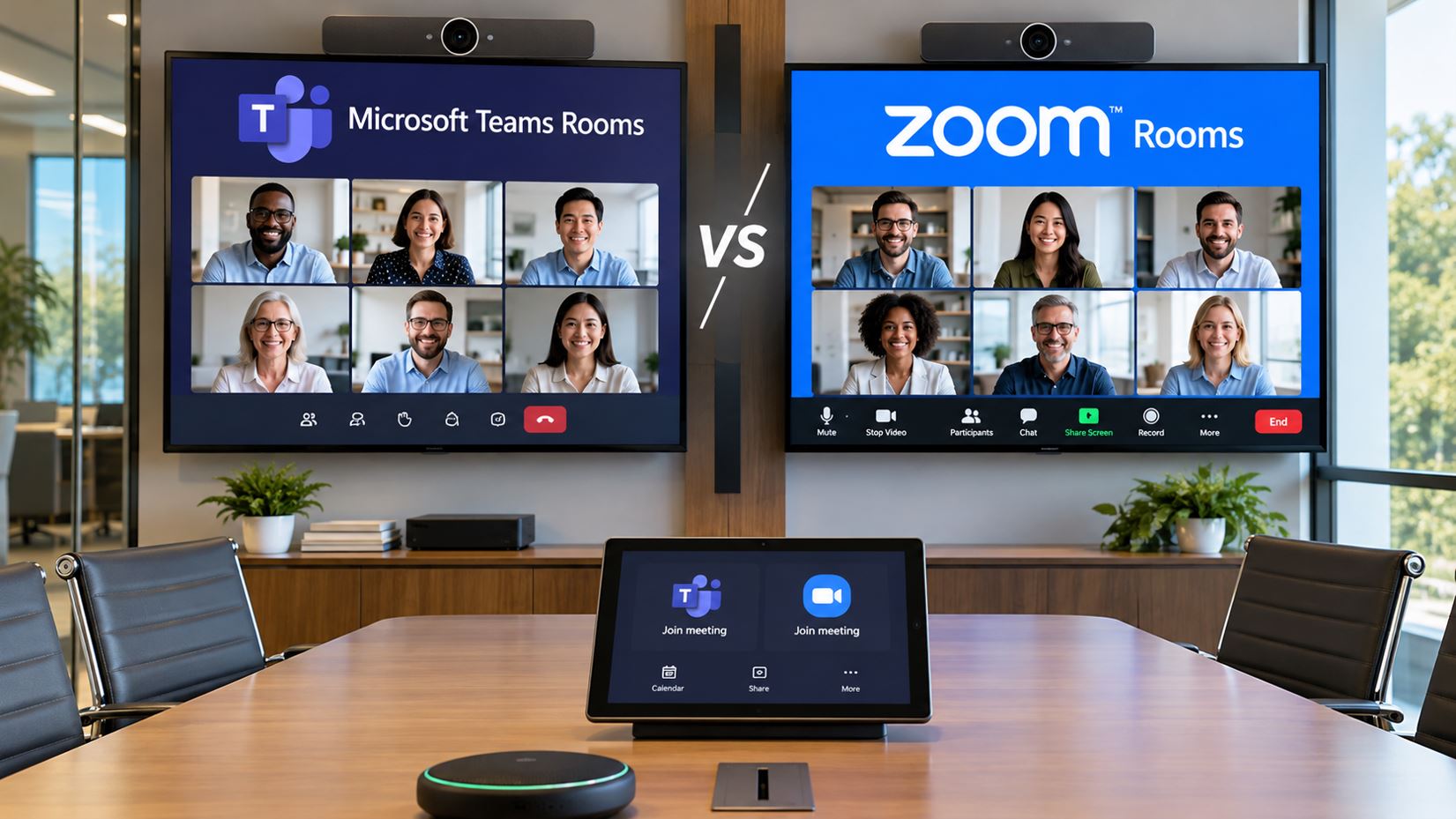
Choosing the right video conferencing system is an important decision for small businesses upgrading their meeting rooms. Two of the leading options are Microsoft Teams Rooms and Zoom Rooms. Both offer dedicated conferencing environments designed to make meetings easier to start, manage, and attend.
However, the platforms differ in licensing, administration, integration, and hardware requirements. The right choice depends on how your employees communicate, which collaboration services your organization already uses, and how much flexibility your meeting rooms require.
In this 2026 guide, we compare Microsoft Teams Rooms and Zoom Rooms, explain their hardware requirements, and examine two Yealink solutions available through Telecom-Store.com: the Yealink MVCS40-C5U Teams Rooms system and the Yealink C5U Zoom Rooms Base Kit.
Quick Answer: Which Platform Should You Choose?
Microsoft Teams Rooms is generally the better fit for businesses that primarily use Microsoft 365, Outlook, and Microsoft Teams. Its room experience aligns with Microsoft-based meeting and calendar workflows.
Zoom Rooms is generally the better fit for businesses that primarily host meetings through Zoom. It provides a dedicated Zoom meeting environment with centralized room management and compatible conferencing hardware.
Businesses that frequently use both platforms should evaluate cross-platform meeting support and test their most important meeting workflows before making a purchase.
Microsoft Teams Rooms vs. Zoom Rooms: Comparison
| Feature |
Microsoft Teams Rooms |
Zoom Rooms |
| Primary platform |
Microsoft Teams |
Zoom Meetings |
| Ideal environment |
Microsoft 365 organizations |
Zoom-focused organizations |
| Calendar integration |
Microsoft 365 and Exchange |
Supported Microsoft 365, Exchange, and Google integrations |
| Room management |
Microsoft Teams administration |
Zoom administration |
| Hardware choices |
Certified Teams Rooms systems |
Certified Zoom Rooms systems |
| Third-party meetings |
Supported interoperability options |
Supported interoperability options |
| Example Yealink solution |
Yealink MVCS40-C5U |
Yealink MCoreKit-C5U-ZR |
| Licensing |
Teams Rooms Basic or Pro |
Zoom Rooms subscription |
What Is Microsoft Teams Rooms?
Microsoft Teams Rooms is a dedicated conference room solution built around Microsoft Teams. It combines meeting-room software with compatible cameras, microphones, speakers, displays, and controllers.
Employees can join scheduled meetings from a room controller without manually connecting a laptop or configuring multiple audio and video devices.
Benefits of Microsoft Teams Rooms
- Integration with Microsoft Teams and Microsoft 365.
- Familiar workflows for Teams users.
- Support for dedicated meeting-room accounts and calendars.
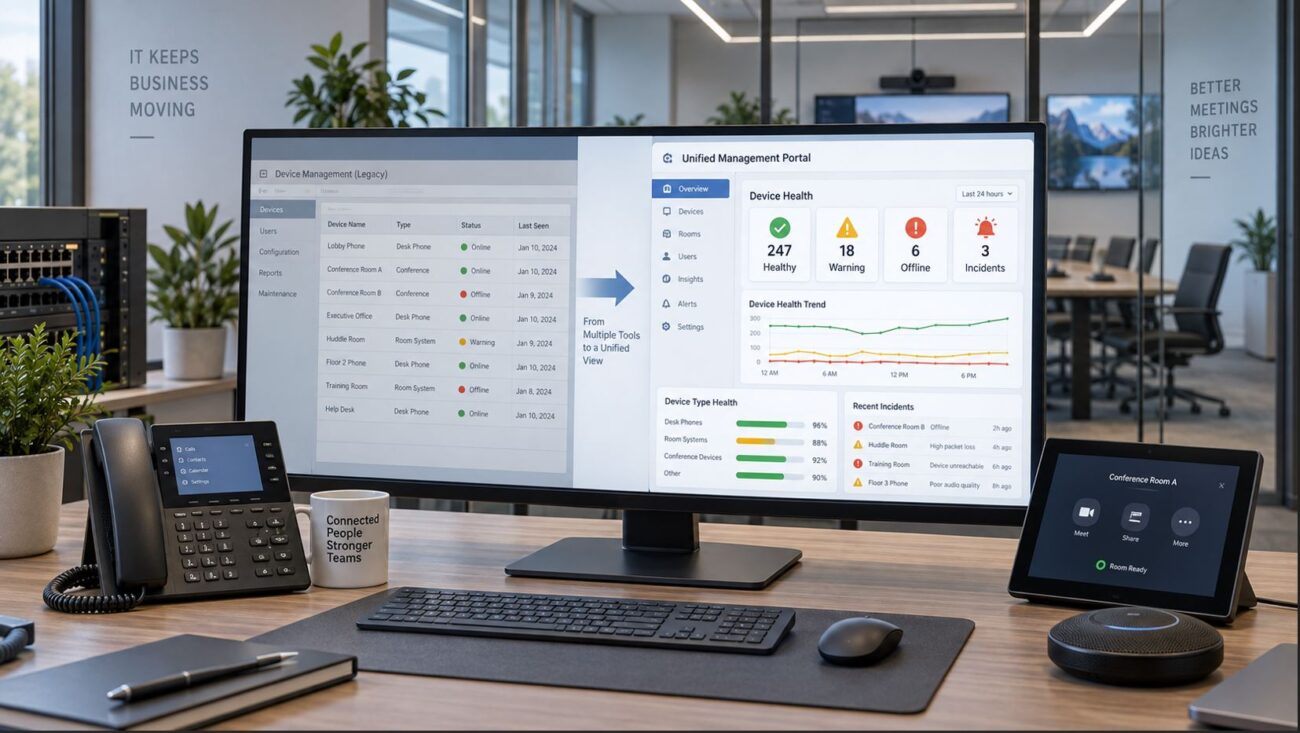
- Centralized administration and management capabilities.
- Hardware configurations for different room sizes.
Recommended Teams Rooms Hardware: Yealink MVCS40-C5U
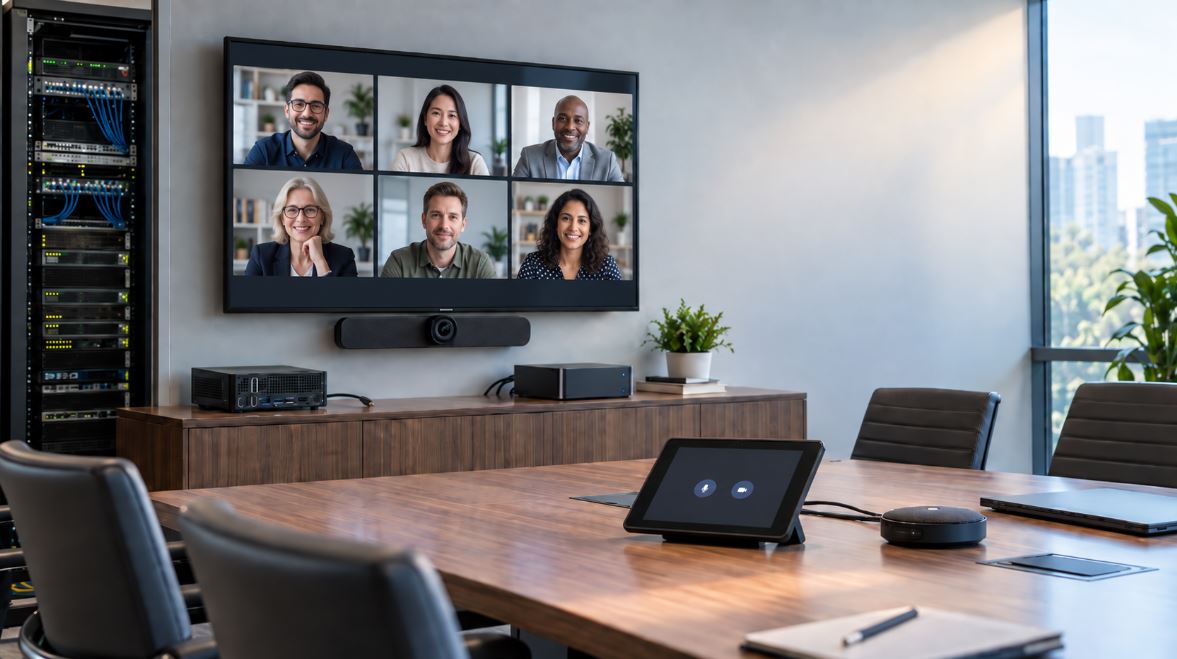
For organizations standardizing on Microsoft Teams, the Yealink MVCS40-C5U AI Video Conferencing Kit provides an integrated hardware solution.
The kit includes:
- Yealink SmartVision 40 camera bar.
- Yealink MCore 4 AI mini-PC.
- Yealink MTouch Plus touch controller.
- Yealink RoomSensor.
The SmartVision 40 provides integrated video and audio capabilities, making the kit a practical starting point for supported small and medium conference-room designs.
Its integrated camera bar can simplify deployment compared with selecting a separate camera, microphones, and speaker system. Additional audio equipment may be appropriate for larger spaces or challenging acoustics.
Best suited for: Businesses already using Microsoft Teams that want a dedicated, centrally managed meeting-room experience.
View the Yealink MVCS40-C5U Teams Rooms Kit at Telecom-Store.com.
What Is Zoom Rooms?
Zoom Rooms is Zoom’s dedicated conference-room platform. It provides a consistent interface for joining Zoom meetings, managing room audio and video, sharing presentations, and connecting remote participants.
Zoom Rooms can operate on supported room computers or purpose-built conferencing appliances. The correct architecture depends on the organization’s hardware requirements and IT management preferences.
Benefits of Zoom Rooms
- Native Zoom meeting controls and workflows.
- Centralized management of conference-room devices.
- Support for different room sizes and hardware configurations.
- Calendar integration with supported business platforms.
- Options for third-party meeting interoperability.
Featured Zoom Rooms Hardware: Yealink C5U Zoom Rooms Base Kit
For businesses choosing Zoom Rooms, the Yealink C5U AI Powered Zoom Rooms Base Kit provides a modern Windows-based foundation for a dedicated conference-room system.
The Yealink MCoreKit-C5U-ZR is designed specifically for Zoom Rooms. It combines a current-generation room computer, a dedicated touch controller, and an intelligent room sensor.
What Is Included in the Yealink C5U Base Kit?
| Component |
Function |
| MCore 4 AI Mini-PC |
Runs the Zoom Rooms application and connects the room’s conferencing equipment |
| MTouch Plus Controller |
Provides an 11.6-inch touch interface for meeting control and content sharing |
| RoomSensor |
Provides room occupancy detection and environmental information |
Yealink C5U Technical Highlights
- Intel Core Ultra 5 125H processor.
- 16GB DDR5 memory.
- 256GB SSD storage.
- Windows 11 IoT Enterprise.
- Preinstalled Zoom Rooms application.
- 11.6-inch MTouch Plus controller.
- Gigabit Ethernet connectivity.
- Multiple HDMI outputs for supported display configurations.
- Support for compatible Yealink room peripherals.
Why Choose a Base Kit Instead of a Complete Video Bar System?
A base kit allows the business or installer to select appropriate cameras, microphones, and speakers for the room rather than relying on a fixed all-in-one configuration.
This flexibility is valuable when the conference room already has compatible AV equipment or requires specialized microphone coverage, camera positioning, or display integration.
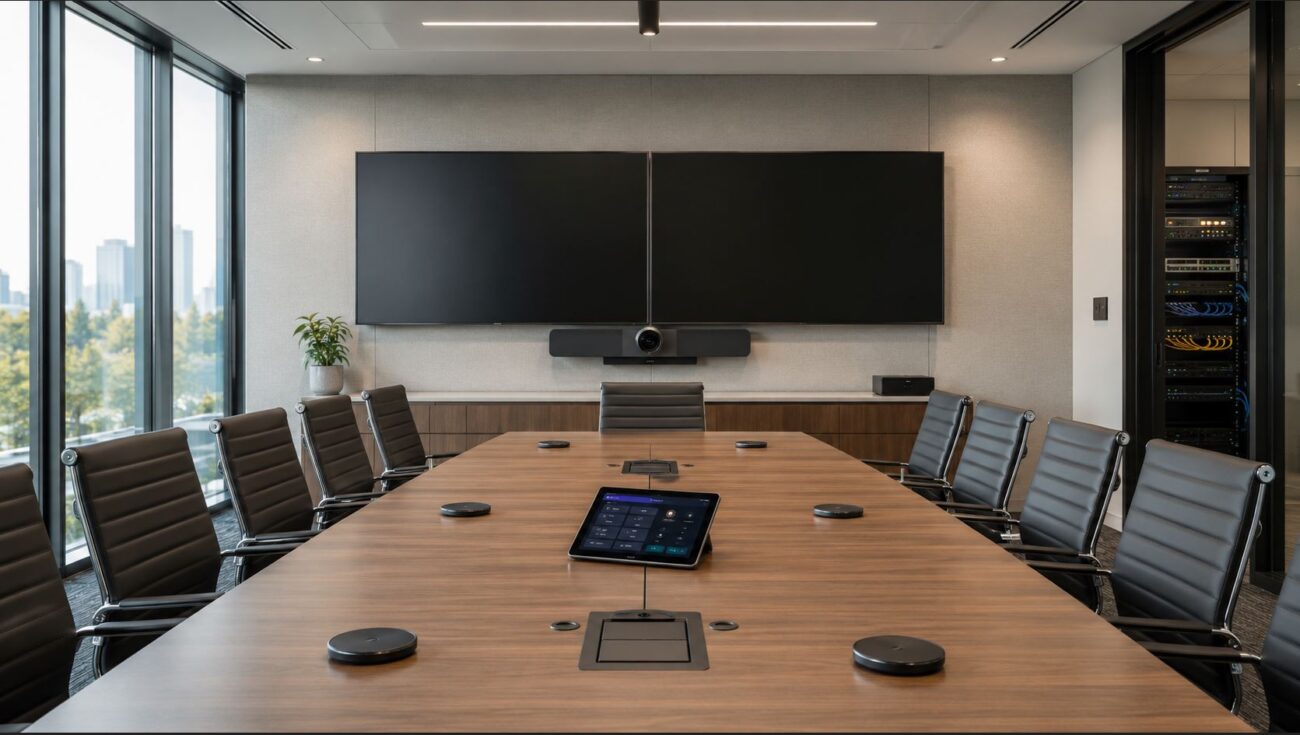
For example, a small boardroom might use a compatible USB conference camera and integrated speakerphone, while a larger room may need a dedicated PTZ camera and expanded audio system.
Important: The Yealink C5U Zoom Rooms Base Kit includes the room computer, controller, and RoomSensor. It is not a complete camera-and-audio package. A compatible camera, microphone, speaker system, display, and appropriate Zoom Rooms licensing are required for a complete deployment.
Who Should Consider the Yealink C5U?
- Small businesses upgrading an existing Zoom conference room.
- Organizations replacing aging Windows-based Zoom Rooms hardware.
- Businesses that want flexibility when choosing cameras and microphones.
- Companies standardizing multiple meeting rooms on Zoom.
- Installers building customized conference-room AV solutions.
Product: Yealink C5U AI Powered Zoom Rooms Base Kit
Manufacturer SKU: MCoreKit-C5U-ZR
View the Yealink C5U Zoom Rooms Base Kit at Telecom-Store.com.
Yealink MVCS40-C5U vs. C5U Zoom Rooms Base Kit
Although these Yealink products share the C5U designation, they serve different deployment needs and are not interchangeable purchasing packages.
| Feature |
MVCS40-C5U |
MCoreKit-C5U-ZR |
| Designed for |
Microsoft Teams Rooms |
Zoom Rooms |
| Room computer |
MCore 4 |
MCore 4 |
| Touch controller |
MTouch Plus |
MTouch Plus |
| RoomSensor |
Included |
Included |
| Camera |
SmartVision 40 included |
Purchased separately |
| Audio hardware |
Integrated with SmartVision 40 |
Purchased separately |
| Best use case |
Integrated Teams conference room |
Customizable Zoom conference room |
These two products should not be compared solely by their purchase prices. The Teams kit includes a camera bar and audio hardware, while the Zoom base kit requires additional conferencing peripherals.
How Much Do Teams Rooms and Zoom Rooms Cost in 2026?
The total cost of a conference-room system includes hardware, software licensing, installation, cabling, and ongoing support.
Microsoft offers Teams Rooms Basic for qualifying deployments and Teams Rooms Pro for businesses requiring additional features and management capabilities. Zoom Rooms uses a room-based subscription model.
When comparing prices, request a complete room quote that includes all required components rather than comparing a base kit with a fully equipped room system.
Conference Room Budget Checklist
- Room computer or conferencing appliance.
- Compatible camera or video bar.
- Microphones and speakers.
- Touch controller.
- Display or displays.
- Platform licensing.
- Network connectivity and power.
- Mounting, cabling, and installation.
- Ongoing device management and support.
Can Teams Rooms Join Zoom Meetings?
Yes. Supported Microsoft Teams Rooms configurations can join Zoom meetings through available third-party meeting interoperability features.
However, functionality may differ from a native Teams meeting. Features such as meeting controls, participant layouts, and content sharing should be tested before deployment.
Can Zoom Rooms Join Microsoft Teams Meetings?
Yes. Zoom Rooms supports Microsoft Teams meeting interoperability through supported configurations.
Businesses that routinely join both platforms should confirm that their chosen room system supports the required guest-join experience, calendar integration, and content-sharing workflows.
Which Conference Room Hardware Is Right for Your Business?
| Room Type |
Typical Capacity |
Recommended Approach |
| Huddle room |
2–4 people |
Integrated certified video bar or BYOD conferencing |
| Small conference room |
4–8 people |
Dedicated room kit with suitable camera and audio coverage |
| Medium conference room |
8–12 people |
Room system with expanded microphones and appropriate camera framing |
| Large boardroom |
12 or more people |
Custom AV design with suitable cameras, microphones, and displays |
Room capacities are planning examples. Actual equipment selection should account for table layout, acoustics, lighting, and seating distance.
Network Requirements for Teams Rooms and Zoom Rooms
Reliable video conferencing depends on stable connectivity. Both platforms can experience poor call quality when the network has excessive packet loss, jitter, congestion, or inconsistent internet performance.
For fixed conference-room installations, wired Ethernet is generally preferable when supported by the equipment.
Deployment Checklist
- Verify internet bandwidth and network stability.
- Check Ethernet connections and switch capacity.
- Confirm DNS and firewall connectivity.
- Test microphone and camera coverage throughout the room.
- Verify room account credentials and licensing.
- Confirm hardware compatibility and supported firmware.
- Test external meetings and screen sharing.
- Document the room configuration for future support.
Common Conference Room Problems and Solutions
| Problem |
Possible Cause |
Recommended Fix |
| Room will not sign in |
Incorrect room account or license |
Verify account configuration and assigned license |
| Camera not detected |
USB, firmware, or compatibility issue |
Check connections and approved hardware |
| No microphone audio |
Incorrect device selection or muted microphone |
Check room audio settings and connections |
| Video freezes |
Network congestion or packet loss |
Test network performance during peak usage |
| Meeting missing from controller |
Calendar integration issue |
Verify room calendar and meeting invitation |
| Third-party meeting fails |
Interoperability configuration issue |
Review supported guest-join settings |
Five Steps to Choosing the Right Conference Room System
- Identify your primary meeting platform. Determine whether employees use Teams or Zoom most frequently.
- Evaluate your existing IT environment. Review Microsoft 365, Zoom, calendar, and account-management requirements.
- Assess the meeting room. Measure room size and evaluate camera, microphone, and display needs.
- Compare complete deployment costs. Include missing peripherals, licensing, installation, and support.
- Test before standardizing. Validate native meetings, third-party meetings, audio quality, and screen sharing.
Frequently Asked Questions
Is Microsoft Teams Rooms better than Zoom Rooms?
Neither is universally better. Microsoft Teams Rooms is often preferable for Microsoft 365-focused businesses, while Zoom Rooms is a strong choice for organizations that primarily use Zoom.
What is the Yealink C5U Zoom Rooms Base Kit?
It is a Windows-based Zoom Rooms hardware package containing the Yealink MCore 4 mini-PC, MTouch Plus touch controller, and RoomSensor.
Does the Yealink C5U Zoom Rooms Base Kit include a camera?
No. The MCoreKit-C5U-ZR base package does not include a conference camera. A compatible camera and audio solution must be selected separately.
Does the Yealink C5U require a Zoom Rooms license?
Yes. The preinstalled Zoom Rooms application does not eliminate the need for appropriate room licensing and account configuration.
Can the Yealink C5U be used in a large conference room?
Yes, the base platform can be part of a larger room solution when paired with suitable supported cameras, microphones, speakers, and displays. The final design must match the room’s size and acoustics.
Does the Yealink C5U support Microsoft Teams Rooms?
The MCoreKit-C5U-ZR SKU is a Zoom Rooms configuration. Businesses requiring a native Microsoft Teams Rooms system should select an appropriate Teams Rooms-certified package rather than assuming the Zoom configuration is interchangeable.
Can Zoom Rooms join Microsoft Teams meetings?
Yes, through supported interoperability options. Available meeting controls and features may differ from those in a native Zoom meeting.
Is a dedicated conference room system necessary for every business?
No. Businesses with infrequent meetings may find a USB camera and speakerphone connected to a laptop sufficient. Dedicated room systems are most useful when meeting spaces are used regularly and require a consistent experience.
Final Verdict: Teams Rooms vs. Zoom Rooms in 2026
For most small businesses, the best choice is the platform employees already use.
Organizations standardized on Microsoft Teams should consider an integrated solution such as the Yealink MVCS40-C5U Teams Rooms Kit.
Businesses standardized on Zoom that want flexibility in camera and audio selection should consider the Yealink C5U Zoom Rooms Base Kit.
Whichever platform you choose, confirm certified hardware compatibility, room licensing, network readiness, and the complete cost of the installation before purchasing.
For additional conference-room planning, see our Teams Rooms vs. Zoom Rooms business guide.
For broader business communications and VoIP service solutions, visit Axion Communications.
For official Zoom Rooms hardware information, consult Yealink’s MCoreKit-C5U technical datasheet.