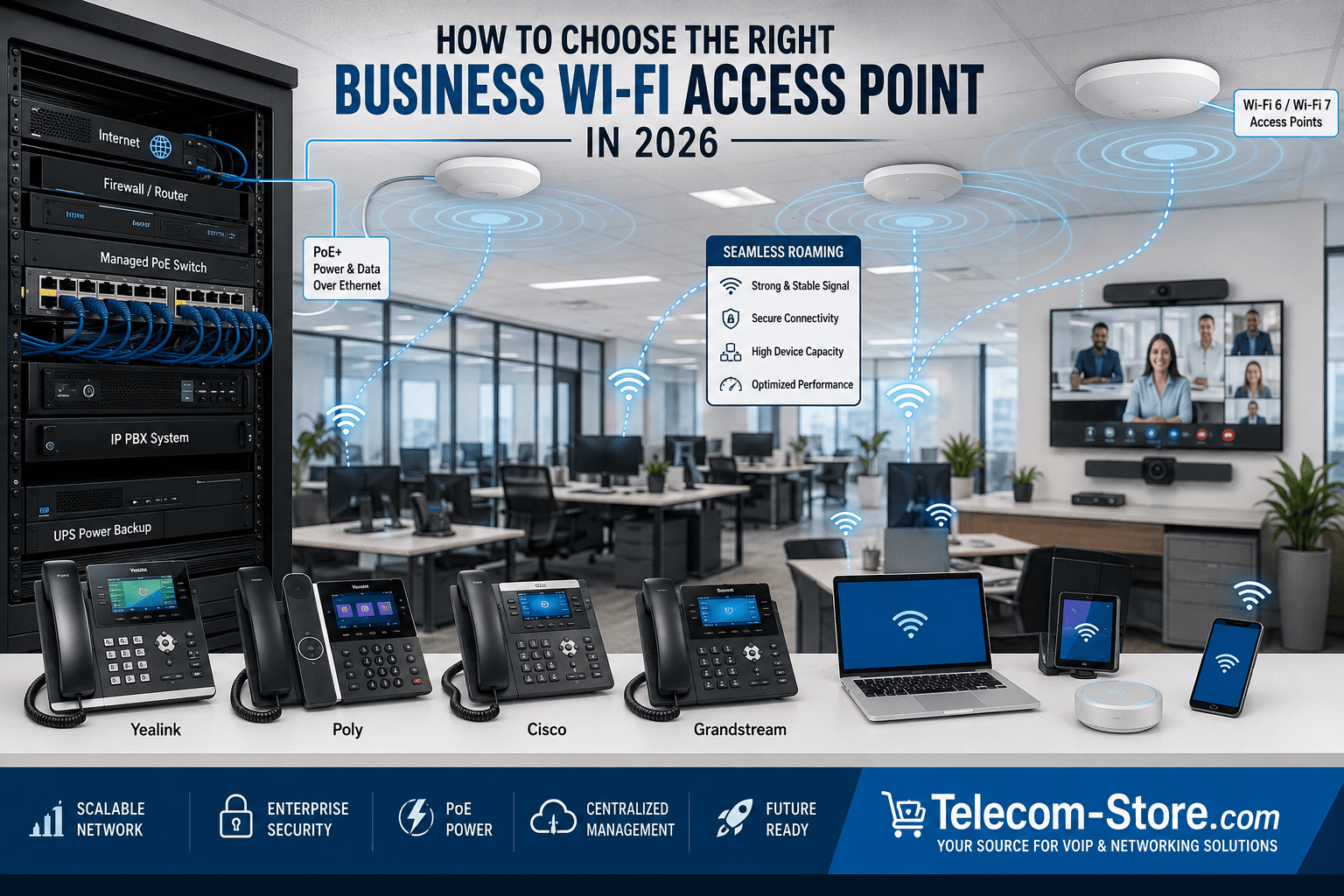
Choosing the right business Wi-Fi access point in 2026 requires more than comparing advertised wireless speeds. A business network may need to support VoIP phones, laptops, mobile devices, video conferencing systems, cloud applications, security devices, guest users, and meeting room equipment at the same time. The correct access point should provide dependable coverage, sufficient device capacity, appropriate security, and a practical way to manage the wireless network.
For most small and midsize businesses, a Wi-Fi 6 access point with Power over Ethernet, VLAN support, WPA3 security, and centralized management remains a practical choice. Wi-Fi 6E can help in dense environments that can use the 6 GHz band, while Wi-Fi 7 may be appropriate for new installations requiring greater capacity, lower latency, or longer-term expansion. The right choice ultimately depends on the building, connected devices, business applications, network infrastructure, and available IT support.
What Is a Business Wi-Fi Access Point?
A business Wi-Fi access point is a network device that provides wireless connectivity to computers, phones, tablets, scanners, conference room systems, and other equipment. Unlike a typical consumer wireless router, an access point normally connects to an existing router or network switch and focuses on delivering Wi-Fi coverage.
Business access points often include centralized administration, multiple wireless networks, VLAN assignment, guest access, security controls, performance monitoring, roaming support, and Power over Ethernet. These capabilities make them more suitable for offices, retail stores, warehouses, schools, medical facilities, restaurants, hotels, and other commercial environments.
Business Access Points vs Wireless Routers
A wireless router combines routing, firewall, switching, and Wi-Fi functions in one device. That arrangement can work for a home office or very small business, but it may become difficult to scale when more coverage or additional wireless capacity is needed.
A business access point is designed to operate as part of a larger network. Multiple access points can be placed where coverage is required while using the same network infrastructure and management platform. This allows a business to improve coverage without replacing its router or creating several unrelated wireless networks.
| Feature | Business Access Point | Consumer Wireless Router |
|---|---|---|
| Primary purpose | Provide managed wireless coverage | Combine internet routing and Wi-Fi |
| Multiple-device management | Often centralized | Usually managed individually |
| VLAN and guest network support | Common on business models | Varies by model |
| PoE support | Common | Uncommon |
| Expansion | Designed for multiple access points | Usually limited |
Wi-Fi Standards Explained for Business Buyers
The Wi-Fi generation affects available frequencies, capacity, efficiency, latency, and compatibility. However, a newer standard does not automatically provide better coverage. Access point placement, channel planning, interference, client capabilities, Ethernet speed, and internet bandwidth still matter.
Wi-Fi 5
Wi-Fi 5, based on 802.11ac, remains present in many existing networks. It can support ordinary internet access and light office use, but businesses installing new equipment should generally consider newer standards unless price or compatibility creates a specific reason to retain Wi-Fi 5.
Wi-Fi 6
Wi-Fi 6, based on 802.11ax, is well suited to many business deployments. Technologies such as OFDMA and improved multi-device scheduling help an access point communicate efficiently when many devices share the network. Wi-Fi 6 is a sensible choice for offices, retail environments, classrooms, conference areas, and other locations with a moderate or high number of clients.
Wi-Fi 6E
Wi-Fi 6E extends Wi-Fi 6 capabilities into the 6 GHz band. The additional spectrum can reduce congestion and create more channel options, but only compatible devices can use it. The shorter practical reach of higher-frequency signals and their reduced ability to pass through some walls may require more careful access point placement.
Wi-Fi 7
Wi-Fi 7 is associated with IEEE 802.11be and introduces capabilities such as Multi-Link Operation. It can improve capacity and connection flexibility when both the access point and client devices support the required features. Businesses should still evaluate whether current laptops, phones, and meeting room devices can benefit before paying more for Wi-Fi 7 equipment.
| Standard | Practical business fit | Main consideration |
|---|---|---|
| Wi-Fi 5 | Existing or light-use networks | Older technology with less future flexibility |
| Wi-Fi 6 | Most small and midsize businesses | Strong balance of capability, compatibility, and cost |
| Wi-Fi 6E | Dense networks with compatible devices | 6 GHz coverage and client compatibility |
| Wi-Fi 7 | New high-capacity or long-term deployments | Higher cost and limited benefit for older clients |
How Many Access Points Does Your Business Need?
There is no dependable square-footage rule that works for every building. Open offices, warehouses, masonry walls, metal shelving, elevators, stairwells, machinery, and neighboring wireless networks can produce very different results. A single powerful access point is not always better than several properly positioned access points operating at sensible power levels.
Coverage Area and Building Materials
Drywall and open spaces are usually easier to cover than concrete, brick, metal, reinforced glass, or warehouse shelving. Access points should be positioned near the users and devices they serve rather than hidden in a network closet. Ceiling mounting often provides a clearer signal path in offices and commercial buildings.
Number of Users and Devices
Count devices, not only employees. One person may connect a laptop, smartphone, tablet, headset, desk phone, and other equipment. Guest traffic, scanners, printers, cameras, and meeting room systems can increase the total substantially. High-density spaces may require additional access points even when one unit could technically reach the entire room.
Wireless Site Surveys
A site survey is the most reliable way to plan a larger installation. It evaluates signal strength, interference, channel use, wall construction, capacity requirements, and mounting locations. Smaller businesses can begin with a floor plan and careful placement, but warehouses, hotels, schools, medical facilities, and multi-floor offices benefit from professional wireless planning.
Key Features to Consider
Power over Ethernet Support
Power over Ethernet allows an access point to receive network connectivity and electrical power through one Ethernet cable. This simplifies ceiling and wall installations because a nearby electrical outlet may not be required. Confirm that the access point and the PoE switch use compatible PoE standards and that the switch has enough available power for every connected device.
VLAN Support
A VLAN separates traffic logically on the network. Businesses may use separate VLANs for employees, guests, voice devices, security equipment, and building systems. The access point, managed switch, router, and firewall must all be configured properly for VLAN separation to work.
QoS for VoIP and Video
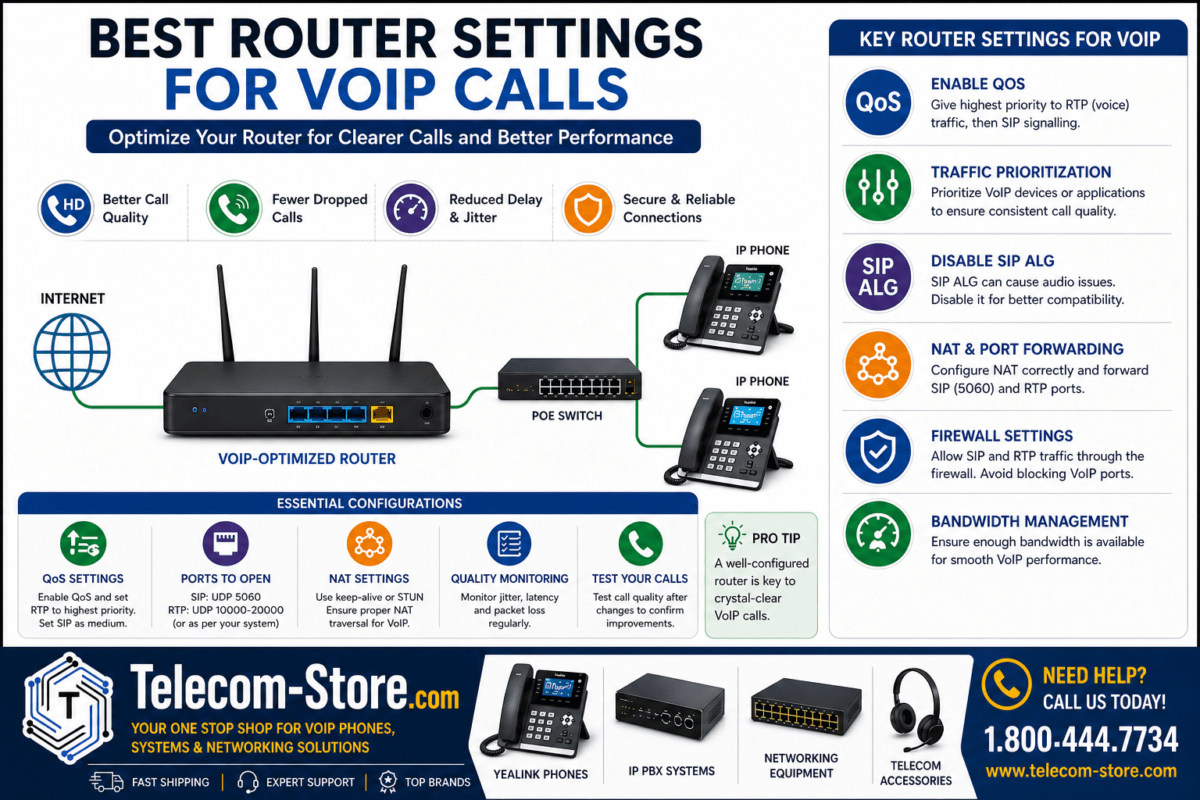
Quality of Service helps prioritize delay-sensitive traffic such as VoIP calls and video meetings. An access point alone cannot correct every network performance problem. QoS settings should be coordinated across the wireless network, switches, router, internet connection, and phone platform.
Dual-Band or Tri-Band Operation
Dual-band access points commonly support 2.4 GHz and 5 GHz. Tri-band models may add another radio or 6 GHz support, depending on the product. The 2.4 GHz band can provide greater reach and support older devices, while 5 GHz and 6 GHz can offer more capacity and wider channel options in suitable environments.
Roaming Support
Roaming allows mobile devices to move between access points while remaining on the business network. Features associated with 802.11k, 802.11v, and 802.11r can improve the roaming process, but the client device ultimately participates in the decision to change access points. Proper overlap, channel planning, and transmit power are also important.
Security
Look for WPA3 support, secure administration, firmware maintenance, guest isolation, VLAN capability, and appropriate authentication options. Larger organizations may use WPA3-Enterprise or WPA2-Enterprise with 802.1X authentication and a RADIUS service. A business should also change default credentials and restrict access to management interfaces.
Cloud or Controller Management
Centralized management allows administrators to configure access points, monitor connected clients, apply firmware updates, and review network conditions from one interface. Cloud management can be useful for businesses with multiple locations, while local controller options may appeal to organizations that prefer on-site control.
Ethernet Uplink Speed
Some newer access points can use more bandwidth than a standard Gigabit Ethernet connection can provide under favorable conditions. Multi-gigabit Ethernet may be useful for high-performance Wi-Fi 6E and Wi-Fi 7 deployments. Confirm the switch port speed, cabling, PoE capability, and upstream network capacity before selecting an access point with a faster uplink.
Scalability
Choose a product family that allows additional access points to be added without rebuilding the network. Businesses planning another office, more employees, new meeting rooms, or additional wireless devices should consider management licenses, controller limits, switch capacity, cabling, and available PoE power.
Standalone, Controller-Managed, or Cloud-Managed Access Points
Standalone Access Points
A standalone access point is configured individually. This may be acceptable for a small office with one unit and straightforward requirements. However, managing several standalone devices can become time-consuming because settings and updates may need to be handled separately.
Controller-Managed Access Points
A controller-managed system provides a central interface for several access points. The controller may be hardware, software, or built into another network appliance. This approach can simplify consistent wireless settings, roaming, performance monitoring, and expansion.
Cloud-Managed Access Points
Cloud management gives authorized administrators remote access to configuration and monitoring tools. This is helpful for distributed businesses and managed service providers. Buyers should review subscription requirements, feature tiers, internet dependency, data policies, and what happens if a license expires.
Mesh Wi-Fi vs Wired Business Access Points
Mesh Wi-Fi allows access points or mesh nodes to communicate wirelessly when Ethernet cabling is unavailable. It can be convenient, but wireless backhaul consumes airtime and may reduce performance. A wired Ethernet connection to each business access point generally provides more predictable capacity and reliability.
Mesh should be viewed as a practical solution for difficult locations rather than an automatic replacement for network cabling. When voice, video, point-of-sale, or other business-critical applications are involved, wired backhaul is usually preferred whenever it is practical.
Business Wi-Fi by Use Case
Small Offices
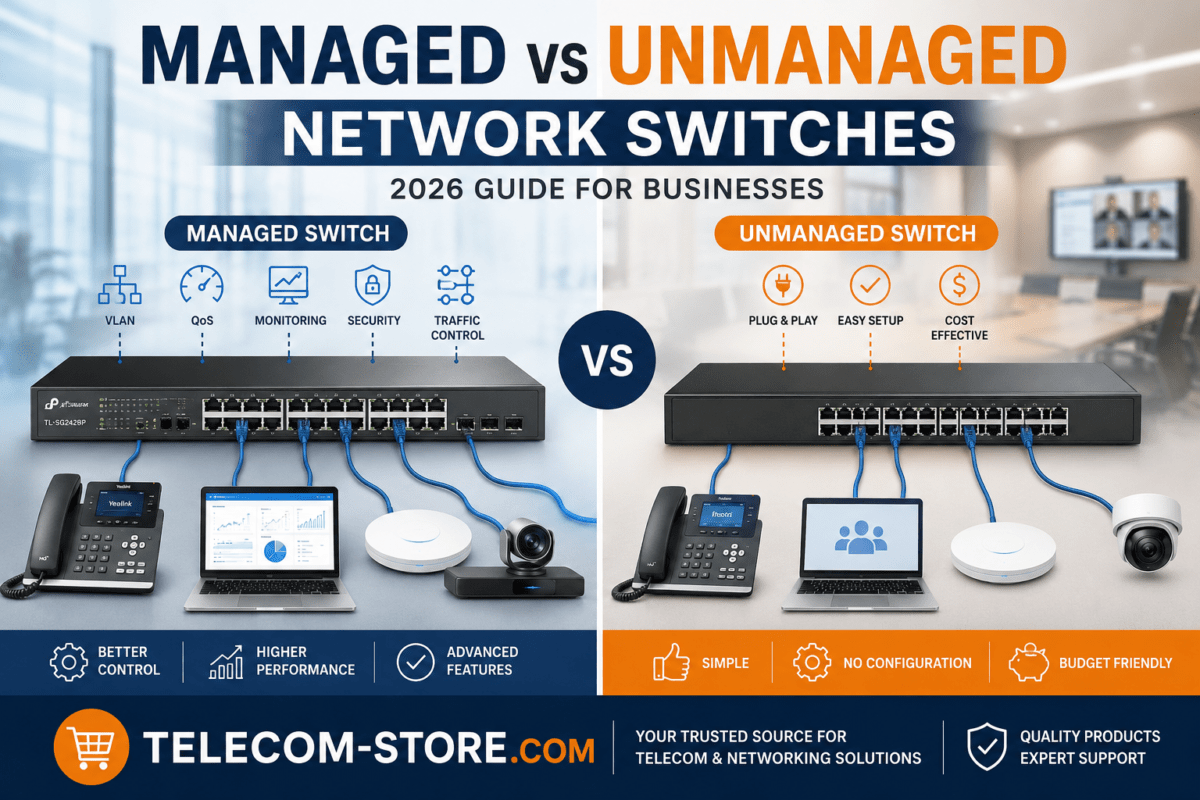
A small office may need one or two Wi-Fi 6 access points, a properly sized network switch, and basic centralized management. An unmanaged switch may work for a simple network, but a managed switch is more appropriate when VLANs, traffic monitoring, or advanced QoS are needed.
Growing Businesses
A growing business should consider managed Wi-Fi, PoE switching, additional Ethernet capacity, guest network separation, and an expansion plan. Wireless infrastructure should also complement the company’s VoIP phones, cloud phone service, computers, and IP PBX system.
Warehouses
Warehouses require careful planning because metal racks, inventory, high ceilings, forklifts, handheld scanners, and loading areas can affect coverage. Directional antennas, industrial access points, outdoor-rated equipment, and professional site surveys may be required.
Retail Stores and Restaurants
Retail and restaurant networks often need separate connectivity for employees, guests, point-of-sale systems, handheld terminals, and operational equipment. Guest traffic should not share unrestricted access with payment or business systems. Consistent coverage is especially important for mobile checkout devices and cloud applications.
Meeting Rooms and Hybrid Teams
Video meetings create sustained traffic and can reveal weak wireless coverage quickly. Businesses using video conferencing equipment, conference phones, and other meeting room devices should provide adequate capacity and minimize interference. Fixed room systems may benefit from wired Ethernet when supported.
Compatibility and Setup Requirements
PoE Switch Compatibility
Check the access point’s required PoE standard and maximum power demand. A switch may advertise PoE on every port while still having a total power budget that is too small to power all connected access points, phones, cameras, and room devices simultaneously.
Network Cabling
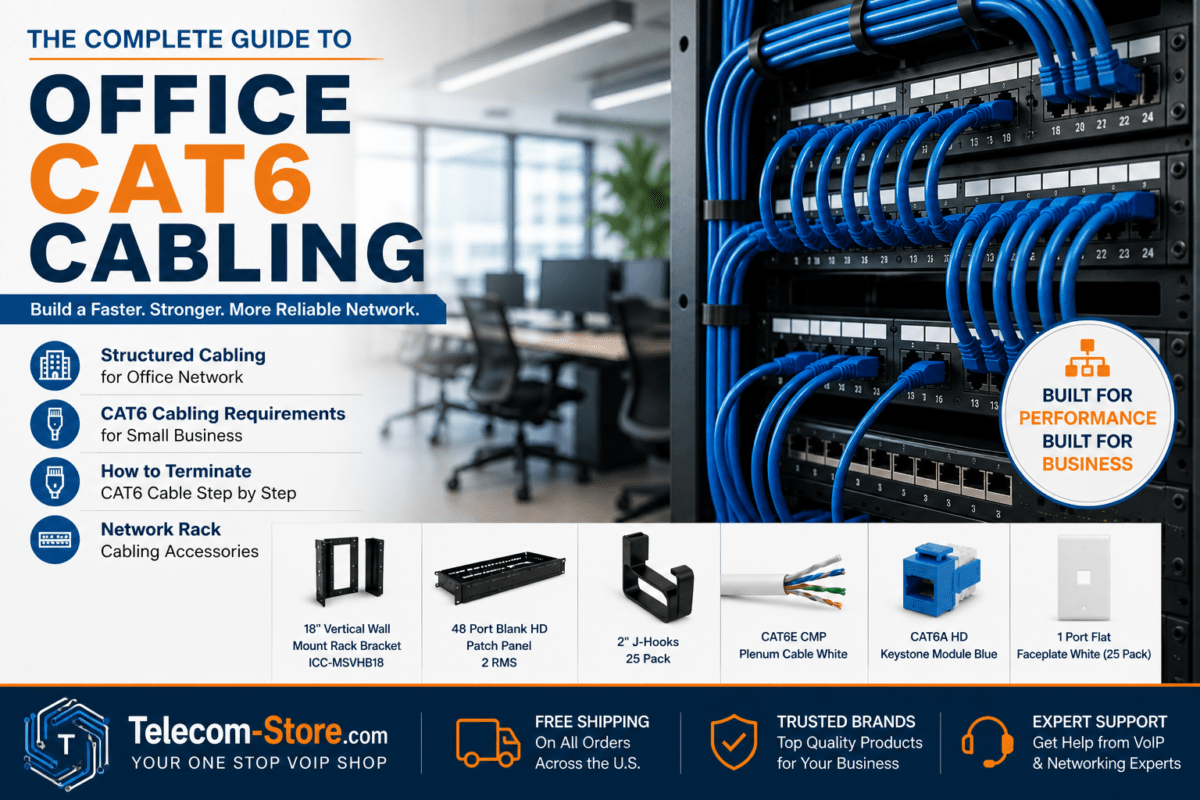
Existing cabling should be inspected before installing high-performance access points. Cable category, distance, connector quality, termination, and damage can affect Ethernet speed and PoE delivery. Multi-gigabit links may require suitable cabling and compatible switch ports.
VoIP and Phone System Compatibility
Wireless access points do not normally register directly to a SIP provider or IP PBX. Instead, they provide network access for compatible wireless devices. Many desk phones from Yealink, Poly, Cisco, and Grandstream are connected by Ethernet and may receive power from a PoE switch. Review the phone system’s VLAN, QoS, provisioning, and firewall requirements when designing the network.
Firmware and Administration
Plan how access point firmware will be reviewed, tested, and installed. Automatic updates can reduce maintenance, but businesses may prefer scheduled updates to avoid unexpected changes during operating hours. Administrative accounts should use strong passwords and multifactor authentication when the platform supports it.
Common Mistakes When Buying a Business Access Point
- Choosing an access point based only on its maximum advertised speed.
- Assuming one unit will cover an entire building.
- Ignoring the PoE standard or total switch power budget.
- Installing access points in closets, cabinets, or obstructed locations.
- Using excessive transmit power instead of adding properly placed access points.
- Failing to separate employee, guest, voice, and operational traffic.
- Buying Wi-Fi 6E or Wi-Fi 7 without checking client compatibility.
- Overlooking controller licenses, subscriptions, or management limits.
- Expecting wireless upgrades to fix a slow router or internet connection.
- Failing to plan for future users, devices, and locations.
Recommended Product Types to Explore
For a Basic Small-Business Network
Start by reviewing suitable networking equipment, small PoE switches, Ethernet accessories, and business access points. A straightforward Wi-Fi 6 deployment may provide the required capacity without the cost and complexity of a high-end enterprise platform.
For a Managed Voice and Data Network
A managed PoE switch can support access points and compatible Yealink phones, Poly phones, or Cisco phones. VLAN and QoS configuration can help separate and prioritize voice traffic when implemented consistently across the network.
For High-Density or Multi-Site Networks
Consider controller-managed or cloud-managed access points, managed multi-gigabit switches, adequate PoE capacity, and a professional site survey. Product families from vendors such as Cisco, Ubiquiti, TP-Link Omada, Grandstream, NETGEAR, EnGenius, and Intellinet may address different budgets and management preferences. Avoid mixing product ecosystems until you understand how administration, roaming, and support will work.
How to Choose the Right Business Wi-Fi Access Point
Begin with the business requirements rather than a specific model. Document the floor plan, construction materials, number of users, total device count, important applications, existing switches, internet speed, security policies, and future expansion plans.
Choose Wi-Fi 6 for General Business Use
Wi-Fi 6 remains a strong practical choice for many offices, stores, and commercial environments. It supports a broad range of current devices and offers meaningful efficiency improvements without requiring every client to support 6 GHz or Wi-Fi 7.
Choose Wi-Fi 6E for Compatible High-Density Environments
Wi-Fi 6E may be useful when congestion is a problem and a meaningful number of devices support 6 GHz. Evaluate coverage carefully because 6 GHz performance can decline more quickly through obstructions.
Choose Wi-Fi 7 for New High-Capacity Deployments
Wi-Fi 7 is worth considering for new networks with multi-gigabit switching, compatible devices, demanding applications, and a longer replacement cycle. It may be unnecessary when the existing internet connection, Ethernet network, or client devices cannot take advantage of it.
Match Management to Available IT Support
A small company without dedicated IT staff may value simple cloud management and vendor support. An organization with experienced administrators may prefer advanced local controls. The easiest product to purchase is not always the easiest platform to operate over several years.
Business Wi-Fi Buying Checklist
- Calculate the number of users and total wireless devices.
- Identify voice, video, point-of-sale, and other critical applications.
- Review the floor plan and building materials.
- Confirm the required Wi-Fi standard and client compatibility.
- Check PoE standards and the total switch power budget.
- Decide whether VLANs and advanced QoS are required.
- Compare standalone, controller, and cloud management.
- Review security, guest access, and authentication requirements.
- Verify Ethernet cabling and switch uplink speeds.
- Plan for additional users, devices, and access points.
Conclusion
The right business Wi-Fi access point should match the building, device population, applications, security requirements, and available network infrastructure. Wi-Fi 6 is appropriate for many current business networks, while Wi-Fi 6E and Wi-Fi 7 can provide additional capacity when compatible devices and infrastructure are available.
Before buying, verify coverage requirements, PoE compatibility, management options, Ethernet capacity, VLAN support, security features, and expansion limits. A carefully planned business Wi-Fi access point deployment will usually provide better results than selecting equipment based only on advertised speed or theoretical coverage.
FAQ Section
What is the best Wi-Fi access point for a small business?
For many small businesses, a centrally managed Wi-Fi 6 access point with PoE, WPA3, guest networking, and VLAN support provides a useful balance of performance and cost. The exact model depends on the office layout, number of devices, available switch power, and management preference. One access point may serve a small open office, while walls, multiple floors, or high device density may require additional units.
Is Wi-Fi 7 necessary for a business in 2026?
Wi-Fi 7 is not necessary for every business. It is most useful when a company has compatible client devices, multi-gigabit Ethernet, demanding wireless applications, or plans to keep the infrastructure for several years. Many businesses will receive excellent results from a properly designed Wi-Fi 6 network. Buying Wi-Fi 7 will not automatically improve older devices, internet speed, or poor access point placement.
How many wireless access points does an office need?
The number depends on floor area, wall construction, device density, channel availability, and application requirements. A small open office may need only one access point, while a similar-sized space with concrete walls may require several. High-density conference rooms can also need more capacity than their size suggests. A wireless site survey is the most dependable method for planning larger or business-critical deployments.
Can a business Wi-Fi access point be powered by a PoE switch?
Yes, many business access points are designed to receive power and data from a compatible PoE switch. Confirm the PoE standard required by the access point and the power available from each switch port. Also check the switch’s total PoE budget, especially when it powers several access points, IP phones, cameras, and meeting room devices. Insufficient power can prevent devices from starting or operating at full capability.
Do I need a managed switch for business Wi-Fi?
A managed switch is strongly recommended when the wireless network uses VLANs, traffic monitoring, advanced QoS, link aggregation, or centralized security policies. A basic unmanaged switch can connect a simple standalone access point, but it provides little control over traffic. Businesses separating guest, employee, voice, and operational networks will generally need managed switching along with a properly configured router or firewall.
Will a new access point improve VoIP call quality?
A new access point may improve calls made through Wi-Fi when weak coverage, interference, congestion, or poor roaming is causing problems. However, VoIP quality also depends on the internet connection, router, firewall, switches, QoS configuration, phone system, and service provider. Ethernet remains preferable for fixed desk phones when practical because it avoids many wireless variables and can provide PoE power.
What is the difference between Wi-Fi 6 and Wi-Fi 6E?
Wi-Fi 6 generally operates in the familiar 2.4 GHz and 5 GHz bands. Wi-Fi 6E extends Wi-Fi 6 features into the 6 GHz band, creating additional channel capacity for compatible devices. The added spectrum can help in congested environments, but older devices cannot use it. Because 6 GHz signals may be more affected by walls and distance, deployment planning remains important.
Are mesh systems suitable for business Wi-Fi?
Mesh systems can be useful where Ethernet cabling is unavailable, but they are not always the preferred choice for business-critical networks. Wireless mesh backhaul shares radio capacity and may reduce performance as traffic moves between nodes. Wired access points normally provide more predictable throughput and reliability. A business considering mesh should evaluate voice, video, point-of-sale, security, and client capacity requirements before deciding.
Can I mix access points from different brands?
Access points from different brands can often operate on the same network, but centralized management, roaming assistance, firmware administration, monitoring, and support may become more complicated. Businesses normally receive a more consistent management experience by using access points from the same product family. Before mixing brands, verify VLAN behavior, authentication requirements, controller compatibility, channel planning, and how each device will be updated.