Picking ICC Network Cabling Gear for a Reliable Business Network
Want your business network to last, support new tech, and just work? It all starts with what’s behind the faceplates—your structured cabling. ICC network cabling gear gives business buyers, IT managers, and contractors the building blocks for professional installations that support VoIP, Power over Ethernet (PoE), high-speed data, and scalable office expansion.
Every Ethernet, cloud phone, printer, or access point depends on physical cabling done right. That means not just Cat6 cable, but reliable connectors, patch panels, faceplates, and good cable management by a trusted brand. In 2026, messy or mismatched cabling still causes most of the slowdowns, dropped calls, and network headaches seen in business offices.
ICC Cabling Choices for Common Business Needs
Structured cabling is about more than just running wire. The right mix of cable, connectors, and planning delivers flexibility and fewer disruptions as your network grows. Here’s a quick comparison for typical ICC cabling scenarios:
| Need / Scenario |
Minimum Components |
Cat6 Recommended? |
Best For |
| Small Office: 4-12 users |
Cat6 cable, 12-port patch panel, single or dual-port faceplates, keystone jacks, small PoE switch |
Yes |
VoIP, wireless, printers, shared conference area |
| Mid-Size Office: 20-50 users |
Cat6, 24-48 port patch panel, managed PoE switch, cable management tray/J-hooks, labeling kit |
Yes |
Phone system, IP cams, larger wireless coverage, future upgrade |
| Conference/Training Room |
Cat6, 2-6 port faceplates, patch panel, cable strain reliefs, perimeter/ceiling drops |
Yes |
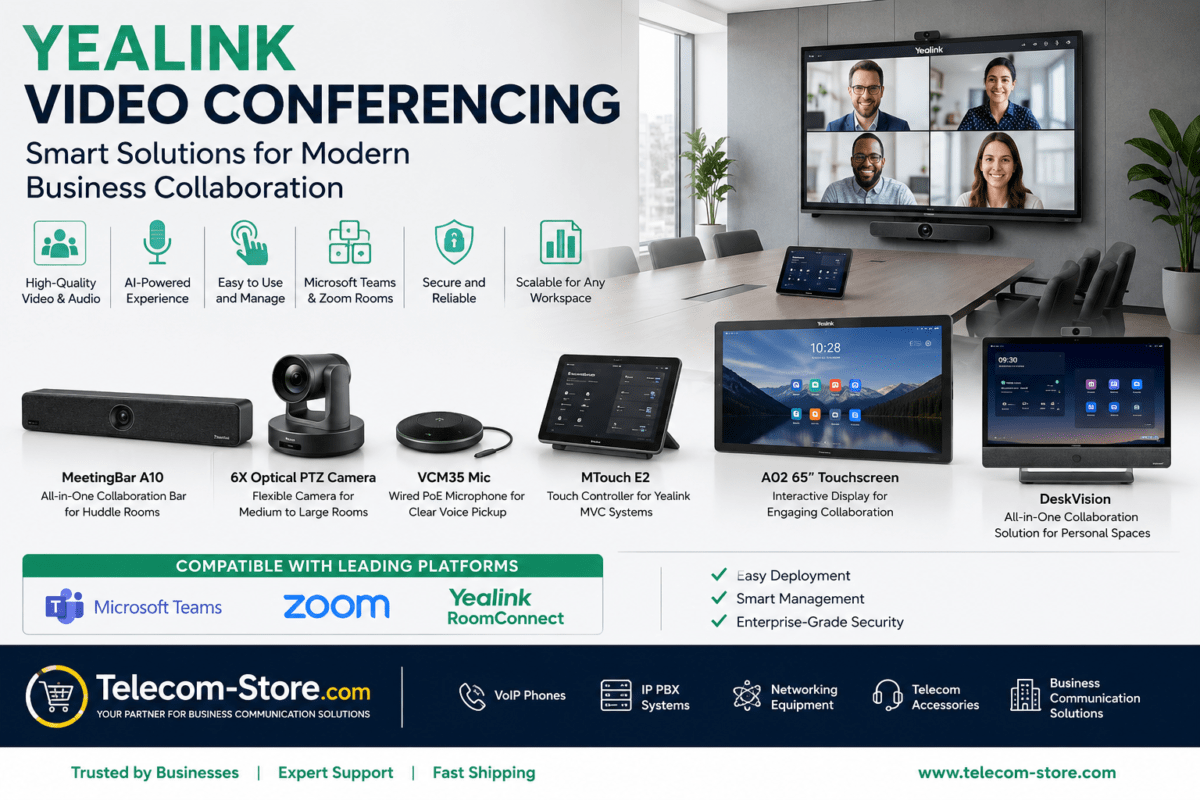
Teams/Zoom Rooms, video conferencing, BYOD desk setups |
| Retail/Warehouse |
Cat6 or Cat5e, wall-mount patch panel, jacks, industrial J-hooks |
Cat6 preferred* |
Point of Sale, IP cameras, rugged environments |
*Cat5e may be allowed by code for legacy devices, but Cat6 is the safe bet for PoE/VoIP and future needs.
What Makes ICC Network Cabling Gear Unique?
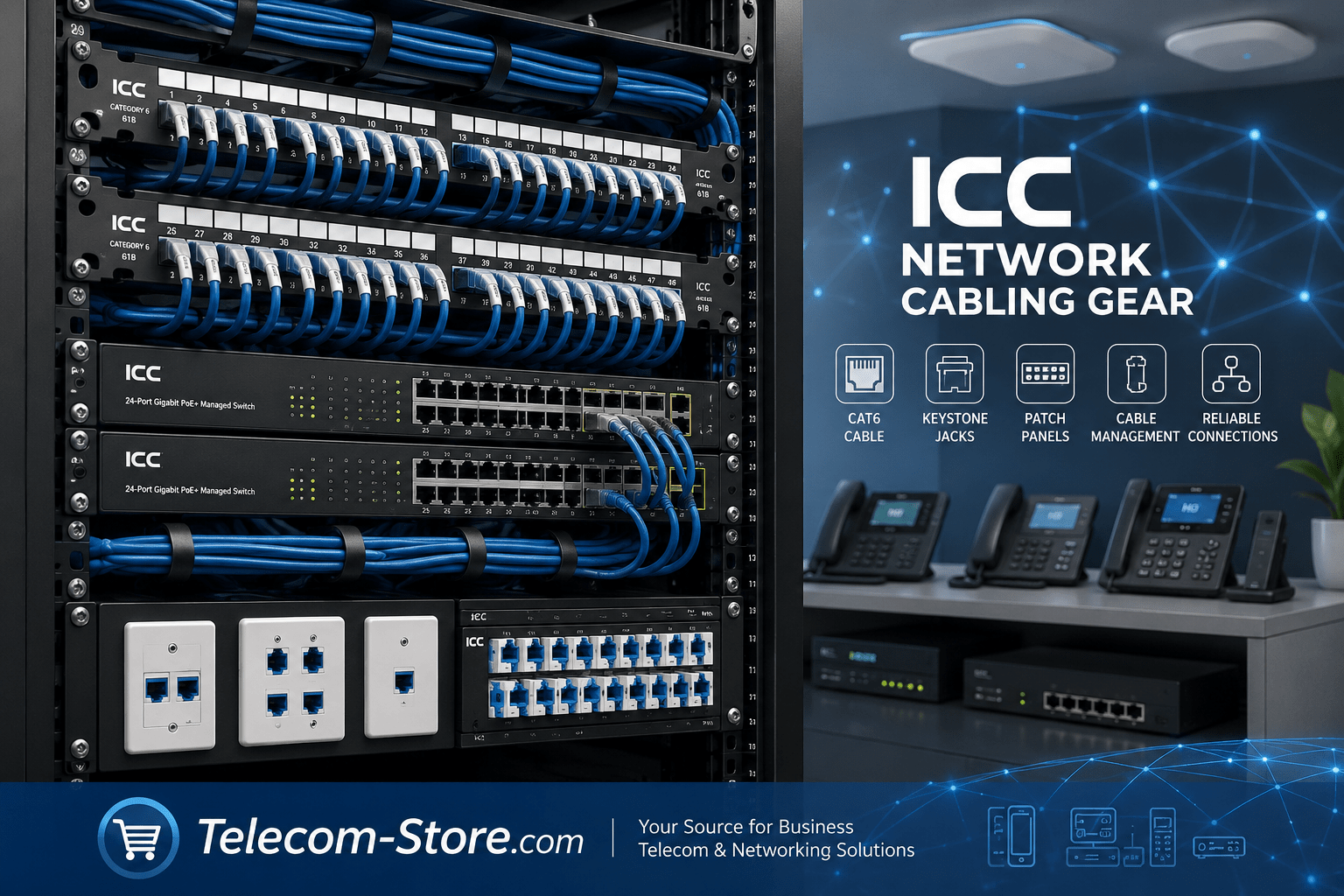
ICC focuses on quality structured cabling, not active electronics. Their lineup covers:
Unlike some generic products, ICC’s pieces are designed to fit tightly together, reduce electrical crosstalk, and handle office redeployment—key features when you want your investment to be trouble-free for years.
Why Structured Cabling Still Matters for Business — Even in 2026
Your Wi-Fi, cloud PBX, video rooms, and smart office sensors all rely on a wired physical backbone. Quality structured cabling:
- Reduces troubleshooting headaches
- Keeps office layouts flexible and easy to reconfigure
- Supports VoIP, PoE, and growing bandwidth—with fewer upgrades later
- Makes future device installation (like next-gen wireless access points) a ‘plug-and-play’ task
Many remote or hybrid offices in 2026 are seeing cable demands rise again—powering more wireless APs, cameras, and conference systems. ICC’s structured networking gear helps your office keep up without frequent rewiring or surprise downtime.
Common ICC Cabling Products Explained
- Cat6 Cable: Your standard run for VoIP, PCs, printers, Wi-Fi APs. Often plenum-rated for office safety. Check Cat6 CMR PVC cable for typical business jobs.
- Keystone Jacks: Used both at the patch panel and at the wall. High-quality jacks, like the ICC Cat6 HD Keystone Jack, keep the whole link up to spec.
- Patch Panels: Let you label, swap, and troubleshoot cable runs without risking damage. Choices like the 48-port HD patch panel are essential in racks, while space-saving vertical 12-port options fit small install spaces.
- Faceplates: Protect connections at user desks and keep things clean. Modular ports help IT change configurations later without new faceplates.
- Cable Management: J-hooks, lacing bars, and D-rings organize, space, and protect—keeping airflow and making it easy to trace cables later.
How ICC Structured Cabling Powers VoIP, PoE, and Modern Office Tech
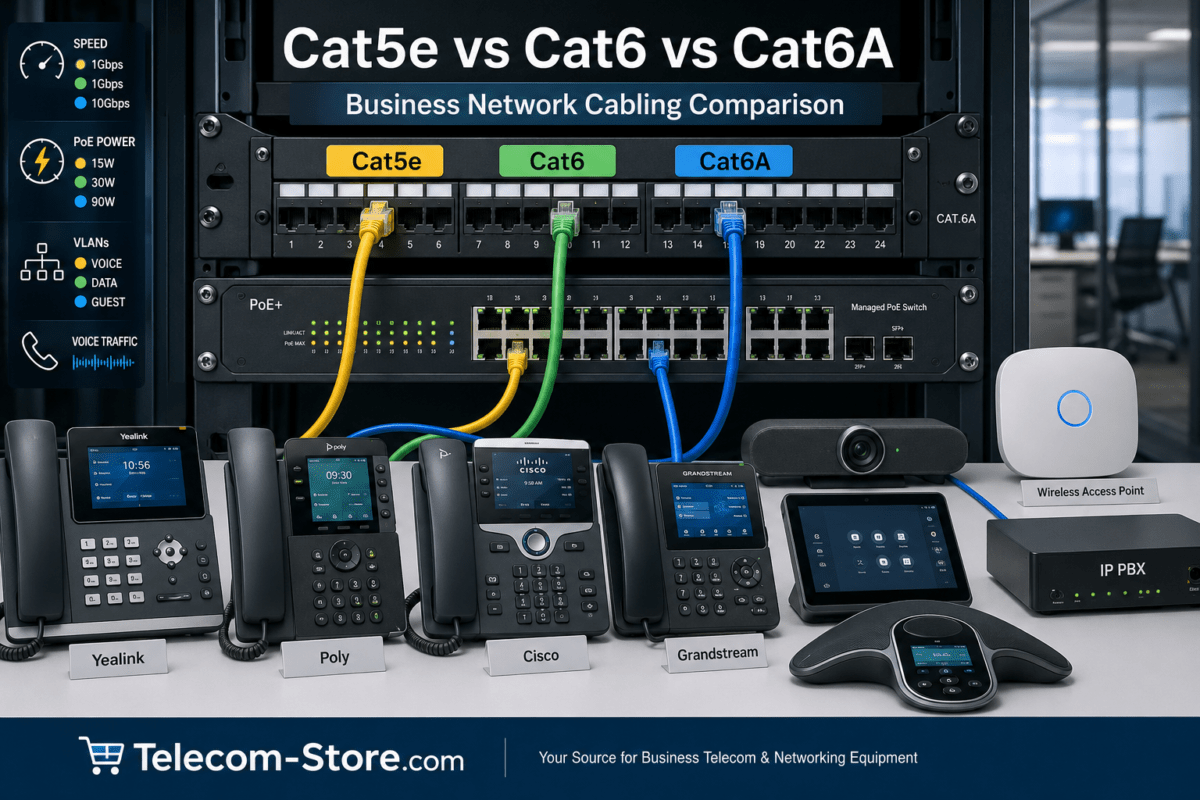
Virtually every major VoIP phone—from Yealink, Poly, or Cisco—as well as video conferencing endpoints and IP PBX systems depend on consistent, high-quality cabling. Packet loss, random call drops, echo, or failed PoE delivery are most often traced back to problems in patching or wiring—not the network hardware itself.
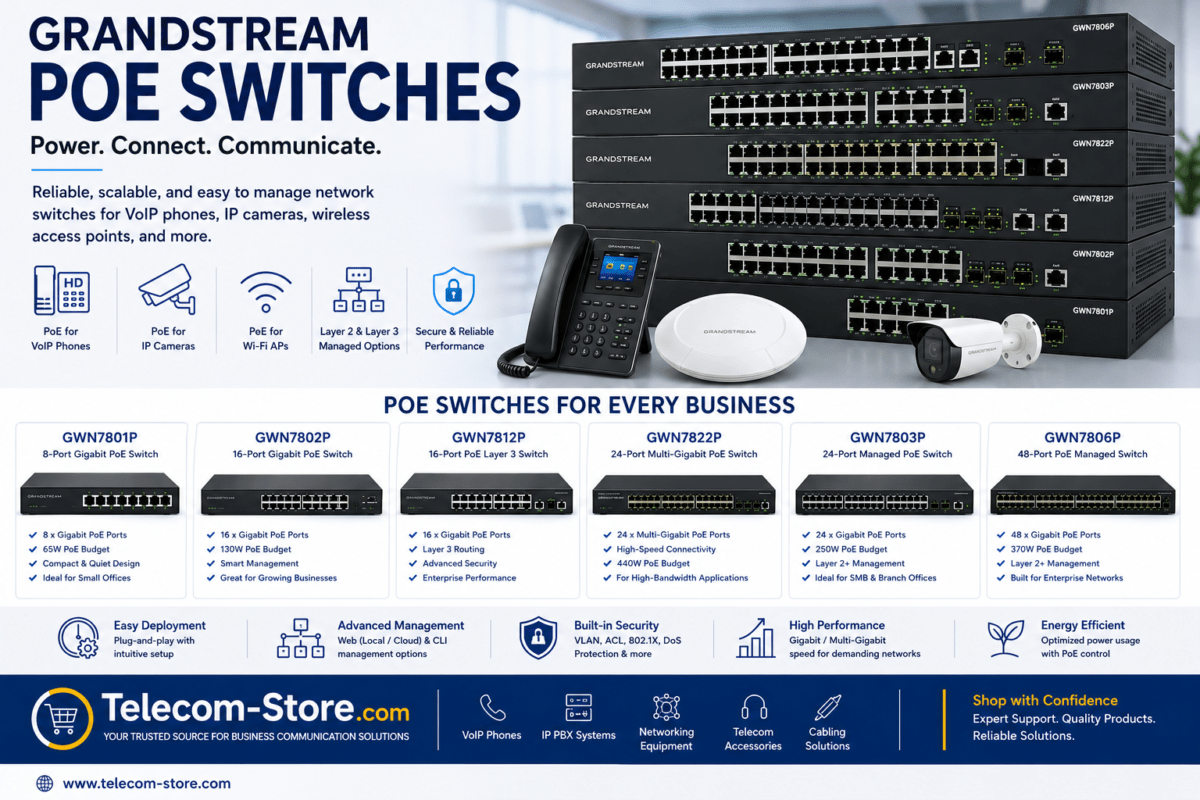
If you plan to use Power over Ethernet (PoE) for your desk phones, ceiling speakers, or smart cameras, correct gauge Cat6 (not thinner audio or telephone wire) keeps voltage drops and trouble tickets at bay. Paired with a modern PoE switch, ICC cabling is fully ready for office automation.
Buyer Setup and Selection Tips
- Stick with Cat6 for new runs. Cat5e works for legacy, but Cat6 gives you headroom for more devices and faster office Wi-Fi upgrades.
- Plan for the future. Add two drops per desk and extra for possible equipment. It’s more cost-effective to run extra cable now than open walls later.
- Match components. All patch panels, jacks, and patch cords should be Cat6-rated if the backbone is Cat6.
- Use labeling and cable management to prevent confusion and save time as new staff or tenants move in and out.
Compatibility: ICC Works with All Major Devices
Properly installed ICC structured cabling is universal—it works with all major SIP phones, IP PBX systems, Wi-Fi 6/6E access points, conference phones, and nearly every business switch.
Want extra security or guest Wi-Fi? Pair ICC cabling with managed switches to enable VLANs and traffic control. Need lots of endpoints (phones and video traffic)? Network switches supporting QoS will help prioritize voice calls over background computer traffic.
Things to Check (and Mistakes to Avoid) When Choosing Structured Cabling
- Don’t mix cable grades (Cat5e and Cat6) in the same run or between patch panel and endpoint.
- Every component—jacks, patch panels, patch cords—should match the main cable type and rating.
- Leave enough slack and avoid overtight bends. Cat6 is thicker, needs gentler turns for maximum data speed.
- Unused ports? Install blank inserts or keep them closed to prevent dust and interference.
- Always test cables post-install. Certification testers can catch swapped pairs or bad crimps before costly network slowdowns show up.
- If using PoE, ensure your switch can handle total power draw (watts) for every device.
- Label every run and document ports. This will save hours of confusion and troubleshooting later.
Best Practices for ICC Structured Cabling Installations
- Map cable paths in advance, away from high-voltage electrical conduits and sources of interference.
- Do not exceed recommended cable lengths (generally 100m/328ft per run).
- Support cables every 4-5 feet with J-hooks or trays to avoid sagging.
- Terminate and test each run before patching into live switches. Use a tone generator or network certifier as appropriate.
- Use patch panels for all horizontal cabling—never punch cable directly into switches.
- Record Mac/port documentation for easy moves/additions later.
Related Telecom Gear for a Complete Office Network
Frequently Asked Questions
What do I need to start with ICC network cabling gear?
Most small to midsize business projects begin with Cat6 cable, keystone jacks, patch panels, and matching faceplates. Add cable management (J-hooks, trays) for easier maintenance, and size your components based on the number of devices and work areas planned.
Will Cat6 cable and ICC gear support future upgrades?
Yes, Cat6 is rated for Gigabit and multi-Gigabit connections and PoE. Using all Cat6-rated ICC accessories means your network can handle new phone models, faster Wi-Fi, or video traffic in the years ahead—just swap switches or endpoints as needed.
Does ICC cabling work with VoIP phones and PoE?
Yes, as long as the installation is neat and you check that your switch supports PoE for your device count. ICC Cat6 cable safely powers phones, APs, IP cameras, and more.
How do I avoid network issues from cabling mistakes?
Avoid tight bends, poor termination, and mixing cable types. Always test every cable, keep detailed labels, and use ICC-certified panel and jacks rated for your cable grade. Keep network runs away from electrical lines where possible.
Do I need a managed switch with ICC structured cabling?
No, but it is a smart move for any business with VoIP or work-from-anywhere requirements. Managed switches allow for VLANs, bandwidth control, and much easier troubleshooting.
Summary: ICC Cabling Is the Foundation for Office Network Success
Spend the time choosing the right structured cabling and your office will see fewer support calls, faster upgrades, and better reliability as your needs grow. ICC’s family of professional-grade cables, connectors, patch panels, and management tools are proven in offices large and small. Combine quality wirework with compatible managed switches and business-grade PoE, and your network will support everything from daily VoIP calls to high-powered video conferencing—today and as new business technologies arrive.