Yeastar 4G LTE Gateways: Practical Backup & VoIP Connectivity for Business Buyers
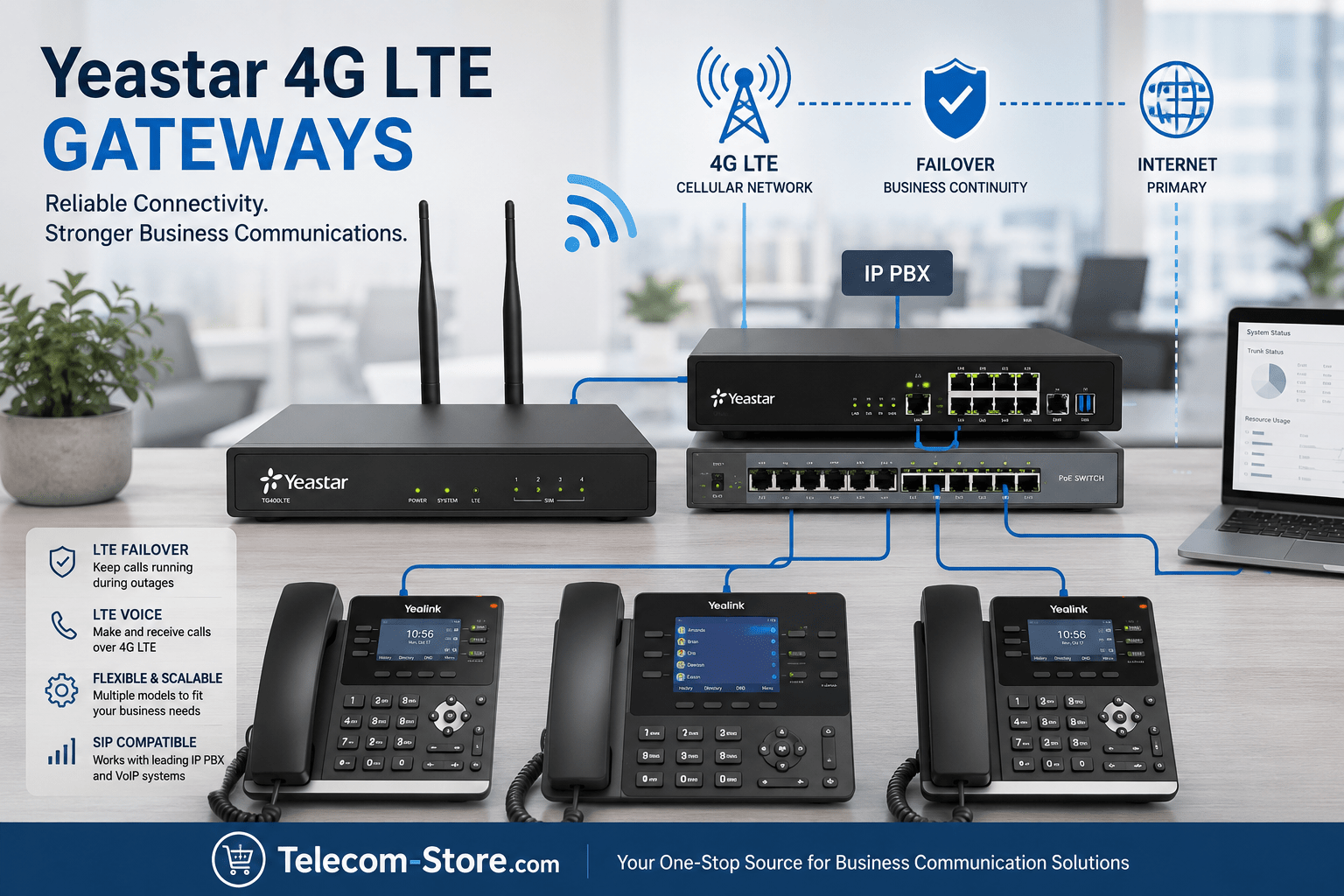
A Yeastar 4G LTE Gateway helps businesses stay connected even when wired internet is disrupted. It routes calls via the LTE cellular network, works with your existing SIP-based IP PBX, and gives a straightforward upgrade path for companies expanding to new sites or ensuring continuity. If you’re searching for a cellular solution to keep your office or branches online, these gateways provide a tested answer with model options for every business size.
Model Comparison: Yeastar LTE Gateways for Business Deployments
| Model |
SIM/Channels |
Best For |
Main Features |
Product Link |
| TG200LTE |
2 SIM
2 channels |
Small offices, remote sites, dual carrier backup |
Dual SIM, compact, LTE failover, SIP trunking |
TG200LTE info |
| TG400LTE |
4 SIM
4 channels |
Growing businesses, branch sites |
Up to 4 calls, flexible routing, web admin |
TG400LTE info |
| TG800LTE |
8 SIM
8 channels |
Larger firms, call centers, multi-department |
High capacity, SMS web control, remote admin |
TG800LTE info |
| EC25A LTE Module |
Module (1 channel) |
Direct S-Series IP PBX integration |
Internal module—no external device |
EC25A info |
Understanding Yeastar 4G LTE Gateways
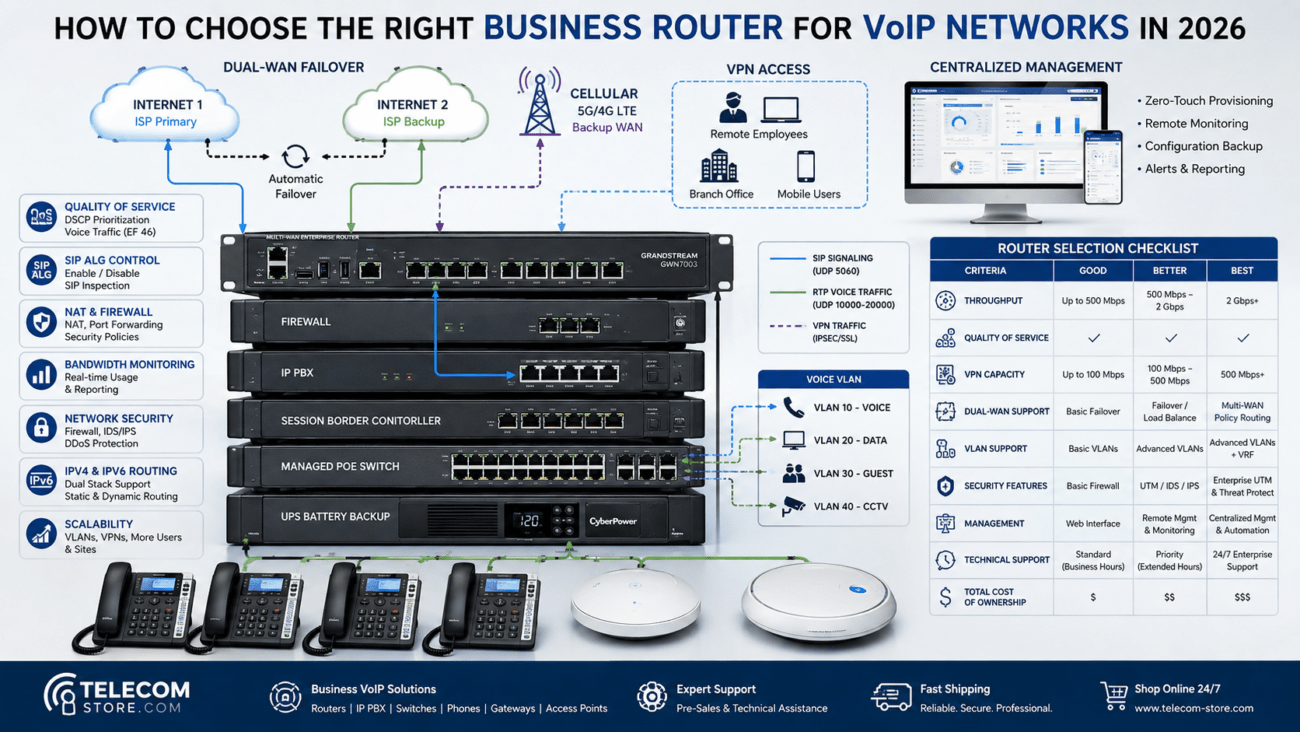
Businesses increasingly expect their phone systems to stay up, even if the internet connection is lost. Yeastar LTE gateways answer this by bridging your VoIP PBX to LTE networks—whether as a backup, temporary main voice line, or even for cost control when managing call routing.
An LTE gateway registers with your office’s SIP phone system, then uses SIM cards to connect with your mobile carrier like a cell phone. Calls can travel automatically over LTE if your broadband is interrupted or unavailable—your desk phones and VoIP phones don’t need any special changes.
Who and Where LTE Gateways Help Most
- Companies in unreliable broadband areas or rural offices
- Retail, construction, or pop-up sites with no wired line
- Businesses needing disaster recovery or backup voice
- Branch offices connecting to HQ via cellular failover
- MSPs supporting multiple customer sites from a distance
LTE is not tied to a specific building, so you can move a gateway and keep the same business phone number active wherever coverage exists.
How a SIP LTE Gateway Works in Practice
The gateway sits on your local network and interacts with your PBX or hosted IP PBX system over SIP. When you make or receive calls, the gateway decides whether to use your wired network or LTE based on your rules or outage status. This means users keep their dialing habits and phone hardware, and IT manages everything with web-based tools.
Why Businesses Choose Yeastar LTE Gateways
Continuity and Failover That Works
If high-availability matters for customer calls—like sales, support, or urgent service departments—a Yeastar LTE gateway ensures that your phones ring even if your landline circuit is damaged, under repair, or during a regional internet outage. Calls do not drop; they just shift automatically to LTE so your staff keep serving your clients.
Simple Deployment—No Large Buildouts
For temporary or expansion offices, LTE gateways provide immediate voice service without waiting for ISP installations or dealing with legacy copper lines. Just connect to power and Ethernet, insert a SIM, and configure SIP. Works especially well when paired with a reliable network switch. For offices moving or growing fast, this flexibility keeps teams operational.
Efficient SIP and PBX Compatibility
Yeastar LTE gateways support open SIP, so you can link them to Yeastar PBX, FreePBX, Asterisk, 3CX, Grandstream, and many other SIP-enabled platforms. They are not locked in—you can mix brands or migrate in future without replacing the LTE hardware. Desk phones from leading vendors (e.g., Yealink, Poly, Cisco) integrate smoothly after SIP trunk setup.
Features That Matter When Selecting an LTE VoIP Gateway
Channels and SIMs: How Many Calls?
Each port/channel supports one simultaneous call. Small offices do well with 1 or 2 channels. As your team expands, the model with 4 or 8 ports offers more options and future flexibility. If you regularly hit maximum channel use, consider adding ports for smooth service, especially for customer-facing teams.
Dual SIM for Carrier Flexibility
Certain models let you install two SIMs per channel, improving redundancy or letting you pick the best carrier plan month-to-month. This helps avoid downtime from a single carrier outage or local congestion.
SMS Features
Some gateways offer integrated SMS: web-based tools to send/receive texts from your main business numbers, all from your office PC browser. Handy for alerts, customer communication, or verification codes in sectors like logistics or retail.
Remote Management Made Simple
Modern IT teams expect remote control. All key Yeastar LTE gateways provide secure web interfaces—making remote setup, updates, network diagnostics, and SIM administration straightforward. Especially useful for organizations handling multiple branches or for MSPs managing distributed customer offices.
Recommended Yeastar 4G LTE Gateway Models
This dual-SIM device is ideal for mobile teams, temporary sites, or smaller offices needing basic redundancy and LTE backup. Its compact form factor makes it easy to deploy in tight areas, equipment racks, or as a pop-up solution.
Perfect for organizations with 2–4 active phone lines—or anticipating growth. Its four LTE channels cover most branch offices, retail locations, and midsize business environments, balancing cost and call capacity.
Designed for larger offices, departments, or call-heavy environments. The eight LTE ports support multi-team voice operations, inbound call centers, or businesses operating multiple shifts—all while centralized web control ensures IT keeps visibility and rapid support in emergencies.
If you run a Yeastar S-Series PBX, you can add LTE capabilities internally with this module—no external gateway hardware needed. This keeps your rack neat, simplifies cable runs, and suits IT teams that prefer tightly integrated solutions.
For broader consulting or deployment help, Axion Communications can guide setup and integration for more complex organizations or MSPs.
Choosing and Setting Up a Yeastar LTE Gateway
Step-by-Step Advice
- Verify compatibility: Your PBX should support SIP trunking (all modern VoIP and most legacy upgraded systems do)
- Check LTE carrier support: Make sure your SIMs operate in your country and location (coverage and supported carriers may differ by model)
- Estimate channel needs: How many voice calls do staff make at your peak?
- Plan network placement: Place gateways where cellular signal is strong; avoid deep basements or shielded rooms unless you use external LTE antennas
- Configure SIP and network: Assign static IP if possible, update firewall rules, set up necessary trunks/routes in your PBX
- Update firmware: Install the latest firmware to address carrier-specific tweaks and feature updates
- Test end-to-end: Complete a full internal call, inbound and outbound external test, and failover simulation for peace of mind
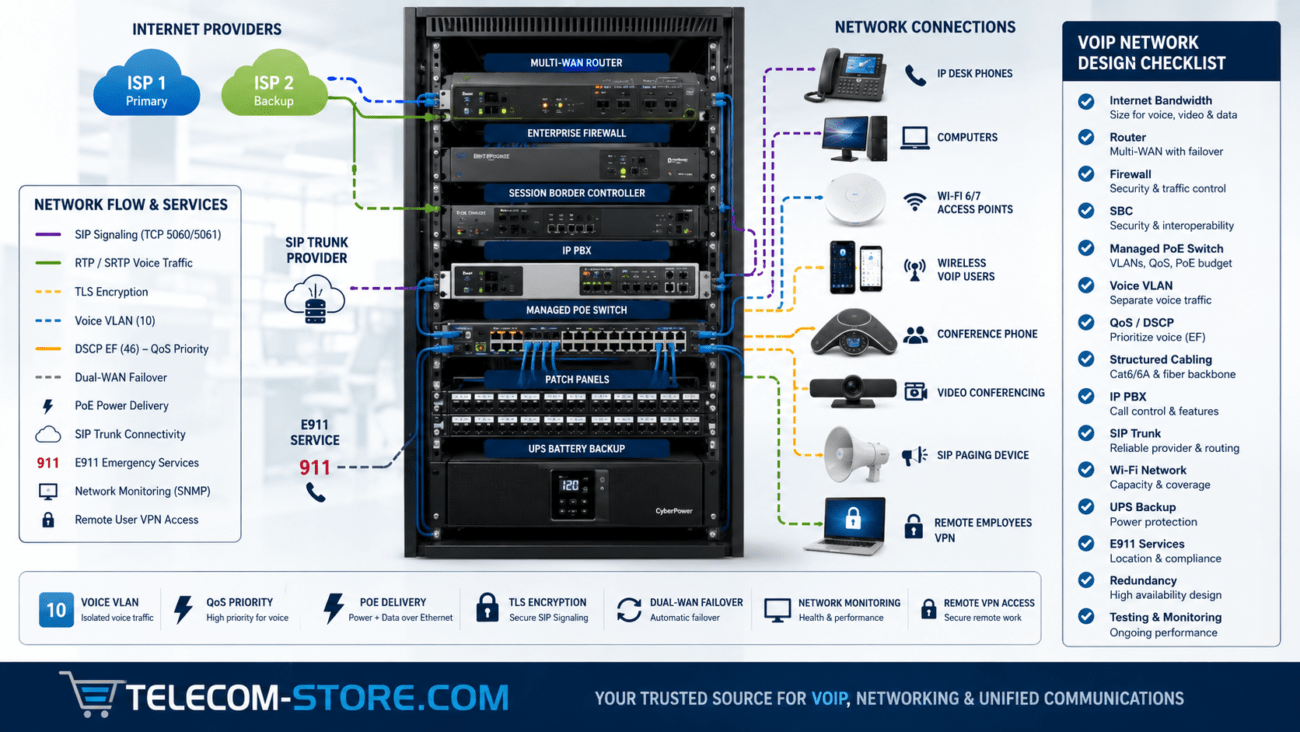
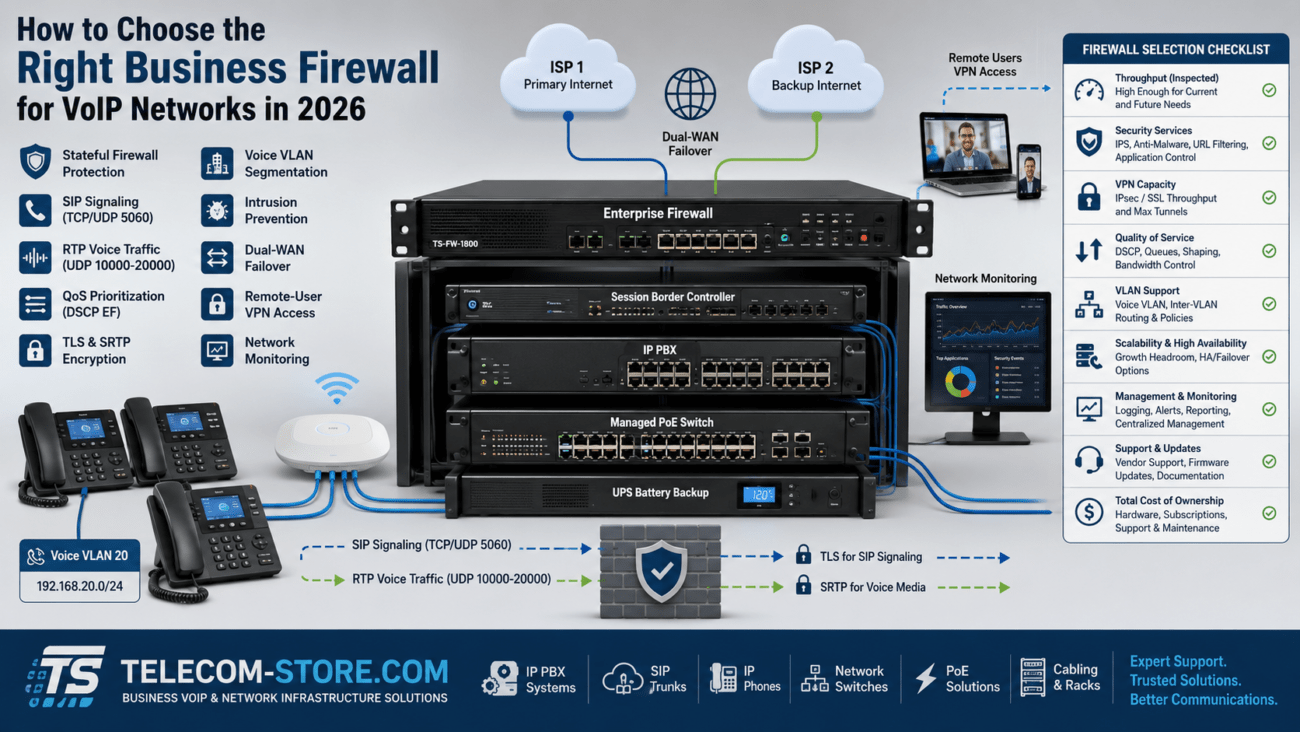
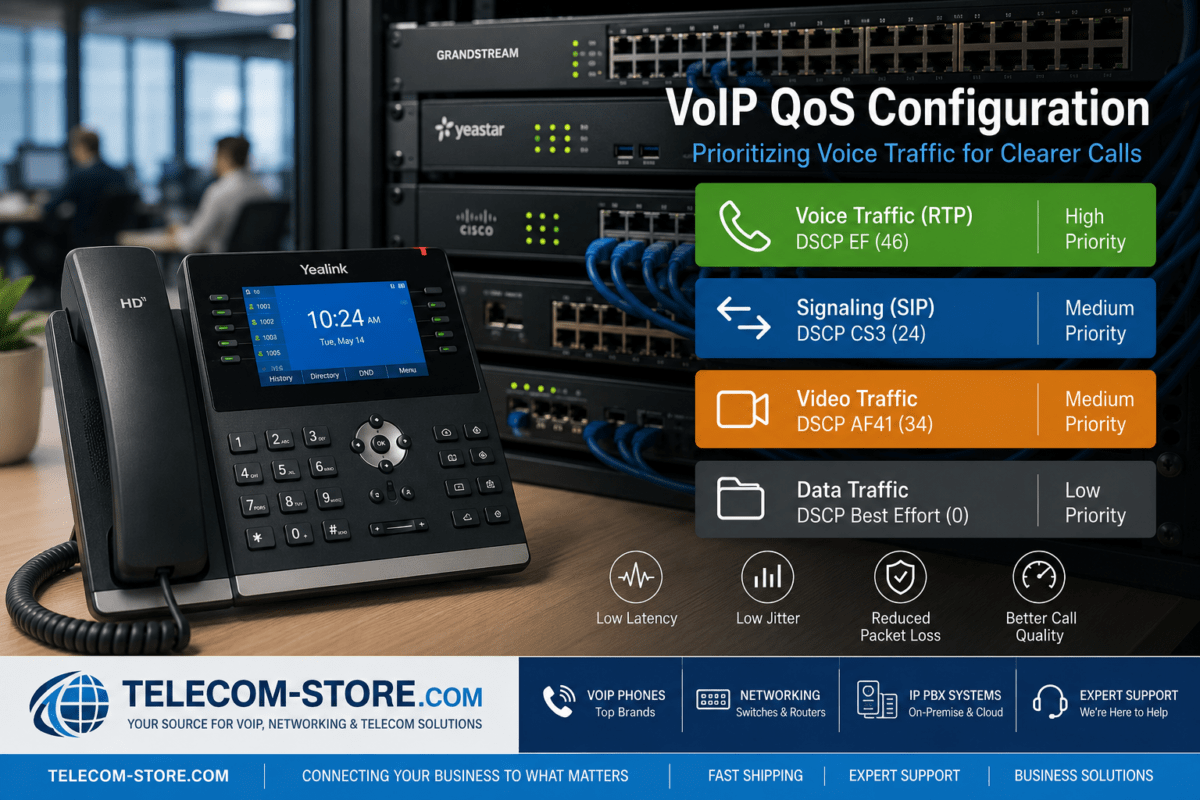
If you use managed switches or VLANs for VoIP, double-check QoS and port settings for voice priority and reliable SIP communication.
Compatibility: What Works with Yeastar LTE Gateways?
- SIP-enabled IP PBX systems: Yeastar P-Series/S-Series, FreePBX, Asterisk, 3CX, Grandstream UCM, more
- VoIP desk phones and SIP-enabled handsets (Yealink, Cisco, Poly, etc.)
- Standard Ethernet LAN—connect via gigabit switches or dedicated VoIP VLANs
- Works in both single-site and multi-site business phone networks
Limitations and Buyer Mistakes to Avoid
- Don’t underestimate call load: Buying a 1–2 channel model for a busy office can lead to busy signals or failed calls during peak periods
- Check local LTE: Poor signal reduces call quality—test in your office before large-scale deployment, add antennas if needed
- Plan for SIM and carrier management: Multi-site firms may benefit from carrier plans that bundle multiple SIMs or offer pooled minutes/data
- Don’t ignore firmware: Carriers update their specs; updating firmware ensures best compatibility and security
- Single point of failure: For absolute reliability, some businesses deploy both broadband and multiple cellular gateways (ideally on separate carriers/SIMs)
Who Should Buy Which Model?
Small Offices & Pop-Ups
For low call frequency, a TG200LTE keeps investment minimal while still delivering real redundancy. Pop-up retail, mobile clinics, or event teams also benefit from this simple, compact solution.
Branch & Growing Offices
The TG400LTE is a solid “main office” choice—room for future hiring and moderate traffic without overspending.
High Call Volume / Call Centers
TG800LTE is the go-to for contact centers, hotels, busy retail, or head offices with departments sharing a single VoIP system. The added remote admin and SMS features help IT teams stay in control from anywhere.
Existing Yeastar S-Series PBX Users
Opt for the EC25A module—it’s neat, efficient, and maximizes rack space (with direct integration and one less box on the shelf).
Conclusion: Making The Right Gateway Choice
Yeastar 4G LTE Gateways are a proven choice for businesses aiming to blend reliability, flexibility, and future-proofing into their phone systems. Whether for failover, rural offices, or rapid site deployment, these gateways fit many use cases and integrate easily with most office SIP and VoIP setups. Planning your channels, verifying compatibility, and ensuring solid local LTE signal will streamline your rollout and protect your communications investment.
To further strengthen your deployment, pair LTE gateways with the right network switches and modern VoIP phones.
Frequently Asked Questions
What business problems does a Yeastar 4G LTE Gateway solve?
A Yeastar LTE gateway gives you phone access when the internet is down or unavailable, supports disaster recovery planning, and provides reliable main/backup voice for remote, rural, or construction environments without fixed line service.
How do I choose between the TG200LTE, TG400LTE, and TG800LTE?
Select based on concurrent callers: TG200LTE for up to 2 users, TG400LTE for up to 4, and TG800LTE for heavy calling (up to 8 channels). Always factor in growth—a little extra capacity prevents costly upgrades next year.
Are Yeastar LTE gateways easy to set up with my PBX?
If your PBX supports SIP trunking (as most do), setup is straightforward. You’ll configure SIP credentials, insert SIMs, and do a few inbound/outbound tests—no deep telecom expertise needed.
Can I use a Yeastar LTE gateway as the backup for VoIP if my internet goes down?
Yes. It’s a main use case—calls will switch over to LTE when your primary broadband fails, keeping all users and departments reachable.
Will my VoIP desk phones work with a Yeastar LTE gateway?
Absolutely, as long as they’re SIP-compatible. Standard brands like Yealink, Poly, Cisco, and Grandstream are all supported via SIP trunk on your PBX.