Choosing the Right Grandstream PoE Switch for Your Network
If you are setting up or expanding your business network, Grandstream PoE switches make it easier to connect and power devices like VoIP phones, security cameras, access points, and conference endpoints—all through a single network cable per device. Here’s how to decide which model fits your space, and what to check before buying.
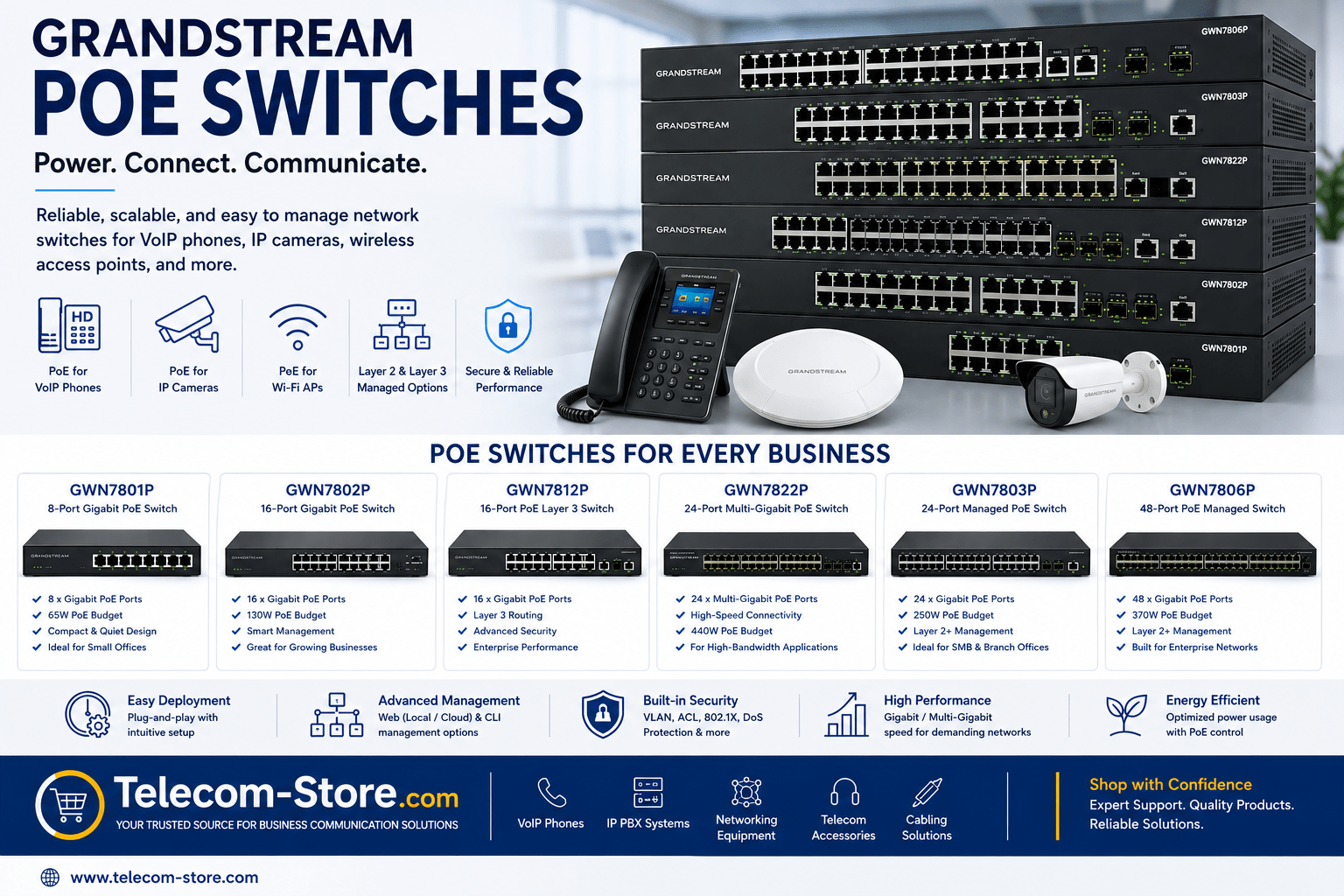
At a Glance: Grandstream PoE Switch Comparison
| Model |
Ports |
PoE Power Budget |
Layer |
Best for |
| GWN7801P |
8 |
60W |
2 |
Small offices, remote locations |
| GWN7802P |
16 |
120W |
2 |
Retail, branch offices, clinics |
| GWN7803P |
24 |
180W |
2 |
Growing businesses, healthcare, education |
| GWN7806P |
48 |
360W |
2 |
Enterprise, large offices, distribution centers |
| GWN7812P |
16 |
240W |
3 |
Offices needing inter-VLAN routing |
| GWN7822P |
24 |
300W |
2 |
High-bandwidth, Wi-Fi 6/6E networks |
What Makes Grandstream PoE Switches Useful for Business?
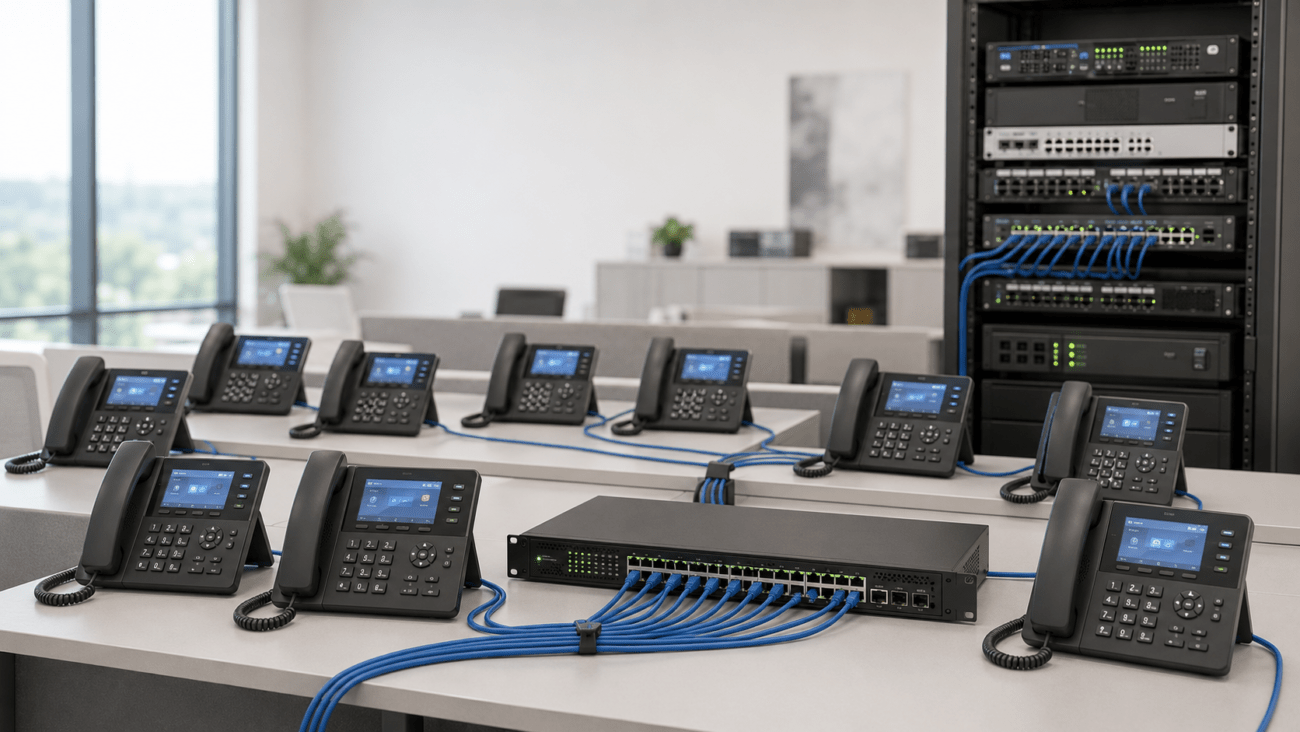
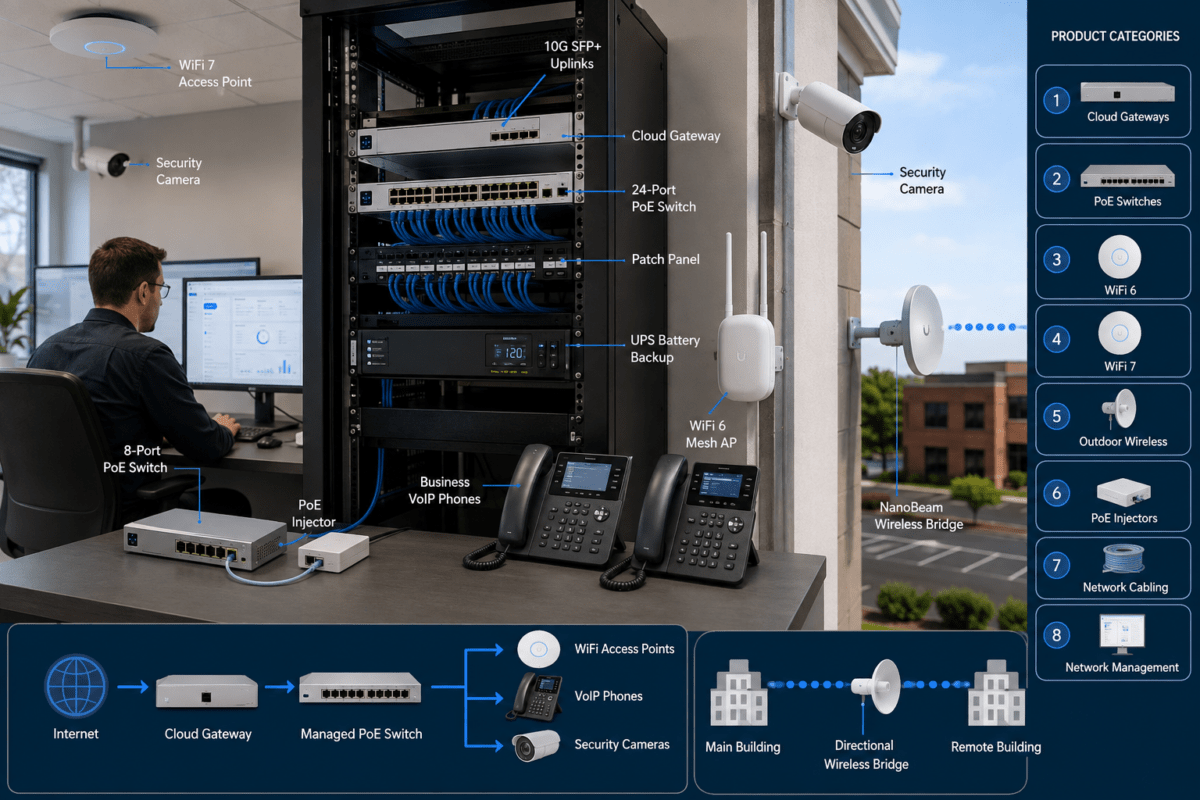
Grandstream PoE switches combine network data and electrical power on the same cable, eliminating the need for power outlets at every device location. This cuts installation time and makes managing offices, schools, or healthcare facilities simpler. These switches are compatible with VoIP phones, IP cameras, wireless access points, and more. If you run unified communications, they work especially well with Grandstream or other VoIP phones and modern IP PBX systems.
Managed vs. Unmanaged: What Should You Choose?
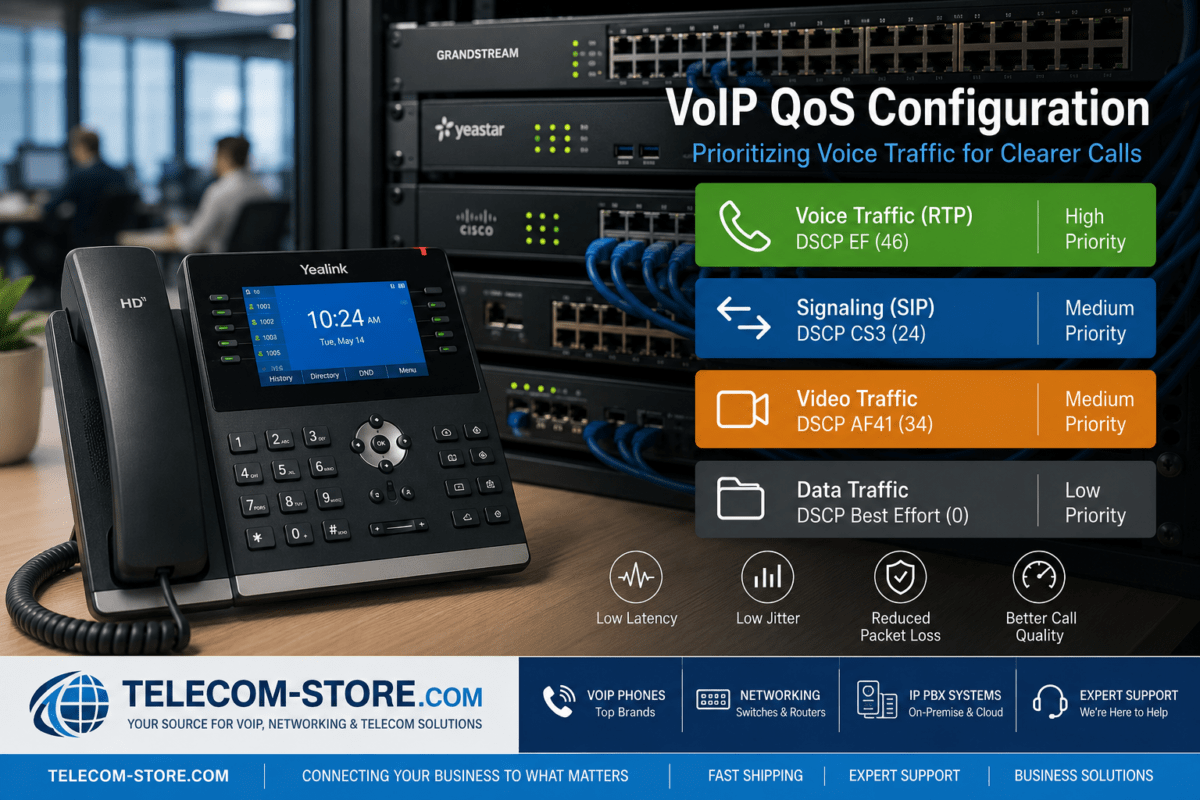
- Managed PoE switches offer VLANs, port controls, Quality of Service (QoS), and monitoring—helpful for protecting voice quality and video calls, or separating office departments.
- Unmanaged switches are best if you just want plug-and-play connections, but you’ll have less control over performance or security.
You can find both managed and unmanaged network switches and PoE switches on Telecom-Store.com.
Grandstream PoE Switches: Use Cases by Office Size
Small Offices & Branches
The 8-port GWN7801P or 16-port GWN7802P are ideal where space and budget are tight. These have enough power for a handful of phones, a door camera, and access points. They also fit well in small racks or under desks.
Mid-Sized Business & Retail
Need to connect 10–20 users, multiple VoIP phones, and IP cameras? The 24-port GWN7803P has room to grow, and QoS controls help keep calls and surveillance smooth even during busy hours.
Large Office & Enterprise
Offices with 30+ users, multi-floor layouts, or demanding video conferencing benefit from the 48-port GWN7806P or multi-gigabit GWN7822P. These support high-density deployments, Wi-Fi 6/6E APs, large paging systems, and video endpoints with plenty of power for each device.
Advanced Segmentation with Layer 3 Models
If your IT environment calls for routing between different network segments or departmental VLANs, look at the GWN7812P Layer 3 switch. This fits organizations with multiple subnets or advanced traffic control needs.
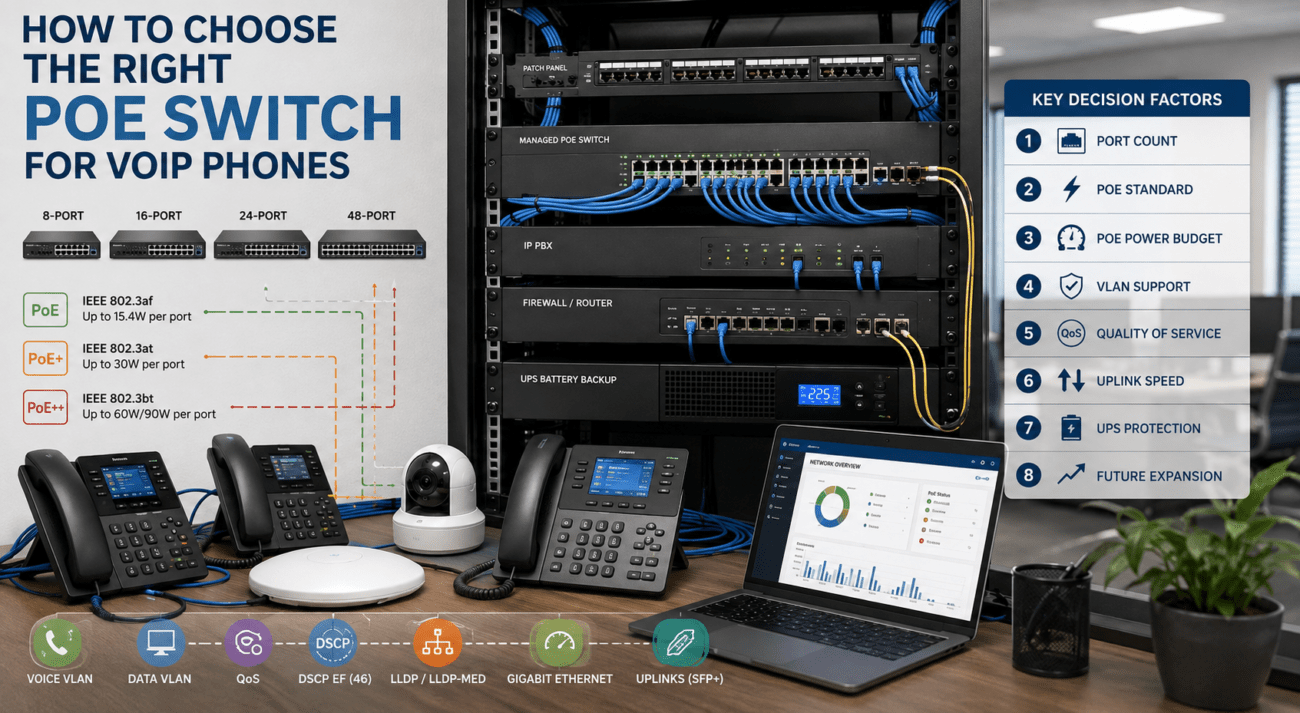
Buyer Tips: What to Check Before You Buy
- Port Count: Tally your VoIP phones, access points, cameras, and leave headroom for growth.
- PoE Budget: Add up device wattage to ensure your switch’s power budget will handle everything simultaneously; budget higher for pan-tilt-zoom cameras or Wi-Fi 6 APs.
- Management Needs: Determine if you want basic plug-and-play or advanced network control.
- Bandwidth: Standard gigabit is sufficient for many offices, but multi-gigabit helps where Wi-Fi 6/6E or heavy video/file traffic is expected.
- Rack & Power: Make sure your switch fits your equipment rack and that you have suitable cooling and power backup for uninterrupted operations.
Common Mistakes to Avoid
- Underestimating future device growth—choose a model with some spare ports and PoE budget.
- Mixing PoE and non-PoE switches incorrectly—always check compatibility for devices.
- Not planning for remote or VLAN management if you’ll need separate network segments later.
- Overlooking backup power—use a UPS to maintain PoE for phones/cameras during outages.
Compatibility & Integration
Grandstream PoE switches support nearly any standard SIP phone, IP camera, wireless AP, paging system, or video endpoint. For best results, confirm IEEE 802.3af (PoE), 802.3at (PoE+), or 802.3bt (higher power) compatibility with your endpoints. These models integrate easily into mixed-brand networks and work with popular VoIP phones, conference phones, IP PBX systems, and video conferencing equipment.
Explore More Networking Options
Frequently Asked Questions
- How do I choose the right Grandstream PoE switch for my office?
- Match your device count to port availability and PoE power budget. Consider management needs and future growth. Small offices typically use 8–16 ports, while growing or multi-floor operations use 24–48 port switches. Choose Layer 2 for basic management or Layer 3 for advanced routing.
- What’s the main benefit of managed PoE switches?
- You can set traffic rules, segment departments with VLANs, and monitor device health—helpful for VoIP calls, security, and remote sites.
- Are Grandstream PoE switches compatible with non-PoE devices?
- Yes. Non-PoE ports won’t be powered, and the switch safely detects which devices need power.
- Can I use Grandstream switches with VoIP phones that aren’t Grandstream?
- Yes, PoE follows the IEEE standard, so switches power any compliant VoIP endpoint, including Yealink, Poly, and Cisco SIP phones.
- Do I need multi-gigabit switches?
- If your office uses Wi-Fi 6/6E access points or often transfers large video files, multi-gigabit switches help prevent slowdowns.
- How many IP cameras or phones can a switch power?
- Count each device’s max watt consumption and compare to the switch PoE budget. Leave overhead for device boot-up spikes and new devices you might add.
Want a networking quote or tailored advice? Contact us at Telecom-Store.com for support with your business network build and to discuss the right Grandstream PoE switch for you.