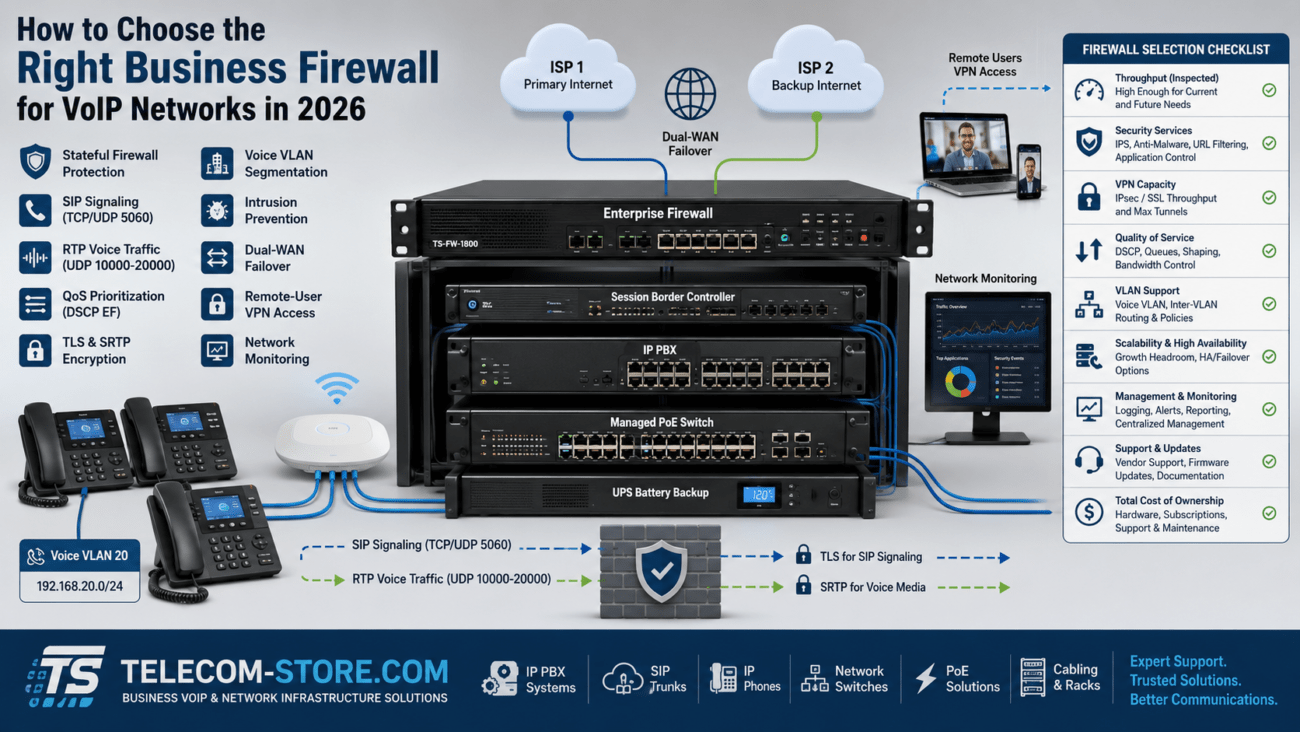
Find the Right Router Settings to Improve VoIP Call Quality
VoIP call quality depends as much on your router settings as on your internet speed or phone hardware. Even high-speed office internet can sound distorted or unreliable without careful setup. This guide cuts through jargon to show exactly which router settings make a difference, why they matter, and what to check if you’re still hearing dropped calls or echoes.
How to Get Reliable VoIP Calls: Answer for Buyers
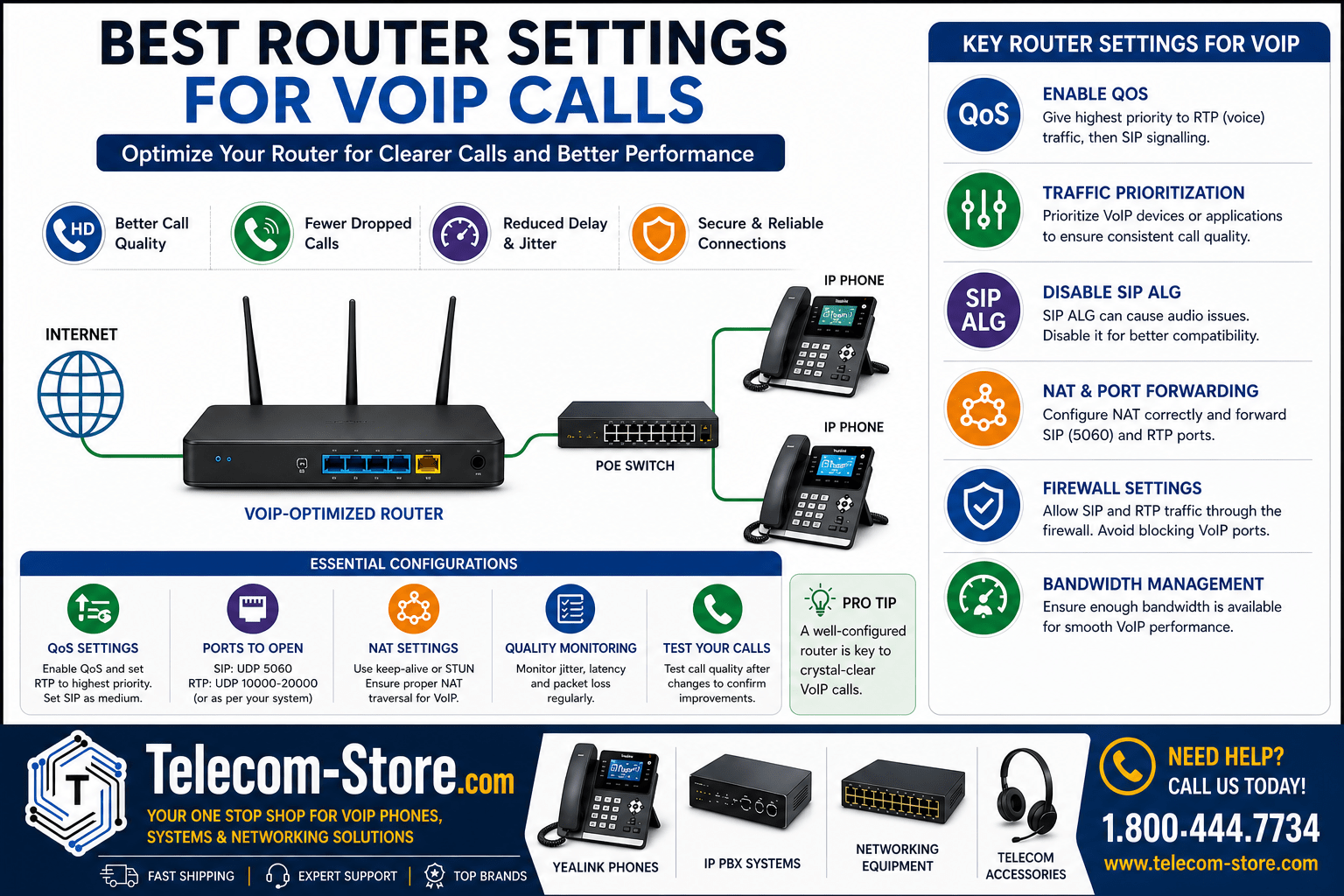
For most business buyers, the key router settings to focus on for VoIP are:
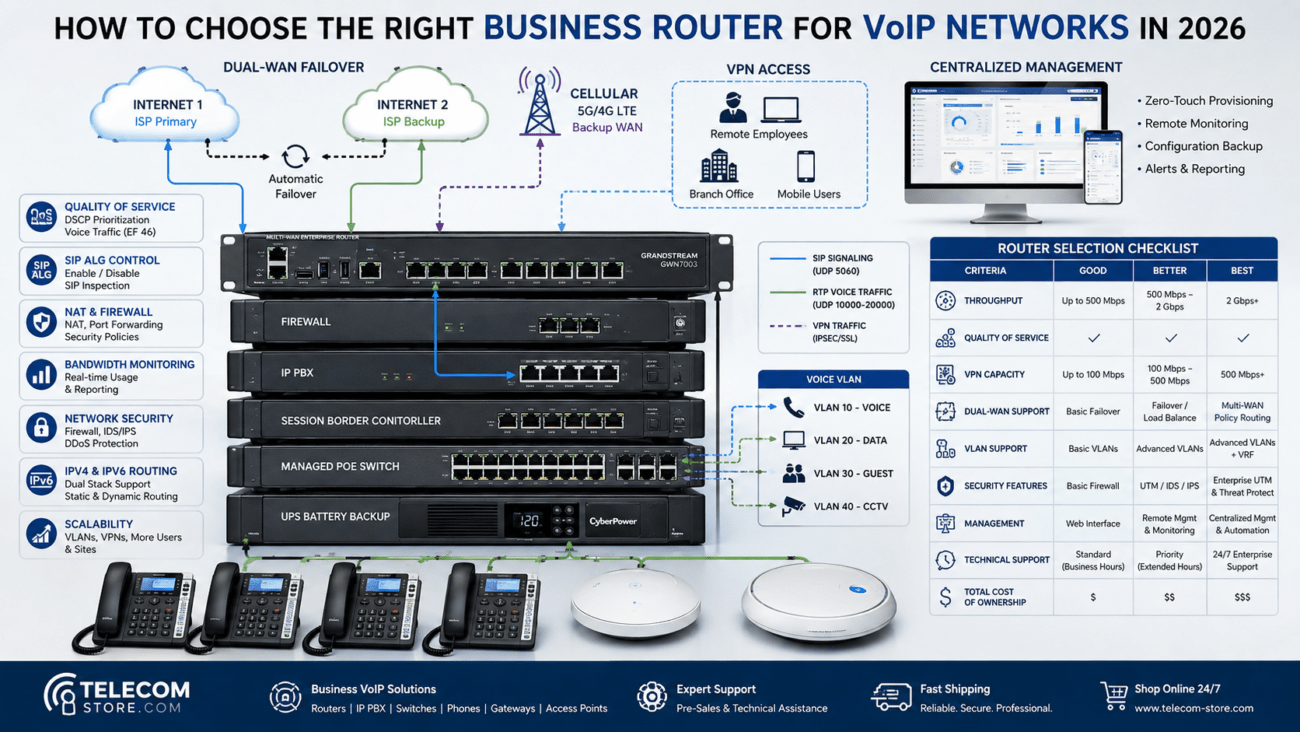
- QoS (Quality of Service): Prioritize VoIP packets so calls always get bandwidth, even during heavy network use.
- Disable SIP ALG: Prevents the router from interfering with SIP signaling, a common reason for one-way audio.
- Correct NAT settings & port forwarding: Allows voice and control data to flow between phones and your provider without blocking or delay.
- Open correct firewall ports: Ensures calls connect smoothly.
Check your router model for these features before buying (not all home or basic office routers support advanced QoS).
Router Settings for VoIP Calls: Quick Comparison Table
| Setting / Option |
What It Does |
Why It Matters |
Buyer Tip |
| QoS (Quality of Service) |
Prioritizes VoIP (RTP/SIP) packets over other traffic |
Reduces jitter, delay, and audio drops |
Look for per-port, per-device, or app-based QoS |
| SIP ALG (Application Layer Gateway) |
Processes SIP traffic, often incorrectly |
Can break call setup, cause one-way audio |
Disable it unless a VoIP admin recommends otherwise |
| NAT / Port Forwarding |
Maps internal phones to external network |
Allows proper call routing, prevents audio problems |
Forward correct SIP/RTP ports; use static IP if possible |
| Firewall Rules |
Permits SIP and RTP protocols through your router |
Stops calls from being blocked or delayed |
Open 5060 (SIP), 10000–20000 (RTP) as needed |
Why Router Settings Matter for Business VoIP
Voice calls rely on tiny data packets traveling in real-time. When a router treats VoIP traffic the same as a large file download or a YouTube stream, you may hear stutter, delay, or only one side of a call. Proper configuration separates your critical phone traffic from less urgent data.
Business routers like the EnGenius Cloud SD-WAN Gateway and Grandstream GCC6011 Built-in Firewall IP PBX Router are designed with these priorities in mind.
Typical VoIP Issues if Router Settings Aren’t Optimized
- Choppy or delayed audio (especially when the network is busy)
- Calls that drop mid-conversation
- One-way audio (caller hears, callee cannot, or vice versa)
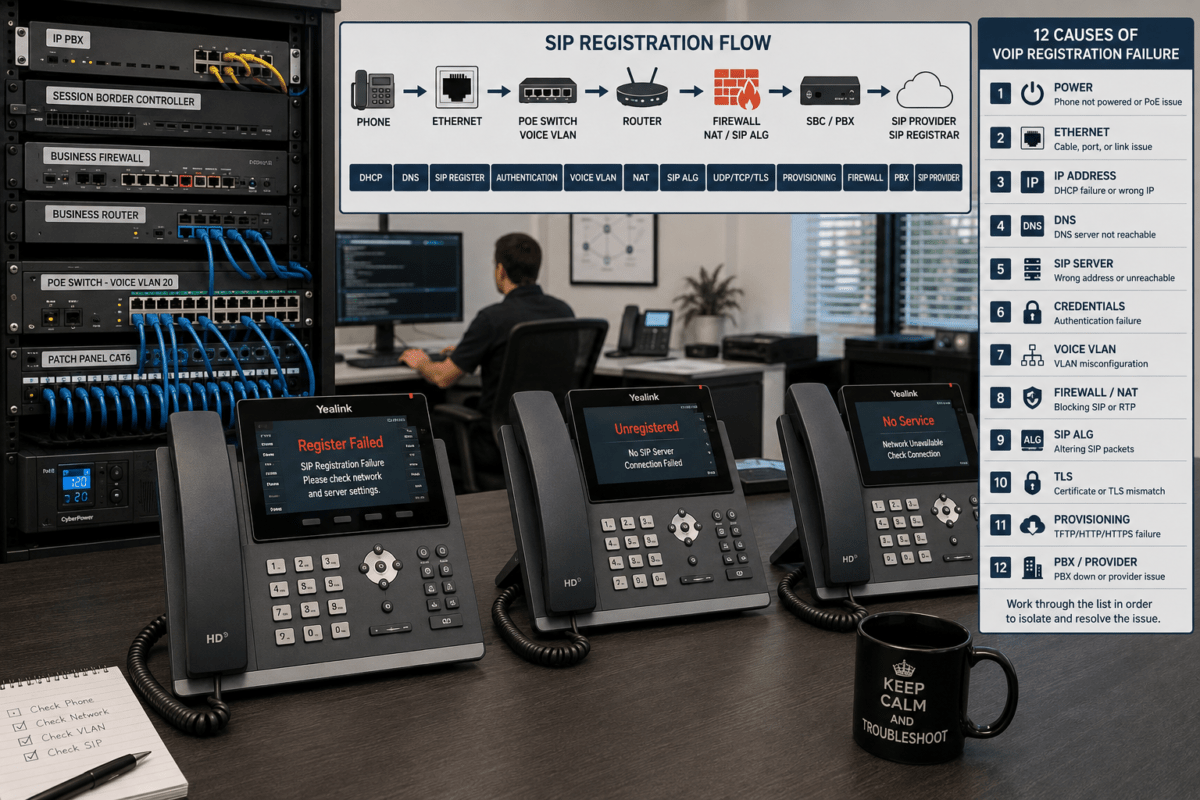
- Phones fail to register or call out
Most can be solved by adjusting configuration instead of buying new phones or extra bandwidth.
How to Configure Your Router for VoIP
1. Enable and Fine-Tune QoS (Quality of Service)
This is the #1 factor. In the router admin (often under “Advanced” or “Traffic Control”):
- Turn on QoS
- Choose highest priority for VoIP traffic (use device MAC/IP, or SIP/RTP ports)
- Test a few calls while the network is busy
Use device-based priority if your phones (like Yealink T85W) are easy to identify, or application-based if your phone system/server runs on a single IP.
2. Set Up Traffic Prioritization
Go deeper than basic QoS if your router allows—allocate bandwidth limits for bulk devices, and reserve dedicated voice bandwidth. Some routers (like EnGenius SD-WAN) offer app-aware prioritization so you don’t need to enter port numbers.
3. Disable SIP ALG
Check the settings (usually in NAT, Firewall, or Security menus) and turn SIP ALG off. It should help, but in practice this ‘feature’ rewrites SIP headers, disrupting call setup and media flows. Most VoIP providers recommend disabling it. Make sure to reboot the router and re-test phones.
4. Configure NAT and Port Forwarding Correctly
Voice traffic must pass from your LAN to your VoIP provider’s network and back. Set up:
- Correct NAT handling (especially if double-NAT or multiple routers exist)
- Port forwards for SIP (usually UDP 5060) and RTP (UDP 10000-20000 or as specified by provider)
- If possible, assign a static external IP to your PBX/phone system.
Most often, misconfigured NAT leads to one-way audio. If you’re using a cloud PBX, ask your provider for specific port ranges.
5. Adjust Firewall Settings With Care
Firewalls need to allow VoIP protocols. In the business world, routers like the Grandstream GCC6011 Built-in Firewall IP PBX Router streamline these rules, but for any hardware:
- Allow inbound/outbound SIP (often UDP 5060)
- Allow wide RTP range for media
- Avoid strict intrusion prevention on voice traffic
If you’re using hosted services, don’t forget to allow connections to all provider IPs.
Best QoS Settings for VoIP Phones
- Highest: RTP streams (voice traffic)
- High: SIP registration/signaling
- Medium/Low: Other web and bulk data
Advanced routers can set minimum bandwidth, traffic shaping, or device policies. Always test with simultaneous calls—sometimes initial setup works, but call quality drops under load.
How to Prioritize VoIP Traffic: Your Options
Device-Based Priority
Identify your VoIP phones by MAC or IP and assign all to a high-priority group. This works well for dedicated desk phones.
Port-Based Priority
Set SIP (usually UDP 5060) and RTP (e.g., 10000-20000 UDP) as high priority in your router’s QoS tab. Your provider or IT consultant can confirm values if unusual ports are used.
Application or Protocol-Based
If your router supports it, simply mark “VoIP” or “SIP” application to always get priority. This is easiest to manage if your staff regularly changes devices.
Tips:
- Test your setup after each change—call to an external number and listen for echo or delay.
- Combine device and port rules for tighter control, especially in a multi-vendor network.
Network Infrastructure: Don’t Ignore Your Switches and Cabling
Switches
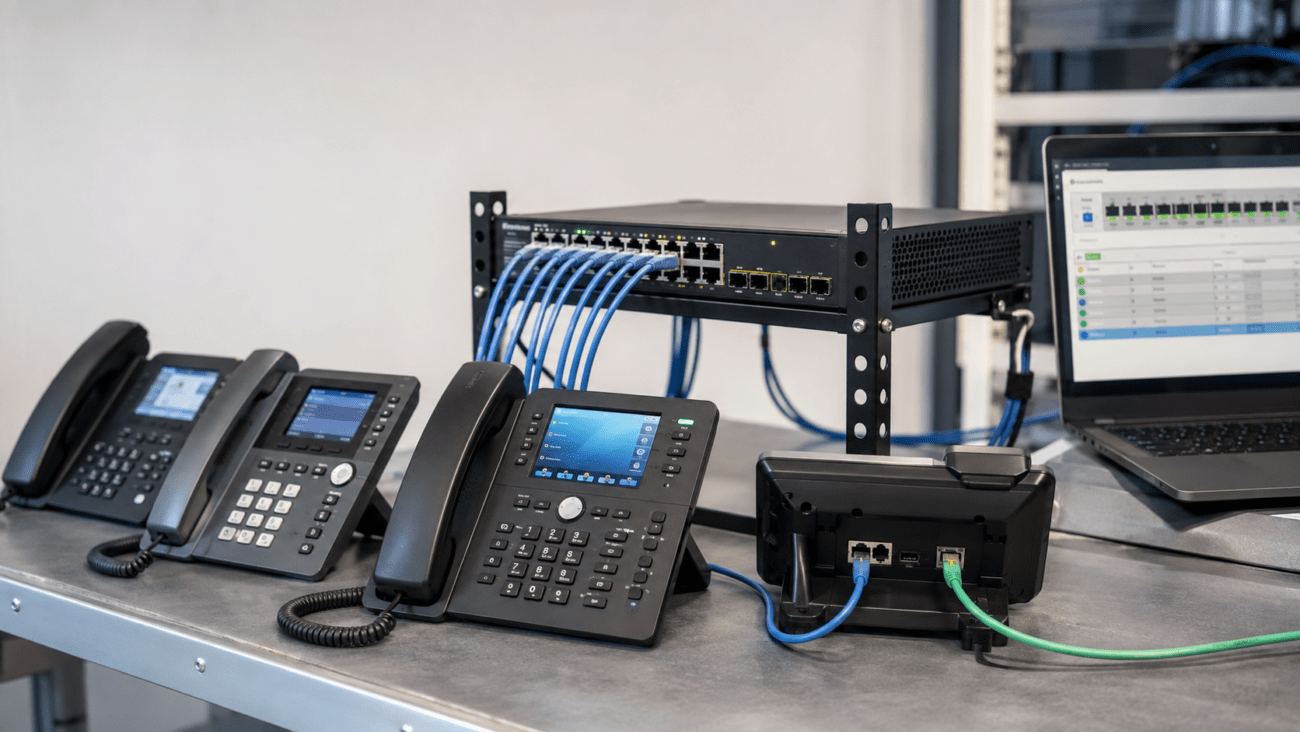
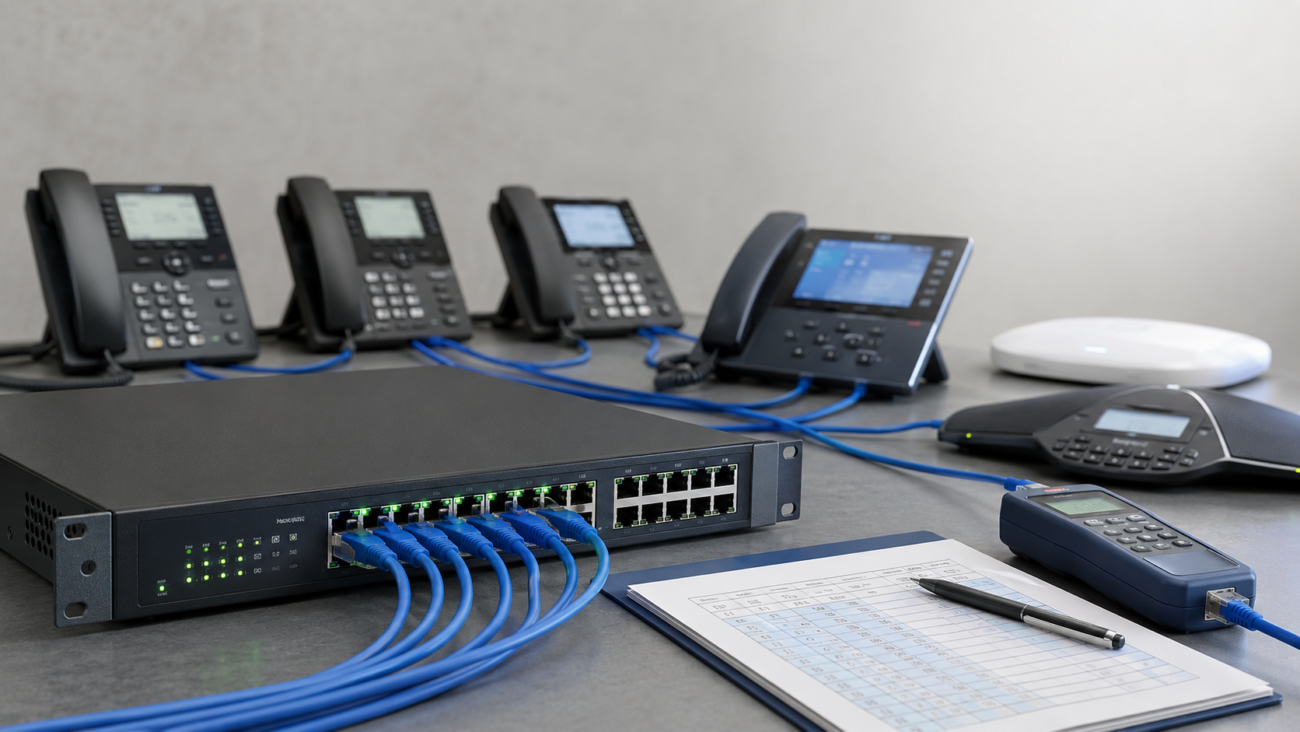
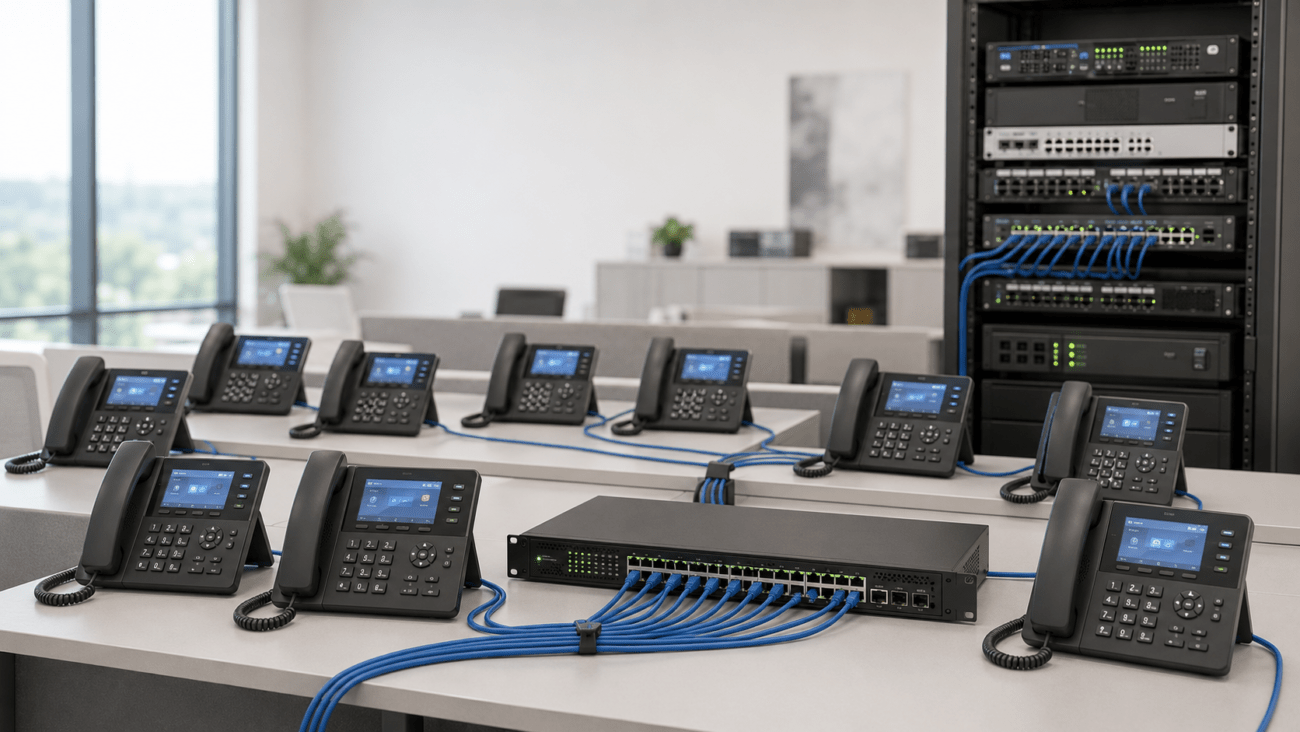
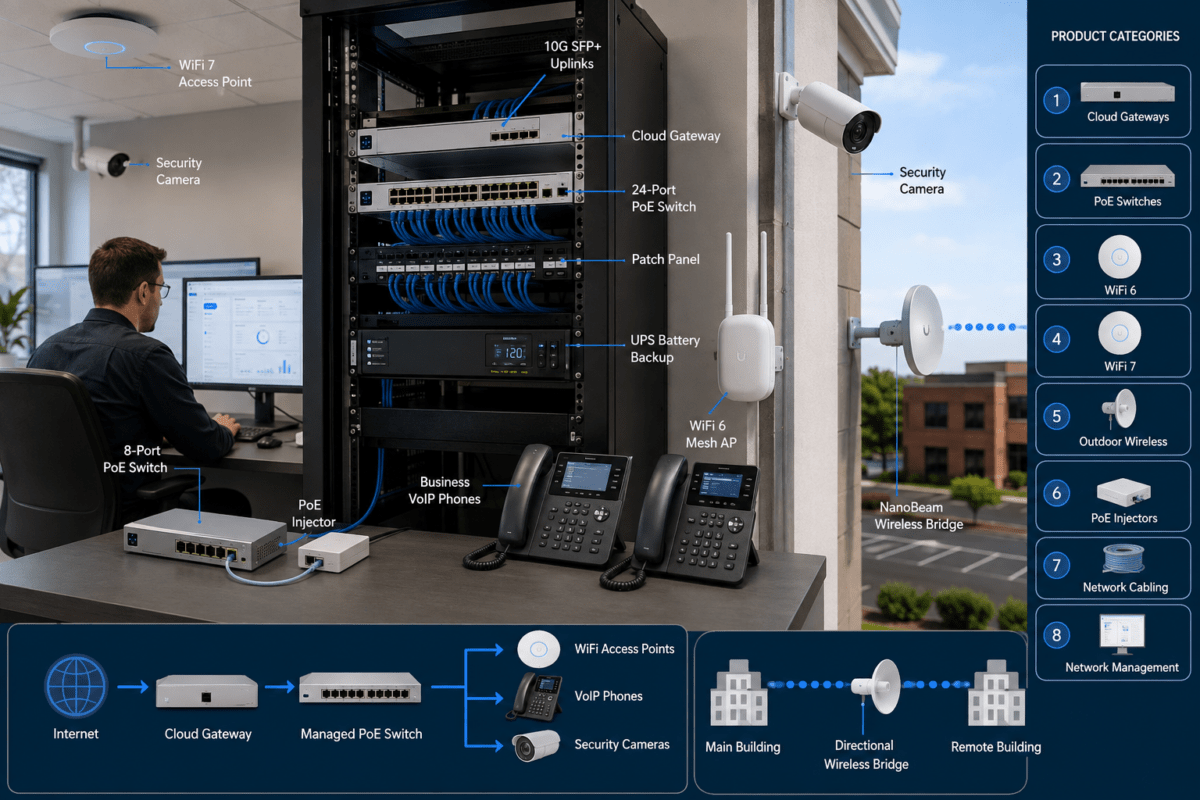
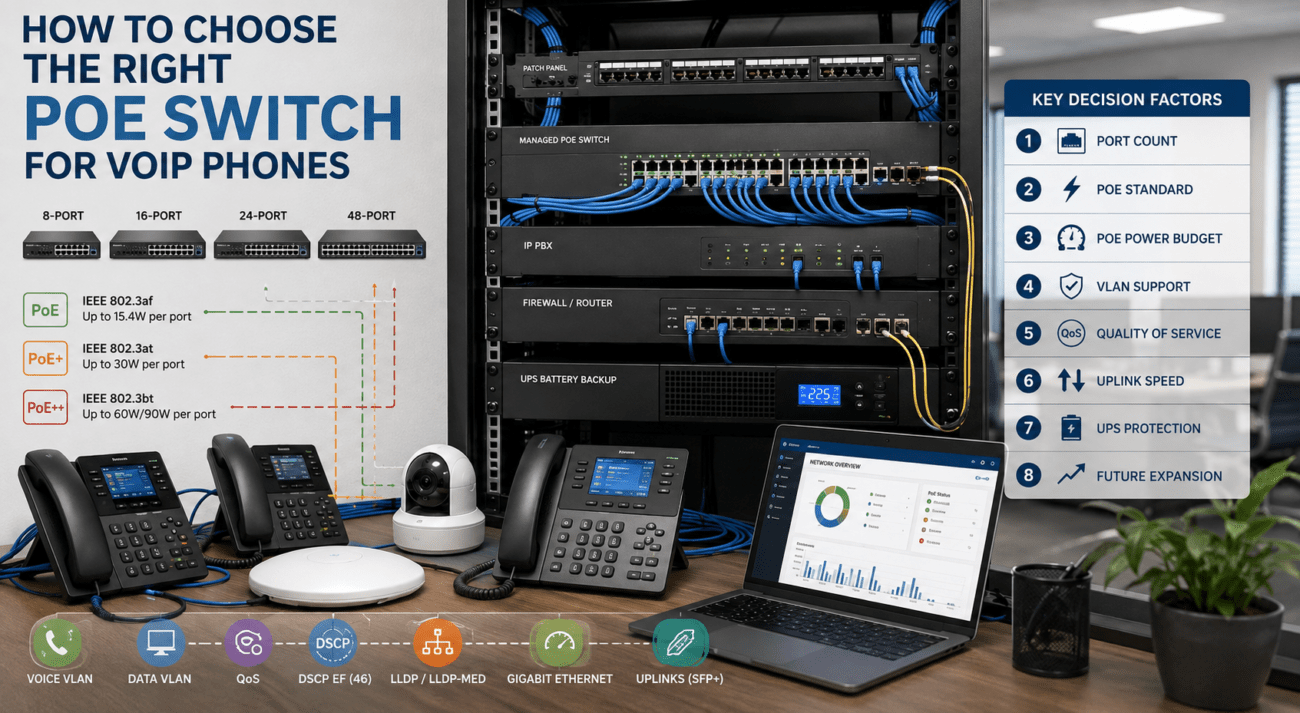
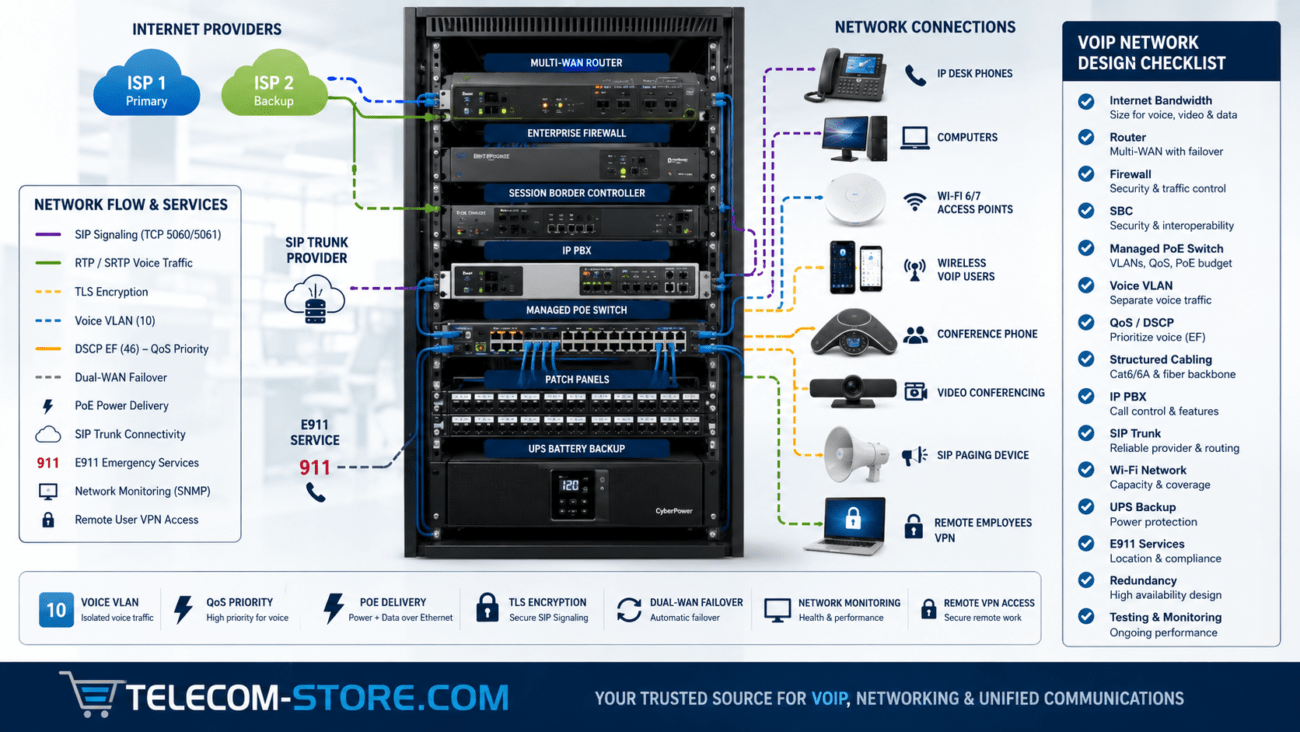
If you’re using network switches to connect phones, use managed or business-class PoE models. Devices like the NEC QX F1005 8-Port Gigabit PoE Switch for smaller offices, and NEC QX F1006 24 Port Gigabit PoE Switch for larger deployments allow VLANs and traffic segmentation. VLANs let you isolate phone traffic from computers, keeping voice quality consistent. A cheap unmanaged switch may work for very small offices, but becomes a bottleneck as you grow. Explore managed switches or PoE switches for maximum reliability.
VoIP Routers and Gateways
Consider models like the Grandstream V2 2 FXS Ports Gigabit VoIP Router to bridge legacy phones or analog devices to your IP network. These gateways often feature built-in prioritization and plug-and-play with many phone systems.
Modern VoIP Phones
New desk phones, such as the Yealink T85W Secure Encrypted Business Phone, support advanced codecs and dual Ethernet ports. For critical lines, choose VoIP phones with strong network and QoS controls. See our full business VoIP phones page.
Buyer’s Checklist: What Matters When Choosing Equipment
Compatibility
- Check router and switch support for SIP/VoIP standards, VLANs, and explicit QoS features.
- Confirm that all components (IP PBX, phones, gateways) support required protocols.
Ease of Setup
- Access to web management for routers
- Ability to create custom QoS rules—not just presets
- Documentation or support from your VoIP provider often helps optimize settings
Typical Mistakes to Avoid
- Leaving SIP ALG on when using hosted/cloud PBX systems
- Not forwarding all necessary RTP port ranges
- Overcomplicating VLAN setup without knowledgeable support
- Using consumer routers not designed for business VoIP
Setup Requirements
- Some networking knowledge is helpful, or work with your IT partner/VoIP support
- Know your phone model and PBX/server details (IP, firmware versions, etc.)
- Understand IP addressing in your office—avoid double NAT if possible
Limitations and What You Can’t Fix With Router Settings
- Poor internet service: No router can overcome an inconsistent or slow WAN connection—test your internet before blaming your phones.
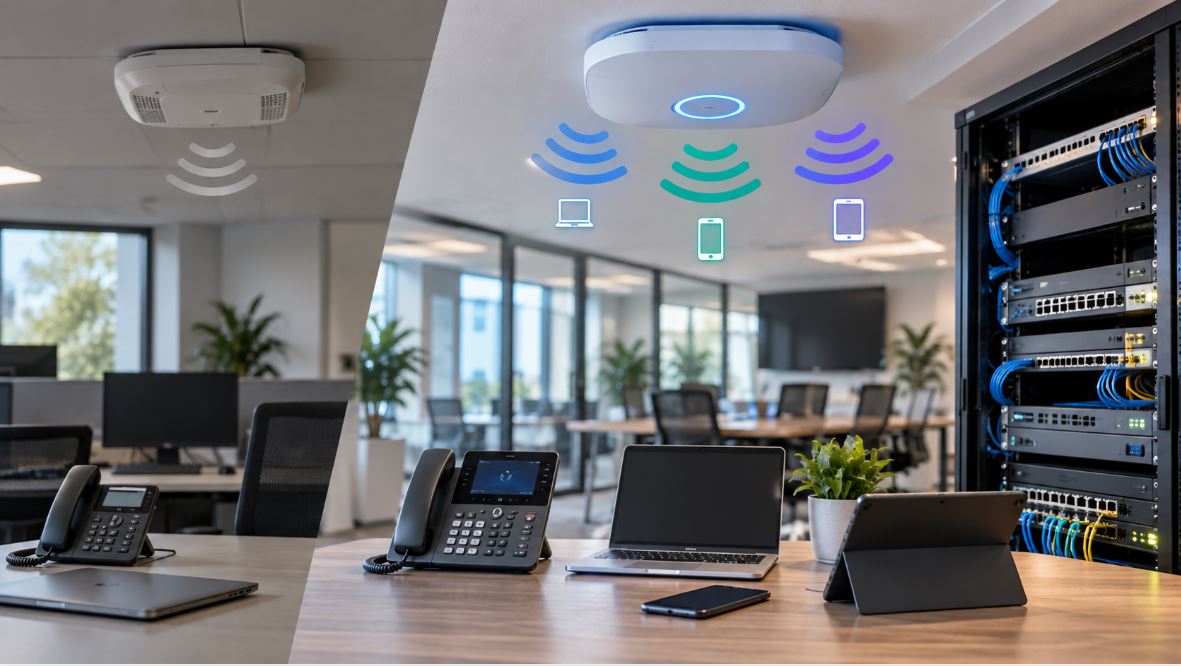
- Wi-Fi for phones: Wireless calls may suffer from interference, latency, or device roaming. Use wired Ethernet whenever practical.
- Incorrect wiring or outdated cabling: Broken or slow cables will cause VoIP packets to drop, regardless of router settings.
Final Word: Is It Worth It?
Investing time in router and switch configuration yields far more reliable VoIP calls for your business. Start with the basics—QoS, disabling SIP ALG, correct port forwards—and you’ll solve 90% of the common pain points. Test thoroughly and scale your network with managed switches and business VoIP phones as your team grows.
Frequently Asked Questions About Router Settings for VoIP
- What are the best router settings for VoIP calls?
- Enable QoS, prioritize voice RTP and SIP traffic, disable SIP ALG, and configure NAT and firewall ports as needed. Use business-class hardware for extra reliability.
- Do all routers support VoIP prioritization?
- No. Check for QoS controls and application rules before choosing a router. Entry-level consumer models are often missing key features.
- How do I know if SIP ALG is causing issues?
- If you experience one-way audio, frequent dropped calls, or phones not registering, SIP ALG may be the culprit. Disable it, then reboot your VoIP equipment.
- Should I use Wi-Fi for my VoIP desk phones?
- Prefer wired connections for office phones. Wi-Fi can introduce voice delay and drops—suitable only for mobile/occasional use.
- Does a managed switch help with VoIP?
- Yes. Managed switches with VLAN and QoS features reduce jitter and help sustain high call quality as your office network grows.
For more product suggestions, see our network switches and IP PBX systems collections. Want hands-on help? Reach out to your IT partner or VoIP provider for remote or onsite configuration support.