Improving Outdoor WiFi Signal for Business: What Really Works?
As businesses, property managers, and IT teams look to extend connectivity beyond four walls, strong outdoor WiFi is now a business necessity—not a convenience. Whether supporting laptop users on the patio, monitoring security cameras, running outdoor VoIP phones, or enabling smart irrigation, the right outdoor WiFi signal makes all the difference. Here’s what business buyers need to know.
Outdoor WiFi Hardware Comparison Table
| Product |
WiFi Standard |
Mounting/Environment |
Range |
Best Use |
| TP-Link EAP610-AX1800 Outdoor |
Wi-Fi 6 (AX1800) |
Outdoor (IP67) |
≈ 200-300ft open line |
Business campus, warehouses, shared patios |
| UniFi ac Mesh AP |
Wi-Fi 5 (ac) |
Outdoor, mesh support |
≈ 250ft mesh mode |
Hotels, sports, event venues |
| Outdoor Long Range AP |
Wi-Fi 6/7 |
Outdoor, all-weather |
300–500ft directional |
Farms, park zones, long driveways |
*Exact range depends on terrain, environment, and obstacles.
Why Does Outdoor WiFi Signal Strength Matter?
Weak WiFi outdoors means dropped VoIP calls, poor camera reliability, slow uploads, and chronically frustrated staff or guests. For IT, it also means more time spent diagnosing or rebooting remote devices. reliable outdoor WiFi extends productive work areas and supports modern connected infrastructure, from hospitality to manufacturing. Typical uses include:
- Outdoor or remote property monitoring and surveillance
- VoIP phones, paging speakers, and intercoms in yards or security zones (shop VoIP phones)
- Wireless access for teams, guests, or vehicles across campuses, farms, or yards
- Connecting smart lockers, POS systems, or ticket kiosks outside the building
Unreliable WiFi can disrupt business, put remote assets at risk, and generate ongoing support headaches. Improving outdoor WiFi signal is an investment in smooth operations and staff efficiency.
Key Outdoor WiFi Coverage Challenges
Distance and Signal Loss
Signal strength falls off quickly outdoors since there are no walls to reflect the radio waves. Even a high-end AP will have reduced performance after 50-150 feet depending on the frequency band and obstacles.
Environmental Interference
Weather, foliage, outbuildings, and even passing trucks can absorb or block WiFi signals. Seasonal changes can shift coverage, especially if trees leaf out.
Network Congestion
Competing devices using the same channels—or too many clients on one AP—cause slowdowns and dropped packets. This is especially relevant for events, shared patios, and campuses.
Using Indoor Hardware Outside
Standard home or office routers aren’t made for rain, direct sun, or temperature shifts. Electronics degrade rapidly if not in weather-sealed casings, and power output is often much lower.
Choosing and Sizing Outdoor Access Points
Start with hardware specifically rated for outdoor deployment. Key features for business buyers include:
- Weatherproof enclosures (look for IP65 or IP67 ratings)
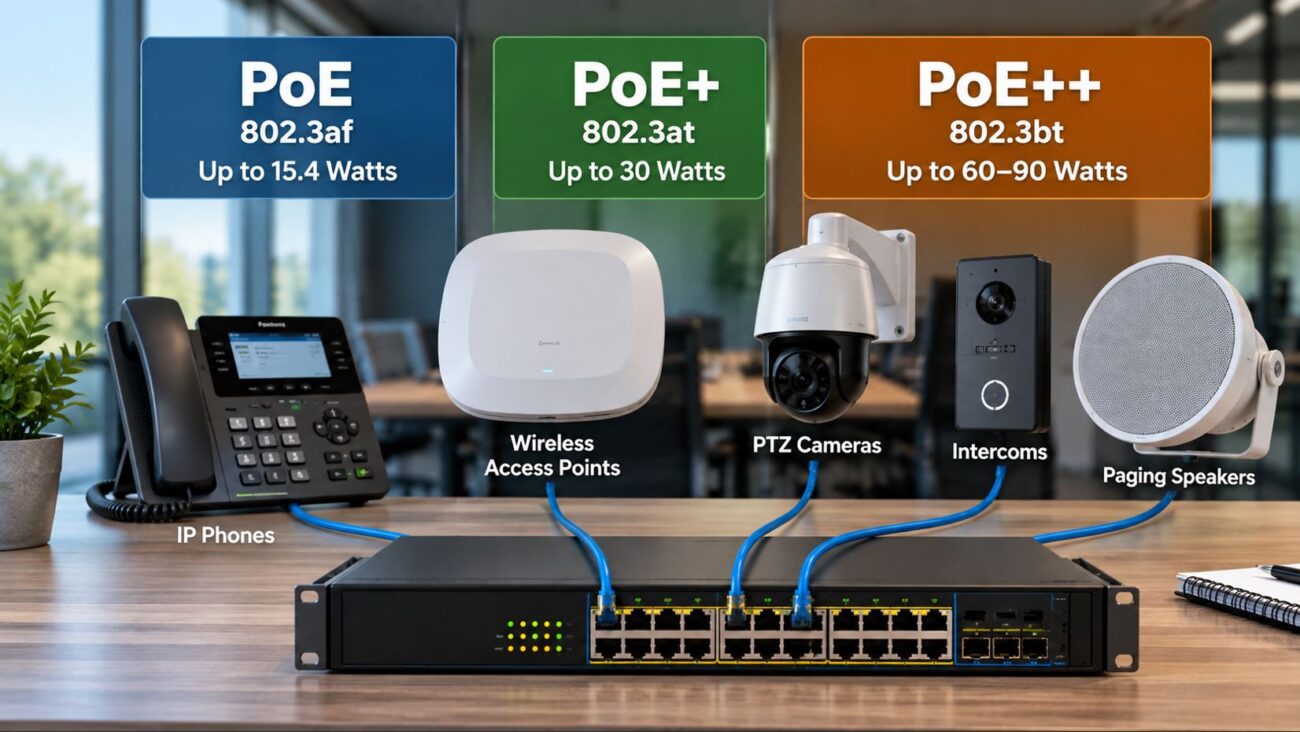
- Support for PoE for easier installation—no need for exterior outlets (view PoE switches)
- Dual-band (2.4 & 5 GHz) radios for coverage and performance
- Central management for easier troubleshooting and configuration
- Mesh-network capability for multi-building or wide-area deployment
For example, the TP-Link AX1800 WiFi 6 Outdoor AP is popular for campuses and business parks. Newer WiFi 6 and WiFi 7 models handle more devices and interference better than previous generations.
Sizing the Network
- For small courtyards or decks, one well-placed outdoor AP may be enough.
- Sprawling yards, parking lots, or campuses require multiple APs or a mesh system.
- Avoid dead zones by visually mapping coverage and walking the property with a WiFi analyzer app before finalizing placement.
Best Practices for Outdoor AP Placement
Mount High, Aim Wisely
Install APs 8–15 feet off the ground on a pole or building exterior. Avoid placing APs behind dense shrubbery, metal structures, or low to the ground where signal is absorbed by landscaping.
Keep a Clear Line of Sight
Direct, unobstructed paths between AP and users or devices maximize coverage. Each obstacle—branches, walls, outdoor signage—reduces usable range and speed. Directional antennas can help for point-to-point links across larger spaces.
Spread Load with Multiple APs
Never try to cover a large campus or facility with just one access point. Use two or more, placing them to overlap slightly at the edges of their range for smooth roaming. For complicated layouts, mesh WiFi APs can “hand off” users as they move around.
Getting the Most from Mesh Networking
Mesh WiFi lets you deploy several access points wirelessly linked together, perfect for covering campuses, parks, or sprawling commercial properties. Each node shares the same network, and users roam seamlessly without reconnecting.
- Use wireless mesh only where Ethernet cabling is impractical.
- Ideally, hardwire at least one or two APs to minimize mesh hop count, which can affect throughput.
- Select mesh systems that support guest access, VLANs, and business-class management features.
Tip: When comparing mesh to standalone APs, weigh installation complexity and backhaul congestion—too many wireless hops can reduce experience for users at the network edge.
Cellular/LTE as a Backup: Essential for Outdoor Operations
If your internet goes down or you’re deploying in a rural/temporary location with no wired ISP, cellular (LTE/5G) backup keeps critical systems running. Outdoor LTE routers or failover gateways are common for connecting weather stations, kiosks, or outdoor VoIP phones.
- Use external, high-gain LTE antennas for best signal, mounted as high as feasible.
- Test carrier coverage at the specific install site before selecting data plans or hardware.
- Combine LTE backup with your WiFi network for seamless primary/secondary failover.
Buyers: Test real-world LTE speed and latency, not just coverage. Some carriers throttle or deprioritize certain plans in busy areas or at business addresses.
Outdoor WiFi Network Optimization Techniques
Choose and Tune Your Channels
APs should use non-overlapping wireless channels to reduce interference. For less crowded frequency, try 5 GHz where possible, keeping 2.4 GHz available for longer range and compatibility.
Set Up Band Steering and QoS
- Enable band steering so modern devices join the faster 5 GHz band automatically.
- Implement QoS (Quality of Service) to prioritize voice, video, or critical applications—useful for VoIP deployments outdoors.
Segment Your Network
- Use VLANs to separate guest, IoT, or camera traffic from business/office data.
- This improves security and helps prevent overload from BYOD devices or bandwidth-hungry applications in shared outdoor areas.
Supporting Outdoor VoIP Deployments
Outdoor VoIP phones—placed in loading docks, between buildings, or on campus paths—require rock-solid WiFi for good call quality. For best results:
- Ensure APs deliver minimum -65 dBm signal at phone locations; weaker signals cause choppy or dropped calls
- Minimize handoff zones where calls might jump between APs
- Configure network QoS to give voice traffic priority
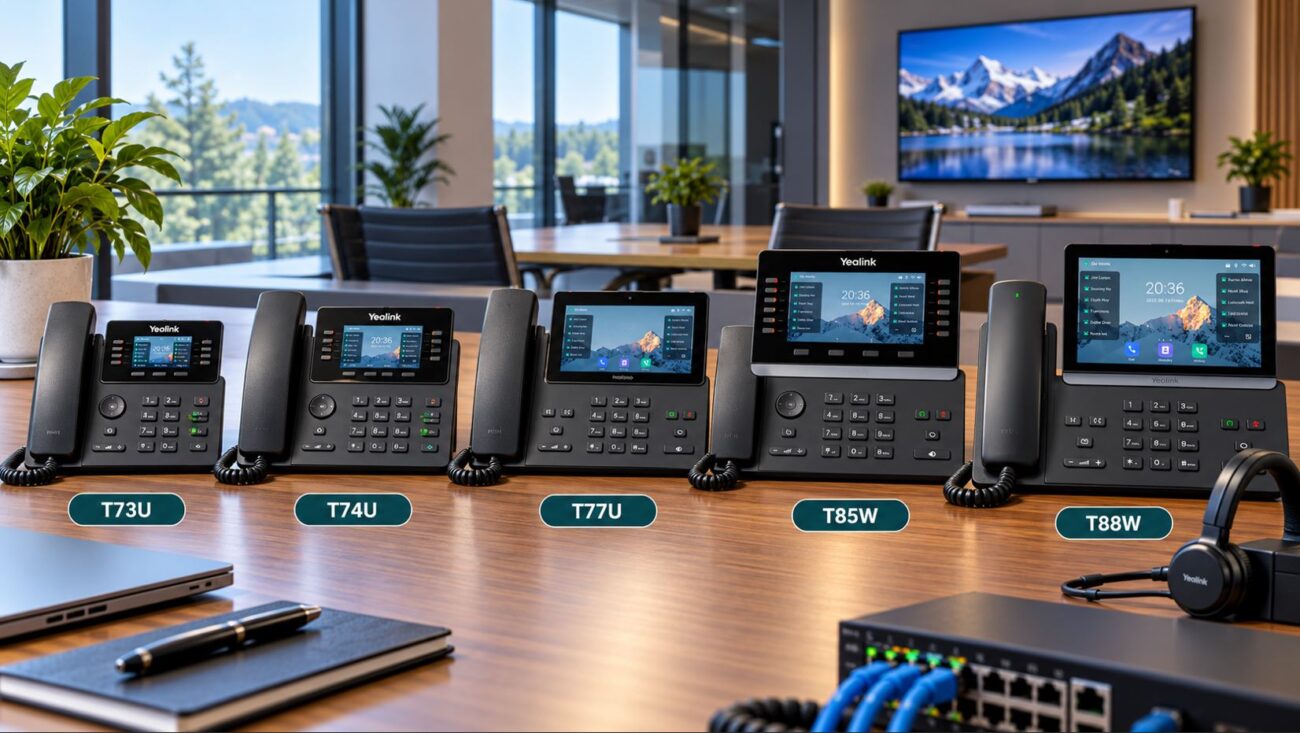
Popular models like the Yealink T54W, paired with strong WiFi, are used in schools and manufacturing plants. Always use rugged, waterproof VoIP phones in exposed environments. Check out the latest business VoIP phones.
Buyer Checklist: What to Confirm Before Installing Outdoor WiFi
Check Hardware Compatibility
- Are your chosen outdoor APs compatible with existing network switches?
- Do you need Power over Ethernet (PoE) at the mounting location?
- Is your network controller or cloud platform compatible with the new APs?
Prepare for Physical Deployment
- Use shielded, outdoor-rated Ethernet cabling (Cat6 or higher)
- Weatherproof mounting kits for APs and antennas
- Protect systems with surge suppressors, especially for equipment installed on tall poles or rooftops
Understand System Limitations
- Don’t overestimate realistic range—real-world coverage is usually much less than manufacturers’ maximum figures
- Expect some variability due to weather or seasonal foliage
- Be cautious with mesh systems over very large areas; every wireless “hop” can add latency
Common Mistakes When Building Outdoor WiFi (and How to Avoid Them)
- Mounting indoor routers outside—they’re quickly damaged and unreliable
- Placing APs in hidden or covered spots “just for aesthetics” instead of for optimal coverage
- Trying to serve too many devices from one AP
- Skipping WiFi planning tools or site surveys
- Overlooking cable protection and surge suppression outdoors
- Not planning in advance for future network expansion
Takeaways for IT and Facility Buyers
Effective outdoor WiFi demands business-grade, weatherproof APs, careful network planning, and regular optimization. Layer your network: combine WiFi, mesh, and LTE backup where needed to ensure staff and system reliability. Invest in quality hardware and thoughtful placement—not just higher power.
If you’re unsure, consult network pros or request a design proposal from your integrator. For detailed product specs, shop latest outdoor APs, business switches, and VoIP gear.
Frequently Asked Questions (FAQ)
- What is the most reliable way to extend outdoor WiFi coverage?
- Install outdoor-rated access points in optimal locations with good line-of-sight and use mesh networking if covering a large or irregular area.
- Do I need PoE switches for outdoor access points?
- Yes, PoE switches simplify AP and camera installation outside by combining power and network over one cable, especially in locations far from electrical outlets. See PoE switch options here.
- Can I support VoIP calls outside with business WiFi?
- Absolutely, but only with strong signal and network optimization (QoS). Avoid dead zones, use business-class outdoor APs, and review your network segmentation for best voice quality.
- Is mesh networking always necessary in outdoor setups?
- Mesh is useful for large, multi-building sites but unnecessary for smaller, open spaces. Use the minimum APs needed for full coverage with some overlap.
- How do I avoid interference and dead zones?
- Mount APs high, away from dense vegetation and metal, and carefully select wireless channels to avoid overlap with neighbors or other equipment. WiFi planning software and real-world testing help here.
- Are indoor routers safe for use outside?
- No, indoor routers deteriorate quickly outside and can’t handle condensation, wind, or sun. Protect your investment with true outdoor APs.