Choosing the Right Bogen Paging System for Your Small Business
Paging systems are still one of the most reliable ways for small businesses to deliver urgent messages, safety alerts, and everyday announcements. If you’re responsible for IT or facility operations in a warehouse, retail store, or office, Bogen paging systems remain a trusted option—especially when you need a straightforward solution that works with today’s VoIP phones and modern network infrastructure.
What should you know up front? Bogen offers field-proven analog systems that can connect with IP PBXs and VoIP desk phones through simple adapters. They excel in businesses where wide-area, real-time audio is a must. System design is about matching amplifier size, speaker type, and paging triggers to your actual building and workflow needs. This article shows you how to make the right decisions—whether you’re upgrading an old analog system or adding paging to a newer VoIP setup.
Analog vs IP Paging: Key Differences for Buyers
Feature
Bogen (Analog)
IP Paging Systems
Installation
Wired audio (70V/25V)
Network-based (Ethernet)
Scalability
Expand by adding amps/speakers
Easy to add endpoints via network
Sound Quality
Consistent zone-to-zone
May be affected by network traffic
Initial Cost
Usually less expensive
Higher per endpoint hardware cost
Integration
Needs VoIP paging adapter
Natively integrates with IP PBX
What Are Bogen Paging Systems?
Bogen paging systems are analog audio distribution setups that send voice or alert tones to speakers throughout your facility from a single point—no need for staff to carry special devices. They run on 70V or 25V wiring for long wire runs, which means fewer signal drop issues on larger floors or between distant buildings. You’ll see these systems in use in offices, distribution centers, healthcare, and education.
Offices/corporate buildings: For employee announcements or emergency alerts
Warehouses & Manufacturing: For safety, daily shift changes, and coordination
Retail Stores: For in-store promotions and customer assistance
Schools/Healthcare: For bells, emergency paging, and broadcast notices
Why Small Businesses Still Use Paging Systems
Bogen analog paging is popular because it’s simple and doesn’t rely on everyone’s phone or laptop. VoIP and apps are good for person-to-person calls, but for one-to-many communication, a paging system is hard to beat. Even with all the new technology, Bogen remains a staple thanks to:
Instant coverage—one button can reach everyone, every time
No password or device issues—no apps or logins needed
Durability—Bogen amplifiers and speakers are made to last
Minimal maintenance—few moving parts, just check connections every so often
The end result: Better workflow and safer facilities without complicated IT support.
Core Components of a Bogen Paging System
A well-designed Bogen paging solution usually includes three major parts. Here’s what to expect—and what to match to your business:
1. Amplifier
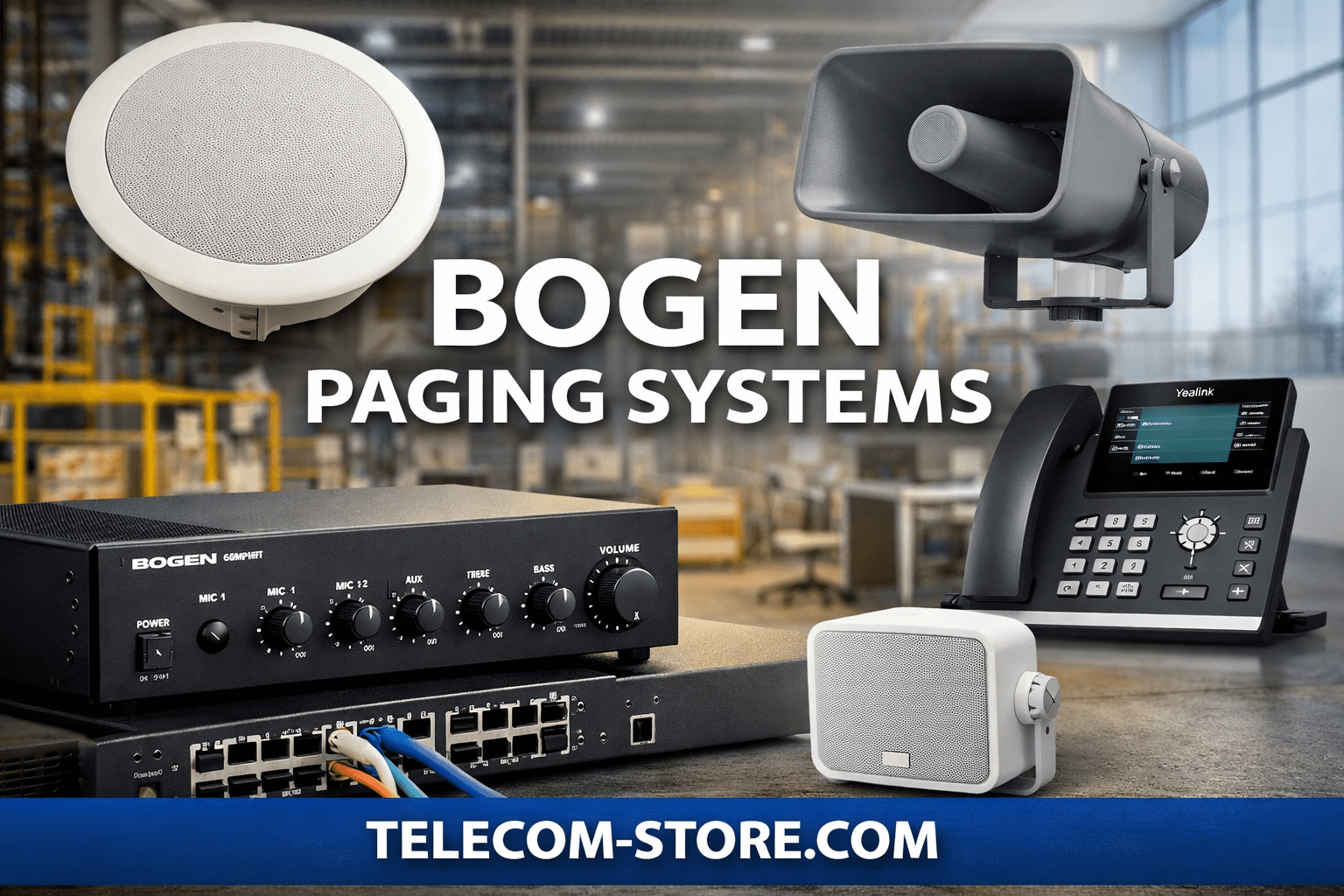
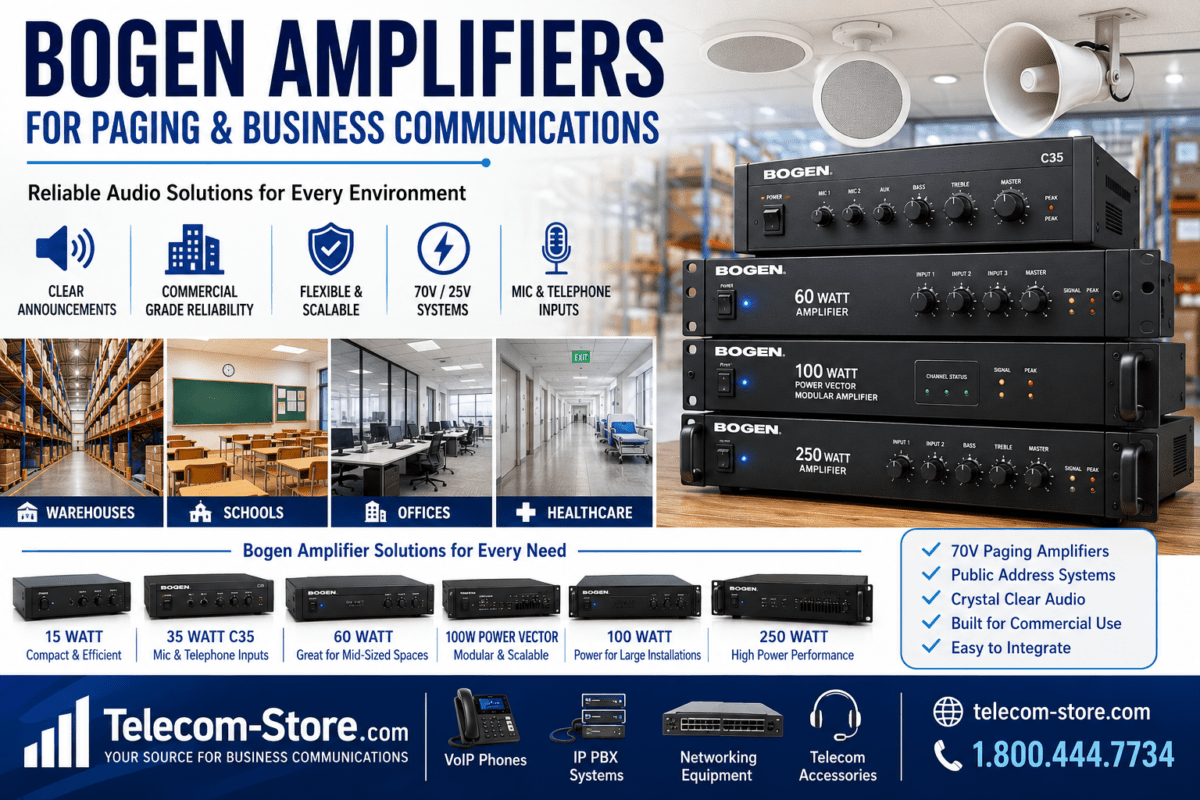
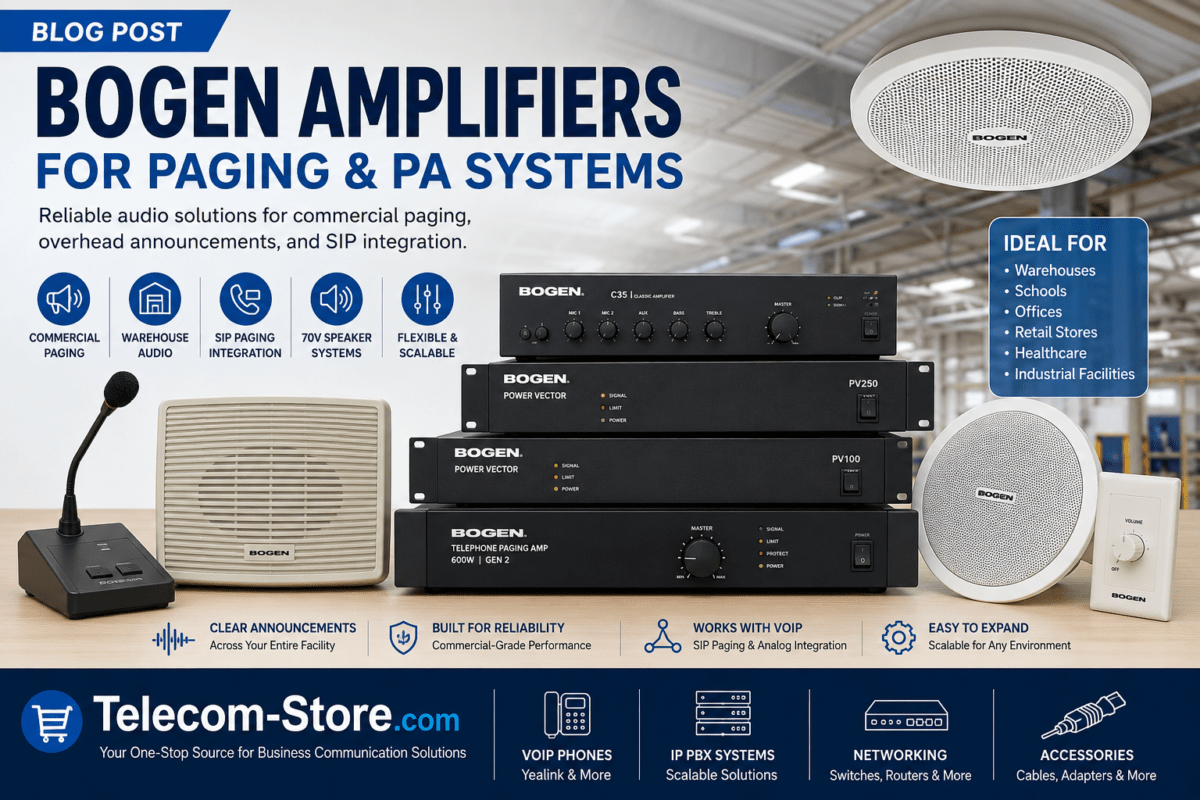
The heart of your paging system, the amplifier’s wattage limits the number and size of speakers. For small offices or shops, a 35-60W amp is typical; bigger spaces may need 100W or more. Sizing matters—too small and you risk overload and audio distortion, too big and you waste power or money. Always check each speaker’s wattage tap and total load before choosing.
2. Speakers
Speaker placement determines sound clarity, coverage, and how much staff or customers actually hear your announcements. You have a few main styles:
Ceiling Speakers (Indoor)
Use in offices, retail aisles, corridors
Typical sizes: 8″ or 7″ high-fidelity models
Great for even, unobtrusive coverage—distributes sound overhead
Outdoor & Industrial Speakers
Pick weatherproof models for outdoor areas, loading docks, parking
Choose speakers rated for temperature swings and moisture
Faces towards work areas to maximize reach
Horn Speakers (High-Output, Industrial)
Perfect for warehouses or noisy production floors
Focuses sound directly to a zone—helps with clear audio over machinery
Pro tip: Keep speakers spaced evenly, and don’t mix too many different types in the same room—this avoids echo and dead spots.
3. Paging Interface / Adapter
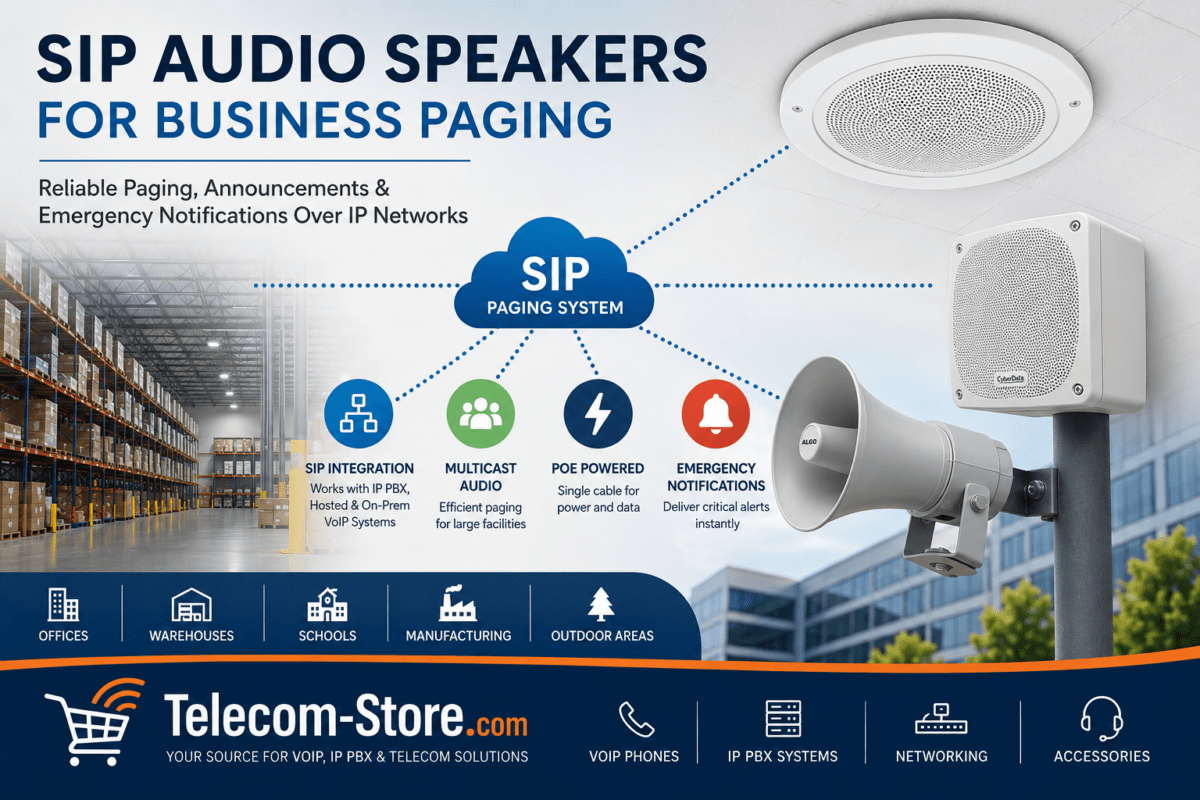
Today’s offices often use VoIP systems. To trigger analog paging zones, you need a network paging adapter. It converts SIP or multicast signals from your VoIP device or PBX into audio output for the Bogen amp. Make sure your IP PBX and adapter are compatible and test them before you wire everything.
Integrating Bogen Paging with VoIP Networks
If your phones run on platforms like FreePBX or cloud VoIP, you can still use Bogen easily. Add a SIP paging adapter to bridge the digital paging request to the analog paging amp. This configuration lets a staff member use a VoIP phone—or even an app—to send an all-page or zone page. The adapter hands off the signal, and the amplifier pushes audio to the speakers.
A staff member pages via the VoIP desk phone (many models support multicast paging, like the Yealink T54W)
Paging adapter receives the SIP/multicast page and outputs analog audio
The amplifier distributes to the correct speaker zones
This makes it easy to unify voice and paging systems, improve reliability, and reduce device confusion.
Sound Quality and Setup Tips
Good paging isn’t just about coverage—clarity matters. If staff can’t understand messages, the system is wasted. Pay attention to:
Speaker placement—don’t put them behind doors or high shelves
Amplifier wattage—never run the amp at maximum capacity
Speaker taps—set each speaker to the right wattage for zone size
Background noise—horns for loud zones, ceiling speakers for quiet ones
For advice or preconfigured bundles, check our Paging Systems category. If you’re connecting to VoIP, browse VoIP Phones or learn more about PoE Switches for powering network adapters.
Network Integration & IT Checklist
VoIP paging adapters must be on the same VLAN/subnet as your PBX for minimum delay
Minimize network congestion where paging triggers pass (quality of service is key)
PoE switches can power VoIP phones and paging adapters—saves on power outlets
Test paging triggers from every zone before you consider the install done
Even though actual audio goes over analog wiring, network reliability affects how quickly your page is triggered and distributed.
Common Buying and Setup Mistakes
Underestimating number or wattage of speakers needed—always map your space first
Using low-power amps with too many speakers—risk distortion or amp damage
Trying to page entire facility with horn speakers only—use for targeted, loud zones
Neglecting outdoor rating on speakers for parking, loading docks
Forgetting about cable runs—always budget for quality speaker wire and installation if needed
Assuming any VoIP phone works for paging—check for multicast/SIP page support (see Yealink T54W or similar)
Always confirm device compatibility (amplifier, paging adapter, speaker, phone) when mixing VoIP and analog components.
Compatibility and Scalability: What to Check
When planning your Bogen installation, answer these questions:
Will the paging adapter and VoIP PBX support SIP/multicast paging?
Is the chosen amplifier large enough for all planned speakers (with expansion margin)?
Are all speakers 70V/25V models matched for environment and wattage tap?
Is the wiring route practical—conduit space, runs, and safety?
If you expand in future, you can add speakers, subzones, or move to a larger amp without changing the whole system—just plan speaker routes and rack/wall space up front.
Common Use Cases and Deployment Examples
Retail stores: Announcements, promotions, background music, and staff alerts
Warehouses: Safety alerts, shift changes, equipment coordination in high-noise zones (use horn speakers)
Offices: All-staff pages, meeting reminders, evacuation alerts (mainly ceiling speakers in public zones and corridors)
Each setting will have slightly different requirements—always walk the building before finalizing your shopping list.
Enhancing Paging with VoIP Devices and Accessories
Many VoIP phones, like the Yealink T54W, support built-in multicast paging—making it easy to trigger announcements from a front desk or supervisor’s office. Adding a quality headset can make announcements clearer, and a backup conference phone is smart for crisis communications. See our recommendations in VoIP Headsets and Conference Phones.
FAQ: Bogen Paging Systems for Small Business
Who should use Bogen paging systems for their business?
Bogen paging systems are best for small to midsized organizations such as offices, retail shops, schools, warehouses, and healthcare environments that need clear, real-time voice announcements across multiple zones.
How do I connect a Bogen paging system to my VoIP phone system?
You’ll need a compatible paging adapter that can convert SIP or multicast paging from your VoIP PBX to analog audio. Confirm your VoIP system and adapter support paging and test integration before rollout.
What network requirements are important for paging integration?
A reliable, low-latency LAN is key—opt for managed or PoE network switches supporting VLANs for VoIP and paging. Ensure paging endpoints and adapters are on the same subnet and protected from unnecessary traffic.
Which speakers are right for my business—ceiling, horn, or outdoor?
Choose ceiling speakers for indoor offices and retail, horn speakers for warehouses or high-noise zones, and weather-resistant speakers for outdoor use. Always match speaker tap wattage to your amplifier’s output.
Can I expand my Bogen paging system if my business grows?
Yes, you can add more speakers or use a larger amplifier if your coverage needs increase. Plan wiring and amplifier capacity with future expansion in mind to avoid early replacement.
Final Thoughts
If you need affordable, reliable coverage for urgent announcements, Bogen paging stays relevant—now with easy ties into VoIP and networked devices. Modern small businesses can enjoy the best of both worlds: simple analog coverage with digital triggers and VoIP app management. With careful planning and component checks, your paging system will serve you for years, no matter how your workspace grows or shifts. See all your options and get expert help at Paging Systems or contact us with your layout for advice.
To provide the best experiences, we use technologies like cookies to store and/or access device information. Consenting to these technologies will allow us to process data such as browsing behavior or unique IDs on this site. Not consenting or withdrawing consent, may adversely affect certain features and functions.
Functional
Always active
The technical storage or access is strictly necessary for the legitimate purpose of enabling the use of a specific service explicitly requested by the subscriber or user, or for the sole purpose of carrying out the transmission of a communication over an electronic communications network.
Preferences
The technical storage or access is necessary for the legitimate purpose of storing preferences that are not requested by the subscriber or user.
Statistics
The technical storage or access that is used exclusively for statistical purposes.The technical storage or access that is used exclusively for anonymous statistical purposes. Without a subpoena, voluntary compliance on the part of your Internet Service Provider, or additional records from a third party, information stored or retrieved for this purpose alone cannot usually be used to identify you.
Marketing
The technical storage or access is required to create user profiles to send advertising, or to track the user on a website or across several websites for similar marketing purposes.