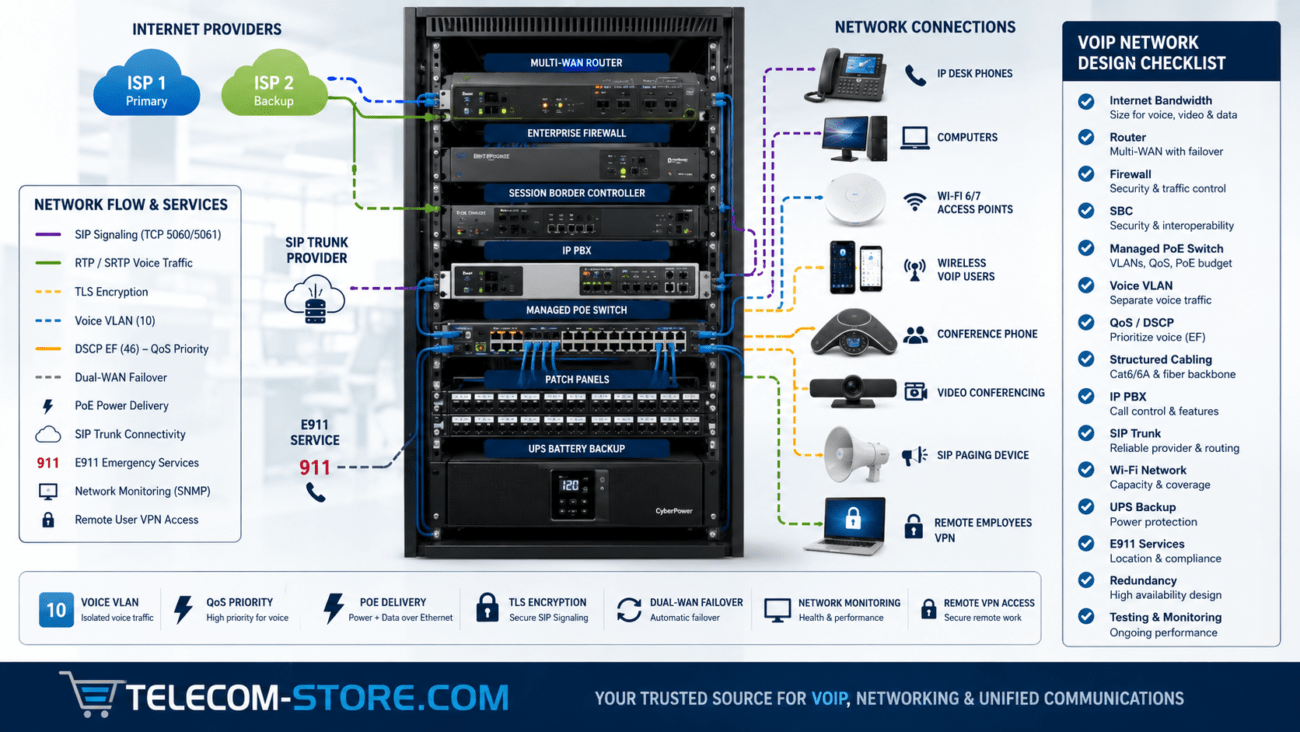
Essentials at a Glance: Business VoIP Firewall Setup
Setting up a firewall for VoIP is key for maintaining call quality, preventing dropped calls, and protecting your phone system from security risks. If you run a small business or manage IT for an office, investing a little extra care at the firewall will save you far more time troubleshooting call failures and one-way audio down the line. Below, you’ll find practical setup advice, a feature comparison table, and guidance for avoiding common pitfalls.
| Firewall Feature |
On-Premises PBX |
Cloud PBX |
Recommended? |
| SIP ALG Disabled |
Required |
Required |
Always disable |
| Port Forwarding |
Often required (SIP/RTP) |
Never (outbound only) |
As needed |
| QoS (Quality of Service) |
Highly recommended |
Highly recommended |
Enhances audio |
| IP Restrictions |
Critical (limit by provider IP) |
Recommended |
Increases security |
| VLAN Support |
Ideal for larger installs |
Ideal for larger installs |
Improves reliability |
Why Firewall Configuration Matters for VoIP
Firewall settings are often the hidden culprit behind frustrating VoIP issues. Even with a high-quality PBX or VoIP phone setup, problems such as one-way audio, failed phone registrations, or unreliable calling typically trace back to incorrect network rules or missing ports. The right firewall configuration balances free movement of real-time voice traffic with the level of security modern business phone systems require.
How VoIP Traffic Works on a Network
VoIP relies on specific protocols and port ranges that need to be understood before changing firewall rules. Here’s what matters most for small-business buyers:
Key VoIP Protocols
- SIP (Session Initiation Protocol): Sets up and manages calls
- RTP (Real-Time Transport Protocol): Delivers the live audio stream
- SRTP: Encrypts RTP for security (sometimes required by compliance)
- TLS: Encrypts SIP signaling
Common Port Ranges
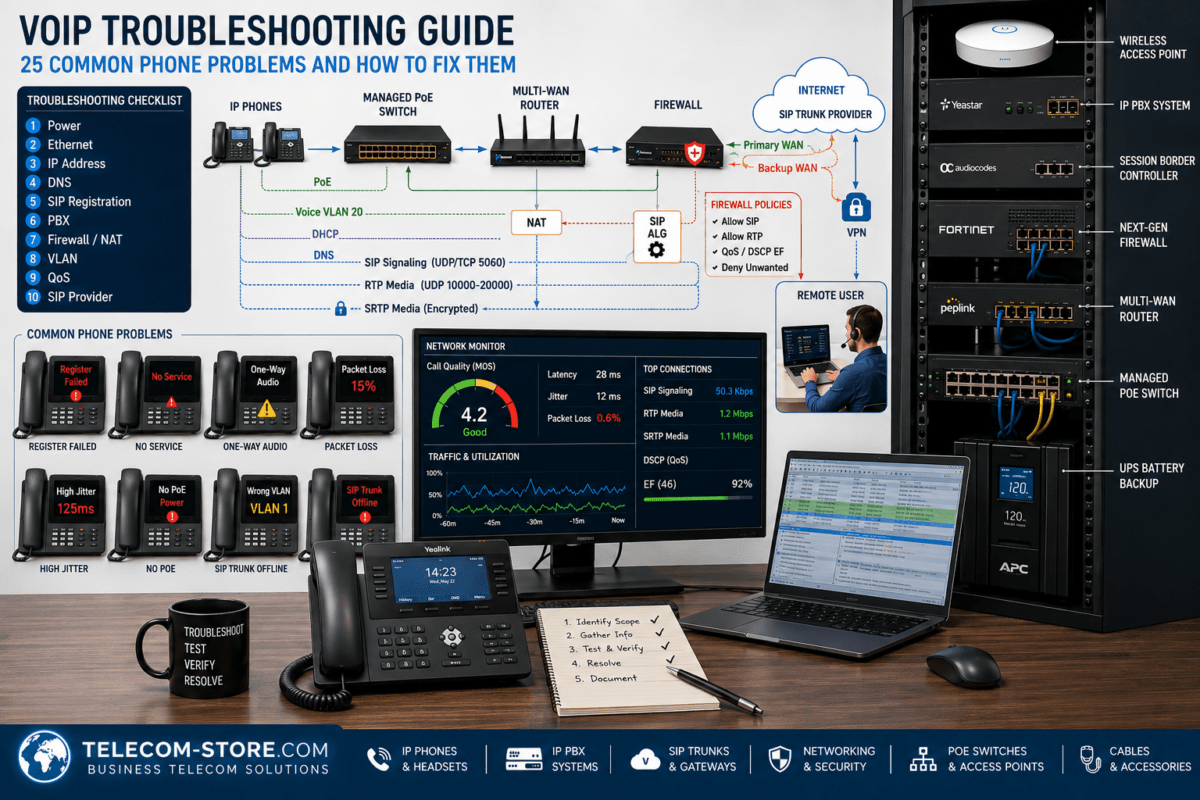
- SIP: UDP/TCP 5060; Secure SIP: TCP 5061
- RTP: UDP ports, usually 10000–20000 (range varies by system and provider)
Leaving these ports closed or wrongly configured leads to the classic VoIP headaches—dropped calls, dead air, and failed logins.
Need VoIP hardware that’s firewall-friendly? Explore IP phones compatible with business firewalls or find a suitable PBX system here.
Common Firewall Issues in VoIP Deployments
Most businesses run into the same network/firewall problems with VoIP. Knowing these makes troubleshooting much faster:
One-Way Audio
- NAT issues or blocked RTP ports
- Incorrect port range forwarding
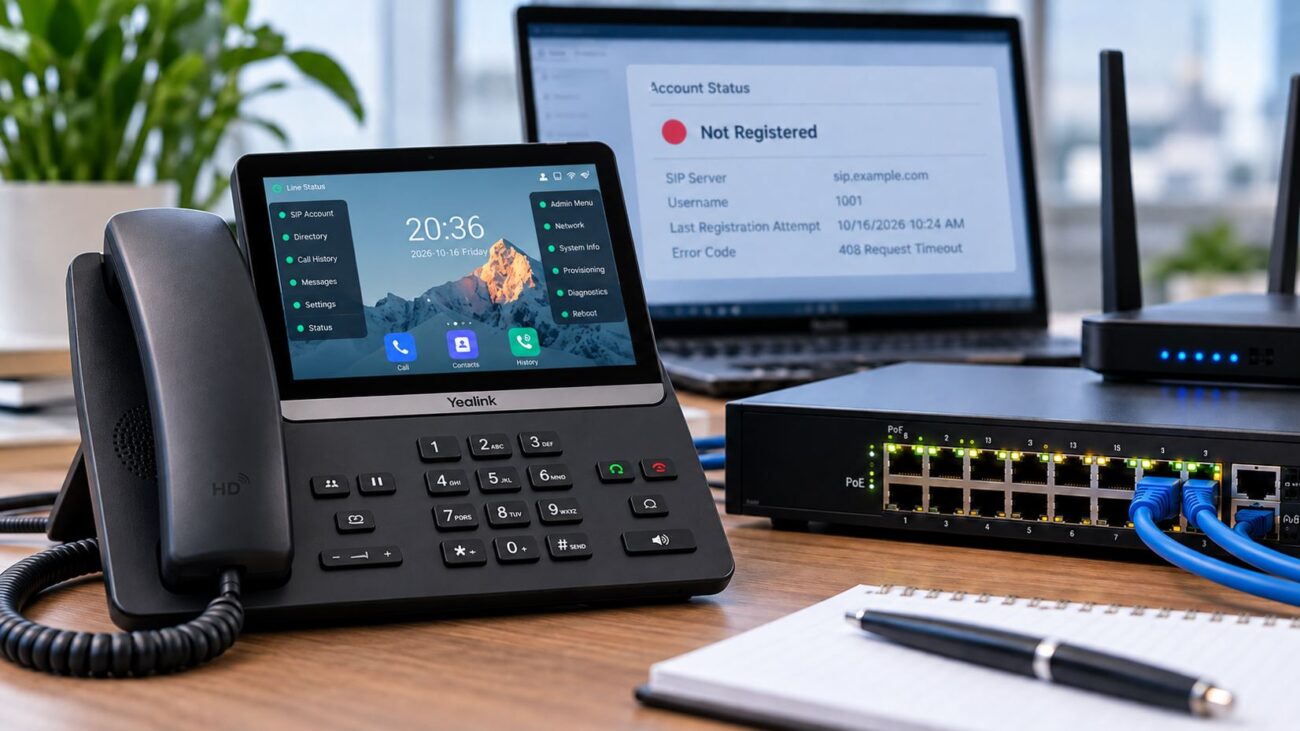
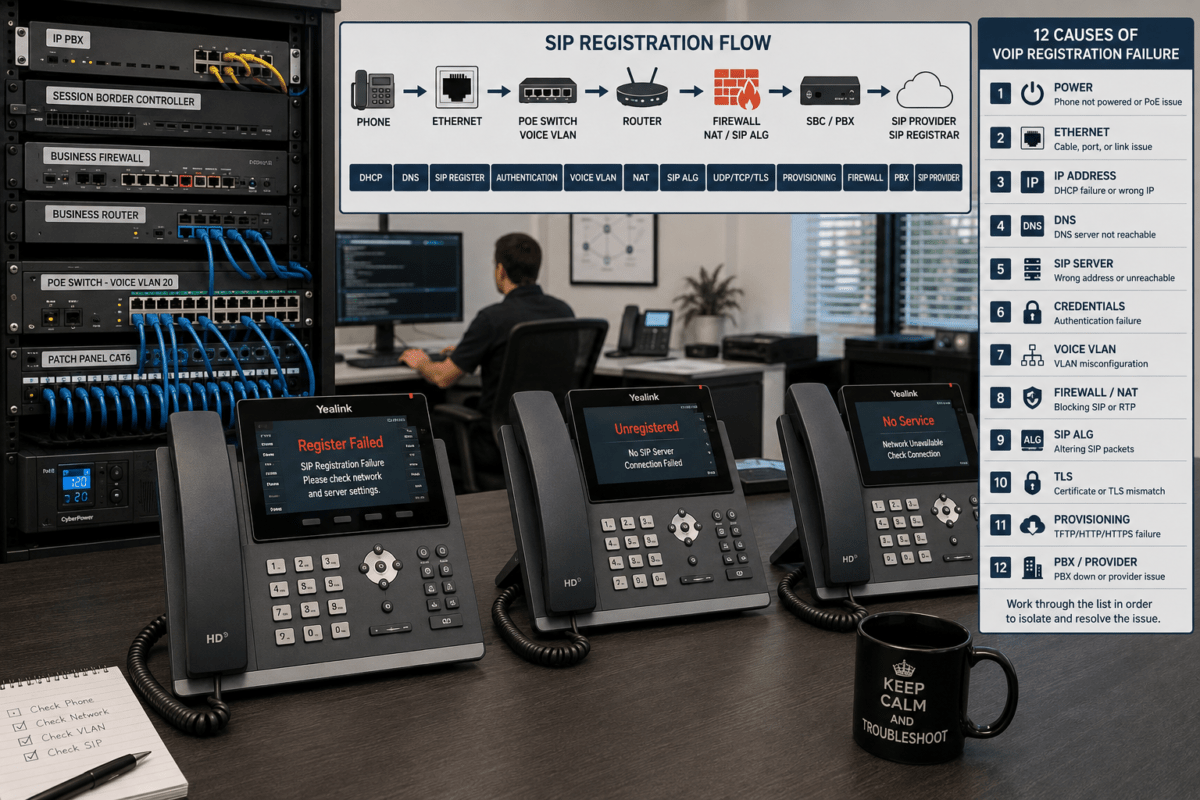
Failed Registration
- SIP traffic blocked, often by a default firewall rule or consumer-grade router
- Packet rewriting by features like SIP ALG
Dropped Calls
- Firewall session/timeout settings too strict
- UDP packet errors or unreliable handling
Solution: Confirm SIP/RTP ports, disable SIP ALG, and keep firmware updated.
Core Firewall Configuration Principles for VoIP
1. Disable SIP ALG (Application Layer Gateway)
Many modern routers enable SIP ALG by default. Despite its intended purpose to help VoIP traffic, in practice it often causes inspection/rewrite errors. Disable this feature on your firewall or router before going live with VoIP.
2. Use Static Port Forwarding (If Hosting PBX Locally)
- Forward SIP signaling and RTP port ranges only to your internal PBX server
- Don’t expose your whole network—restrict to the PBX’s static IP
- Double-check provided port ranges with your VoIP provider
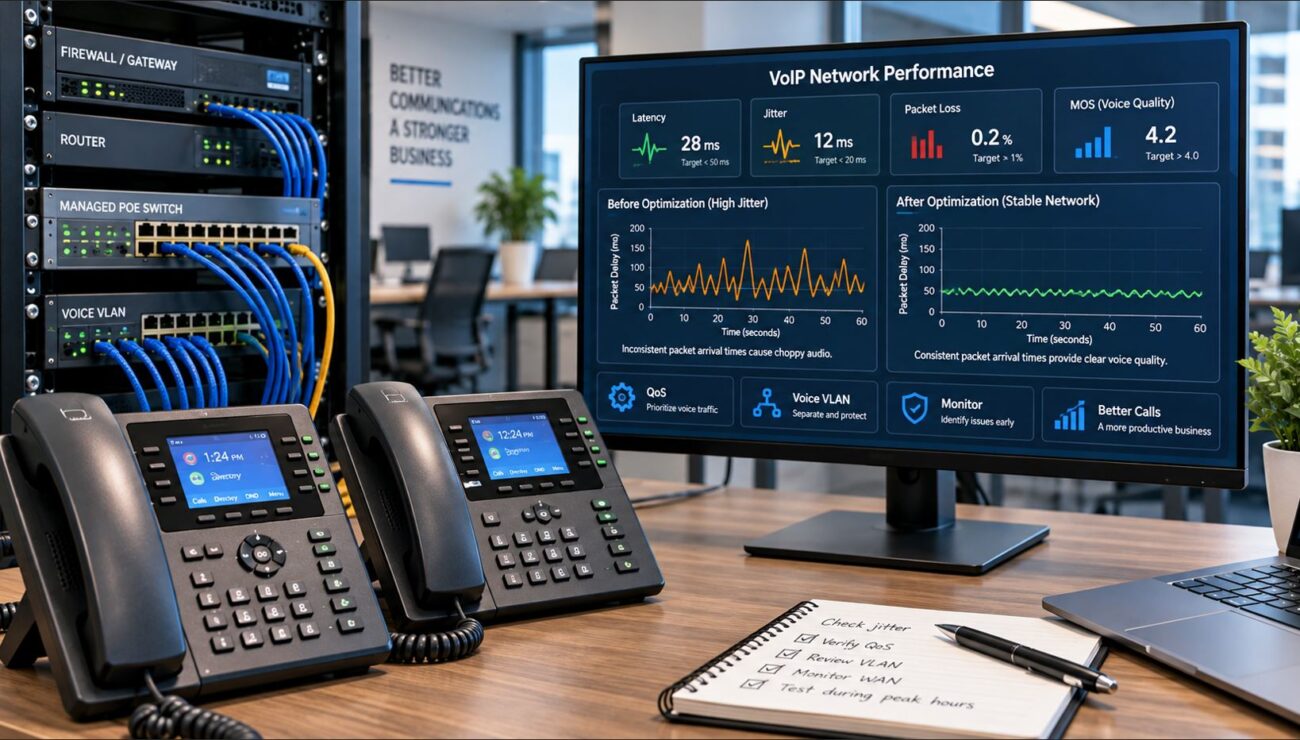
3. Implement Quality of Service (QoS)
- Prioritize VoIP/SIP and RTP in your firewall or network switches
- Set bandwidth reservations for voice
- This reduces call drops and choppy audio during heavy downloads or backups
4. Restrict Access by IP Address
- Allow SIP from your VoIP provider’s ranges or static company IPs only
- Block all other incoming attempts to SIP ports—this halves your attack surface
This practice deters SIP scanning, registration-hammering bots, and toll fraud.
Firewall Setup for Cloud-Based PBX
Cloud PBX and hosted VoIP solutions (like 3CX, RingCentral, or FreePBX in the cloud) simplify the network side:
Outbound Rules
- Allow outbound SIP and RTP traffic to the PBX host/provider addresses
- Ensure UDP/TCP ports are not filtered outbound in both directions
Inbound Rules
- Most cases: Allow related outbound traffic’s return (stateful firewall)
- Do NOT open inbound SIP/RTP ports unless required by your provider
Pro tip: If your phones regularly travel between networks (remote/hybrid work), make sure firewall rules permit registration and calls from those subnets too. For detailed VoIP networking hardware, browse PoE switches for VoIP.
Hardware Considerations for VoIP Networks
Your firewall isn’t the only concern. Network switches and overall design have a big influence on VoIP reliability and voice quality.
Recommended Hardware Features
- Stateful packet inspection (lets the firewall track phone call sessions)
- Built-in QoS engine
- VLAN support for segmenting voice/data traffic
- Gigabit or higher throughput
Examples of VoIP-ready Devices
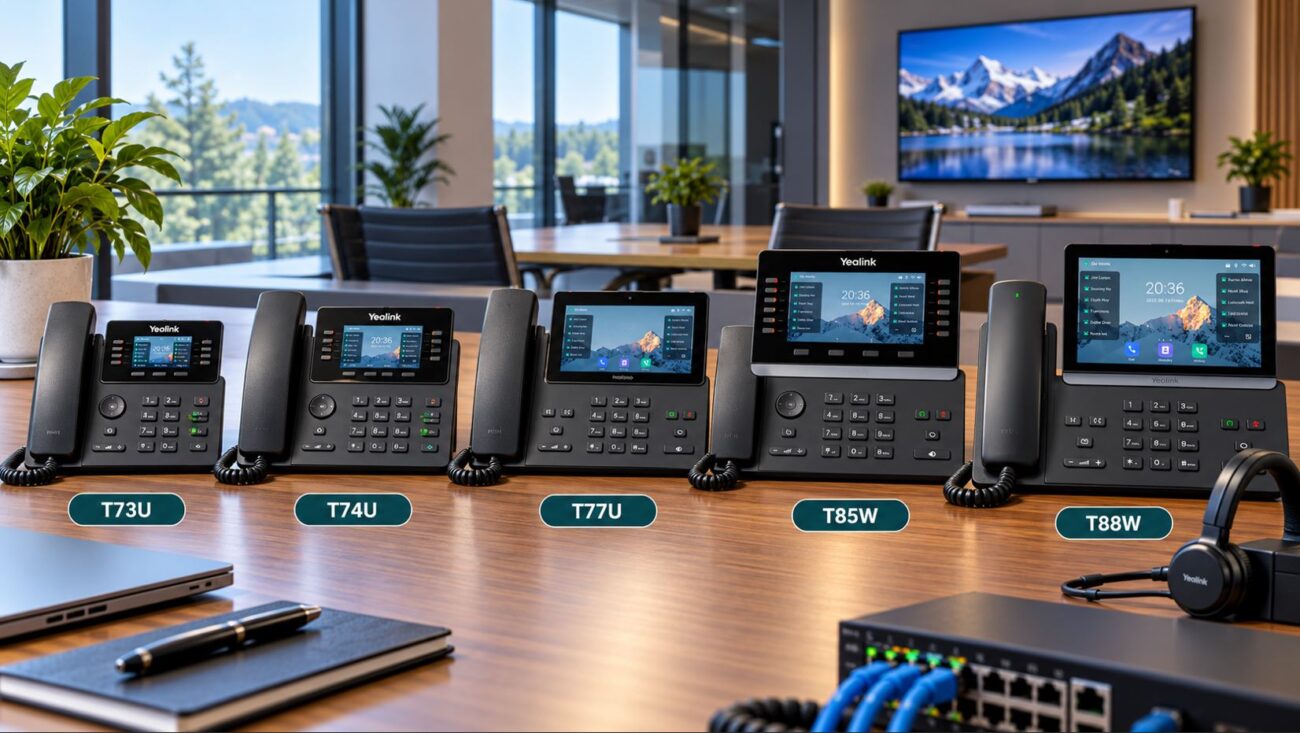
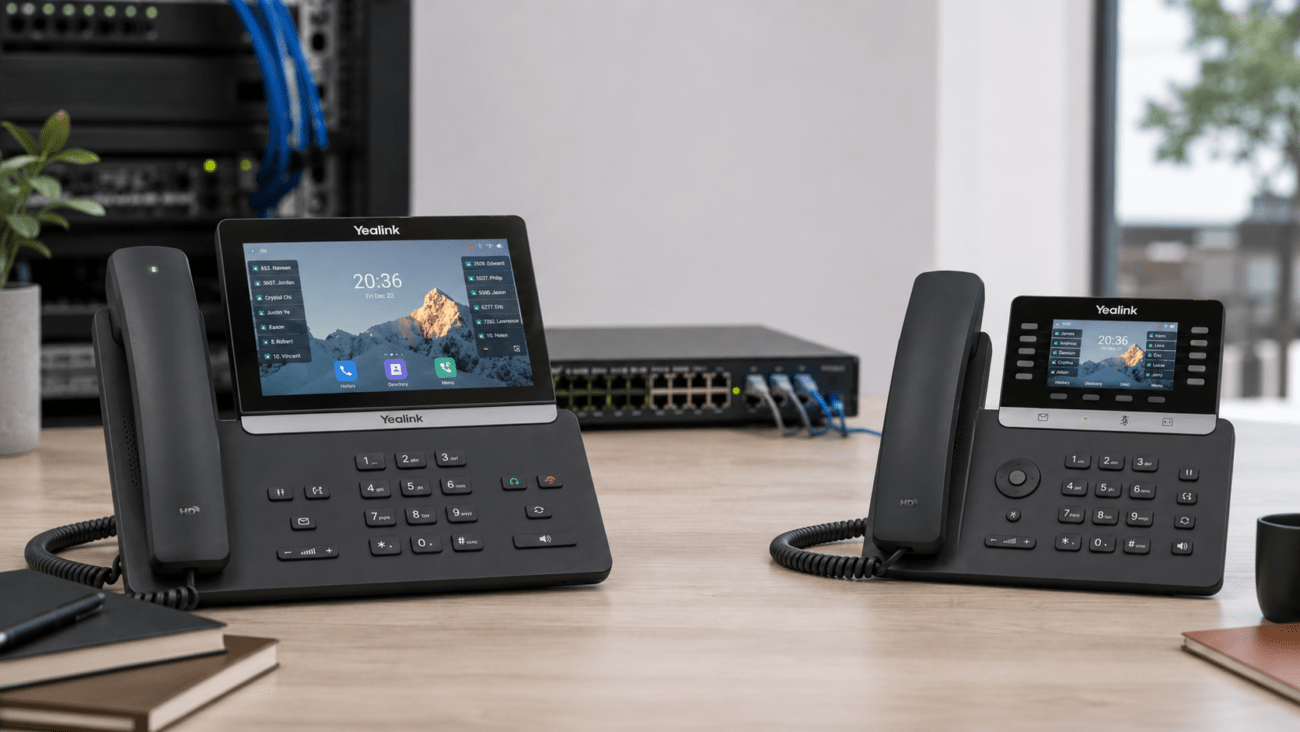
- Yealink T54W, T57W, T46U—business VoIP phones that support SIP and work well with PBX/firewall setups
Pick business-class firewalls and switches: consumer gear often lacks advanced SIP, QoS, or VLAN controls. For optimal PoE phone deployment, see PoE network switches for VoIP phones.
Network Segmentation for VoIP
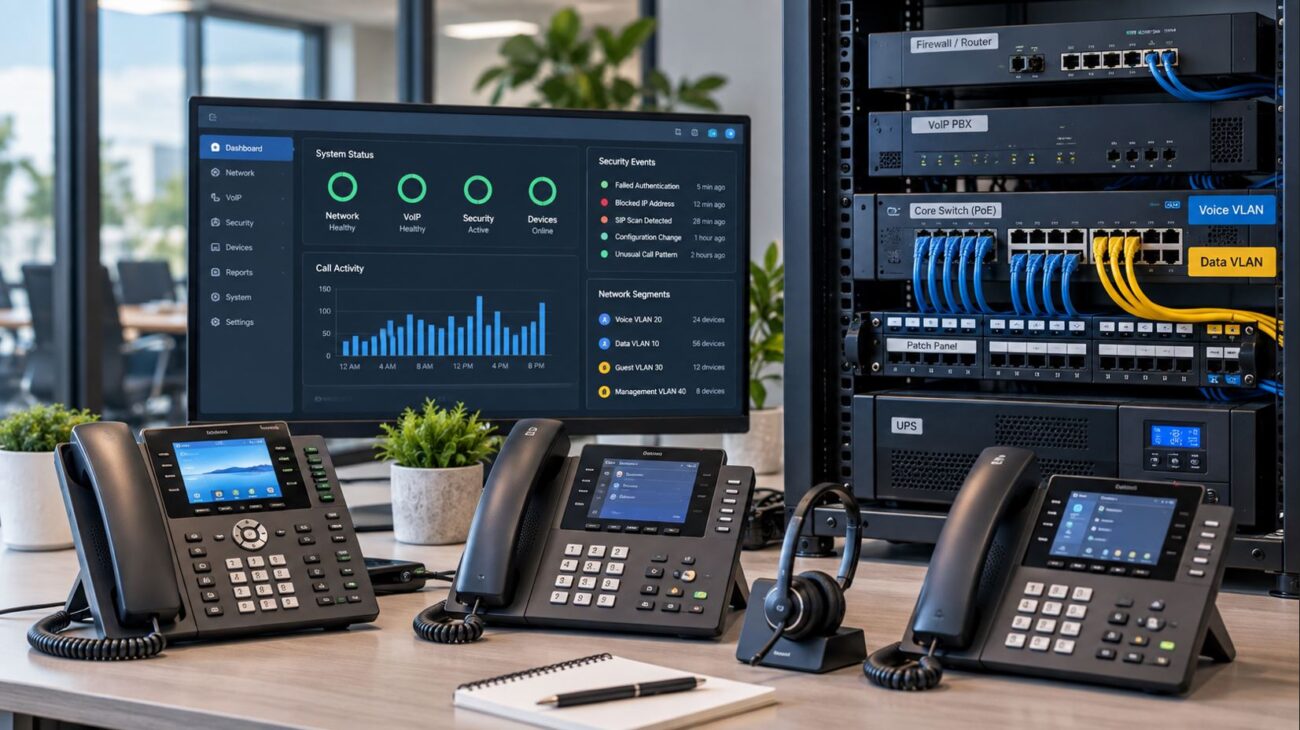
Separating your VoIP devices from PC/data traffic boosts call quality and simplifies troubleshooting. For growing offices, this is increasingly important.
How to Set Up VLANs for VoIP
- Create a dedicated VLAN on your managed switch for all VoIP devices
- Assign phones and PBX to this VLAN; keep workstations/printers separate
Benefits
- Less congestion and network interference
- Faster diagnosis of call quality issues
- Better network security overall
Security Best Practices for VoIP Firewalls
VoIP environments are popular targets for hackers. Protecting your system at the firewall makes attacks, such as toll fraud, much less likely:
Protect Against SIP Attacks
- Block international access unless needed
- Limit SIP port exposure using IP whitelisting
Recommended Security Measures
- Use complex passwords for phone registrations
- Change default SIP and management ports whenever the PBX allows
- Enable firewall intrusion detection if available
- Check logs on phones and PBX for unusual failed logins or SIP scans
Buyer Considerations Before Configuring a VoIP Firewall
1. Compatibility
- Check whether your current firewall properly supports SIP and RTP traffic. Older firewalls or entry-level routers may block or mishandle important packets.
- If you’re choosing new network gear, look for SIP-aware firewalls and switches—especially business switches with QoS and VLAN.
2. Setup Requirements
- Gather provider documentation on required port ranges and IP addresses
- Make sure you have administrator access to router/firewall and network
- Ensure your internet bandwidth matches your number of simultaneous calls
3. Recognize Limitations
- VoIP performance still depends on reliable internet—no firewall rule can fix a bad ISP connection
- Consumer routers may work for a few phones but introduce headaches (see upgrade options)
- Mistakes in NAT/firewall often surface as intermittent, confusing call quality problems
If you encounter persistent issues, partnering with experts like Axion Communications can clear up complex troubleshooting and future-proof your setup.
When to Consider Professional Assistance
If you have a multi-site network, remote users, or hundreds of handsets, configuration becomes more involved. High call volumes and remote extensions require more advanced firewall rules, custom VLANs, and often VPNs for remote device security. If you’re not confident with routing or port forwarding, an experienced VoIP integrator can be a smart investment—saving days or weeks of trial-and-error.
Practical Conclusion
Firewall configuration is the foundation for a successful VoIP rollout. Don’t risk poor voice quality and security breaches by neglecting these steps. For most SMBs, disabling SIP ALG, forwarding the right ports, enabling QoS, using VLANs, and setting strong firewall rules ensures your phones just work—now and as your office grows.
Looking to upgrade your VoIP system or want more tailored network hardware? See our collections of VoIP phones, network switches, and PBX solutions.
Frequently Asked Buyer Questions
What is the most common firewall mistake affecting VoIP?
Enabling SIP ALG, which is found in many business firewalls and routers. This setting is usually meant to help, but it almost always breaks SIP registration and audio. To avoid headaches, disable SIP ALG as your first troubleshooting step.
Do I need special hardware for VoIP firewall configuration?
For small installations, some consumer routers may work, but they often lack reliable support when handling more than a few phones or when prioritizing voice traffic. Choose switches and firewalls with QoS and VLAN for best results. See business-grade network switches here.
What ports should I open for VoIP phones and PBX?
Open 5060 (UDP/TCP for SIP), 5061 (TLS for secure signaling), and usually UDP 10000–20000 (for RTP audio). Restrict access to your provider’s IP, not the entire internet. Never expose your PBX web management port outside your organization!
Is cloud PBX easier to secure than on-site PBX?
Generally, yes. For cloud PBX, you just need to allow outbound SIP and RTP and keep your firewall stateful. For on-premises PBX, you’ll need well-defined port-forwarding rules and to restrict them aggressively by source IP.
How can I prevent VoIP hacking or toll fraud?
Restrict SIP to known IP ranges, use strong passwords, keep your PBX firmware and phone software updated, and monitor firewall/PBX logs for failed attempts. Intrusion detection features and port changes (when allowed) help too.
Should I use VLANs for my VoIP phones?
Yes. VLANs separate voice and data for better quality and fewer accidental disruptions. Network troubleshooting and upgrades are easier, and you reduce accidental broadcast storms.