How to Keep Critical Communications Running During a Power Outage
At a glance: A power outage can instantly cut off voice and data connectivity in modern offices. The key to maintaining communication is using targeted battery backup for all essential equipment—modems, routers, PoE switches, and phones—not just for the main PC or server. This article walks you through how business buyers can keep internet and VoIP phone systems online, select the right uninterruptible power supplies (UPS), and avoid pitfalls that can leave your network dark.
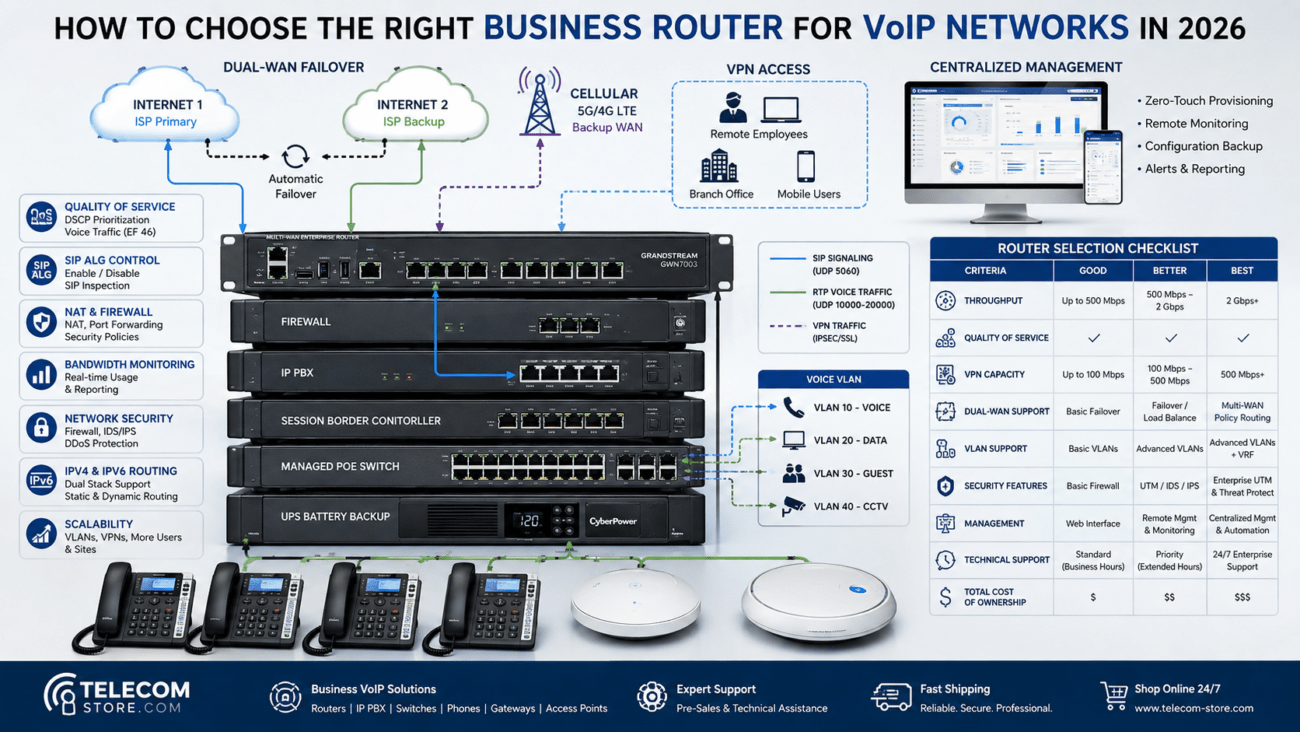
Typical Office Network Power Backup Checklist
| Device |
Why Protect? |
How to Power |
Common Mistakes |
| Internet Modem |
Core to all external communication |
Plug into UPS |
Plugging into surge-only, not battery side |
| Router/Firewall |
Required for IP address provisioning and security |
Plug into UPS |
Only protecting modem, not router |
| PoE Switch |
Powers all VoIP phones, APs, SIP devices |
Plug into UPS |
Undersized UPS, forgetting PoE power draw |
| VoIP/SIP Phones |
Handles calls, messaging |
Powered via PoE (switch must have backup) |
Assuming phones work if switch is off |
| PBX Appliance |
Central phone control (on-site PBX) |
Plug into UPS |
Only protecting cloud, not local PBX |
| Wireless APs |
Wi-Fi connectivity |
PoE or AC, both need backup |
Ignoring APs connected to a different panel |
Why VoIP Stops Working in a Power Outage (And What You Can Do)
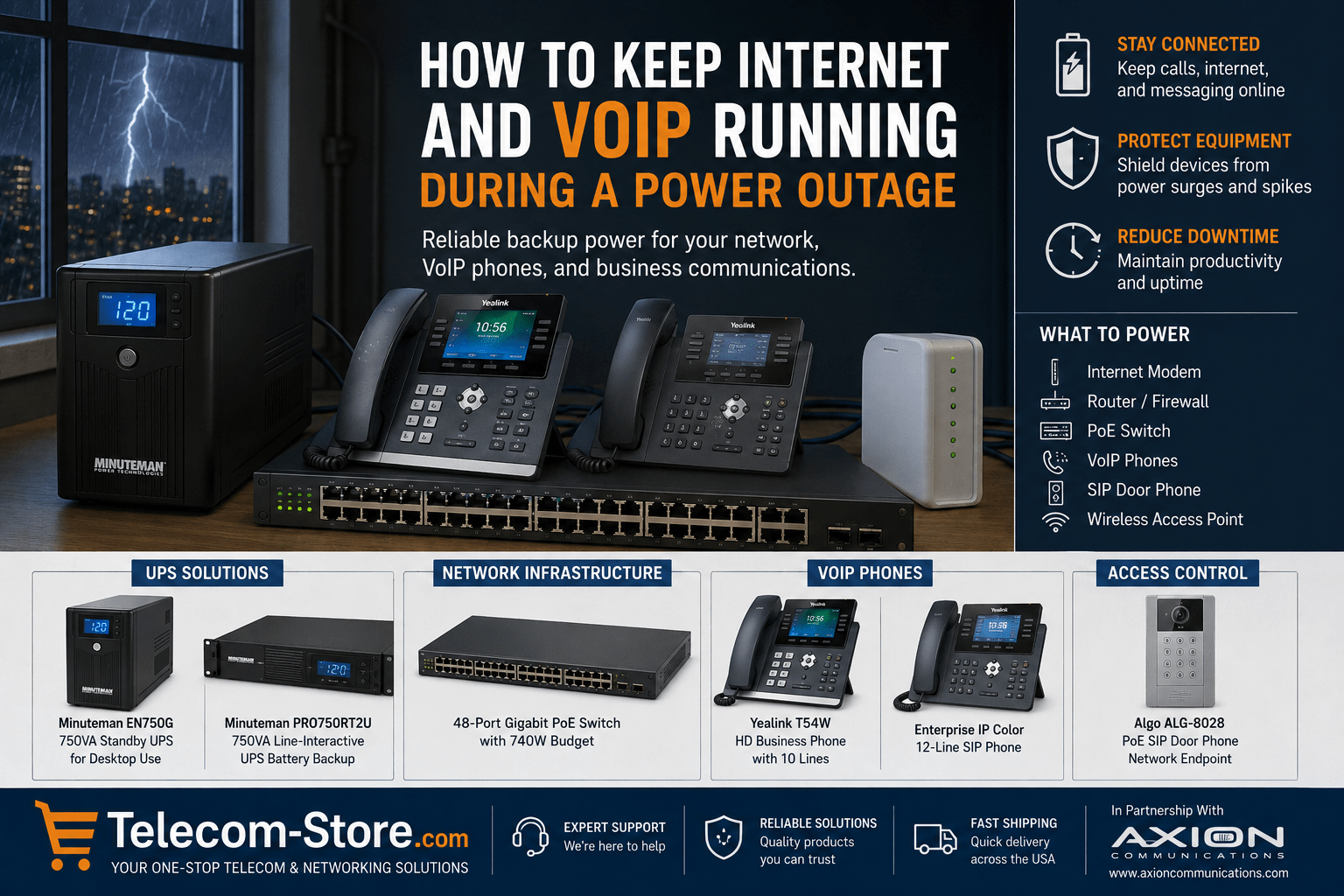
Unlike old analog phone lines—which worked during many outages thanks to central office power—today’s VoIP and IP PBX setups fully depend on your building’s electrical supply. If your modem or your PoE switches lose power, your internet and phones go down, even if your service provider is still live. Essential devices include:
- Cloud PBX login points
- SIP (VoIP) phones
- Internet modem/router
- Firewalls and managed/PoE switches
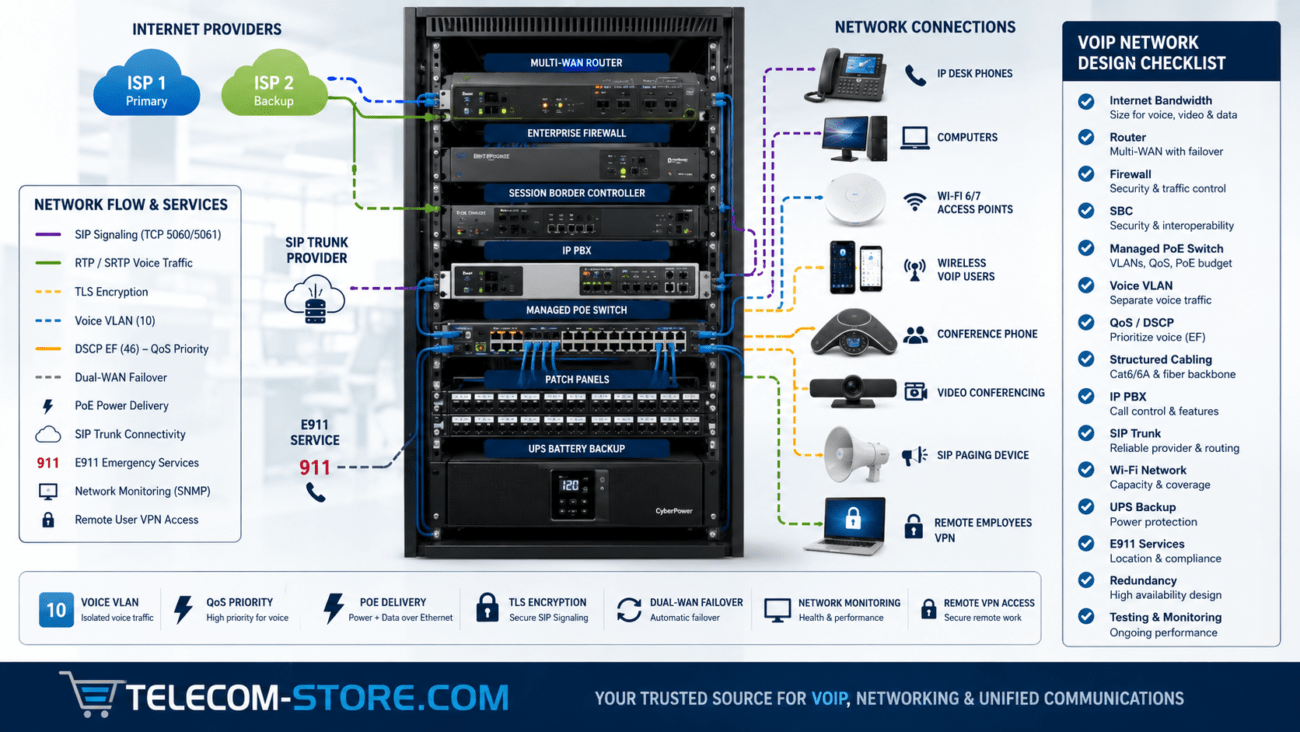
In larger office deployments, a single missed device can disconnect your entire team. Always follow the wire—if it’s part of your network’s critical path, it needs backup power.
Understanding UPS Systems: Types, Use Cases, and Fit
Uninterruptible Power Supplies (UPS) provide instant battery backup when utility power fails. For business communication, you’ll likely use:
Never use a standard surge strip in place of a UPS. Only the battery-backed outlets on your UPS provide actual temporary power; always check how many full-power outlets your UPS model includes.
For Business Internet Continuity: What to Plug In
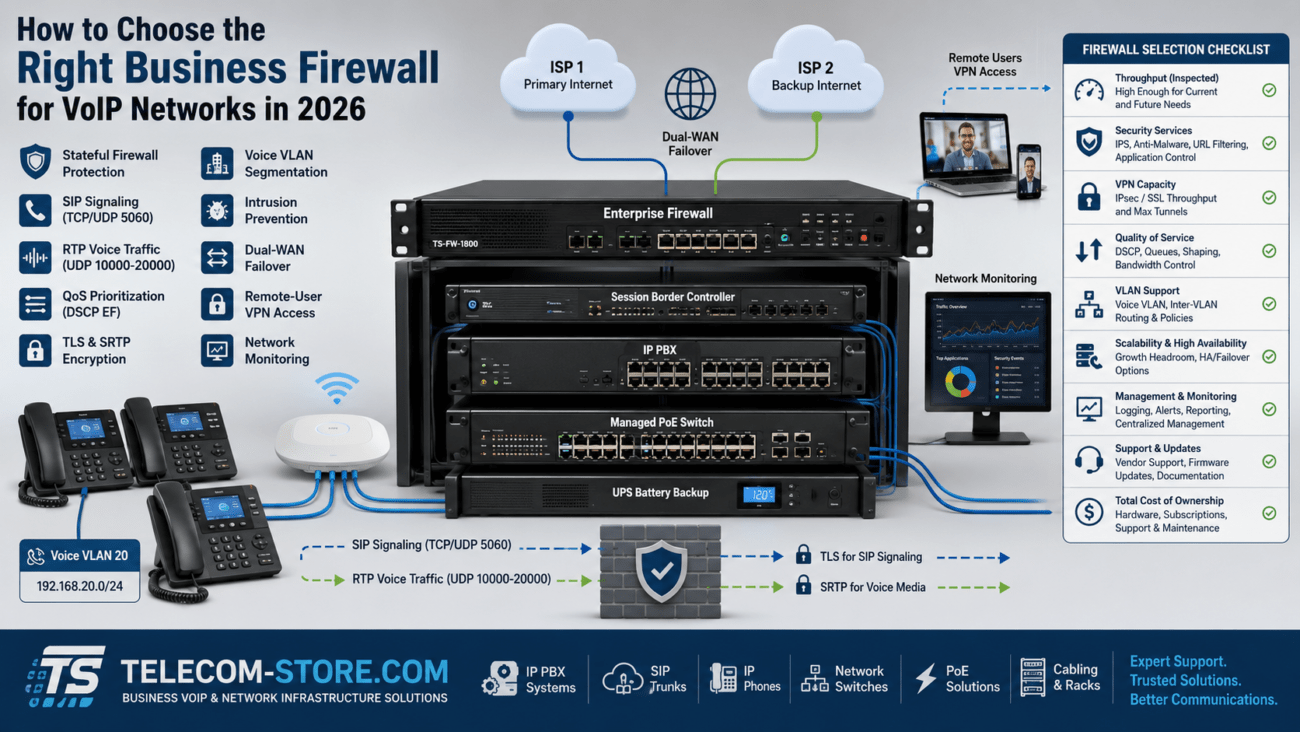
At a minimum, connect your internet modem, router, and firewall to the UPS. If you have wireless controllers or additional switching, back those up as well. For offices using cloud PBX systems or hosted VoIP providers like Axion Communications, stable internet is the #1 requirement for call continuity and remote work.
Protecting PoE Switches: The Backbone of VoIP and Devices
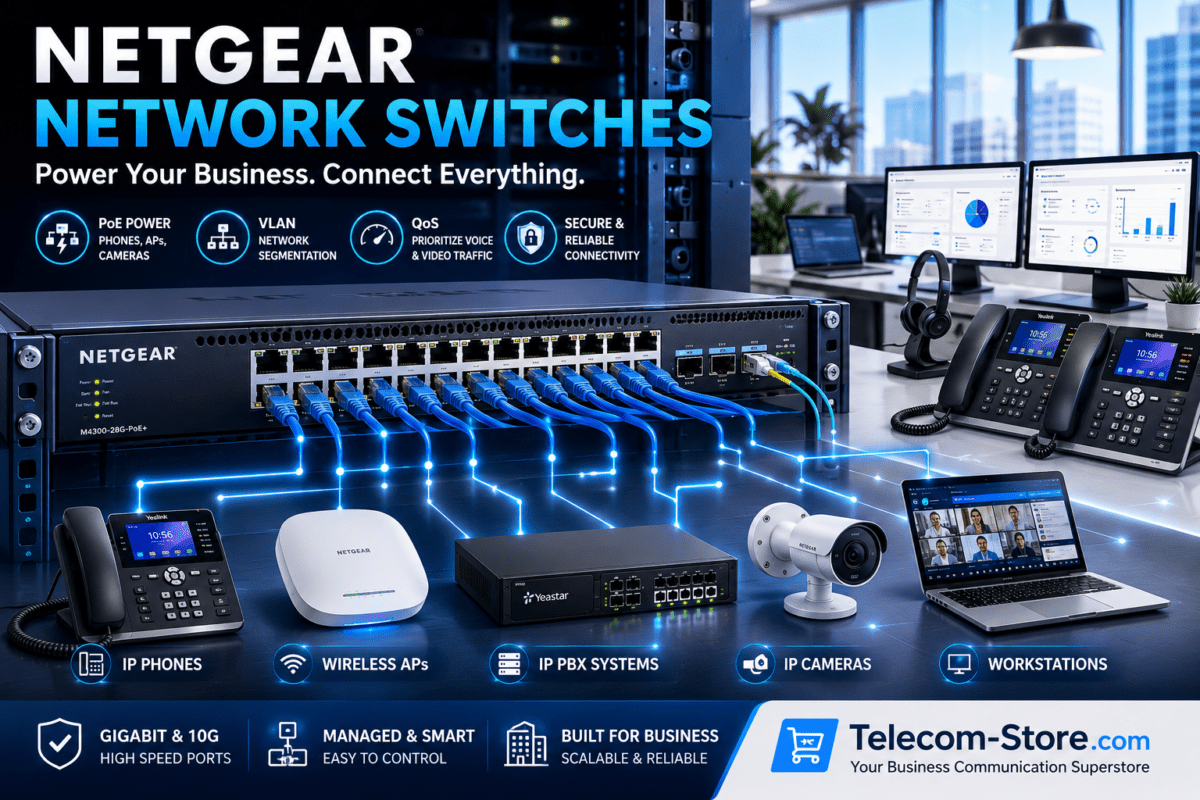
If you deploy VoIP phones, wireless access points, security cameras, or digital door systems via Power over Ethernet, your PoE switch is often the largest single point of communication failure. If the PoE switch loses power—even for seconds—every connected device goes offline. For example, a switch like the EnGenius 48-Port Gigabit PoE Plus Switch can power up to 48 endpoints, but size your UPS so it covers the full power draw—including all phones, APs, and cameras you want to keep running. Calculate your “worst case” power needs, not just typical load, to avoid surprises in a real emergency. Need more guidance? See our PoE Switches category for more sizing help.
Best Practices:
- Use a UPS that matches or exceeds total PoE device wattage
- Plan for the number of connected endpoints you need during an outage
- Include spare capacity for tech upgrades or new devices
VoIP Phones, SIP Endpoints, and Backup Power
Whether you use Yealink T54W business phones or flagship SIP handsets like the Grandstream 12-Line Color IP Phone, nearly all modern VoIP desk phones get power via PoE from your network switch—not the wall outlet. If that PoE switch is backed up by UPS, your phones can stay live during a brief outage. If not, you lose dial tone and call handling instantly.
- SIP phones need both network connection and power
- Check if your phones support local AC adapters as a fallback (rare for enterprise phones)
- For remote and home workers, see basic UPS options for single desk phone, modem, and Wi-Fi
Browse more VoIP buyer options at VoIP Phones.
SIP Door Phones and Access Control: Don’t Overlook Security Devices
Door intercoms and paging hardware—like the Algo ALG-8028 PoE SIP Door Phone—typically connect to the same PoE switches as phones. Leaving these unprotected means you might lose visitor access or emergency paging in a blackout. If physical security matters, back up your switches and associated network devices (including entry controller relays).
How to Size Your UPS for Network Equipment and PoE
Proper sizing is key. Too-small UPS units will shut off quickly, while oversizing wastes budget and rack space. Review:
- All devices to be protected (modem, router, switch, ATAs, PBX, APs, phones, security)
- The maximum PoE power your switch can deliver (often 370–740 Watts in business gear), plus margin
- Desired runtime in minutes—long enough to ride out short outages or bridge to generator startup
Note: Some offices only want 10–15 minutes to avoid dropped calls during a brief blink; others need an hour or more. PoE switches powering many devices can drain small UPS units surprisingly fast—test your scenario under load before the outage hits. Consider future growth, not just today’s endpoints.
Rack UPS or Desktop UPS? Deployment Tips
Larger networks often deploy line-interactive rack UPS units in server closets. See the Minuteman PRO750RT2U for a typical use case. Desktop or tower-style UPS work for home office or branch locations. Before buying, check your available rack space, ventilation, and how many outlets you need immediately battery-backed (not all ports on a UPS are equal!).
Network Power Protection: Buyer’s Practical Checklist
- Protect every point of failure (not just the most expensive device)
- Check your wiring—ensure all devices that power phones, APs, or PBX have UPS backup
- Test your backup plan in a scheduled “blackout” drill; see which devices stay up, and for how long
- Don’t forget environmental factors: hot, poorly ventilated racks will reduce battery life
- Regularly replace UPS batteries according to manufacturer guidelines; old batteries mean less runtime
- Include surge protection and voltage regulation, especially in unstable power regions
Save headaches: A chain is only as strong as its weakest link. If your switch survives but the modem is off, your network is down. Map your network and plug every critical element into battery backup.
UPS vs Generator: What’s Best for Business Communications?
Generators deliver long-term backup, but usually require several minutes to start and may not deliver clean voltage in the meantime. UPS units kick in instantly, regulate voltage fluctuations, and prevent abrupt shutdown of sensitive network gear. Many companies pair both—using a UPS to keep phones and internet up while the generator starts, then shifting to generator supply for longer outages. UPS is your first shield, generator your long-haul safety net.
Remote Workers and Home Offices: Don’t Forget Battery Backup
With more staff working from home, a simple desktop UPS can mean the difference between call quality during an outage and being disconnected. Essential items to protect at home include:
- Cable/DSL/Fiber modem
- Wi-Fi or mesh network router
- Primary SIP phone or softphone laptop dock
For home offices or remote teams, the EN750G Standby UPS is a simple fit. Remind remote workers to check which devices in their setup demand backup and test regularly.
Real-World Limits and Common Mistakes
- UPS systems only work as long as their batteries last; a several hour power cut can exceed most small UPS runtimes
- ISP or regional network outages are beyond your local backup’s reach—always have a business continuity plan for true emergencies
- Poor UPS sizing means runtime is much less than expected, especially with PoE switches fully loaded
- Cloud PBX outages or failures at a VoIP provider will interrupt calls, regardless of your local power backup
- Don’t forget to periodically test your system—unexpected hardware changes or expansion can outpace your UPS capacity without warning
Want to plan for the “whole office picture”? Explore additional protection products at Network Switches, IP PBX Systems, and VoIP Headsets.
Frequently Asked Questions
- How can I keep internet running during a power outage?
- Plug your modem, router, firewall, and network switch into a UPS battery backup—not just a surge strip. Make sure to test your setup with a power-out scenario so you know what stays on.
- Will VoIP phones work during a power outage?
- Only if their powering PoE switch and network infrastructure remain on battery via a UPS. If the switch goes down, phones stop instantly.
- What size UPS should I choose for a PoE switch?
- Add up all PoE devices’ wattages, allow a margin above your switch’s peak delivery, and choose a UPS that meets both the load and the minimum runtime you need. Check device specs before buying.
- Is generator backup enough?
- Generators help in long outages but start-up delay means a UPS is always needed for immediate protection. Pair both if you’re in an area with frequent, extended losses.
- Will backup power work if my ISP is out?
- No. Battery power only protects you if your ISP remains online. For extra resiliency, consider cellular or secondary ISP failover.
- Can SIP door phones & access control stay online during a blackout?
- Yes—if the PoE switch and network linking the door device are on UPS power.
Summary for Buyers
Power protection for business networks isn’t just about stopping interruptions—it’s about making your communications system resilient and practical for real-world problems. Install the right UPS, correctly size it for your PoE switch and total equipment load, and you’ll dramatically improve your uptime during outages. Bring in IT support or a network integrator where needed—and never assume you’re covered until you’ve tested your network’s backup in real time. Still have questions about VoIP, PoE switches, or UPS for business? Visit Telecom-Store.com for expert help and product recommendations tailored for your office size and risk.