Choosing Conference Phones for Modern Business Needs
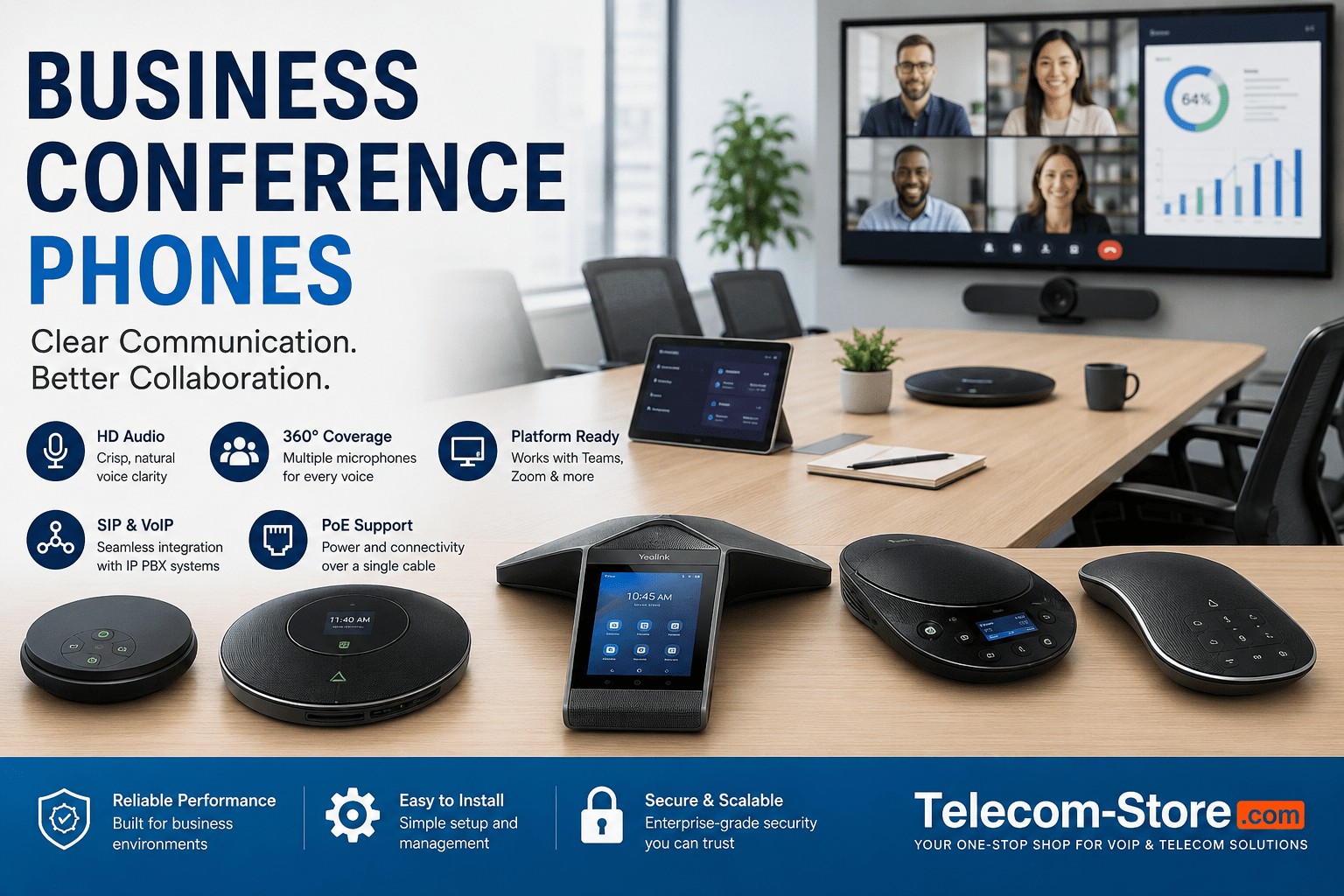
If you’re updating your meeting room or planning a new workspace, the right conference phone makes a big difference. A modern conference phone brings everyone into the conversation—whether they’re dialing in remotely or sitting together in the office. Buyers often ask whether to choose SIP, Teams, or Zoom models, and what to check before deployment.
| Feature |
Teams/Zoom Certified |
SIP/VoIP Compatible |
Wireless Option |
PoE Supported |
| Poly Trio C60 |
Yes (Teams/Zoom) |
Yes |
Yes (WiFi/Bluetooth) |
Yes |
| Yealink CP965 |
Yes (firmware) |
Yes |
No (wired) |
Yes |
| Snom C620 |
No (USB integration) |
Yes |
Yes (DECT) |
No |
| Grandstream GAC2570 |
No |
Yes |
Yes (WiFi, Bluetooth) |
Yes |
| Generic USB Speakerphone |
No |
No |
Yes (USB/Bluetooth) |
No |
Summary for buyers: Small rooms can often use USB/Bluetooth speakerphones, while larger conference areas get better audio with SIP or natively integrated Teams/Zoom models. Consider PoE if you want simple cabling. Always double-check compatibility with your IP PBX or collaboration platform before buying.
Where Business Conference Phones Fit
Modern conference phones are standard for:
- Conference rooms and boardrooms
- Hybrid or flexible meeting spaces
- Executive and huddle offices
- Remote-friendly environments
Most connect to VoIP platforms or cloud PBX solutions. For offices standardizing on Teams Rooms or Zoom Rooms, certified hardware streamlines setup and user experience.
Key Features to Look For
- Full-duplex HD audio for natural conversation
- 360° multi-microphone pickup (check microphone count and range)
- SIP, Teams, Zoom, or USB support
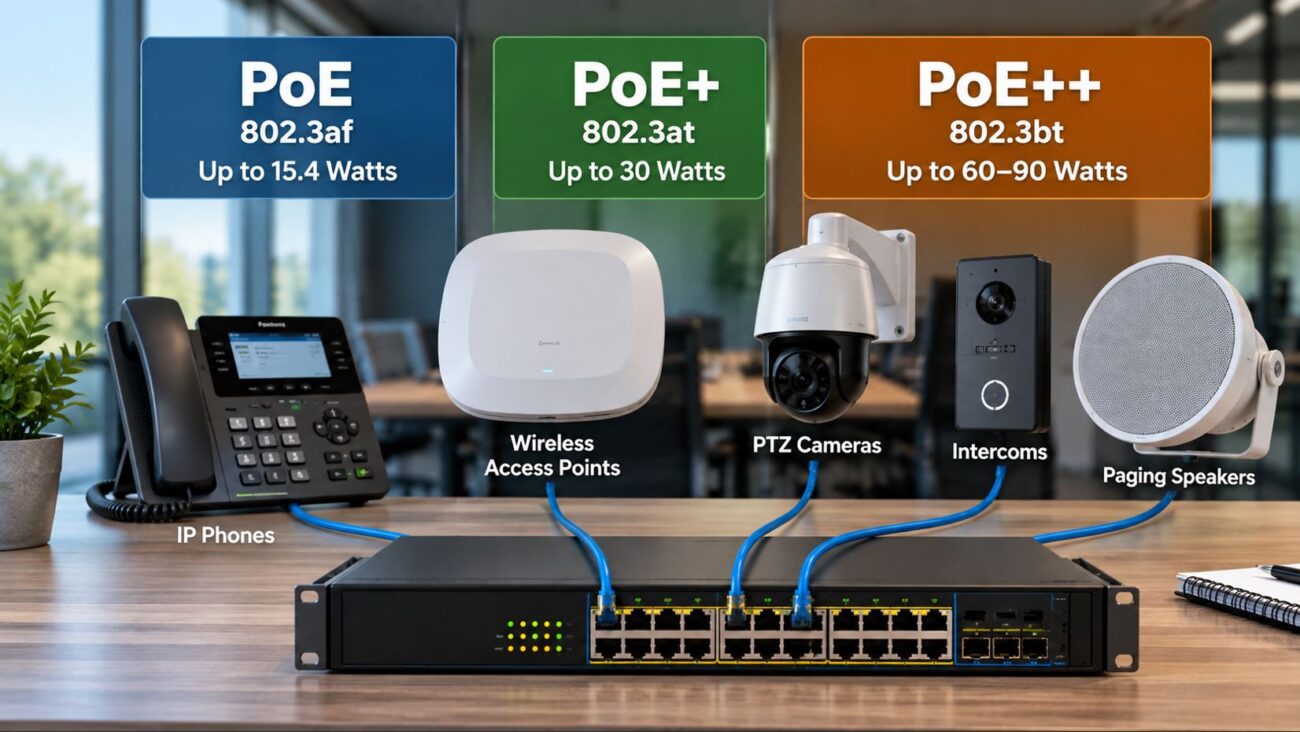
- PoE for easy deployment (see PoE Switches)
- Wireless models for flexible spaces
- Touchscreen controls & calendar integration (on advanced models)
Understanding SIP and VoIP Conference Phones
SIP conference phones are designed for IP PBX, hosted PBX, and cloud VoIP services. They connect using an Ethernet (LAN) cable, and most new models support PoE for both power and data. Integrating with a modern IP PBX makes it easier to manage calls and conferences across many offices.
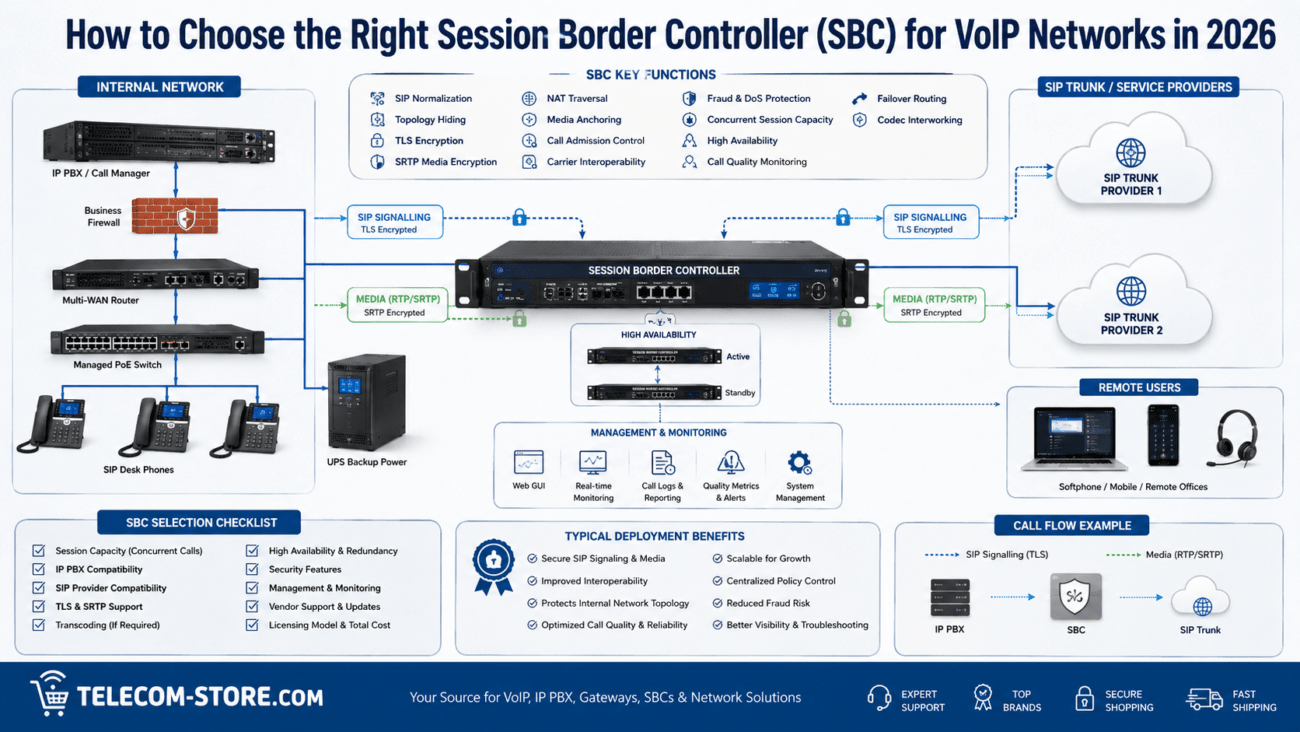
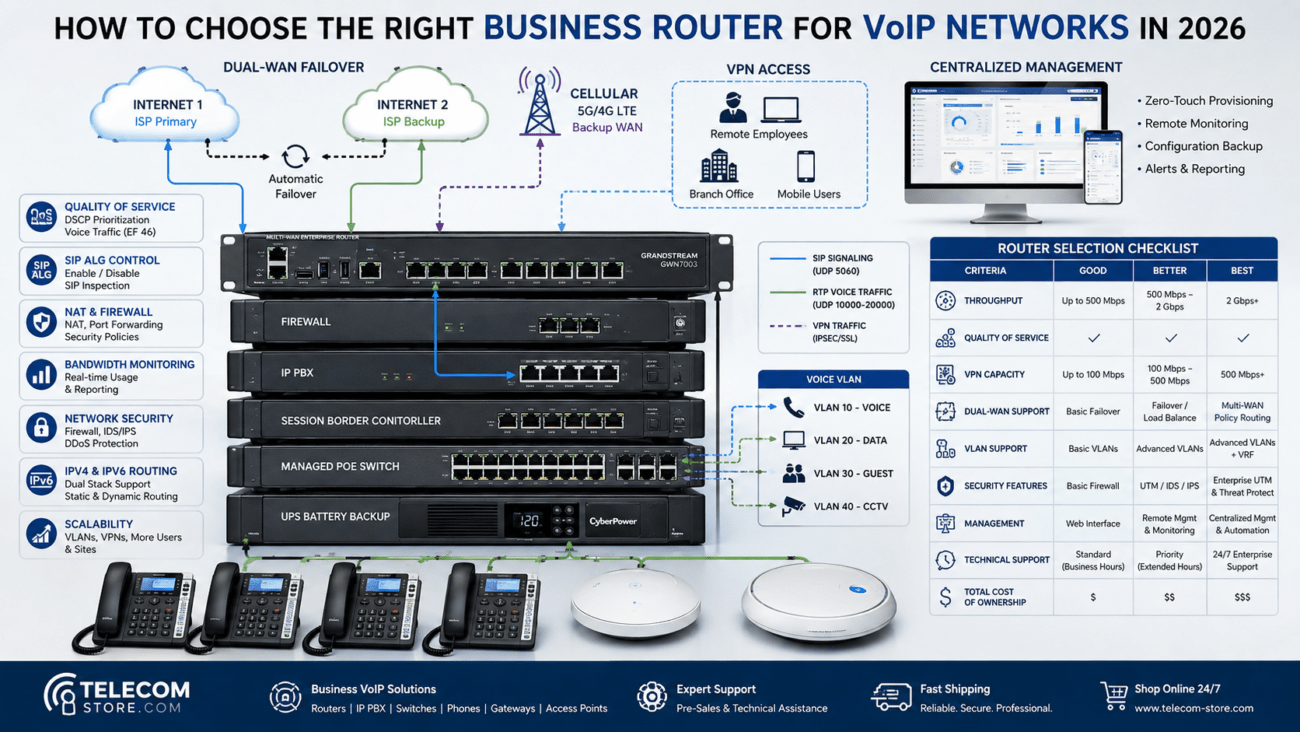
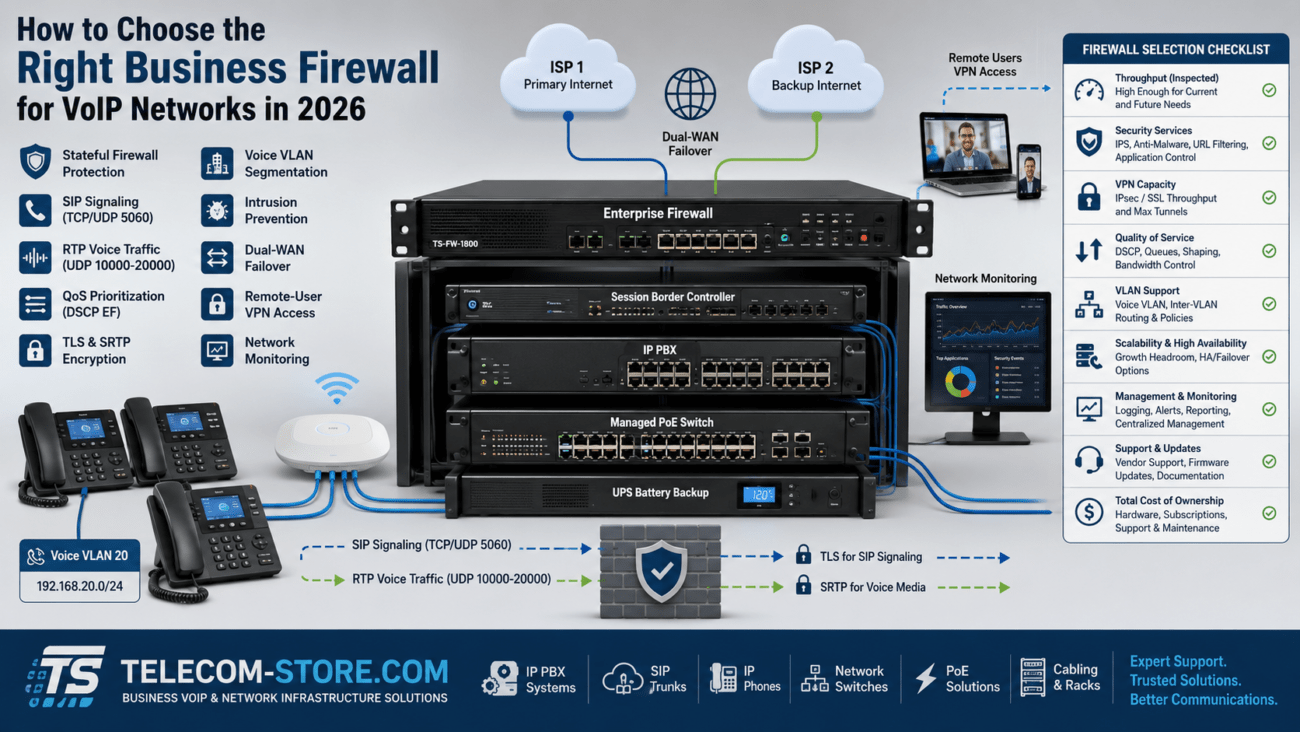
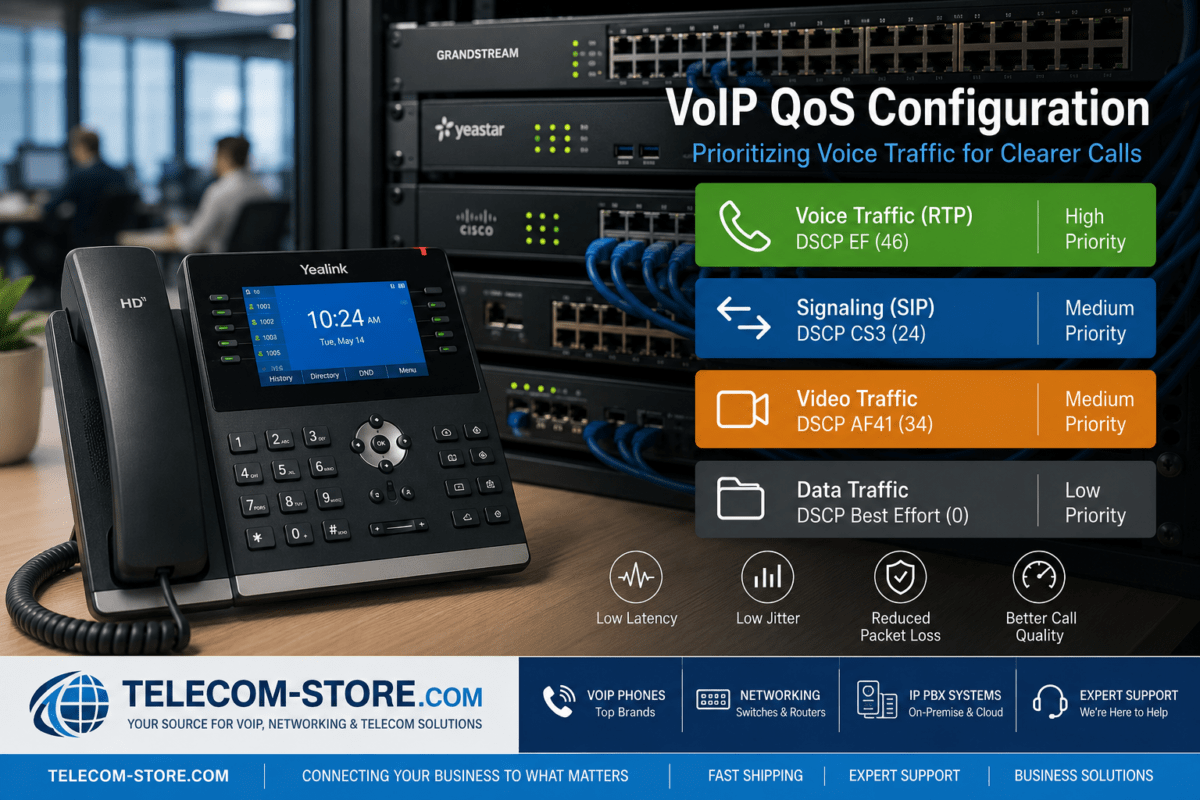
HD audio and echo cancellation help everyone be heard clearly, but performance also depends on the room’s acoustics and network stability. If you haven’t deployed VoIP before, check QoS and VLAN support on your network switches.
Teams, Zoom & Unified Collaboration Support
Some conference phones, like the Yealink CP960 and Poly’s Trio series, offer native Teams or Zoom Room firmware. These are best for environments using those platforms exclusively, as features like calendar joins and one-touch meetings are streamlined. For hybrid spaces, ensure your chosen phone supports both SIP and your collaboration apps, or supports USB/Bluetooth mode for softphone integration.
Wireless and Portable Conference Devices
Wireless conference phones (e.g., Snom C620, Grandstream GAC2570 with WiFi) are helpful for temporary meeting spaces or rooms without Ethernet drops. These models often rely on DECT or WiFi and support easy relocation. Remember, battery runtime and wireless signal quality are essential—good wireless works best with minimal interference from other office devices.
Expansion Microphones and Large Room Solutions
Larger rooms or wide conference tables may need additional microphones. Look for conference phones that support wired or wireless expansion mics. These improve voice pickup for participants sitting further away and help keep everyone’s voice clear in group calls. Multi-microphone or “array” models are especially useful in boardrooms or open-layout spaces. You’ll find options at Telecom-Store.com.
Network & PoE: What to Check
PoE-enabled conference phones simplify deployment—just one cable for power and data. Make sure you have a PoE switch, and if managing multiple devices, consider a managed network switch with VLAN and QoS support for best audio quality. Double-check if your conference area’s network is reliable enough for VoIP calls and video conferencing.
Small Office and Home Office Use
For small meeting rooms or home offices, compact USB/Bluetooth conference speakerphones may offer enough audio clarity. They’re flexible and easy to set up—just plug into your laptop and join Teams or Zoom meetings. Larger offices should step up to SIP/VoIP conference systems with multiple microphones.
Compatibility and Common Mistakes
- Always verify conference phone firmware supports your collaboration tools (e.g., Teams, Zoom, SIP PBX).
- Buy enough microphones for the whole room (don’t rely on built-in mics for long tables).
- Choose PoE if possible—reduces clutter and simplifies installation.
- Make sure the room’s network has enough bandwidth and is properly segmented.
- Don’t ignore room acoustics—consider acoustic panels or soft furnishings for high-echo spaces.
Conference Phones for Hybrid Workplaces
Hybrid offices require reliable, flexible technology. Business conference phones now often integrate with video systems and wireless meeting platforms. For a total solution, you may also want to compare VoIP phones and video conferencing devices depending on how your teams collaborate.
For help with setup, choosing hardware, or questions on compatibility, the Telecom-Store.com conference phone selection includes current models and accessories for SIP, Teams, Zoom, and more.
Frequently Asked Questions
- How do I choose the right conference phone for my business?
- Start by checking room size, user count, platform needs, and your network. Match required features like SIP, PoE, or Teams/Zoom apps, and check for microphone expansion if needed.
- Are business conference phones compatible with Teams and Zoom?
- Some provide native Teams/Zoom support, others work via SIP, USB, or Bluetooth. Verify before purchase to avoid feature limitations.
- What infrastructure do I need for PoE conference phones?
- You need a PoE-capable switch and a stable network for power and connectivity via Ethernet cables.
- Can wireless conference phones replace wired models?
- Wireless models support flexible deployments, but wired systems are recommended when you need maximum reliability and audio quality.
- How do expansion mics help?
- They extend audio pickup in large or irregular rooms, making sure all participants are clearly heard.
- What mistakes should I avoid?
- Avoid mismatched models for your platform, forgetting about microphone coverage, or overlooking network and room acoustic requirements.