Choosing Between Teams Rooms and Zoom Rooms: What to Know Up Front
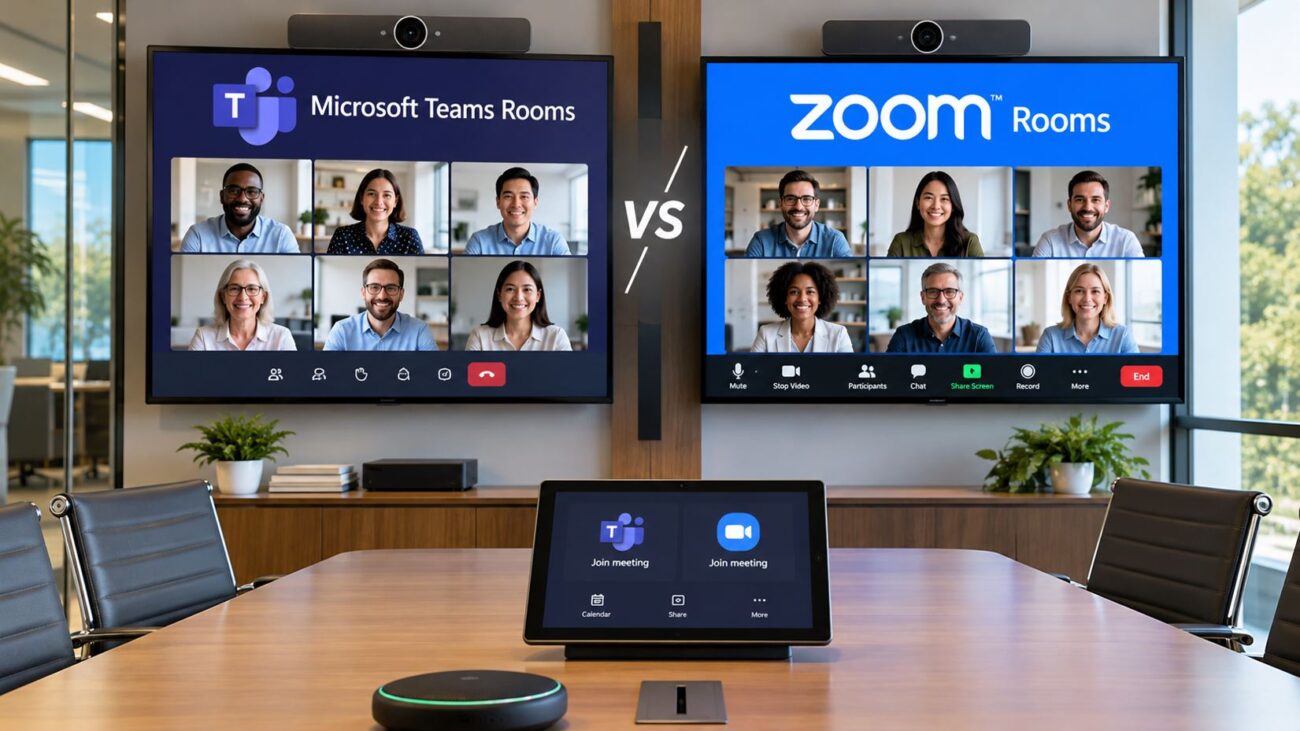
If you support IT or manage business meeting spaces, you’ll see the Teams Rooms vs Zoom Rooms decision come up almost every time your conference room needs an upgrade. Both platforms deliver high-quality video conferencing, hybrid-ready features, and support for touchscreen and scheduling technology. What really matters is how each aligns with your IT environment, user habits, and what hardware you already have—or plan to add.
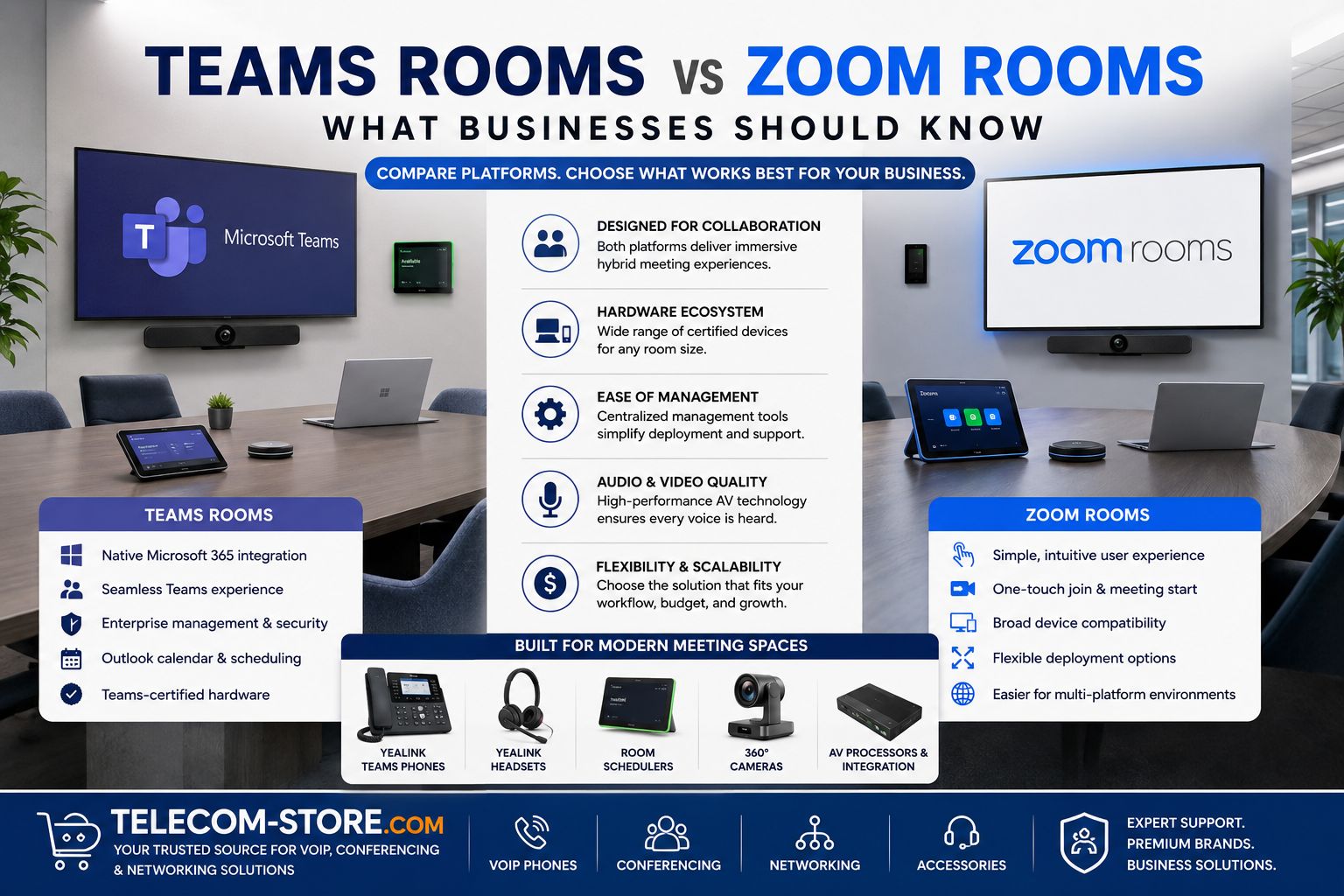
Answer for buyers: Choose Teams Rooms if you already rely on Microsoft 365 and want deep Outlook, Teams, and directory integration. Zoom Rooms work best for businesses who prioritize ease of meeting access, external collaborations, or are already Zoom-native—offering a user-friendly experience and flexibility. Below, we compare setup, hardware, VoIP, and office compatibility so you can make the right fit.
Teams Rooms vs Zoom Rooms: At-A-Glance Comparison
| Criteria |
Microsoft Teams Rooms |
Zoom Rooms |
| Best for |
Microsoft 365 offices, Teams UC/VoIP, secure enterprise deployments |
Mixed-platform/externally facing teams, easy guest access, Zoom-native orgs |
| Hardware Certification |
Strict: Must use Teams-certified room kits, phones & panels |
More flexible: Many USB audio/video devices supported, but prefer Zoom-certified |
| Room Scheduling |
Teams Panels, natively links to Outlook/365 calendars |
Zoom Panels, works with Outlook, Google, Exchange |
| Management & Updates |
Via Teams Admin, Intune, or M365 console |
Via Zoom Admin Portal |
| VoIP Integration |
Deep Teams Voice/Direct Routing integration, great with Teams handsets |
Zoom Phone (works well, fewer certified hardware handsets) |
| Wireless Presenting |
Supported |
Supported |
| Interoperability |
Teams Rooms Pro supports cross-platform joins (using CVI or Direct Guest Join) |
Supports joining external Zoom, Teams, Webex, Google Meets (with some setup) |
| Cost Factors |
Teams Room Pro licensing, device support contracts |
Zoom Room license, optional phone/AV add-ons |
| Typical Hardware |
Teams-certified kits, Yealink Teams Room, 86″ meeting display, Teams desk phones, headsets |
Zoom-certified kits, Zoom Android phone, USB PTZ cameras |
| Room Scalability |
Fits all sizes (huddle to boardroom), strong with multi-room/campus |
Flexible: fits any space, good for rapid reconfigurations |
Understanding Teams Rooms and Zoom Rooms for Business
Both Microsoft Teams Rooms and Zoom Rooms eliminate classic meeting hurdles—joining links, cable confusion, and unreliable AV setups—by turning your space into a unified collaboration hub. They let users walk in, start meetings with one touch, and use high-quality video and audio, with integrated room scheduling at the door.
- Teams Rooms focus on deep integration with Microsoft 365, Outlook, Teams, and enterprise security policies.
- Zoom Rooms provide flexibility for multi-platform participants, guest-heavy meetings, and quick, easy access even for less-technical users.
For either solution, you’ll want to map your room types (huddle, mid-size, boardroom), IT ecosystem, and the role of remote participants in your workflow. Deploying the right certified hardware is key to user satisfaction and long-term system stability.
Teams Rooms Hardware for Conference and Office
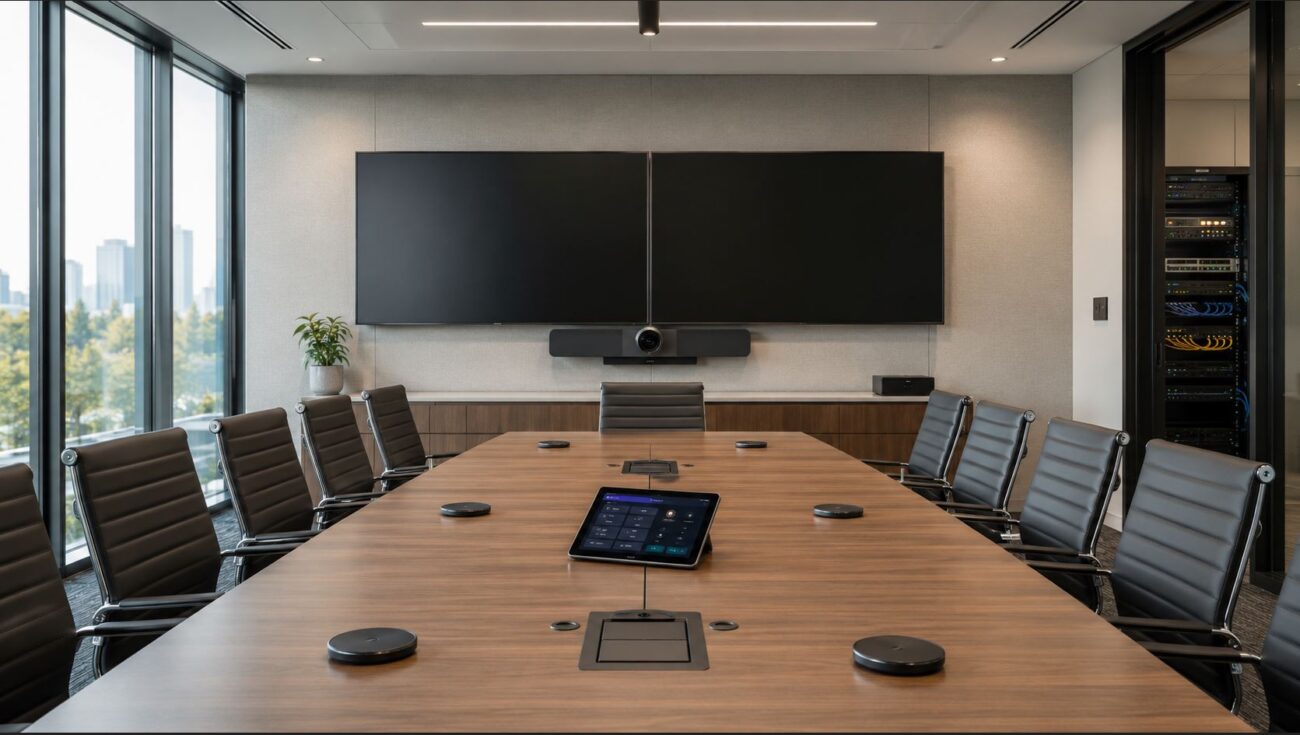
IT teams usually select Teams-certified room kits for reliability and easy integration. Hardware must pass Microsoft certification to guarantee consistent updates, security, and user experience. These kits bundle:
- Touchscreen room controller
- Teams-native 4K camera (PTZ or panoramic)
- Array microphones and speakers
- Large meeting displays (e.g., Yealink MD86 86″ Display)
- Teams phones, panels, and wireless accessories
If you’re invested in Office 365, Azure AD, or need granular device management, Teams Rooms are designed for you. Prioritize managed network switches (see our switch selection) with VLAN/QoS for video traffic to avoid meeting drops or audio lag. For larger spaces or multi-camera needs, consider AV processors like the Yealink AVHub.
Zoom Rooms Hardware and Office Deployment
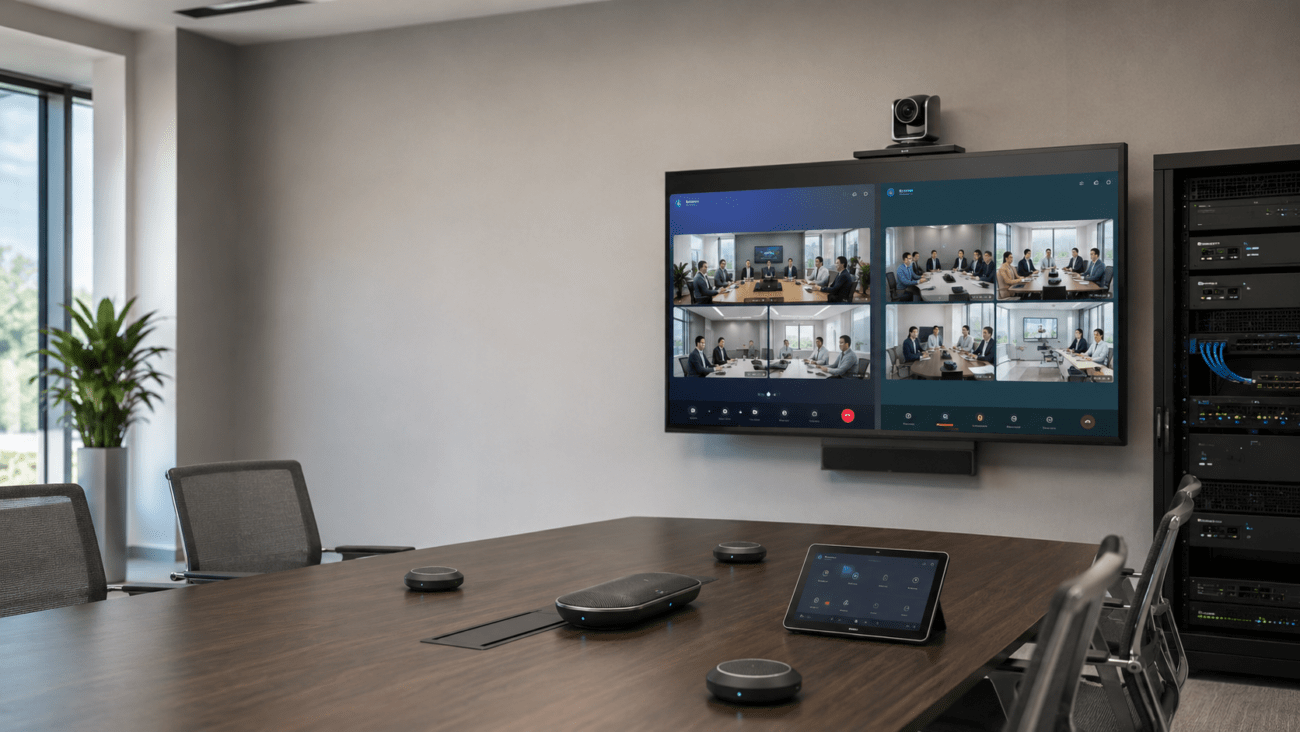
Zoom Rooms allow more flexibility in hardware at smaller scale, as most USB cameras, microphones, and external displays work well. However, for best support you should stick to Zoom-certified bundles—especially for controllers, conference phones, and scheduling panels. Example: the Yealink Android Zoom phone handles business calls and meetings on the same device.
- Zoom-certified cameras & microphones
- Table or wall-mounted Zoom controller
- Conference room displays (single or dual screens for gallery mode)
- Room scheduling panels
Zoom is often favored in customer-facing spaces, education, or organizations that frequently host external meetings. Zoom’s controller software is quick to learn—even for non-IT employees. Always check network bandwidth and Wi-Fi for reliability, and use PoE switches to clean up meeting room installs.
Setup Requirements: Avoiding Common Mistakes
For Teams Rooms
- License each room with Teams Rooms Standard/Pro (not a personal Teams license!)
- Ensure hardware is on Microsoft’s certified list
- Network prep: prioritize video, use managed switches to control QoS (see Managed Switches)
- Test AV before first “live” meeting—set up dummy users and join test calls to check all equipment
- Map out room controller and scheduling panel placement for traffic flow
For Zoom Rooms
- Assign dedicated room resource calendars for each space
- Confirm scheduling integration (Google, Outlook, Exchange) is working before go-live
- Survey room for potential microphone/speaker dead spots—Zoom can be forgiving, but not if participants are not picked up by the mic
- Label and document all AV and network connections for future troubleshooting
- Check that updates are set to auto-install for all devices
Conference Room Audio/Video: Don’t Let Quality Slip
Poor AV is the #1 cause of meeting complaints! Whether you deploy Teams or Zoom, test:
- Microphone coverage—use multiple mics in wide/long rooms
- Speaker placement—to cover every seat, avoid feedback
- Camera angle and focus—these matter even on the best 4K units
- Network capacity—not just “Wi-Fi works”, but stable sustained bandwidth and low jitter
The Yealink 360-Degree Camera and similar devices can help in boardrooms or where inclusivity is key. Don’t skip an acoustic check—glass walls create echo nightmares. For best results, plan with certified video conferencing hardware.
Scheduling Panels and Meeting Management
Meeting scheduling is often overlooked until conflicts occur, but can make or break user adoption. Both platforms offer in-room and outside-room scheduling panels. The Yealink Android Scheduler supports both Teams and Zoom modes. Tie your panels to Outlook/Google/Teams/Zoom resource calendars (not personal accounts) and train admins to manage bookings. Place the panels where people see them—not behind doors or awkward corners.
Desk Phones, Headsets, and Hybrid Work
Hybrid and hotdesking mean you may need headsets and phones that switch between room and desktop use. Teams USB phones and wireless headsets like the Yealink WH66 support easy movement and remote work, and are designed for IT manageability. Zoom Rooms will work with most USB/Bluetooth headsets, but check for call control support.
AV Processors and Room Integration
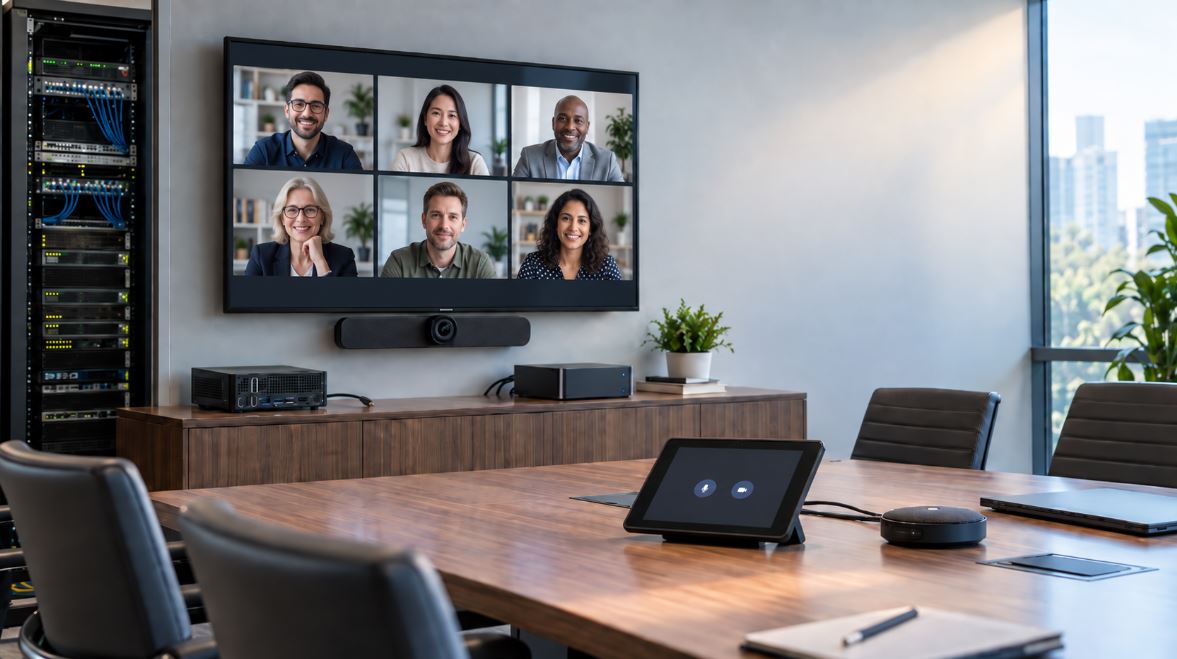
Large rooms, boardrooms, and multi-camera setups deserve their own AV processors. With devices such as the Yealink AVHub, you can handle several inputs, switch displays on the fly, and centralize device control—a must for campus or multi-room integration.
Network Infrastructure: Stable Meetings Start Here
Avoid meeting interruptions by ensuring:
- Dedicated internet or traffic shaping for all conference rooms
- Managed & PoE switches (see PoE Switches) for reliable device power and connectivity
- Separate meeting VLANs where possible, with QoS prioritized for video/audio
- Reliable Wi-Fi for participants—but try to hardwire all room hardware
Having trouble? Visit our Telecom-Store.com homepage or contact partners such as Axion Communications for planning/deployment.
Buyer Tips Before Making Your Choice
- Standardize your backend first: If your company is “all Microsoft” or “all Zoom,” avoid mixing platforms unless absolutely necessary.
- Always check the certification list for hardware compatibility before purchasing—generic AV can create expensive setbacks.
- Plan for growth: Pick systems that scale from huddle room to boardroom and support hybrid/remote work.
- Understand licensing: Budget for room licenses (Teams Rooms Pro/Zoom Room) separately from user desktop licenses.
- Document your deployment for future IT teams—label ports, record device logins, and keep firmware up to date.
- Select vendors and integrators who understand both the meeting platform and your business environment.
For complex integrations, consider working with a certified reseller or communications consultant familiar with both Teams and Zoom deployments.
FAQ: Teams Rooms vs Zoom Rooms for Business
Q: How do Teams Rooms and Zoom Rooms differ for business IT management?
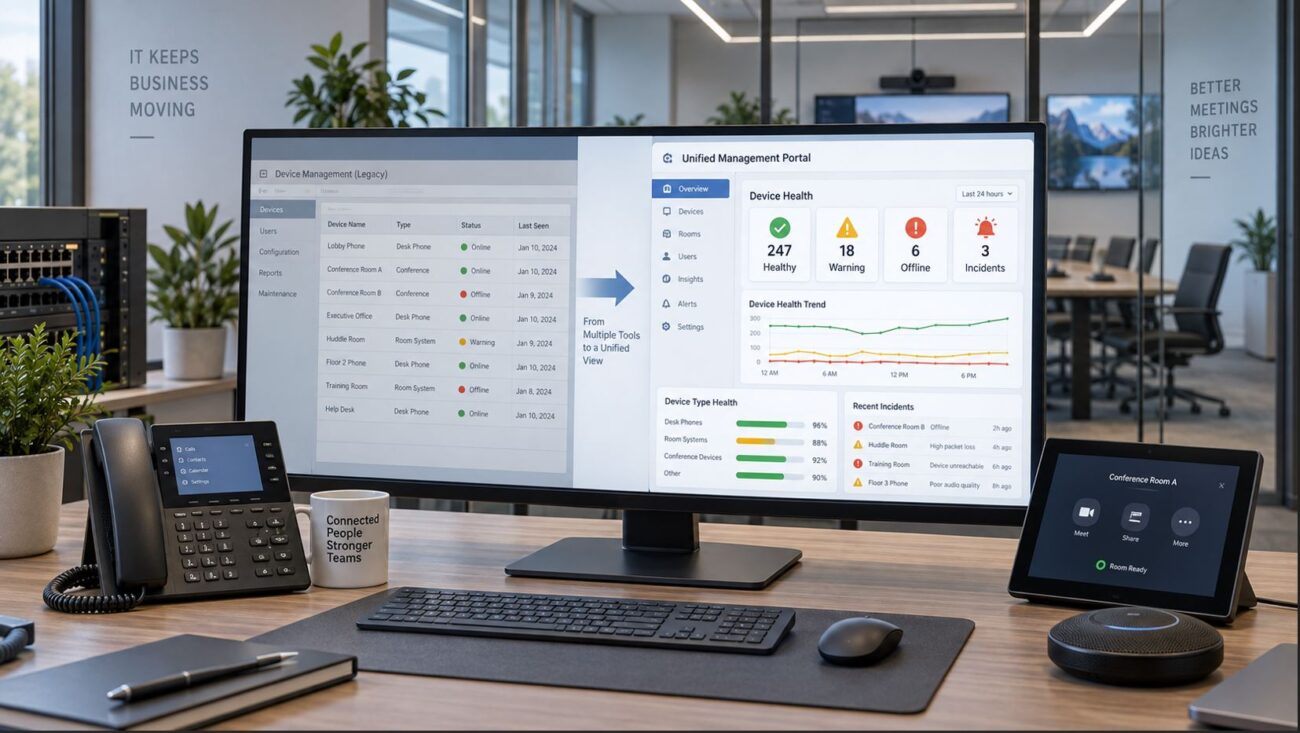
Teams Rooms offer centralized management in Microsoft 365 Admin Console and Intune. Zoom Rooms use the Zoom web portal and are easier in mixed environments or for Zoom-native offices.
Q: Can I reuse conference room equipment if I switch platforms?
PTZ cameras, microphones, and displays can often be reused. But room controllers (the touch panels) and scheduling panels usually require reconfiguration or replacement to meet the new platform’s certification.
Q: What are common deployment mistakes?
The big three mistakes are insufficient network prep, incorrect hardware selection (wrong certifications), and lack of user training or scheduling system setup.
Q: Which platform has stronger VoIP phone integration?Teams Rooms tightly integrate with
Teams-certified phones. Zoom has Zoom Phone, but fewer dedicated handset options.
Q: Can I use room scheduling panels with both?
Yes—just ensure you select certified panels and connect them to the correct backend (Outlook/Teams vs Zoom/Google/Exchange).
Q: Who should pick Zoom Rooms?
Zoom Rooms is preferred by companies who run lots of external meetings, value simple “walk-in, click to join” interfaces, or are not standardized on Microsoft 365.
Final Thoughts
Teams Rooms and Zoom Rooms both power productive hybrid meeting spaces. Your best result comes from matching your collaboration platform with certified hardware and strong IT planning. Whether you run Teams, Zoom, or both, keep user experience and IT manageability at the center of your deployment—and don’t leave infrastructure upgrades until last. For advice, certified hardware, or help with deployment, visit Telecom-Store.com or check out our video conferencing solutions section.