Your First Decision: T54W or T57W?
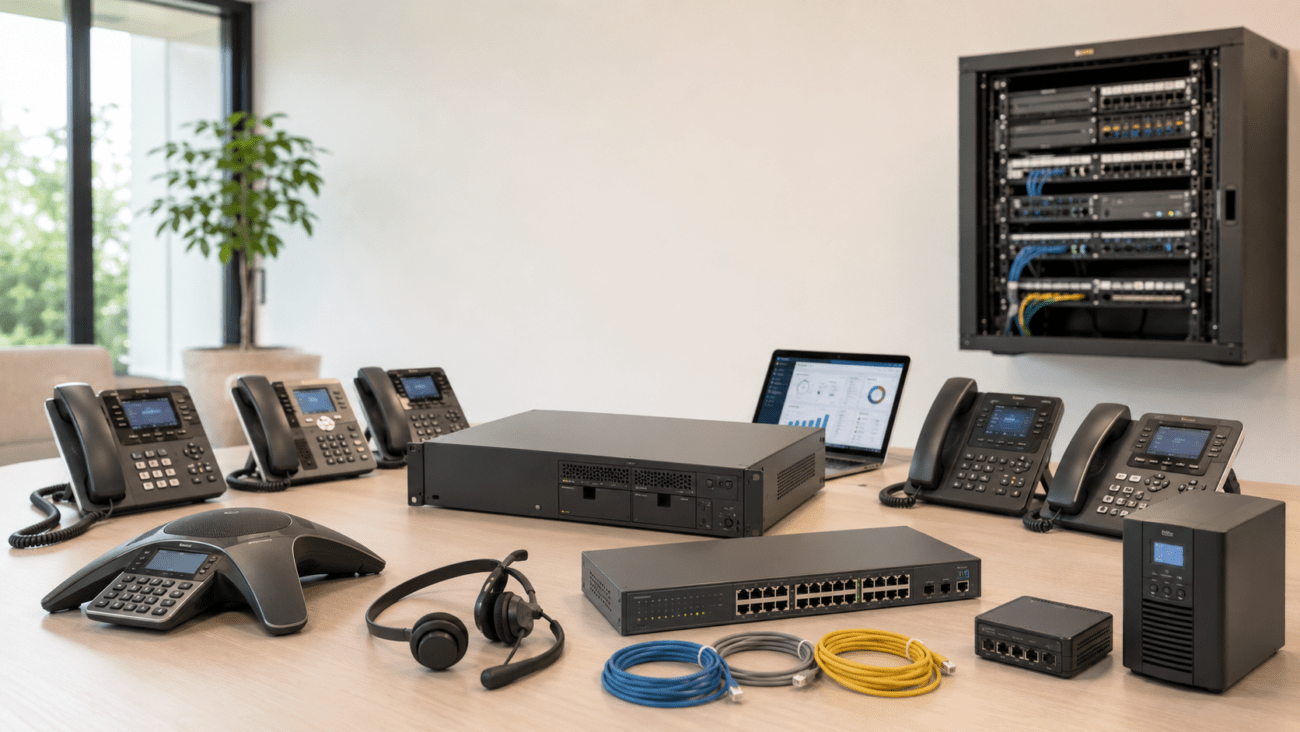
If you’re comparing the Yealink T54W and T57W for your office, start by thinking about your team’s day-to-day needs. Both models work with modern VoIP and IP PBX systems, but each one is best for specific user types. Here’s how to zero in on the right choice:
- The T54W is ideal for most staff and shared desk scenarios that don’t require heavy multi-line work.
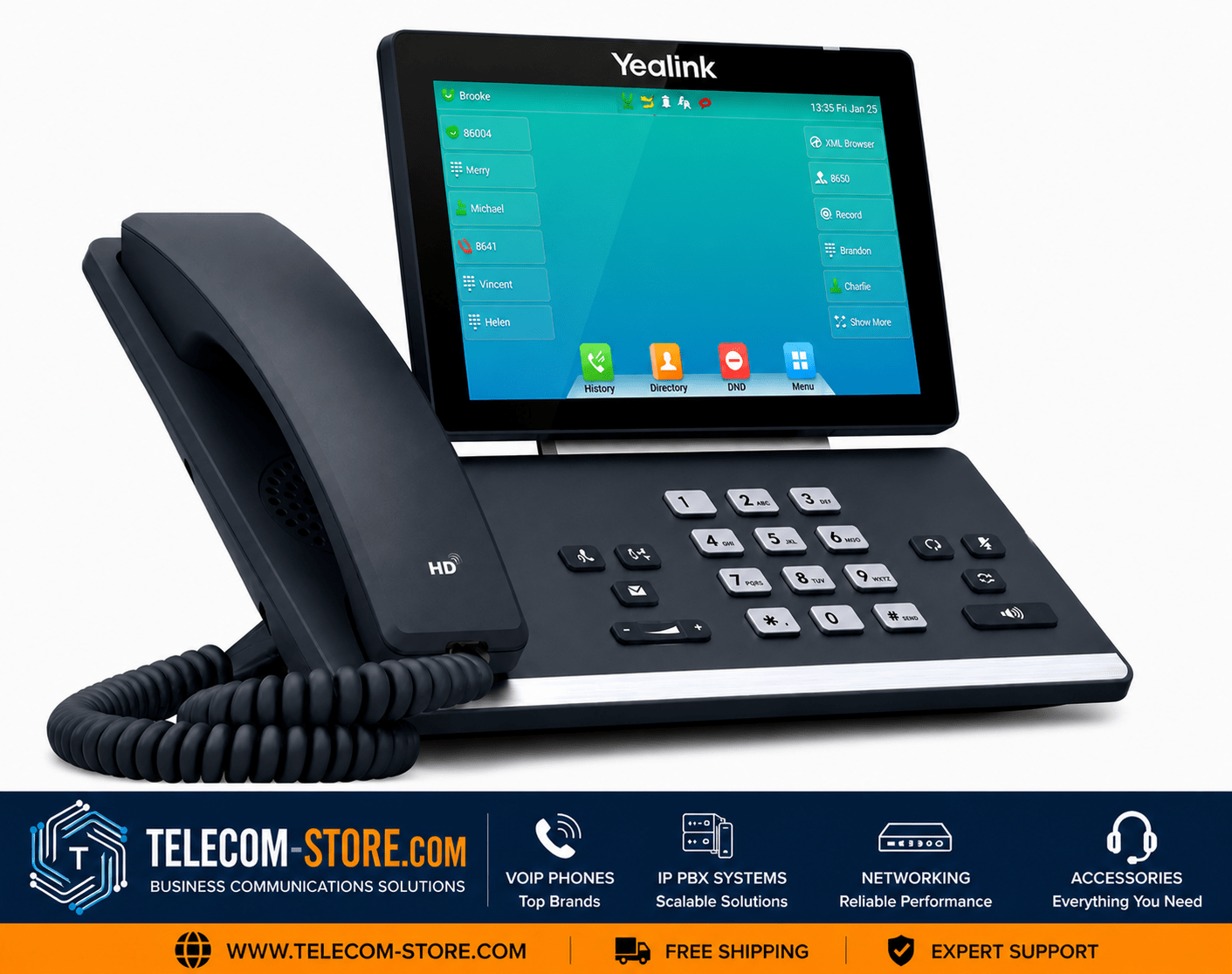
- The T57W is designed for executives, managers, and receptionists needing quick, screen-driven access to contacts, lines, and call management features.
Yealink T54W vs T57W: Feature Comparison Table
| Feature |
Yealink T54W |
Yealink T57W |
| Screen |
4.3″ color, adjustable (non-touch) |
7″ color capacitive touchscreen |
| Interface |
Physical buttons |
Button shortcuts + Touchscreen |
| Wi-Fi / Bluetooth |
Built-in |
Built-in |
| SIP Accounts |
Up to 16 |
Up to 16 |
| Expansion Modules |
Yes |
Yes |
| Audio |
HD Voice, Acoustic Shield |
HD Voice, Acoustic Shield |
| Best For |
Staff, cubicles, call centers |
Managers, receptionists, execs |
| Main Advantage |
Simplicity, cost-efficient |
Advanced navigation, more lines |
| Price Range |
Lower |
Higher |
Display, Usability, and User Fit
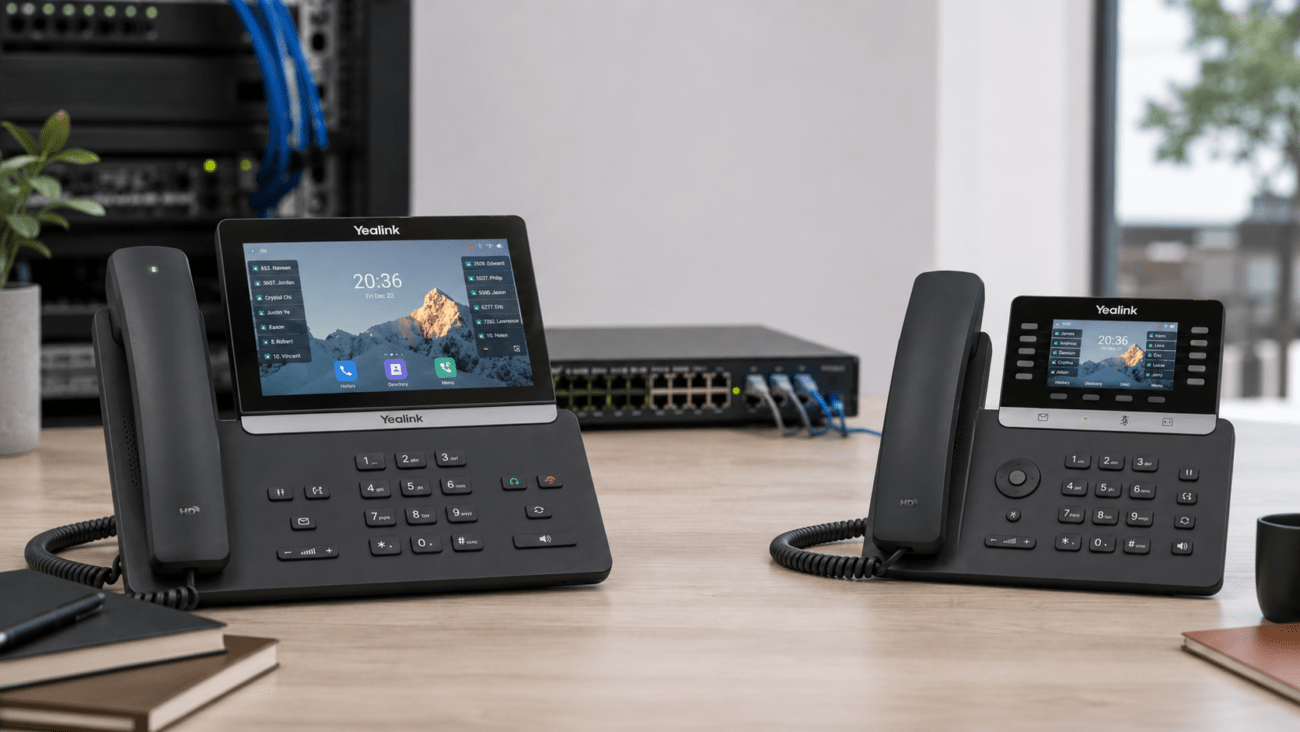
The T54W gives users a familiar, no-surprises interface: adjustable color screen, navigation keys, and classic buttons. Fast to deploy, it needs almost no training—great for teams that don’t want change. The T57W takes the user experience up a level with a tablet-like touchscreen, more space for features, and swiping or tapping through menus. If your users are tech-savvy or moving lots of calls, the bigger touchscreen helps them stay efficient.
Who Should Go Touchscreen?
If your users handle high call volume, are responsible for managing others, or handle multiple lines (think: front desk or executives), the T57W streamlines their workflow. For customer service reps or general staff needing reliability over speed, the T54W covers every essential with less to distract.
Features & Performance Breakdown
- Both support built-in Wi-Fi/Bluetooth for wireless connections and modern headsets—no add-on dongles required.
- Expect strong HD voice quality and Acoustic Shield technology, making every call clear in a busy environment.
- Both models integrate with most IP PBX and PoE switches.
- The T57W handles larger expansion modules with improved labeling, which is a must for receptionists and busy admins.
Deployment and Compatibility Tips
For painless setup, both require:
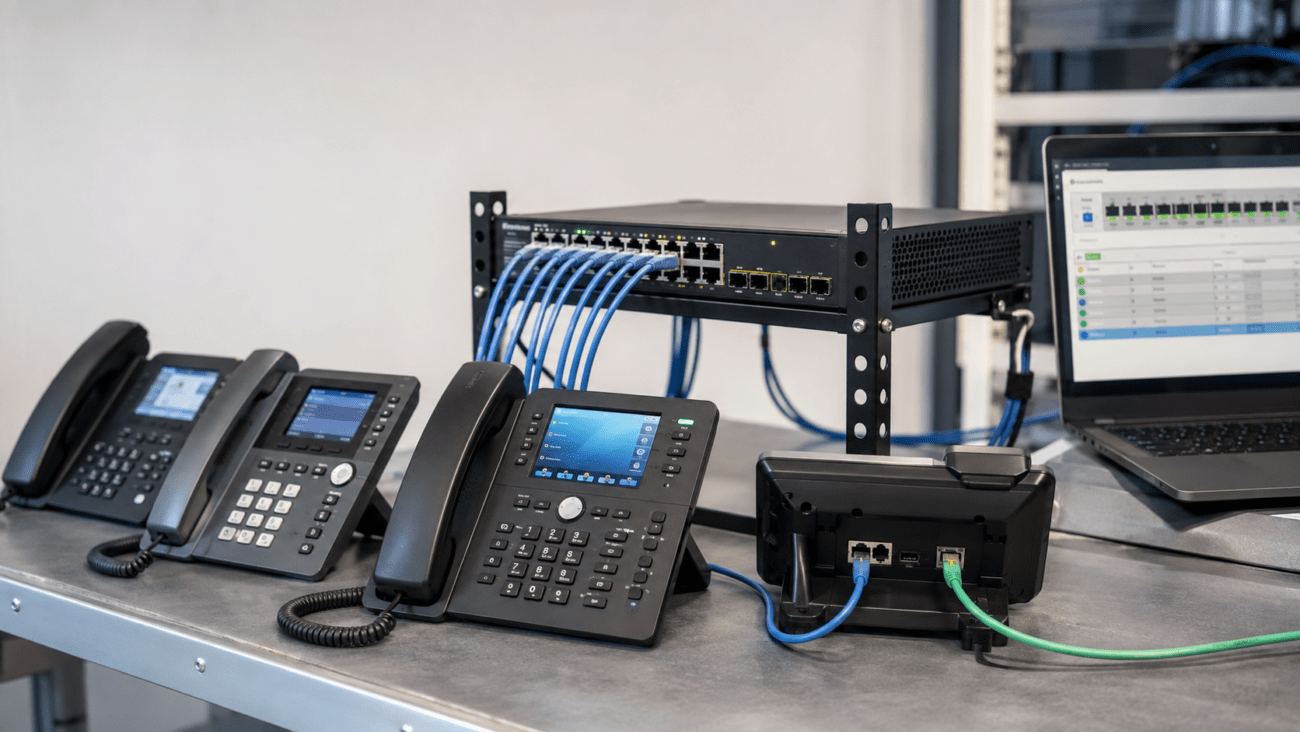
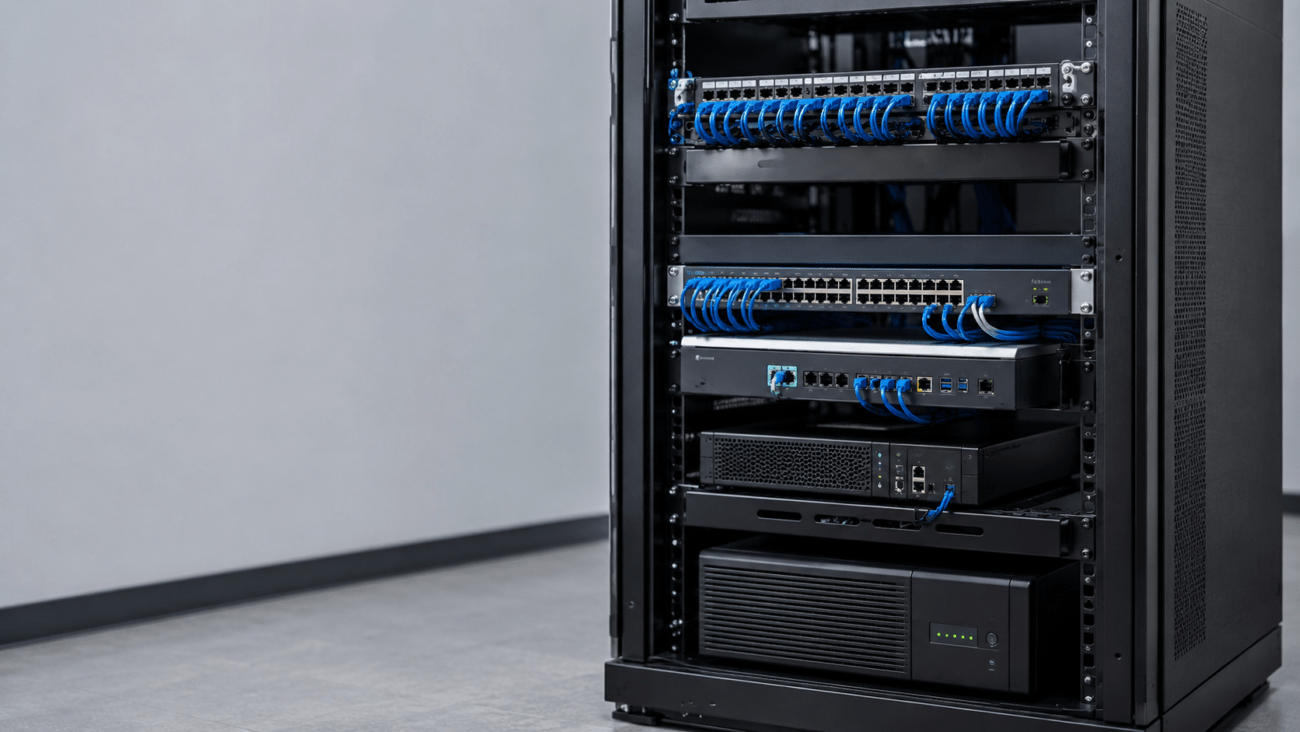
- A PoE-capable network switch or Yealink power adapter (PoE is recommended—fewer wires, easier remote provisioning).
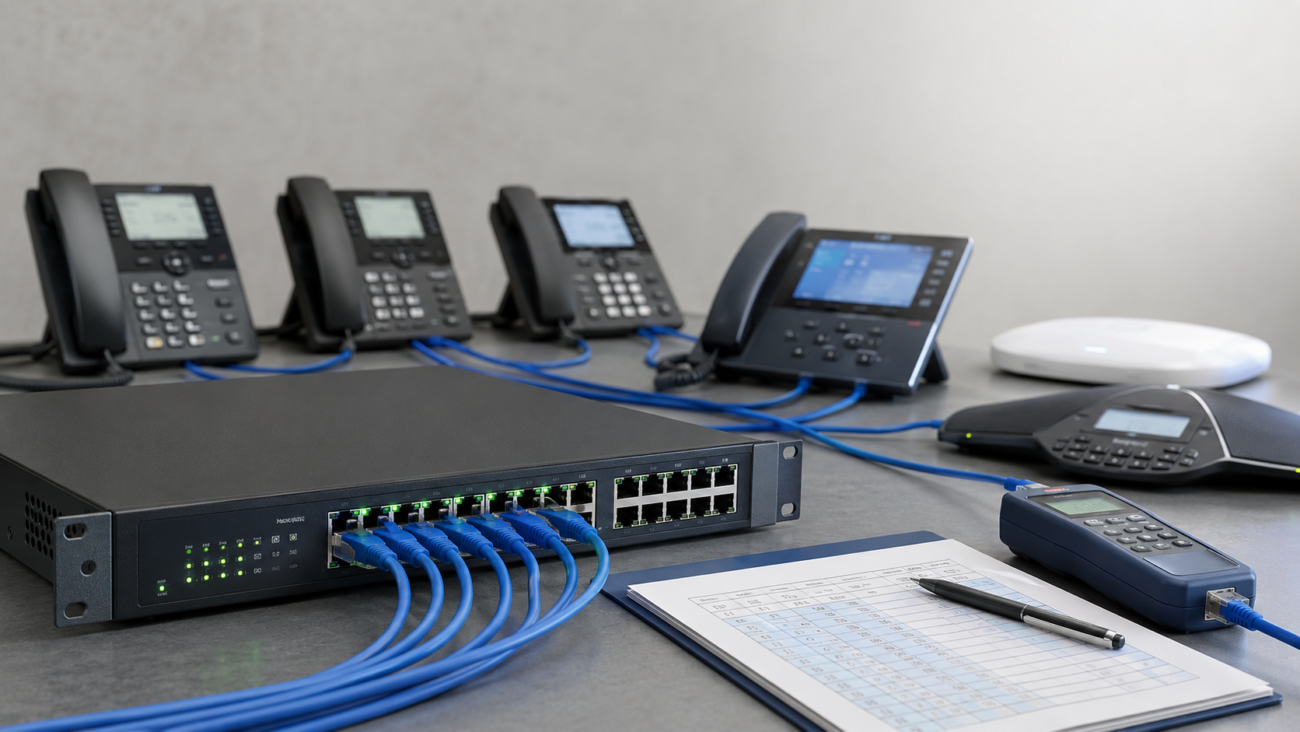
- Stable LAN with prioritization set for VoIP (ensure your managed switches are correctly configured for QoS), especially in busier offices.
- SIP credentials from any major VoIP service or IP PBX. Both phones are widely compatible—FreePBX, 3CX, and cloud providers are all supported. For more details on system compatibility, consult references such as Axion Communications.
Common mistakes to avoid: Don’t connect many business VoIP phones to a basic unmanaged switch—voice traffic is at risk of drops and jitter. Always confirm your Wi-Fi coverage if you intend to use wireless rather than wiring each phone.
Who Should Buy Each Model?
Choosing the T54W
- Primary desk phone for employees not managing dozens of calls a day.
- Excellent for controlled rollouts or bulk office deployments where consistency is a goal.
- Works well for hot-desking or employee rotation, thanks to no-fuss usability.
See T54W product details and pricing
Choosing the T57W
- Valuable for team leads, managers, or anyone acting as a switchboard/reception function.
- Streamlines complex, multi-line workflows.
- Worth it for power users who switch lines, transfer calls, or need CRM/contact integration.
See T57W product details and pricing
Office Network: Real-World Setup Advice
- Wired Ethernet is still your most reliable choice. Both phones offer Wi-Fi, but only use it if cabling is impossible or wireless coverage is excellent.
- If deploying more than a handful of VoIP phones, prioritize managed or PoE-managed switches over simple unmanaged models; this gives you more control and avoids network congestion during peak use.
- For offices planning to use wireless headsets, browse options at our VoIP headset store.
Audio and Call Quality
Both models deliver consistently excellent call clarity, full-duplex speakerphones, and adaptive noise blocking. The audio hardware is nearly identical—don’t pick based on call quality alone. Instead, focus on how your team will interact with the device every day.
Expansion and Growth
You can grow with either model—both support Yealink’s expansion modules, headsets, and integration with business systems. For receptionists or large teams, connect sidecar modules to expand your line count and quick-dial capacity even further.
Price, Value, and Futureproofing
- The T54W is often more cost-effective for bulk rollouts.
- The T57W brings a higher cost but pays off in time savings for fast-moving users.
- Many organizations deploy both: T54W for everyday staff, T57W for anyone in a central or manager position.
Should You Upgrade?
- Upgrade from T54W to T57W if your workflow, reception, or support roles rely on touchscreen navigation, frequent transfer, or real-time collaboration tools (like Teams or CRM systems).
- Stay with T54W if buttons are preferred or if budget is a stronger concern than productivity enhancements for the user role.
It’s not always all-or-nothing: blending both models lets you optimize for different needs in your office and helps futureproof for new workflows or user turnover.
Limitations and What to Watch For
T54W Drawbacks
- Smaller, non-touch display means more manual navigation
- Limited for roles that need to juggle many lines/users at once
- Not the best option for integration-heavy reception desks
T57W Drawbacks
- Higher upfront cost
- Touchscreen learning curve for some staff
- More configuration/customization may be needed; plan for a bit more upfront support
Integration & Business System Compatibility
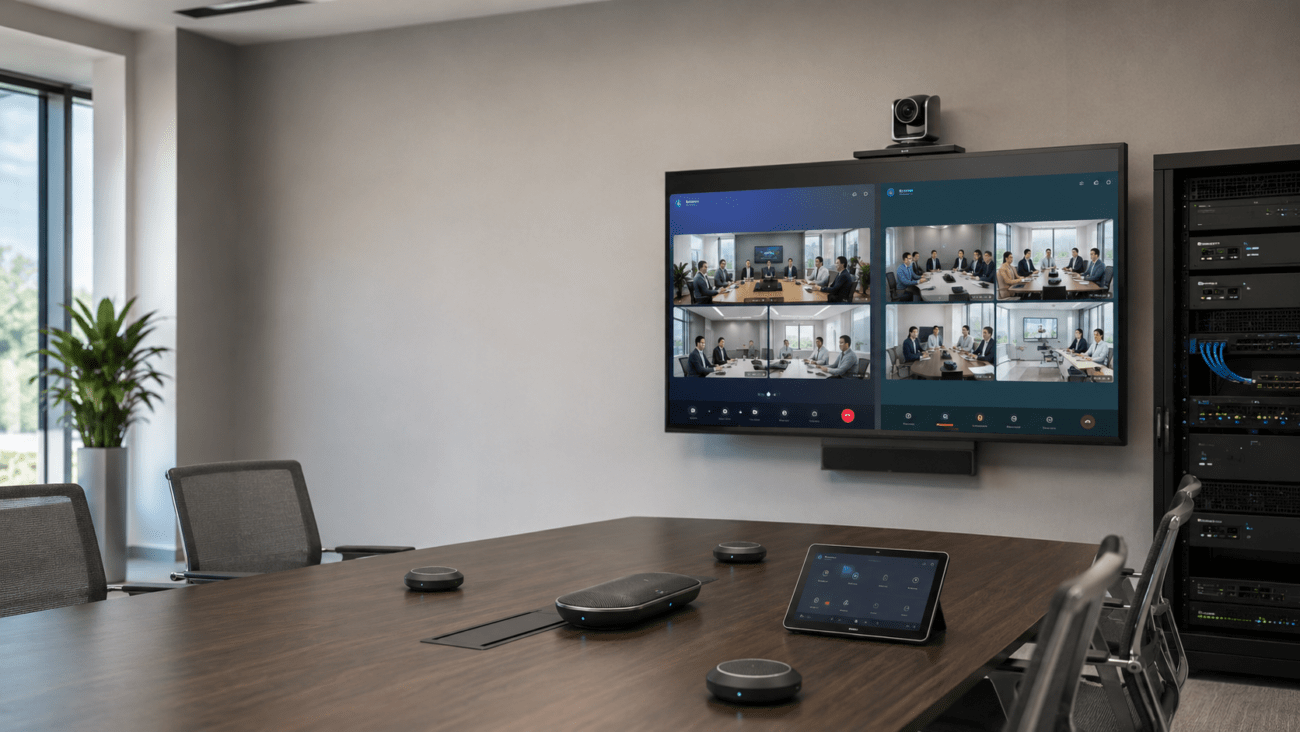
- Both phones support business VoIP features required for Teams Rooms and Zoom Rooms when paired with compatible back-end systems.
- They connect with many CRM platforms via third-party add-ons or direct provisioning.
- Full support for modern accessories—browse our VoIP headsets category for recommendations.
Final Buying Advice
Match phones to user roles—not everyone in your company has the same needs. The T54W is still a great value for basic desk work, while the T57W is made for those needing more interactivity and line capacity.
If you’ve moved to cloud VoIP or are planning a new IP PBX installation, planning your phone hardware alongside your network infrastructure is the best way to minimize problems down the road.
Frequently Asked Questions (FAQ)
What is the main difference between Yealink T54W and T57W?
The T54W has a color display with physical navigation keys; T57W is a touchscreen with faster access to directories and lines. Both deliver clear audio and wide compatibility.
Who should choose the Yealink T54W?
Standard staff, cubicle users, and anyone preferring a classic button-driven interface will find the T54W familiar and simple. Great for bulk deployment and mixed hot-desking environments.
Is the T57W worth the extra cost?
If your users handle many calls, manage lines, or want a tablet-like experience, the extra investment in the T57W is justified. Otherwise, stick with T54W for everyday calling needs.
Do both phones work with all VoIP services?
Yes—any open SIP VoIP service or mainstream IP PBX is supported.
Do the T54W and T57W support Wi-Fi and Bluetooth?
Yes, both have Wi-Fi and Bluetooth built in for cordless setup and headset connection.
What setup mistakes should I avoid with these models?
Avoid using low-quality, unmanaged switches in busy offices. Always confirm your wireless coverage and prioritize wired when possible. Use PoE for power and simplicity.
If you’re planning a deployment or need detailed advice for your business environment, reach out or browse our full catalog for more Yealink VoIP phone options and network switch solutions.