ATA for Faxing
Faxing is still required in many industries, even as communication systems shift to VoIP. The challenge is that traditional fax machines rely on analog signals, while VoIP operates digitally. This is where an ATA for faxing becomes essential.
An Analog Telephone Adapter (ATA) bridges the gap between analog devices and IP-based networks, allowing businesses to continue using fax machines without maintaining traditional phone lines.
What Is an ATA and How It Works
An ATA converts analog signals into digital packets that can travel over a VoIP network. It connects directly to:
- A fax machine (via RJ-11)
- A network (via Ethernet)
This allows a standard fax machine to function over a VoIP system.
Devices such as:
CISCO Clear voice analog telephone adapter for VoIP calls
are commonly used for this purpose in business environments.
Why Businesses Use ATA for Fax Machines
Organizations often need to maintain fax capabilities for:
- Legal documentation
- Healthcare communication
- Government compliance
Switching to VoIP without an ATA would require replacing fax machines or maintaining separate analog lines.
An ATA enables analog to VoIP conversion without major infrastructure changes.
Best ATA for Fax Over VoIP: What to Look For
Not all ATAs perform equally when handling fax transmissions.
Key Features
- Support for T.38 protocol (fax over IP standard)
- Stable SIP configuration
- Reliable hardware design
- Compatibility with your VoIP provider
A device like:
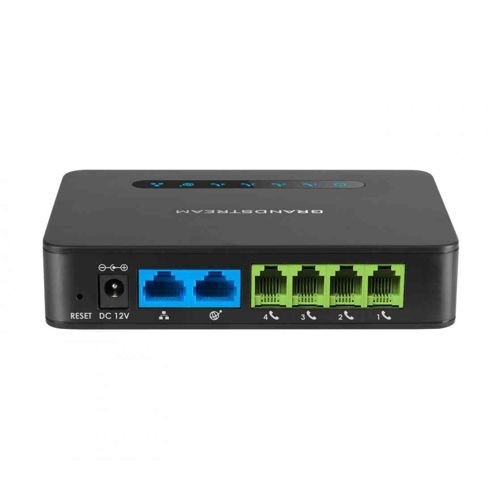
Grandstream Dual Port Analog Telephone Adapter for VoIP
offers flexibility with both FXS and FXO ports, which can be useful in mixed environments.
How ATA for Faxing Works in a VoIP Network
The process involves:
- Fax machine generates analog signal
- ATA converts signal to digital packets
- Packets are transmitted over the VoIP network
- Receiving ATA converts packets back to analog
This allows standard fax transmission over modern IP infrastructure.
Common Challenges with Fax Over VoIP
Faxing over VoIP can be less reliable than traditional lines due to:
- Packet loss
- Jitter
- Latency
These issues can disrupt fax transmissions.
Improving Fax Reliability
To improve performance:
- Use T.38 where supported
- Reduce transmission speed on fax machines
- Ensure stable network connectivity
- Enable QoS for VoIP traffic
Network infrastructure plays a major role in reliability.
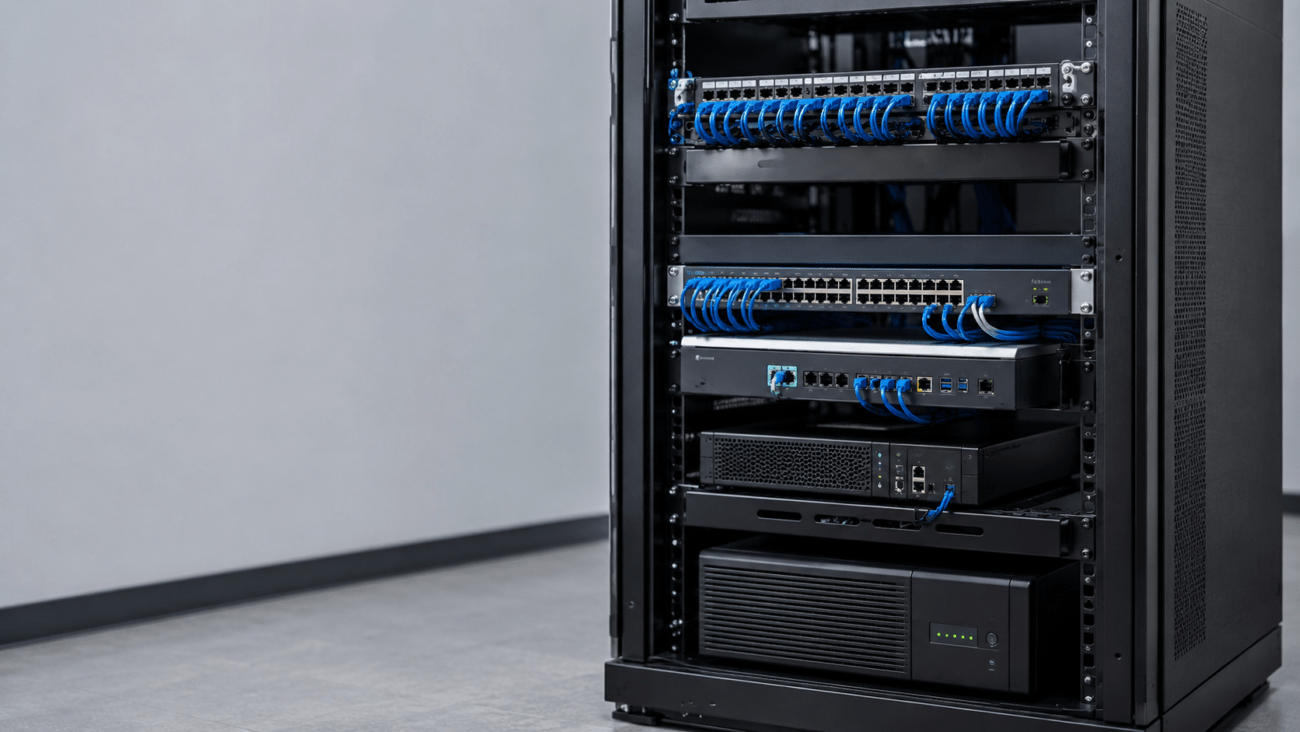
Network Infrastructure Considerations
A stable network improves fax performance.
A switch such as:
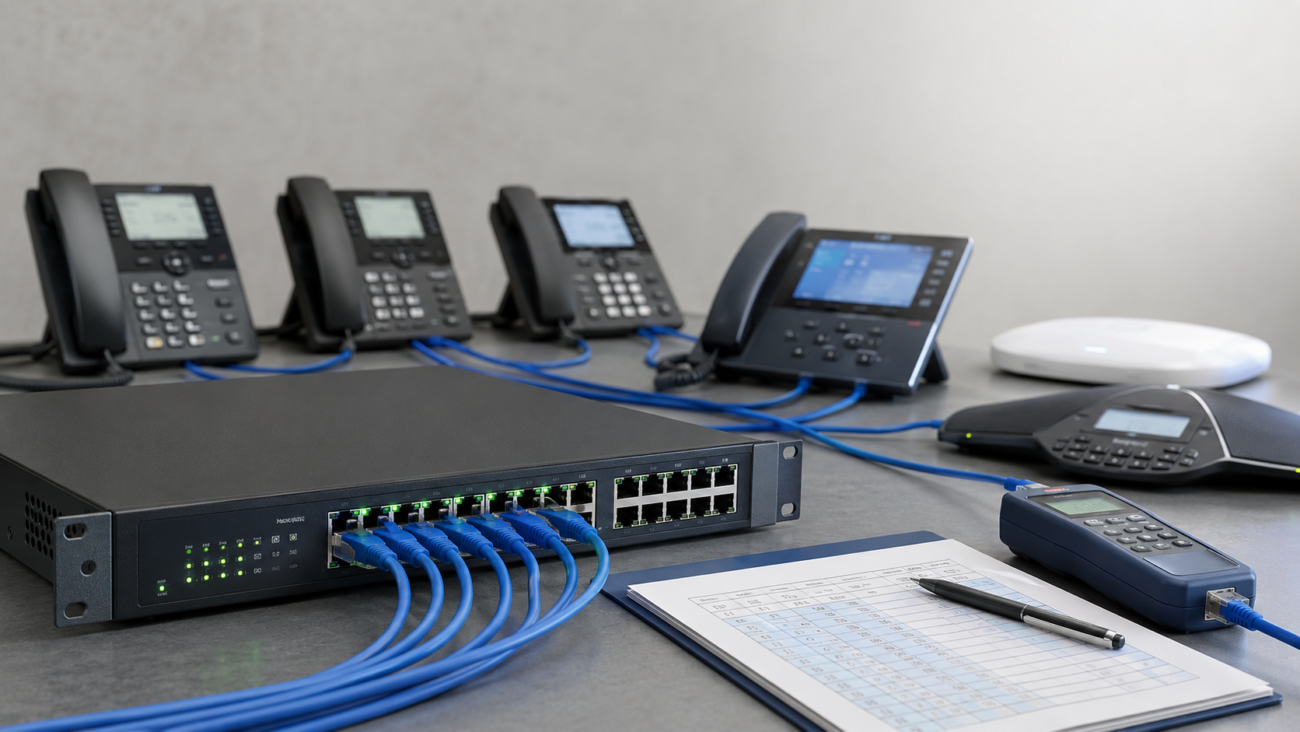
NEC Routers Switches QX 24 Port Gigabit PoE Switch for Business
helps manage traffic and maintain consistent connectivity.
Alternative Analog Devices
In some setups, additional analog devices may be used alongside fax machines.
For example:
ATT Corded and cordless phone system for home use
can be connected via ATA for voice communication.
Another option:
Grandstream Secure Analog Phone Adapter with 2 FXS Ports
supports multiple analog devices.
Internal Linking Example for Yealink Phones
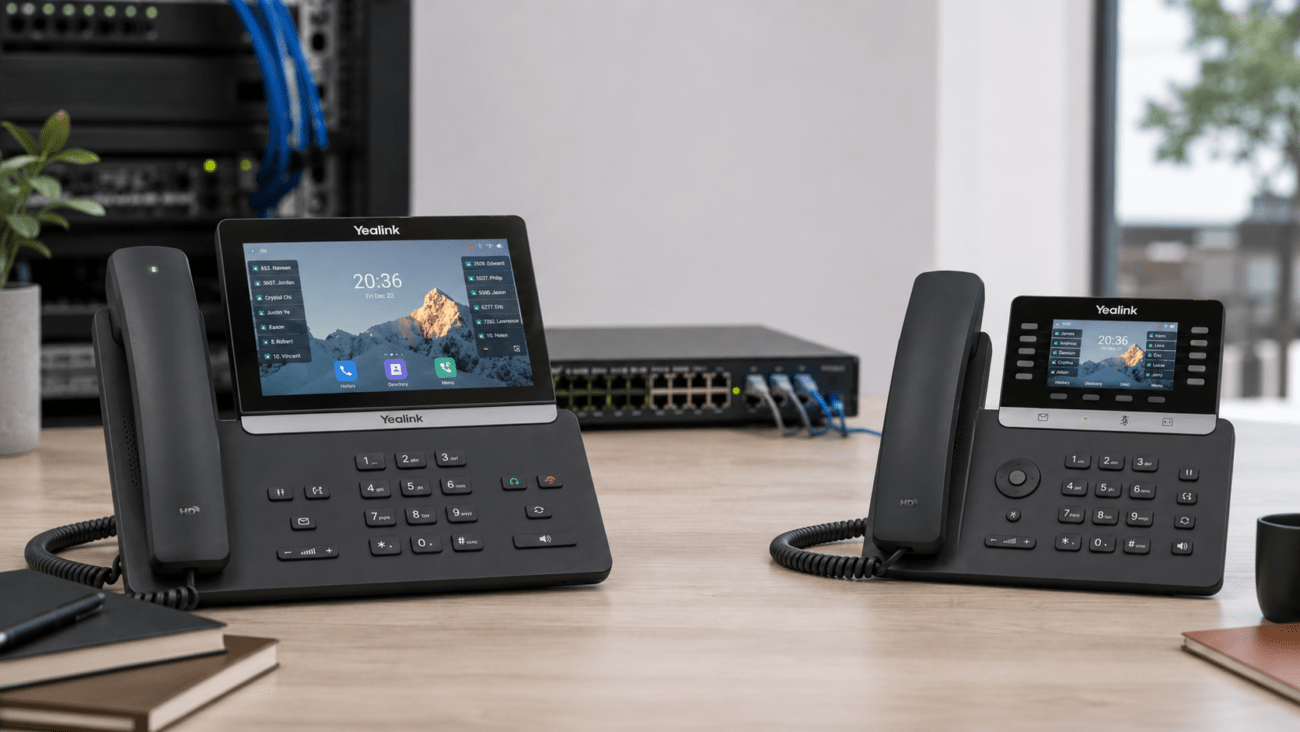
Businesses transitioning to VoIP often combine ATAs with modern IP phones. Yealink devices available on telecom-store.com are commonly used alongside ATA-based setups.
Compatibility Considerations
Before deploying an ATA for faxing:
- Verify VoIP provider supports T.38 or fax pass-through
- Confirm fax machine compatibility
- Check firmware updates for ATA device
Compatibility issues are a common cause of failed transmissions.
Setup Requirements
A typical setup includes:
- Fax machine
- ATA device
- Ethernet connection
- VoIP service
Configuration involves:
- SIP account setup
- Codec selection (G.711 or T.38)
- Network prioritization
Limitations of ATA Faxing
While effective, ATAs have limitations:
- Not all VoIP networks support reliable faxing
- Performance depends on network quality
- Large or high-resolution faxes may fail
Understanding these limitations helps set expectations.
When to Consider Alternatives
In some cases, businesses may consider:
- Online fax services
- Email-to-fax solutions
However, ATAs remain a practical option when physical fax machines must be retained.
Working with a Professional Provider
For businesses needing reliable fax integration, professional setup can reduce issues.
A provider such as:
Axion Communications
can assist with configuration and network optimization.
Practical Example
A small office replaces analog phone lines with VoIP. Instead of removing the fax machine, they add an ATA and configure T.38 support. With proper network configuration, the fax system continues to operate without maintaining legacy infrastructure.
Conclusion
An ATA for faxing provides a practical way to maintain fax functionality in a VoIP environment. By converting analog signals into digital packets, businesses can continue using existing fax machines while modernizing their communication systems.
Reliable performance depends on proper device selection, network quality, and correct configuration. With the right setup, faxing over VoIP can meet the needs of most business environments.
FAQ Section
What is an ATA for faxing?
An ATA for faxing is a device that converts analog fax signals into digital data so they can be transmitted over a VoIP network.
Does faxing work over VoIP?
Yes, but it requires proper configuration and may depend on network quality and protocol support such as T.38.
What is the best ATA for fax over VoIP?
The best ATA depends on compatibility, T.38 support, and network stability. Business-grade adapters typically perform better.
Can I use my existing fax machine with VoIP?
Yes, an ATA allows existing fax machines to operate over VoIP without replacing hardware.
Why does fax sometimes fail over VoIP?
Failures can occur due to packet loss, jitter, latency, or unsupported protocols.
What settings improve fax reliability?
Lowering transmission speed, enabling T.38, and using QoS can improve performance.
Do I need a special VoIP provider for faxing?
Some providers offer better support for fax protocols, which improves reliability.
Is analog to VoIP conversion reliable for faxing?
It can be reliable with proper setup, but performance depends on network conditions.