How to Build a Complete Business Network (VoIP + Cameras + Internet)
A modern business network is no longer limited to internet access and computers. It now supports voice communication, surveillance systems, access control, and backup connectivity. Building a complete network requires understanding how each component fits together and how to design a system that performs reliably under daily use.
This guide explains how to build a complete business network that supports VoIP, PoE-powered devices, security cameras, door phones, and cellular backup internet.
Understanding the Core Components
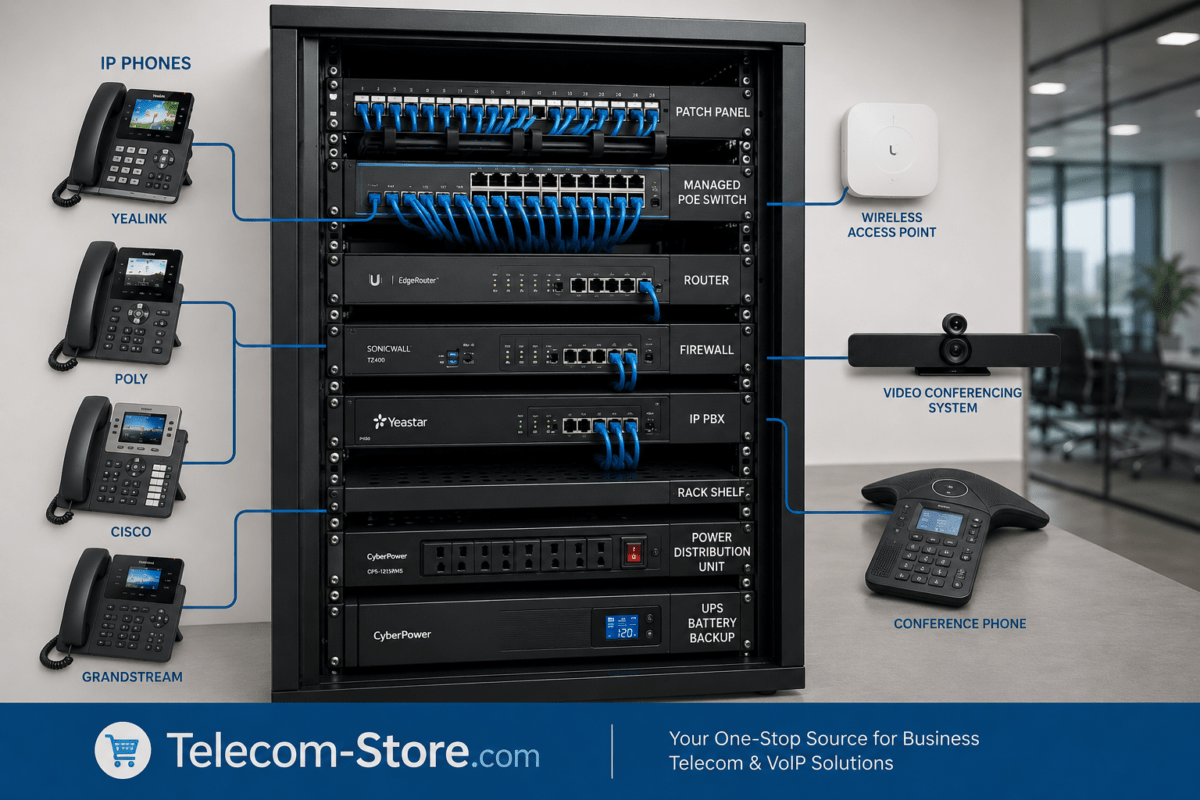
A complete business network typically includes the following:
- Internet connection (primary and backup)
- Router and firewall
- Network switch (often a PoE switch)
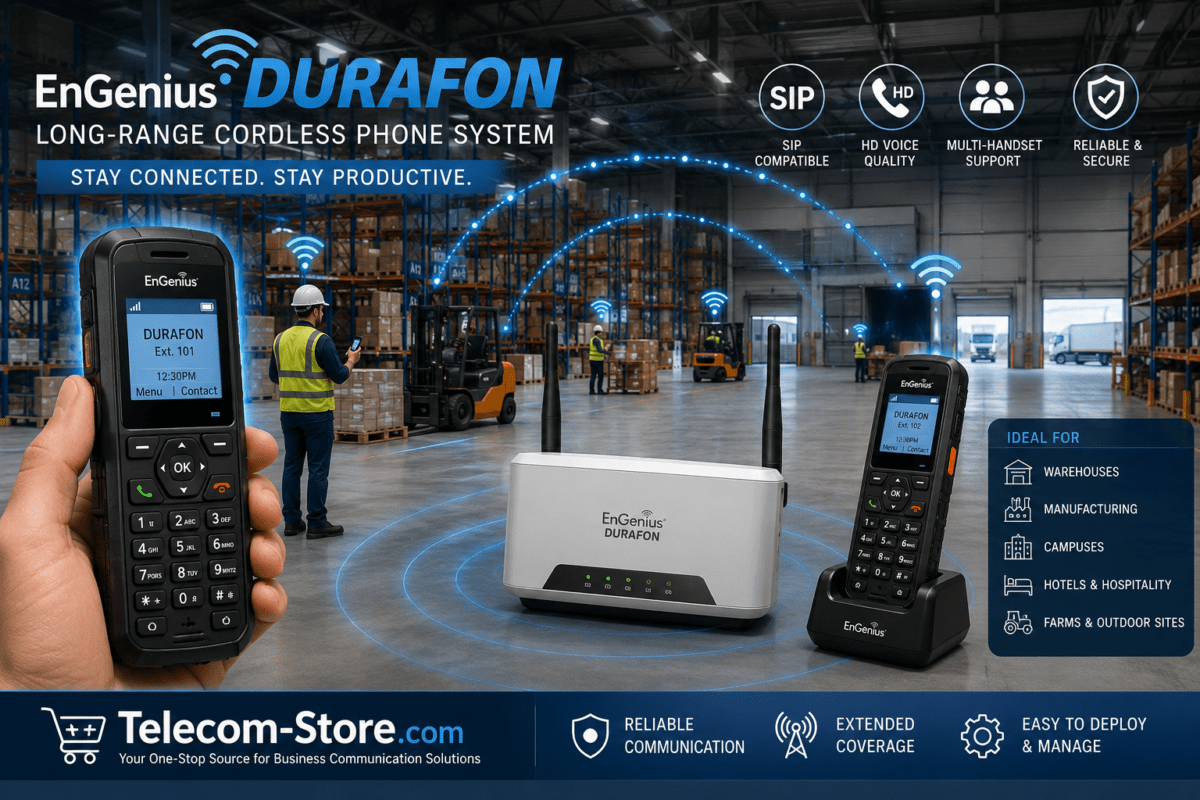
- VoIP phones
- Security cameras
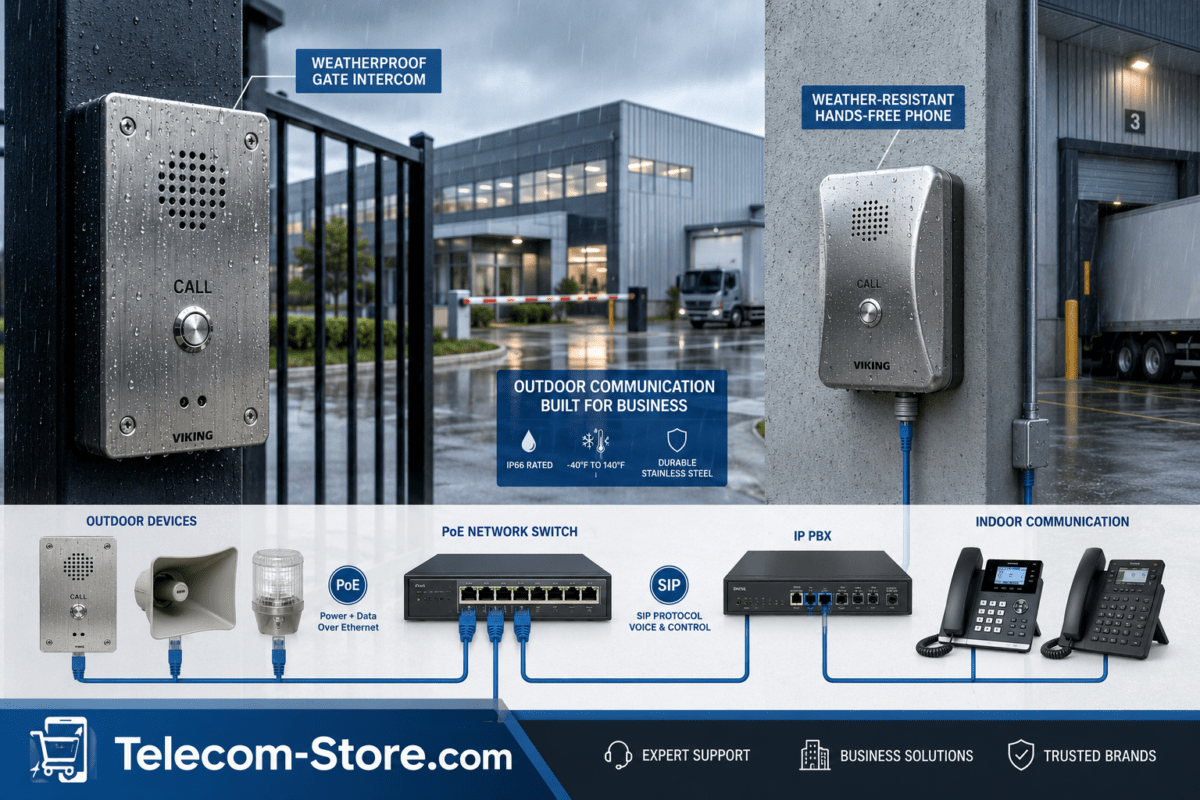
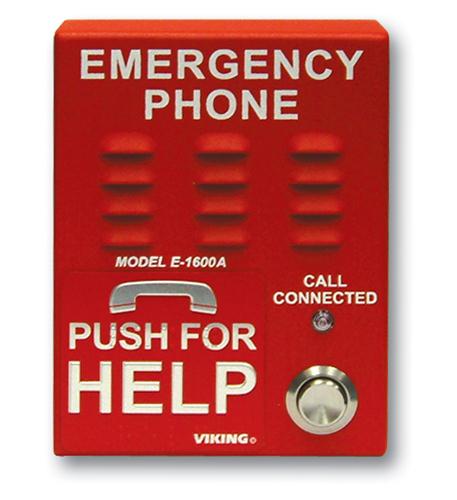
- Door phones or intercom systems
- Wireless access points
Each component must be configured to work together without causing performance issues.
The Role of the Router and Internet Connection
The router is the central point of your network. It connects your business to the internet and manages traffic between devices.
For reliability, many businesses implement:
- Primary internet (fiber or cable)
- Backup internet (cellular LTE or 5G)
Cellular backup ensures connectivity during outages. A solution paired with an antenna such as:
Peplink 2-in-1 LTE 5G MIMO Multi-Frequency Antenna
can help improve signal strength in remote or low-coverage areas.
Using a PoE Switch to Power Your Network
A PoE switch simplifies network design by delivering both power and data through Ethernet cables.
This is essential for:
- VoIP phones
- Security cameras
- Door phones
- Wireless access points
A high-capacity switch like:
EnGenius 24-Port Gigabit PoE+ Switch 410W Budget
can support multiple devices while maintaining organized cabling and centralized power management.
Integrating VoIP Phones into the Network
VoIP phones rely on network stability to maintain call quality. They transmit voice traffic continuously, which requires proper prioritization.
A device such as:
Yealink T58W PRO Android 9.0 IP Phone with Bluetooth Handset
provides advanced communication features while integrating directly into your network.
To ensure consistent performance:
- Enable Quality of Service (QoS)
- Separate voice traffic using VLANs
- Avoid network congestion
Adding Security Cameras to the Network
Security cameras generate continuous video streams, which can consume significant bandwidth.
A camera like:
EnGenius 5MP AI Cloud Bullet Camera – Sony Starvis Sensor
adds surveillance capabilities but also increases network load.
Best practices include:
- Using PoE connections for stability
- Calculating bandwidth requirements
- Segmenting camera traffic from other systems
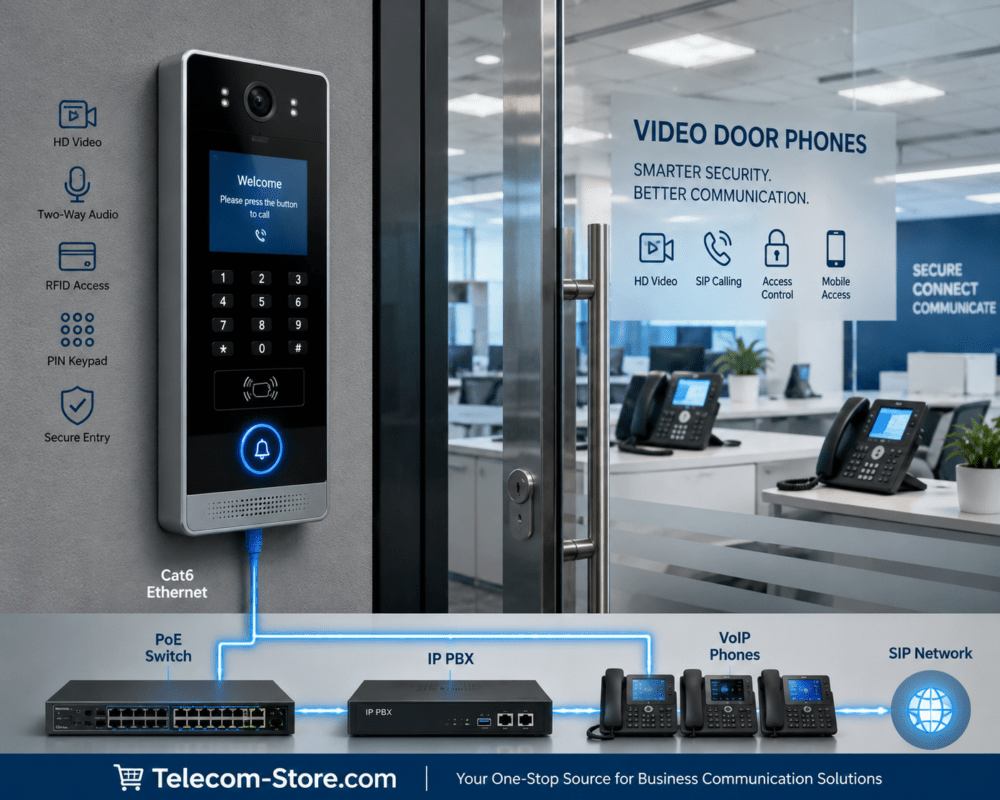
Implementing Door Phones for Access Control
Door phones allow businesses to manage entry points through their communication system.
A solution such as:
Algo SIP Door Phone Gen 2 PoE Network Endpoint ALG-8028
can integrate with VoIP systems, allowing staff to communicate with visitors and control access remotely.
These systems are commonly used in:
- Office buildings
- Warehouses
- Multi-tenant facilities
Network Segmentation and Performance Optimization
When multiple systems share the same network, segmentation becomes critical.
VLAN Configuration
Virtual LANs separate traffic types, such as:
- Voice (VoIP)
- Video (security cameras)
- Data (computers and applications)
This reduces congestion and improves performance.
Quality of Service (QoS)
QoS prioritizes important traffic, ensuring that:
- Voice calls remain clear
- Video streams remain stable
Without QoS, high bandwidth usage from cameras can impact call quality.
Bandwidth Planning for a Complete Network
Bandwidth requirements depend on the number and type of devices.
Typical estimates:
- VoIP call: ~100 Kbps
- 1080p camera: 2–4 Mbps
- 4K camera: 8–16 Mbps
For example:
- 10 cameras at 3 Mbps each = 30 Mbps
- 10 VoIP calls = ~1 Mbps
Total required bandwidth must include all systems plus overhead for general usage.
Compatibility Considerations
Before building a network, verify compatibility between components.
Key factors include:
- SIP compatibility for VoIP devices
- PoE standards (802.3af/at)
- ONVIF support for cameras
- Router capacity and throughput
Ensuring compatibility reduces configuration issues and improves system reliability.
Setup Requirements and Installation
Proper installation is essential for long-term performance.
Consider:
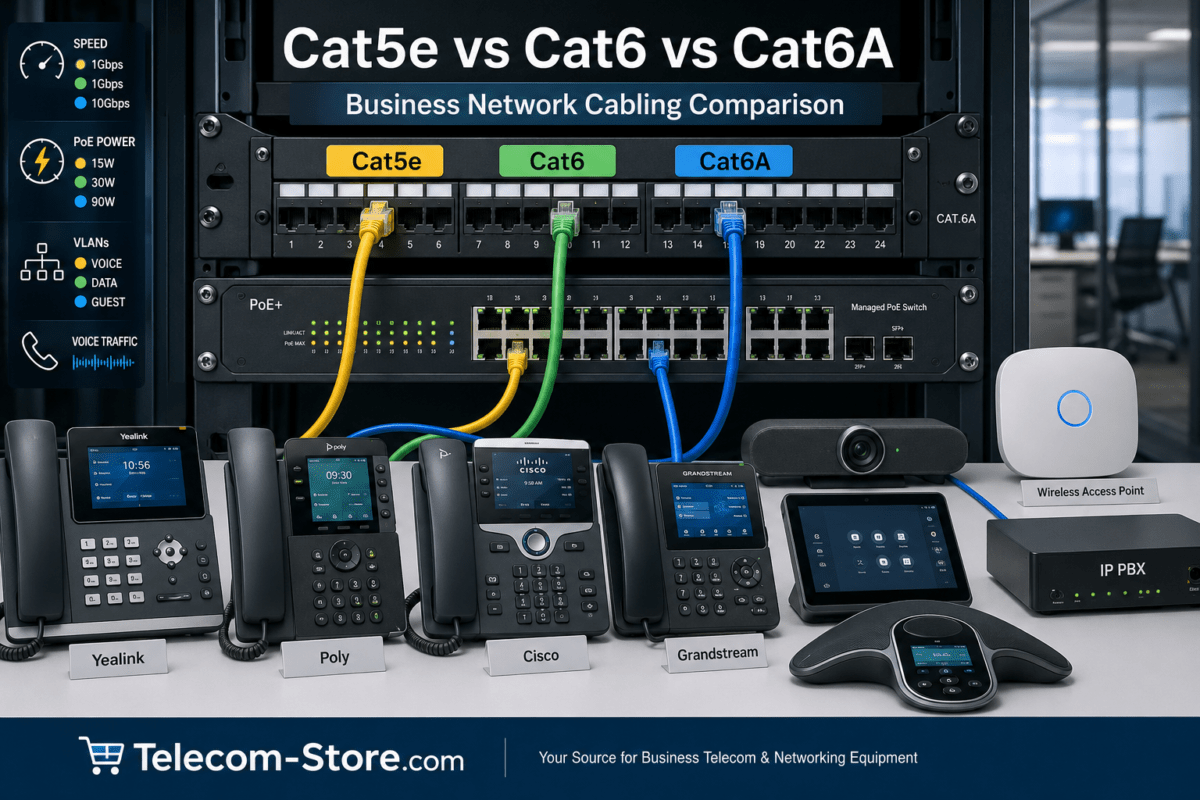
- Structured cabling (Cat5e or Cat6)
- Secure mounting for cameras and antennas
- Power backup (UPS systems)
- Environmental protection for outdoor equipment
Testing the network after installation helps identify potential issues early.
Limitations to Be Aware Of
Even well-designed networks have limitations.
- Bandwidth constraints in high-device environments
- Power limits on PoE switches
- Signal issues for wireless and cellular connections
- Increased complexity as systems grow
Planning for these limitations helps prevent performance problems.
Working with a Professional Provider
Businesses with complex requirements may benefit from professional assistance.
A provider such as:
Axion Communications
can help design, implement, and maintain a network that supports communication, security, and connectivity.
Practical Deployment Tips
- Plan your network layout before purchasing equipment
- Choose scalable hardware with extra capacity
- Use wired connections whenever possible
- Monitor network performance regularly
- Document your configuration for future maintenance
Conclusion
Building a complete business network involves more than connecting devices. It requires careful planning, proper equipment selection, and ongoing management.
By integrating VoIP, PoE-powered devices, security cameras, door phones, and cellular backup, businesses can create a network that supports communication, security, and operational reliability.
A well-designed system provides flexibility and scalability, allowing your network to grow alongside your business.
FAQ Section
What is included in a complete business network?
A complete business network typically includes a router, PoE switch, VoIP phones, security cameras, door phones, and internet connectivity. Some setups also include backup internet and wireless access points.
Why is a PoE switch important in business networks?
A PoE switch simplifies installation by delivering both power and data through a single cable. It supports devices like cameras and phones without requiring separate power sources.
Can VoIP phones and security cameras share the same network?
Yes, but proper configuration is required. VLANs and QoS settings help ensure that voice and video traffic do not interfere with each other.
How much bandwidth does a business network need?
Bandwidth requirements depend on the number of devices. Cameras and VoIP calls consume continuous data, so total usage must be calculated carefully to avoid congestion.
What is the benefit of cellular backup internet?
Cellular backup provides redundancy. If the primary internet connection fails, the network automatically switches to LTE or 5G, maintaining connectivity.
How do door phones integrate with VoIP systems?
Door phones use SIP protocols to connect to VoIP systems. They can call extensions or groups and allow users to control access remotely.
What type of cabling is required for business networks?
Most networks use Cat5e or Cat6 Ethernet cables. These support high-speed data transmission and PoE power delivery.
Do I need a managed switch for a business network?
Managed switches are not required but offer advanced features such as VLANs and QoS, which are useful for optimizing performance in larger networks.