Wireless Access Points for Business
Wireless access points are a core part of modern business networks. As more devices rely on wireless connectivity, proper deployment of access points ensures stable performance, consistent coverage, and efficient network management.
This guide explains how to design and implement wireless access points for business environments, covering WiFi coverage planning, network design, roaming, VLAN configuration, and key hardware considerations.
What Is a Wireless Access Point?
A wireless access point (AP) connects devices to a wired network using WiFi. Unlike a router, which manages internet traffic, an access point extends wireless coverage within a building or across a property.
In business environments, multiple access points are often deployed to provide seamless connectivity across larger areas.
Access Point vs Router
Understanding the difference between an access point and a router is important for network design.
- Router: Connects your network to the internet and manages traffic
- Access Point: Expands wireless coverage within your network
Most business networks use both:
- A router for internet access
- Multiple access points for WiFi distribution
WiFi Coverage Planning
Proper WiFi coverage planning ensures that users experience consistent connectivity.
Key considerations include:
- Building layout
- Wall materials
- Device density
- Interference sources
In office environments, access points are typically ceiling-mounted for optimal signal distribution.
A solution such as:
Cambium Networks e425H Indoor 802.11ac Wave 2 Access Point
can provide reliable indoor coverage when deployed strategically.
Indoor vs Outdoor Access Points
Choosing the right type of access point depends on the environment.
Indoor Access Points
- Designed for offices and enclosed spaces
- Focus on coverage and user density
Outdoor Access Points
Outdoor access points are used for:
- Parking lots
- Warehouses
- Large properties
For example:
EnGenius ENG-EWS850-FIT Wi-Fi 6 Outdoor Access Point 2×2
provides durable performance in outdoor environments.
For extended range, a device like:
Grandstream Outdoor WiFi Access Point GS-GWN7630LR – 300m Range
can cover larger areas with fewer units.
Wireless Network Design
A well-designed wireless network balances coverage, capacity, and performance.
Placement Strategy
- Install access points evenly across the coverage area
- Avoid placing them near interference sources
- Use multiple APs instead of one high-powered unit
Capacity Planning
Each access point can support a limited number of devices. High-density environments require additional APs to maintain performance.
Roaming and Mesh WiFi
Roaming allows devices to move between access points without losing connection.
This is important in:
- Large offices
- Warehouses
- Multi-floor buildings
Mesh WiFi systems extend coverage without requiring additional wiring, but they may introduce latency compared to wired backhaul setups.
VLAN Wireless Network Setup
VLANs are used to segment network traffic for security and performance.
Common VLAN configurations include:
- Employee network
- Guest WiFi
- VoIP devices
Segmenting traffic helps prevent congestion and improves network security.
Dual Band vs Tri Band Access Points
Modern access points support multiple frequency bands.
Dual Band
- 2.4 GHz + 5 GHz
- Suitable for most business environments
Tri Band
- Adds additional 5 GHz or 6 GHz band
- Improves performance in high-density environments
A high-performance option like:
TP-Link BE22000 Ceiling Mount Wi-Fi 7 Tri-Band Access Point
supports advanced wireless standards and increased capacity.
Integrating Wireless Access Points with VoIP Systems
Wireless networks often support VoIP devices in addition to data traffic.
For example, VoIP phones such as:
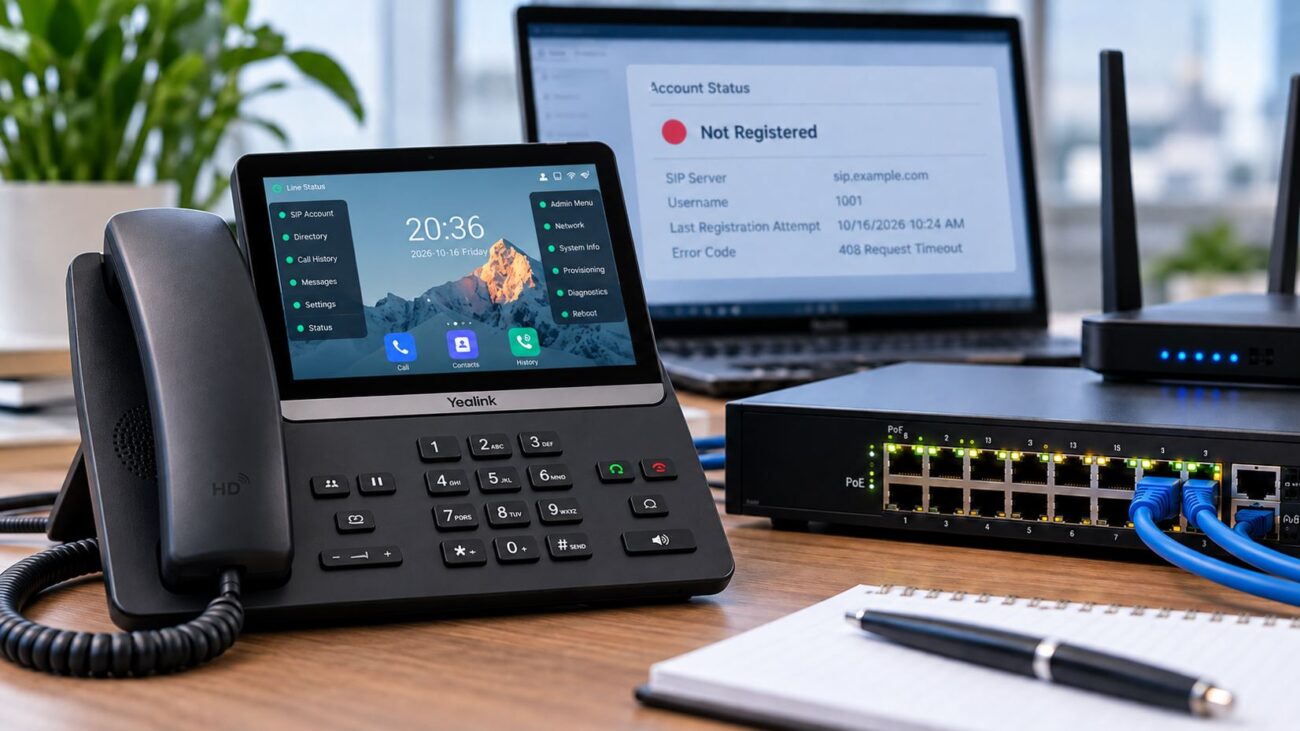
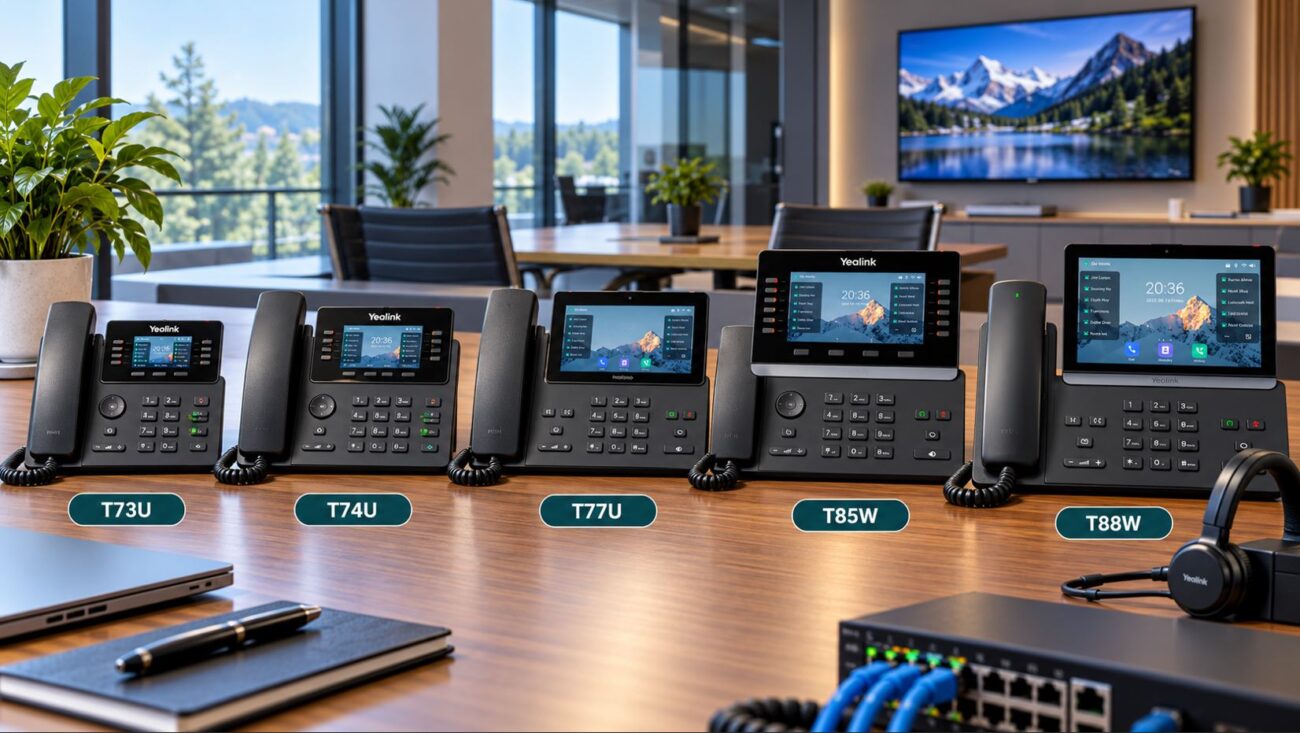
Yealink T58W PRO Android 9.0 IP Phone with Bluetooth Handset
may rely on stable network performance for features like WiFi connectivity and app integration.
To maintain call quality:
- Use VLANs for voice traffic
- Enable QoS prioritization
- Ensure sufficient bandwidth
Compatibility Considerations
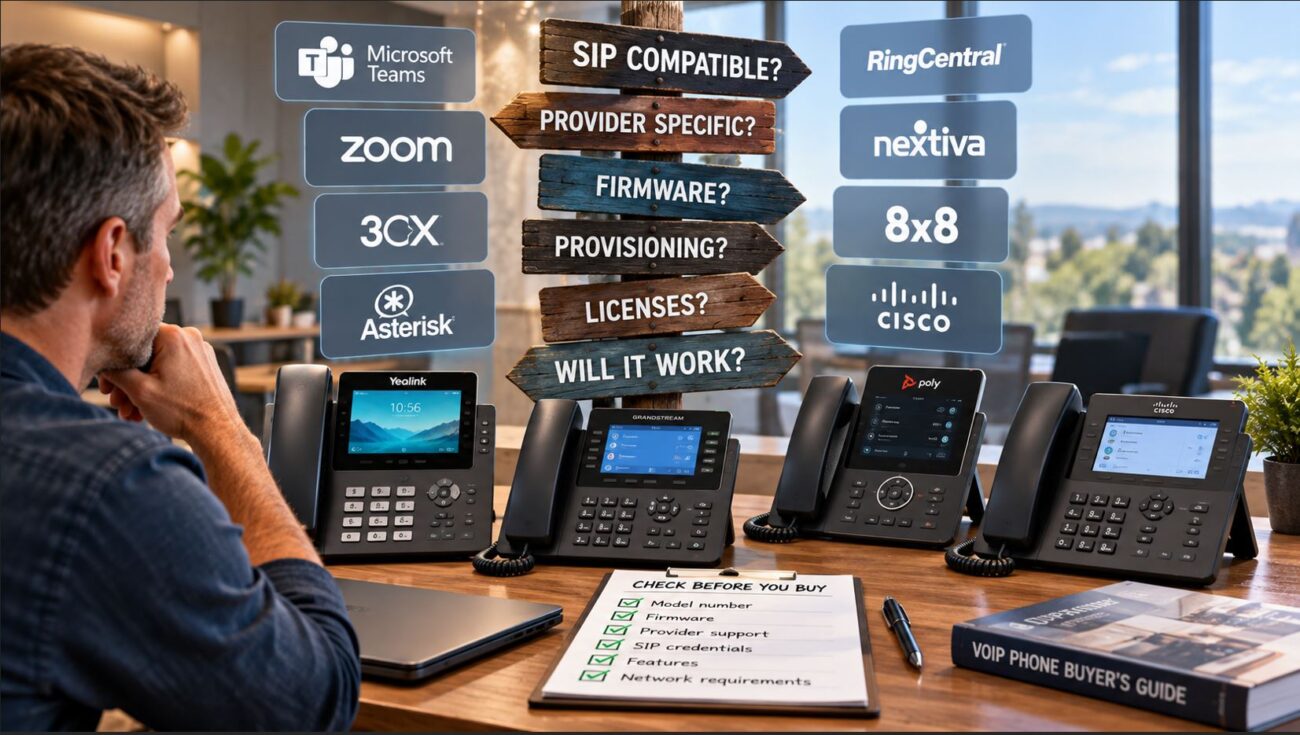
Before selecting access points, verify compatibility with your network.
Important factors include:
- Controller or cloud management support
- Compatibility with existing switches and routers
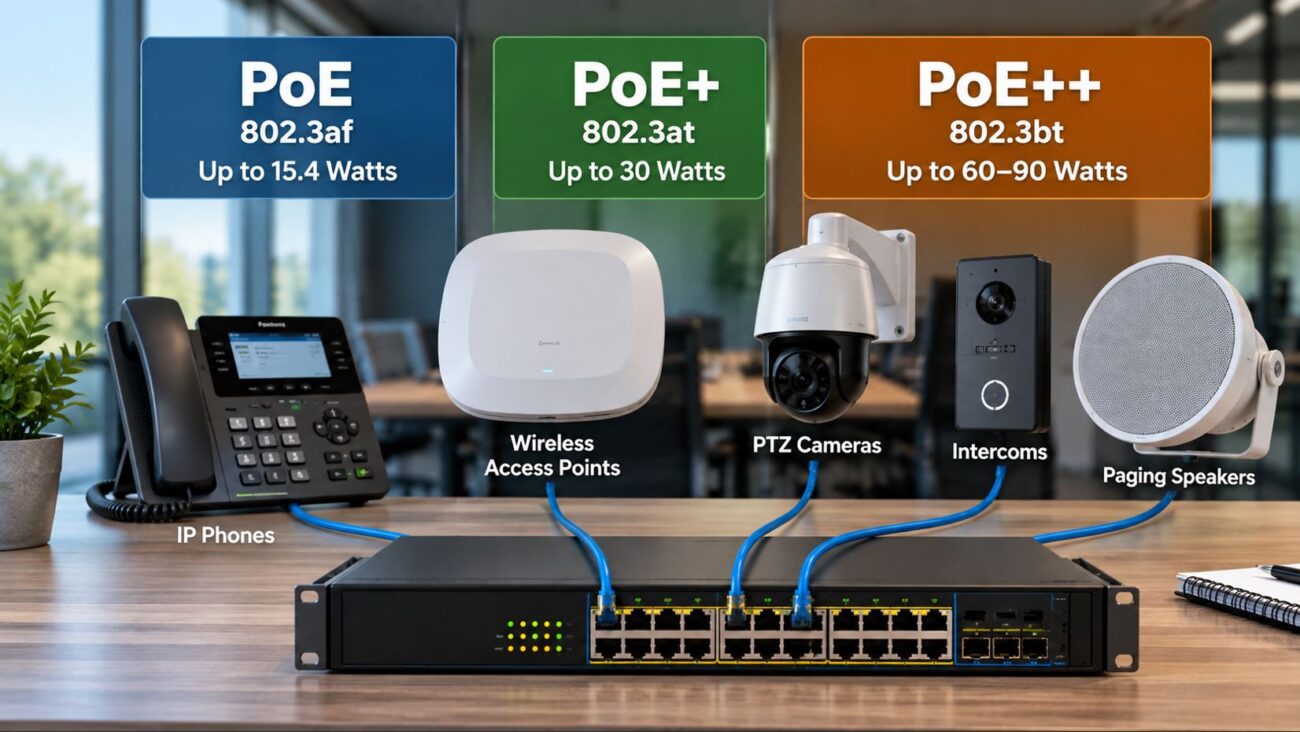
- PoE requirements
- Firmware updates and vendor ecosystem
Ensuring compatibility simplifies deployment and long-term management.
Setup Requirements
Proper setup is essential for optimal performance.
Consider:
- Structured cabling (Cat5e or Cat6)
- PoE switches for power delivery
- Centralized management systems
- Security configuration (WPA3, firewall rules)
Testing coverage after installation helps identify weak areas.
Limitations to Be Aware Of
Wireless networks have inherent limitations.
- Signal interference from walls and devices
- Reduced performance at longer distances
- Bandwidth sharing among connected devices
- Potential latency in mesh networks
Planning and proper hardware selection can minimize these issues.
Working with a Professional Provider
For larger or more complex deployments, working with a provider can help ensure proper design and installation.
A company such as:
Axion Communications
can assist with network planning, equipment selection, and implementation.
Practical Deployment Tips
- Use multiple access points for consistent coverage
- Avoid overloading a single AP
- Choose PoE-enabled devices for easier installation
- Monitor network performance regularly
- Plan for future expansion
Conclusion
Wireless access points are a fundamental part of business network infrastructure. By focusing on proper coverage planning, network design, and compatibility, businesses can create a wireless network that supports both performance and scalability.
A well-designed system ensures reliable connectivity for employees, devices, and communication systems without unnecessary complexity.
FAQ Section
What is the difference between an access point and a router?
A router connects your network to the internet, while an access point provides wireless connectivity within your network. Most business setups use both components together.
How many wireless access points does a business need?
The number depends on building size, layout, and device density. Larger or high-density environments require multiple access points for consistent coverage.
What is WiFi coverage planning?
WiFi coverage planning involves determining where to place access points to ensure consistent signal strength throughout a building or property.
Are outdoor access points different from indoor ones?
Yes, outdoor access points are designed to withstand environmental conditions and provide extended coverage in open areas.
What is roaming in wireless networks?
Roaming allows devices to move between access points without losing connection, which is important in large or multi-floor environments.
Should I use dual band or tri band access points?
Dual band is sufficient for most businesses, while tri band provides additional capacity for high-density environments.
Can wireless networks support VoIP systems?
Yes, but proper configuration such as VLANs and QoS is required to ensure consistent call quality.
What is a VLAN in a wireless network?
A VLAN separates network traffic into segments, improving security and performance by isolating different types of devices.