QoS for VoIP
Voice over IP relies on consistent, real-time delivery of audio packets. Unlike file transfers or email, voice traffic cannot tolerate delays or interruptions without noticeable degradation. Even on fast internet connections, businesses often experience poor call quality due to network congestion or improper configuration.
QoS for VoIP (Quality of Service) addresses this by prioritizing voice traffic over other types of data. With the right configuration, businesses can maintain clear, stable communication even when the network is busy.
Why QoS Matters in Business Networks
When multiple devices share a network, all traffic competes for bandwidth. Without prioritization:
- VoIP packets may be delayed
- Calls can sound choppy
- Conversations may experience lag
QoS ensures that voice packets are transmitted first, reducing the impact of competing traffic such as streaming or downloads.
Understanding VoIP Traffic Prioritization
VoIP systems typically use two types of traffic:
- SIP (Session Initiation Protocol): handles call setup
- RTP (Real-Time Transport Protocol): carries the audio
Effective VoIP traffic prioritization focuses on ensuring RTP packets are delivered with minimal delay.
Key Performance Factors
Latency
Latency measures how long it takes for data to travel across the network.
- Recommended: under 150 ms
- High latency results in delayed conversations
Jitter
Jitter refers to inconsistent packet arrival times.
- Acceptable: under 30 ms
- High jitter causes audio distortion
Packet Loss
Packet loss occurs when data is dropped during transmission.
- Recommended: under 1%
- Leads to missing words or broken audio
How to Set Up QoS for VoIP (Step-by-Step)
Step 1: Access Network Configuration
Log into your router or managed switch interface. Business-grade equipment provides QoS configuration options.
Step 2: Enable QoS
Locate QoS settings and activate the feature. This enables traffic prioritization across the network.
Step 3: Identify VoIP Traffic
Define rules for SIP and RTP traffic. This allows the system to recognize voice packets.
Step 4: Prioritize VoIP Traffic
Assign the highest priority level to VoIP traffic. This ensures it is processed before other data.
Step 5: Allocate Bandwidth
Reserve sufficient bandwidth for voice traffic to prevent congestion.
Step 6: Test Performance
Place test calls and monitor performance. Adjust settings as needed to optimize quality.
Hardware Considerations for QoS
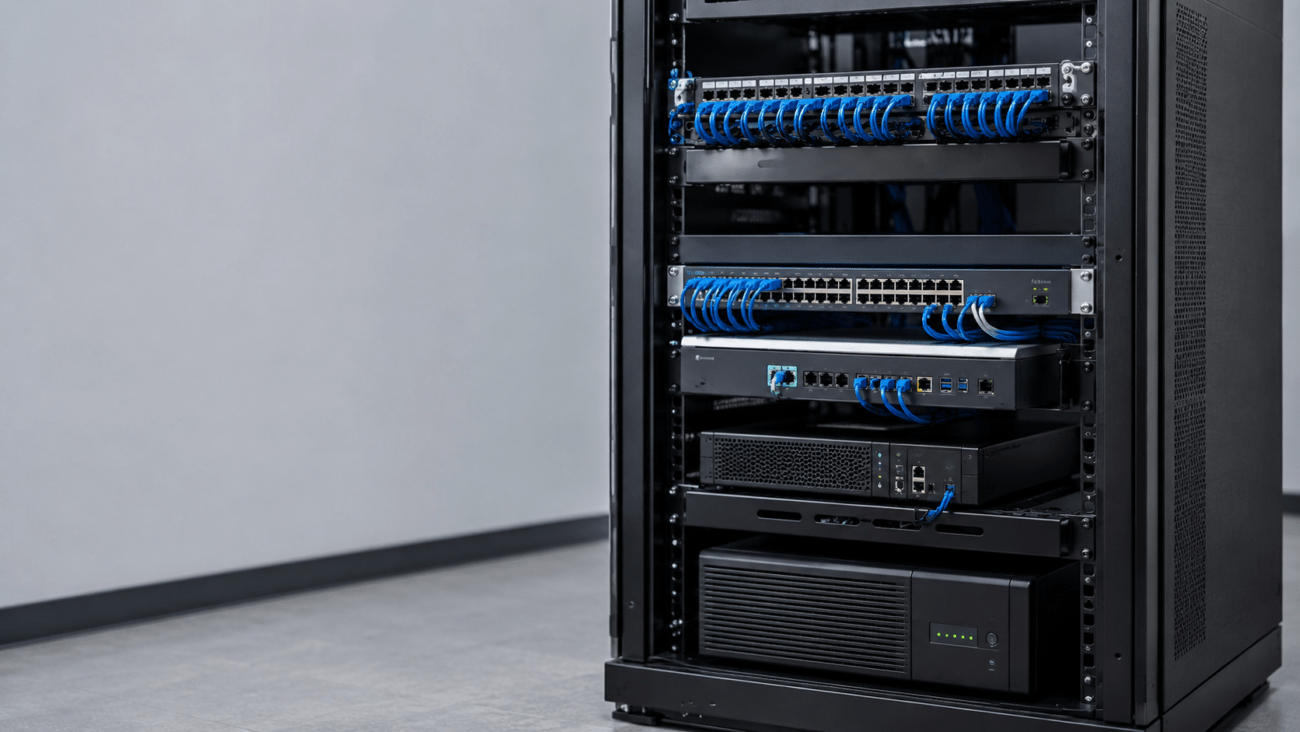
QoS performance depends heavily on the capabilities of your network hardware.
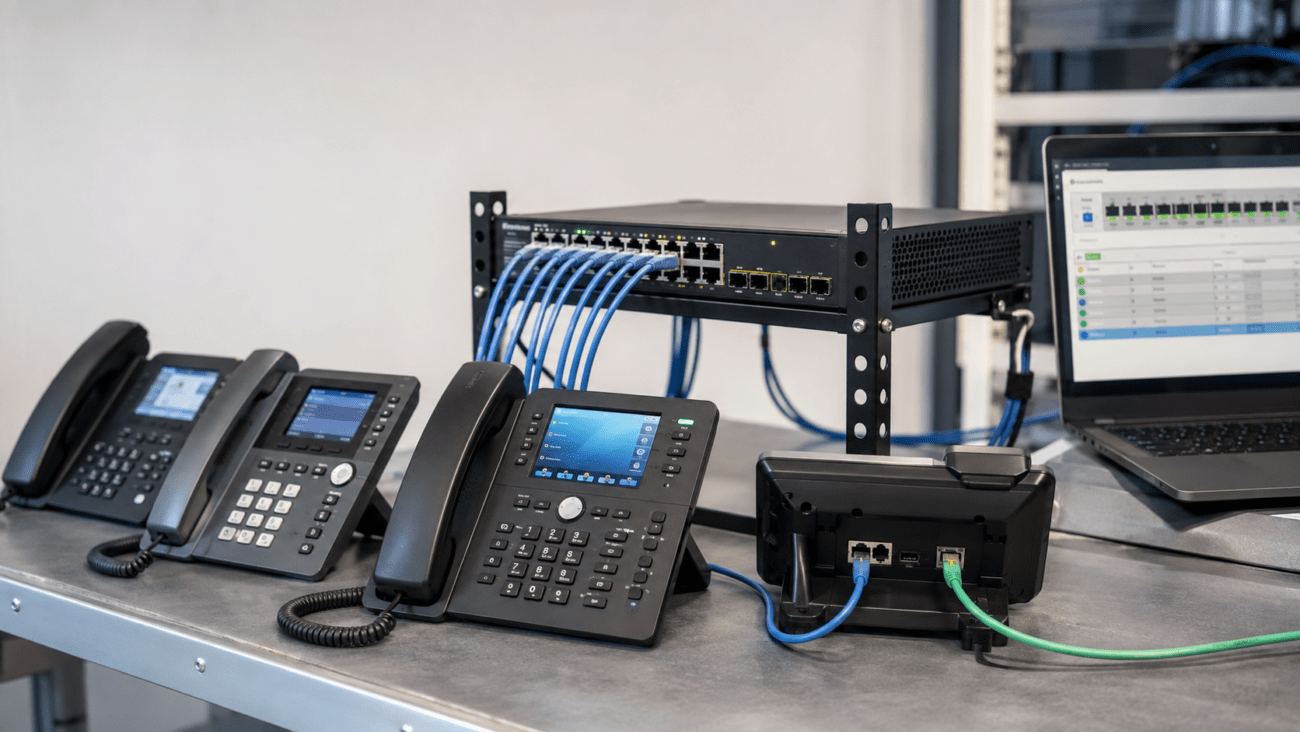
Managed Switches
A switch such as:
NEC Routers Switches QX NEC Routers Switches QX 24 Port
or:
EnGenius 410W PoE+ Gigabit Switch for Business Networking
provides traffic control and supports QoS configuration.
Cloud-managed options like:
EnGenius 24-Port GbE Rack Switch for Business Networks
offer centralized management and monitoring.
VoIP Phones
Reliable endpoints are equally important. Examples include:
- Polycom Bluetooth IP PoE Phone for Business Communication
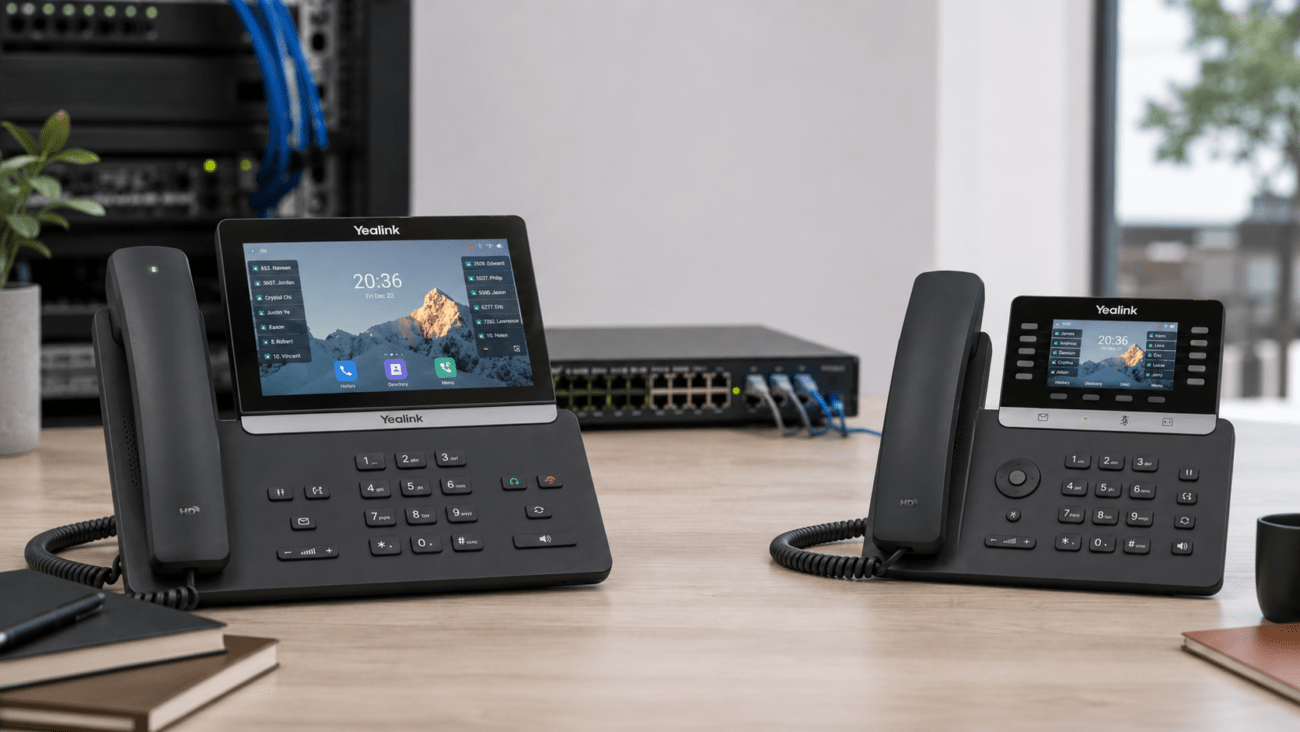
- Yealink SIP-T88W Android 13 Touch Screen Phone 7 inch
- Grandstream HD 2-Line IP Phone for Small Business
- Snom SNO-D785 4.3” TFT Color Display Phone with BLF Keys
These devices are designed for business environments and benefit from proper QoS configuration.
For businesses exploring Yealink devices, telecom-store.com provides a range of options commonly used in VoIP deployments.
Wireless Considerations
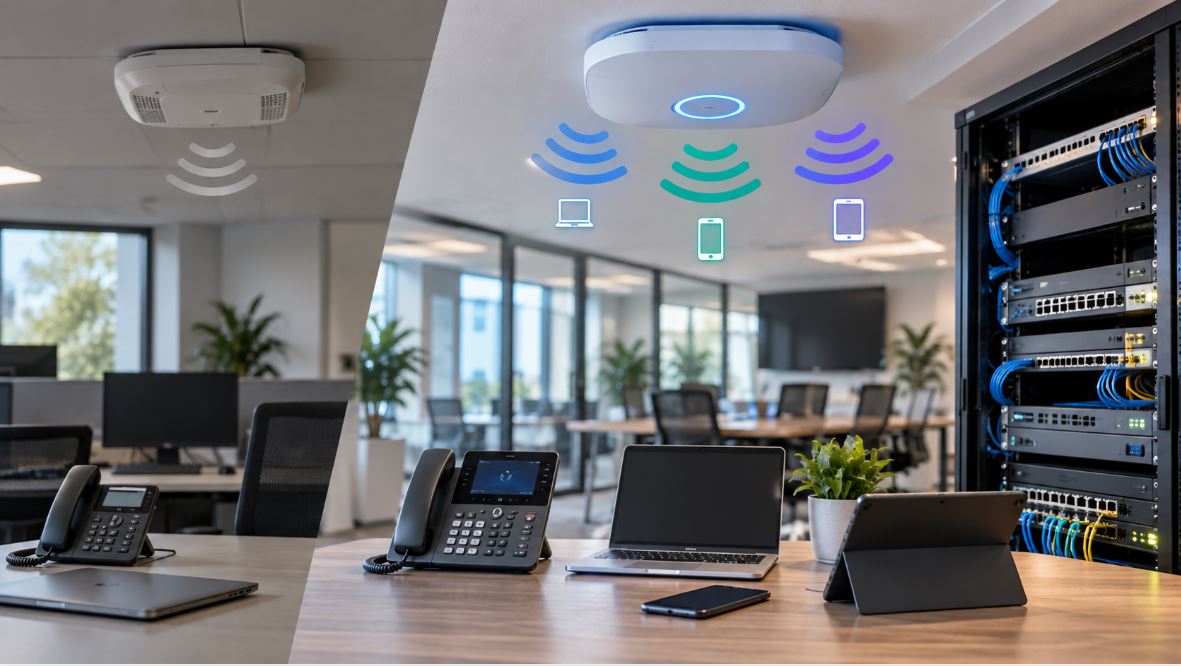
Wireless networks can introduce variability. A device such as:
Grandstream In-Wall WiFi Access Point
can help extend coverage, but wired connections are generally preferred for VoIP stability.
QoS Configuration VoIP Best Practices
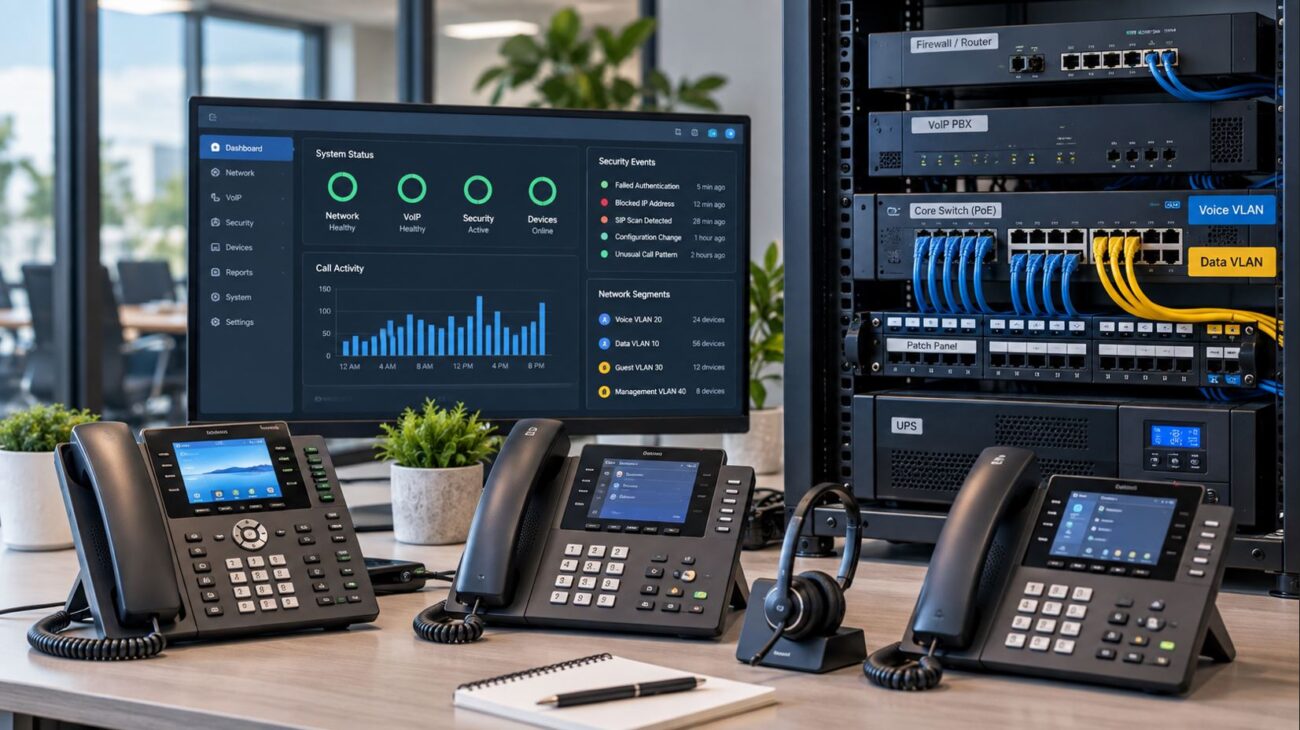
- Use VLANs to separate voice traffic
- Apply DSCP tagging to prioritize packets
- Limit bandwidth for non-essential applications
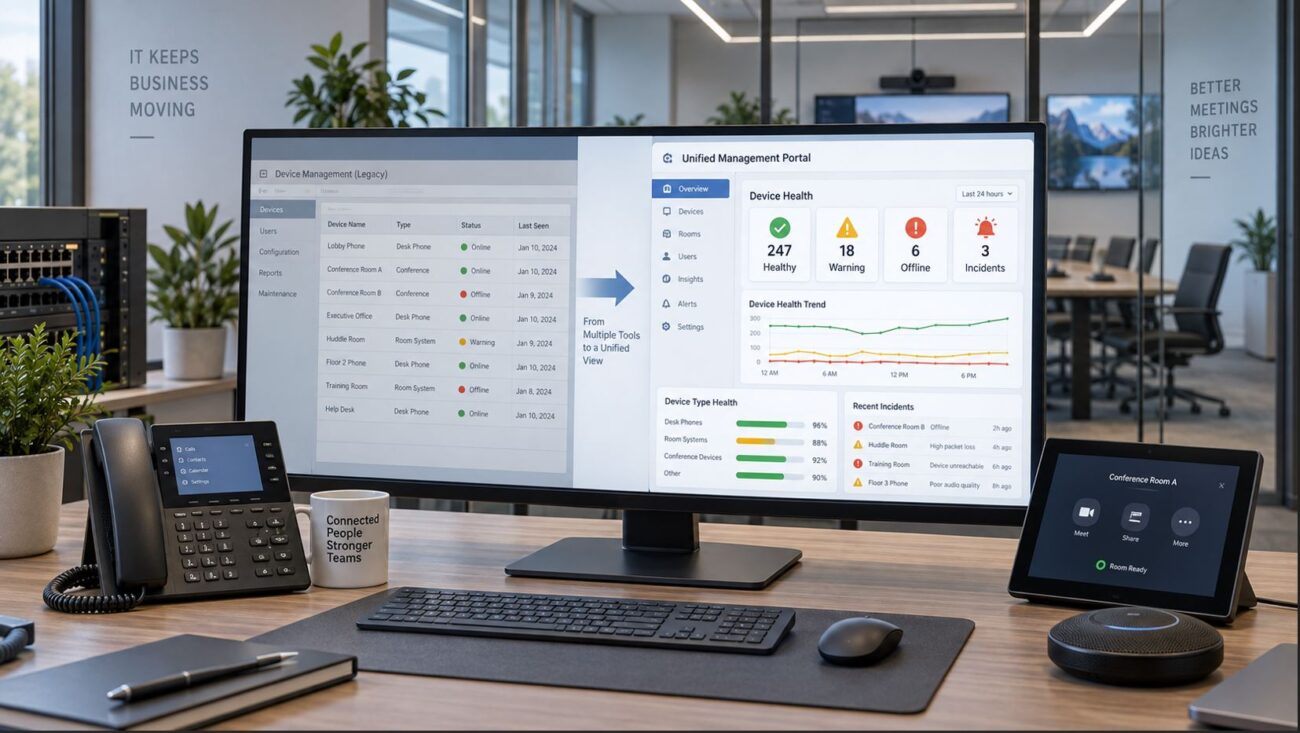
- Monitor network performance regularly
Common Mistakes to Avoid
- Using consumer-grade routers without QoS
- Prioritizing too many traffic types
- Ignoring network congestion
- Failing to test after configuration
Compatibility Considerations
Before implementing QoS:
- Verify router and switch support QoS features
- Ensure VoIP devices support traffic tagging
- Confirm firmware is up to date
Proper compatibility ensures consistent performance.
Setup Requirements
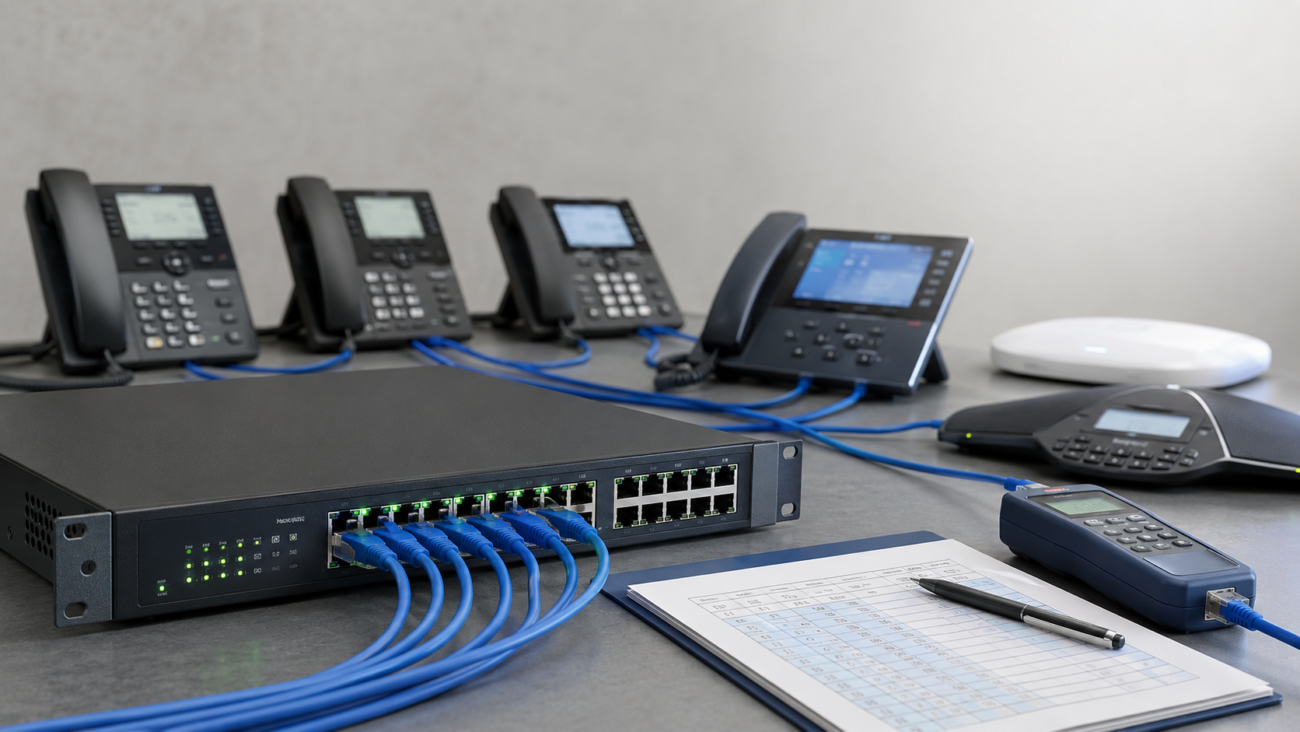
A typical QoS-enabled VoIP network includes:
- Business-grade router
- Managed PoE switch
- VoIP phones
- Stable internet connection
Each component plays a role in maintaining call quality.
Limitations of QoS
QoS improves performance but has limitations:
- Cannot compensate for insufficient bandwidth
- Dependent on hardware capabilities
- Requires proper configuration
Understanding these limitations helps set realistic expectations.
Working with a Professional Provider
For complex networks, professional assistance can improve outcomes.
A provider such as:
Axion Communications
can assist with design, implementation, and ongoing support.
Practical Tips for Improving VoIP Performance
- Prioritize VoIP traffic using QoS
- Reduce unnecessary network usage
- Upgrade outdated hardware
- Monitor latency and jitter
- Test regularly
Conclusion
QoS for VoIP plays a critical role in maintaining reliable communication. While bandwidth is important, proper traffic prioritization ensures that voice data is delivered consistently.
By combining appropriate hardware, thoughtful configuration, and ongoing monitoring, businesses can achieve stable VoIP performance across their network.
FAQ Section
What is QoS for VoIP?
QoS for VoIP prioritizes voice traffic over other data, ensuring clear and consistent call quality.
How do I set up QoS for VoIP?
Enable QoS on your router or switch, identify VoIP traffic, and assign it higher priority.
Why is QoS important for VoIP systems?
QoS reduces latency, jitter, and packet loss, which are critical for maintaining call quality.
Can QoS fix poor VoIP call quality?
QoS can improve quality if issues are related to congestion, but not if bandwidth is insufficient.
What devices support VoIP QoS settings?
Business-grade routers and managed switches typically support QoS features.
What is VoIP traffic prioritization?
It ensures voice packets are transmitted before other types of data.
Is QoS necessary for small offices?
Yes, especially when multiple devices share the same network.
Does QoS require special hardware?
QoS requires compatible routers and switches with traffic prioritization capabilities.