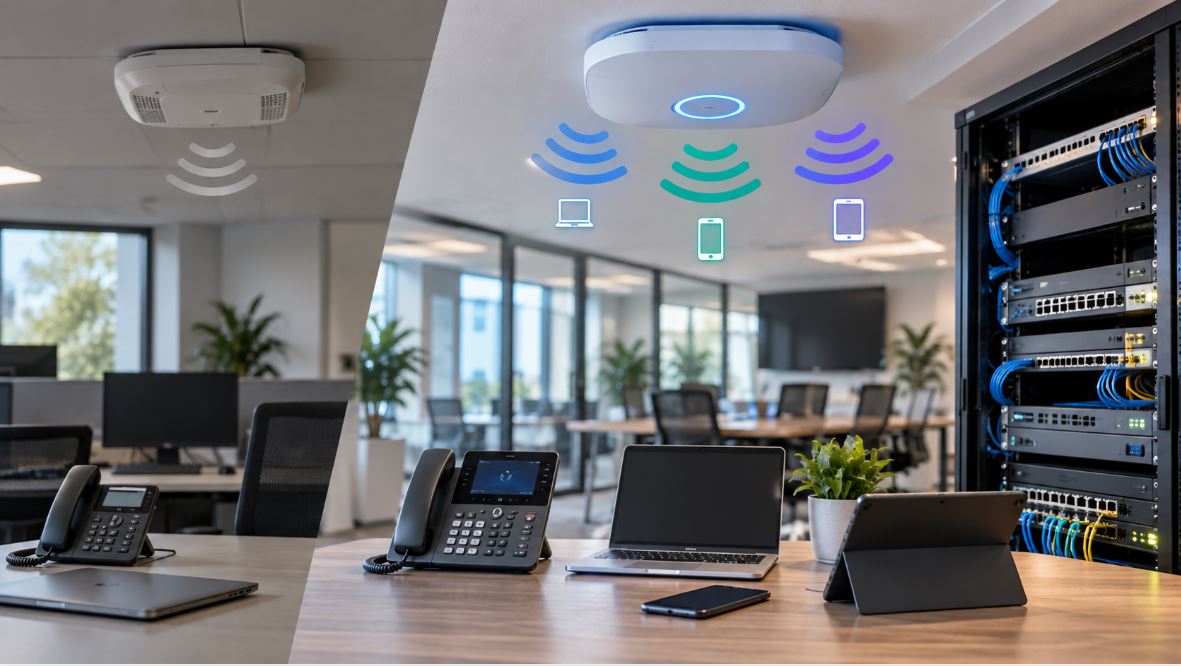
Selecting the right VoIP phone is an important decision for any business. The right device supports clear communication, integrates with your network, and aligns with how your team operates.
In 2026, VoIP phones offer a wide range of features—from simple desk phones to advanced touchscreen devices. Understanding what matters most will help you avoid unnecessary complexity while ensuring your communication system performs reliably.
Understanding VoIP Phones in a Business Environment
VoIP (Voice over Internet Protocol) phones transmit calls over your data network instead of traditional phone lines. This allows businesses to streamline communication, support remote work, and reduce reliance on legacy infrastructure.
For small business environments, VoIP phones are typically part of a broader system that includes an IP PBX, network switches, and routers configured to handle voice traffic. Choosing the right phone means considering how it fits into this larger network.
Key Factors When Choosing a VoIP Phone
User Type and Work Environment
Start by identifying how each phone will be used.
Front desk staff often require multiple line appearances and fast call handling. General office users need reliable audio and simple navigation. Managers or executives may benefit from larger displays and additional features. Mobile or warehouse staff often require cordless solutions.
For higher call volumes, a multi-line device such as:
Grandstream GS-GXP2170 IP Color Phone, 12 Lines, 6 SIP
can support more complex communication needs.
Wired vs Wireless (DECT) Phones
VoIP phones fall into two main categories.
Wired desk phones offer stable connections and are typically powered through PoE or a power adapter. They are ideal for fixed workstations.
Cordless DECT phones allow users to move throughout a facility while staying connected. These systems use a base station connected to your network and are commonly used in warehouses, retail environments, or service operations.
A bundled DECT solution like this:
Yealink W70 is designed for environments where mobility is important.
Display and Interface
VoIP phones vary significantly in how users interact with them.
Basic displays are sufficient for standard tasks. Color screens improve usability and navigation. Touchscreen phones, especially those based on Android, allow for expanded features such as applications, video calling, and enhanced user interfaces.
A device like:
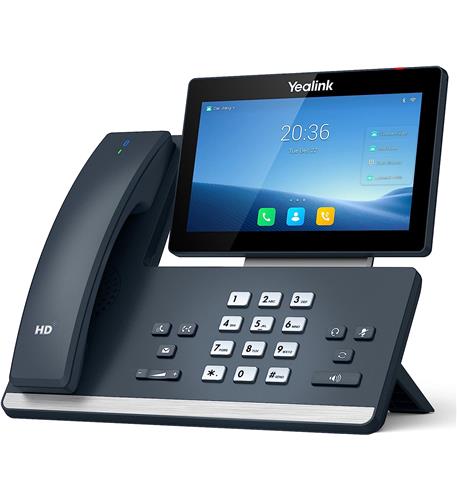
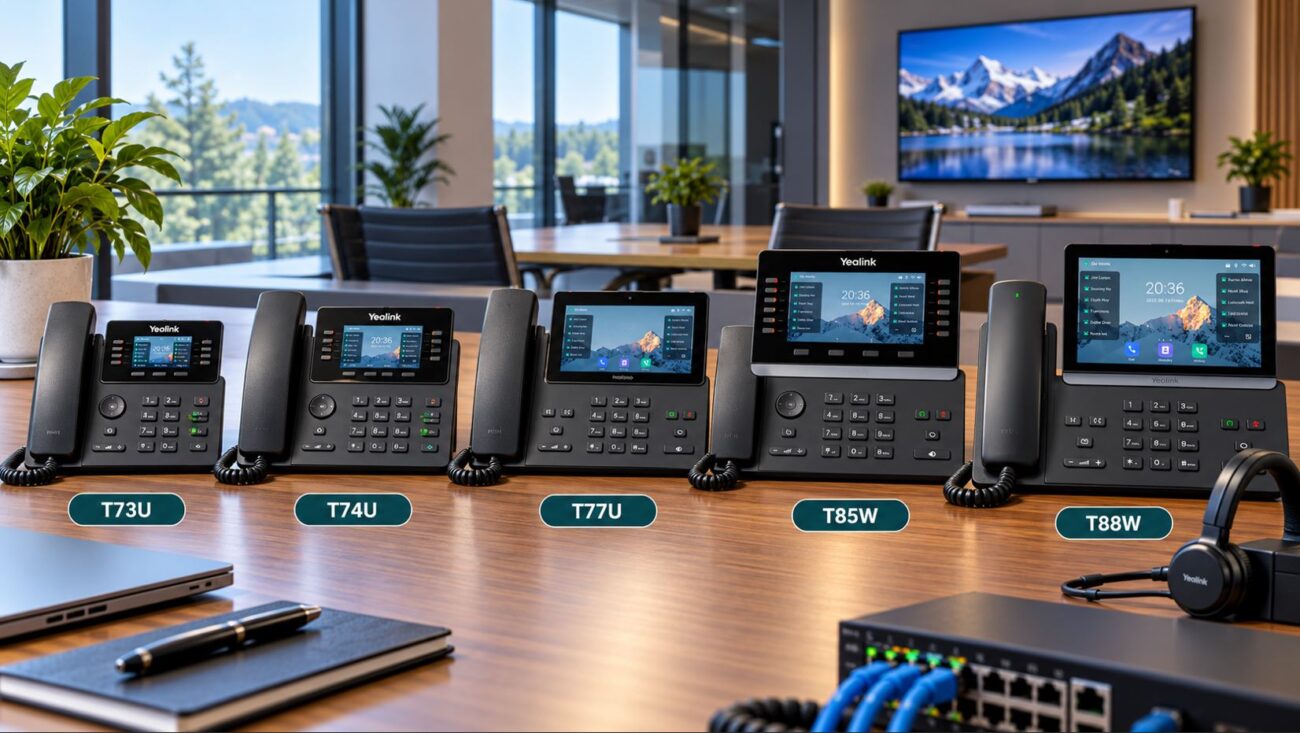
Yealink T58W provides a more advanced interface for users who require additional functionality.
Audio Quality and Hardware
Clear audio is essential for effective communication. Most modern VoIP phones include HD voice support, but performance can vary depending on hardware design.
Features such as noise reduction, full-duplex speakerphones, and headset compatibility are important, especially in open office environments or customer-facing roles.
Network Compatibility
Your VoIP phone must integrate with your existing network.
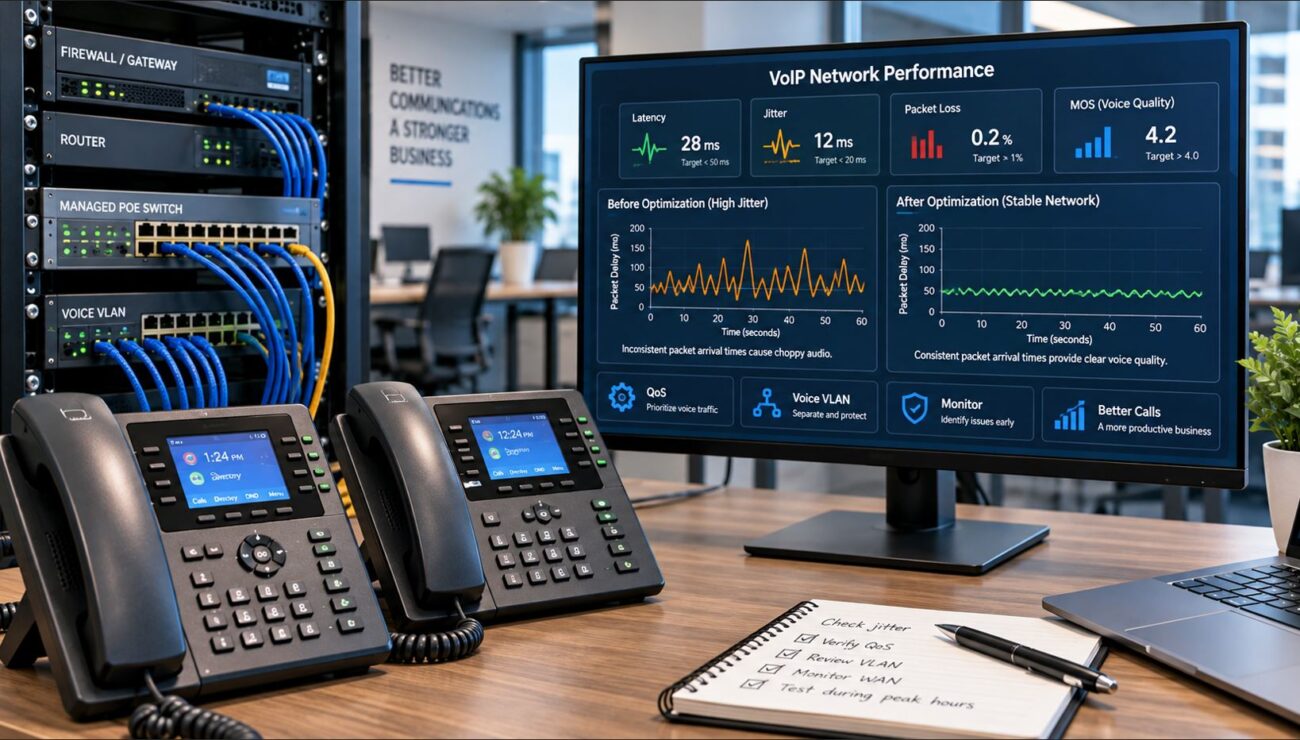
Look for SIP compatibility, VLAN support, and Quality of Service (QoS) capabilities. If your network is not properly configured for voice traffic, call quality can suffer regardless of the phone you choose.
Comparing Popular VoIP Phone Options
Yealink Phones
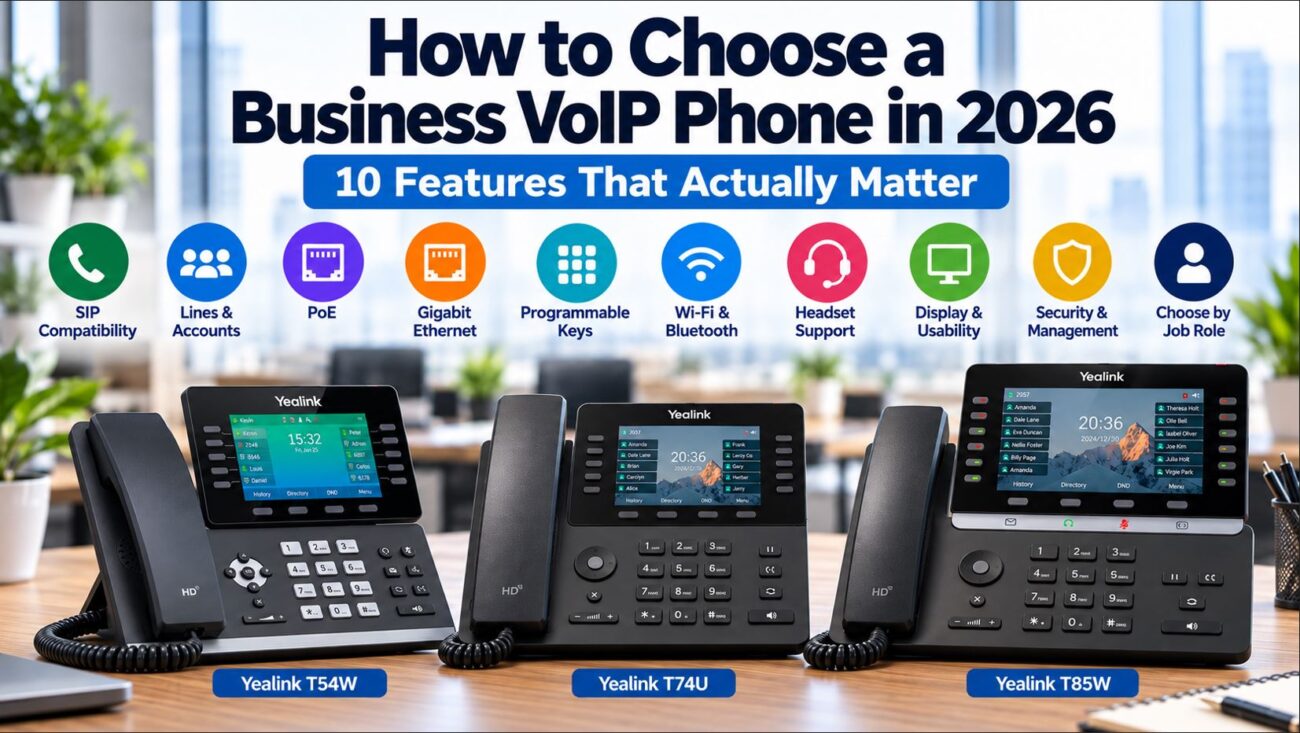
Yealink phones are widely used in small business environments. They offer strong compatibility with various PBX systems, reliable provisioning options, and a range of models suited to different roles.
You can explore available Yealink options here:
Yealink phones on telecom-store.com
Cisco Phones
Cisco phones are often used in businesses that already rely on Cisco networking infrastructure.
For example:
Cisco IP Phone 8841 Multiplatform with 5-inch Color Display
These devices are known for consistent performance and integration with enterprise systems.
Setup Requirements for VoIP Phones
Before purchasing, confirm that your environment supports VoIP deployment.
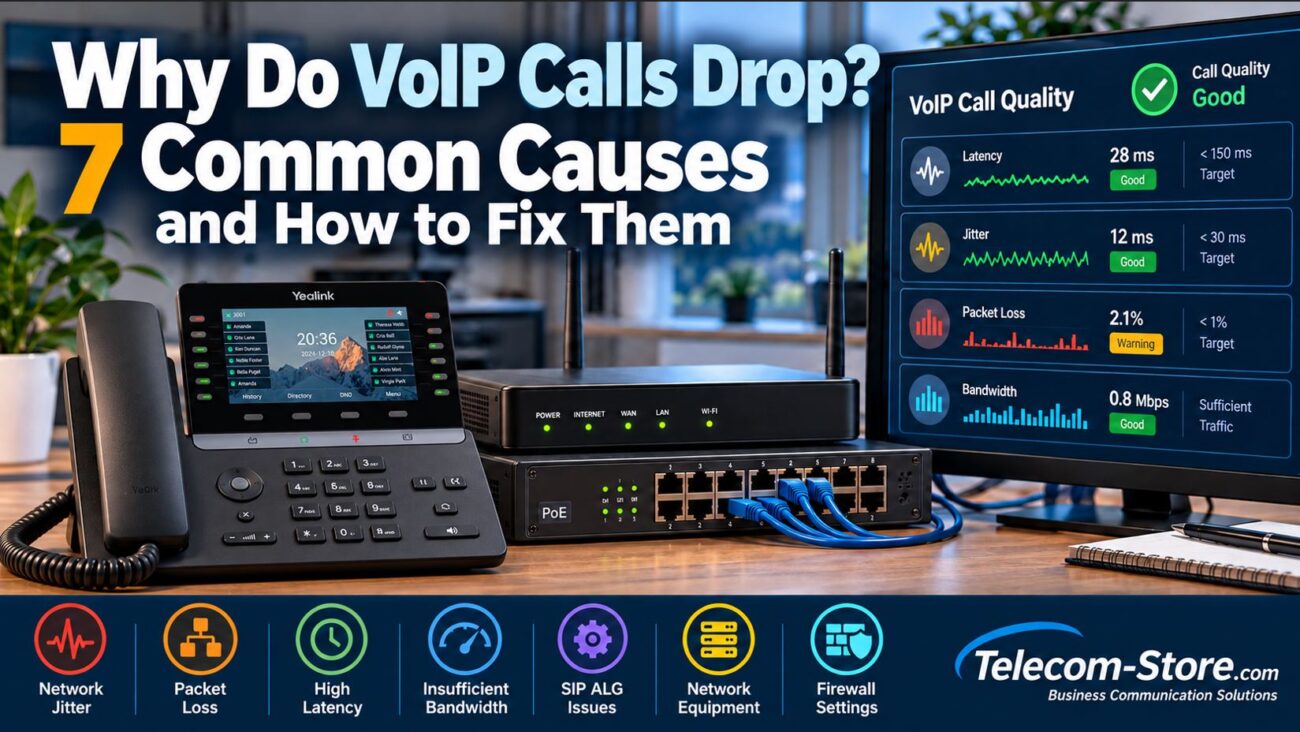
A stable internet connection is required, along with sufficient bandwidth for concurrent calls. Routers should be configured to prioritize voice traffic using QoS settings.
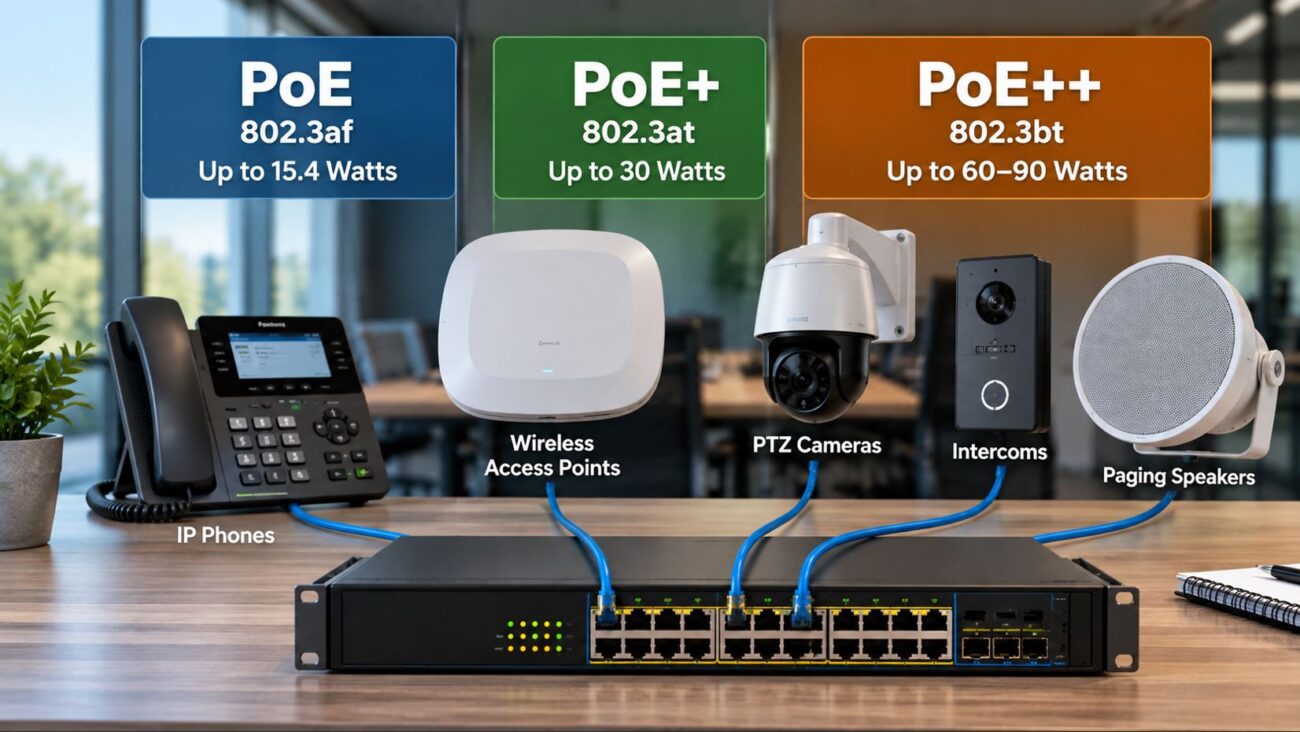
Most VoIP phones are powered using Power over Ethernet (PoE), which allows both data and power to run through a single cable. This simplifies installation and reduces cable clutter.
Provisioning is another important consideration. Phones can be configured through auto-provisioning servers, PBX systems, or manual setup. Automated provisioning is typically preferred for consistency and scalability.
Buyer Considerations Before Purchasing
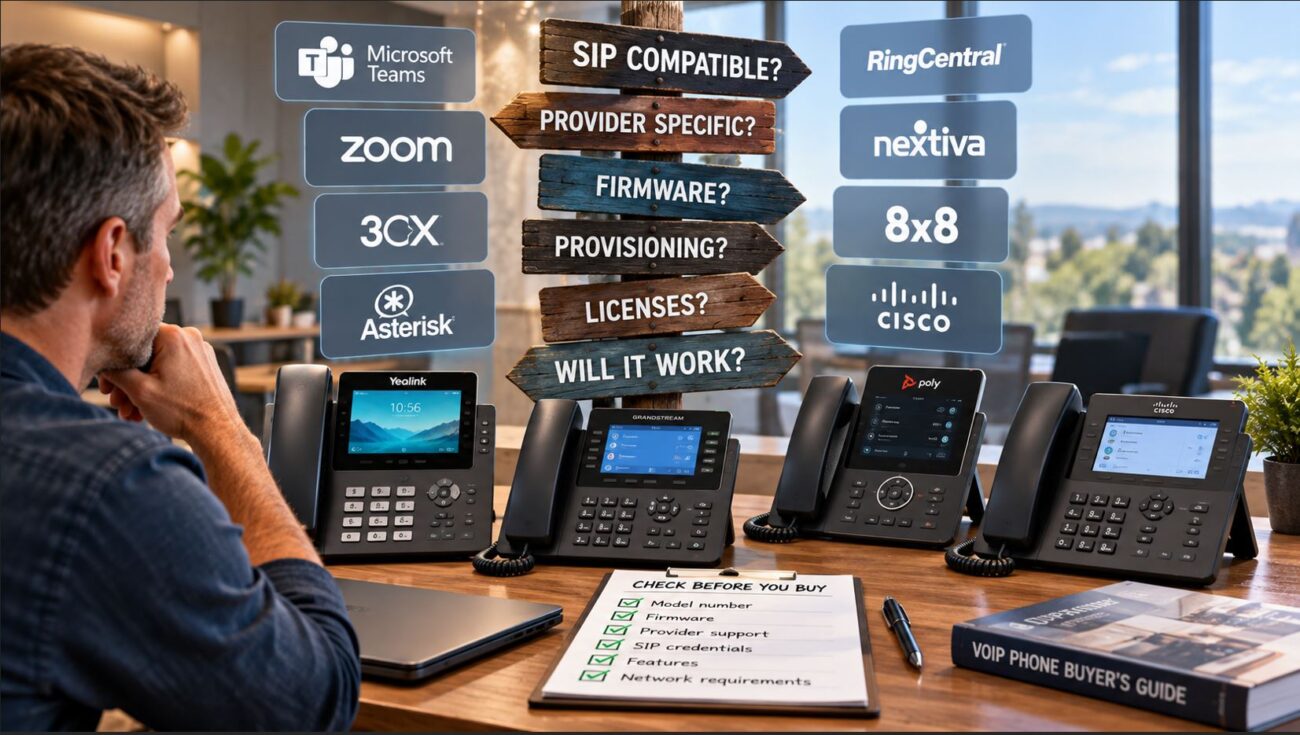
Compatibility should always be verified. Ensure the phone supports your PBX system and uses standard SIP protocols.
Scalability is also important. If your business is growing, consider whether you will need additional lines, expansion modules, or support for remote users.
It’s also important to understand limitations. Entry-level phones may lack advanced features. Touchscreen devices can require additional setup. DECT phones have range limitations depending on the building layout. Some enterprise models may offer more features than a small business actually needs.
How VoIP Phones Fit Into Your Communication Strategy
VoIP phones are one part of a complete communication system. A well-designed setup includes network infrastructure, an IP PBX, and supporting hardware such as headsets and switches.
For businesses that need assistance with system design or deployment, working with a provider like:
Axion Communications
can help ensure the system is configured properly from the beginning.
Practical Tips for Choosing the Right Phone
Match the phone to the user’s role rather than selecting a single model for everyone. Avoid paying for features that will not be used. Ensure your network is capable of supporting voice traffic. Test a small number of devices before full deployment. Standardizing models across departments can simplify management and support.
Conclusion
Choosing the right VoIP phone for your business involves balancing features, compatibility, and usability. The goal is to support reliable communication without introducing unnecessary complexity.
By understanding how VoIP phones integrate with your network and how different roles require different capabilities, you can make informed decisions that support your business both now and as it grows.
FAQ Section
What is the best VoIP phone for a small business in 2026?
The best VoIP phone depends on your specific business needs, including call volume, user roles, and network setup. Small businesses often benefit from mid-range SIP phones that provide multiple line support, HD audio, and simple provisioning. Instead of focusing on brand alone, it’s more effective to choose a model that aligns with how your team communicates on a daily basis.
Do VoIP phones require a special internet connection?
VoIP phones do not require a special internet connection, but they do require a stable and reliable one. Businesses should ensure they have enough bandwidth for simultaneous calls and configure Quality of Service (QoS) settings to prioritize voice traffic. Without proper network configuration, call quality may be inconsistent regardless of the phone used.
Can VoIP phones work without a PBX system?
Most VoIP phones are designed to work with a PBX system, either hosted or on-premise. While some providers allow direct SIP registration, a PBX typically provides important features such as call routing, voicemail, and extensions. For business environments, using a PBX is generally recommended for better control and scalability.
What is the difference between SIP and VoIP phones?
VoIP refers to the technology that allows voice communication over the internet, while SIP (Session Initiation Protocol) is the protocol used to establish and manage those calls. Most modern VoIP phones are SIP-based, meaning they use SIP to connect to a PBX or service provider.
Are cordless VoIP phones reliable for business use?
Cordless DECT VoIP phones are reliable when used within their coverage range. They are commonly used in environments where mobility is necessary, such as warehouses or retail spaces. However, their performance depends on building layout, interference, and base station placement.
Do VoIP phones need Power over Ethernet (PoE)?
VoIP phones do not require PoE, but it is often recommended. PoE allows both power and data to be delivered through a single Ethernet cable, simplifying installation and reducing the need for additional power adapters.
How many VoIP phones can a small business network support?
The number of VoIP phones a network can support depends on available bandwidth and network configuration. Each call consumes a small amount of bandwidth, but businesses should plan for peak usage and ensure that their network can handle concurrent calls without affecting quality.
Can VoIP phones integrate with CRM systems?
Some VoIP systems and phones support CRM integration, allowing features like click-to-dial and automatic call logging. These integrations are typically handled by the PBX or software platform rather than the phone itself.