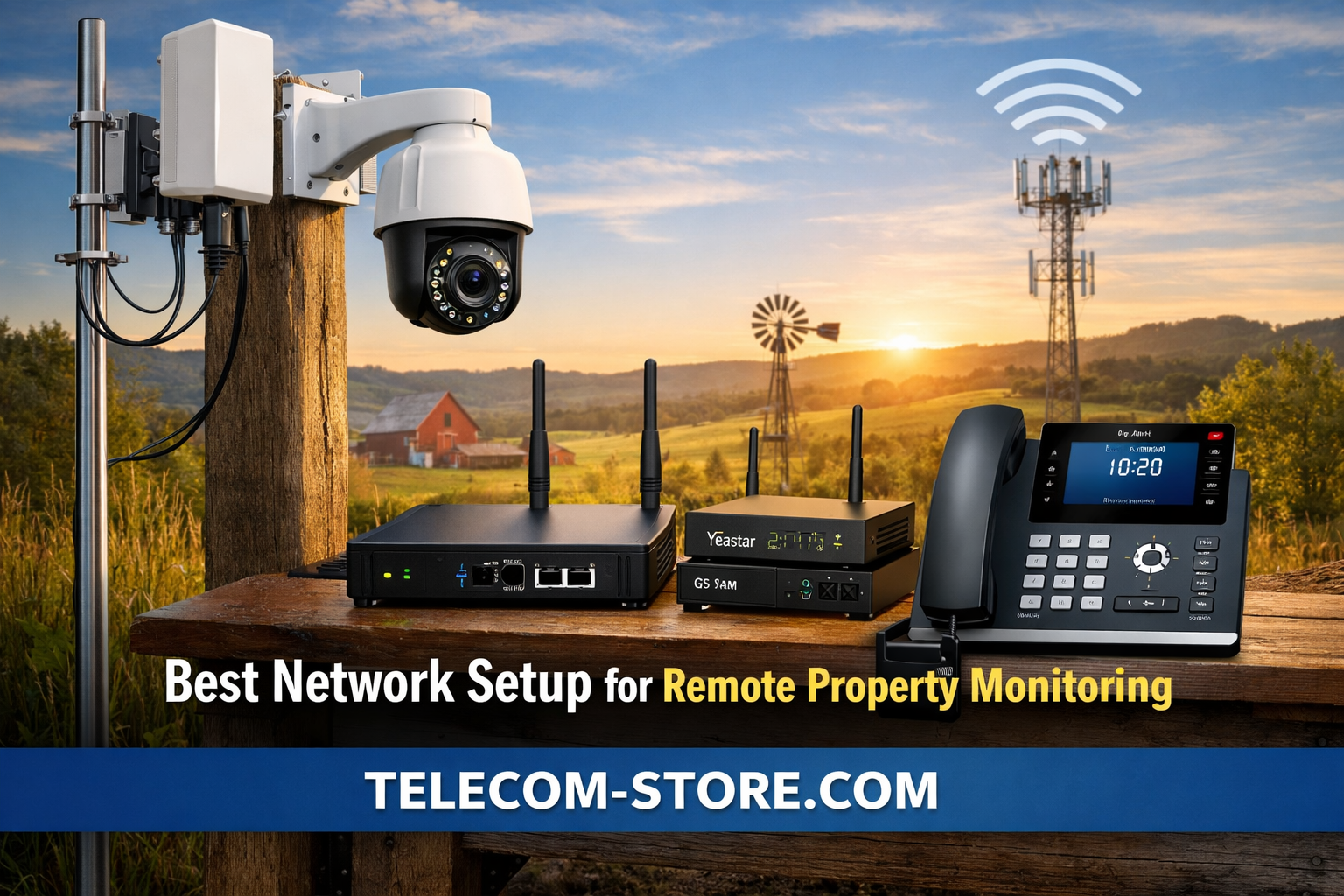
What Makes an Effective Network for Remote Property Monitoring?
For rural or off-grid properties, reliable monitoring starts with the right network foundation. LTE or 5G cellular connectivity is usually the best choice, but strong results depend on signal, device compatibility, and the quality of your network hardware.
Below is a direct comparison of popular options for remote property networks to help you select what fits your situation best:
| Option |
Main Use |
Pros |
Cons |
| LTE/5G Cellular Network |
Most remote sites |
Broad coverage, simple setup, flexible with SIM cards |
Signal variability, ongoing data costs |
| Satellite Internet |
Extreme isolation |
Works almost anywhere |
High latency, expensive hardware, data caps |
| Wi-Fi Bridge/Relay |
Property w/ partial wired access |
No data caps, can be fast |
Limited range, line-of-sight needed |
| Wired (Fiber/DSL/Cable) |
Properties near service area |
Stable, low latency, high speed |
Often unavailable in remote areas |
Why Good Network Design Is Critical for Remote Monitoring
Remote surveillance isn’t just about installing IP cameras or IoT sensors—it’s about ensuring every alert, image, and signal actually reaches you. Power outages, spotty LTE, bandwidth limits, and obstructions can all cause your monitoring to fail right when you need it most.
That’s why a structured network setup—with optimized cellular signal, reliable local switching, and fallback communications—makes a big difference. Whether you’re overseeing a rural ranch, remote substation, farm, solar site, or seasonal cabin, network quality will determine how well your system runs.
Key Components of a Remote Property Network
1. Cellular Connectivity (Your Primary Internet Source)
For most buyers, 4G LTE or 5G SIM-based networks are the only practical option. These networks support modern IP cameras, sensors, or gateway devices—and a surprising number of industrial sites use them reliably with the right hardware.
Before purchasing:
- Check cellular carrier coverage maps for each provider—real-world results can vary.
- Test with SIM cards in different spots around your property, as even small changes in location/elevation can update signal by a bar or more.
- Balance your data plan budget with expected usage; HD video can burn through data quickly if not managed.
2. LTE Signal Optimization
Weak or fluctuating LTE signal will cripple a remote monitoring network. For consistent alerts and video feeds, invest in an outdoor-rated LTE/5G antenna. Position it on a mast, rooftop, or tree line and aim it toward the nearest major cell tower for maximum strength.
An example: The Peplink 2-in-1 LTE 5G MIMO Multi-Frequency Antenna is made for challenging environments, improving reception for IoT, industrial, transportation, or dispersed property deployments.
3. Local Network Distribution (Ethernet, Wi-Fi, and Power)
Once you have LTE connectivity, you need to share it with all your devices on-site. Do this through reliable, business-grade networking hardware:
- Ethernet switches (for wired, stable connections)
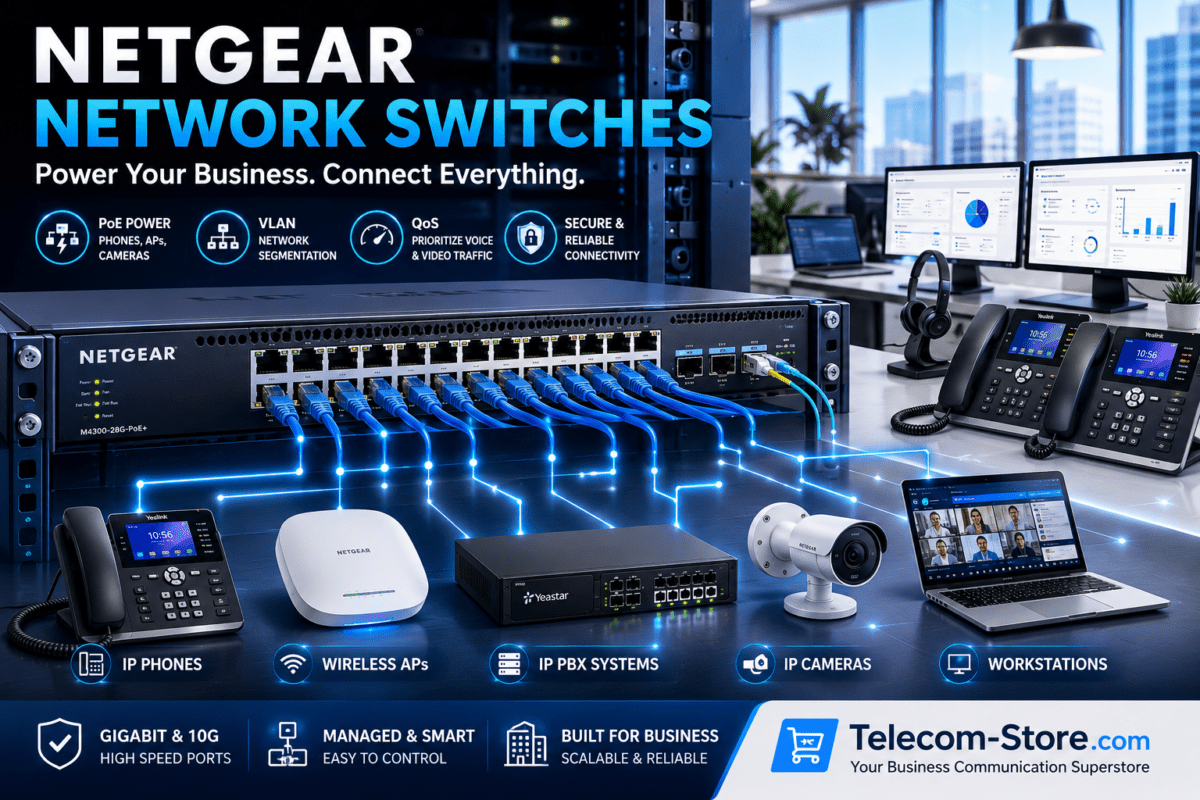
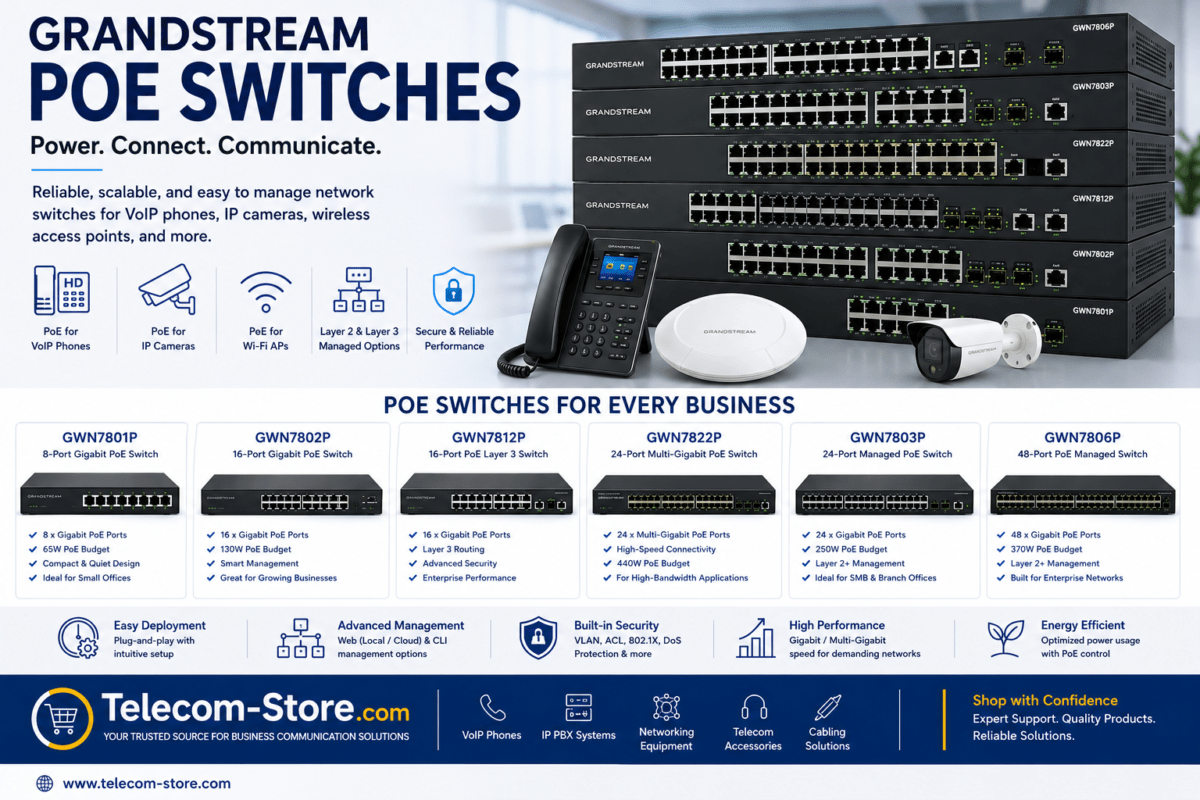
- PoE switches (for powering cameras and sensors where AC power isn’t nearby)
- Business-class Wi-Fi access points (for staff mobility or connecting outdoor sensors)
Avoid consumer “plug-and-play” gear for permanent setups—outdoor-rated, managed switches pay off in uptime and troubleshooting ease.
4. VoIP Phones and GSM Gateways for Two-Way Communication
Remote monitoring is better with hands-on voice support. Whether it’s for calling in an alarm, speaking with on-property staff, or simply having backup if LTE goes down, VoIP and GSM gateways add a layer of reliability:
- Integrate VoIP phones for direct calling and system alerts.
- Use GSM VoIP gateways to enable calls/alerts over cellular—even during network outages or primary line failures.
- Connect these voice systems to your IP PBX (if managing several locations or need central control).
Some leading GSM gateway options: Yeastar 1/2/4-port GSM VoIP gateways, Matrix 3G 4-port gateway, all designed for SIP/IP compatibility and redundancy.
Design Steps: Building Your Remote Monitoring Network
Step 1: Map Your Cellular Coverage
- Walk the site with a phone from each major carrier; note where signal drops.
- Shortlist the best SIM provider for your property and preferred LTE bands.
Step 2: Select and Mount an External Antenna
- Pick a high-gain, outdoor-rated antenna.
- Install at the highest practical point, free from trees or metal obstructions.
- Securely weatherproof all connectors and cabling.
Step 3: Choose an Industrial LTE Router
- Look for routers with external antenna jacks and multiple Ethernet ports.
- Avoid basic hotspots—these aren’t meant for 24/7 operation in remote sites.
- Prefer models with failover dual-SIM or VPN support, if your budget allows.
Step 4: Deploy Network Switches and Segment Your Traffic
- Organize traffic for cameras, sensors, and voice on separate VLANs for reliability.
- Use managed switches for larger setups to manage bandwidth and prioritize alert traffic.
Step 5: Integrate Communication (VoIP & GSM Gateways)
- Connect GSM gateway to both your LTE router and PBX if available.
- Test failover features—force a disconnect to make sure alerts or calls still come through via GSM if needed.
- Provide remote staff with preprogrammed VoIP phones where hands-on management is needed.
LTE Signal Strength vs. Monitoring Performance
Your network’s stability comes down to the lowest signal bar. Here’s what to expect:
- Strong LTE signal: Smooth video feeds, reliable sensor alerts, fast alarm calls.
- Medium signal: Occasional delays, rare dropouts—often fixable with improved antenna.
- Weak signal: Missed events, unusable video, unreliable alerts—always address before scaling up.
When to Use PoE Switches for Device Power
If your property lacks AC outlets near camera or sensor locations, PoE switches are ideal. They carry both data and power over a single cable, making deployment quick even in barns, outbuildings, or far corners of your land.
Who Should Choose VoIP and GSM Gateways?
- Security-conscious farms, ranches, and utilities needing voice alerts or two-way calling in outage-prone areas.
- Contractors overseeing remote construction or utility projects—where quick staff comms really matter.
- Organizations that can’t risk missed alarms due to a single point of failure.
Buyer Tips for Remote Monitoring Networks
Compatibility
- Check device LTE bands and ensure SIM support for your chosen network.
- Confirm antenna connectors match your router model—adaptors can save you from frustration.
- Test PBX, VoIP phone, and GSM gateway interop before field deployment if possible.
Setup Requirements
- Weather-seal all outdoor cable junctions and antennas for longevity.
- Pre-configure VLANs, IP ranges, and alert routing to avoid enemy #1: network congestion.
- Label and document your cabling, SIM, and power supply layouts for future service or expansion.
Common Limitations
- Cellular data is pricey—meter usage and consider secondary failover links for heavy camera sites.
- Trees, terrain, and weather can impact LTE performance—build in more signal buffer than you think you need.
- Even reliable LTE has higher latency than fiber—VoIP quality can suffer in poor conditions. Tune codecs and QoS on your PBX for best results.
Common Mistakes to Avoid
- Using a consumer hotspot for permanent installs—it’ll fail under real-world industrial use.
- Placing antennas behind metal buildings or below ground level.
- Overloading a single LTE SIM/data plan with too many cameras or sensors.
- Forgetting GSM/voice failover for alert systems—this can be a lifesaver.
- Skipping a real field test with all hardware before final deployment.
Practical Use Cases
Rural Property Security
- IP cameras linked over industrial LTE router, PoE switches at key locations, and GSM gateway for immediate call alerts during motion triggers.
Agricultural Monitoring
- IoT soil/moisture sensors, pole-top weather cams powered by rugged switches, with alerts sent through the GSM/VoIP channel as backup.
Remote Construction or Temporary Projects
- Deploy portable LTE routers, mount external antennas on trailers or fences for best range, connect to managed PoE switch for security systems, use VoIP phones for team coordination.
FAQs for Remote Property Network Setups
What hardware do I need for dependable remote site monitoring?
At minimum: a business-grade LTE router with antenna support, a high-gain outdoor antenna, SIMs for good carriers, and PoE switches if you want simple cabling and power for cameras/sensors. Optional: GSM gateway for backup voice/alerts.
How do I maximize LTE coverage?
Use the highest, clearest mount possible for antennas. Point at the nearest cell tower and avoid trees or metal shelters. Compare multiple carriers and use industrial antennas like the linked Peplink model.
Can all devices run over a single LTE connection?
Often yes—just segment your network, limit camera stream quality, and watch your data use. For heavy loads, split devices across different routers/SIMs or upgrade to higher-tier data plans.
How do GSM gateways help?
They allow voice calls or alarm notifications to go out even if primary internet fails. Useful for security or emergency response on remote sites.
Why use PoE network switches?
They send both power and data through a single wire, making install cheaper and easier—especially when AC is far from device mounting points.
Conclusion: Build a Network That Works (and Lasts)
For reliable remote property monitoring, start with LTE/5G cellular, invest in external industrial antennas, use managed network and PoE switches, and always consider voice (GSM/VoIP) backup. Prioritize compatibility and planning up front—you’ll avoid most frustrations down the road.
Need product advice? Explore our collections of Network Switches, VoIP Phones, and IP PBX Systems for rugged, business-ready solutions tailored for remote environments.