What Makes a Good Trail Camera for Remote Property?
Trail cameras have become a favorite tool for property owners looking to keep eyes on their land or outbuildings from afar. If you’re managing a remote lot, a business storage yard, or simply want peace of mind for your farmland, the right camera setup can make all the difference. But not every “trail cam” is up to the challenge of week-in, week-out performance in tough, off-grid locations. Below, we break down what features and setups actually matter for reliable remote monitoring in 2026.
Which Trail Camera Is Best for My Property? (Table)
| Camera Model |
Best For |
Cellular |
Local Storage |
Max Resolution |
LTE Bands |
Power Options |
| Muddy MRX2 Dual Carrier 36MP |
Most users with poor LTE |
Yes (Dual) |
SD Card |
36MP, 1080p video |
US LTE (AT&T/Verizon) |
Batteries/Solar |
| Muddy Mitigator 2.0 24MP |
Rural, flexible deployment |
Yes (Dual) |
SD Card |
24MP |
Multiple US carriers |
Batteries/Solar |
| StealthCam Deceptor Max 2.0 |
Demanding, high-activity areas |
Yes (Dual Core) |
SD Card |
Higher speed, advanced LTE |
Optimized US LTE |
Batteries/Solar |
| StealthCam 32MP Standard |
No LTE needed, wildlife |
No |
SD Card |
32MP, 1080p video |
N/A |
Batteries/Solar |
Note: Dual carrier models can be set up with the best cellular provider in your area during installation.
Why Use Trail Cameras for Remote Monitoring?
When it’s not realistic to be onsite daily, trail cameras fill the gap by capturing activity 24/7, whether that’s trespassers, vehicles, wildlife, or staff. Compared to a full IP camera installation, trail cameras require little wiring, and cellular options remove the need for a dedicated internet line.
- Landowners—Track vandalism, dumping, or unauthorized access at distant gates and fields.
- Business owners—Keep watch on remote storage, equipment yards, or rental cabins without local staff.
- Property managers—Reduce surprise visits and maintain logs of entry/exit activity.
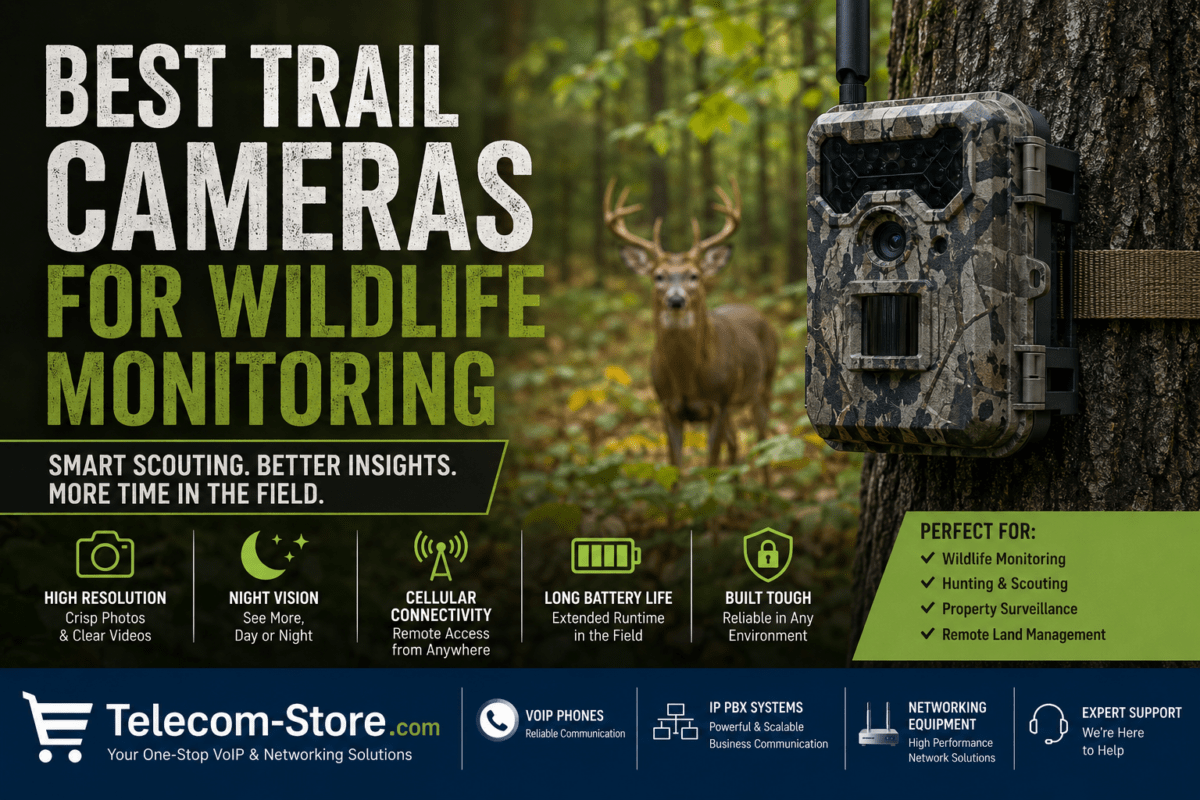
If wireless monitoring is key, cellular trail cameras are the go-to solution for most off-grid and temporary-use properties.
How Cellular Trail Cameras Actually Work
Modern trail cameras are easy to confuse with basic wildlife cameras, but their core is a combination of several components optimized for outdoor, untended use:
- Passive infrared (PIR) detectors to sense movement (don’t waste battery on wind or small animals)
- High-res digital sensor (commonly 12–36MP for photos, 720p–1080p for video)
- LTE modem that connects direct to your area’s mobile network
- Onboard SD or microSD for local backup
- User-selectable battery or external solar panel input
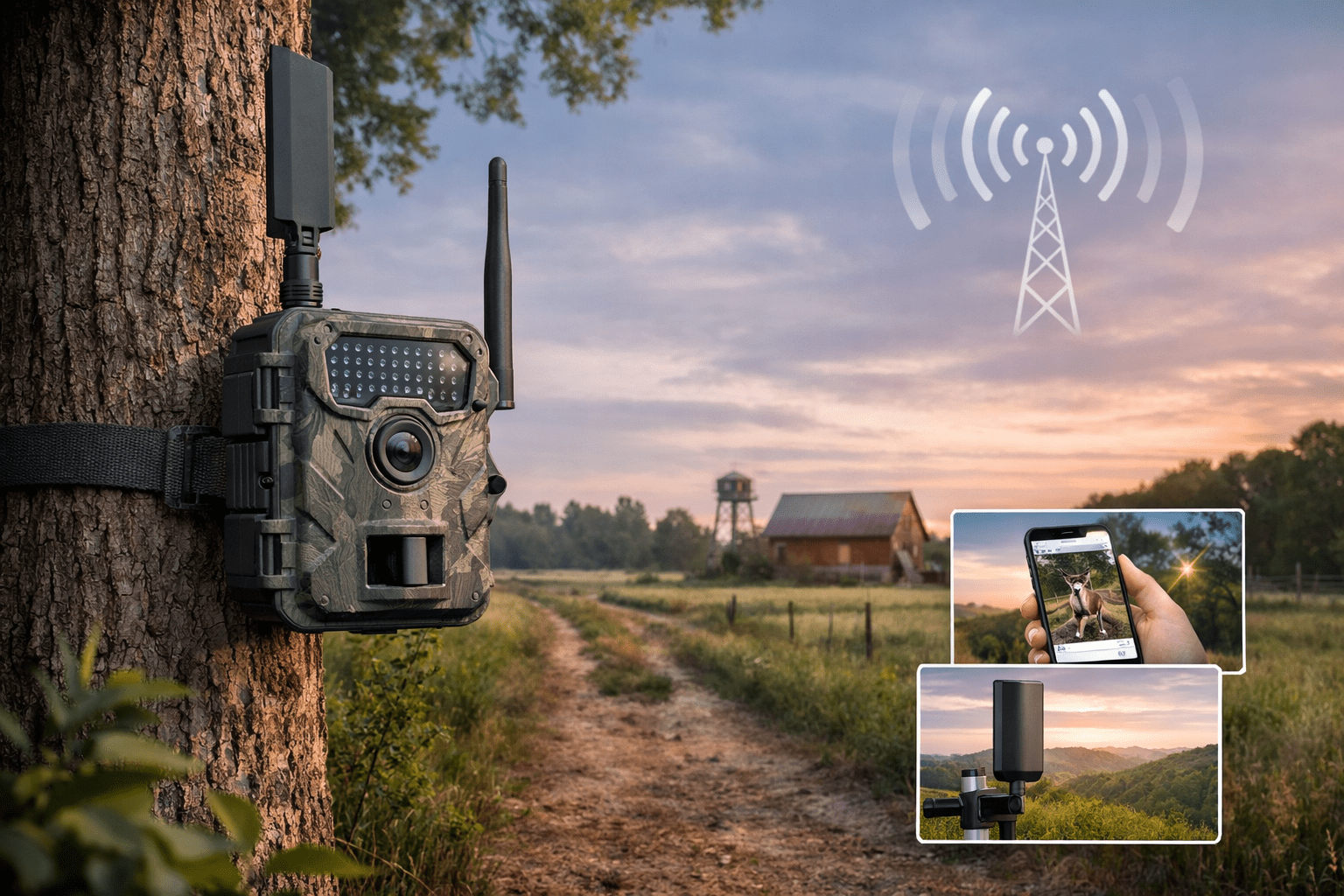
When something moves, the camera snaps an image or video, stores it locally, and (if LTE-connected) sends you an alert and uploads the file to a cloud app or portal. No Wi-Fi? No problem—so long as the cellular signal is solid.
LTE Signal Strength: Why It Matters and How to Improve It
What Bad Signal Does
- Photo and video uploads get delayed or lost
- Your alerts might arrive late
- Poor connectivity drains batteries faster as the camera retries transmissions
Signs of a weak signal include frequent missed notifications or uploads only showing up in batches. Always test signal with your own phone at cam height before installing!
How to Fix Weak LTE Signal
- Mount the camera at least 6–8 feet off the ground
- Avoid placing cameras behind metal barns or heavy trees
- Angle the camera in the direction of known nearby cellular towers
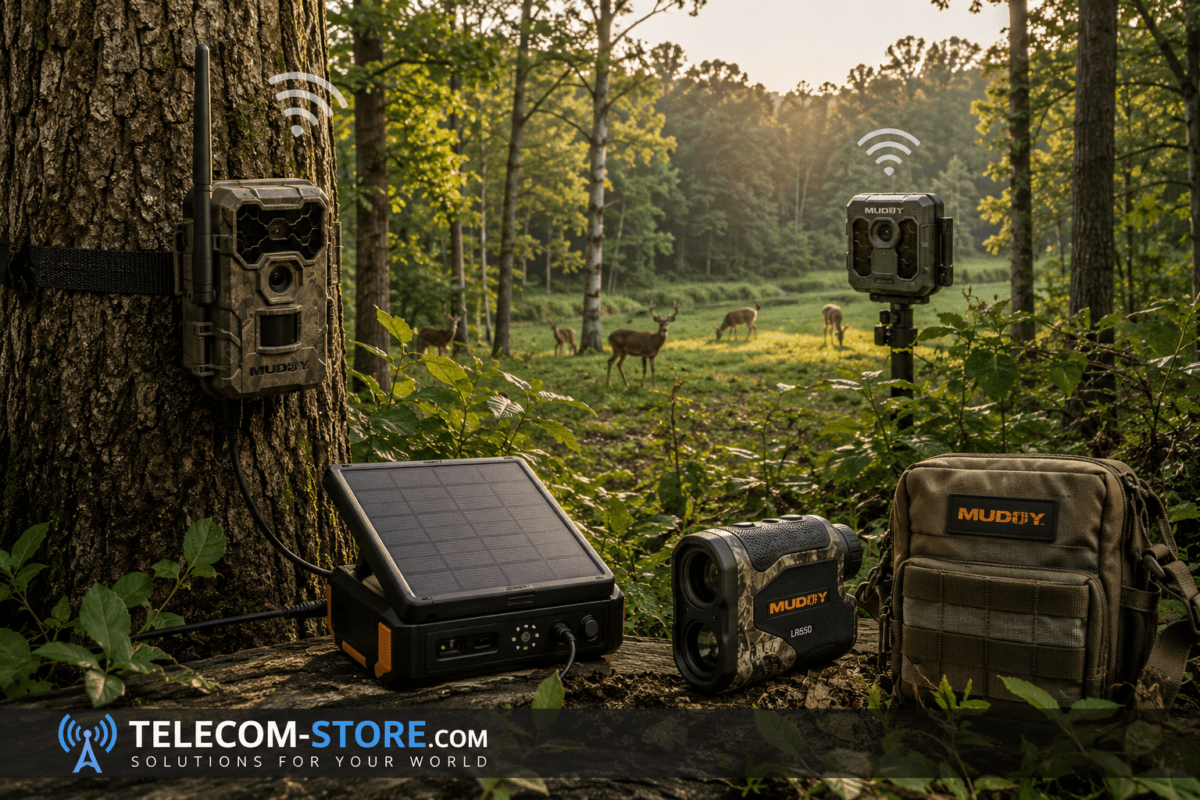
- If possible, select a model with an external antenna port—use the recommended LTE antenna to boost even marginal signal for more reliable uploads.
For buyers in fringe coverage areas, dual-carrier cameras are a smart insurance policy (for example, AT&T/Verizon fallback). This helps avoid choosing an incompatible device for your region.
Top Trail Camera Models for Remote Properties
Cellular Trail Cameras for Active Monitoring
Non-Cellular Option (SD Card Only)
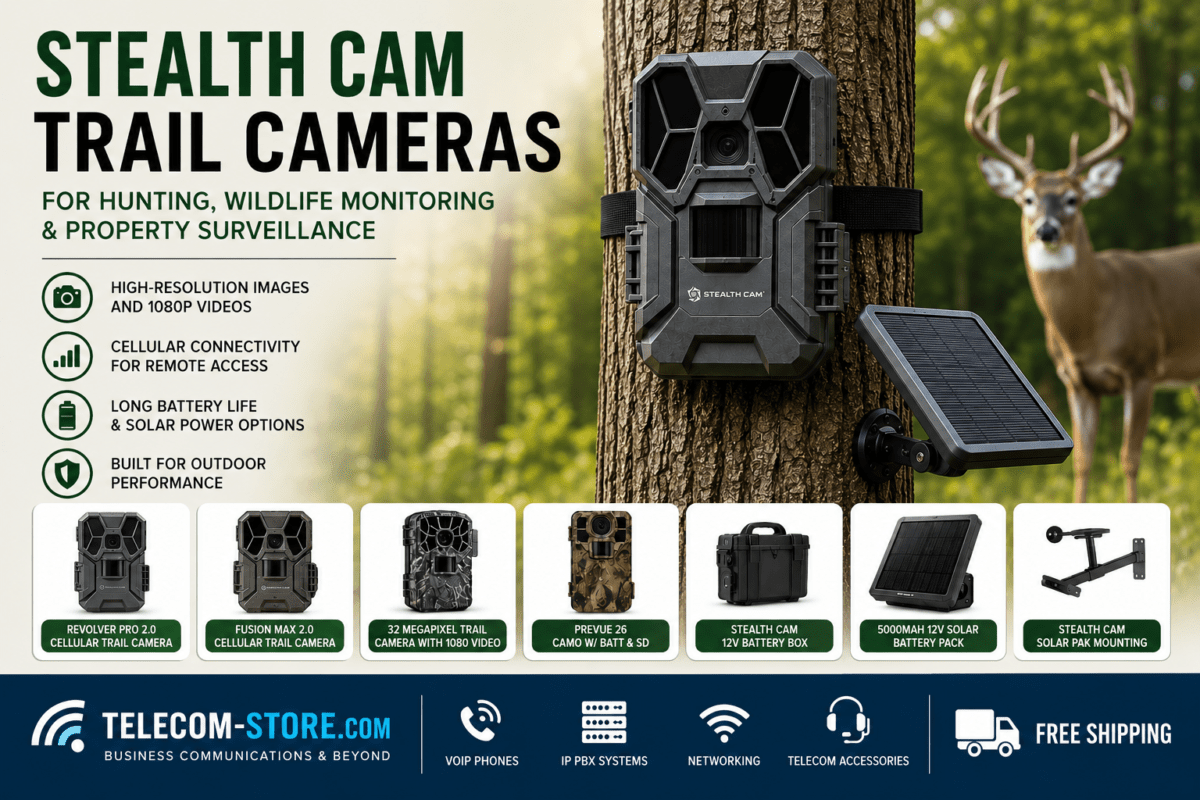
- StealthCam 32MP Trail Camera: For sites with zero cell coverage, this camera logs high-res images and 1080p video to an SD card for later collection. Choose this for wildlife management or as a backup when networks are totally unavailable.
Mounting and Accessories: Get the Most Out of Your Camera
Proper mounting is just as important as picking the right camera. Use mounts like the Muddy Basic Camera Arm—quick release and 360° swiveling allow you to fine-tune view and improve signal by lifting the antenna. Also, consider a theft-deterrent box and ensure trail cams are not easily seen from the main road or public path.
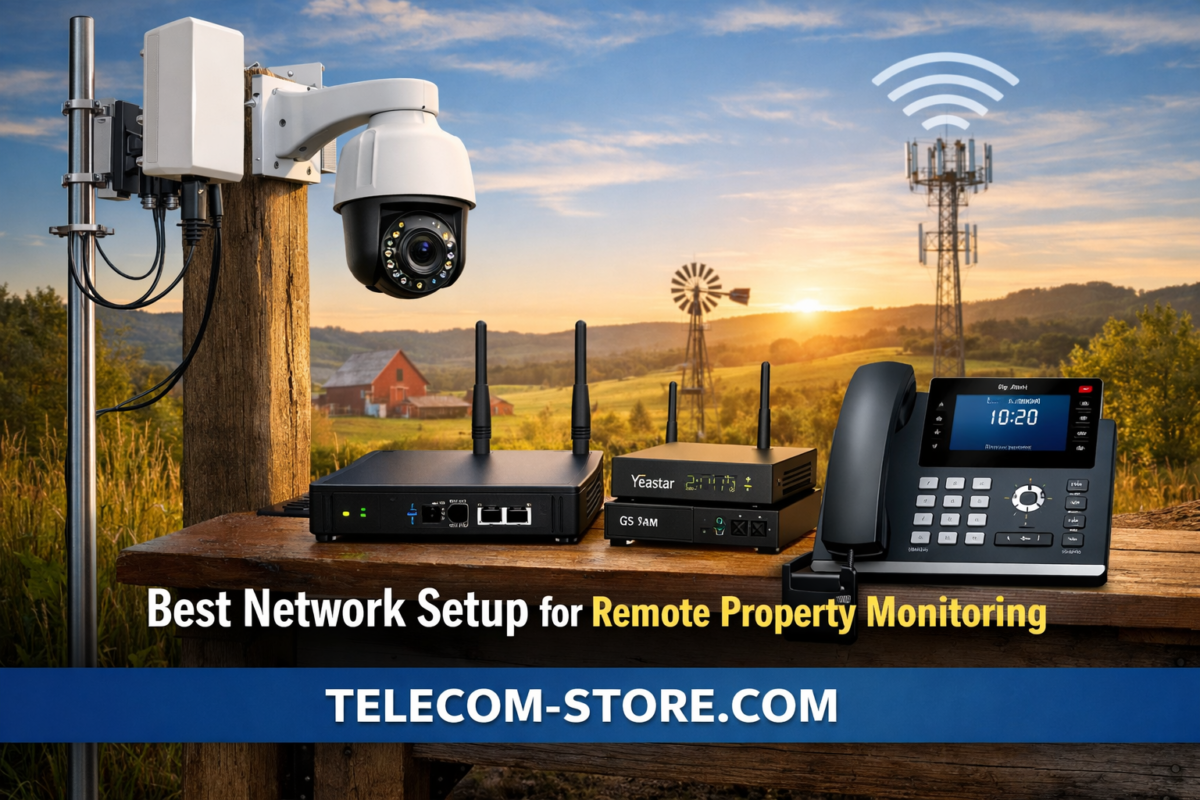
Don’t Forget Broader Network Needs
While your trail camera can send alerts independently, your remote property may still rely on basic business communications, especially for farm offices, cabins, or rental sites. If you need voice access, reliable phones such as the Yealink SIP-T54W or T57W touchscreen model offer Wi-Fi or wired service for office communications, backed by a reliable network infrastructure.
For more advanced deployments or if integrating trail cams into a business network, using a managed network switch can help maintain better device performance and remote troubleshooting.
How to Evaluate Trail Cameras: Features That Matter
Image & Video Resolution
- Photos: 12MP–36MP is standard. Higher-res aids identification of license plates or faces at a distance, but eats up more upload data.
- Video: 1080p is usually sufficient for most surveillance, unless you need fine detail for wildlife or equipment monitoring.
Trigger Speed & Detection
- Look for a trigger speed of under 0.5s—anything slower might miss fast-moving vehicles or people.
- Detection range should be 60–100 feet for large lots and driveways.
Power & Battery Life
- Choose efficient standby and transmission modes for remote installs. Many cameras offer solar compatibility—ideal for locations with limited access.
- Battery life is directly tied to the number of alerts and LTE strength. Test your final site for best case estimates, but most good cameras last 2–6 months between changes.
Connectivity & Apps
- Look for mobile apps or web portals supporting push notifications, status checks, and remote settings. Remote card formatting and over-the-air firmware updates are also valuable.
Buyer Checklist: What to Check Before Buying or Installing
1. Network & Carrier Compatibility
Not all trail cams support every carrier. Double-check the LTE bands supported by your device and your local cell service coverage. In rural US, dual-banded models are less likely to disappoint.
2. Installation Requirements
- Test the camera at the mounting site with your phone for LTE bars before permanent install.
- Place the device where sun exposure matches your intended power setup. (Solar for sun, long-life batteries for shady woods.)
3. Understand Limitations
- Cellular trail cameras usually do not support 24/7 real-time streaming; they’re for event-capture and quick image push, not live remote monitoring.
- Data plans may incur extra recurring costs. Shop around for data options tailored to your expected camera use.
- Local SD card storage is essential as a fallback in case of connectivity hiccups.
Real-World Applications for Remote Trail Cameras
- Surveillance of farm gates, forestry lots, and rural commercial lots
- Monitoring construction and equipment staging areas with no power or Wi-Fi
- Wildlife or livestock tracking on remote pasture
- Supplementing full surveillance systems for businesses needing activity records at perimeters or low-traffic sites
For many businesses, using a few well-placed trail cameras reduces risk without the cost or complexity of a full surveillance system, especially when paired with business VoIP phones for quick on-site communications if an alert is triggered.
Security and Data Privacy Tips
- Change default usernames and passwords on all camera accounts immediately after setup.
- Keep device firmware up to date—set reminders to check quarterly.
- Regularly review access logs if available, especially if cameras are covering sensitive assets.
Frequently Asked Questions
- Can trail cameras work in areas with weaker LTE signal?
- Yes, but results depend on signal quality. Mount cameras higher, use external antennas, and consider dual-carrier models for difficult locations. Always perform a signal test at installation height before fixing the camera.
- Is a cellular trail camera worth it for one remote building or shed?
- Absolutely—especially if you don’t live nearby or only visit the property occasionally. The investment saves on drive time and lets you respond quickly to any event.
- How often do I need to check the camera onsite?
- With cellular models, in-person checks are generally needed only every few months for maintenance or battery replacement. For solar setups, visits can be even less frequent.
- Are trail cameras legal for business use?
- In most areas, yes, as long as they are used on your own property and not directed at public spaces. Always check your state and local privacy rules, especially if you have tenants, contractors, or public roadways nearby.
- Do all trail cameras have night vision?
- Nearly all trail cameras labeled for security or wildlife use do have infrared (IR) or low-glow LEDs for night capture. If you need overnight monitoring, make sure to confirm this feature before purchasing.
Summary: Success with Remote Trail Camera Installs
For most remote property owners—whether business or personal—the best results come from choosing a trail camera with reliable LTE connectivity, mounting it for optimal signal, and using the app to monitor alerts and images. Dual-carrier models and external antennas are your friends in rough coverage zones. For office communication, consider integrating with VoIP desk phones or other network gear to support your team’s fieldwork, emergency response, or off-hour alerts. Trail cameras are a practical, budget-friendly first step to securing and managing almost any off-grid site in 2026 and beyond.