VoIP Security Checklist for 2026: 12 Ways to Protect Your Business Phone System
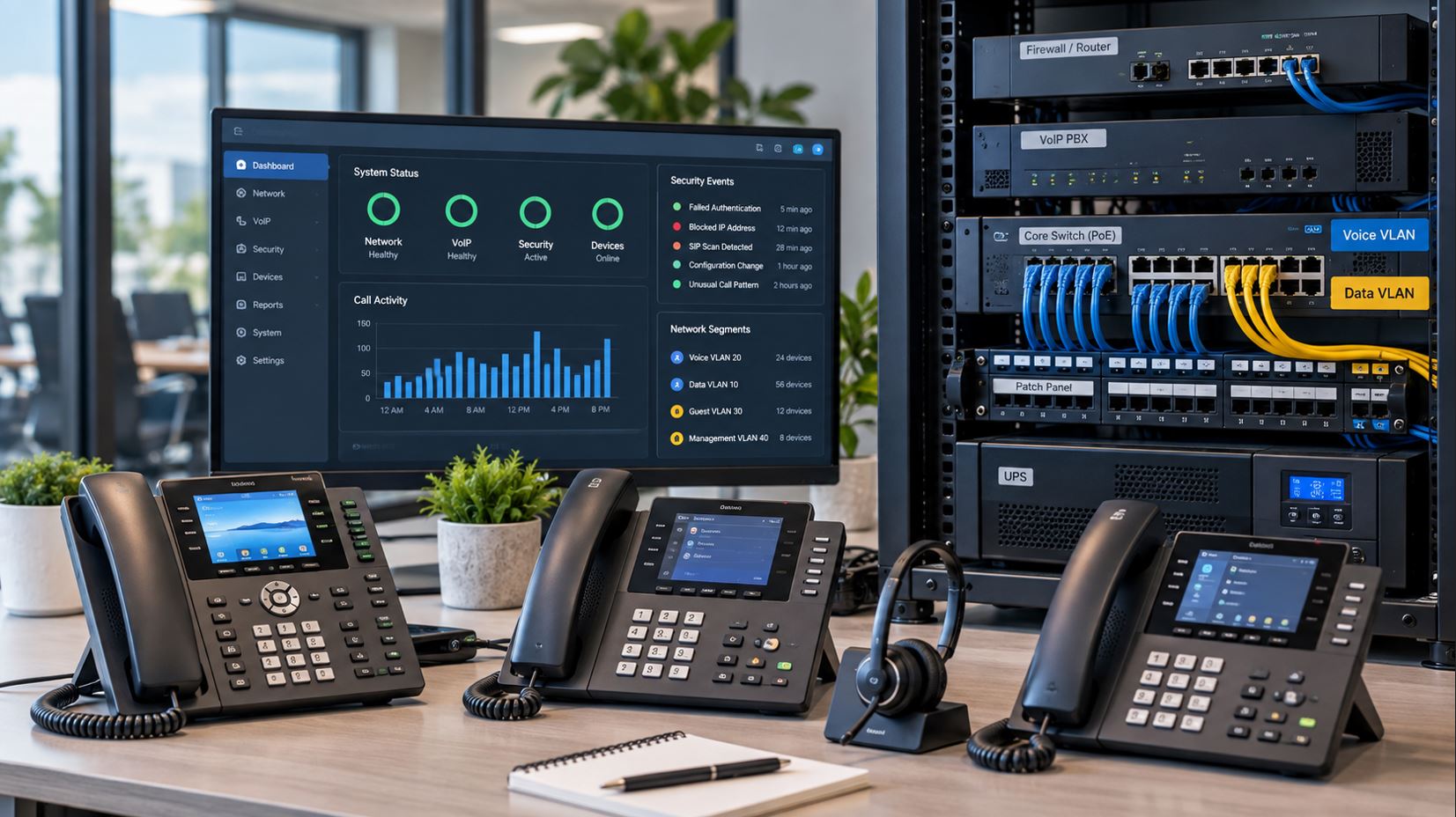
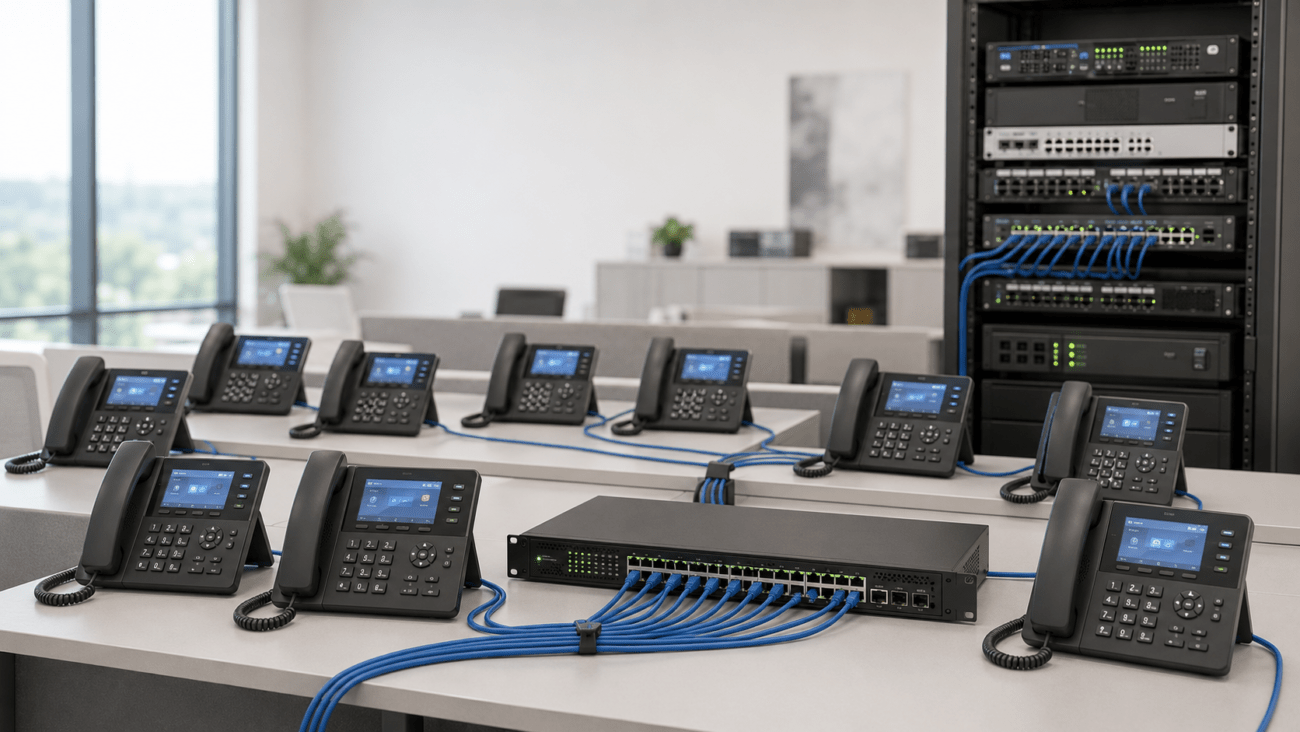
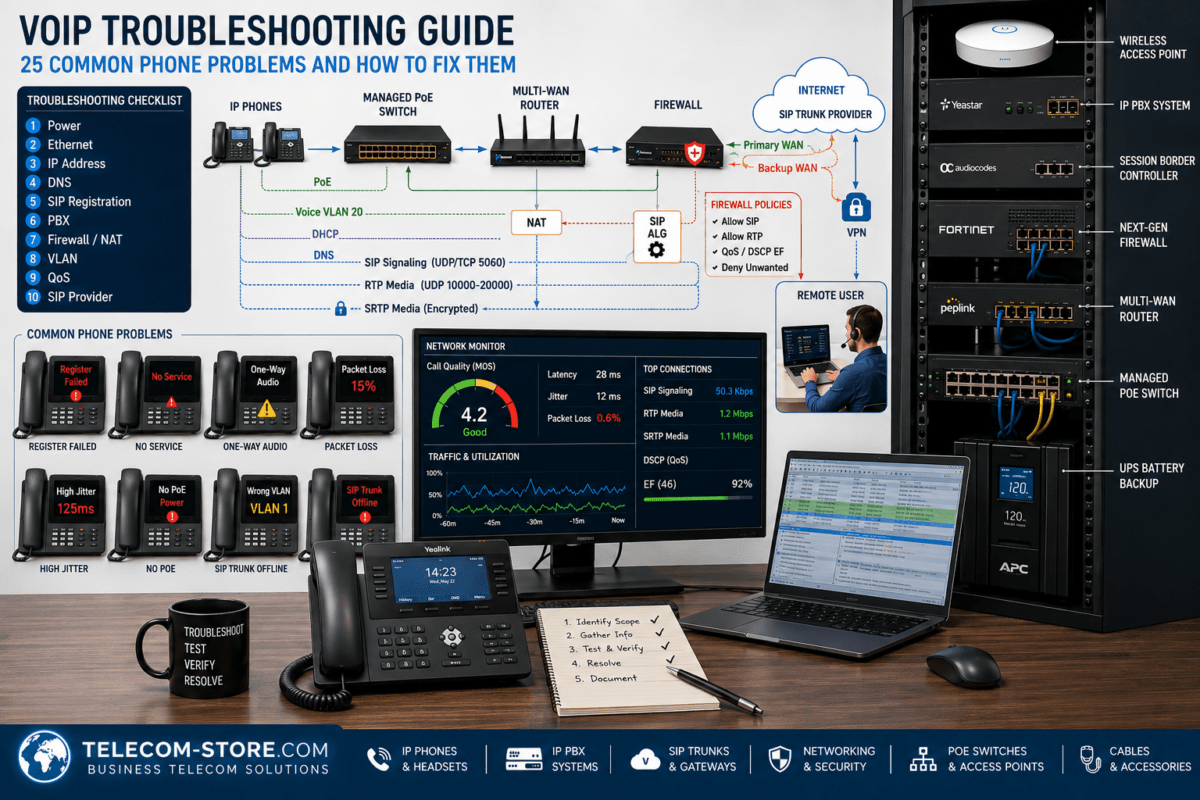
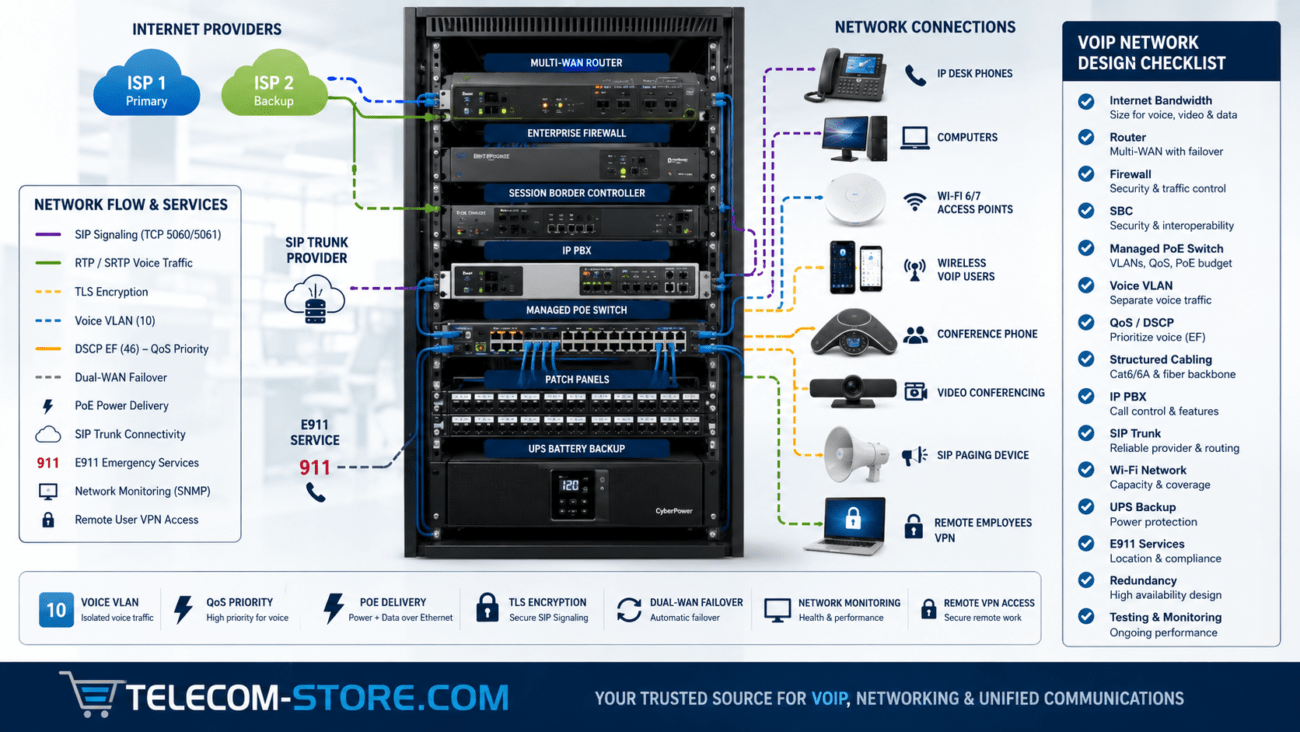
Business phone systems are no longer isolated telephone networks. A modern Voice over Internet Protocol (VoIP) system may include IP phones, an IP PBX or hosted voice platform, SIP trunks, routers, firewalls, managed PoE switches, mobile applications, remote users and cloud-based management portals.
That flexibility makes VoIP powerful, but it also means that business telephone security is closely connected to network security. Weak passwords, exposed management interfaces, outdated firmware, improperly configured firewalls and poorly segmented networks can create unnecessary risk.
Quick answer: A secure business VoIP deployment should use strong authentication, current firmware, restricted administrative access, properly configured firewalls, network segmentation, encrypted signaling and media when supported, fraud controls, logging, secure provisioning, protected network infrastructure, and a documented response plan.
The following 12-step VoIP security checklist provides a practical framework for reviewing a business phone system in 2026.
Why VoIP Security Requires More Than Protecting the Phones
An IP phone is only one component of a VoIP environment. Calls may depend on multiple systems working together:
IP phones and conference phones
IP PBX or hosted VoIP platform
SIP trunks
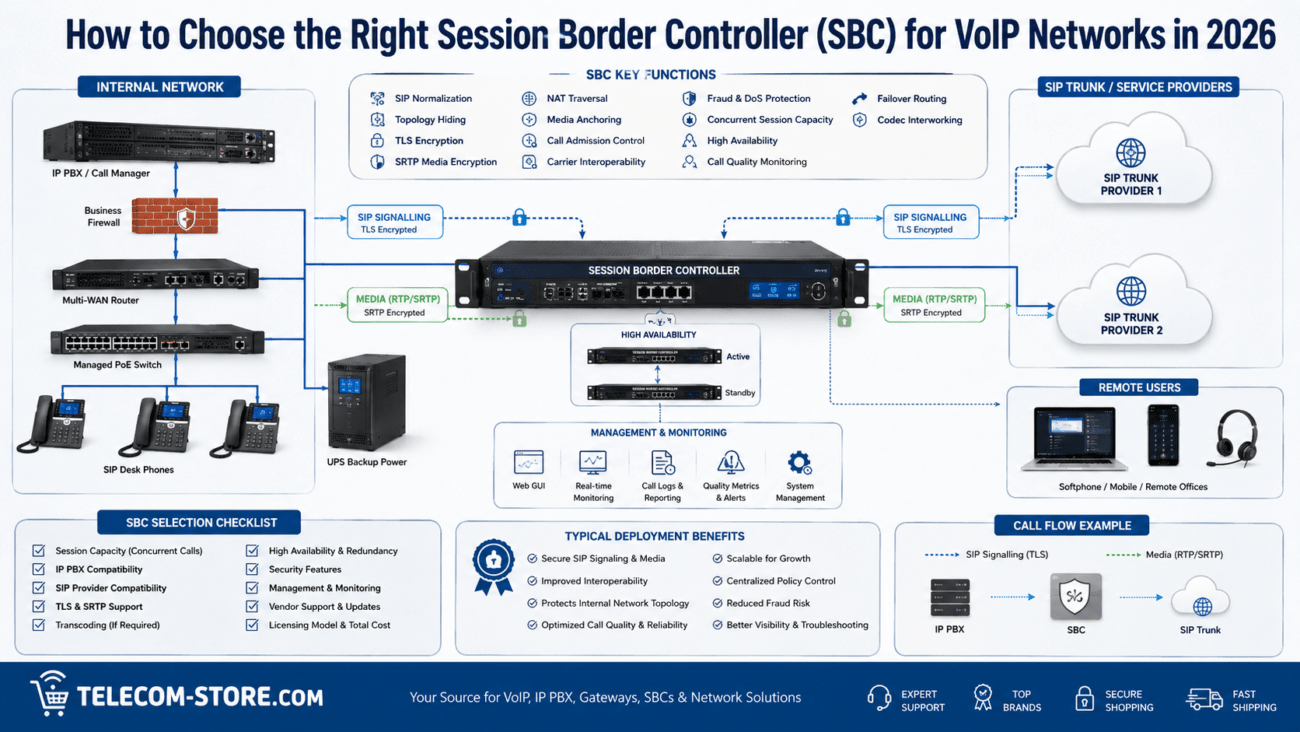
Session Border Controllers (SBCs)
Routers and firewalls
Managed Ethernet and PoE switches
DNS and DHCP services
Voice VLANs
Provisioning servers
Administrative portals
Remote workers and softphones
A weakness in any of these components can affect the confidentiality, integrity or availability of the telephone system. VoIP security therefore needs to be approached as a network-wide process rather than as a setting on individual phones.
1. Change Default Passwords and Credentials
One of the first steps in securing any VoIP deployment is eliminating default credentials.
This applies not only to the phones but also to PBXs, gateways, switches, routers, SBCs, provisioning systems and management portals.
Administrators should use unique credentials for administrative accounts and avoid reusing the same password across multiple devices.
Pay particular attention to older IP phones that may still have manufacturer-default web-interface passwords. If an attacker can reach the management interface, a default password can make unauthorized configuration changes much easier.
Review These Credentials
IP phone administrator passwords
PBX administrator accounts
SIP extension credentials
SIP trunk credentials
Router and firewall passwords
Managed switch accounts
Provisioning-server credentials
Cloud management accounts
Where supported, enable multi-factor authentication for administrative portals and other high-value accounts.
2. Keep Phone, PBX and Network Firmware Updated
VoIP equipment should not be treated as equipment that can be installed and forgotten.
IP phones, PBXs, gateways, routers, firewalls and switches all contain software that may receive security updates. Businesses should maintain an inventory of their communications equipment and periodically review manufacturer-supported firmware releases.
Before deploying firmware across an entire organization, test significant updates on a limited number of devices whenever practical. Phone firmware can affect provisioning, SIP registration, features and interoperability.
Equipment that has reached end of support deserves additional scrutiny because security vulnerabilities may no longer receive fixes.
3. Separate Voice and Data with VLANs When Appropriate
A dedicated voice VLAN creates a logical boundary between telephone traffic and ordinary business data traffic.
Segmentation does not automatically make a network secure, but it can make access-control policies, monitoring and troubleshooting easier to manage.
Remember that VLANs are only one layer of the design. Routing and firewall policies ultimately determine which networks can communicate with one another.
4. Restrict Access to VoIP Management Interfaces
Phone and PBX management interfaces should not be unnecessarily exposed to the public internet.
Where practical, limit administrative access to trusted networks, approved management stations, VPN connections or other controlled paths.
Review whether the following services actually need to be externally accessible:
Phone web interfaces
PBX administration portals
SSH
Provisioning services
Switch management
Router administration
If remote administration is required, use secure protocols and restrict the source of administrative connections whenever the platform permits it.
5. Secure SIP Signaling and Voice Media
VoIP calls generally involve signaling and media as separate traffic flows.
SIP commonly handles call establishment and control, while RTP carries the audio stream. Where supported by the provider, PBX and endpoints, TLS can protect SIP signaling and SRTP can protect voice media.
Technology
Primary Function
SIP
Call signaling and control
TLS
Can protect SIP signaling in supported deployments
RTP
Carries real-time media
SRTP
Provides protection for real-time media
Encryption must be supported and correctly configured across the relevant components. Simply enabling an encryption option on one phone does not guarantee end-to-end encryption of an entire call.
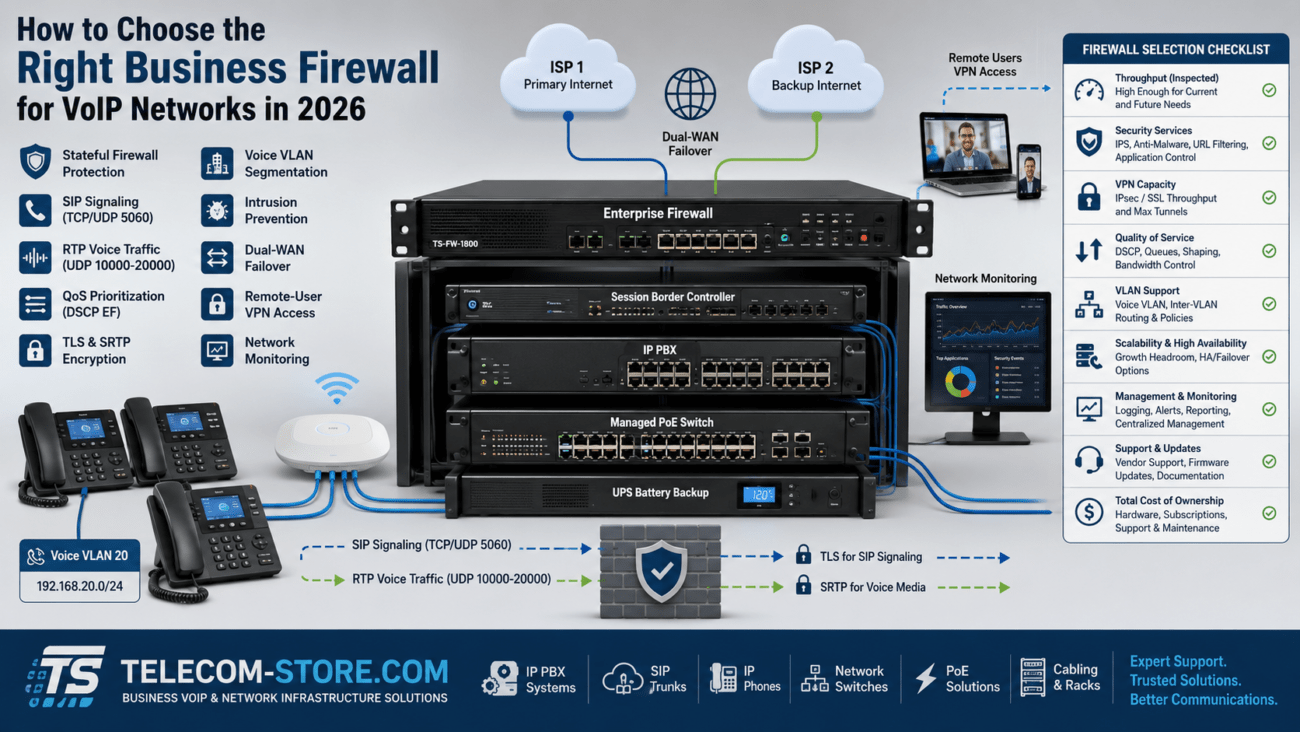
6. Configure the Firewall Specifically for VoIP
A firewall should allow the traffic required by the VoIP platform without unnecessarily exposing the rest of the network.
Avoid the temptation to solve registration or audio problems by broadly opening large groups of ports to the internet.
Instead, determine the exact signaling, media and management requirements specified by the VoIP provider or PBX manufacturer.
Network Address Translation can also affect SIP traffic. Some routers include SIP Application Layer Gateway functionality that attempts to modify SIP packets as they cross NAT.
SIP ALG can be useful in certain environments, but it can also cause registration problems, one-way audio or failed calls when it conflicts with the NAT traversal mechanisms used by the VoIP service.
Toll fraud occurs when an unauthorized person gains the ability to place calls through a telephone system, potentially generating substantial charges.
Businesses should review the fraud-control capabilities available from both their PBX and SIP provider.
Depending on business requirements, controls may include:
International calling restrictions
Destination restrictions
Calling schedules
Per-user permissions
Call spending limits
Concurrent-call limits
Alerts for unusual calling patterns
Automatic blocking or rate limiting
Do not enable international or premium-rate calling for every extension simply because the system supports it. Apply the principle of least privilege: users should have access to the calling capabilities they actually require.
8. Secure Phone Provisioning
Provisioning is one of the most powerful components of a business VoIP deployment because it can automatically configure large numbers of phones.
That also makes the provisioning infrastructure important to protect.
A provisioning configuration may contain server addresses, extension information, network configuration and other operational settings. Depending on the platform, sensitive authentication information may also be involved.
Use secure provisioning methods supported by the phone manufacturer and VoIP platform. Restrict access to provisioning servers and avoid leaving configuration files unnecessarily accessible.
When an employee leaves or a phone is retired, remove obsolete device assignments and provisioning records where appropriate.
9. Use Managed Network Switches for Larger VoIP Deployments
A basic unmanaged switch can operate perfectly well in a small VoIP installation. However, managed switches provide tools that become increasingly useful as the environment grows.
Depending on the model, those capabilities can include:
For a smaller business deployment, the Grandstream GWN7801P managed PoE switch is one example of a switch that combines PoE with network-management and security features including DHCP snooping, ARP inspection, IP Source Guard and port security.
Hardware selection alone does not secure a network. These features must still be configured appropriately for the deployment.
10. Monitor Registration Failures and Unusual Activity
Logs can provide early indications that something is wrong.
Depending on the platform, administrators should watch for events such as:
Repeated SIP authentication failures
Unexpected phone registrations
Administrative login failures
Calls to unusual destinations
Unexpected after-hours calling
Sudden increases in call volume
Configuration changes
Repeated device deregistration
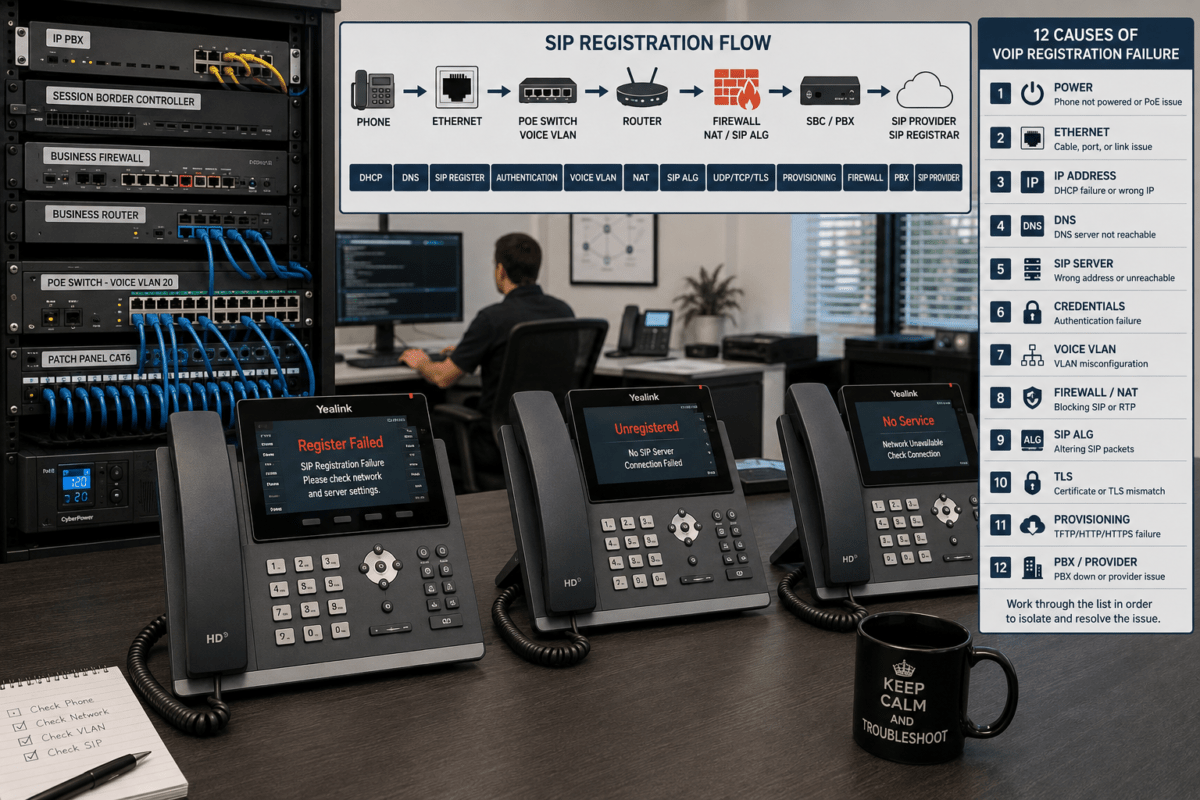
A failed SIP registration does not automatically indicate an attack. Incorrect passwords, DNS failures, provisioning mistakes, firewall rules and network problems can produce similar symptoms.
11. Protect the Physical Network and Power Infrastructure
Cybersecurity is only part of VoIP availability.
If the router, firewall, PBX or PoE switch loses power, the phones relying on that infrastructure may also stop operating.
Critical communications equipment should therefore be evaluated for appropriate UPS battery backup and surge protection.
For smaller network installations, products such as the Minuteman ETR850LG 850VA UPS are designed to protect network and VoIP equipment from power interruptions and electrical disturbances.
UPS capacity should be selected according to the actual equipment load and desired runtime rather than VA rating alone.
Physical access matters as well. Network closets, PBXs, switches, gateways and other infrastructure should not be freely accessible to unauthorized personnel.
12. Create a VoIP Incident and Recovery Plan
A business should know what to do before its telephone system becomes unavailable or compromised.
Document the systems, providers and contacts required to restore communications.
Include These Items in the Plan
VoIP provider support contact
Internet provider contact
PBX administrator information
Current network diagram
Phone inventory
Configuration backup procedures
Firmware and software inventory
Emergency calling configuration
Call-forwarding or failover procedures
Incident escalation procedures
Configuration backups should be protected appropriately because they may contain sensitive system information.
VoIP Security Checklist
Security Control
What to Check
Priority
Passwords
Remove defaults and use unique credentials
High
MFA
Enable on administrative portals where supported
High
Firmware
Keep supported phones and infrastructure updated
High
Voice VLAN
Segment voice where appropriate
Medium-High
Firewall
Permit only required VoIP traffic
High
Encryption
Use TLS/SRTP where supported and appropriate
High
Toll Fraud
Restrict unnecessary destinations and monitor usage
High
Provisioning
Protect provisioning servers and configuration files
High
Switch Security
Configure appropriate VLAN and access controls
Medium-High
Monitoring
Review registration, authentication and call anomalies
High
Power
Protect critical network equipment with appropriate UPS capacity
Medium-High
Recovery
Maintain backups, documentation and failover procedures
High
Example: Securing a 25-Phone Office
Consider a business with 25 IP phones, employee computers, wireless access points, a firewall and a managed PoE switch.
A reasonable network architecture might look like this:
Internet
   |
Business Firewall
   |
Managed PoE Switch
   |
   +-- Voice VLAN ---- IP Phones
   |
   +-- Data VLAN ----- Computers
   |
   +-- Wi-Fi VLAN ---- Wireless Devices
   |
   +-- Management ---- Network Infrastructure
The firewall controls communication between networks and the internet. The managed switch provides the VLAN structure and PoE for the phones. The phones obtain appropriate network configuration and connect to the authorized PBX or hosted VoIP provider.
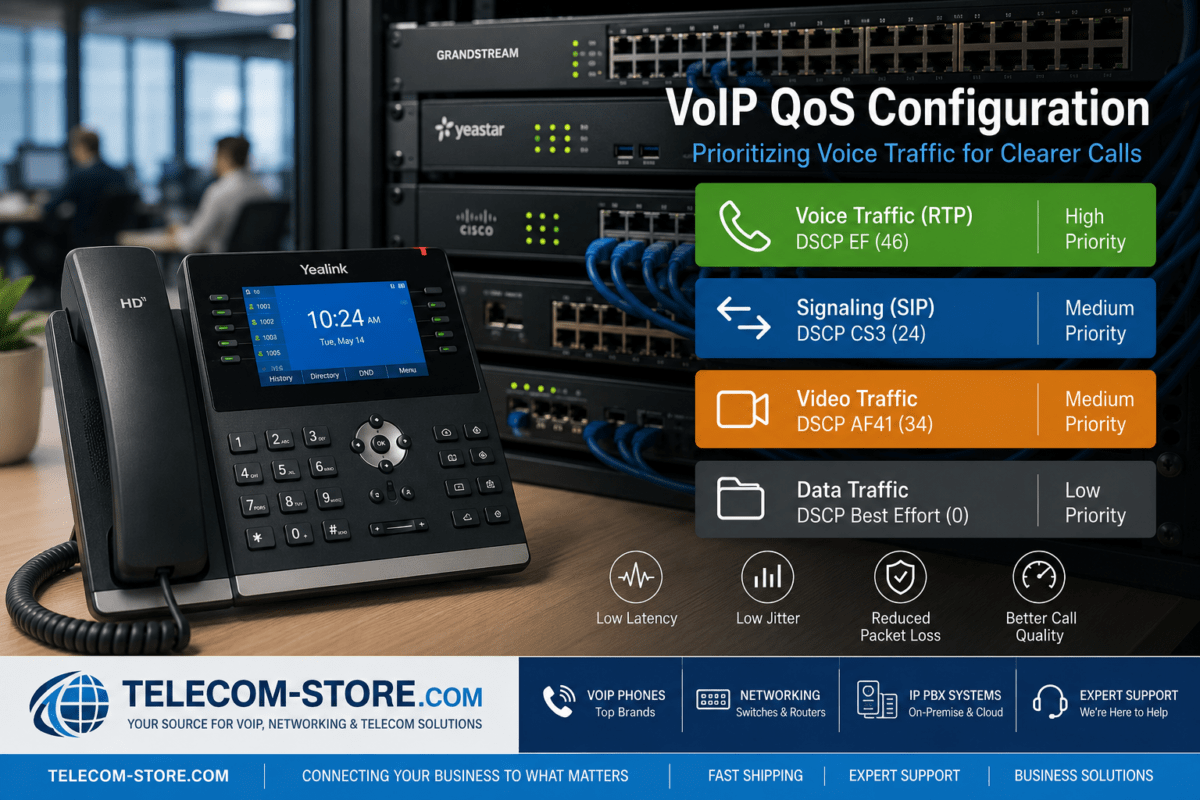
Quality of Service can then be applied to approved voice traffic. Our VoIP QoS configuration guide explains how QoS fits into this design.
This architecture does not guarantee security by itself. The effectiveness of the design depends on firewall policies, authentication, switch configuration, endpoint security, provider configuration and ongoing administration.
Common VoIP Security Mistakes
Even organizations with good network equipment can undermine their security through configuration mistakes.
Leaving default administrator passwords in place
Exposing phone web interfaces directly to the internet
Using the same administrator password everywhere
Allowing unrestricted international calling
Ignoring repeated SIP authentication failures
Running unsupported phone or PBX software
Opening unnecessary firewall ports to solve VoIP problems
Leaving unused extensions active
Failing to protect provisioning systems
Assuming a voice VLAN eliminates the need for firewall controls
Frequently Asked Questions About VoIP Security
Is VoIP secure?
VoIP can be deployed securely, but security depends on the entire communications environment. Phones, PBXs, SIP services, credentials, firewalls, switches, provisioning systems and administrative accounts all need appropriate protection.
Can someone hack a VoIP phone?
Like other network-connected devices, IP phones can contain vulnerabilities or become exposed through weak credentials and poor network configuration. Keeping firmware current, changing default passwords and restricting management access can significantly reduce unnecessary exposure.
Should VoIP phones be on a separate VLAN?
Not every small installation requires a dedicated voice VLAN. However, voice VLANs become useful when businesses need stronger segmentation, easier QoS management, better monitoring or greater control over communication between voice and data devices.
Should SIP ALG be disabled for security?
Not automatically. SIP ALG behavior varies among routers, firewalls and VoIP environments. It should be configured according to the requirements of the specific PBX or VoIP provider rather than disabled solely because SIP ALG is present.
What is the difference between TLS and SRTP?
In a typical VoIP environment, TLS can protect SIP signaling while SRTP protects the real-time media stream. Support and implementation vary by provider, PBX and endpoint.
Can a managed PoE switch improve VoIP security?
A managed PoE switch can provide useful security and segmentation capabilities such as VLANs, port controls, DHCP snooping and traffic monitoring. However, purchasing a managed switch does not automatically secure the network. Those capabilities must be configured correctly.
How often should a business review VoIP security?
Security should be reviewed continuously as systems change. Businesses should also perform a structured review when adding locations, changing providers, deploying new phones, modifying firewall rules, upgrading PBX software or discovering a security incident.
Final Thoughts
VoIP security is not a single product or setting. It is the result of multiple controls working together across the phones, network, PBX, provider and administrative systems.
Start with the fundamentals: eliminate default credentials, protect administrative access, maintain current supported software, restrict unnecessary network exposure and monitor the system for unusual activity. Then strengthen the environment with appropriate segmentation, encryption, fraud controls, secure provisioning and recovery planning.
For organizations building or upgrading the network behind their phone system, Telecom-Store.com provides guidance on selecting managed network switches for VoIP, along with business communications and network infrastructure for small offices through larger deployments.
To provide the best experiences, we use technologies like cookies to store and/or access device information. Consenting to these technologies will allow us to process data such as browsing behavior or unique IDs on this site. Not consenting or withdrawing consent, may adversely affect certain features and functions.
Functional
Always active
The technical storage or access is strictly necessary for the legitimate purpose of enabling the use of a specific service explicitly requested by the subscriber or user, or for the sole purpose of carrying out the transmission of a communication over an electronic communications network.
Preferences
The technical storage or access is necessary for the legitimate purpose of storing preferences that are not requested by the subscriber or user.
Statistics
The technical storage or access that is used exclusively for statistical purposes.The technical storage or access that is used exclusively for anonymous statistical purposes. Without a subpoena, voluntary compliance on the part of your Internet Service Provider, or additional records from a third party, information stored or retrieved for this purpose alone cannot usually be used to identify you.
Marketing
The technical storage or access is required to create user profiles to send advertising, or to track the user on a website or across several websites for similar marketing purposes.