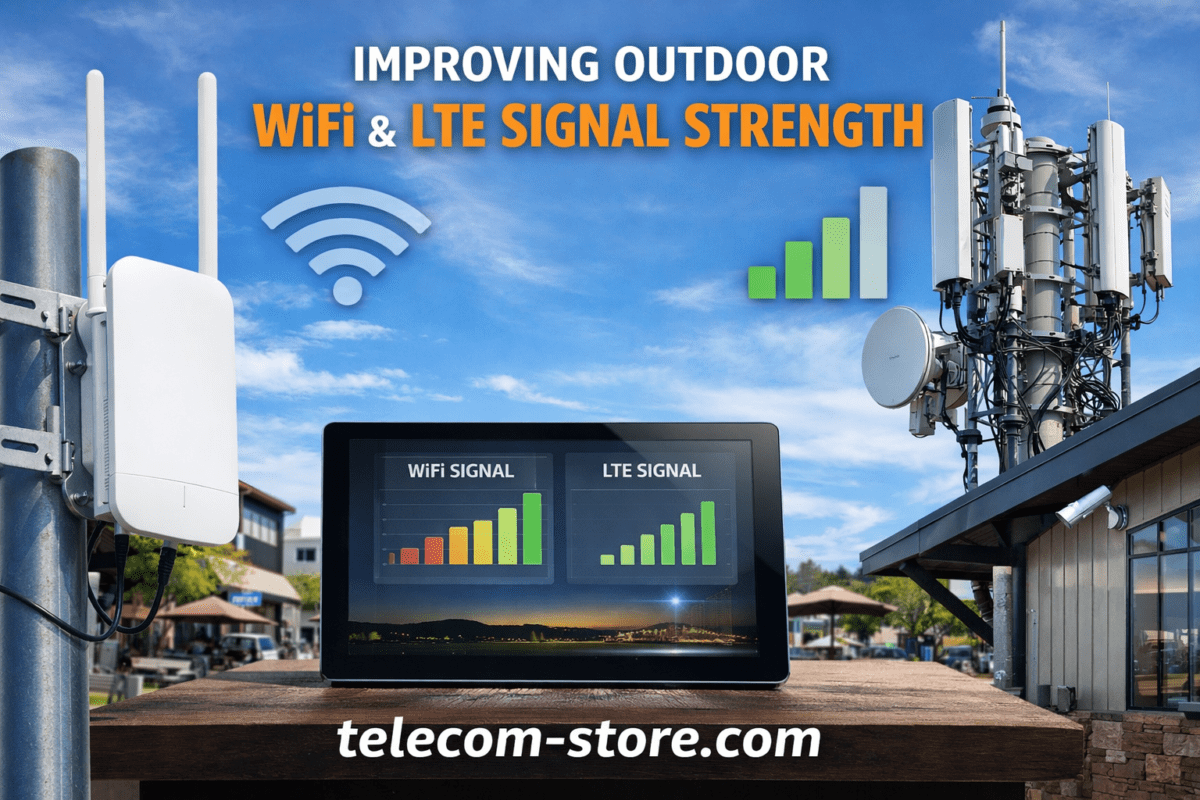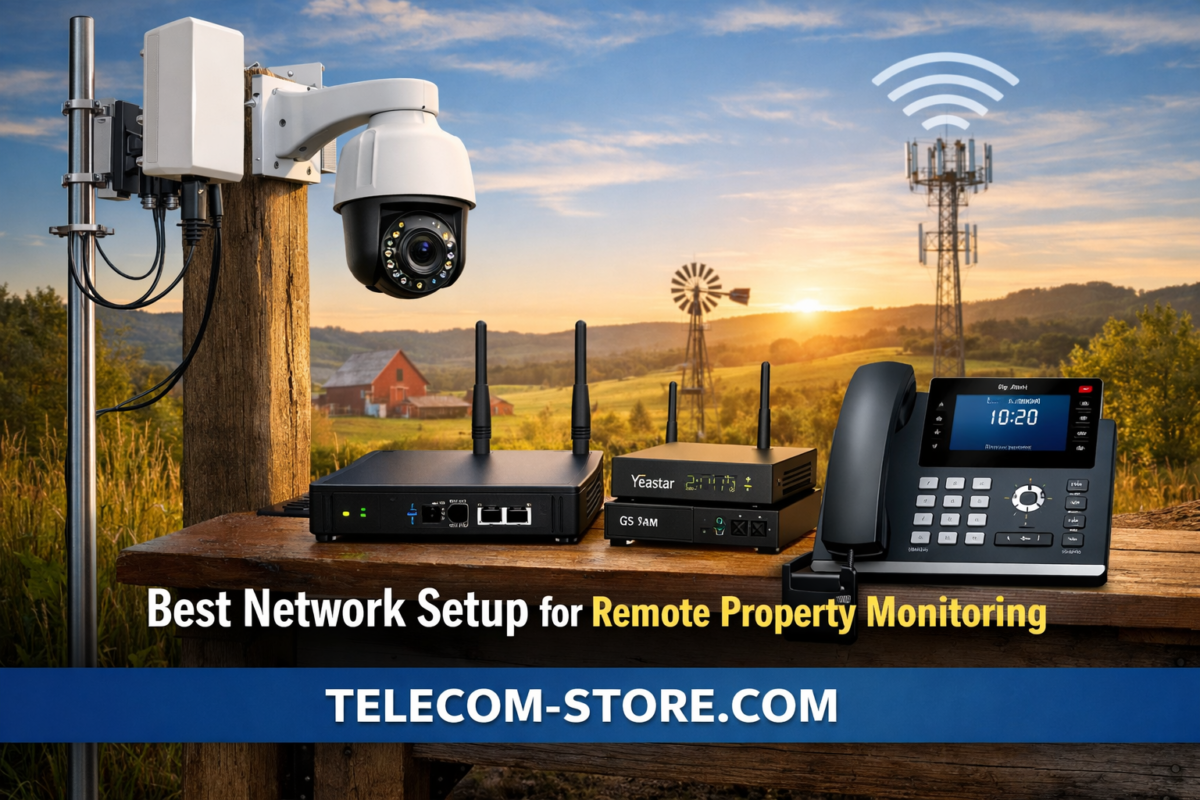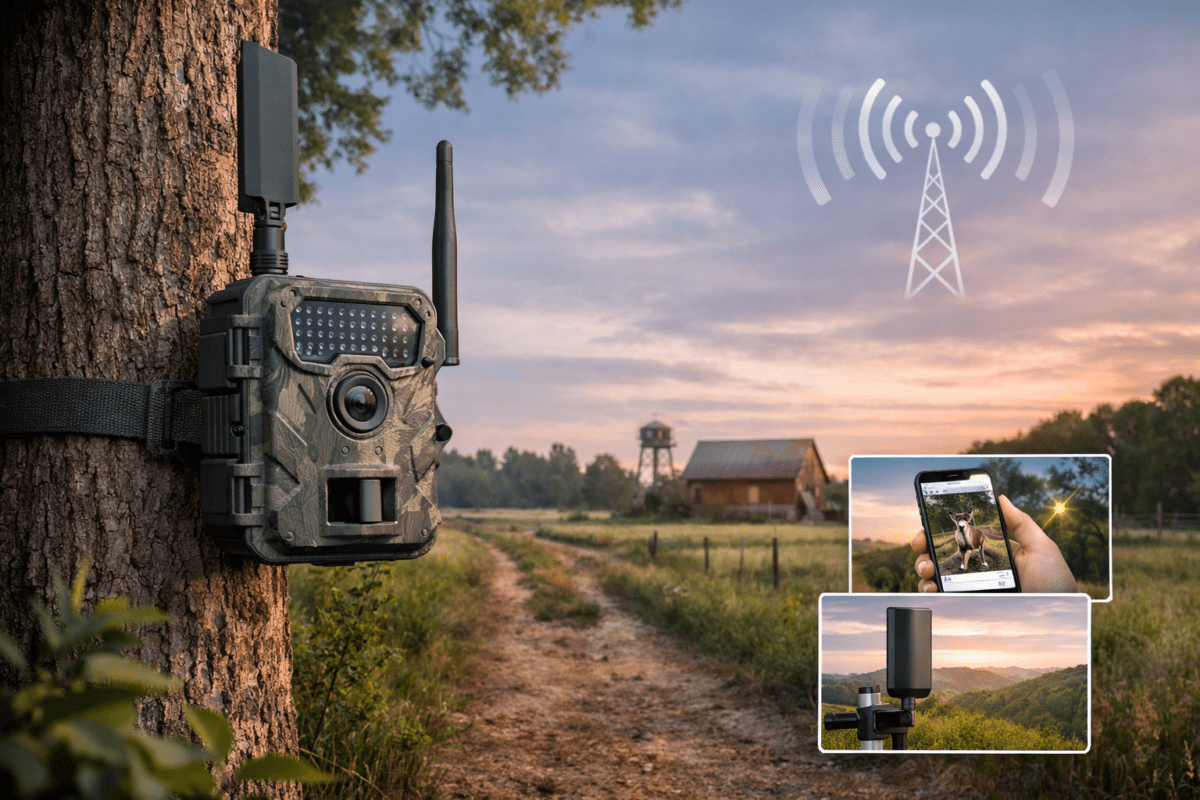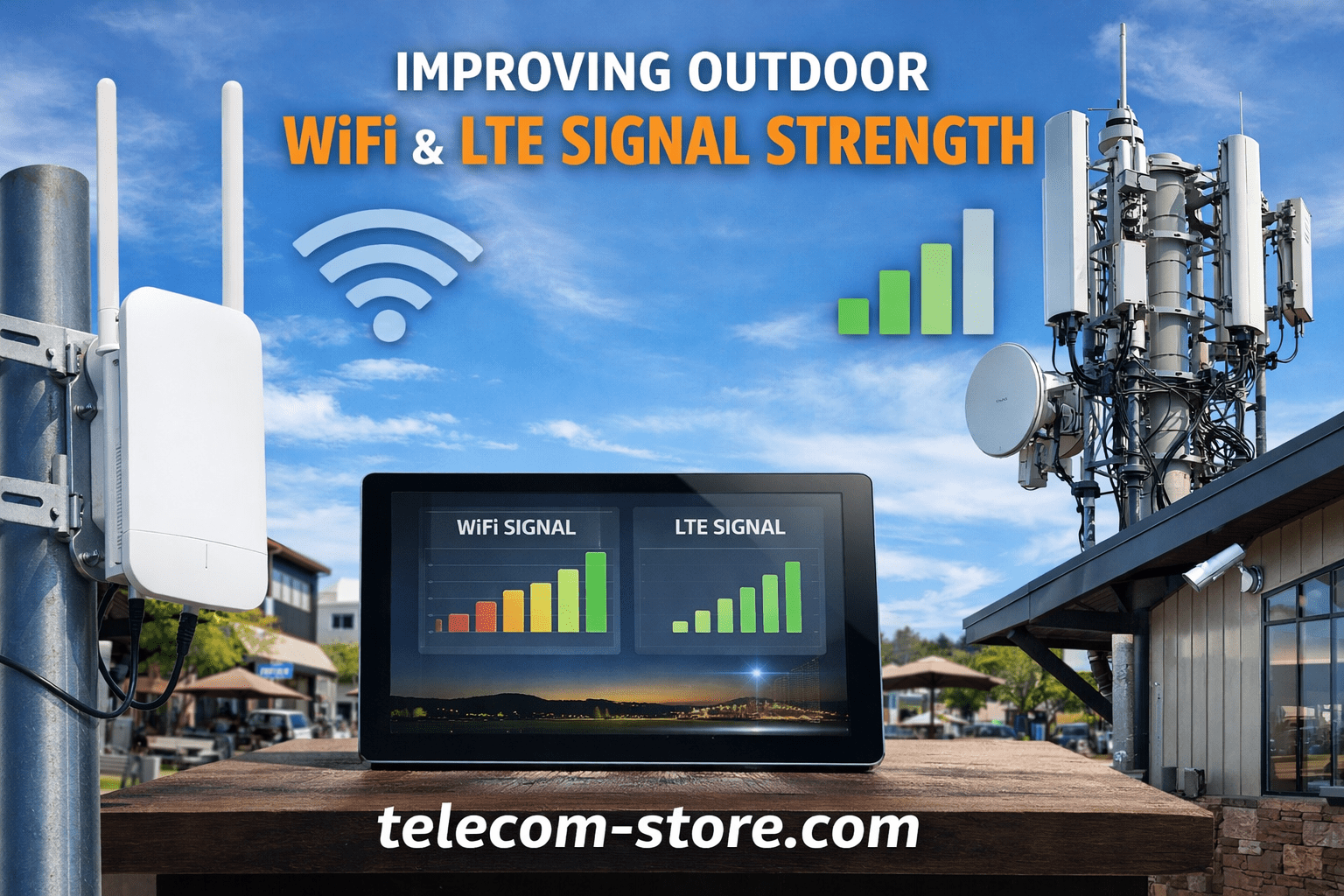
Outdoor WiFi coverage is no longer optional for many businesses and properties. From remote monitoring systems to VoIP phones and smart devices, reliable outdoor connectivity is critical. However, improving outdoor WiFi signal strength requires more than simply placing a router near a window.
Environmental factors, distance, interference, and infrastructure limitations all play a role. This guide explains how to build a stable outdoor network using proper equipment, design strategies, and supporting technologies like cellular and LTE signal strength optimization.
Why Outdoor WiFi Signal Strength Matters
Outdoor wireless networks support a wide range of use cases:
- Remote property monitoring systems
- Outdoor VoIP phones and intercoms
- Security cameras and access control
- Warehouses, farms, and large business campuses
Weak signal strength leads to dropped connections, poor call quality, and unreliable device performance. Improving outdoor WiFi signal strength ensures consistent communication and reduces troubleshooting time.
Key Challenges in Outdoor WiFi Coverage
Distance and Signal Loss
WiFi signals degrade quickly over distance, especially outdoors where there are fewer reflective surfaces to help propagate the signal.
Environmental Interference
Trees, buildings, weather, and terrain can absorb or scatter wireless signals.
Network Congestion
Multiple devices competing for bandwidth can reduce performance, particularly in busy environments.
Hardware Limitations
Indoor routers are not designed for outdoor use. They lack the range, durability, and antenna design required for reliable coverage.
Choosing the Right Outdoor Access Points
A proper outdoor deployment starts with the right hardware. Purpose-built access points provide extended range, weather resistance, and better signal control.
Recommended Outdoor WiFi Access Points
- Wi-Fi 6 2×2 Outdoor Wireless Access Point
- UniFi 802.11ac Outdoor Access Point Mesh
- Outdoor Long Range WiFi Access Point
- All Weather WiFi 7 Access Point
- AX1800 Indoor/Outdoor Dual Band WiFi AP
These devices are designed to handle outdoor conditions while maintaining consistent signal strength across larger areas.
Strategic Placement for Maximum Coverage
Placement is one of the most overlooked factors in improving outdoor WiFi signal strength.
Elevation Matters
Mount access points higher to reduce obstructions and increase coverage range.
Line of Sight
Clear line-of-sight between access points and devices significantly improves performance.
Avoid Interference Zones
Keep devices away from:
- Metal structures
- Dense vegetation
- Electrical interference sources
Use Multiple Access Points
For large areas, a single device is not enough. Mesh or multi-AP setups provide better coverage and redundancy.
Leveraging Mesh Networking
Mesh networking allows multiple access points to work together as a unified system.
Benefits include:
- Seamless roaming between coverage zones
- Simplified network management
- Expanded coverage without extensive cabling
Devices like the UniFi outdoor access point are commonly used in mesh configurations to extend coverage across large properties.
Integrating Cellular and LTE for Backup Connectivity
Outdoor networks often rely on internet connections that may not always be stable. This is where cellular technologies play a role.
Why Cellular Backup Matters
- Maintains connectivity during ISP outages
- Supports remote locations without wired internet
- Provides redundancy for mission-critical systems
LTE Signal Strength Considerations
Strong LTE signal strength is essential when using cellular as a backup or primary connection.
Factors that affect LTE performance:
- Distance from cell towers
- Terrain and obstacles
- Antenna quality and placement
External LTE antennas can significantly improve signal quality and reliability.
Network Optimization Techniques
Improving outdoor WiFi signal strength also involves proper configuration.
Channel Selection
Use less congested channels to reduce interference.
Frequency Bands
- 2.4 GHz: Longer range, lower speed
- 5 GHz: Higher speed, shorter range
A balanced approach often works best.
Band Steering
Encourages capable devices to use 5 GHz while maintaining compatibility with older devices.
QoS (Quality of Service)
Prioritize critical traffic such as VoIP calls to ensure consistent performance.
Supporting VoIP Devices Outdoors
Outdoor VoIP deployments require stable connectivity to avoid call drops and latency issues.
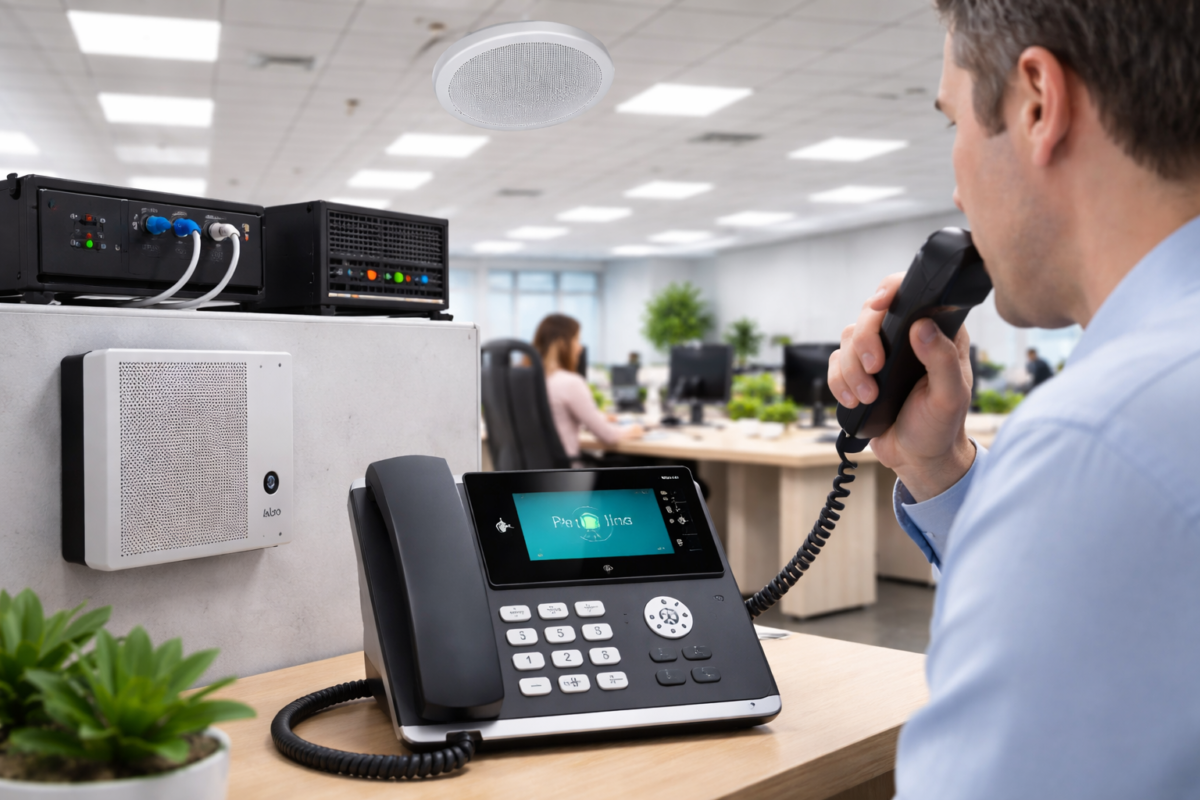
Devices like Yealink T54W are commonly used in business environments and can function reliably when supported by a properly designed outdoor network.
Considerations for VoIP:
- Low latency and jitter
- Consistent bandwidth
- Strong signal strength at device location
For installations where phones are used outdoors or in large facilities, access point placement becomes even more critical.
Buyer Considerations Before Deployment
Compatibility
Ensure access points are compatible with:
- Existing network infrastructure
- PoE (Power over Ethernet) switches
- Management platforms
Setup Requirements
Outdoor installations may require:
- Weatherproof mounting hardware
- Ethernet cabling rated for outdoor use
- Surge protection
Limitations
- Outdoor WiFi is still subject to environmental variability
- Long-range coverage may reduce throughput
- Mesh systems can introduce latency if overextended
Common Mistakes to Avoid
- Using indoor routers outdoors
- Ignoring line-of-sight requirements
- Overloading a single access point
- Not planning for future expansion
- Skipping proper network segmentation
Practical Conclusion
Improving outdoor WiFi signal strength is a combination of proper hardware, thoughtful placement, and network optimization. Outdoor-rated access points, mesh configurations, and cellular backup options all contribute to a more stable and reliable network.
Rather than relying on a single solution, a layered approach—combining WiFi, cellular, and network tuning—provides the most consistent results. For businesses and property owners, this leads to fewer connectivity issues and better overall system performance.
FAQ Section
What is the best way to improve outdoor WiFi signal strength?
Improving outdoor WiFi signal strength typically involves installing outdoor-rated access points, optimizing placement for line-of-sight, and minimizing interference. Using mesh networking and proper frequency management can further enhance coverage and reliability.
Can outdoor WiFi work over long distances?
Yes, outdoor WiFi can cover long distances when using long-range access points and directional antennas. However, performance depends on environmental conditions, obstacles, and proper network design.
How does LTE signal strength affect outdoor networks?
LTE signal strength directly impacts the reliability of cellular backup connections. Weak LTE signals can lead to slower speeds and dropped connections, making external antennas and proper placement important.
Is mesh networking necessary for outdoor WiFi?
Mesh networking is not always required but is beneficial for large or complex areas. It allows multiple access points to work together, improving coverage and reducing dead zones.
What frequency is better for outdoor WiFi coverage?
The 2.4 GHz band offers longer range, while 5 GHz provides higher speeds. A dual-band setup is often recommended to balance coverage and performance.
Can I use indoor routers for outdoor WiFi?
Indoor routers are not designed for outdoor conditions. They lack weather protection and may not provide sufficient range, making outdoor-rated access points a better choice.
How do obstacles affect outdoor WiFi signal strength?
Objects like trees, walls, and metal structures can weaken or block WiFi signals. Maintaining a clear line-of-sight improves signal quality and coverage.
What equipment is needed for outdoor VoIP phones?
Outdoor VoIP setups require reliable WiFi coverage, low latency, and sufficient bandwidth. Properly placed access points and network optimization ensure consistent call quality.