Selecting the Right Jabra Headset for Your Workplace
Are you planning a Jabra headset rollout for your office, remote, or contact center staff in 2026? The Jabra range covers DECT wireless, Bluetooth, mono, stereo, and plug-and-play USB models. Choosing the best headset for each role ensures consistent communication, fits the work style, and simplifies IT support. Here’s how to make sense of the options and prepare your business for clear calls every time.
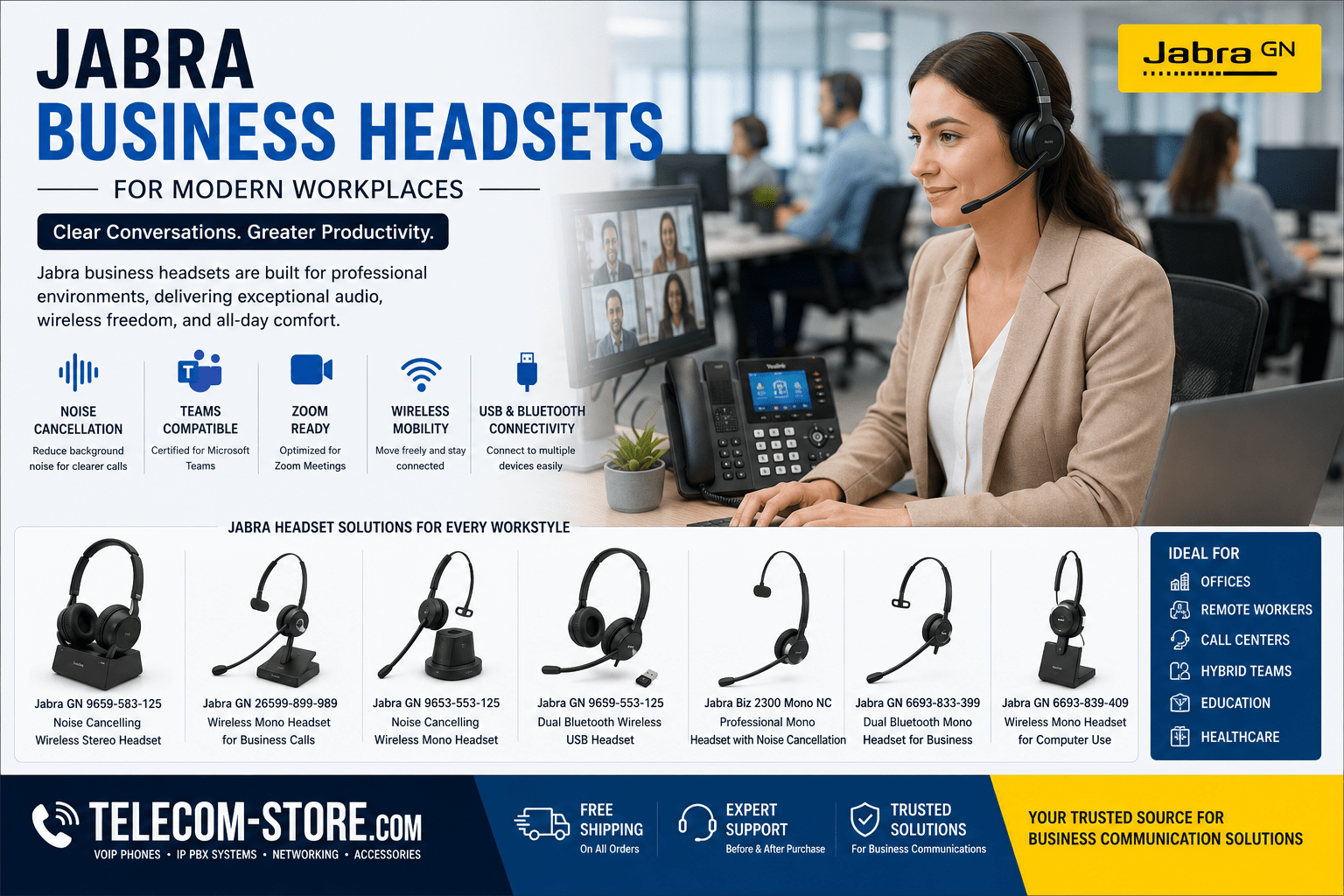
Jabra Business Headset Comparison Overview
| Model |
Type |
Connectivity |
Best For |
Noise Cancelling |
Key Features |
| GN 9659-583-125 |
Stereo |
DECT Wireless |
Noisy offices, Teams/Zoom |
Yes |
Stereo earcups, all-day comfort, long battery, call control |
| GN 26599-899-989 |
Mono |
DECT Wireless |
Admins, reception, hybrid staff |
Yes |
Lightweight, single ear, mobility and awareness |
| GN 9653-553-125 |
Mono |
DECT Wireless |
Busy offices, hybrid work |
Yes |
Noise-cancel mic, high range, flexible wear |
| GN 6699-833-499 |
Stereo |
Bluetooth, USB |
Mobile/PC, flexible teams |
Yes |
Switch PC & mobile, softphone/VoIP, Teams/Zoom |
| Biz 2300 Mono NC |
Mono |
USB/Wired |
Call centers, VoIP desk phones |
Yes |
Lightweight, HD voice, reliable build, cost-effective |
| GN 6693-833-399 |
Mono |
Bluetooth, USB |
Sales, mobile field, remote |
Yes |
Dual connection, mobile/PC laptop use |
| GN 6693-839-409 |
Mono |
Wireless (USB/Bluetooth) |
Computer users, home offices |
Yes |
Plug & play, Teams/Zoom/UC certified |
What Sets Jabra Headsets Apart for Business?
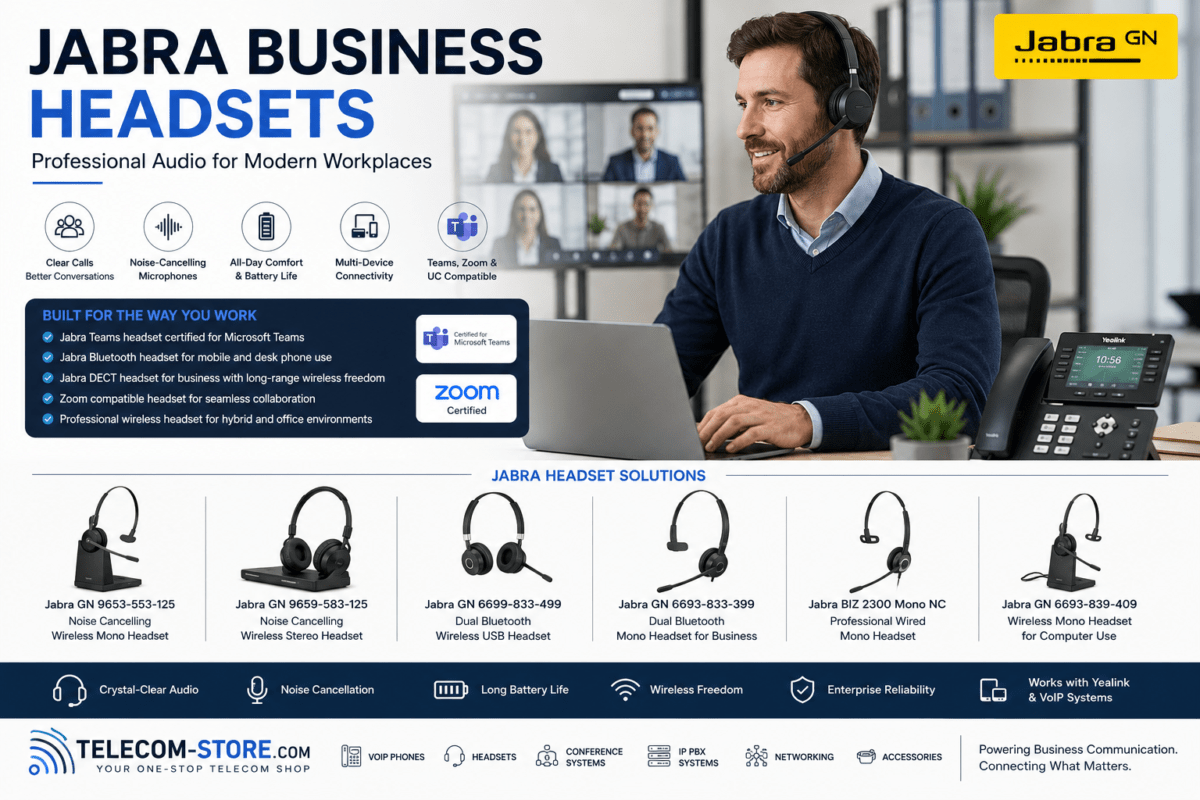
Jabra models are made for offices, contact centers, and hybrid setups—focusing on comfort, voice clarity, and platform compatibility. Telecom-Store.com offers the complete lineup, from plug-and-play USB to DECT and Teams/Zoom-certified solutions.
Business buyers choose Jabra for sound quality, noise filtering, device flexibility, and all-day comfort. Whether your staff handle calls on softphones, IP desk phones, or switch between mobile and PC, there’s a Jabra headset that fits the workflow.
Key Benefits of Wireless Business Headsets
- Freedom to Move: DECT headsets let users walk around their office, while Bluetooth supports mobility between PC and smartphone—excellent for hybrid and agile teams.
- Simple Desks, More Focus: Reduce cord clutter and distraction. Wireless headsets keep your workspace neat and help staff stay focused.
- Improved Collaboration: Hands-free operation makes it easy to help customers, consult coworkers, and access documents—all while staying on the call.
- Comfort, All Day: Look for Jabra models with replaceable cushions, adjustable bands, and lightweight frames—crucial for users on calls for hours.
Types of Jabra Headsets: Which Suits You?
Stereo vs. Mono: Choosing the Right Fit
Stereo headsets (like the GN 9659-583-125) deliver audio to both ears, ideal for loud or open office environments and for users who want to block distractions. Staff who spend most of their day in virtual meetings, or need to concentrate in bustling spaces, will benefit from stereo models with noise-cancelling technology.
Mono headsets (and similar models like the GN 9653-553-125) provide sound to one ear, keeping the other ear open. This allows staff (reception, admin, managers) to handle calls while staying aware of the office or greeting visitors—excellent for multitasking roles.
DECT or Bluetooth: What’s the Difference?
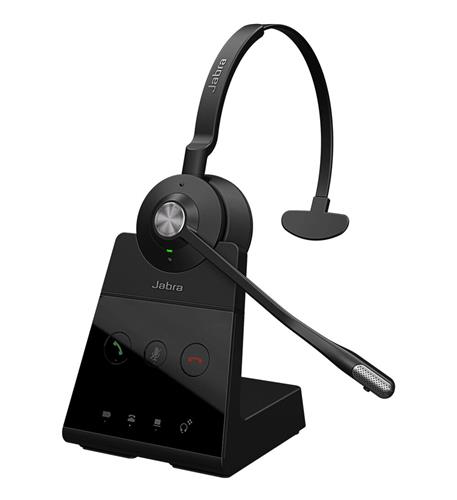
- DECT wireless offers best-in-class range and reliability, suitable for big offices, open spaces, and call centers. It typically covers up to 300 feet in the office (environment matters—thick walls or metal can cut that down).
- Bluetooth is flexible and perfect for mobile work or hybrid roles. Staff can take calls on the move—pairing with both a PC and a smartphone. Range for Bluetooth (usually 30–100 feet) depends on your floor plan.
Dual-connection Bluetooth models (like the GN 6699-833-499) are the best pick for users who regularly switch devices.
Plug-and-Play USB Headsets
If your workflows rely on computers or softphones, USB headsets deliver straightforward deployment and high compatibility with Teams, Zoom, and common unified comms apps. They’re popular in contact centers, help desks, and offices with a mix of remote and onsite staff.
How Noise Cancelling Helps in Offices and Call Centers
Modern Jabra models use microphones and intelligent electronics to filter out keyboard clicks, office chatter, and machine noise. The Biz 2300 Mono NC is optimized for high-call-volume teams, while stereo models excel at soaking up distractions in open workspaces. If your team juggles calls in shared environments, noise-cancelling features become a must for voice clarity and reducing fatigue.
Matching Jabra Headsets to Your Communication Platform
- Teams/Zoom: Choose certified models for best-in-class meeting controls and audio. USB and Bluetooth versions ensure quick plug-in and call pickup for unified communications. Many hybrid and remote teams prefer the GN 6699-833-499 for flexibility.
- VoIP Desk Phones: Confirm that your desk phone brand (Yealink, Cisco, Poly, etc.) works with your Jabra model. Some setups need extra EHS cables for remote answering and mute functions—plan ahead for accessories and deployment.
- PC & Softphone Users: Wireless mono (like GN 6693-839-409) and USB models are preferred for users who work entirely or mostly from their computer.
To browse product lines that work seamlessly together, visit our categories for VoIP phones, IP PBX systems, and headsets.
Business Buying Tips & Setup Advice
- Check every device: Confirm exact model compatibility—especially with VoIP phones, Teams Rooms, and Zoom Rooms. Check for firmware support and available accessories.
- Assess your workflow: Receptionists and admins often need mono headsets; call centers and remote staff might need stereo with full noise cancellation.
- Beware wireless coverage myths: Be realistic about DECT/Bluetooth range in your actual environment—perform coverage testing before large rollouts in challenging buildings.
- Power planning: For wireless models, set protocols for battery charging and, for shared devices, invest in backup batteries or charging docks.
- Firmware and deployment: Update all headsets before use—this prevents compatibility troubles with Teams and Zoom and unlocks latest integrations.
- Comfort counts: Always test with a pilot group for comfort and user experience before deploying across the business.
Common Mistakes with Business Headset Purchases
- Relying on generic compatibility charts—always check with Telecom-Store.com or your phone system provider for specifics.
- Assuming all EHS cables/adapters come in the box. Some must be ordered separately to get full call control with desk phones.
- Ignoring user preference in high-noise/quiet zones; match the style to the environment.
- Missing out on bulk discounts and support—ask for deployment assistance on larger orders.
- Overlooking cable management and replacement parts for future needs.
FAQs About Jabra Headsets for Offices, UC, and Hybrid Work
- Which headset is best for noisy offices? Stereo headsets with active noise cancellation, such as the GN 9659-583-125, outperform in high-distraction settings.
- Can I use one headset for both phone and computer? Yes! Look for dual Bluetooth models like the GN 6699-833-499 for maximum flexibility across platforms.
- Mono or stereo—which is right? Mono is preferred for roles needing situational awareness (front desk, admin), stereo for focus and privacy (call center, virtual meetings).
- Do I need special adapters for my VoIP phone? Some desk phones need a compatible EHS cable—always check requirements for full remote-answer and mute.
- What about firmware and setup? Always update headsets via Jabra Direct or similar tools before major rollouts to avoid call control or quality issues on Teams and Zoom.
- Can headsets be upgraded as we grow? Yes—Jabra models are designed to be swapped, upgraded, or reconfigured, and spare parts (cushions, cords, batteries) are easy to source.
Pairing Jabra With Your Telecom Stack
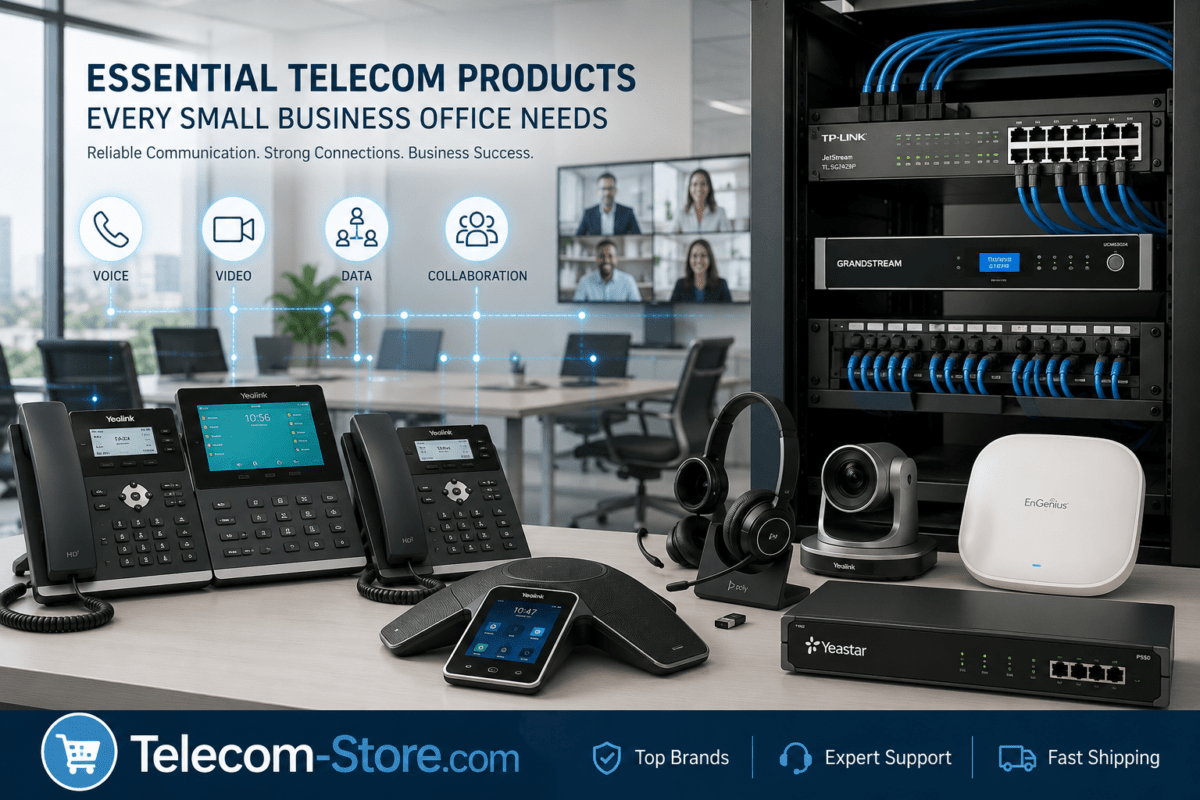
Jabra headsets integrate easily with VoIP and UC platforms, including direct compatibility with Yealink phones, supported IP PBX systems, and accessories for seamless communication. For IT buyers evaluating infrastructure, remember to consider supporting equipment such as PoE Switches for powering your phones and video conferencing systems for complete collaboration.
If you’re modernizing your stack, explore the full range of Yealink VoIP desk phones and related headsets for a unified purchase and streamlined rollout.
Where to Get Expert Advice & Support
Not sure which models or accessories fit your ecosystem? Telecom-Store.com provides hands-on guidance, pre-sale advice, and pilot kit options for businesses of any size. For organizations planning complete voice and unified communications design, Axion Communications offers additional consulting on network, telecom, and integration strategies tailored for today’s digital office.
Conclusion: Making Communication Simpler in 2026
With a careful selection process and a focus on compatibility, comfort, and employee workflows, Jabra headsets deliver reliable performance across offices, contact centers, and hybrid home workers. Whether you need stereo for open-floor concentration, mono for active shared spaces, or Bluetooth for mobile-first teams, you’ll find a future-ready option at Telecom-Store.com. Always review your existing platforms, do a pilot test, and don’t hesitate to ask for advice—this takes the guesswork out of deployment, helps avoid mistakes, and keeps your business sounding professional every day.