Can You Use Existing SIP Phones with Microsoft Teams in 2026? A Guide to Teams SIP Gateway
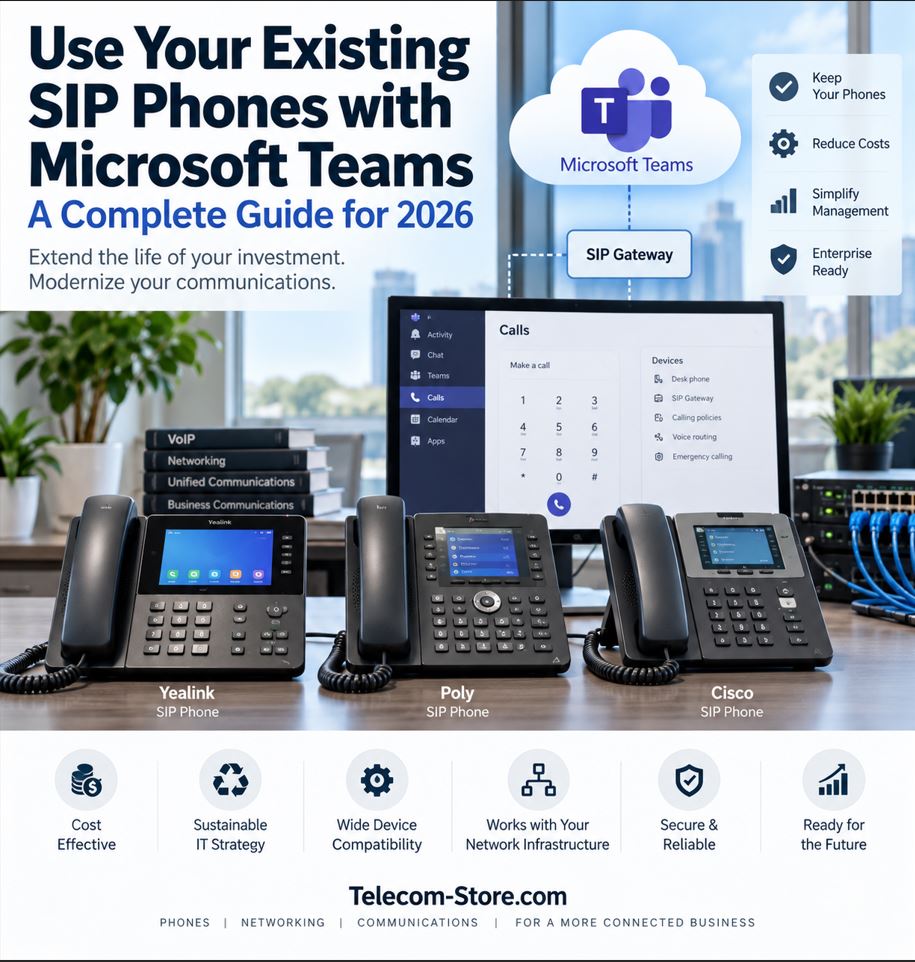
Moving business calling to Microsoft Teams does not necessarily mean replacing every desk phone in the building. Microsoft Teams SIP Gateway allows many supported SIP phones to connect to Teams, giving organizations a way to reuse compatible hardware while moving calling services to the Microsoft Teams Phone platform.
However, there is an important limitation: not every SIP phone works with Microsoft Teams SIP Gateway. Compatibility depends on the exact manufacturer, model, firmware version and configuration.
A phone that works with an Asterisk PBX, FreePBX server, hosted VoIP provider or standard SIP trunk is not automatically compatible with Microsoft Teams.
What Is Microsoft Teams SIP Gateway?
Microsoft Teams SIP Gateway is a Microsoft service that allows supported SIP devices to register with and use Teams calling services without running the full native Microsoft Teams phone application.
It is primarily intended to help organizations preserve investments in existing SIP hardware during a Teams migration.
Once a compatible device is onboarded and associated with a properly licensed Teams user or shared-device account, the phone can make and receive supported calls through the Teams environment.
Microsoft validates specific phones, firmware versions and device families for SIP Gateway. Therefore, entering Microsoft server information into an arbitrary SIP phone will not make it a supported Teams device.
Before reusing an existing phone, administrators should verify four things:
Exact manufacturer
Exact model number
Current firmware version
Microsoft SIP Gateway support status
If the model is not on Microsoft’s current compatibility list, the safest assumption is that it should not be used for a production SIP Gateway deployment.
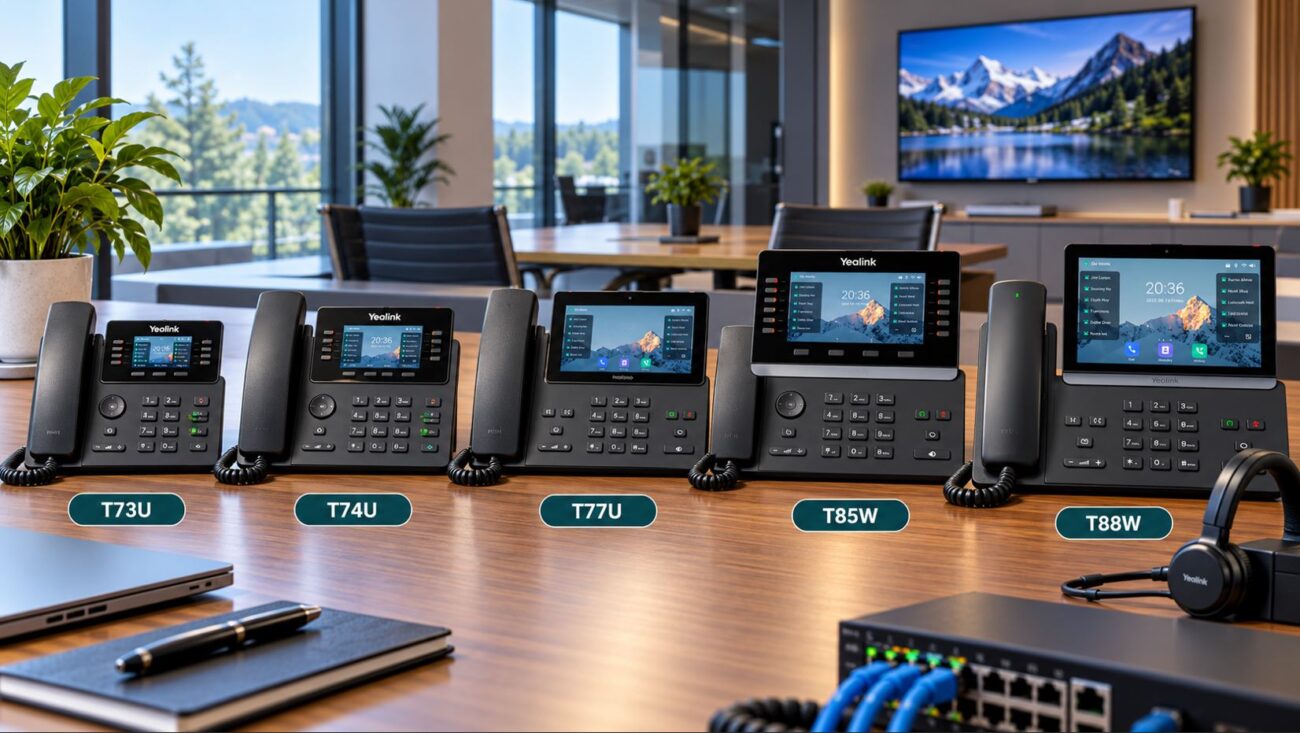
Which Yealink Phones Work With Teams SIP Gateway?
Microsoft’s current 2026 compatibility list includes a substantial number of Yealink SIP phones.
Examples include:
Yealink T21P and T21P E2
Yealink T23G
Yealink T27G
Yealink T29G
Yealink T30 and T30P
Yealink T31G and T31P
Yealink T33G
Yealink T40G and T40P
Yealink T41P and T41S
Yealink T42G, T42S and T42U
Yealink T43U
Yealink T46G, T46S and T46U
Yealink T48G, T48S and T48U
Yealink T53 and T53W
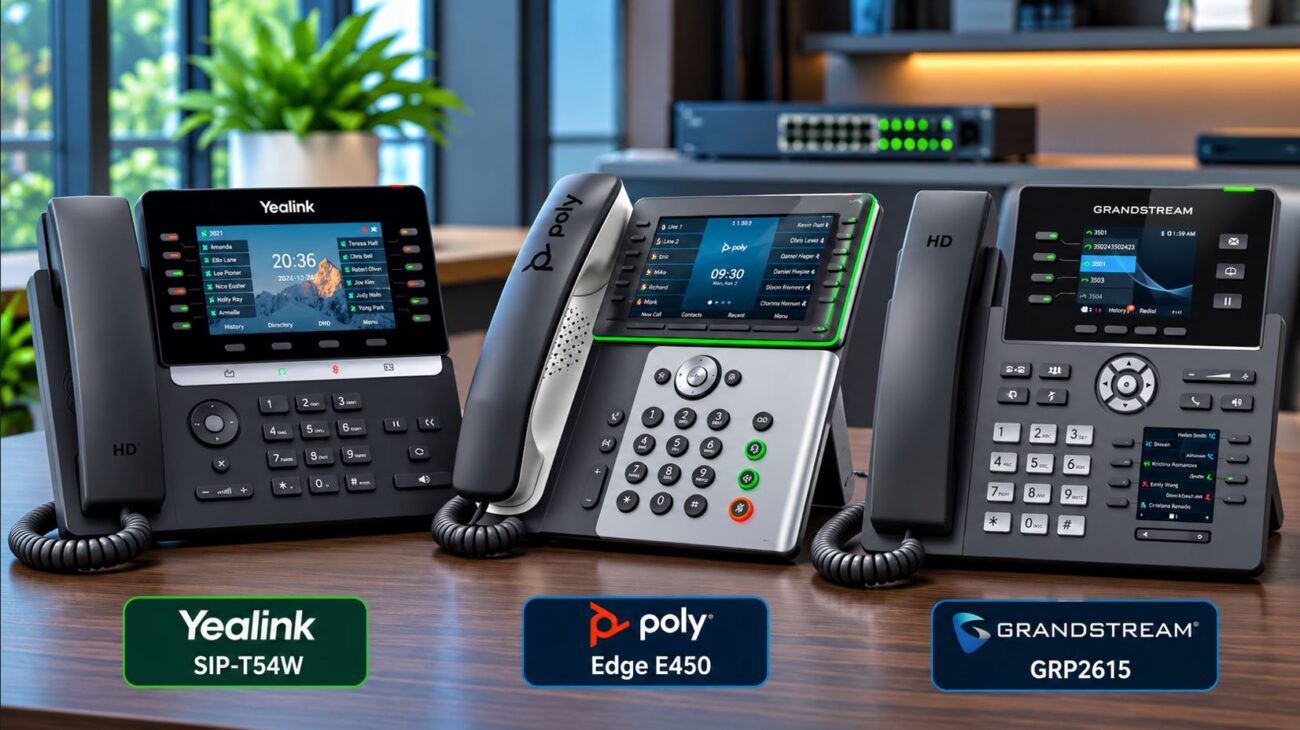
Yealink T54W
Yealink T57W
Microsoft also lists selected Yealink DECT devices and base stations.
This makes SIP Gateway especially useful for businesses with an existing Yealink T4 or T5-series deployment. However, administrators must still verify the exact firmware required for each phone before onboarding it.
What About Poly Phones?
Microsoft supports many Poly devices through SIP Gateway, including selected VVX phones, Poly Edge phones, conference devices and analog telephone adapters.
Older Poly VVX deployments can therefore be good candidates for SIP Gateway when the phones remain in good condition and users only require standard business calling features.
Because Poly support varies by model and firmware, the current Microsoft compatibility table should always be checked before a migration.
Can Cisco Phones Be Used With Microsoft Teams?
Yes, selected Cisco phones can work with Teams SIP Gateway.
Microsoft currently supports multiple Cisco 6800, 7800, 8800 and newer device families.
There is one major requirement: supported Cisco phones running enterprise firmware must be converted to Multiplatform Phone firmware before they can be onboarded to SIP Gateway.
This matters because a Cisco phone that looks identical externally may have a completely different firmware and licensing configuration.
Organizations with older Cisco Unified Communications Manager deployments should therefore verify the firmware type before assuming that existing phones can be reused.
Teams SIP Gateway vs. a Native Teams Phone
Feature
SIP Gateway Phone
Native Teams Phone
Connects to Teams calling
Yes, if supported
Yes
Designed specifically for Teams
No
Yes
Traditional SIP-style interface
Usually
Usually not
Advanced Teams interface
Limited
Yes
Best use case
Reuse existing supported phones
New deployments and Teams-heavy users
Migration cost
Potentially lower
Higher initial hardware cost
SIP Gateway should therefore be viewed as a migration and compatibility option—not as a method for turning every legacy phone into a fully featured Teams phone.
What Do You Need to Use Teams SIP Gateway?
Microsoft currently requires appropriate Teams and phone-system licensing as well as PSTN connectivity for users who will make external calls through SIP Gateway.
Users also need a phone number with PSTN calling enabled.
Licensing requirements can differ between individual users and common-area or shared phones, so licensing should be validated before deployment.
How to Deploy Existing SIP Phones With Teams
A practical migration workflow looks like this:
Inventory every SIP phone.
Record the model and firmware version.
Compare each model with Microsoft’s current SIP Gateway compatibility list.
Verify user licensing and PSTN calling configuration.
Enable SIP Gateway for the appropriate Teams users.
Factory-reset supported phones when required.
Configure the Microsoft provisioning server.
Enroll the phones.
Sign users into the devices.
Test internal, inbound, outbound and emergency calling.
How Are SIP Gateway Phones Provisioned?
Provisioning varies by manufacturer.
Microsoft currently documents DHCP-based provisioning for supported devices. Yealink and Alcatel-Lucent Enterprise phones can use DHCP Option 66, while Cisco, Poly and AudioCodes devices can use Option 160.
Administrators can also manually enter the appropriate Microsoft provisioning URL through the phone’s web interface when required.
Manual provisioning is particularly useful for remote users whose phones are not connected to the corporate DHCP environment.
Network and Firewall Requirements
Teams SIP Gateway still depends on a properly designed IP network.
Microsoft requires appropriate outbound connectivity to Microsoft 365 and Teams services and documents specific firewall requirements for SIP Gateway. Administrators should follow the current Microsoft SIP Gateway configuration guide instead of copying old firewall rules from an earlier deployment.
Microsoft currently specifies outbound traffic requirements including TCP 5061 and UDP media ports in the 49152–53247 range for designated Teams IP ranges.
Microsoft also states that SIP devices should bypass corporate HTTP/HTTPS proxies when connecting to the service.
Recommended Network Checklist
Reliable Ethernet connectivity
Correct DHCP configuration
Reliable DNS resolution
Sufficient PoE capacity
Voice VLAN configuration where appropriate
QoS for voice traffic
Correct firewall policies
Stable Internet connectivity
Proper LLDP configuration where required
Voice-quality testing during peak network usage
Do You Need a Managed PoE Switch?
Many SIP phones receive both network connectivity and electrical power through Ethernet using Power over Ethernet.
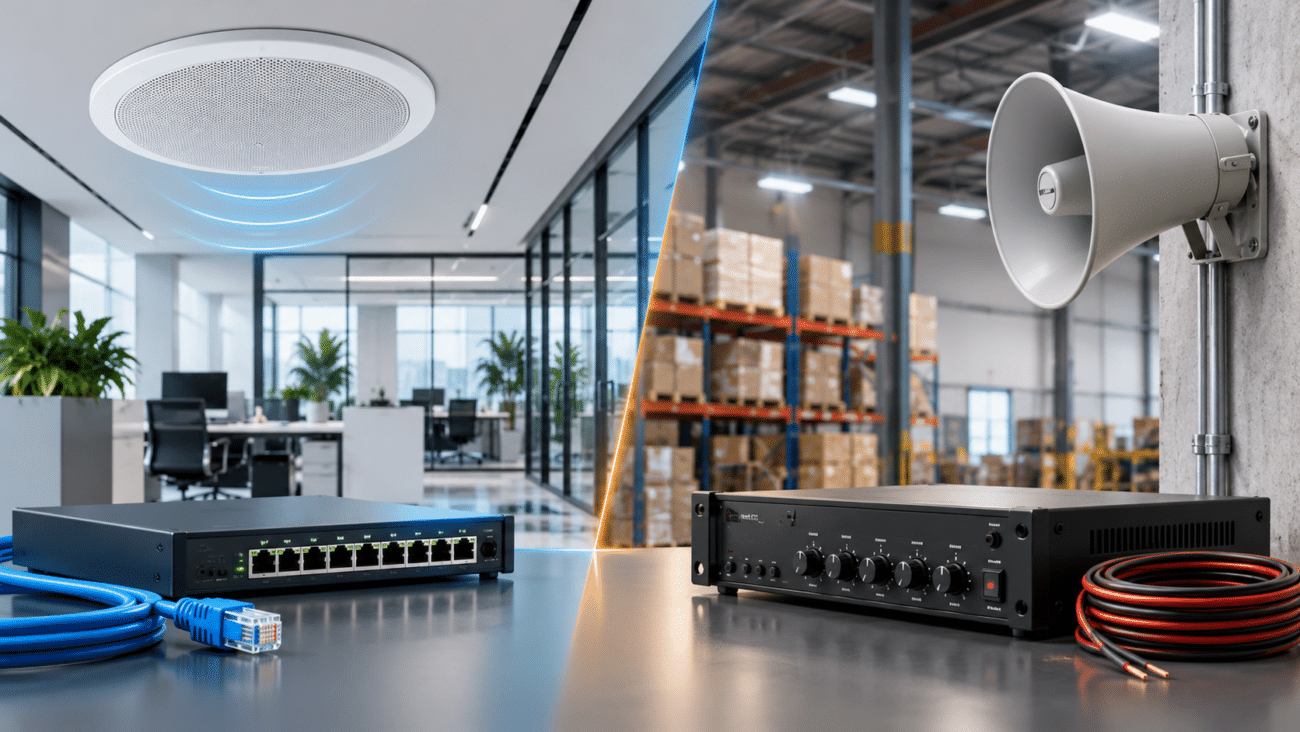
For business deployments, a managed PoE switch offers several advantages over an unmanaged switch, including VLAN support, QoS, security controls, monitoring and centralized management.
For larger deployments, the Grandstream GWN7806PH 48-Port Managed PoE Switch provides 48 Gigabit Ethernet ports, six SFP+ ports, dynamic PoE power allocation and a maximum PoE power budget of 720 watts.
When selecting a PoE switch, calculate the total power consumption of all connected phones rather than selecting a switch based only on port count.
When Should You Keep Your Existing SIP Phones?
Reusing existing phones generally makes sense when:
The phones are explicitly supported by Microsoft.
The devices remain in good physical condition.
Users primarily need basic calling.
The organization already owns a large number of compatible phones.
Replacing every phone would significantly increase migration cost.
The deployment includes common-area or utility phones that do not need a rich Teams interface.
When Should You Replace Them?
Replacement is usually the better choice when:
The phone is not supported by SIP Gateway.
The hardware is approaching end of life.
Firmware conversion is difficult or expensive.
Users require a modern Teams interface.
Users regularly participate in Teams meetings from desk phones.
The organization wants simplified long-term device management.
Native Teams Phone Alternative
For users who need a modern Teams experience rather than legacy SIP compatibility, a purpose-built Teams phone can be the better choice.
The Yealink MP58 Premium Teams Phone, for example, is designed specifically for Microsoft Teams and includes a dedicated Teams button, Wi-Fi 6, Bluetooth 5.0, Gigabit Ethernet and PoE support.
The MP58 should not be confused with a legacy SIP phone being reused through SIP Gateway. It is a native Teams-oriented endpoint intended for organizations that want a more integrated Microsoft communications experience.
A Practical Teams Migration Example
Consider a company with 100 existing SIP phones.
After inventorying the phones, the IT department discovers:
55 phones are supported by Teams SIP Gateway.
20 phones are too old or unsupported.
15 executive and reception users require richer Teams features.
10 phones are deployed in lobbies, warehouses and shared areas.
Instead of replacing all 100 phones, the company could retain many of the supported devices through SIP Gateway while replacing unsupported hardware and upgrading high-value users to native Teams phones.
This hybrid migration strategy can reduce initial hardware expense while avoiding the mistake of keeping obsolete phones simply because they still power on.
Common Teams SIP Gateway Problems
Phone Does Not Appear in Teams Admin Center
Verify that SIP Gateway is enabled, the phone is supported, and the device is running a compatible firmware version.
Phone Will Not Provision
Check the provisioning URL, DHCP configuration, DNS resolution, firewall rules and Internet connectivity.
Cisco Phone Will Not Register
Verify that the device is using supported Multiplatform firmware rather than Cisco enterprise firmware.
Phone Registers but Has No Audio
Registration and audio use different network flows. Inspect firewall policies, routing, NAT behavior and Teams media connectivity.
Calls Sound Choppy
Check for packet loss, excessive latency, jitter, congestion and incorrect QoS configuration.
Teams SIP Gateway Decision Matrix
Situation
Recommended Approach
Supported SIP phones already installed
Consider SIP Gateway
Unsupported phones
Replace
Basic calling only
SIP Gateway may be sufficient
Executive or reception users
Consider native Teams phones
Large common-area deployment
SIP Gateway may reduce migration cost
Old or unreliable hardware
Replace
Complex firmware conversion required
Compare labor cost with replacement
Frequently Asked Questions
Can any SIP phone work with Microsoft Teams?
No. Microsoft Teams SIP Gateway supports specific manufacturers, models and firmware versions. A standard SIP phone is not automatically compatible.
Can a Yealink T54W work with Microsoft Teams?
Yes. Microsoft currently lists the Yealink T54W among devices supported by Teams SIP Gateway, subject to Microsoft’s specified firmware requirements.
Can a Yealink T57W work with Teams SIP Gateway?
Yes. The T57W is currently included in Microsoft’s supported Yealink device list. Verify the firmware before deployment.
Can a Yealink T46U work with Microsoft Teams?
Yes. Microsoft currently lists the T46U as a supported Teams SIP Gateway device.
Can Poly VVX phones work with Microsoft Teams?
Selected Poly VVX models are supported by Teams SIP Gateway. Compatibility depends on the exact model and firmware.
Can Cisco phones work with Microsoft Teams?
Selected Cisco models are supported, but compatible Cisco phones using enterprise firmware generally must be converted to supported Multiplatform firmware before SIP Gateway onboarding.
Does SIP Gateway make an old phone a full Teams phone?
No. SIP Gateway provides supported Teams calling functions to compatible SIP devices, but it does not give an older SIP endpoint the same experience as a native Teams phone.
Do Teams SIP phones need PoE?
Not because of SIP Gateway itself. However, many business SIP phones use PoE, and PoE switching simplifies deployment by carrying both electrical power and network connectivity over the same Ethernet cable.
Can SIP Gateway save money?
Yes, particularly when an organization already owns a large number of supported phones. However, administrators should compare hardware savings against firmware, deployment, management and troubleshooting costs.
Final Recommendation
Microsoft Teams SIP Gateway can significantly reduce the cost of moving an existing phone deployment to Teams, especially when an organization already owns supported Yealink, Poly, Cisco or other compatible SIP devices.
The key is to avoid assuming that all SIP phones are interchangeable.
Inventory the hardware first. Verify each exact model and firmware version against Microsoft’s current compatibility list. Then divide the phones into three groups: devices worth keeping through SIP Gateway, devices that should be replaced, and users who would benefit from native Teams phones.
For many organizations, that hybrid strategy provides the best balance between protecting existing hardware investments and building a modern Microsoft Teams communications environment.
To provide the best experiences, we use technologies like cookies to store and/or access device information. Consenting to these technologies will allow us to process data such as browsing behavior or unique IDs on this site. Not consenting or withdrawing consent, may adversely affect certain features and functions.
Functional
Always active
The technical storage or access is strictly necessary for the legitimate purpose of enabling the use of a specific service explicitly requested by the subscriber or user, or for the sole purpose of carrying out the transmission of a communication over an electronic communications network.
Preferences
The technical storage or access is necessary for the legitimate purpose of storing preferences that are not requested by the subscriber or user.
Statistics
The technical storage or access that is used exclusively for statistical purposes.The technical storage or access that is used exclusively for anonymous statistical purposes. Without a subpoena, voluntary compliance on the part of your Internet Service Provider, or additional records from a third party, information stored or retrieved for this purpose alone cannot usually be used to identify you.
Marketing
The technical storage or access is required to create user profiles to send advertising, or to track the user on a website or across several websites for similar marketing purposes.