IP Paging vs. Traditional PA Systems: Which Is Better for Your Business?

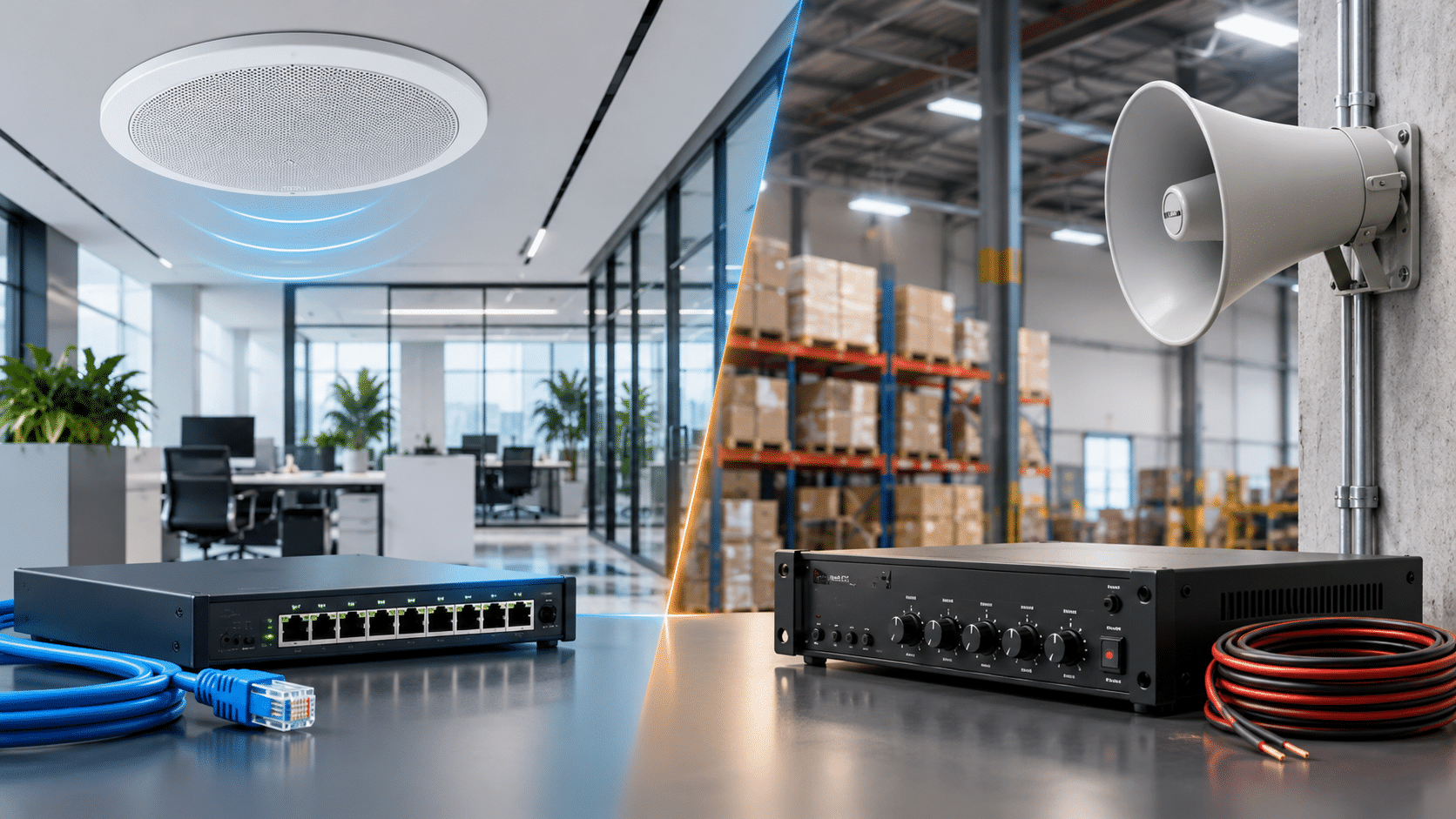
IP Paging vs. Traditional PA Systems: 2026 Guide
Clear announcements are essential in many business environments. Warehouses need to communicate with employees across large spaces. Retail stores use paging for customer assistance. Offices announce visitors, while schools and industrial facilities rely on audible communications to coordinate daily operations.
For decades, traditional public address (PA) systems have handled these tasks using amplifiers, microphones, and wired speakers. Today, IP paging systems offer another approach: distributing announcements over a data network using network-connected speakers, SIP paging adapters, and compatible business phone systems.
Both technologies remain useful in 2026. The best choice depends on the size of your facility, existing infrastructure, audio coverage, paging requirements, budget, and long-term expansion plans.
This guide explains how IP paging and traditional PA systems work, compares their advantages and limitations, and shows when a hybrid installation may offer the best value.
Quick Answer: Is IP Paging Better Than a Traditional PA System?
IP paging is often the better choice for businesses that want flexible paging zones, integration with compatible VoIP phone systems, network-based management, and expansion across multiple areas or buildings.
Traditional PA systems remain an excellent option for straightforward announcements, particularly where existing 25V or 70V speakers and amplifiers are already installed.
For many organizations, the most cost-effective upgrade is a hybrid system that connects a SIP paging adapter to existing analog paging equipment.
What Is a Traditional PA System?
A traditional public address system uses an audio source, such as a microphone or telephone paging interface, to send an audio signal through an amplifier and out to connected speakers.
Commercial installations commonly use 25V or 70V distributed speaker systems. These allow multiple speakers to share an amplifier through suitable speaker wiring and transformer taps.
Traditional paging systems are common in:
- Retail stores and supermarkets.
- Warehouses and distribution centers.
- Manufacturing facilities.
- Schools and administrative buildings.
- Offices and service departments.
- Parking areas and outdoor workspaces.
How Traditional Paging Works
A typical system follows this signal path:
Microphone or telephone interface → Paging amplifier → 25V/70V speaker wiring → Ceiling speakers or horns
The amplifier provides the electrical power needed to drive the speakers. The system may support background music, paging priority, and multiple zones, depending on the equipment.
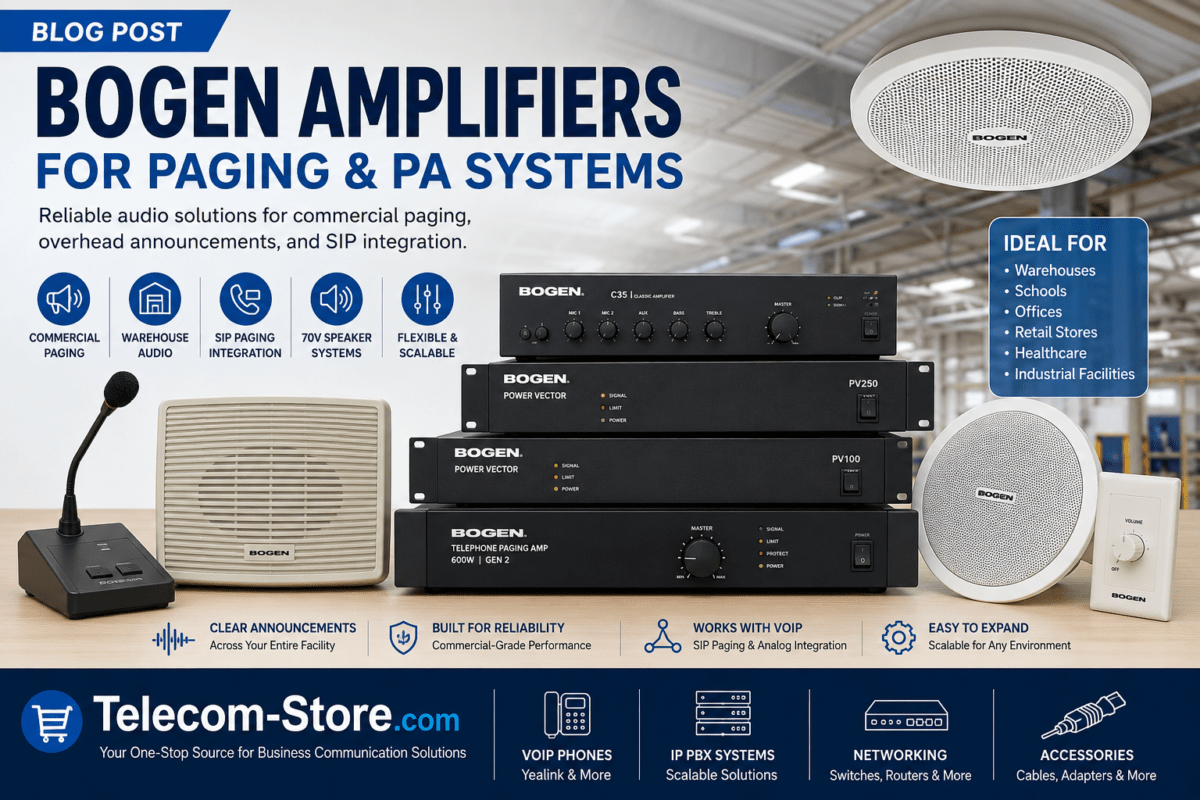
For example, the Bogen TPU60B 60W Telephone Paging Amplifier provides telephone and microphone paging inputs, background music functions, and distributed speaker outputs.
Advantages of Traditional PA Systems
- Well-established technology with straightforward operation.
- Effective for simple, one-way announcements.
- Suitable for existing 25V and 70V speaker installations.
- Often economical when cabling and speakers are already installed.
- Does not necessarily depend on a computer data network for local announcements.
Limitations of Traditional PA Systems
- Adding new zones may require additional controllers or wiring.
- Integration with modern SIP phone systems may require an adapter.
- Remote configuration and endpoint supervision depend on the equipment.
- Expanding across separate buildings can require additional infrastructure.
- Central amplifiers and wiring can become single points of failure.
What Is an IP Paging System?
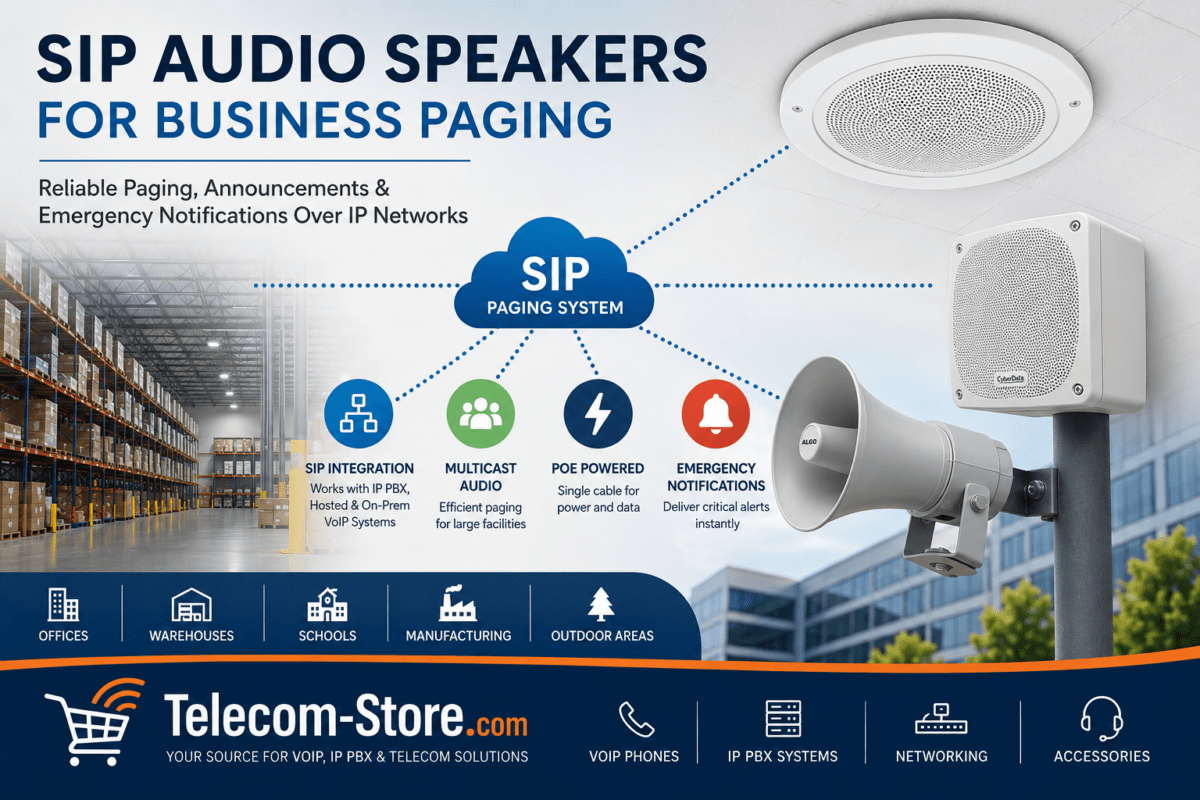
An IP paging system distributes audio using an Internet Protocol network. Depending on the design, a compatible IP phone, paging controller, or SIP server initiates an announcement that is delivered to network speakers or paging adapters.
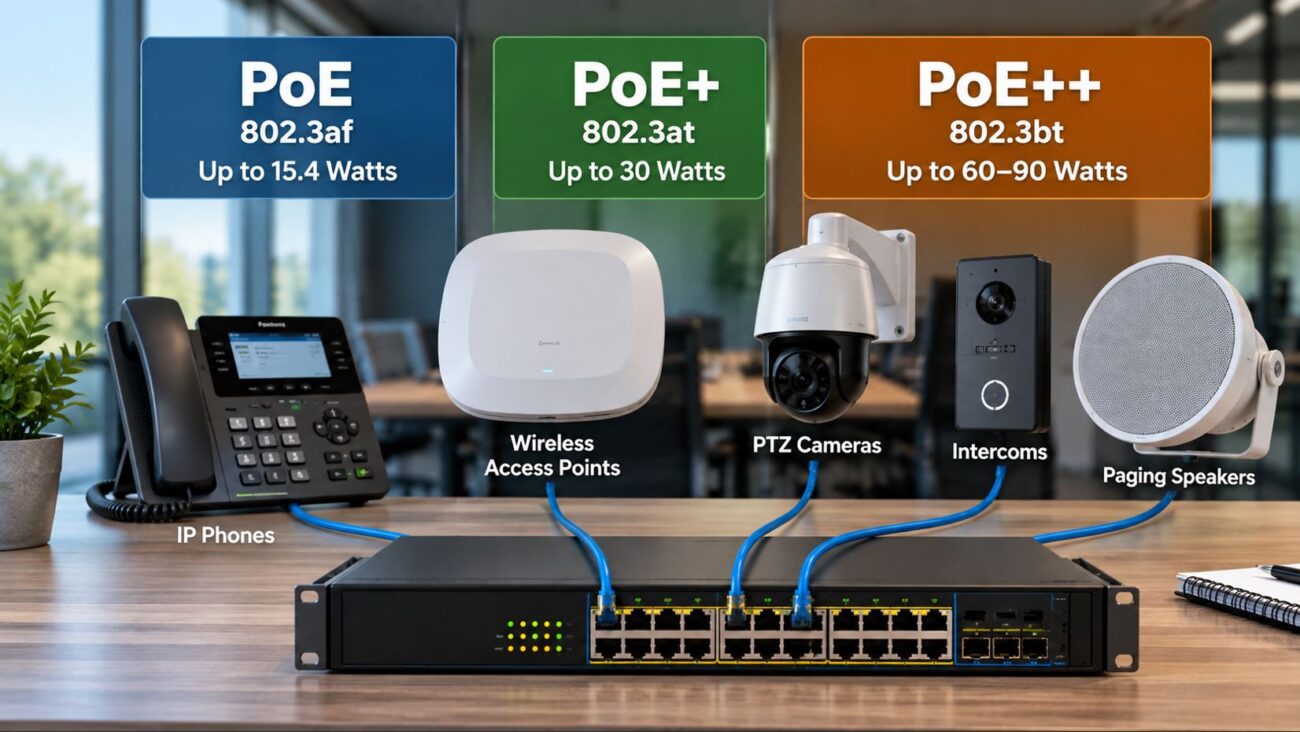
Many commercial IP speakers receive both power and data through Power over Ethernet (PoE), eliminating the need for a separate local amplifier at each speaker.
Some systems use SIP for call setup and Real-time Transport Protocol (RTP) for audio delivery. Multicast RTP can distribute a single audio stream to multiple compatible endpoints without establishing a separate unicast media stream for every speaker.
How IP Paging Works
A typical IP paging installation follows this path:
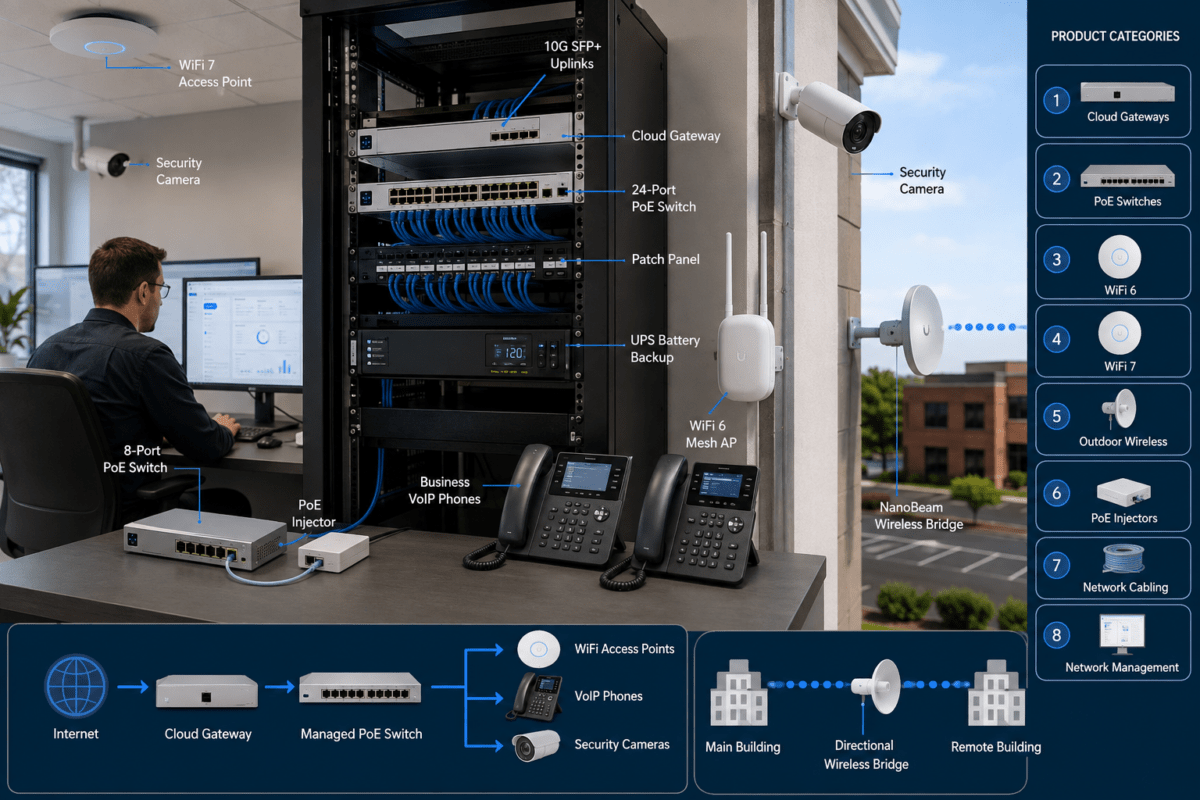
Compatible VoIP phone or paging application → SIP paging controller → Ethernet network → PoE speakers or paging adapters
Depending on the equipment, announcements can be directed to individual rooms, departments, buildings, or predefined paging groups.
However, not all IP paging systems use the same protocols or management platforms. Compatibility must be verified before combining products from different manufacturers.
Advantages of IP Paging Systems
- Integration with supported SIP or IP-PBX systems.
- Flexible zone configuration and centralized administration.
- Potential to reuse existing Ethernet infrastructure.
- PoE support on compatible network speakers.
- Multicast distribution to supported endpoints.
- Scalability across buildings with appropriately configured networks.
- Support for scheduled announcements and prerecorded messages on selected platforms.
- Device monitoring and supervision on supported models.
Limitations of IP Paging Systems
- Dependence on network switches, cabling, and power infrastructure.
- Possible need for VLAN, multicast, and QoS configuration.
- Higher initial complexity for facilities without suitable networking.
- Compatibility differences between SIP platforms and paging products.
- Need for appropriate cybersecurity and firmware management.
IP Paging vs. Traditional PA: Feature Comparison
| Feature | Traditional PA | IP Paging |
|---|---|---|
| Audio distribution | Amplifier and speaker wiring | IP network and supported endpoints |
| Speaker power | Typically central amplifier | Often PoE at network speakers |
| Paging zones | Requires suitable zoning hardware | Often configured through software or network groups |
| VoIP phone integration | Usually requires an interface | Often available through SIP |
| Expansion | Additional wiring or amplifier capacity | Additional network endpoints and capacity |
| Remote management | Equipment dependent | Common on commercial IP systems |
| Existing analog speaker reuse | Native support | Possible through compatible gateways |
| Network dependence | Not always required | Required for IP operation |
| Cybersecurity considerations | Generally limited for standalone analog equipment | Network security and device management required |
| Best fit | Simple paging or established speaker infrastructure | Integrated, expandable, network-managed paging |
Can IP Paging Work with an Existing Analog PA System?
Yes. A hybrid system can connect a compatible SIP paging adapter to an existing amplifier or paging controller.
This approach is especially useful when a business wants employees to make announcements from supported VoIP phones but does not want to replace functioning ceiling speakers or outdoor horns.
A typical hybrid signal path is:
VoIP phone → SIP paging adapter → Existing PA amplifier → Existing speakers
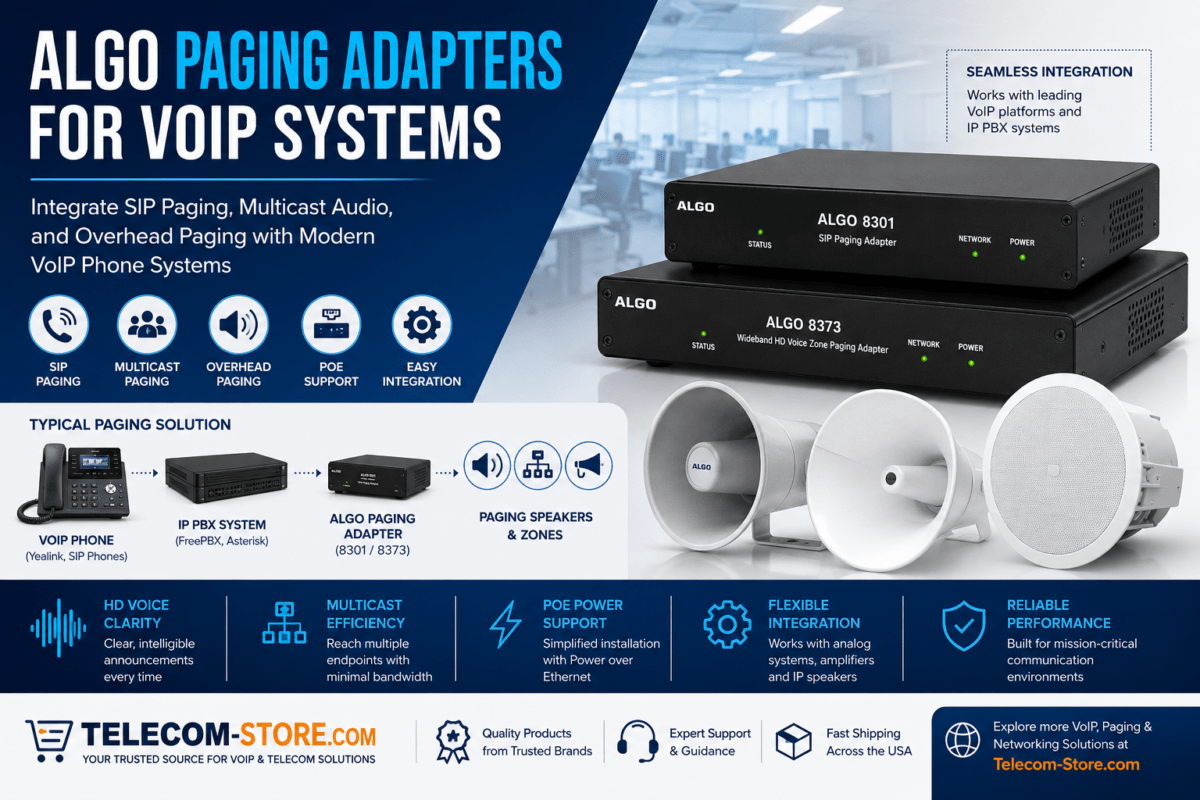
The Algo 8301 SIP Paging Adapter is one product designed for integrating IP-based paging with compatible audio systems.
It supports wideband G.722 audio, SIP integration, and multicast functionality. Its balanced audio output can be useful when interfacing with suitable paging equipment.
Important: A line-level paging adapter does not replace a power amplifier for passive 25V/70V speakers. The correct interface and amplifier remain necessary.
Recommended Paging Equipment for Business
1. Algo 8301: SIP Paging Adapter for Hybrid Systems
The Algo 8301 HD Voice Paging Adapter is a strong candidate when upgrading an existing analog paging system to accept compatible SIP calls.
Key capabilities include:
- Wideband G.722 voice audio.
- Balanced and isolated audio output.
- Automatic level control.
- Multicast paging support.
- Web-based configuration.
- Compatibility with supported SIP and unified communications platforms.
Best suited for: Businesses retaining an existing amplifier and speaker installation while introducing VoIP paging.
Check before purchase: The amplifier input type, paging activation requirements, network configuration, and SIP compatibility.
2. Algo 8373: SIP Zone Paging Adapter
The Algo 8373 Zone Paging Adapter is useful where a facility needs IP paging integration with supported zone-control functionality.
It includes three internal zone-control relays and supports multiple SIP paging registrations.
Best suited for: Facilities that need to select among existing paging zones using compatible control equipment.
Check before purchase: Whether the relays, audio outputs, and zone controller match the existing paging architecture.
3. Valcom V-9972: SIP Integration for Compatible Valcom Paging
The Valcom V-9972 SIP Paging Adapter provides an option for connecting compatible SIP telephone environments with supported Valcom paging systems.
It is particularly relevant when existing Valcom equipment will remain in service.
Best suited for: Organizations extending the usefulness of a compatible Valcom installation.
Check before purchase: The exact Valcom controller, signaling method, and SIP implementation.
4. Bogen TPU60B: Traditional Telephone Paging Amplifier
The Bogen TPU60B 60W Telephone Paging Amplifier supports conventional amplified paging systems.
It offers microphone and telephone paging inputs, background music control, and outputs suitable for supported distributed speaker systems.
Best suited for: Businesses installing or maintaining a traditional analog paging system.
Check before purchase: Speaker load, tap settings, wiring, input requirements, and total amplifier capacity.
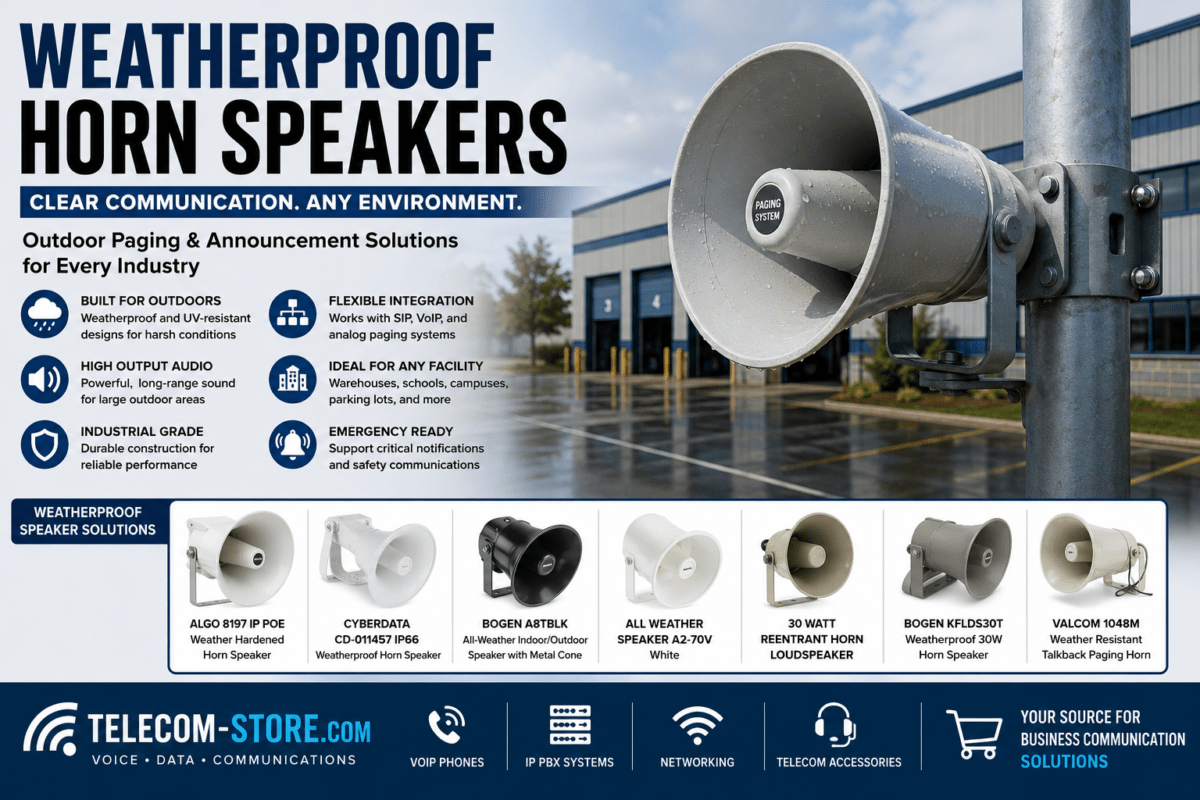
5. Bogen BDT30A: Weatherproof Paging Horn
The Bogen BDT30A Weatherproof Paging Speaker is a traditional amplified-system horn for suitable indoor and outdoor applications.
It supports 25V and 70V distributed speaker configurations with selectable transformer taps.
Best suited for: Warehouses, loading areas, and outdoor spaces where directional sound coverage is important.
Check before purchase: The amplifier’s available power, horn placement, sound pressure requirements, and environmental conditions.
How Much Does an IP Paging System Cost Compared with Traditional PA?
The total cost depends on the number of speakers, facility layout, cabling, amplifiers, network switches, control equipment, and installation labor.
A small traditional PA system can be cost-effective when only a few speakers and one paging zone are required.
An IP paging installation may cost more initially because each network speaker contains additional electronics and may require PoE switching and network configuration.
However, IP paging can reduce the need for dedicated analog speaker wiring in facilities that already have suitable Ethernet cabling and switching capacity.
For buildings with a working analog PA system, a SIP paging adapter may be less expensive than replacing every speaker.
Cost Factors to Compare
| Cost Factor | Traditional PA | IP Paging |
|---|---|---|
| Speakers | Passive or self-amplified analog speakers | Network speakers or gateway-connected analog speakers |
| Amplification | Central amplifier often required | Often integrated into network speakers |
| Cabling | Dedicated speaker wiring | Ethernet or existing network infrastructure |
| Control | Microphone, telephone interface, or paging controller | SIP server, paging controller, or compatible software |
| Expansion | Additional zones, amplifiers, or wiring | Additional endpoints, PoE capacity, and network configuration |
| Maintenance | Amplifier and speaker wiring maintenance | Network, firmware, and endpoint maintenance |
Paging System Design: Five Technical Considerations
1. Speaker Coverage and Intelligibility
Clear paging depends on intelligibility, not simply maximum volume.
Ceiling height, background noise, reverberation, and speaker placement all affect whether employees can understand announcements.
A warehouse with forklifts and machinery may require a different speaker layout than a quiet office.
2. Amplifier Capacity or PoE Budget
For traditional distributed systems, add the selected speaker transformer tap wattages and allow appropriate amplifier headroom.
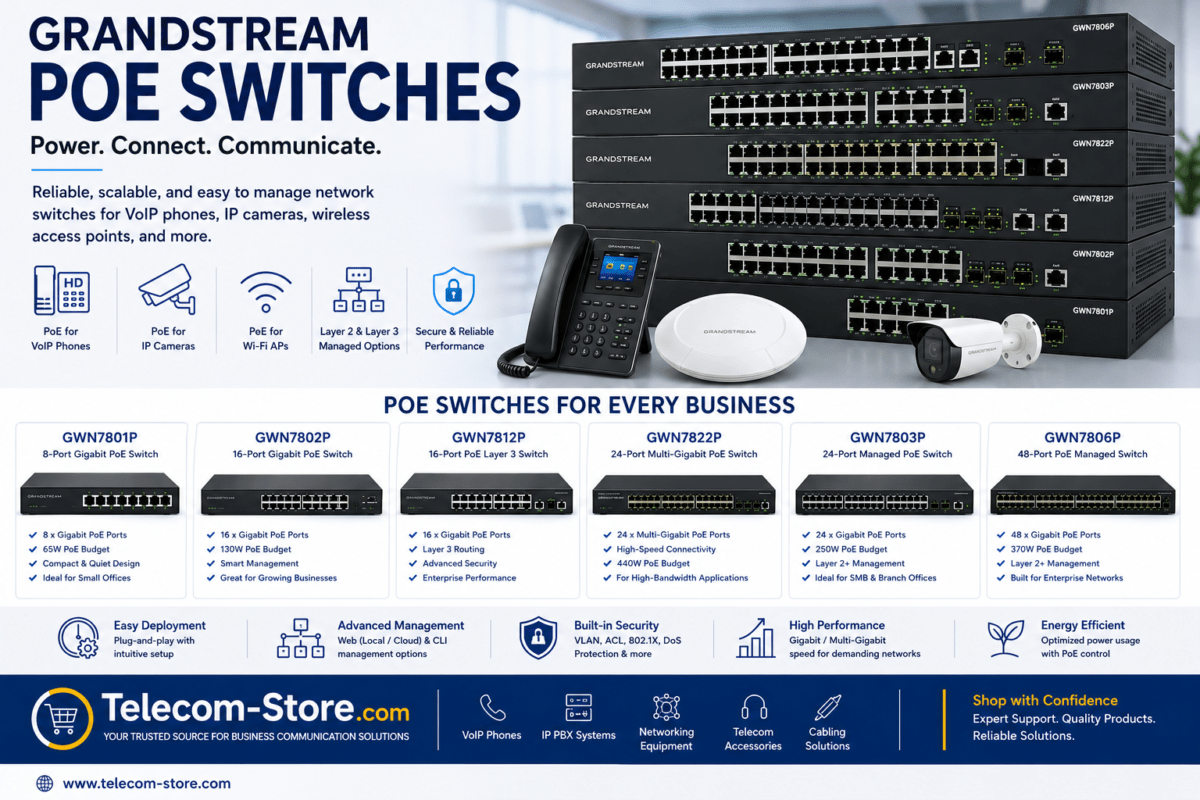
For IP paging, verify each endpoint’s PoE standard and power requirements, then calculate the total switch power budget.
Neither design should be based solely on the number of available connection ports.
3. SIP and Multicast Compatibility
Some IP paging devices register as SIP endpoints. Others receive multicast RTP streams, while some support both.
Multicast requires correct network configuration. Routers, switches, VLANs, IGMP snooping, and multicast routing can affect whether paging traffic reaches the intended speakers.
Do not assume a hosted VoIP provider supports third-party SIP paging equipment merely because it supports SIP desk phones.
Businesses evaluating their phone infrastructure can review Axion Communications business phone services. Confirm paging compatibility and support with the provider before deployment.
4. Power and Network Resilience
A traditional PA system may continue operating without the business data network, provided its required power and local paging inputs remain available.
An IP paging system depends on its network infrastructure and any required SIP or paging controllers.
For critical communications, consider UPS protection, network redundancy, monitoring, and recovery procedures appropriate to the facility.
5. Emergency Communication Requirements
Ordinary commercial paging equipment is not automatically approved for fire alarm evacuation or other regulated emergency voice communications.
Where paging is part of a required life-safety system, the design must satisfy applicable codes, listing requirements, supervision, survivability, and approval processes.
Consult the relevant requirements of NFPA 72 and use qualified designers and installers.
Real-World Business Paging Examples
Example 1: Small Retail Store
A retail store needs occasional customer-service announcements and background music.
Recommended approach: A traditional PA amplifier and ceiling speakers may be sufficient, especially if the store already has suitable wiring.
Example 2: Warehouse with Existing Speakers
A warehouse has a working 70V speaker system but recently switched to a VoIP telephone service.
Recommended approach: Evaluate a SIP paging adapter such as the Algo 8301 with the existing amplifier, rather than immediately replacing all speakers.
Example 3: Multi-Department Office
An office needs announcements directed to reception, operations, and common areas independently.
Recommended approach: Evaluate an IP paging system with supported zoning, or a hybrid zone adapter such as the Algo 8373 if suitable analog zone equipment already exists.
Example 4: Manufacturing Facility
A manufacturing site needs audible announcements across high-noise production areas and quieter offices.
Recommended approach: Design separate paging zones with appropriate speaker types, coverage calculations, and priority rules.
A combination of network speakers and traditional paging horns may be appropriate when supported by the overall architecture.
Common Paging Problems and How to Fix Them
| Problem | Possible Cause | Recommended Action |
|---|---|---|
| IP speakers receive no pages | Multicast, VLAN, or routing issue | Verify multicast groups, switch configuration, and network reachability |
| SIP paging adapter will not register | Credentials, server, or provider restriction | Confirm supported SIP settings and registration status |
| Some areas are too quiet | Poor speaker placement or incorrect tap settings | Review coverage and amplifier or endpoint levels |
| Announcements are distorted | Clipping, overload, or excessive gain | Inspect audio levels, speaker loads, and amplifier headroom |
| Paging stops during a power outage | Missing backup power | Evaluate UPS or other appropriate backup power provisions |
| Hybrid system produces no audio | Incorrect adapter output or amplifier input | Verify the electrical interface and paging activation method |
| Pages reach the wrong zone | Incorrect routing or zone mapping | Review paging groups, relay control, and zone configuration |
Business Paging System Buying Checklist
- Identify whether paging is for routine announcements or a regulated emergency function.
- Document the building layout, number of zones, and ambient noise conditions.
- Inventory existing amplifiers, speakers, and cabling.
- Determine whether paging must work from business IP phones.
- Verify SIP, RTP, and multicast compatibility where applicable.
- Calculate amplifier capacity or PoE switch power requirements.
- Plan for outages, security, and ongoing administration.
- Compare complete installation costs rather than individual device prices.
- Consider whether a hybrid adapter can preserve existing infrastructure.
- Test speech intelligibility and zone coverage before final acceptance.
Frequently Asked Questions
What is the difference between IP paging and a PA system?
Traditional PA systems commonly use amplifiers and dedicated speaker wiring. IP paging systems distribute audio through network-connected devices and may integrate with SIP telephone systems.
Can I connect my existing PA system to VoIP phones?
Often, yes. A compatible SIP paging adapter can interface with an existing amplifier or paging controller. The exact equipment and electrical interface must be verified.
Do IP paging speakers need a separate amplifier?
Many network speakers contain built-in amplification and receive power through PoE. Passive analog speakers still require appropriate amplification.
Is IP paging more expensive than traditional paging?
It can be, especially for a small installation with no existing Ethernet infrastructure. For larger or expanding facilities, network management and existing cabling may improve the overall value.
Can IP paging work across multiple buildings?
Yes, when the paging system and network architecture support it. Routing, multicast, bandwidth, security, and system management must be considered.
What is multicast paging?
Multicast paging sends audio to a defined group of compatible network endpoints. It can efficiently distribute announcements to many speakers, provided the network supports the required traffic.
Can a traditional PA system provide multiple zones?
Yes. Analog paging controllers and amplifiers can support multiple zones. IP paging is not the only way to create zone-specific announcements.
Can IP paging replace an emergency evacuation system?
Not automatically. Required emergency communications must use equipment and designs that satisfy applicable life-safety standards and local approval requirements.
What is the best paging system for a warehouse?
The best design depends on noise levels, ceiling height, coverage, existing speakers, and phone integration requirements. A traditional, IP, or hybrid system may be appropriate.
Final Verdict: IP Paging vs. Traditional PA Systems
Traditional PA systems remain reliable and cost-effective for straightforward announcements, especially when existing speakers and amplifiers are in good condition.
IP paging offers advantages for businesses that need network-based management, flexible paging zones, SIP integration, and expansion across multiple areas.
For many organizations, a hybrid paging design provides the best balance by combining modern IP communication with existing analog speakers.
Explore the Algo 8301 SIP Paging Adapter, Algo 8373 Zone Paging Adapter, Valcom V-9972 SIP Paging Adapter, and Bogen TPU60B Paging Amplifier at Telecom-Store.com.
For broader business telephone and communications requirements, visit Axion Communications.