Choosing the Best Valcom Ceiling Speaker for Your Facility
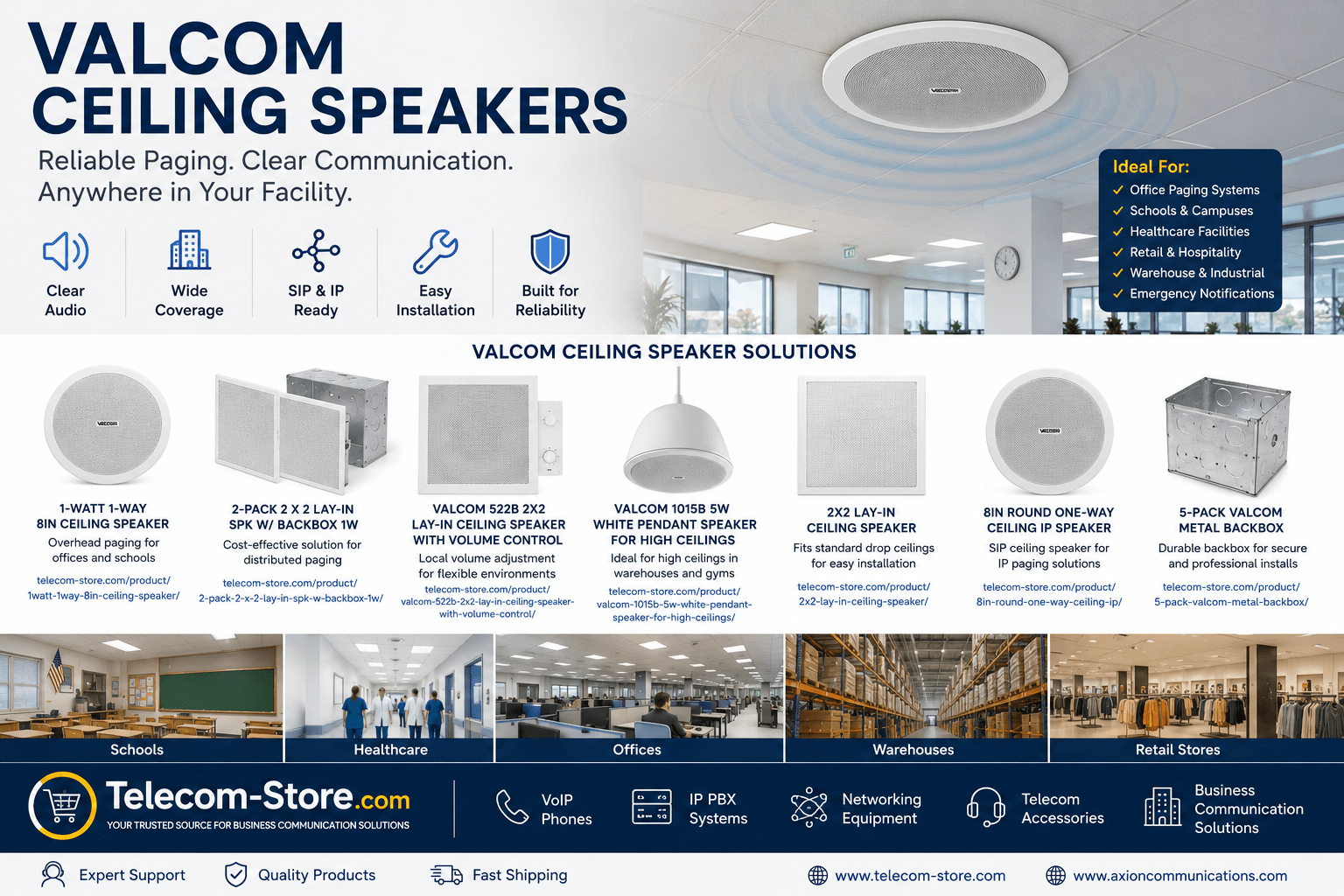
If your organization is looking to build or upgrade a paging system, consider first your infrastructure, future plans, and the coverage you need. Valcom ceiling speakers offer analog models for legacy setups and full SIP/IP speaker options for organizations planning for the future. Their product lineup covers all common commercial use cases, with practical models for schools, offices, hospitals, warehouses, and retail spaces. Picking the right ceiling speaker means considering installation type, power needs, and what your facility’s network supports.
Valcom Ceiling Speaker Comparison Table
| Speaker Type |
Recommended Setting |
Connectivity |
Ceiling Type |
Special Features |
| Analog 1-Watt 8″ Ceiling Speaker |
Traditional office paging, schools |
Analog, 70V |
Drywall, drop tile |
Simple, reliable, low-cost |
| 2×2 Lay-In Ceiling Speaker |
Offices, education, healthcare |
Analog/SIP (model dependent) |
Drop/suspended ceiling |
Clean install, easy grid placement |
| Lay-In Speaker w/ Volume Control |
Meetings, private offices |
Analog/SIP |
Drop/suspended ceiling |
Local audio adjustment |
| SIP / PoE Ceiling Speaker |
VoIP environments, new builds |
Ethernet/PoE (SIP/IP) |
Any network-ready space |
Network control, scalability |
| Pendant Speaker |
Warehouses, gyms, high ceilings |
Analog/SIP (options) |
Suspended; open ceilings |
Projects sound downwards |
Quick Advice for Buyers
If your paging system relies on analog amplifiers, choose a compatible 70V or analog Valcom ceiling speaker. Moving to Voice over IP or want remote management? Look at Valcom’s PoE/SIP speakers for integration with modern IP PBX platforms and VoIP phones. For schools and offices with drop ceilings, lay-in speakers save installation time. In facilities like warehouses or gyms, pendant speakers place audio closer to listeners for clarity.
Where Valcom Ceiling Speakers Work Best
- Offices: Zone paging, daily alerts, visitor directions, Teams/Zoom integration
- Schools: Announcements, class changes, alerts
- Healthcare: Staff notifications, code blue calls, waiting room info
- Distribution/warehouse: Shift change signals, safety orders
- Retail/civic: Emergency notifications, routine notices
Ceiling vs. Pendant vs. Lay-In Speakers: How to Decide?
- Ceiling Speakers: General office/grid tile environments, consistent coverage
- Pendant Speakers: Warehouses, big box retail, gyms—hang closer to ears for better clarity in tall spaces
- Lay-In: For grid ceilings and fast install; blends into modern offices and schools
Environments with few walls or high ceilings may require a combination of types. For instance, use ceiling units for offices and pendant speakers above warehouse aisles.
Types of Valcom Ceiling Speakers Explained
Analog & 70V Speakers: These are compatible with most existing paging systems. If your building already has 70V speaker wire runs and analog amplifiers, you can upgrade using Valcom’s analog ceiling speakers, such as the trusted 1-watt or the lay-in ceiling model for drop ceilings. No need to rewire your entire facility, saving time and expense.
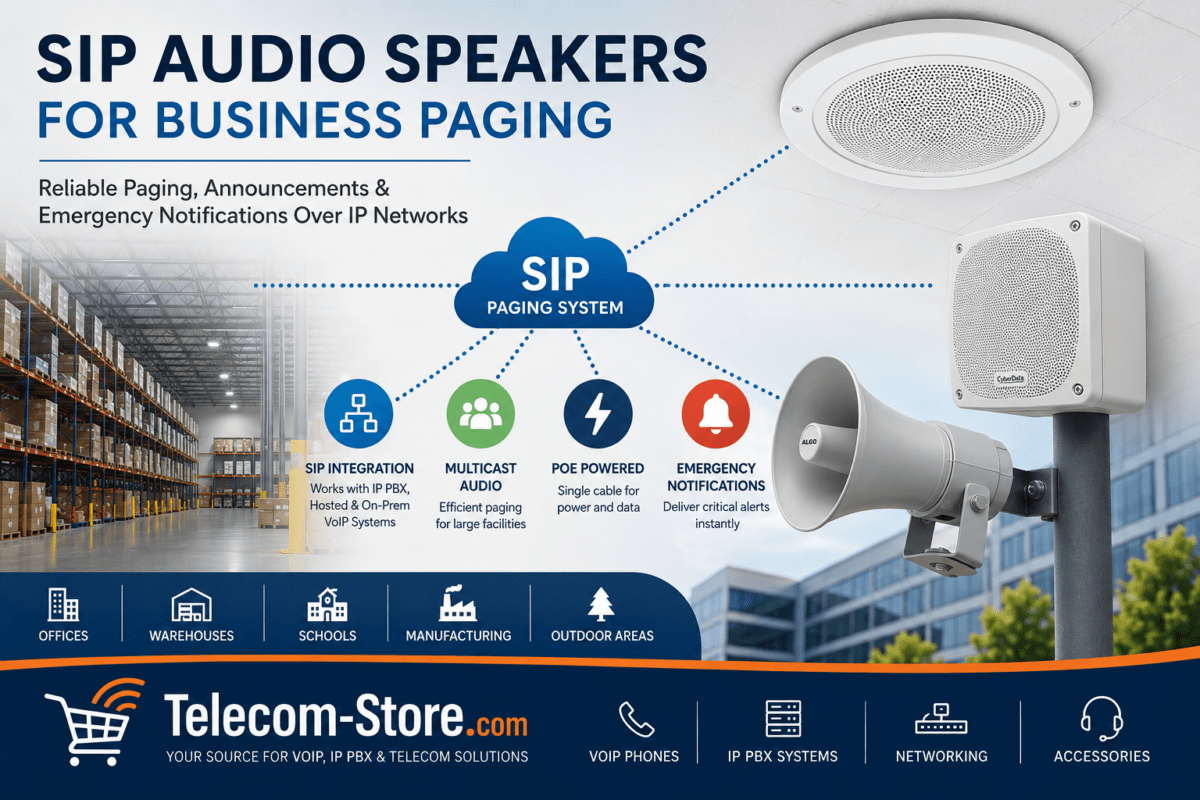
SIP & PoE Speakers: Modern facilities benefit from networked SIP ceiling speakers powered over Ethernet. Using a PoE switch, these units receive both power and audio data from your network—no separate power needed. Integration with your IP PBX, Teams Room, or VoIP solution adds zone-based and direct-address paging.
Lay-In Speaker with Volume Control: Controls audio per area—ideal for libraries, clinics, or private offices. Set a max volume for loud public spaces and drop to a minimum for confidential or quiet zones.
Pendant Speakers: Suspend from the ceiling in hangars, gymnasiums, or open-plan retail to bring sound down to an audible level for all listeners.
Installation Accessories and Best Practices
- Backboxes: Always recommended for fire, dust, and acoustic containment; especially if your facility needs to comply with building codes. (E.g., VALCOM Metal Backbox 5 Pack for Ceiling Installations)
- Cabling: SIP models need Cat5e/Cat6 for PoE power; analog models require standard speaker cable. Plan cable runs for service access and future upgrades.
- Mounting Hardware: Use correct tile supports, brackets, or clamps—especially in seismic or high-traffic buildings.
Ensure a site survey: Document ceiling height, tile grid type, wall accessibility, and check for HVAC or fire suppression obstructions.
Common Applications and Real-World Scenarios
- Schools: Consistent audio in halls, offices, and classrooms ensures no one misses a safety or schedule announcement. Lay-in speakers are popular for fast installations in new projects.
- Healthcare: Use antimicrobial speaker models and separate staff from public paging zones. Pendant speakers often work well for reception areas with vaulted ceilings.
- Commercial Buildings and Offices: Zone control helps page specific departments by floor or area. SIP speakers integrate with office VoIP, Teams, or Zoom Rooms.
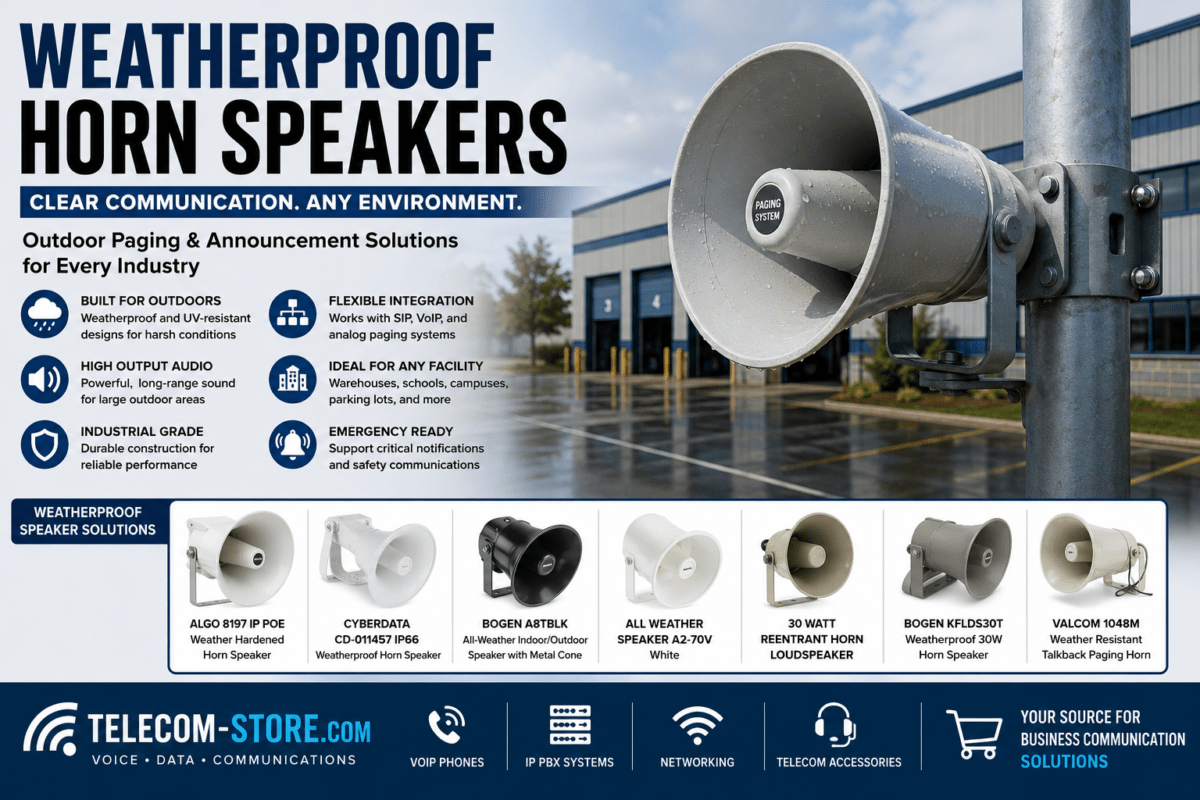
- Warehouses: Pendant or horn speakers boost clarity above ambient noise. Ceiling speakers in offices support day-to-day communications with no desk clutter.
Checklist: What to Evaluate Before You Buy
- Does your facility already have analog paging equipment? Stick with analog/70V speakers for quick upgrades, or plan gateways for SIP integration.
- For expansion and remote management, choose SIP ceiling speakers and confirm that your network has enough PoE switch ports. Review our latest PoE switches for support.
- Are there noise challenges or quiet working areas? Opt for speakers with integrated volume controls.
- For special layouts—cafeterias, open lobbies, or gyms—pendant or horn speaker options may work best.
- Backboxes, enclosures, and code compliance for new construction should always be planned upfront.
- Future scalability—will you need additional zones or integration with messaging, security, or fire alarms?
Buying Tips and Mistakes to Avoid
- Don’t mix analog and SIP speakers in a single paging zone unless using an appropriate gateway or hybrid controller.
- Check current amplifier/switch compatibility; not every model supplies enough power—especially for PoE-powered speakers. Plan upgrades as needed.
- Prioritize quality installation over lowest price—use backboxes and follow recommended cable management.
- Map out sound coverage using floor plans and anticipate sound reflections in open spaces.
- Overestimate the count of speakers in noisy or open areas for better voice coverage—fewer, loud speakers often cause hotspots and echoes.
How to Integrate with Paging Controllers and UC Systems
Valcom ceiling speakers can connect to classic analog paging controllers or directly to SIP paging servers, including integration with IP PBX systems. For more complex environment, VoIP phone integration allows desk-based paging or all-call alerts throughout the facility using compatible VoIP phones. In newer networks, unified communication platforms like Microsoft Teams Rooms or Zoom Rooms can trigger SIP ceiling speakers for scheduled or emergency announcements.
To build or expand your paging solution with full compatibility, browse our paging systems and associated accessories at Telecom-Store.com.
Troubleshooting and Setup Guidance
- Paging Not Reaching All Areas: Review speaker placement and add coverage to dead spots. Check cabling and test with a portable amp or test tone.
- SIP Speaker Not Registering: Confirm network settings. PoE switch must have enough available power budget. Check VLAN, DHCP, and SIP credentials.
- Unclear Audio or Echo: Test with different volumes; too few speakers in a space can cause echoing. Space speakers evenly and use sound-absorption where needed.
- New Devices Unresponsive: Ensure correct device firmware, check cable terminations, and test with known-working endpoints or ports on your PoE switches.
For projects requiring integration of phones, paging, and data, contact our team or review detailed install guides to avoid issues that may delay deployment.
Limitations and Alternatives
Ceiling paging works for most commercial settings but may not suit every structure. Locations with hard ceilings (concrete, decorative plenum) may face install challenges. Sometimes a hybrid of ceiling and wall or horn speakers is best—particularly in mixed-use or older buildings. Factor in your building’s age, access above ceilings, and the need to preserve architectural detail when planning.
For total coverage, consider integrating Valcom ceiling speakers alongside paging horns, wall baffles, or visual strobe alerts to accommodate hearing-impaired users or noisy production areas.
Conclusion: Building a Proper Paging Solution
Valcom ceiling speakers remain a proven option for clear communication in offices, schools, hospitals, and warehouses. From legacy analog to PoE SIP, there’s a Valcom model for nearly every infrastructure and budget. Start with a careful facility assessment—including sound coverage goals, network readiness, and growth planning. Use proper installation practices, comply with safety/code considerations, and prepare for future integration as your business evolves.
Explore our paging systems, IP PBXs, PoE switches, and a wide variety of VoIP phones for complete deployment at Telecom-Store.com. Better audio means clearer announcements, safer workplaces, and more effective business communication for years to come.
FAQ Section
- What type of Valcom ceiling speaker is best for SIP paging?
- Valcom’s SIP-compatible and PoE-powered ceiling speakers are best for organizations using VoIP or SIP communications. These models integrate with IP PBX systems and offer centralized control.
- Do Valcom ceiling speakers work with existing analog systems?
- Yes, Valcom offers analog and 70V ceiling speakers that are compatible with most traditional paging and public address systems.
- What installation accessories should I order with ceiling speakers?
- Consider ordering backboxes, mounting brackets, and junction boxes for proper installation and to meet building code requirements, especially in commercial settings.
- How do I know how many speakers my facility needs?
- Evaluate room size, ceiling height, building acoustics, and how much coverage is needed. Consulting with a paging system specialist or conducting a site walk-through helps prevent coverage gaps.
- Can I power SIP ceiling speakers with PoE switches?
- Yes, most SIP and IP network ceiling speakers are designed for PoE, allowing you to power and connect them using a single Ethernet cable through a compatible PoE network switch.
- Are Valcom lay-in speakers suitable for offices with drop ceilings?
- Yes, Valcom’s 2×2 lay-in speakers are built specifically to fit standard drop ceiling grids, making installation straightforward and preserving a professional appearance in office environments.