Introduction
Reliable communication is essential for small businesses. Voice over IP (VoIP) systems have become a standard solution due to flexibility, cost efficiency, and scalability. Among the many manufacturers in this space, Yealink and Grandstream are frequently considered for business deployments.
This article explains how Yealink VoIP phones work, how they compare to alternatives like Grandstream, and what small businesses should evaluate before making a purchase.
What Is Yealink and Why It Matters in VoIP
Yealink is a global manufacturer of VoIP phones, conferencing systems, and communication endpoints. Their devices are designed to integrate with SIP-based phone systems, including hosted VoIP platforms and on-premise IP PBX systems.
For small businesses, Yealink devices are often chosen for:
- Broad compatibility with VoIP providers
- Consistent firmware updates
- A wide range of models for different use cases
- Support for wired and wireless connectivity
Businesses evaluating VoIP solutions typically compare Yealink with brands like Grandstream, depending on budget, feature requirements, and system compatibility.
Key Features of Yealink VoIP Phones
HD Audio and Call Quality
Yealink phones support HD voice technology, which improves clarity compared to traditional analog systems. This is particularly useful for customer-facing roles where communication quality matters.
Flexible Connectivity Options
Many models include:
- Dual Gigabit Ethernet ports
- Optional Wi-Fi support
- Bluetooth compatibility
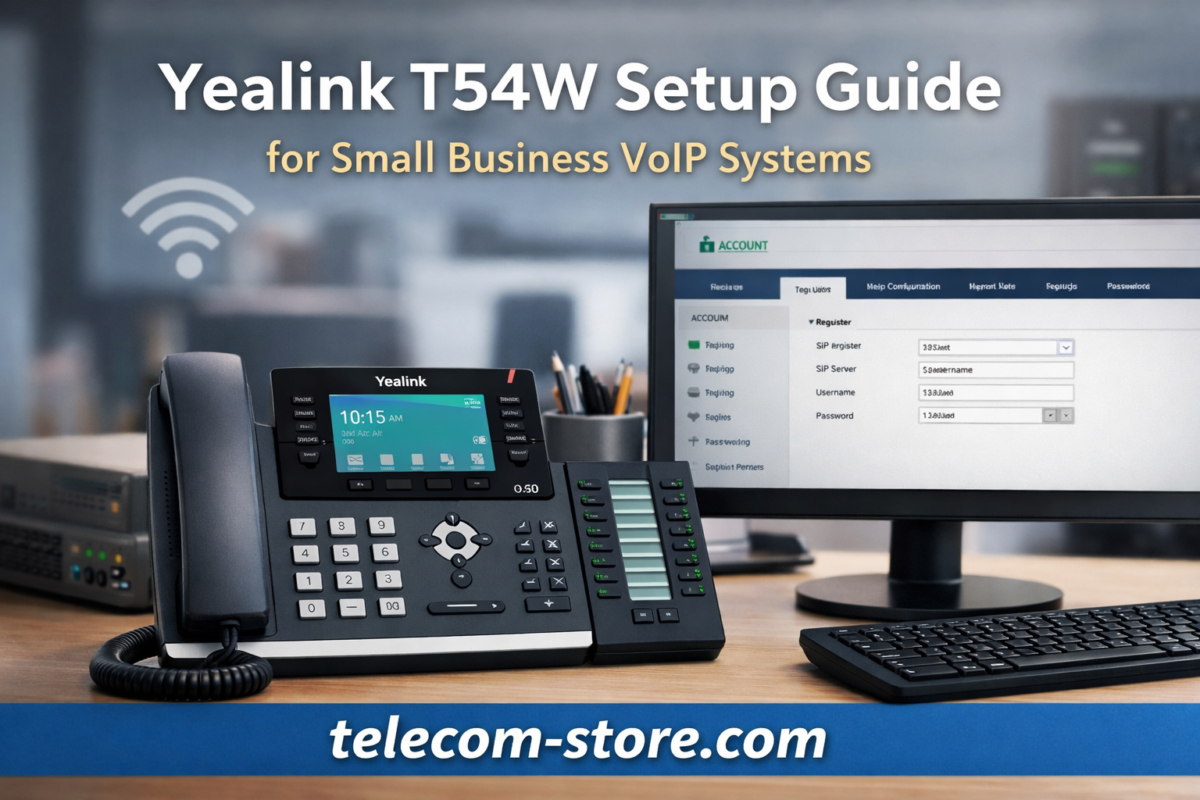
For example, devices like the Yealink T54W support wireless connectivity for offices where cabling is limited.
View product:
Yealink T54W
User-Friendly Interface
Yealink devices typically feature:
- Color displays
- Intuitive menu systems
- Programmable keys
This reduces training time for employees transitioning from traditional desk phones.
Scalability for Growing Businesses
From entry-level phones to executive models and conference systems, Yealink offers options for:
- Front desk staff
- Office employees
- Remote workers
- Conference rooms
Browse Yealink phones:
Yealink Phones
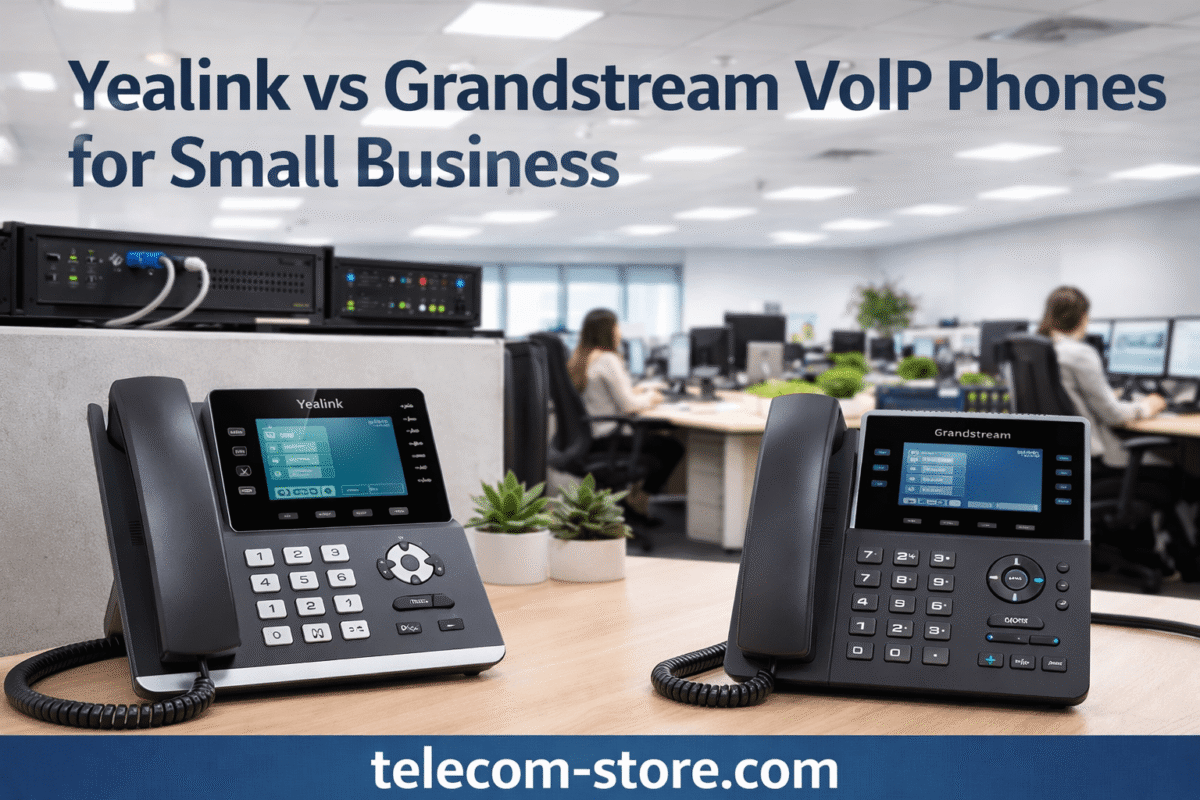
Yealink vs Grandstream: Key Differences
Hardware and Build
Both Yealink and Grandstream manufacture SIP-based devices, but differences may include:
- Yealink: More consistent interface across models
- Grandstream: Often lower cost entry points
Firmware and Updates
Yealink is known for structured firmware updates and enterprise-level support, while Grandstream may require more manual configuration depending on the deployment.
Ecosystem Compatibility
Both brands support SIP standards, but Yealink devices are often pre-configured or certified for many hosted VoIP platforms.
For small businesses, the decision typically comes down to:
- Budget constraints
- Ease of deployment
- Existing infrastructure
Compatibility Considerations
VoIP Providers
Most Yealink phones work with:
- Hosted VoIP services
- SIP trunk providers
- On-premise IP PBX systems (such as FreePBX or 3CX)
Headsets and Accessories
Yealink phones support:
- USB headsets
- Bluetooth headsets
- Electronic Hook Switch (EHS) adapters
This is important for call-heavy environments like support teams or sales departments.
Setup Requirements for Yealink Devices
Network Requirements
To deploy Yealink phones, businesses need:
- A stable internet connection
- Router with QoS (Quality of Service) configured
- Proper VLAN setup (optional but recommended for larger networks)
Provisioning Options
Devices can be configured through:
- Manual setup via web interface
- Auto-provisioning from a VoIP provider
- Centralized provisioning servers
Power Requirements
Most Yealink phones support:
- Power over Ethernet (PoE)
- External power adapters
PoE simplifies installations by reducing cable clutter.
Limitations to Be Aware Of
While Yealink devices are widely used, there are some considerations:
- Advanced features may require VoIP provider support
- Firmware updates must be managed to maintain compatibility
- Some wireless features depend on specific models
Understanding these limitations helps prevent deployment issues.
Use Cases for Small Businesses
Office-Based Teams
Yealink desk phones provide reliable communication for employees who require consistent call quality.
Remote and Hybrid Work
Wi-Fi-enabled models allow employees to work from different locations without complex setups.
Customer Support Environments
Integration with headsets and programmable keys makes Yealink suitable for call centers and support teams.
Internal and External Resources
For additional telecom solutions and services, visit:
Axion Communications
Conclusion
Yealink VoIP phones offer a practical solution for small businesses seeking reliable communication tools. With broad compatibility, scalable product options, and flexible deployment methods, they are commonly used across a wide range of industries.
When comparing Yealink to alternatives like Grandstream, businesses should focus on compatibility, ease of use, and long-term support rather than price alone. Evaluating these factors ensures the selected solution aligns with both current needs and future growth.
FAQ Section
1. Are Yealink phones compatible with all VoIP providers?
Yealink phones support standard SIP protocols, which makes them compatible with most VoIP providers. However, some providers offer optimized configurations or provisioning templates specifically for Yealink devices. It is recommended to confirm compatibility with your provider before deployment.
2. What is the difference between Yealink and Grandstream phones?
Yealink and Grandstream both manufacture VoIP phones, but Yealink devices are often noted for consistent firmware and user interfaces. Grandstream phones may offer lower upfront costs, but configuration and support requirements can vary depending on the environment.
3. Do Yealink phones require a PBX system?
Yealink phones do not require a physical PBX if you are using a hosted VoIP service. They can also connect to on-premise IP PBX systems such as FreePBX or 3CX. The requirement depends on how your business phone system is structured.
4. How do you set up a Yealink VoIP phone?
Setup typically involves connecting the phone to the network, accessing the web interface, and entering SIP credentials. Many VoIP providers offer auto-provisioning, which simplifies the process by automatically configuring the device.
5. Can Yealink phones work over Wi-Fi?
Some Yealink models, such as the T54W, include built-in Wi-Fi. Others may require adapters. Wireless capability is useful for environments where Ethernet cabling is not practical.
6. Are Yealink phones good for small businesses?
Yealink phones are commonly used by small businesses due to their compatibility, scalability, and range of available models. They support both basic and advanced communication needs.
7. What network speed is required for VoIP phones?
VoIP calls typically require minimal bandwidth, but a stable internet connection is essential. Quality of Service (QoS) settings are recommended to prioritize voice traffic and maintain call quality.
8. Do Yealink phones support headsets?
Yes, Yealink phones support USB, Bluetooth, and wired headsets. Many models also support EHS adapters for wireless headset integration.