Choosing Algo Paging Adapters for Office and Warehouse VoIP Systems
Need to connect your new or legacy paging to a modern VoIP system? Algo paging adapters are the proven go-between—saving cost, simplifying network management, and giving your business a future-ready paging setup. Here’s how to evaluate the right model, avoid pitfalls, and get clear, reliable sound for every area.
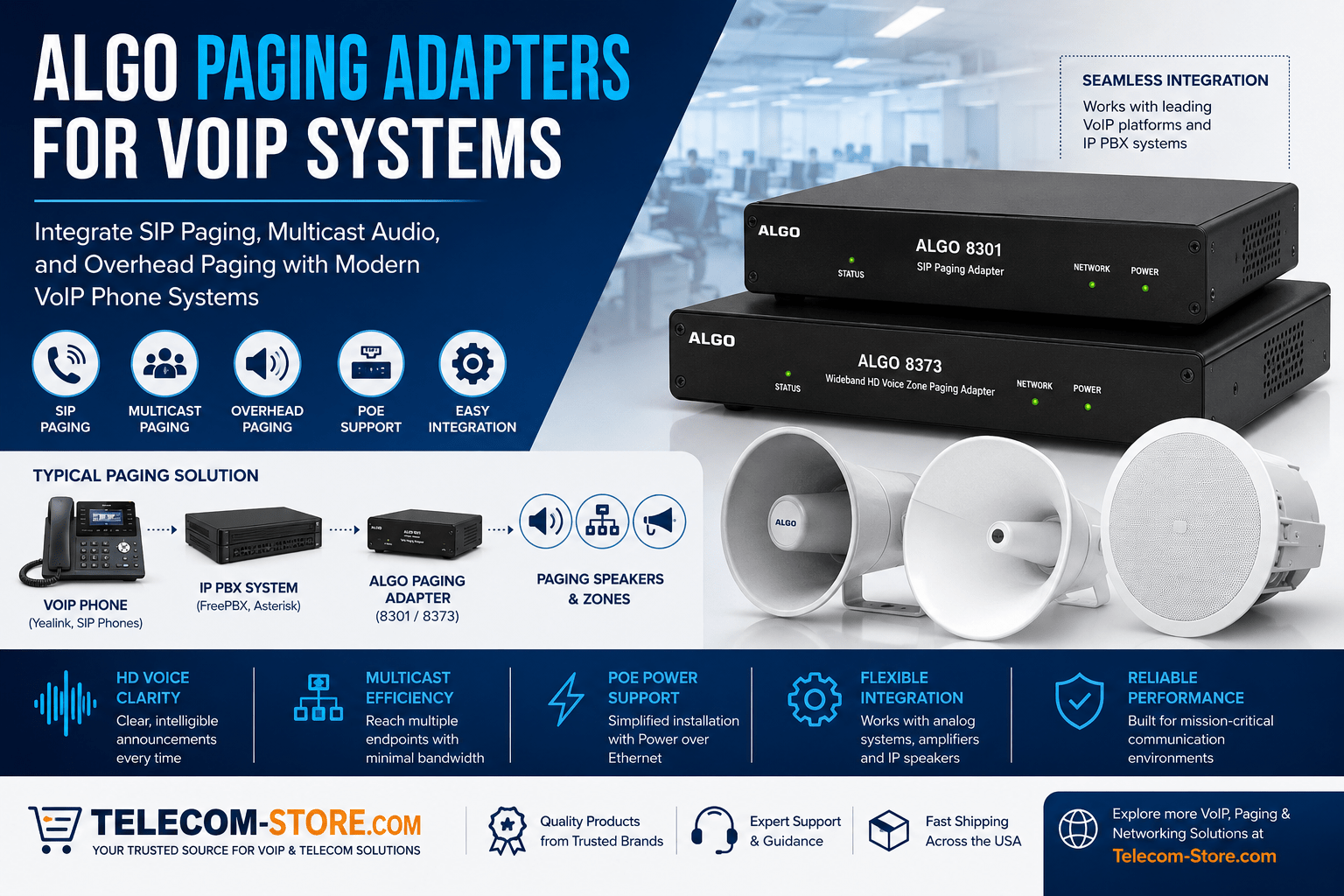
Algo Paging Adapter Model Comparison
| Model |
Main Function |
Interfaces |
Zones |
Best For |
| ALG-8301 |
SIP to analog/multicast bridge |
SIP, analog, multicast (PoE) |
1 (plus schedule) |
Legacy upgrades, offices, schools |
| ALG-8373 |
Multi-zone distribution |
SIP, multicast, up to 3 relay outputs |
3 (chained to 9) |
Larger schools, warehouses, hospitals, multi-area paging |
| IP Paging Adapter |
Multi-interface, phased upgrades |
SIP, analog, IP, multicast |
Custom |
Mixed analog/IP, gradual system upgrades |
How Algo Paging Adapters Help Businesses
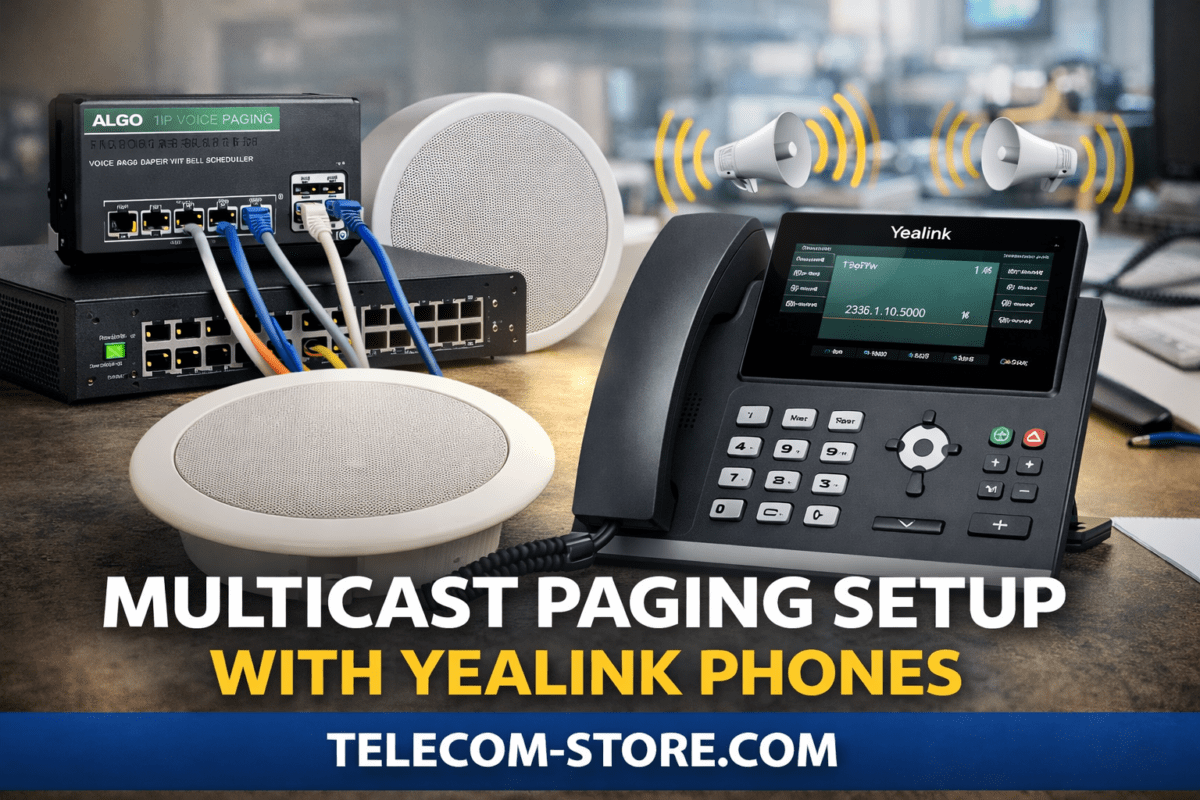
Algo paging adapters allow offices and warehouses to tie together new and legacy paging needs. These devices register into your VoIP or SIP PBX (such as FreePBX, Asterisk, Cisco, or 3CX) as an endpoint and convert digital pages into analog audio or broadcast them as multicast streams. This means you can send announcements from any desk phone, phone app, or web controller, reaching ceiling speakers, horn speakers, and analog amps without overhauling existing infrastructure.
Compared to ripping out old equipment, Algo paging adapters let you use what you have, add new capabilities like scheduled bell tones, and expand system features with less disruption. Whether you are standardizing multiple buildings or gradually migrating from analog to IP, these devices help you meet both present and future communication needs—especially important for buyers wanting control over costs and phased deployment.
Who Should Use Algo Paging Adapters?
Algo adapters fit offices, schools, healthcare campuses, and industrial sites when you want to:
- Keep working analog amps or speakers while moving to VoIP/SIP calling.
- Create office-wide, multi-room, or multi-zone pages—simultaneously or by group.
- Limit costly and disruptive cable runs by adding PoE endpoints only where needed.
- Handle shift-change or timed bell schedules in manufacturing, schools, and healthcare.
- Expand or upgrade paging in stages—keep some analog as you add IP/PoE gear.
They’re especially helpful for buyers modernizing older spaces, consolidating communications across several sites, or phasing in new features without taking everything offline at once. If you’re looking to comply with safety notifications or PA codes for industrial or academic environments, Algo paging adapters cover you where outdated systems or scattered paging zones would otherwise create expensive headaches.
What to Check Before Choosing or Ordering
- PBX/VoIP Platform: Does your phone system let you register SIP endpoints? FreePBX and Asterisk nearly always do. With hosted/managed VoIP, confirm adapter support and check limits on device count or codec requirements.
- Analog Paging Details: Check current amp/speaker specs for output impedance, input sensitivity and wattage. The Algo 8301 suits most analog gear, but verify compatibility to avoid distortion or dead zones.
- PoE Networking: For IP and PoE speakers, ensure your network switch provides adequate power, supports IGMP and has reliable management to handle multicast traffic. Always estimate the full wattage draw of your intended setup, particularly if mixing in PoE cameras or WiFi APs on the same switch.
- Paging Zones and Schedules: How many groups must you page separately? Do you need scheduled bells, only ad-hoc pages, or both? Match zones to adapter relay outputs or plan for expanders. The ALG-8373 chains up to 9 zones for complex buildings.
- Deployment Environment: Warehouse, parking lot, office, school? Horn speakers work for high-noise/outdoor use. SIP/PoE ceiling speakers are quieter, blend into finished spaces, and require less wattage per area in offices and classrooms.
Don’t forget to factor in cable distances and patch panel locations if you’re installing a new network core or relocating racks. Reach out to Telecom-Store.com regarding cabling layouts and to confirm endpoint compatibility.
Algo 8301 Adapter Highlights and Best Practices
The Algo 8301 acts as a bridge from today’s SIP or VoIP paging (network calls from phones or PBX) to almost any classic amp and speaker system. Best practices and features include:
- Registers as a SIP extension—easily add to the PBX, assign phone numbers/codes for paging.
- Manages ad-hoc and scheduled pages with built-in scheduler; useful for timed bell or shift changes.
- Supports multicast paging—send one stream to many endpoints with reduced network congestion.
- Allows for background music pass-through with correct input setup so downtime between announcements can be filled.
- Preserves existing wiring and speaker investment.
When deploying, review your network’s PoE allocation and test the audio path from phone to amplifier to endpoint speaker. Check overall system latency and verify group call functionality in your PBX platform. For initial setup, use a dedicated VLAN for paging and apply QoS tagging for voice traffic reliability.
Zone Paging: Clear Communication Across Multiple Areas
If you have several departments, buildings, or floors, the ALG-8373 delivers multi-zone paging. Set up unique paging codes or phone numbers for each zone, assign users or groups based on department or safety roles, and chain extra modules for scale.
- Up to three local zones per device, expandable to 9 with additional adapters.
- Logical grouping—warehouses, clinics, hallways, or administrative offices get only the pages they need.
- Integrated scheduling and priority override for emergencies.
For complex installations, combine the 8373 with a central controller for status monitoring and event logging for compliance/audit needs.
Network & Power Setup: Avoiding Surprises
A successful deployment is 50% network planning. Before installation:
- Choose managed PoE switches with reliable power supplies and feature sets matching Algo’s needs (IGMP, VLAN, QoS).
- Back crucial switches up on UPS to maintain paging capability in a power outage—particularly for emergency alerts.
- Run dedicated VLANs for paging where feasible, isolating sensitive announcement traffic from generic network data.
- Tag SIP paging traffic for QoS; prioritize voice packets to avoid drop-outs during network congestion.
- Confirm your building cabling supports gigabit/stable PoE for all endpoints.
If you need a full network audit, Axion Communications offers infrastructure evaluations so you can plan confidently for growth.
SIP, Multicast, and Real-World Compatibility
- Most Algo endpoints default to G.711 codec—verify your PBX and IP phones match for seamless audio handoff. If in doubt, test with your IP phones before large rollouts.
- Multicast paging is highly efficient for larger installations; test this mode thoroughly using your managed switches before production deployment.
- Document PBX paging group and endpoint configuration for backup and restore purposes—avoid unexpected downtime due to lost settings.
- Cloud PBXs may restrict the number of 3rd-party SIP endpoints; confirm limits or talk with your provider before a big order.
Speaker Selection: What Works Where
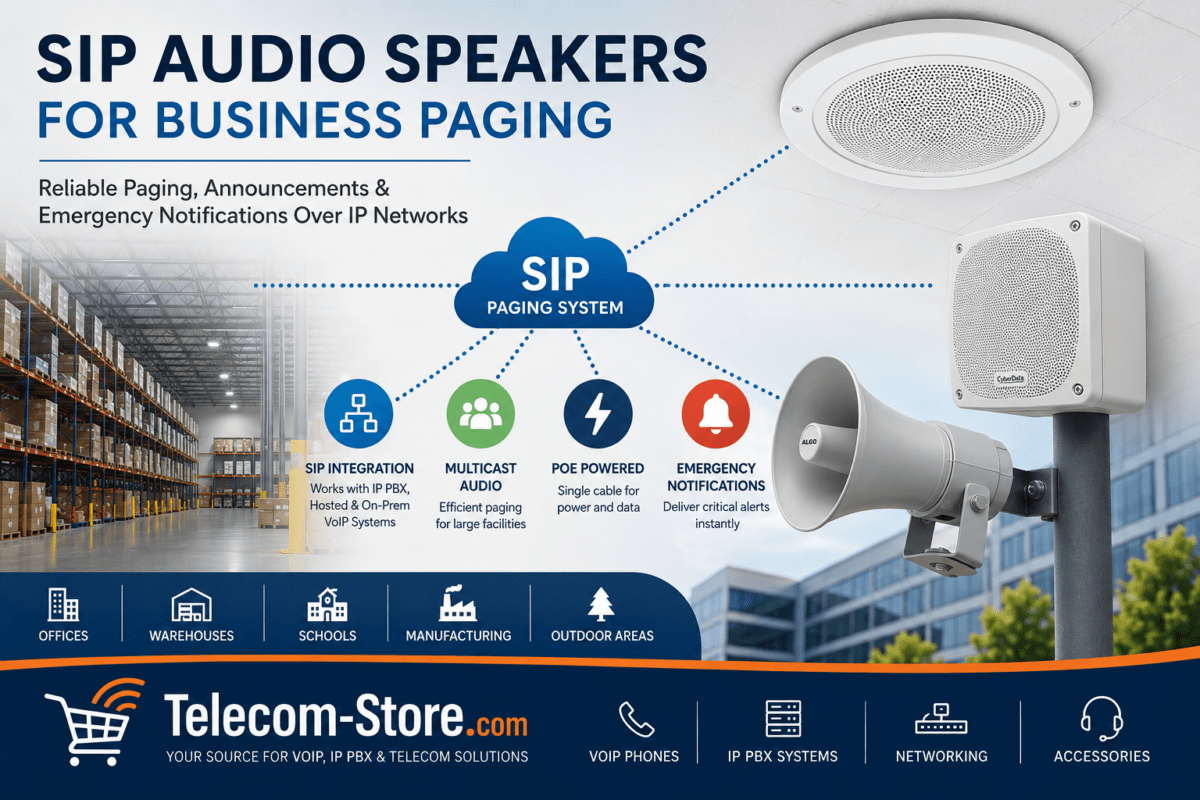
Ceiling Speakers for Indoors
- SIP/PoE Ceiling Speakers—register directly to PBX or zone controller, blend into office and school ceilings. Best for speech clarity in classrooms, corridors, and reception.
- Install according to manufacturer’s spacing for even coverage, consider ceiling height for sound dispersion.
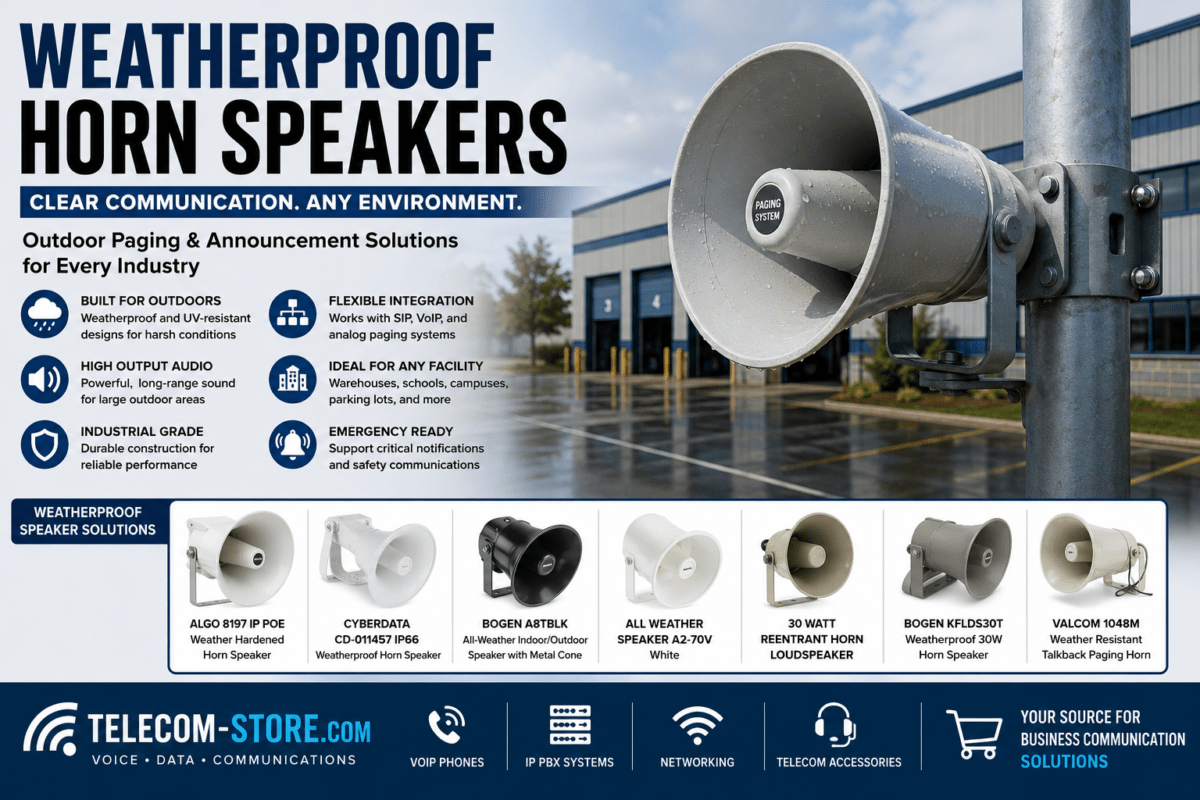
Horn Speakers for Outdoors/Industrial
- ALG-8196 and ALG-1196—designed for noisy or large outdoor spaces. Combine with satellite horns to extend coverage as your zones expand.
- Test speaker positioning, check mounting for weather protection and secure installations. Ensure cable runs are outdoor-rated if exposed.
Mix-and-match options using Algo’s adapters allow gradual migration from analog to IP at your own pace—ideal for buyers who want to avoid large up-front investments.
Paging Controllers & Endpoint Management
For campuses or enterprise sites, endpoint controllers like the Algo IP Endpoint Supervisor Controller add centralized status dashboards, health monitoring, and emergency triggers. Key benefits:
- Monitor device health across dozens/hundreds of endpoints at once.
- Automate tests and log event history for compliance or trend analysis.
- Provide instant override capability during emergencies or security incidents.
Combine with scheduled reporting and integration to safety/alert systems for a fully managed paging network.
Common Mistakes & Practical Tips
- Underestimating PoE switch wattage—when in doubt, leave overhead; PoE switches can easily hit limits with speakers, phones, and cameras.
- Skipping configuration backups—snapshot all firmware and switch settings before live transition.
- Mixing paging and bulk data traffic—creates network congestion. Always use VLAN/QoS for mission-critical comms.
- Ignoring speaker/amp electrical specs—improper matching can reduce sound clarity or even cause damage. Double-check compatibility charts.
- Not conducting zone coverage tests—walk and page in every area during setup to guarantee audibility everywhere it’s needed.
Address these points in your project planning for a worry-free rollout.
Where to Buy & Who to Ask for Support
Telecom-Store.com offers tested, warrantied Algo paging adapters and compatible PoE network switches, plus site survey and configuration consulting for offices, warehouses, and educational environments. For complex or multi-site paging projects, Axion Communications provides full system design, network infrastructure planning, and phased deployment services.
Frequently Asked Questions
What does an Algo paging adapter actually do?
An Algo paging adapter acts as a conversion point between your new VoIP or SIP phone system and traditional overhead paging, legacy amplifiers, and modern PoE speakers—enabling centrally managed, fully synchronized announcements throughout your business facility.
How do I choose the right Algo paging adapter?
Start by listing how many zones you have, whether you want to keep legacy hardware, and your network’s PoE/multicast capability. Refer to the comparison table above for models that match your PBX and coverage needs.
Can I use Algo paging adapters with FreePBX and Asterisk?
Yes, Algo adapters are widely used with both platforms. Register the device as a SIP extension, assign groups/zones as required, and test paging to ensure audio routes correctly.
What network equipment do I need for reliable paging?
Managed PoE switches with IGMP snooping, recommended UPS backup, and enough wattage/headroom for all powered endpoints. VLAN and QoS setup are highly recommended for reliability.
Are legacy speakers still usable with Algo adapters?
Yes, provided their specs match the adapter’s output requirements and are in working order. This is a main advantage of Algo: modernize without wasteful full replacements.
Where can I get help for my paging system project?
The Telecom-Store.com support team can confirm part compatibility and help prepare quotes for any business or organization size. For larger rollouts or specialized guidance, Axion Communications also offers deployment assistance.